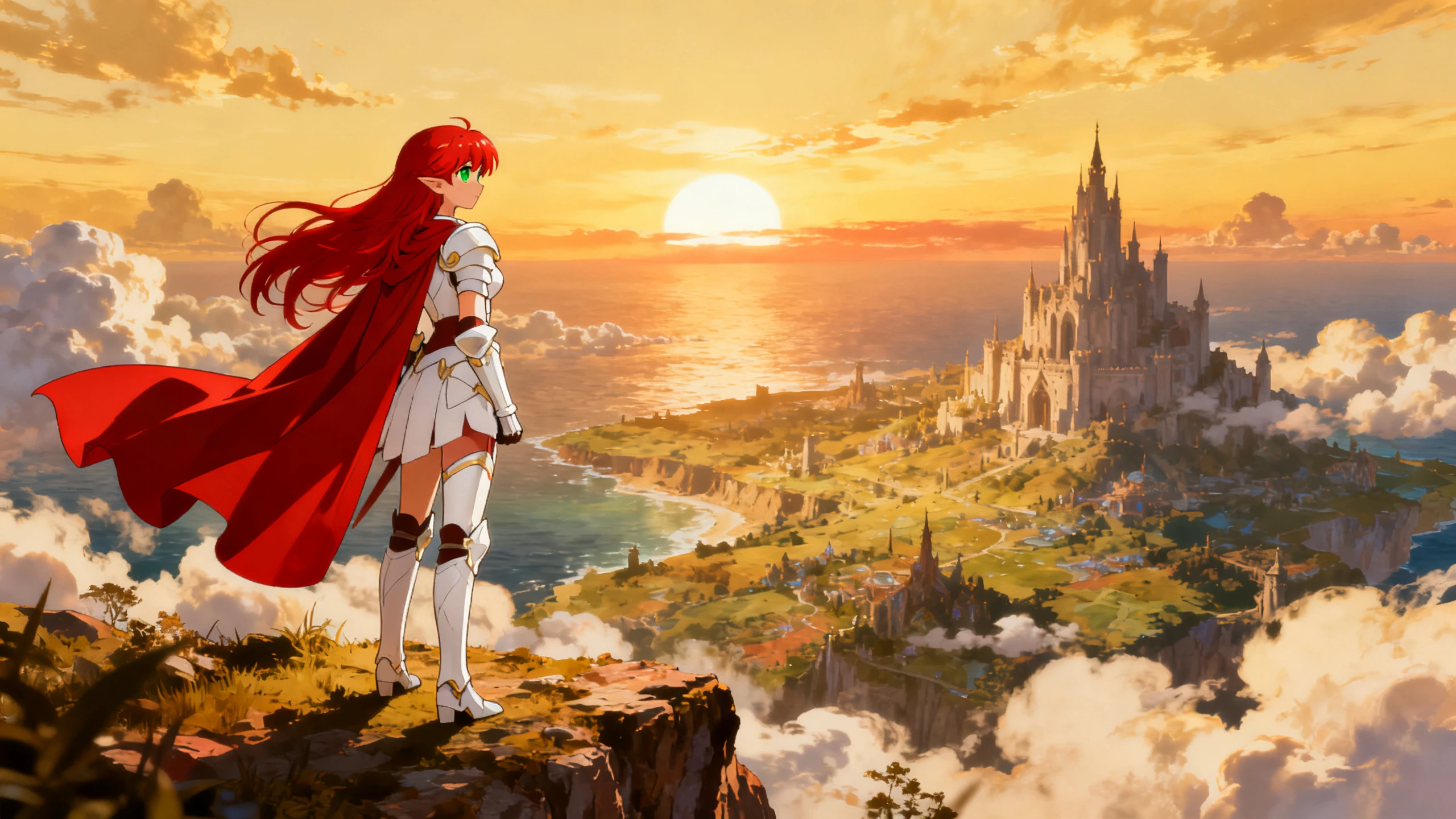









Hero background

Anime Character Video Generator

Turn your anime character into a performer, not just a picture. Pick the look and voice, then let Magiclight AI handle the video. No drawing, recording, or editing skills required.

Create an Anime Character Video For Free
Anime character video generator preview
Nano Banana
Google VEO 3
Sora 2
Gemini
Hailuo
Kling
Midjourney
Qwen
Seedance
Wan
Nano Banana
Google VEO 3
Sora 2
Gemini
Hailuo
Kling
Midjourney
Qwen
Seedance
Wan
Nano Banana
Google VEO 3
Sora 2
Gemini
Hailuo
Kling
Midjourney
Qwen
Seedance
Wan

Explore the Features of the Magiclight AI Anime Character Video Generator

Bring your character to life with an anime character video generator. Choose the voice, set each action, add the story, and turn a still image into a scene that feels more alive.

1000-Characters for the Anime Character

Design your required anime character with a 1000-character prompt and an optional reference image. Use this anime character across multiple video creations to keep it consistent throughout your series.

Create Characters
1000-character anime character design

4 Image Models for Different Looks

Change how your character appears by switching between Midjourney V7 and MagicLight 3.0, 2.2, or 2.0. Use the same character idea across different models to find the visual style that fits your video best.

Create an Anime Character
Four AI image models for anime character looks

12,000 Characters to Give Them a Story

A character with nothing to do is a screensaver. Fill the 12,000-character script with scenes, and they get somewhere to move through, turning a design into somebody worth watching.

Create an Anime Video
12000-character anime video script

37 Voices That Change the Character

The same design sounds as two different people depending on the read. Try a few of the 37 voices against the character before settling, because this decides more about who they are than any redesign will.

Choose a Voice
37 AI voices for anime characters
Who Can Use the Magiclight Anime Character Video Generator
Put one character in the spotlight and make every scene count. The Magiclight anime character video generator fits Shorts, character reveals, fan dubs, language skits, and more.
Here are some of the things you can do with the Magiclight anime character video generator:
Anime Shorts
For Anime Shorts
Use 21 ready-made cover templates to finalize short scenes faster.
Create the character in 1000-characters to keep it consistent.
Export in 9:16 for Shorts, Reels, and TikTok posts.
Anime character videos
For Character Videos
Explore 14 different story models to diversify your video story idea.
Animate your character video with 50+ poses within Nano Storyboard.
Export at 1080p for a sharper character introduction.
Anime dubbed content
For Dubbed Content
Recreate character dialogue across 11 supported languages.
Choose from 37 AI voices to match different personalities.
Add subtitles using 16 settings for easier viewing.
Anime language skits
For Language Skits
Reuse the same saved character across multiple lessons.
Improve the video quality using 40 background music options.
Use 50 poses to show different reactions during practice scenes.

 How to Use the Magiclight AI Anime Character Video Generator

Create your video in 4 simple steps with the anime character video generator free. Choose the character, select a voice, add the script and actions, then preview the result.

1.

Step 1. Create and Save Your Anime Character

Describe the look in up to 1,000 characters, including clothing, hair, and key details. Generate the design, review it, then save the character for your video.

2.

Step 2. Provide Script and Choose Voice

Start with a 12,000-character story which can be enhanced with 14 different story models. Along with other settings, test several of the 37 AI voices and pick one.

3.

Step 3. Choose Character and Refine Video

Following the confirmation of all scenes, use your generated character from the list. Continue to refine each frame and add poses, expressions, and unique movement.

4.

Step 4. Generate and Review the Video

Generate the video and watch it from start to finish. Check the voice, dialogue, expressions, and actions together, then revise any part that feels out of place.

What Users Say About Magiclight AI's Anime Character Videos

Haruto Ishii

Voice Actor

I spent a month on the design and barely thought about the voice. Hearing the character early in Magiclight AI changed how I wrote every line.

Lea Bonnet

Shorts Creator

Magiclight AI helped me stop making characters just trade lines. Now I can add reactions, poses, and movement while the other character speaks.

Tunde Bakare

Fansub Editor

We remake episodes in three languages, so voice consistency matters. Keeping each character's voice linked in Magiclight AI makes the whole process easier.

Ondine Rocha

Japanese Tutor

Students watch a character having a conversation far longer than they watch a slide. Magiclight AI gives me a new skit each week without filming.

FAQs on Anime Character Video Generator

Does the voice really change the anime character?

More than the design does, once the character is speaking. The same face with a low, flat read and a bright, quick one lands as two different people, so try several of the 37 in Magiclight AI.

Can I use a clone of my own voice on the anime character?

Record once, and it becomes the character's. That suits a channel where the character stands in for you, since Magiclight AI anime character video generator keeps the cloned voice attached to the saved design.

Can I reuse the same anime character in future videos?

Yes. Save the finished character once, then bring the same design back for later scenes or episodes. Magiclight AI helps keep recurring characters visually consistent without starting over.

Will the voice stay the same next anime episode?

Yes, once the voice is saved with the design. Magiclight AI loads the two together, so a character who sounds different next month is not something to manage by hand.

How long can one of these anime character videos run?

A video can run for up to 50 minutes. Magiclight AI also supports scripts of up to 12,000 characters, giving you plenty of room for longer scenes, dialogue, and story-driven videos.

Can an anime character be voiced in another language?

All 11 supported languages, off the same script. Magiclight AI recasts the voice for each one rather than putting subtitles over the original, and 16 caption settings cover reading along.

Create Custom Anime Character Videos With Magiclight AI

A good design is where this starts, not where it finishes. Magiclight AI adds the voice, a reaction in every shot, and a story to move through.