Hero background

Wan AI Video GeneratorFor Movie-Style Clips

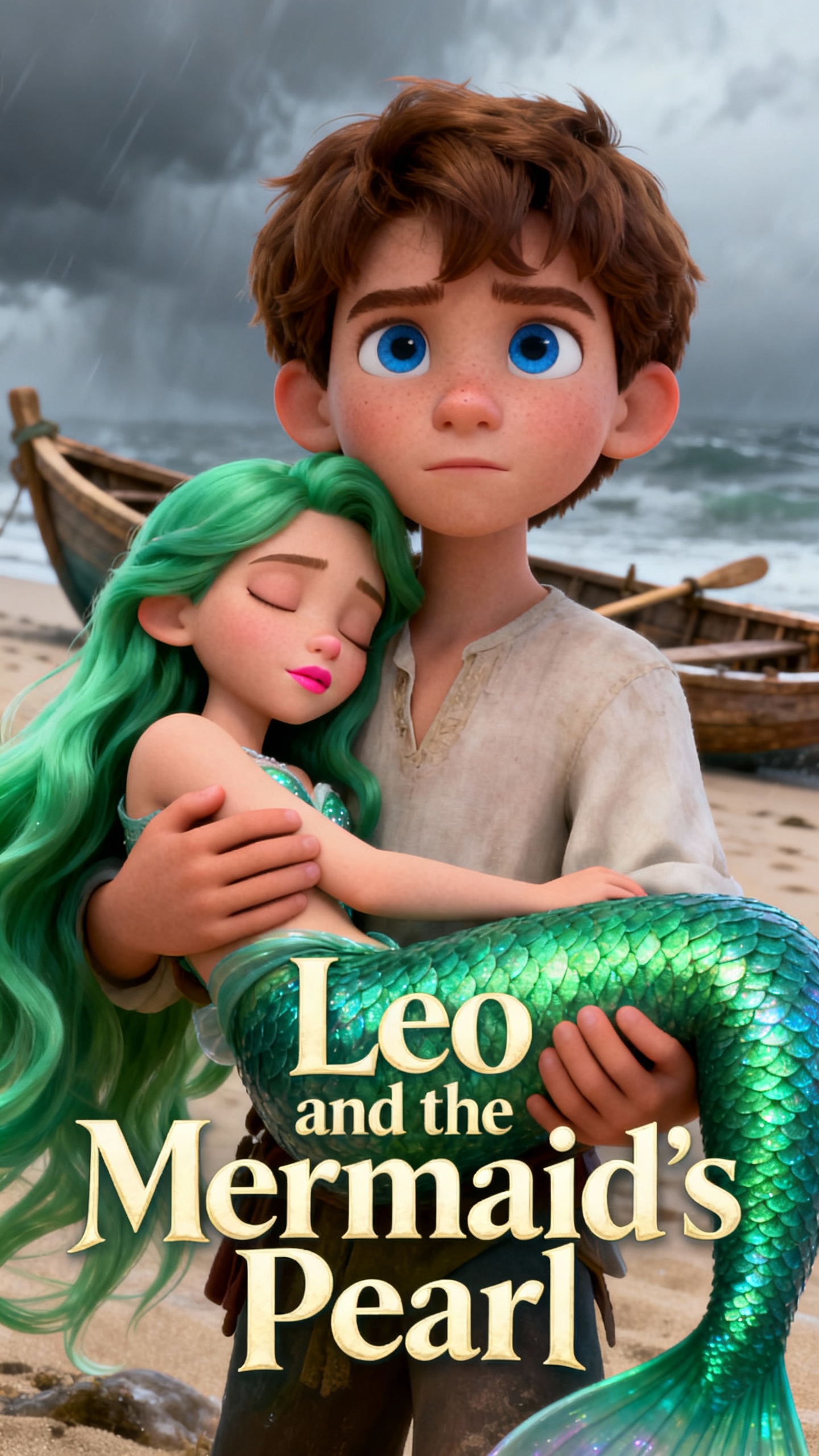
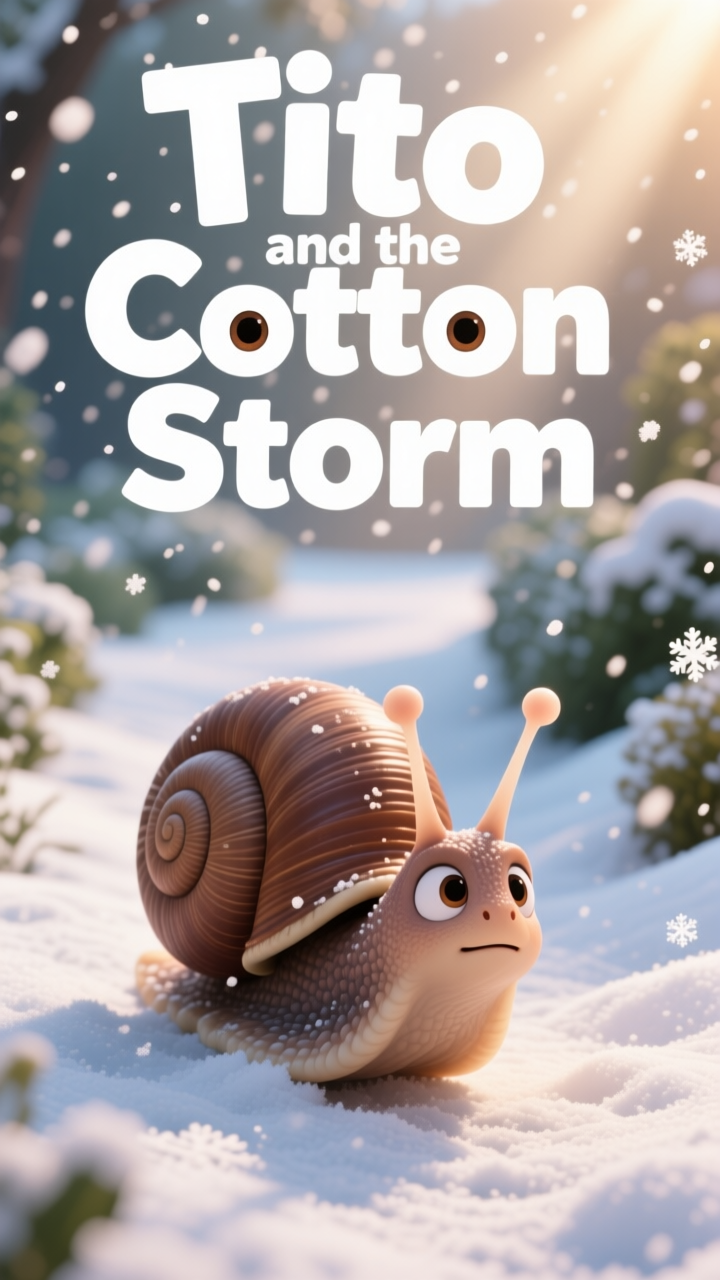
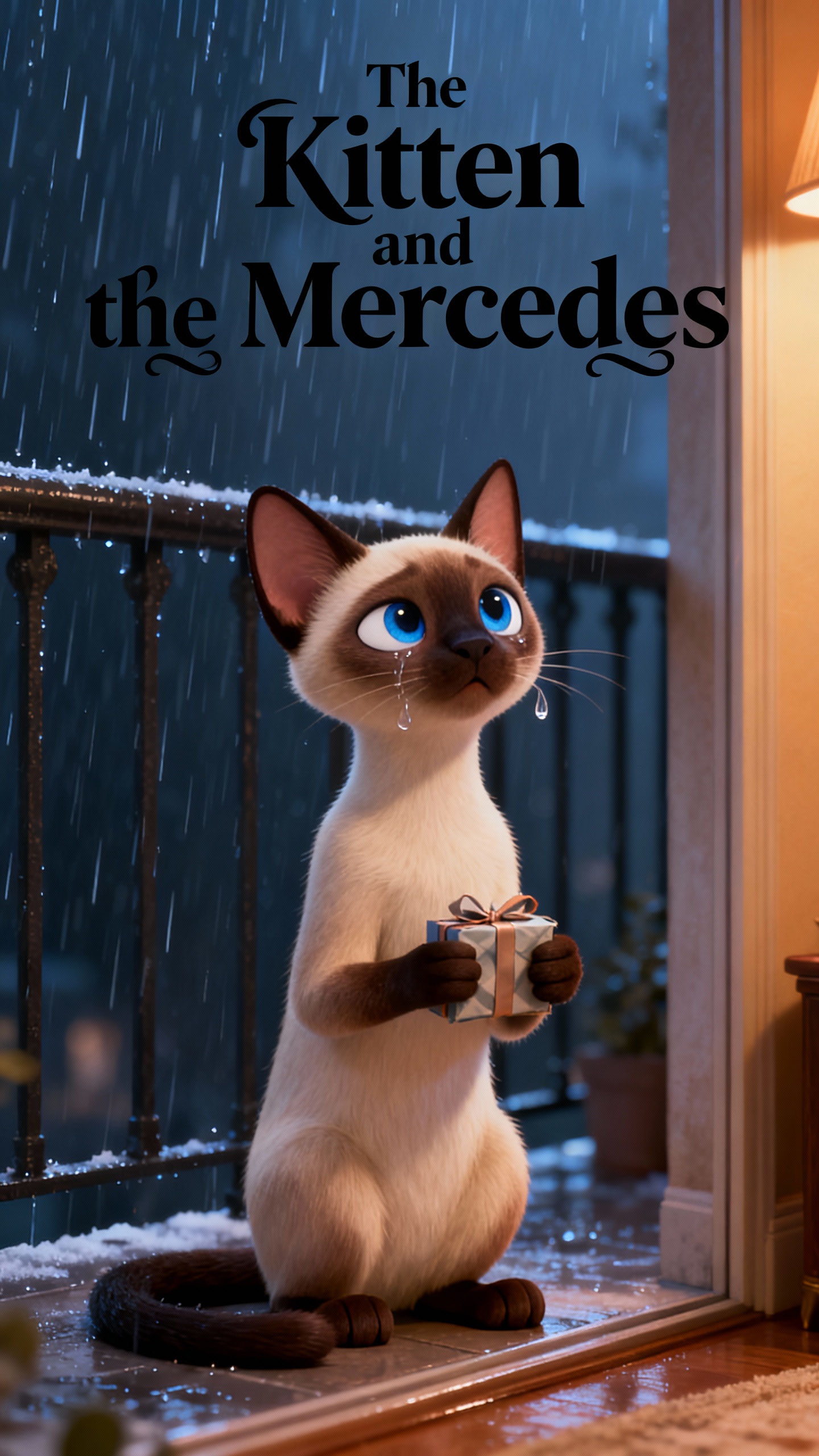
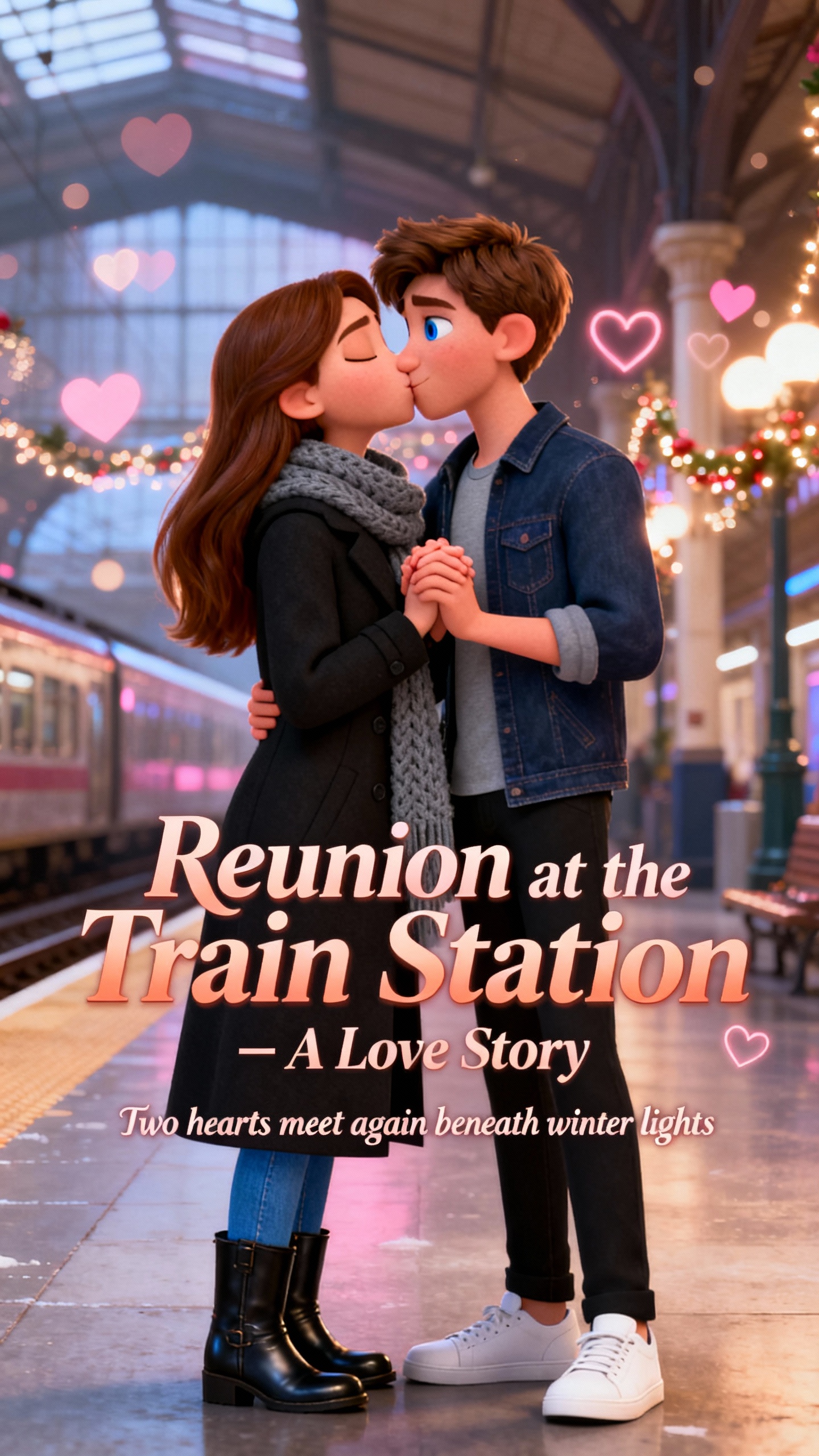
Go from idea to video in seconds with the Wan AI video generator. Great for brands and creators, try it now to make your content better. Bring your stories to life using Magiclight AI’s Wan AI video generator. It is best for content creators who want to make fun, vivid videos within seconds.

Try Wan AI Free
Wan AI Video Generator
Wan 2.5 AI Video Generator
Wan 2.2 AI Video Generator
Wan 2.1 AI Video Generator
movie-style clips
Magiclight AI Wan Model
text to video generator
image to video generator
Wan AI Video Generator
Wan 2.5 AI Video Generator
Wan 2.2 AI Video Generator
Wan 2.1 AI Video Generator
movie-style clips
Magiclight AI Wan Model
text to video generator
image to video generator
Wan AI Video Generator
Wan 2.5 AI Video Generator
Wan 2.2 AI Video Generator
Wan 2.1 AI Video Generator
movie-style clips
Magiclight AI Wan Model
text to video generator
image to video generator

Why This Wan AI Video Generator Stands Out

Magiclight AI helps you use the Wan 2.2 AI video generator more easily. Create faster, edit more smoothly, and finish polished videos in a single workflow.

Explore the video generator
3D decoration

All-in-One Video Flow

MagicLight AI combines text, sound, and images in one workflow. This helps your story feel clear, smooth, and connected.

Perfect Lip-Sync and Sound

Native audio-visual sync keeps voices, music, and effects on beat. MagicLight AI lines up sound with each frame, so you skip extra editing work.

Turn Photos Into Live Scenes

You can turn still photos into videos that feel real. The tool analyzes depth and style, so motion feels natural, and your look stays the same.

More Natural Character Motion

Movement follows a steadier and more believable pattern on screen. This helps videos look less stiff and more visually convincing.

Fun Ways You Can Use Wan AI Video Generator
Wan 2.1 AI video generator in Magiclight AI helps you turn everyday ideas into short, eye-catching clips. Use it to make fun posts, quick ads, or stunning stories in minutes.
For Social Creators
For Social Creators
Turn simple ideas into smooth clips that are ready to share.
Animate selfies or photos to make them feel very real.
Test different looks for your video without any editing skills.
For Brand Marketers
For Brand Marketers
Produce product clips that feel real and polished.
Reuse clear prompts to keep your brand style steady.
Show how items move using true-to-life motion.
For Indie Filmmakers
Test action scenes without a big crew or budget.
Create moods and emotions using synced sound and visuals.
Preview scenes with different camera angles and motion.
For Online Teachers
For Online Teachers
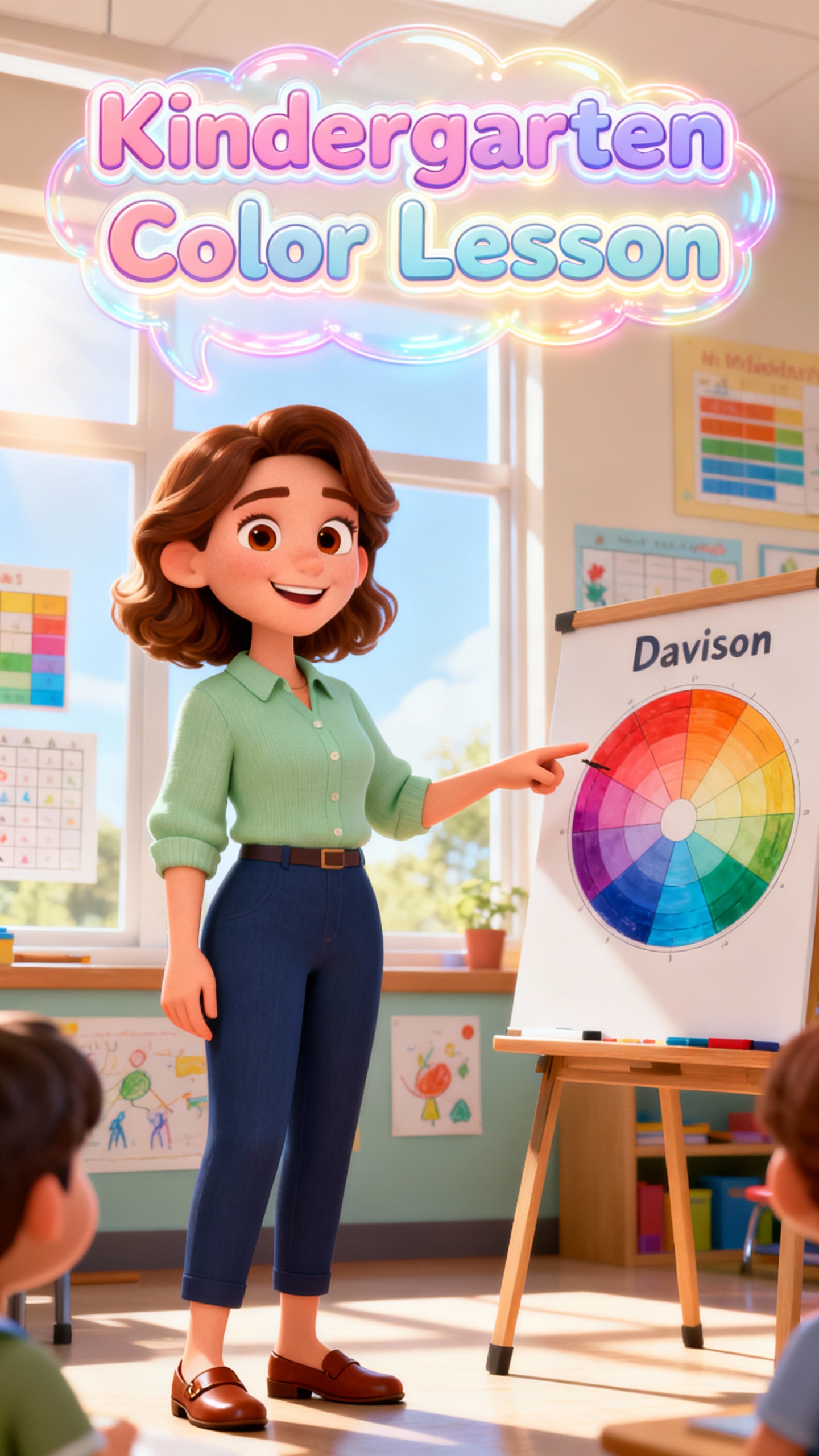
Use image-to-video to bring charts and scenes to life
Turn hard lessons into easy and clear explainer videos.
Create fun and amusing characters to keep attention.
Top Benefits You Get With
Magiclight Wan AI Video Generator
With Magiclight AI’s Wan AI video generator, you can organize shots, improve motion flow, and keep scenes visually aligned. It also reduces correction work before export.
Control Camera Move
1. Control Every Camera Move
Advanced camera motion in Wan-style videos lets you plan pans, tilts, and zooms. You shape each scene like a movie, with clear, steady movement that fits your story.
Intro and Ending
4. Intro and Ending Just as You Want
Magiclight AI gives users exact frame control, allowing them to choose how their video goes. This makes transitions cleaner and helps each clip begin and end exactly how you want.
Scene Stability
2. Character and Scene Stability Across Story
Magiclight AI makes sure that characters, backgrounds and visual effects remain the same throughout the whole clip. So, you can edit and create full videos without worries.
Ready-to-Share
5. Ready-to-Share in One Place
Subtitle styles, 40 music tracks, and export options in Magiclight AI keep everything in one flow. Select the aspect ratio and resolution so that clips fit each platform.
Many Languages
3. Created for Many Languages and Cultures
Users can easily create videos to share with people from other parts of the world. Magiclight AI supports 11 languages so you can style and create without barriers.
Draft to Post
6. From Draft to Post in Minutes
You can edit, download, and publish without jumping between tools. Further, Magic Claw tracks performance so you can reuse styles and content that everyone loves.

Create a Video with Wan AI Video Generator  in 4 Steps

Start with one simple prompt, and Magiclight does the rest. The Wan AI video generator transforms prompts, scripts, or images into a stunning video within minutes.

1.

Start With Your Prompt

Write a prompt, paste a script, or upload an image. Choose an idea or a story that you want to tell others.

2.

Refine the Script

Choose a visual style and pick your characters. Set age, name, gender, and voiceovers that match the idea in your head.

3.

Edit Generated Scenes

Adjust generated scenes, pacing, and mood as needed. You can also change poses and expressions until you are happy with the results.

4.

Export the Final Video

Select the output resolution that fits your platform needs. Then publish or download your video so you can share it with others.

FAQs on Wan AI Video Generator

What is Wan 2.5 AI Video Generator in Magiclight AI?

In Magiclight AI, Wan 2.5 AI Video Generator turns text or images into smooth, high-quality video clips. It focuses on clean motion, synced sound, and easy editing for creators.

Do I need editing skills to use Wan models in Magiclight AI?

No, you do not need any editing skills. Magiclight AI gives you simple steps, ready styles, and helpful prompts so you can make good-looking videos with basic experience.

Can I turn my selfies into movie-style videos?

Yes. Upload a picture, and Magiclight AI turns it into a moving video. It lets you add a prompt, adjust motion, and keep the style of your original image.

What export options are available for finished videos in Magiclight AI?

You can choose common sizes and formats that fit social platforms. Magiclight AI supports 720p or 1080p and lets you pick aspect ratios that match your needs.

Can I add subtitles and music to my videos?

Yes, you can add background music and subtitle styles directly in Magiclight AI. This helps you finish videos in one place without moving to another editor.

Is Wan 2.1 AI Video Generator good for beginners?

Yes, Wan 2.1 AI Video Generator is friendly for new creators. Magiclight AI offers simple controls and clear previews so beginners can test ideas and learn fast.

Create a Movie-Style Video with Wan AI Video Generator

Insert your idea and watch how Magiclight AI turns it into a movie-style video. Start creating now so you can share with friends.