Accurate lip sync in 30+ languages
Create lip-sync videos for your global audience. MagicLight.ai matches mouth movement to every sound in your audio, whether it’s English, Tagalog, or other languages.

Turn photos, illustrations, and characters into talking animations. MagicLight matches mouth movements to your audio so the lip-sync looks natural.
Create lip-sync video free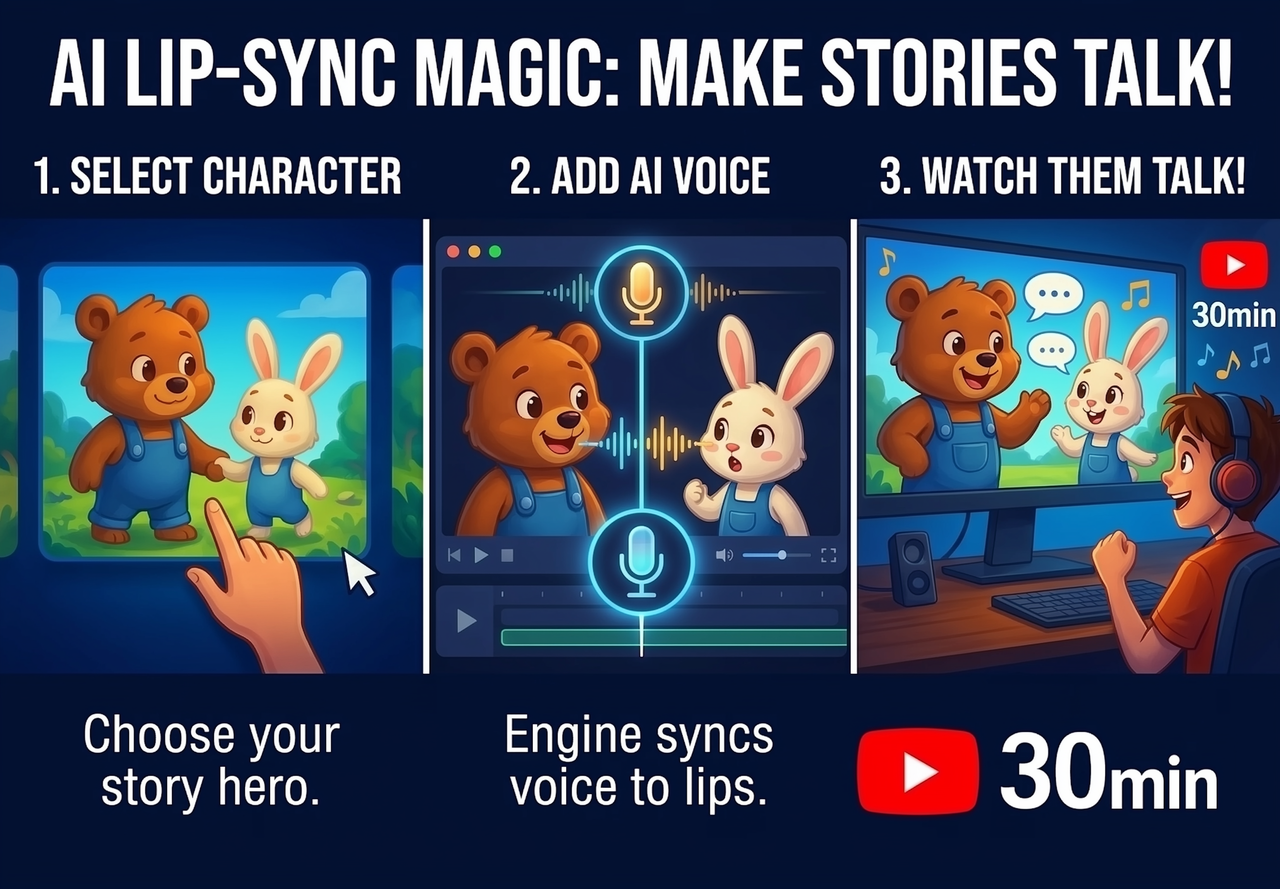
Other lip-sync tools use generic mouth movements, which can look robotic. MagicLight follows your audio closely and matches the mouth movement to every sound, so your characters look like they’re really talking.
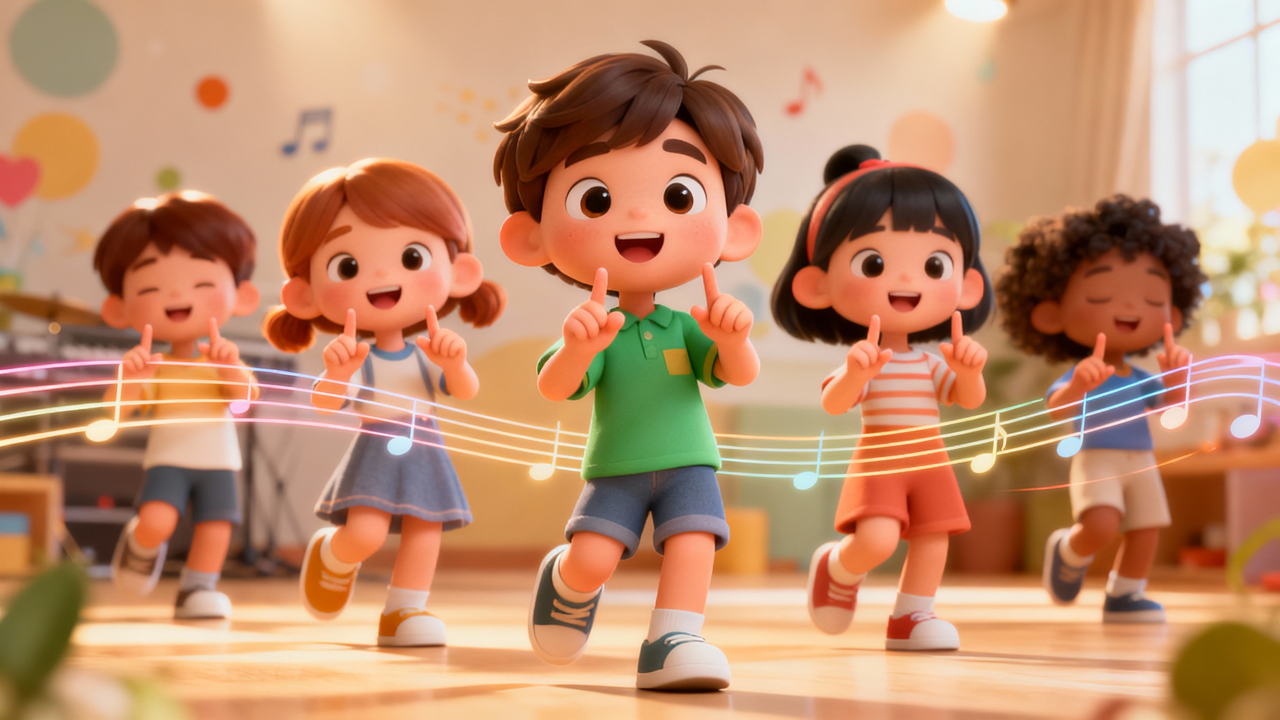
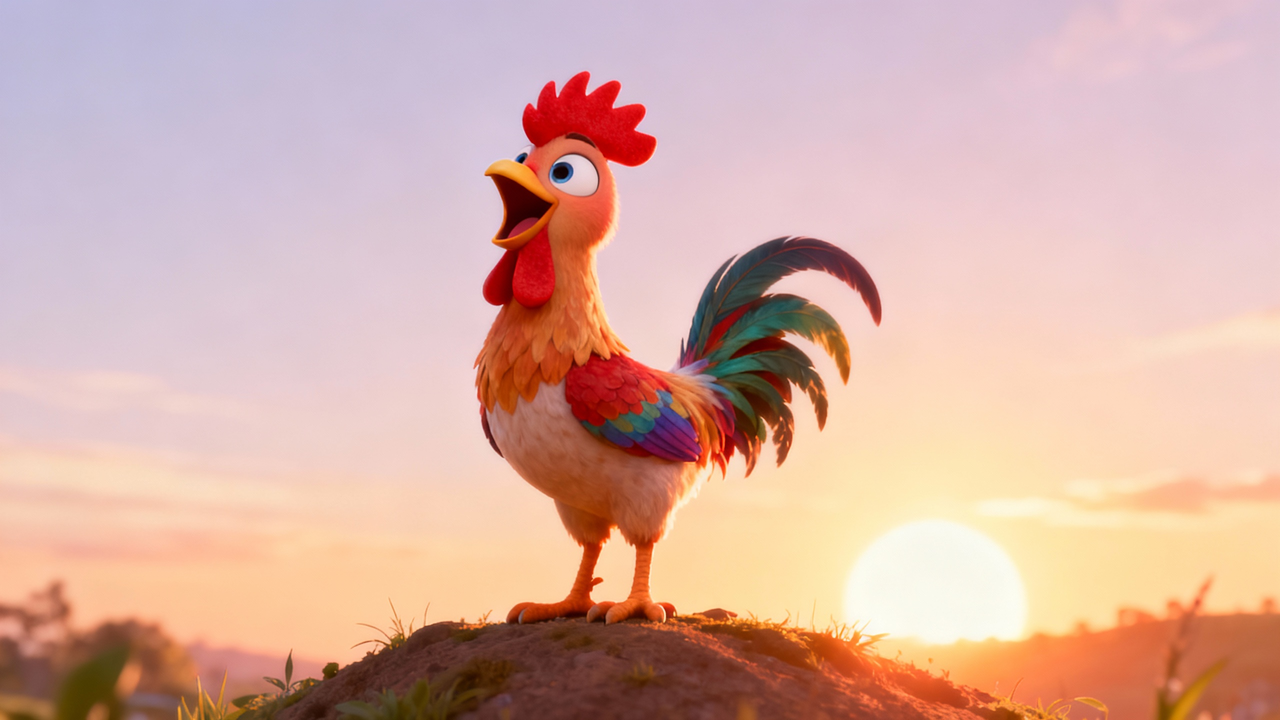
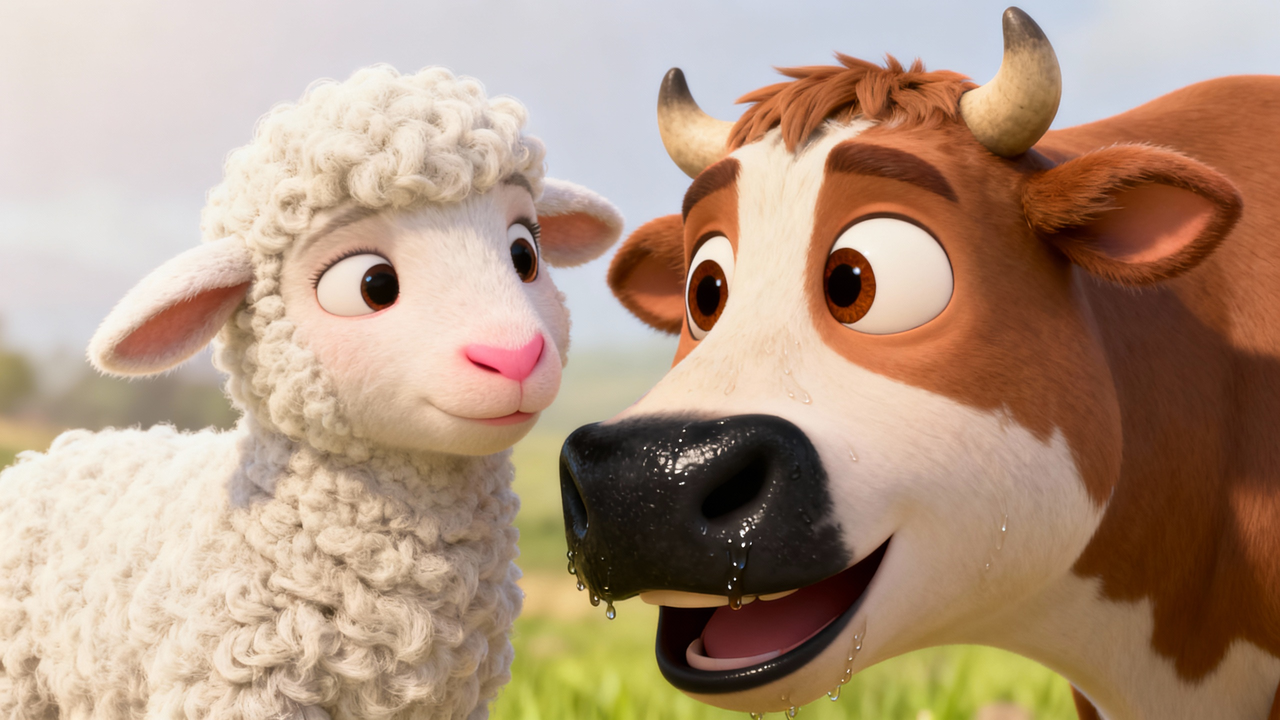
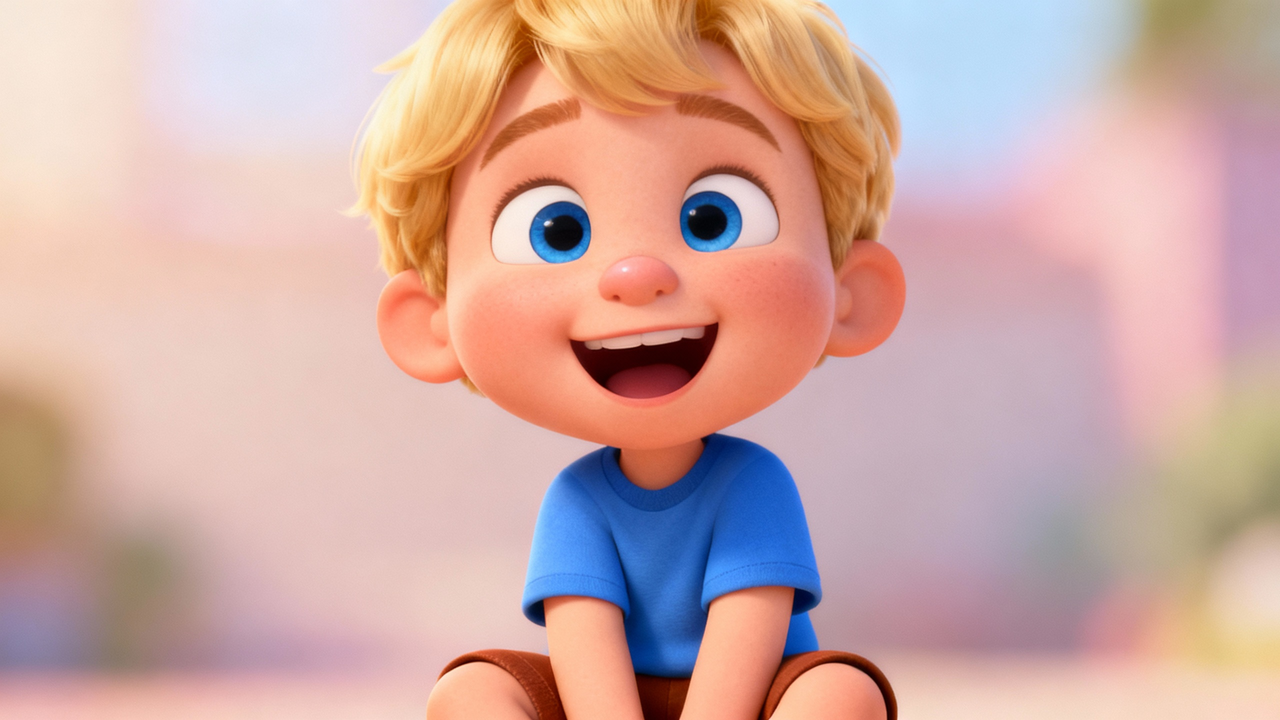
Create lip-sync videos for your global audience. MagicLight.ai matches mouth movement to every sound in your audio, whether it’s English, Tagalog, or other languages.

Automatically align lip movements with speech for a lifelike performance in seconds.
Skip the frame-by-frame adjustments. AI handles the complex animation work instantly.
Naturally adapt mouth shapes to any spoken language, helping you reach a worldwide audience.
Create immersive dialogue scenes that look professionally animated, not robotic.
Automatically aligns lip movements with the AI voice generated from your script.
Upload, sync, and publish. No animation experience needed.
Storytellers, educators, and content creators use MagicLight.ai to turn illustrations and photos into talking characters for YouTube, TikTok, and online courses






Any image with a visible face, photos, illustrations, cartoon characters, and stylized artwork.
Yes. MagicLight lets you lip-sync videos in 30+ languages including English, Spanish, Hindi, Bahasa Indonesia, and Tagalog.
Yes. You can upload your own audio file, record directly in MagicLight, or generate a voice with AI.
Yes. Magiclight.ai handles stylized, illustrated, and animated faces accurately.
No. The mouth movement stays in sync with the audio, so it looks natural.
Yes. Paid plans include full commercial usage rights. Publish, monetize, or license freely.



Turn any image into a talking character with MagicLight's AI lip sync. No credit card required. Just your image and your voice.