Hero background

AI Voice Cloning

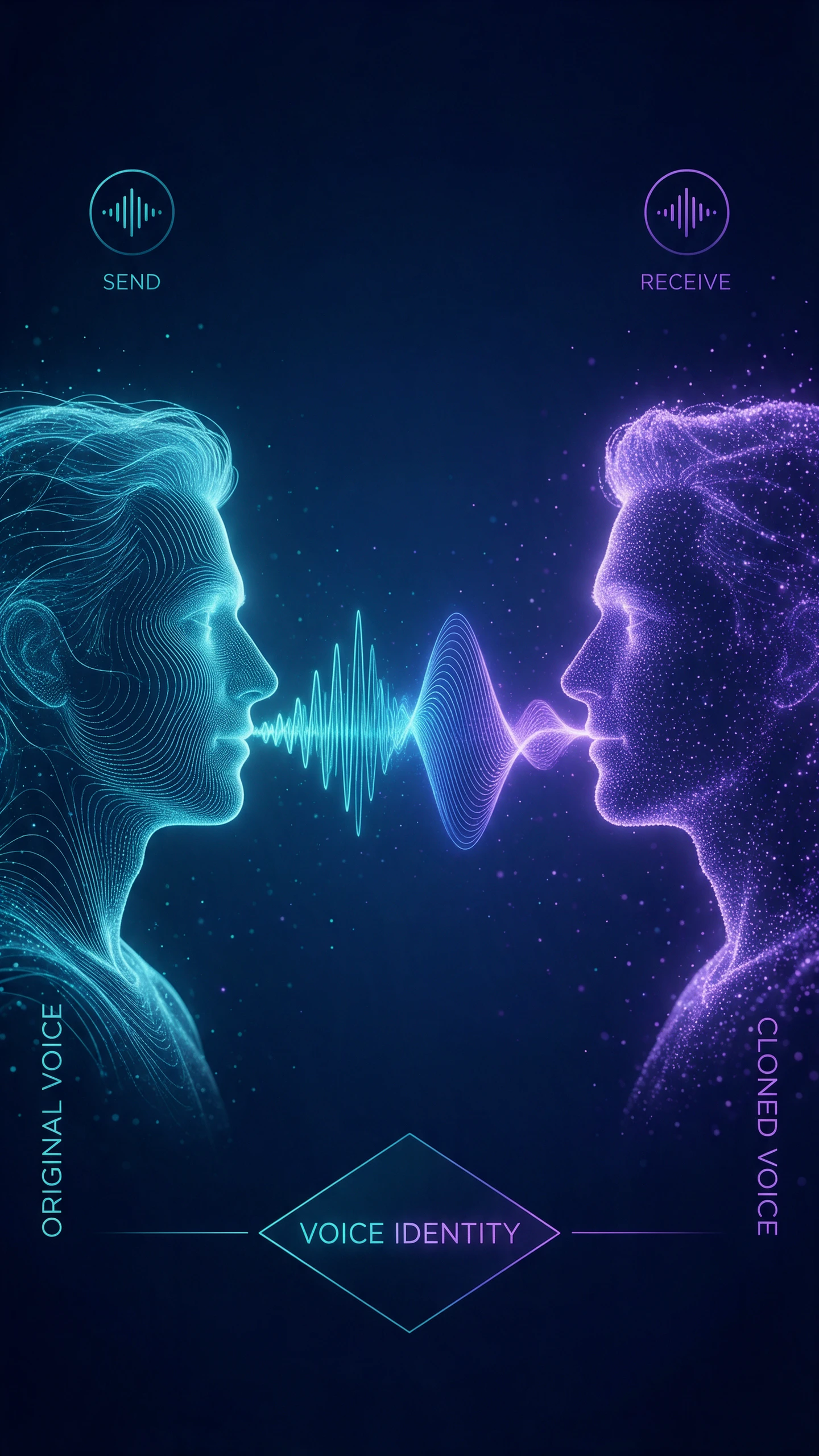
Record a short sample of your speech and enter the script you want to narrate. Magiclight AI uses AI voice cloning to make videos that sound like you, without recording every line again now.

Create an AI Voice Clone for Free
Ai voice cloning forming an abstract face profile
Ai voice cloning forming a digital dna strand
Ai voice cloning forming a face inside a fingerprint
Ai voice cloning creating a holographic woman
Ai voice cloning on a floating holographic screen
Ai voice cloning creating a glowing listening ear
Ai voice cloning creating a glowing nebula swirl
Ai voice cloning creating a glowing sound wave core
Ai voice cloning forming an abstract face profile
Ai voice cloning forming a digital dna strand
Ai voice cloning forming a face inside a fingerprint
Ai voice cloning creating a holographic woman
Ai voice cloning on a floating holographic screen
Ai voice cloning creating a glowing listening ear
Ai voice cloning creating a glowing nebula swirl
Ai voice cloning creating a glowing sound wave core

Explore the Features of Magiclight AI Voice Cloning

Voiceovers can take longer when you have to fix mistakes or record lines again. Magiclight AI voice cloning helps you prepare narration for new videos using your saved voice.
Generate a Video With Cloned Voice
AI voice cloning feature decoration

30 to 60 Seconds of Speech to Start

Record 60 seconds of speech in Magiclight AI or upload an audio clip you already have. It learns your natural pitch and accent from the recording to create a voice you can use for future videos.

Tone Control for Each Script

Choose how you want your cloned voice to sound based on the video you are making. Magiclight AI adjusts the pacing and tone to make your voice sound excited for a product announcement.

50-Minute Videos in One Voice

Magiclight AI lets you use your cloned voice to narrate videos as long as 50 minutes without recording the script. Your voice sounds familiar throughout the video to make it useful for longer tutorials.

37 Voiceover Options to Choose From

Magiclight AI also gives you 37 voiceover options when you use a different narrator. Choose a voice that suits your story and have it read the script without separate recording.

Who Should Use the Magiclight AI Voice Cloning
Magiclight AI voice cloning lets you create videos using your own voice without recording every script. It's useful for lessons and stories that need regular updates.
AI voice cloning for online course creators
For Online Course Creators
Write a lesson script of 12000 characters and narrate it in your voice.
Give your science lessons a fresh look with over 52 visual styles.
Create a 50-minute class video without having to record the whole lesson.
AI voice cloning for podcast producers
For Podcast Producers
Pick from 37 voiceover options to find a narrator for your audiobook.
Add gentle music to bedtime stories from 40 background music tracks.
Fix a mistake in your podcast by changing the text instead of recording again.
AI voice cloning for training teams
For Training Teams
Refresh employee training narration when company policies are changed.
Let new hires hear the same familiar voice in every training video.
Select a professional speaking tone for workplace safety instructions.
AI voice cloning for animated story creators
For Animated Story Creators
Describe a new story character in 1,000 characters before you animate.
Make a villain sound colder by adjusting your cloned voice's delivery.
Keep a returning character's narration familiar in all later episodes.
Why Choose Magiclight AI Voice Cloning
Use Magiclight AI voice cloning to narrate new videos without speaking into a microphone each time. Make changes to your script and keep your own voice in every project.
Ai voice cloning creating a digital dna strand
Change the Script Without Recording Again
Correct the words in Magiclight AI and generate the voiceover again if you find any mistakes after generating. You won't need to record the entire script from scratch.
Ai voice cloning creating a glowing listening ear
Add Subtitles in 16 Styles
Choose from 16 subtitle styles to show the narration on screen. Find one that suits your video and helps people read along while your cloned voice tells the story.
Ai voice cloning forming a glowing face profile
Keep Your Cloned Voice Private
Magiclight AI uses verification to check who has permission to clone a voice. This helps prevent strangers from using your recording to create their own content without your approval.
Ai voice cloning forming a swirling neon face
Match Speech With Character Movements
Use lip sync to make your character mouth move with the narration. Magiclight AI keeps the same character design across scenes, and their appearance does not change halfway through.
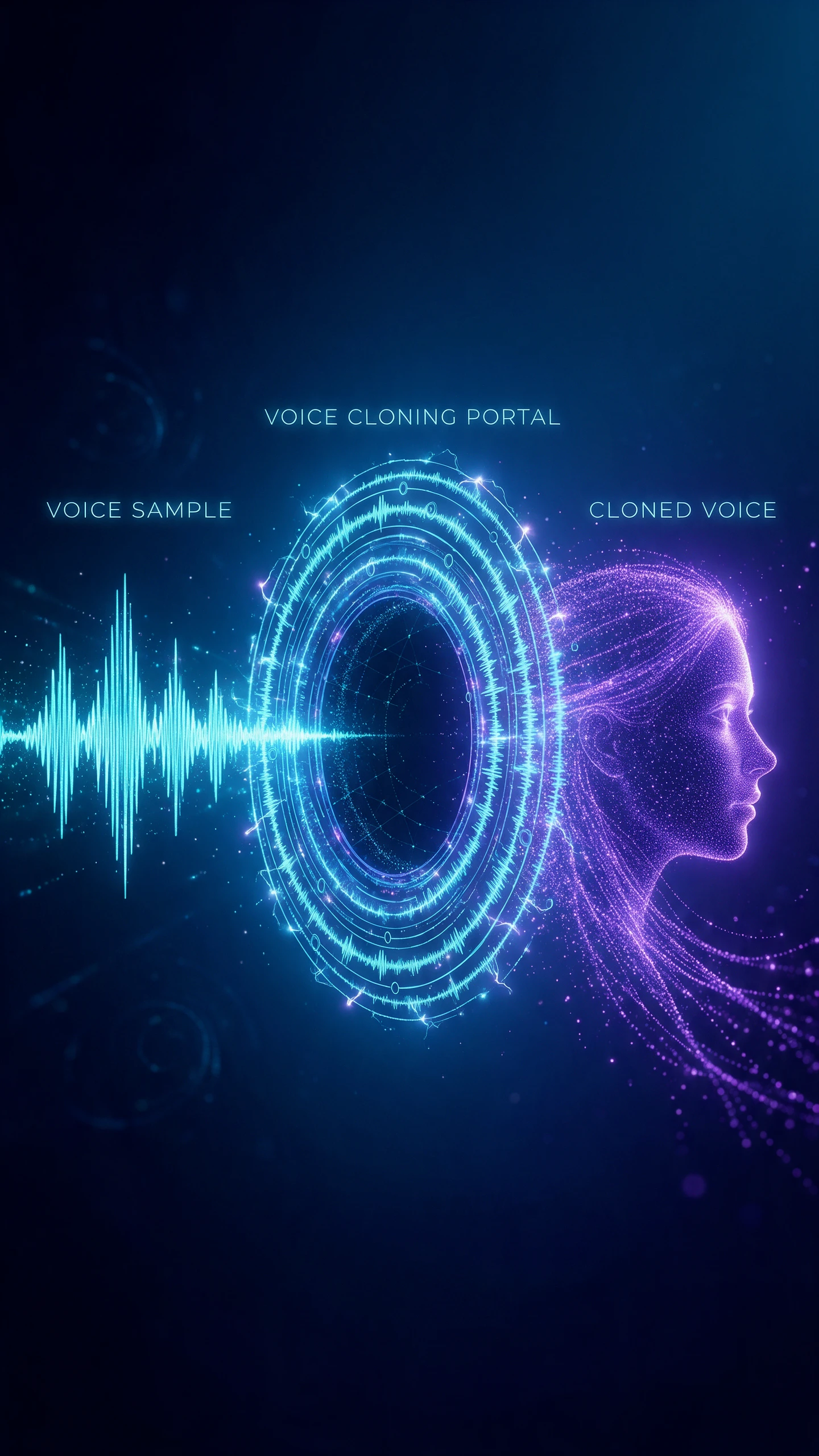
Ai voice cloning with a holographic sound
Create Videos Up to 50 Minutes
Add a script of up to 12000 characters and make a video that runs for 50 minutes. There is enough room for a full tutorial and a longer story without breaking it into separate videos.
Ai voice cloning connecting two glowing faces
Bring Your Voice Back for New Projects
Once your voice model is ready, you can use it again in Magiclight AI. Narrate a course lesson this week and a podcast introduction later without making another voice recording.

How to Clone Your Voice With Magiclight AI

Magiclight AI voice cloning lets you create a voice clone in 4 simple steps. Start with a clear recording of your voice and use it to narrate your videos.

1.

Choose Voice Cloning

Go to the My Creations section in Magiclight AI and choose AI voice cloning. This switches the project from a stock narrator to a voice based on your recording.

2.

Record or Upload a Sample

Speak naturally for 10-300 seconds in a quiet place. You can also add an audio sample you already recorded. Keep the recording free of nearby voices and noticeable room echoes.

3.

Type Your Script

Paste your narration into the script box and decide how it should sound. Try a calm delivery and play the voiceover once to check that each line sounds right.

4.

Add the Cloned Voice to Your Video

Bring the narration into the video while generating it and play through the scenes to check the timing. Export the video with your cloned voice in place when the speech matches the visuals.

FAQs on AI Voice Cloning

How long does my voice sample need to be?

Magiclight AI needs 10 to 300 seconds of clear speech to create an AI voice clone. A quiet recording with steady speech helps capture your pitch and accent more accurately.

Can I clone someone else's voice?

Cloning another person's voice requires their clear permission. Magiclight AI uses verification measures to protect voice recordings and prevent people from using them without consent.

Can I change the script after cloning?

Yes. Make changes to your script and generate the narration again. Your saved voice model will read the updated text without needing another recording of your speech.

Will my cloned voice work in other languages?

Magiclight AI can generate narration in different languages while keeping your cloned voice recognizable. Check unfamiliar words and names before using the audio in your video.

Can I use my cloned voice in monetized videos?

Yes. Paid Magiclight AI plans include commercial rights for generated content. Make sure you have permission to use the cloned voice before publishing videos that earn revenue.

Can I use a different voice instead of cloning my own?

Yes. Magiclight AI has 37 voiceover options available for your videos. Choose a narrator that fits your content and generate speech directly from the script you provide.


Clone Your Voice With Magiclight AI

Record a short voice sample and let Magiclight AI narrate your next video script in your own voice.