Explore the Magiclight AI Jingle Maker Features
Start with the one line people should remember, like your shop name or slogan. Magiclight AI creates jingles around it, with the tune and the scenes in one project.

Give Magiclight AI your slogan and mood to create a catchy AI jingle with animated scenes that move to the beat. No studio, musicians, or editing skills required.
Create AI Jingle For Free
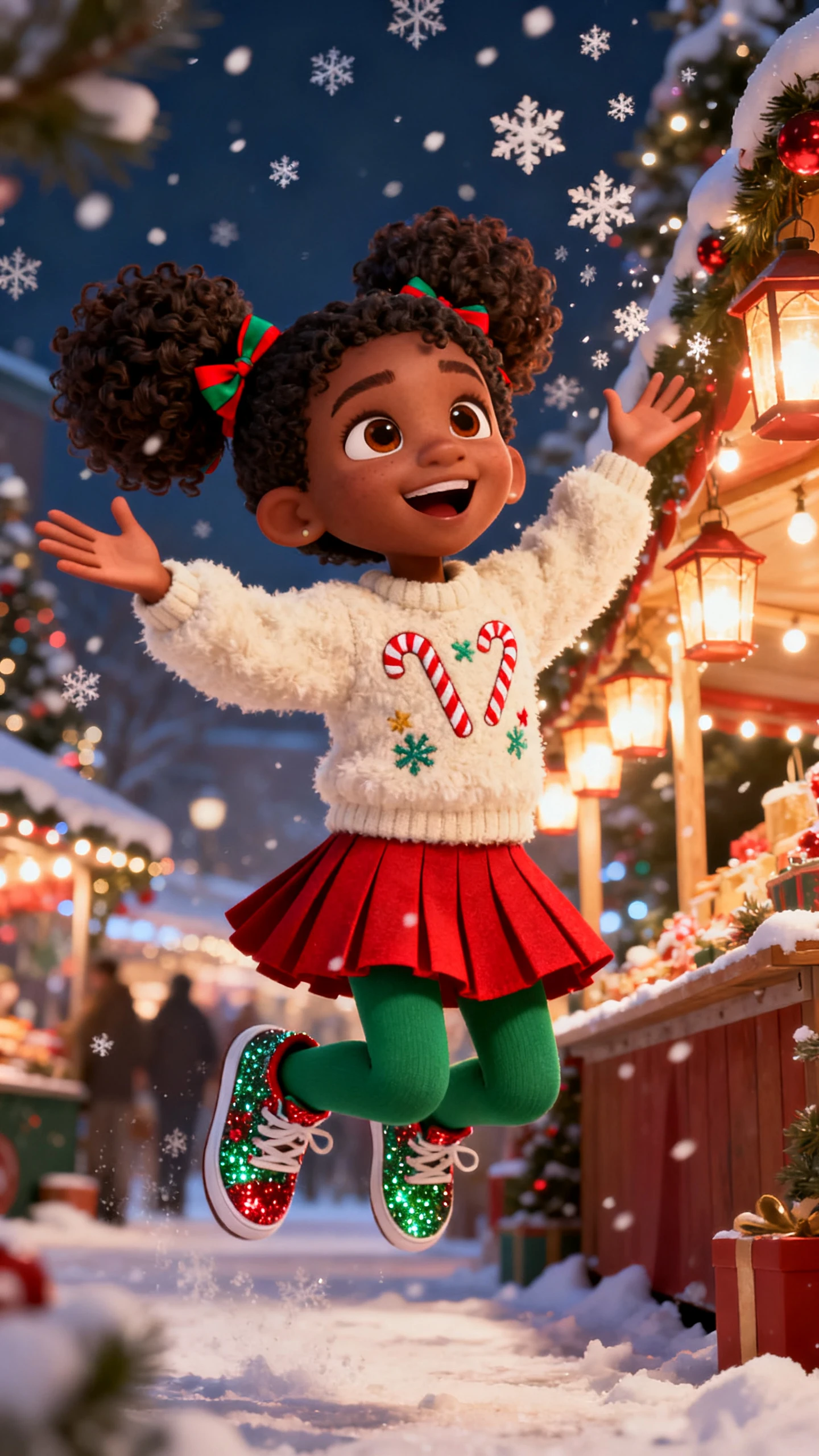


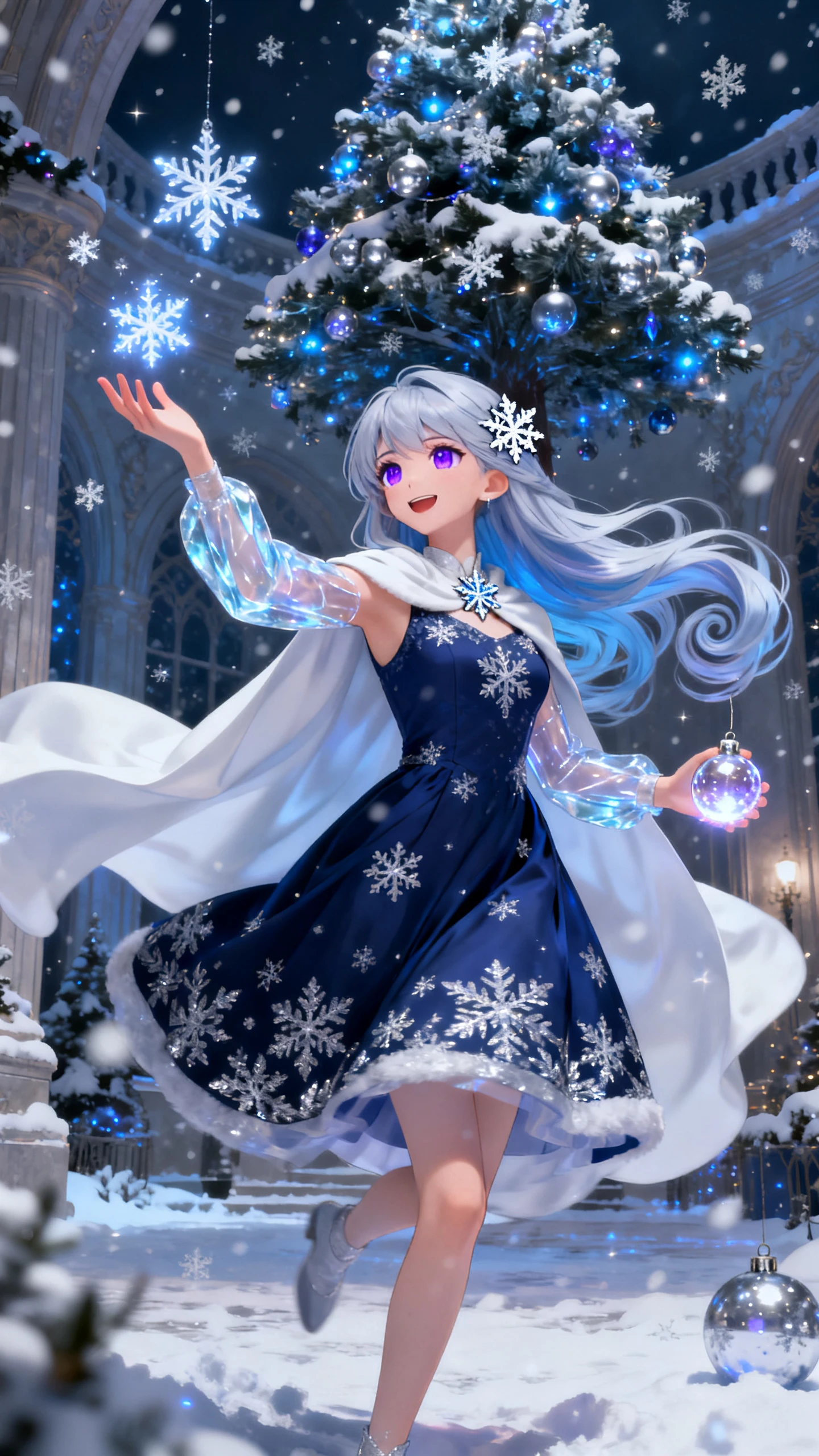

Start with the one line people should remember, like your shop name or slogan. Magiclight AI creates jingles around it, with the tune and the scenes in one project.

Write the slogan, the product, and the mood in a 200-character music prompt, then pick a genre. Magiclight AI composes an original jingle from that short brief, with no track to buy first.
Is the launch date close? Pick one of the 15 prebuilt songs and go straight to the visuals. A jingle you already recorded works too, since Magiclight AI accepts MP3, WAV, and M4A files.
Choose a look from more than 50 visual styles in Magiclight AI. The scenes change on the beat of your jingle, so each cut lands with the hook instead of a second late.
Put the lyrics on screen with any of the 16 subtitle styles. Viewers scrolling with the sound off still read your brand name and slogan while the jingle plays.


Making jingles in Magiclight AI takes 4 steps, and the music always comes first. Once the tune is set, the visuals, the lyrics, and the cover follow its timing.
Open Music Video and upload an MP3, WAV, or M4A file, or pick a prebuilt song. With no track yet, write a short music prompt, choose a genre, and generate one.
Choose 16:9 or 9:16, then decide between a storyboard or a full music video. Next, pick a visual style along with the story and video models for the jingle.
Magiclight AI lays out the scenes in time with the track. Add your saved mascot, then adjust its pose, outfit, and expression in Nano Storyboard.
Pick a subtitle style for the lyrics and a template for the cover. Generate the jingle video and download it in 720p or 1080p for your channels.
Ad jingles are usually short, so keep the lyrics to one or two lines with the brand name in the first. In Magiclight AI, a prompt with only the name and slogan gives a tighter tune.
Not in the same project. In Magiclight AI's Music Video mode, the song is the soundtrack, so voiceover and extra background music are off. Put the call to action in the lyrics instead.
Pick the genre your customers already listen to, such as upbeat pop for a store or soft tunes for toddlers. In Magiclight AI, generate the slogan in two genres and keep the better one.
Yes. Magiclight AI has a Kids Song mode that turns your lyrics and a music style into nursery rhyme music. Read the lyrics once more before you generate, since young viewers repeat every word.
Yes, as long as you own the recording or hold the rights to it. Upload it to Magiclight AI as an MP3, WAV, or M4A file, and the scenes are built around its timing.
You can try it for free. Magiclight AI asks you to create an account but needs no credit card for your first video. Running a jingle in paid ads requires a paid plan with commercial rights.



Write the line you want people to remember and choose a mood. Magiclight AI creates the jingle and adds animated scenes that match the music.