Hero background

AI Subtitle Generator

Bring your story to the screen with clear, synced subtitles built into every scene. Magiclight AI handles the captioning for you, with no editing skills required.

Generate AI Subtitles for Free
Ai subtitle generator displaying a floating screen
Ai subtitle generator connecting a global network
Ai subtitle generator managing a media wall
Ai subtitle generator transcribing a meeting room
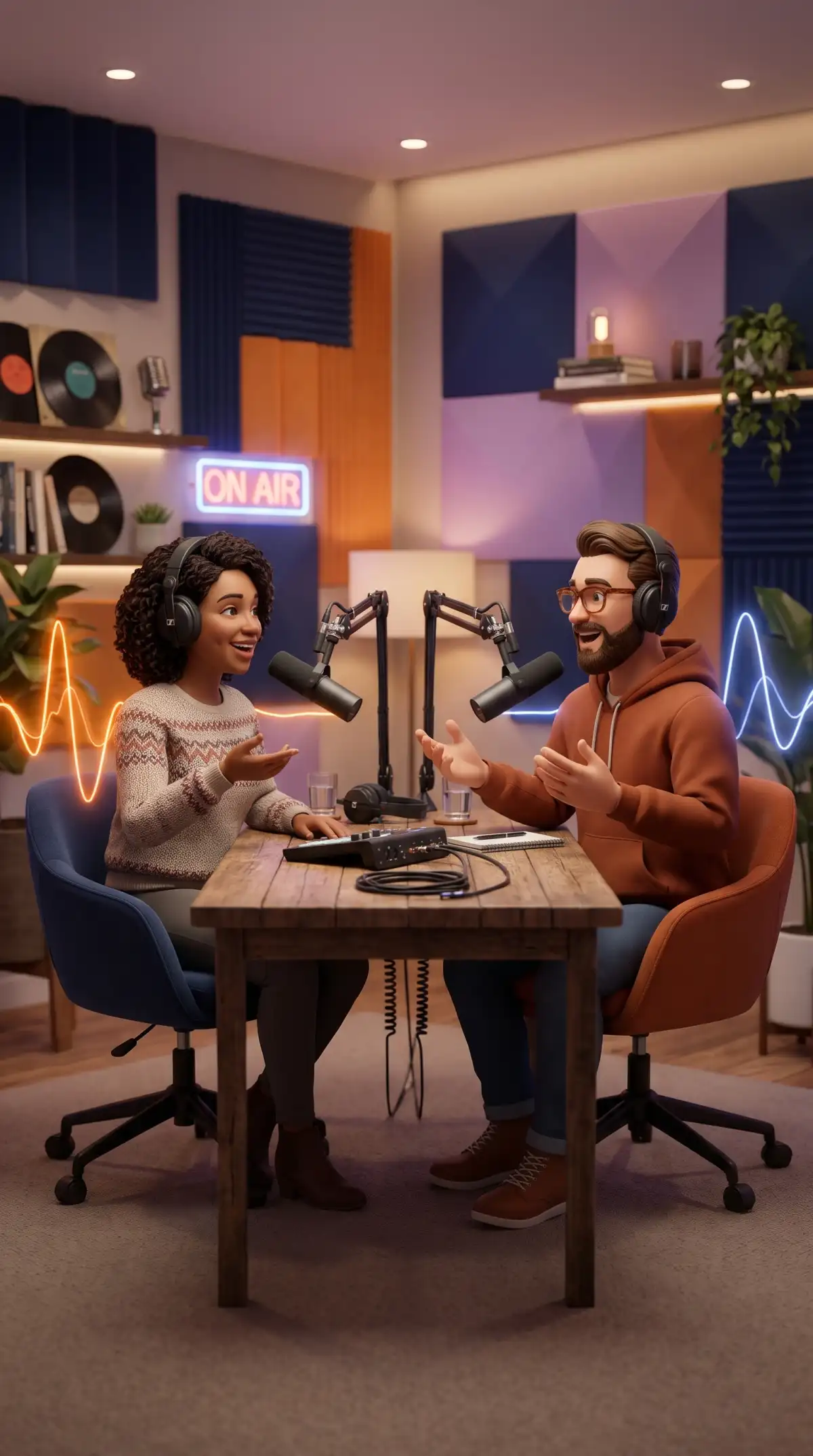
Ai subtitle generator working in a podcast studio
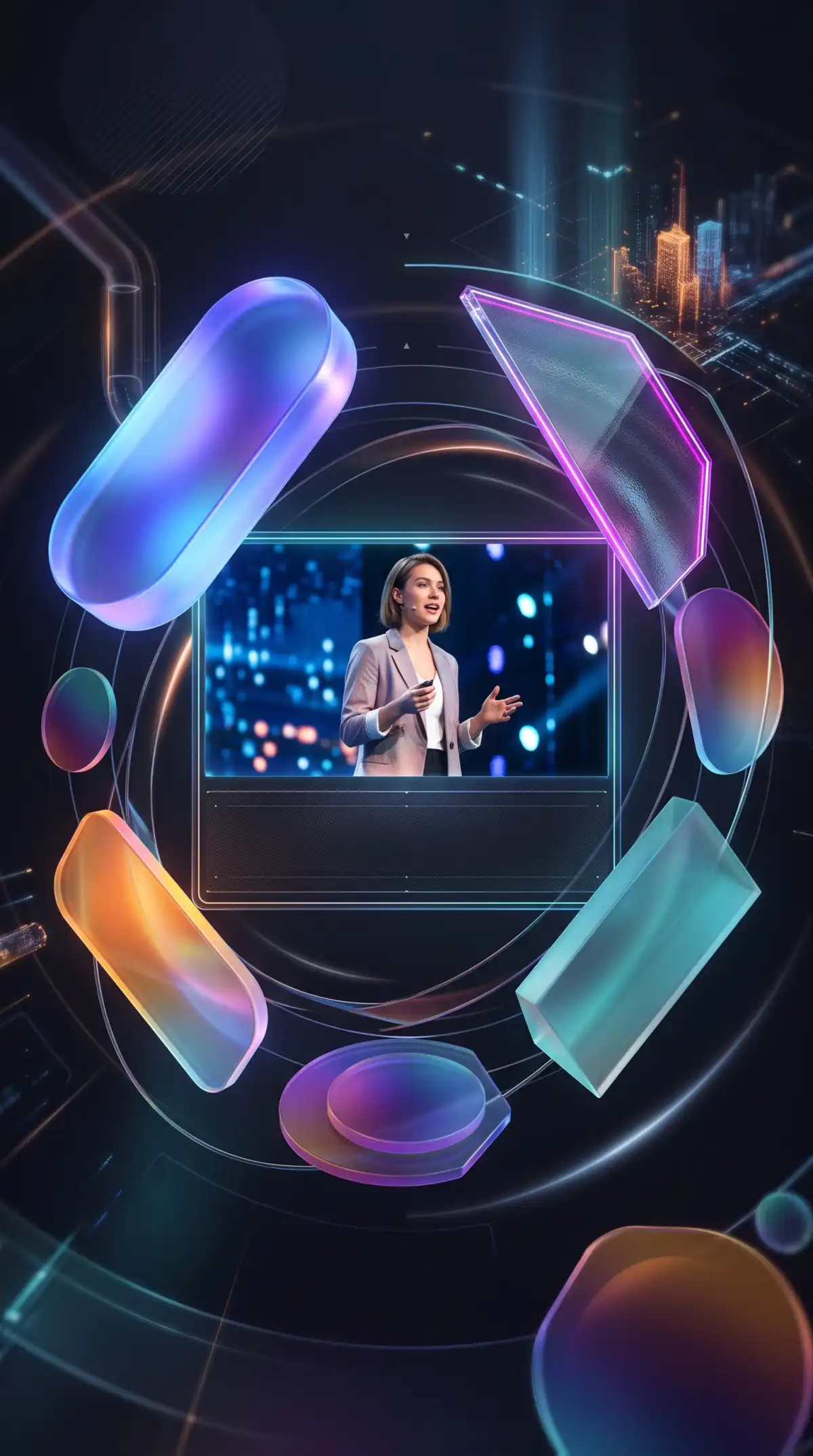
Ai subtitle generator highlighting a presentation screen
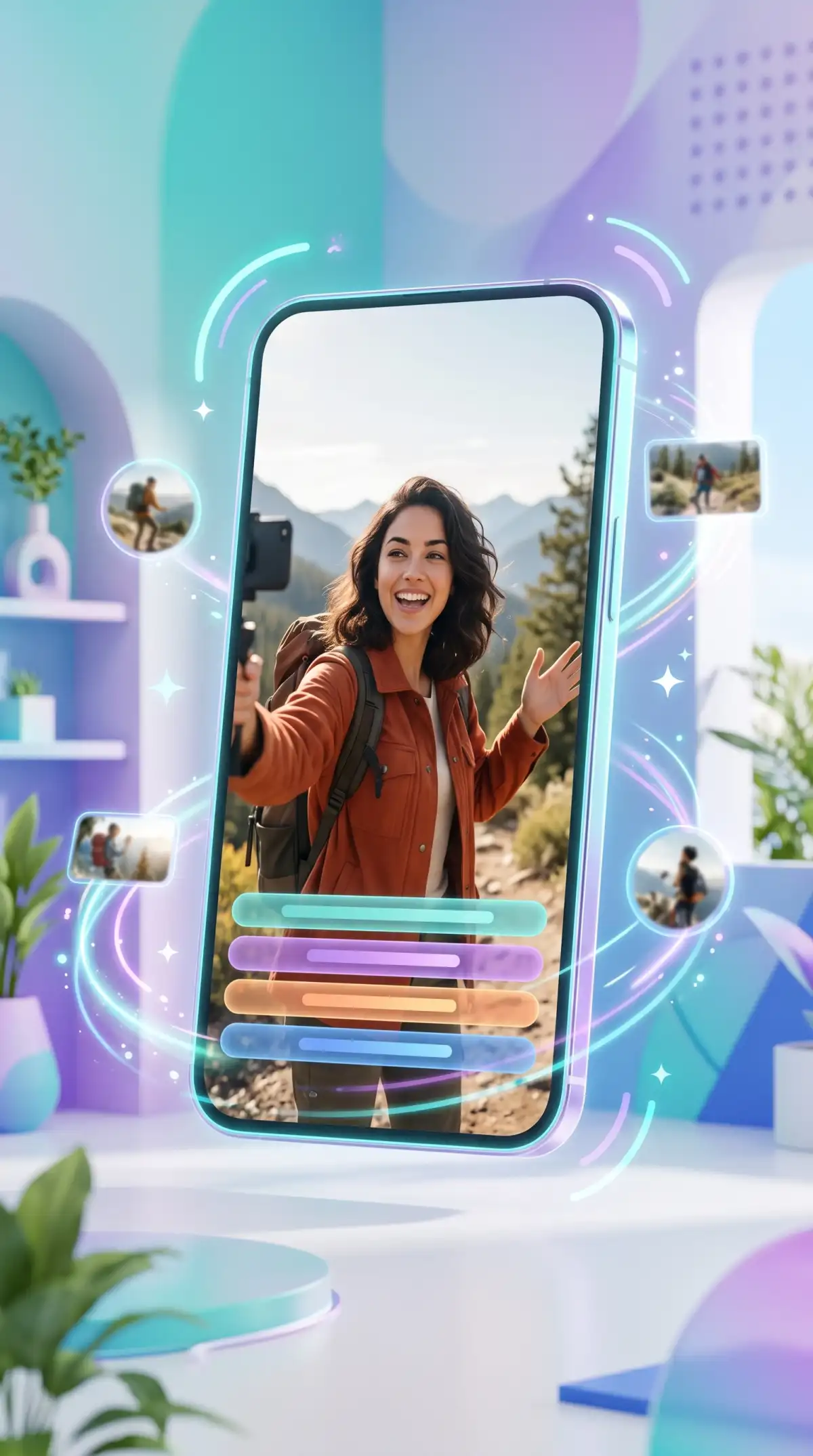
Ai subtitle generator adding text to a vlogging phone
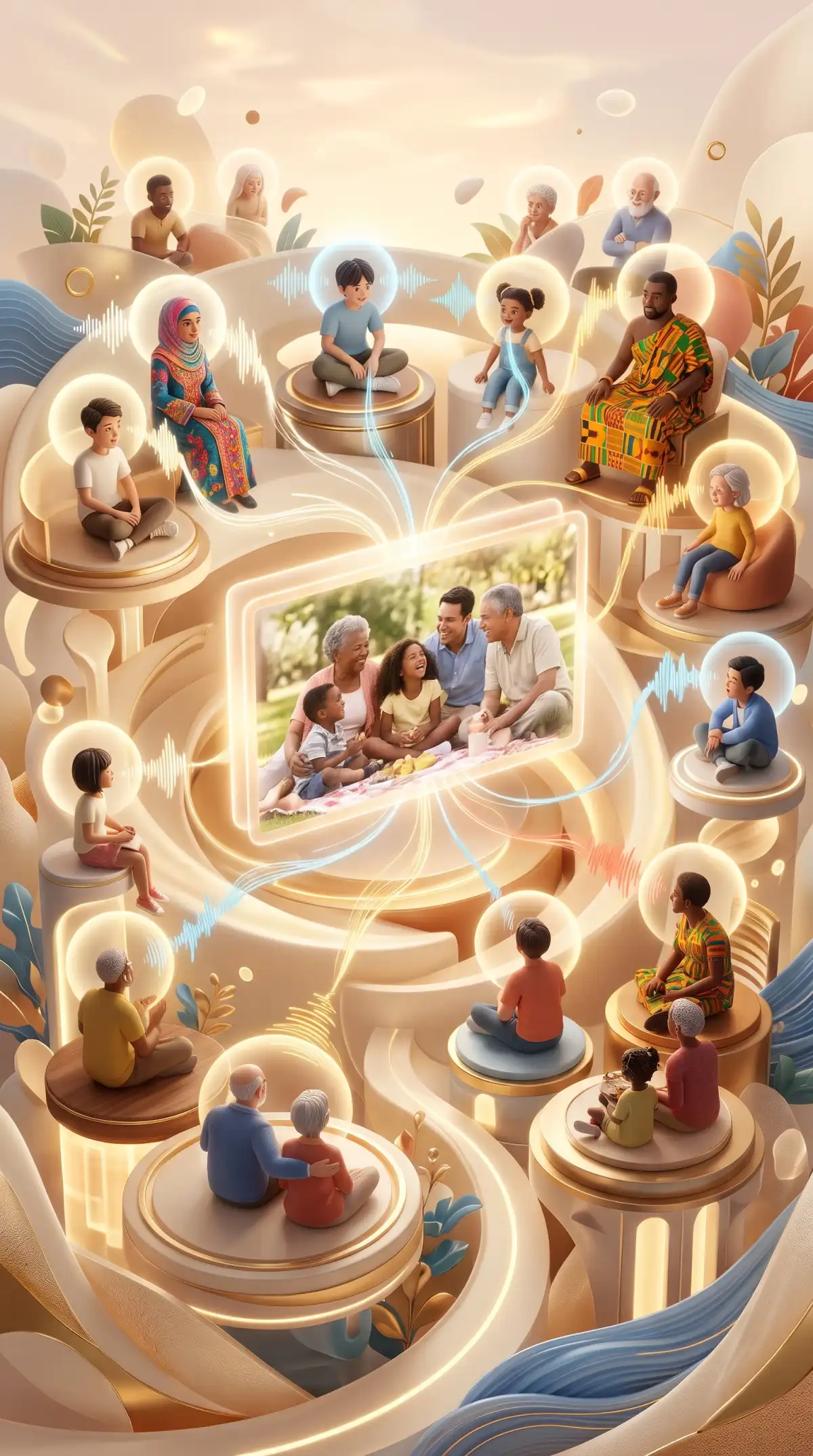
Ai subtitle generator assisting a family video call
Ai subtitle generator displaying a floating screen
Ai subtitle generator connecting a global network
Ai subtitle generator managing a media wall
Ai subtitle generator transcribing a meeting room
Ai subtitle generator working in a podcast studio
Ai subtitle generator highlighting a presentation screen
Ai subtitle generator adding text to a vlogging phone
Ai subtitle generator assisting a family video call

Explore the Magiclight AI Subtitle Generator Features

Skip the slow work of typing and timing every caption by hand. Magiclight AI subtitle generator handles speech, text, and synchronization so you can focus on the video itself.

Generate AI Subtitles for Free
3D Subtitle Generator Decoration

Capture Every Accent With Confidence

Fast speech, slower narration, and regional accents can all change how captions read. Magiclight AI follows natural speaking patterns to produce clear subtitles that stay aligned with the conversation.

Try 16 Unique Subtitle Styles

Do not simply add captions with plain text across your generated video. Choose any of the 16 subtitle styles present, and use the style that suits the nature of your video.

Separate Speakers Without Manual Labels

Interviews, podcasts, and panel discussions become easier to follow when each voice is identified. Accurate captioning automatically distinguishes participants and labels their dialogue for viewers.

Reach Viewers in 11 Languages

One video can speak to audiences across multiple regions with support for 11 languages. Create multilingual subtitles in Magiclight AI without manually preparing a separate caption workflow for every audience.

Who Can Use the Magiclight AI Subtitle Generator
From podcasts to lessons and social clips, every format needs captions that keep pace. See how an AI subtitle generator helps every type of creator reach more viewers with ease.
AI Subtitles for Video Podcasters
For Video Podcasters
Use Magiclight AI to organize podcast scripts of up to 12,000 characters.
Explore 14 story models to shape interview clips into structured episodes.
Compare 16 animation models when adding motion to podcast video scenes.
AI Subtitles for Short-Form Creators
For Short-Form Creators
Frame captioned clips in 9:16 for Reels, TikTok, and YouTube Shorts.
Give hooks and punchlines a distinct look with 16 subtitle settings.
Keep social uploads crisp with final video output reaching 1080p.
AI Subtitles for Teachers and Lecturers
For Teachers and Lecturers
Reach multilingual classrooms with support for 11 narration languages.
Match different lesson formats to a selection of 37 available voices.
Cover full lectures and deeper topics in videos lasting up to 50 minutes.
AI Subtitles for Businesses and Brands
For Businesses and Brands
Give product demos a stronger opening with 21 ready-made cover templates.
Brand webinar headings and campaign names with 16 available title styles.
Deliver presentations at 720p or 1080p for internal or external viewing.
Why Choose Magiclight AI Subtitle Generator
Accurate captions are only the start. Magiclight AI subtitle generator combines easy editing, flexible styling, and publishing-ready subtitles through these practical advantages.
Caption Videos Up to 50 Minutes
Handle videos up to 50 minutes in one project. Longer podcasts, lectures, interviews, webinars, and product presentations can get subtitles without splitting the footage first.
Reach Viewers Watching on Mute
Keep your message visible when audio is off. Magiclight AI subtitles help dialogue carry across social feeds, commutes, workplaces, and other sound-off viewing situations.
Keep Captions Clear on Screen
Place subtitles where viewers can read them without covering faces, products, or important action. Adjust their presentation to suit different scenes and video layouts.
Review Important Details Before Publishing
Check names, numbers, technical terms, and product details before your video goes live. A quick subtitle review helps catch words that need extra attention before publishing.
Make Every Video More Accessible
Give deaf and hard-of-hearing viewers a written version of spoken dialogue. Captions also make lessons, tutorials, interviews, and information-heavy videos easier to follow.
Prepare One Video for More Audiences
Add subtitles when adapting content for social media, training, education, presentations, or marketing. One finished video can serve more viewers without recording it again.

How to Add Subtitles With Magiclight AI

Go from spoken audio to clean captions in 4 steps. With this AI subtitle generator, you can handle transcription and timing while staying in control of every edit and style choice.

1.

Enter Your Story or Script

Type your idea or paste a script of up to 12,000 characters. Choose the video settings, then let Magiclight AI organize your text into scenes for video generation.

2.

Review Your Video Scenes

Review each generated scene in Nano Storyboard before animation. Adjust characters, poses, expressions, camera angles, and voiceovers until the visual sequence feels right.

3.

Generate the Video Scenes

Animate your approved scenes with your selected video model. Preview the generated clips and regenerate individual scenes when something needs changing before final assembly.

4.

Add Subtitles and Finish

Choose from 16 subtitle settings during final editing, then add background music and preview the complete video. Magiclight AI combines the scenes, voiceover, captions, and audio.

FAQs on AI Subtitle Generator

How accurate is the AI subtitle generator?

Magiclight AI handles most accents and speaking speeds well and needs only light correction. Always check names, brand terms, and numbers before publishing.

Can it caption videos with background music?

Yes. Magiclight AI separates speech from music and sound effects, so only the spoken words appear. Very loud music over quiet speech may need extra review.

Can it tell different speakers apart?

Yes. Magiclight AI detects different voices and labels each line by speaker. Labels stay with the right lines even when people take quick turns in an interview or panel.

Can I make subtitles in another language?

Yes. Magiclight AI can produce subtitles in 11 different languages using full-sentence context rather than word-for-word swaps. For a full voice dub, use the Video Translator.

How many subtitle styles can I choose from?

You can choose from 16 subtitle styles in the Magiclight AI subtitle generator. Pick an option that fits your video’s visual direction and keeps dialogue clear throughout each scene

Is the AI subtitle generator free to try?

Yes, at no charge. Magiclight AI hands new users free credits without asking for a card. Captioned ads and other paid content fall under a paid plan.


Generate Accurate Captions With Magiclight AI

Keep viewers connected to every line, even when sound is off. Magiclight AI gives each scene readable subtitles that support the story without adding extra production work.