Turn still images into video in seconds all in one place
Start with an image and a prompt. MagicLight.ai gives you motion and a matching story background, then lets you finish the video with voice, captions, and export in one workflow.
Turn any image into a high-quality, story-ready video clip. Upload a photo or character design and generate believable motion with natural face movement and clean transitions.
Convert your image into videos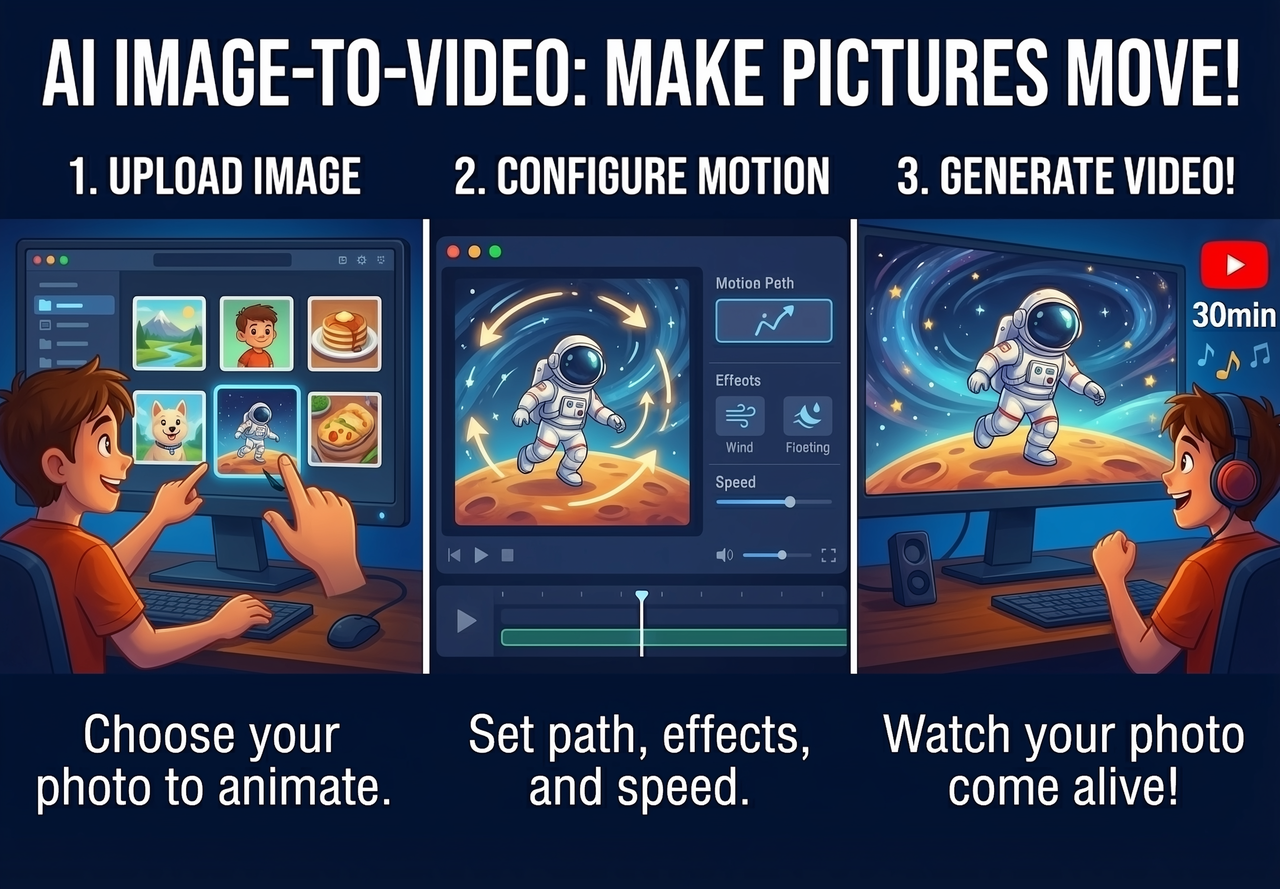
Magiclight.ai can turn any image into a short story scene. Use a simple prompt to describe the movement you want, and watch your image come to life exactly as you imagined.
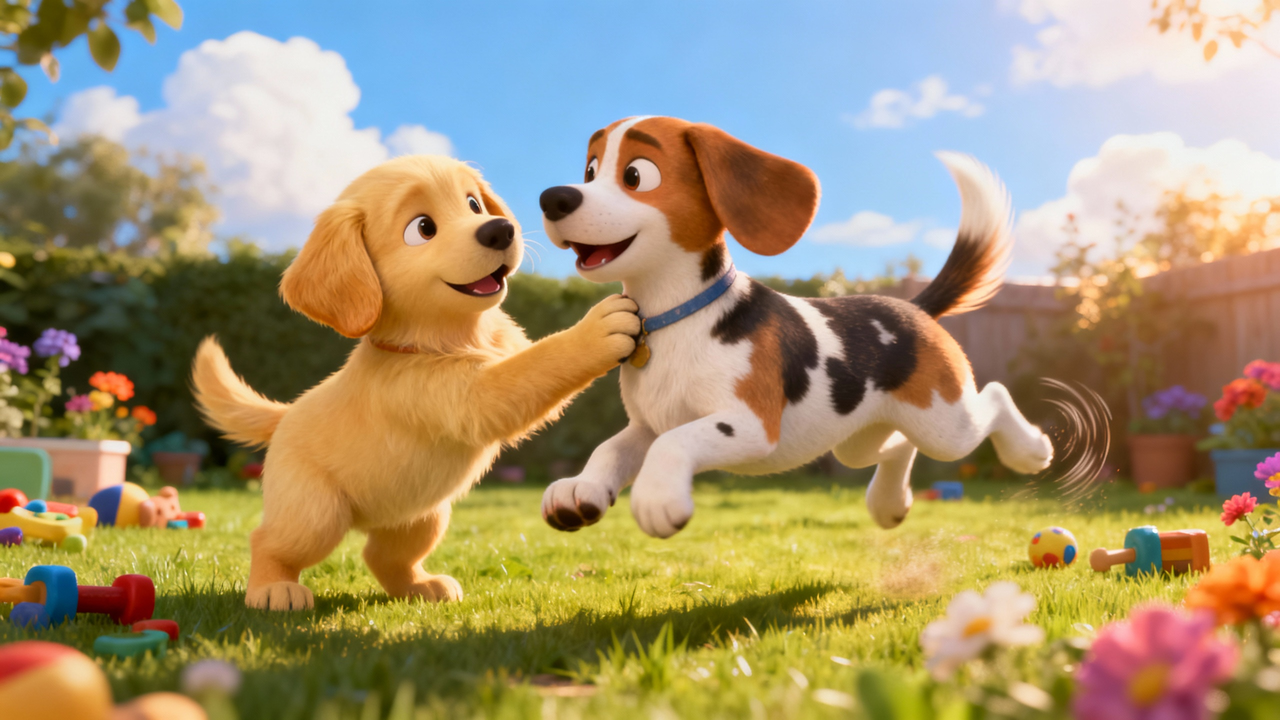
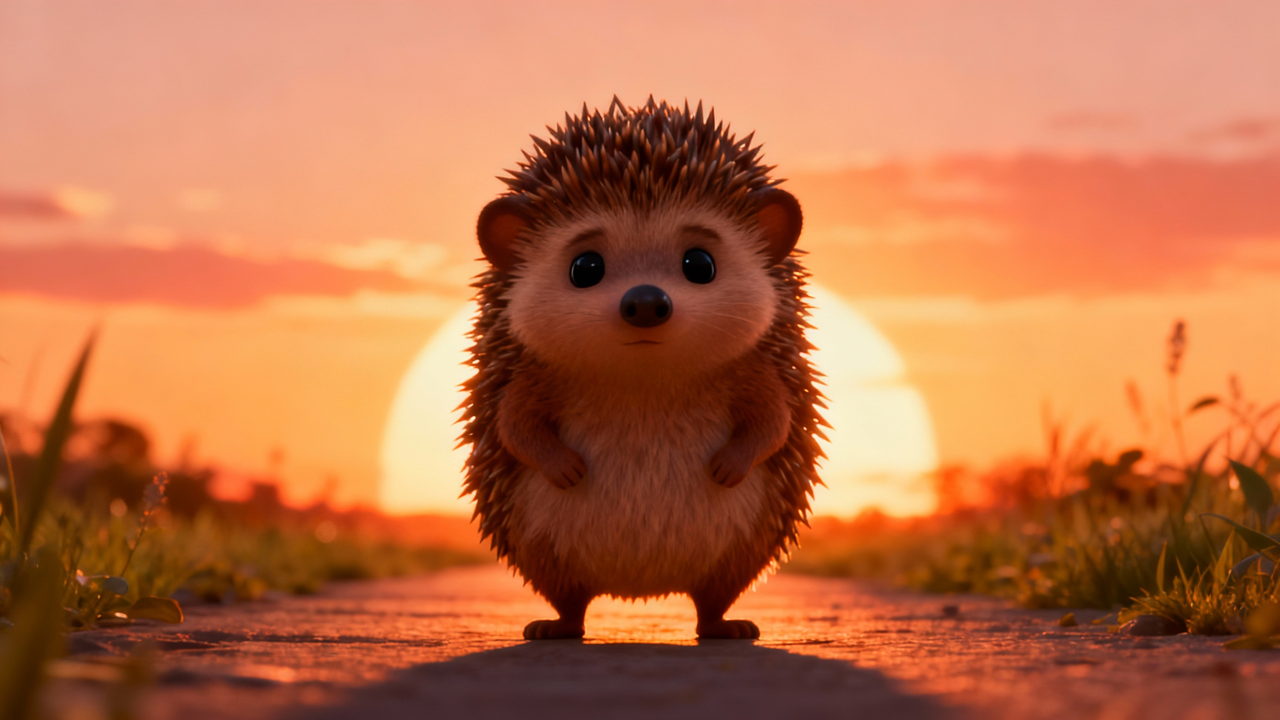
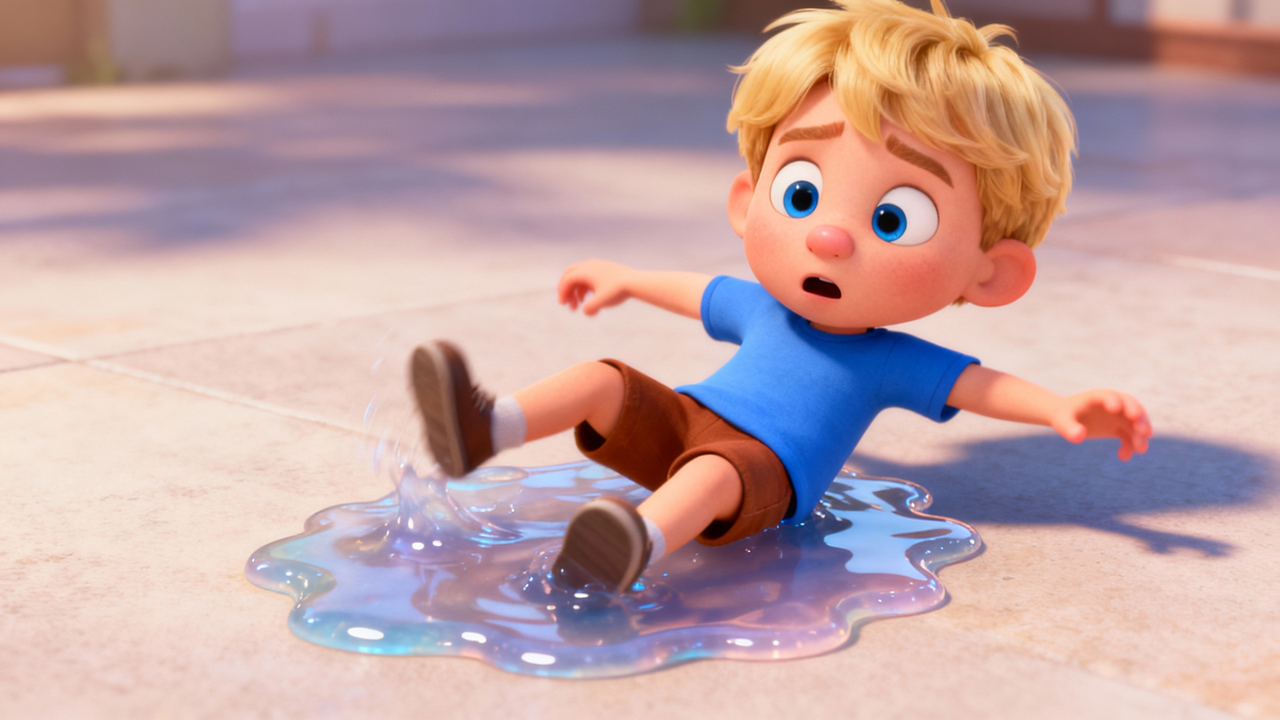
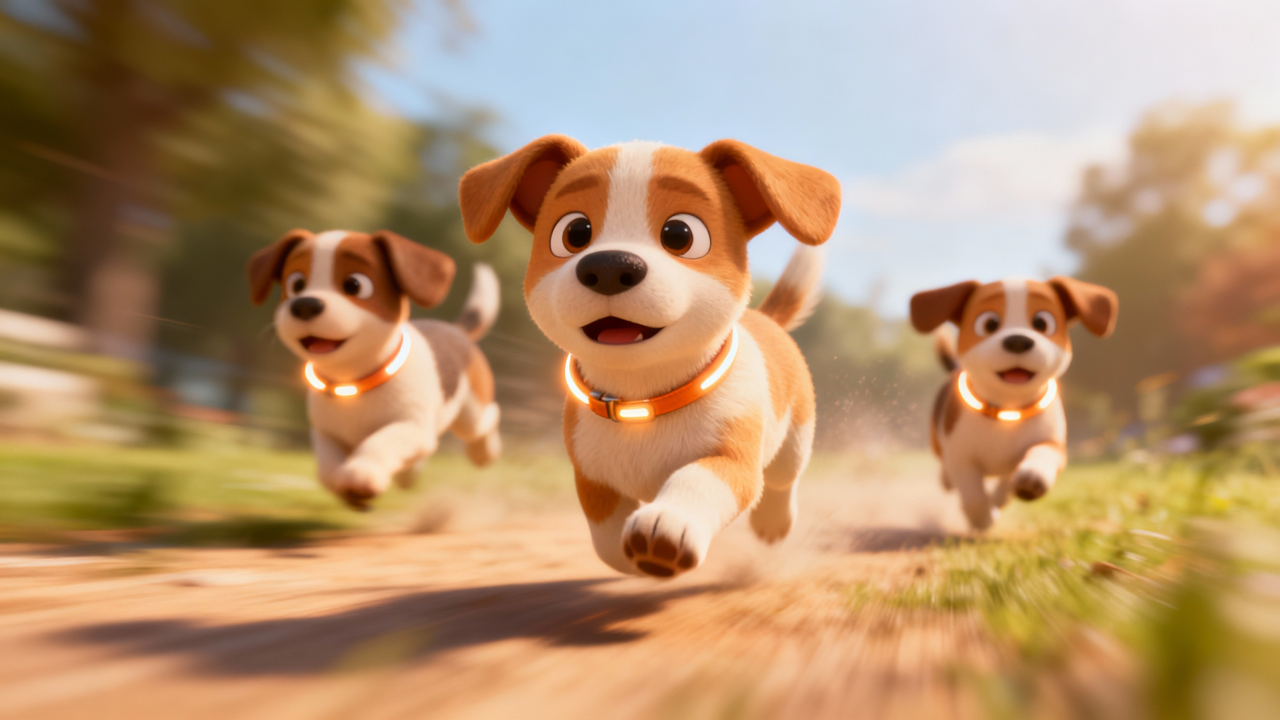
Start with an image and a prompt. MagicLight.ai gives you motion and a matching story background, then lets you finish the video with voice, captions, and export in one workflow.

Direct the camera movement within your static image. Instead of random motion, you can define specific pans, tilts, and zooms to highlight key subjects. The AI respects depth layers, ensuring that foreground and background elements move naturally relative to each other for a cinematic 3D effect.
Add subtle, natural movements to character portraits. The system automatically detects facial landmarks to introduce realistic blinking, head tilts, and micro-expressions without distorting the original features. It maintains the subject's identity perfectly, making it ideal for profile videos or digital avatars.
Animate specific parts of a photo while keeping the rest still. Select elements like flowing water, drifting clouds, or flickering lights to add dynamic energy to a scene. This feature allows you to create mesmerizing cinemagraphs that grab attention on social media feeds without complex video editing.
Maintain image sharpness during the animation process. Unlike standard converters that often blur details, our engine preserves the texture and resolution of your source upload. It ensures that the generated video matches the quality of your original photography, suitable for high-definition displays.
Keep the artistic style of your image intact. Whether you upload an oil painting, a vector illustration, or a realistic photo, the generated video frames strictly adhere to the original art direction. This prevents style drift and ensures your animated content aligns perfectly with your brand aesthetics.
Creating videos from your images has never been this easy.
Creators use MagicLight to animate photos, characters, illustrations, concept art, and product images for YouTube, TikTok, education, storytelling, and promotional content.
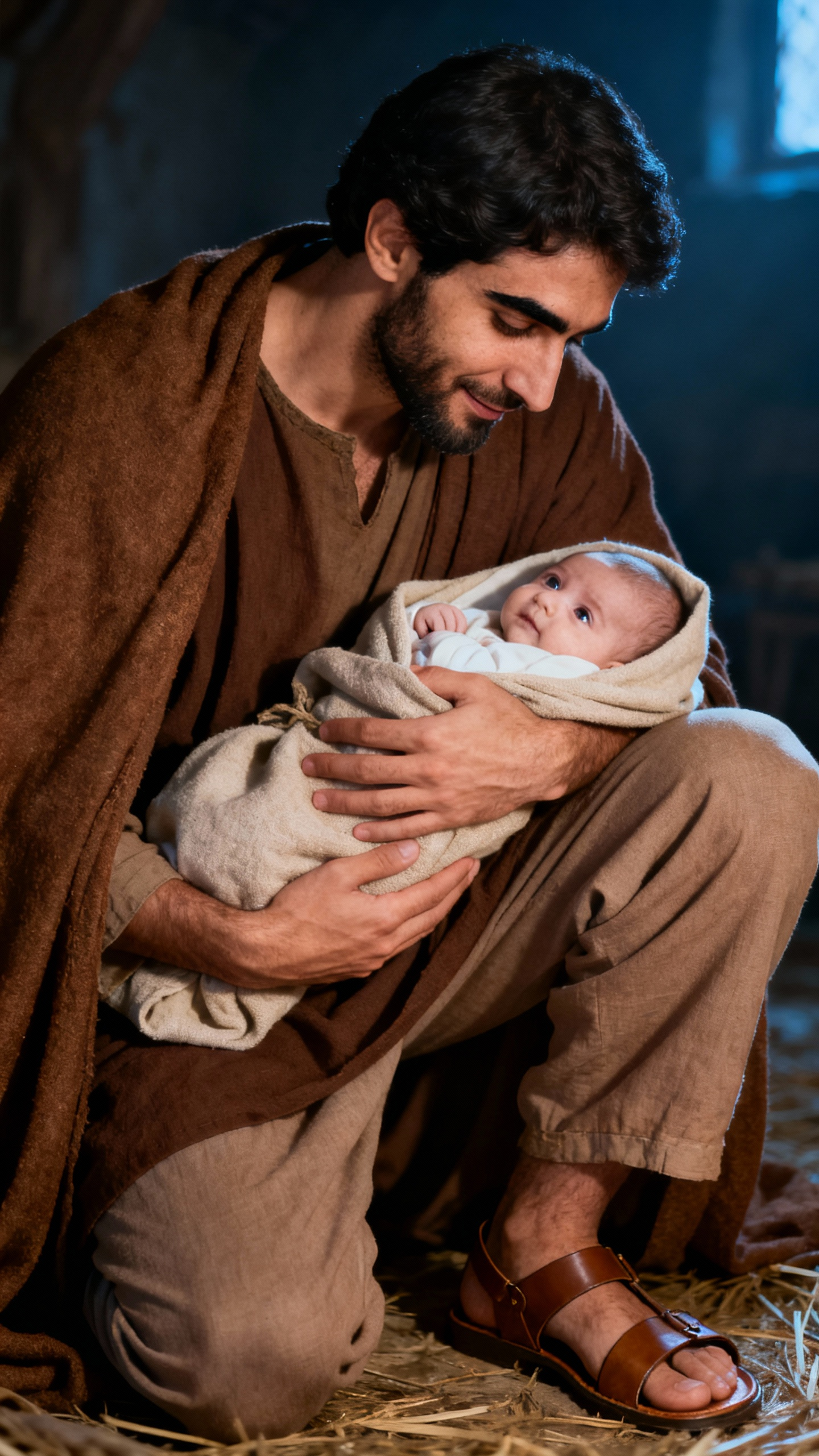
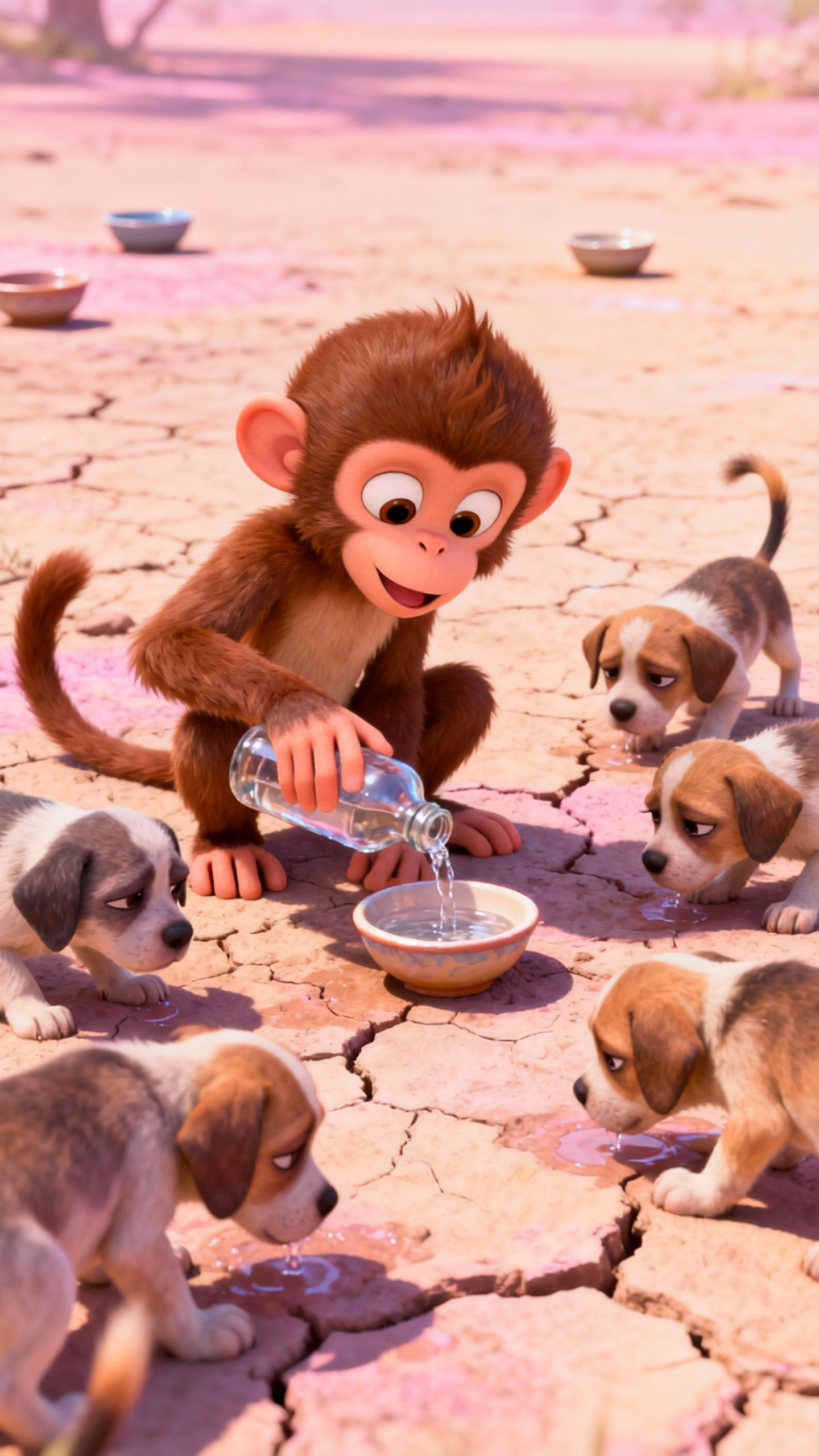
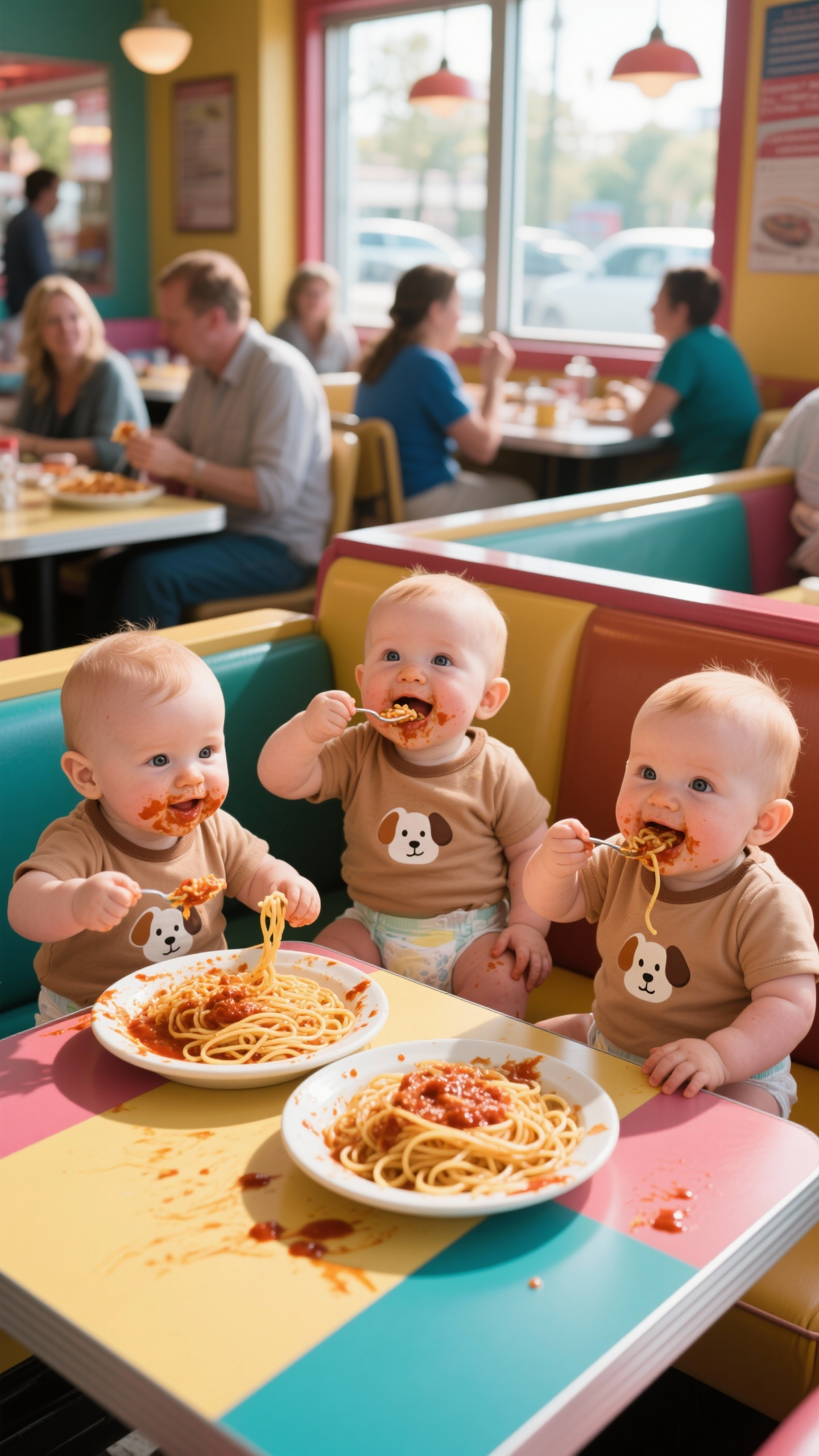
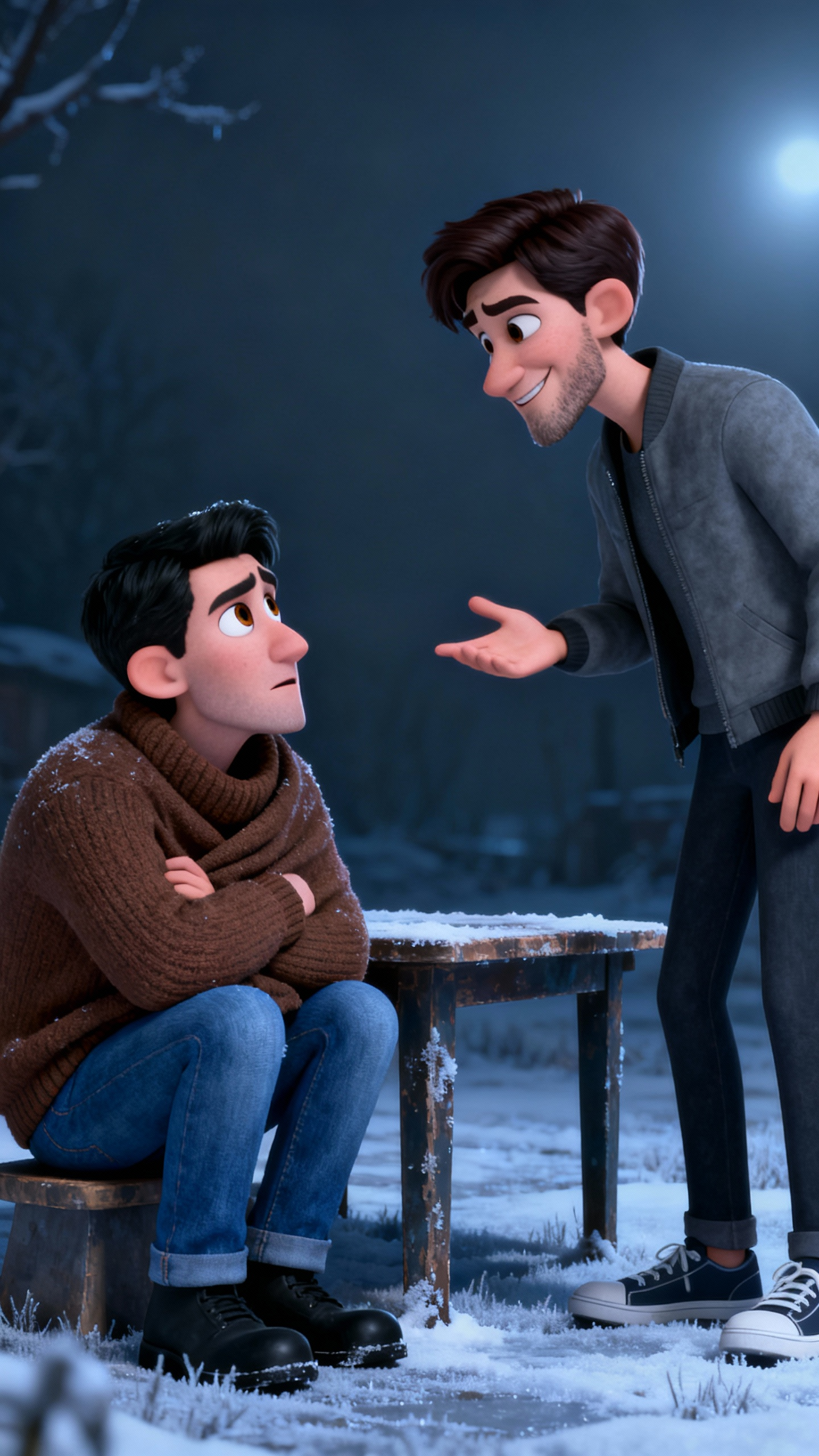
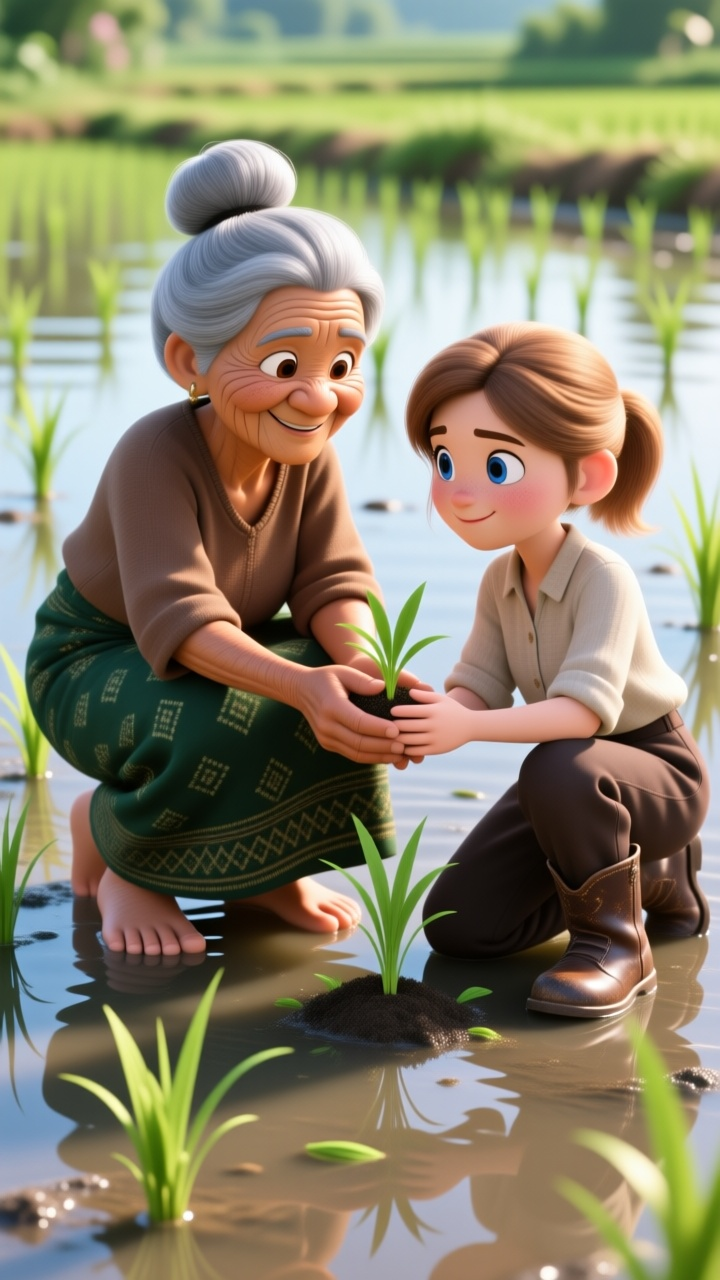
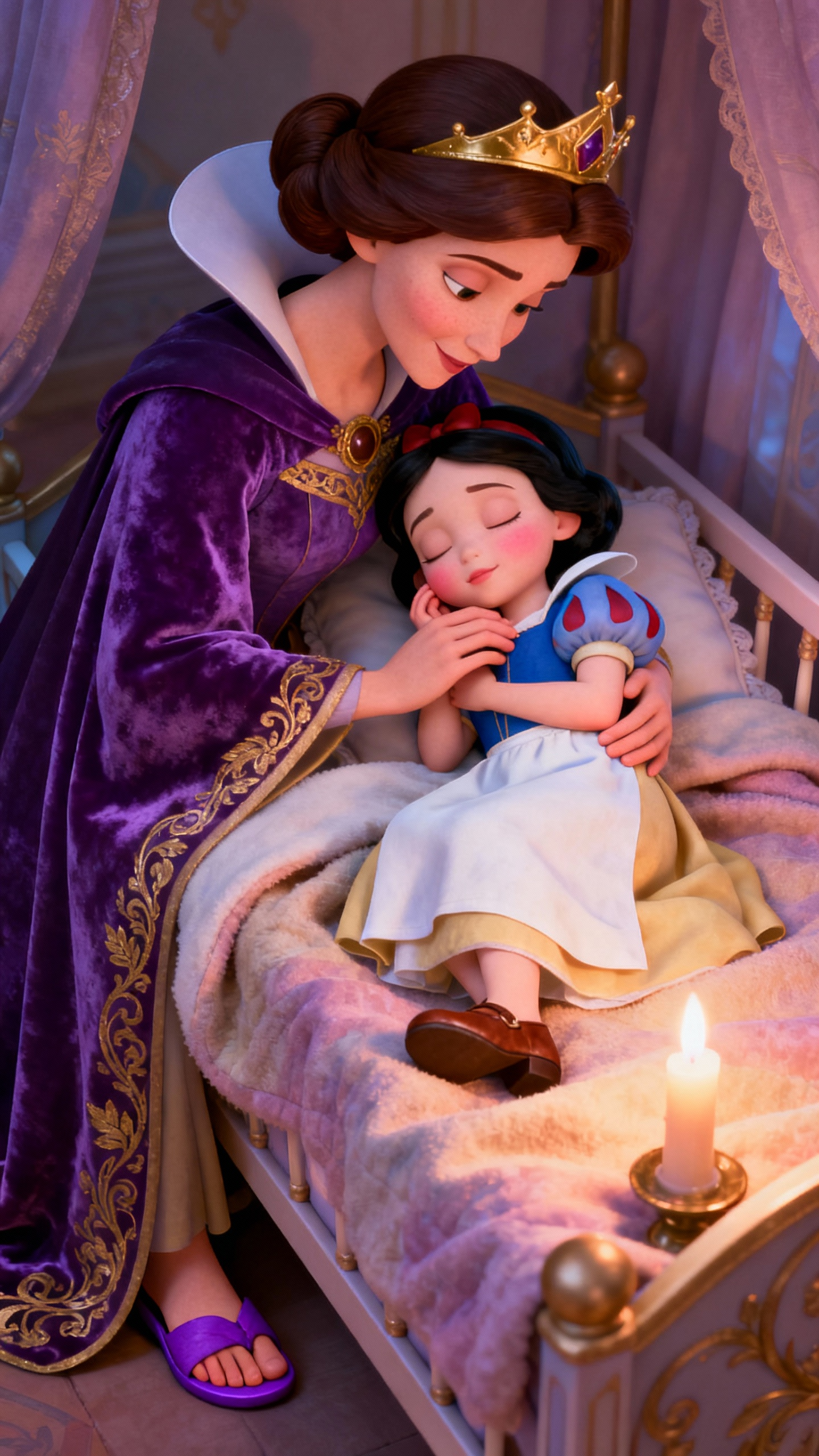
Yes. MagicLight keeps your image clear and true to its original style while adding motion.
Yes. You can upload several images and turn them into one flowing video sequence.
Magiclight.ai supports JPG, PNG, and JPEG files up to 10MB.
Yes. MagicLight lets you add narration and captions in the same workflow.
Yes. Paid plans include full commercial usage rights for generated videos.
Yes. You can create sample image to video clips for free before upgrading.



Turn your photos, drawings, and artwork into dynamic videos with image to video ai generator. No credit card required.