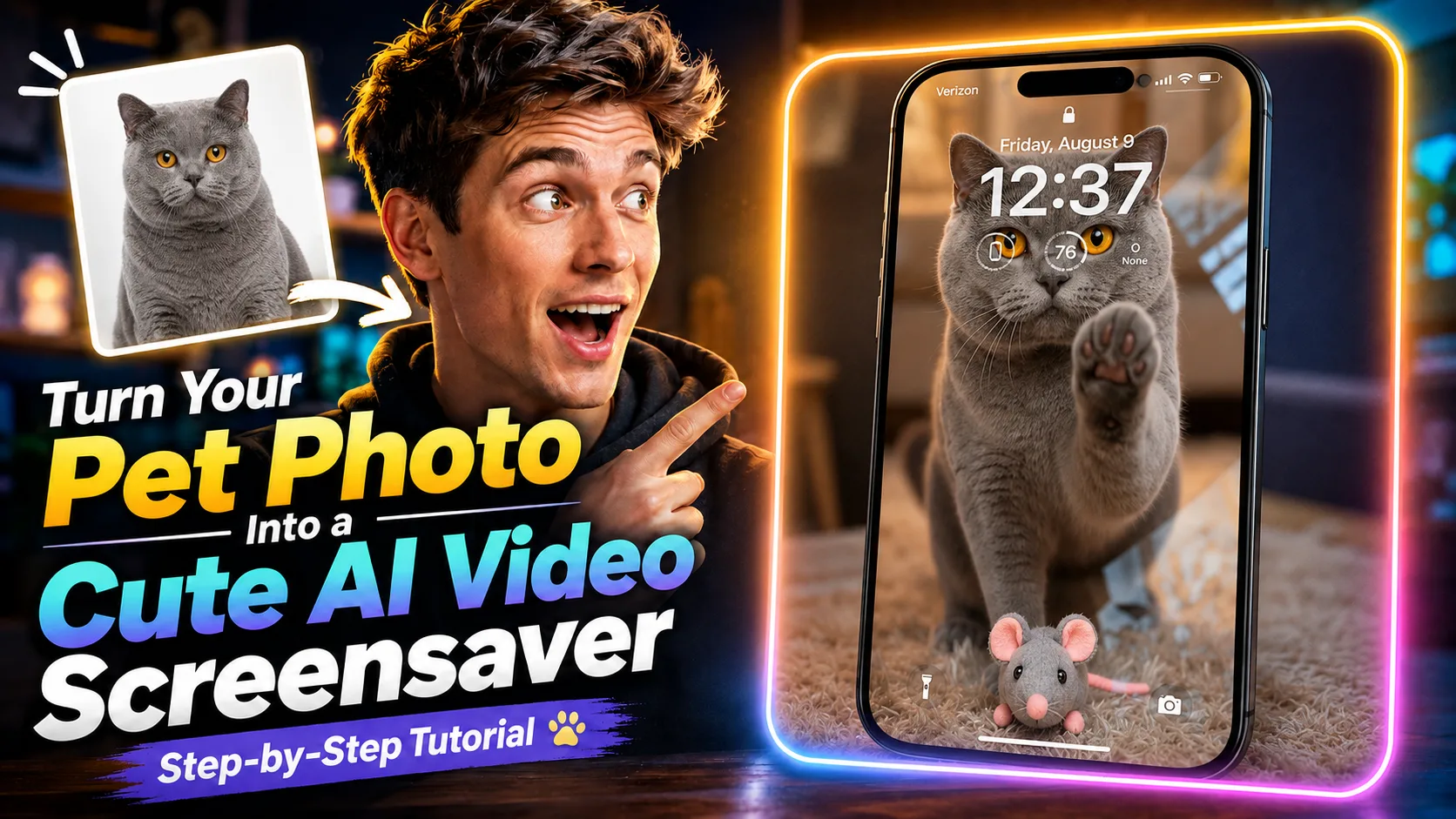
تريد أن تتحول صورة حيوانك الأليف المفضلة إلى شاشة توقف لطيفة تتحرك؟ في Magiclight تكفي صورة واحدة لعمل فيديو قصير ودافئ، من دون خطوات طويلة.
يشرح هذا الدرس كيف ترفع الصورة، تختار Seedance 2.5، وتولّد فيديو بأسلوب شاشة التوقف من دون مونتاج معقّد.
شاهد الفيديو كاملًا أولًا، ثم انسخ الـ prompt بالأسفل وجرّبه على صورة حيوانك.
ماذا ستحصل عليه
فيديو قصير تدبّ فيه الحياة في صورة حيوانك. مناسب كشاشة توقف لطيفة، أو كمشهد ظريف تحفظه وتشاركه.
كل ما تحتاجه في البداية صورة واضحة لحيوانك الأليف.
1. افتح Generate Video في Magiclight
ادخل إلى Magiclight.ai واضغط Toolbox.
من الأدوات اختر Generate Video لتفتح مسار إنشاء الفيديو.
2. ارفع صورة حيوانك الأليف
ارفع الصورة التي تريد تحريكها. الأفضل أن يظهر الوجه والشعر بوضوح؛ هذه الصورة ستكون نقطة انطلاق الفيديو.
3. اختر Seedance 2.5
في خيارات النموذج اختر Seedance 2.5.
هذا هو النموذج المستخدم هنا لتحويل الصورة الثابتة إلى فيديو بأسلوب شاشة التوقف.
4. ألصق الـ prompt
استخدم الـ prompt التالي لتوجيه حركة القطة وتعبيرها والمكان والإطار الأخير.
Prompt
انسخ الـ prompt بالإنجليزية كما هو. ترجمته غالبًا تضعف النتيجة.
Fixed camera, single continuous take. A cat is in a warm, cozy real home living room with a softly blurred background. A perfectly transparent glass sheet sits flush with the lens, so the cat feels like it is right on the other side of the screen. The glass starts clear.
The cat looks directly into the camera as if noticing someone outside the screen. After a brief pause, it turns, walks a short distance, picks up a small cute toy in its mouth, and carries it back. The toy can be a plush mouse, tiny plush heart, or yarn ball.
The cat comes close to the glass and gently places the toy down in front of it, like offering a gift to the viewer. Then it lifts one front paw and lightly touches the glass once, with soft realistic paw-pad contact. After that, it lowers the paw, stays close behind the toy, and looks at the camera with a sweet, expectant expression. Finally, it leans a little closer and gives one soft blink, holding the gaze for a moment.
Realistic, warm, healing, intimate. No phone frame, no UI, no text, no subtitles, no camera movement, no cuts, no cartoon style, no 3D animation feel, no human hands, no automatic effects.
Strict order: look at camera → turn away → pick up toy → carry it back → place toy down → touch glass once → look at camera → lean closer → blink.
5. أنشئ الفيديو
اضغط Generate وانتظر حتى ينتهي Magiclight.
بعد اكتمال التوليد يمكنك معاينة فيديو شاشة التوقف اللطيف.
جرّبه الآن في Magiclight
المسار كله هنا: افتح Generate Video، ارفع الصورة، اختر Seedance 2.5، ألصق الـ prompt، ثم اضغط Generate.
استخدم صورتك المفضلة وشاهد حيوانك وهو يتحرك.