
All-in-One TikTok Video Creation with Magiclight AI TikTok Video Generator
Magiclight AI's TikTok video generator fits your rhythm. It keeps scenes, timing, and exports in one place, so nothing breaks your flow.

Use Magiclight AI to start with a quick TikTok idea and build it out. Drop in text, posts, or product photos in seconds. Let the AI TikTok video generator handle the heavy lifting.
Try AI TikTok Video Generator Free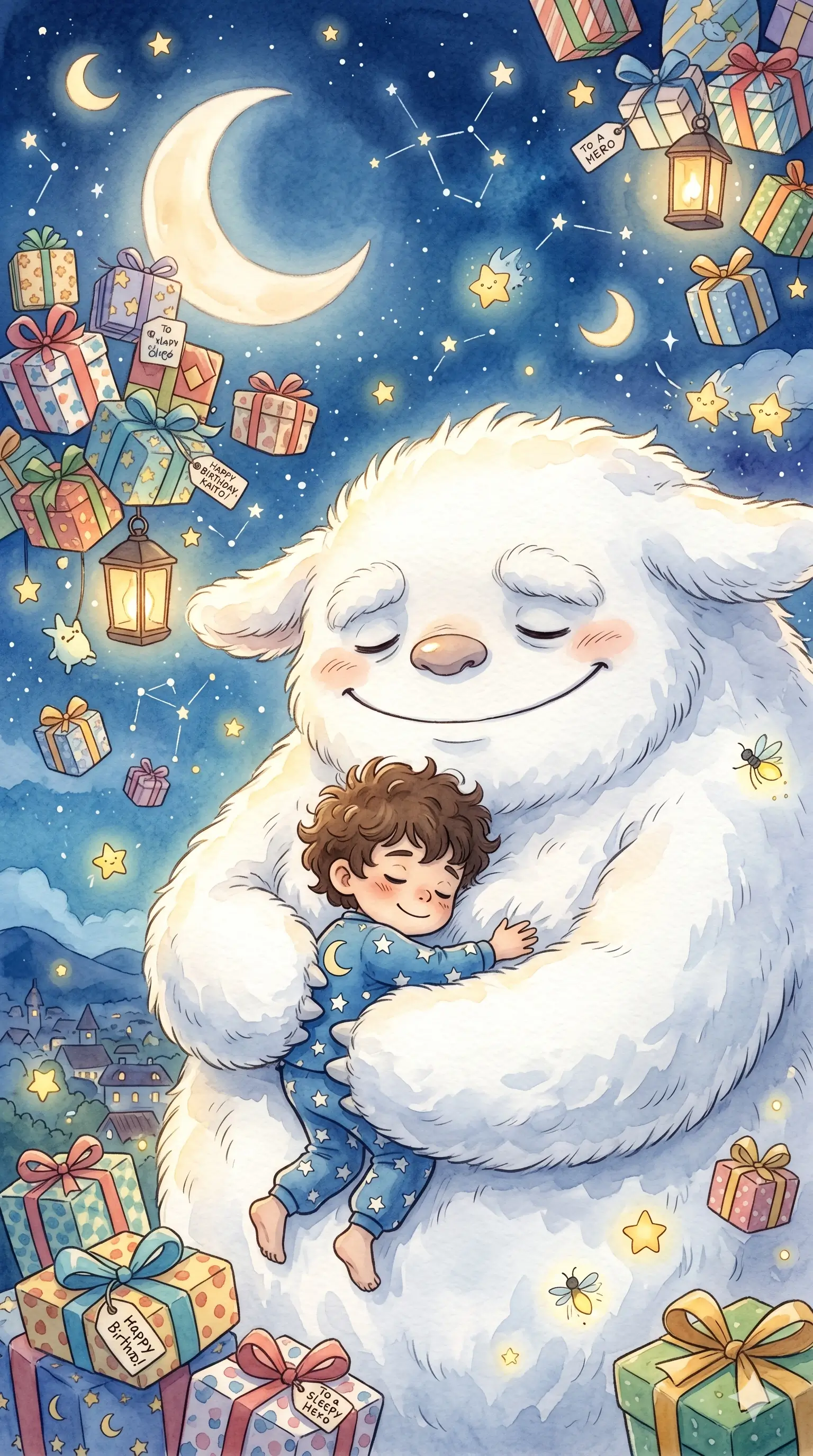
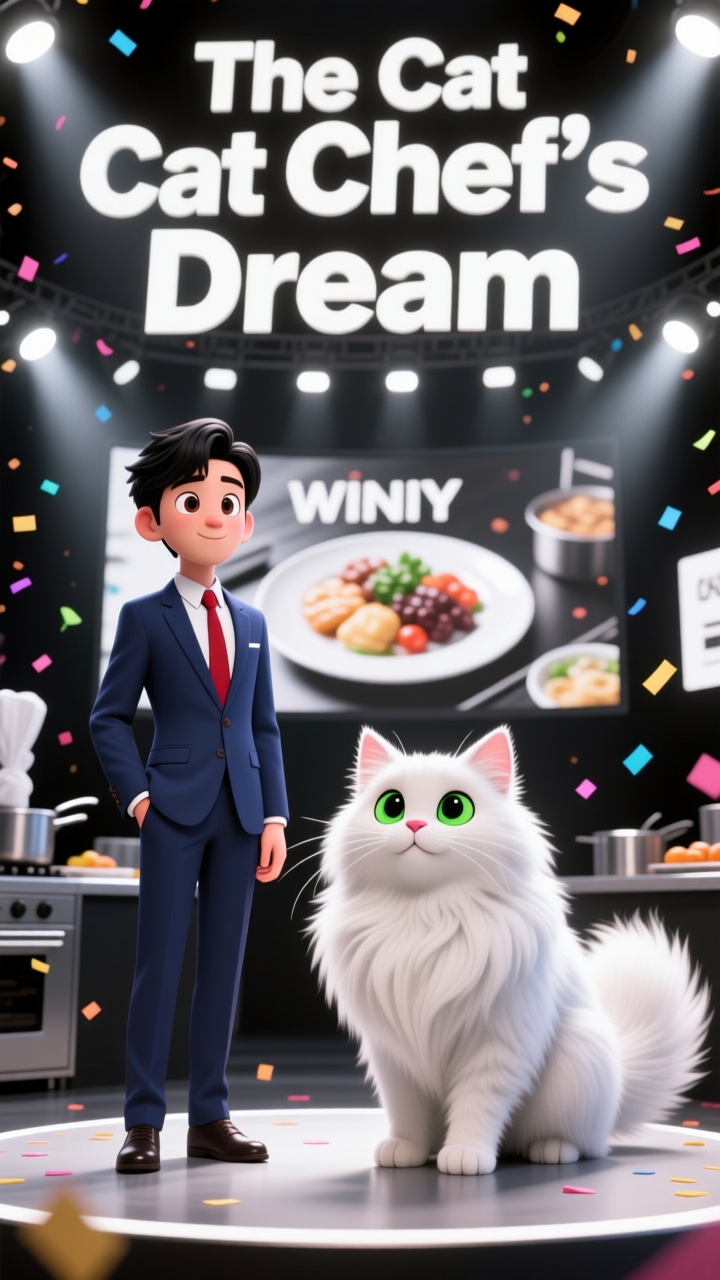
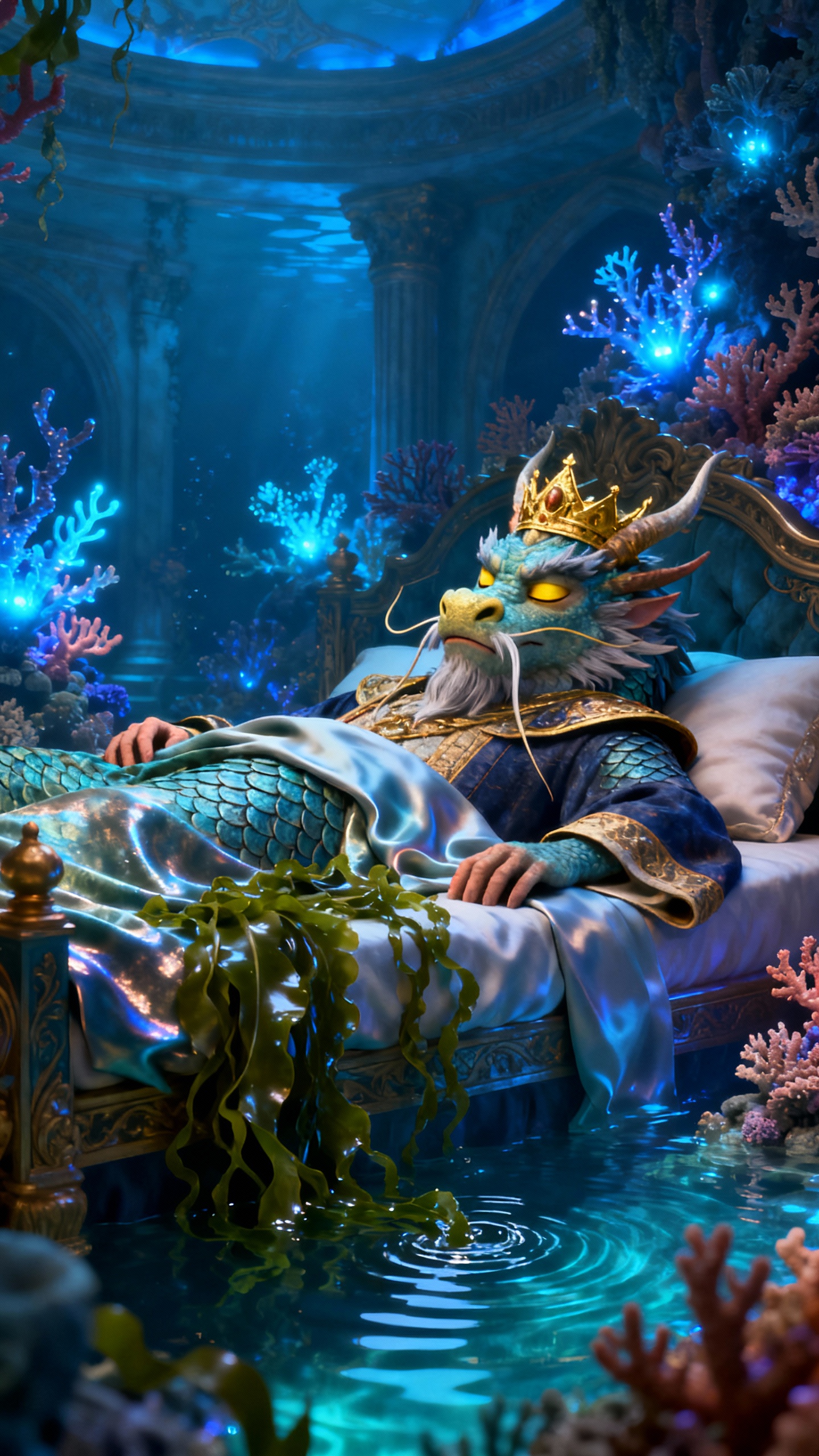
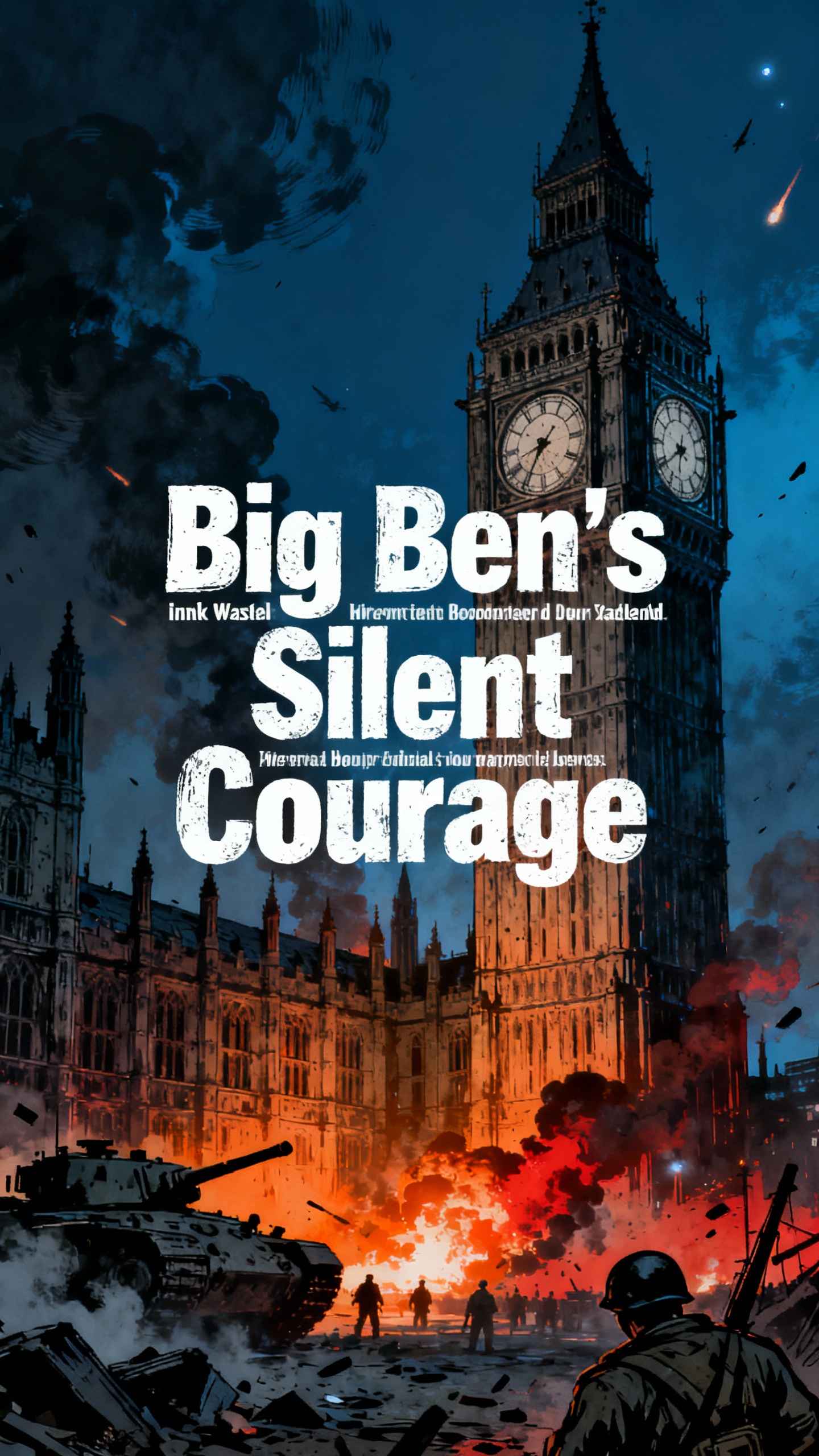
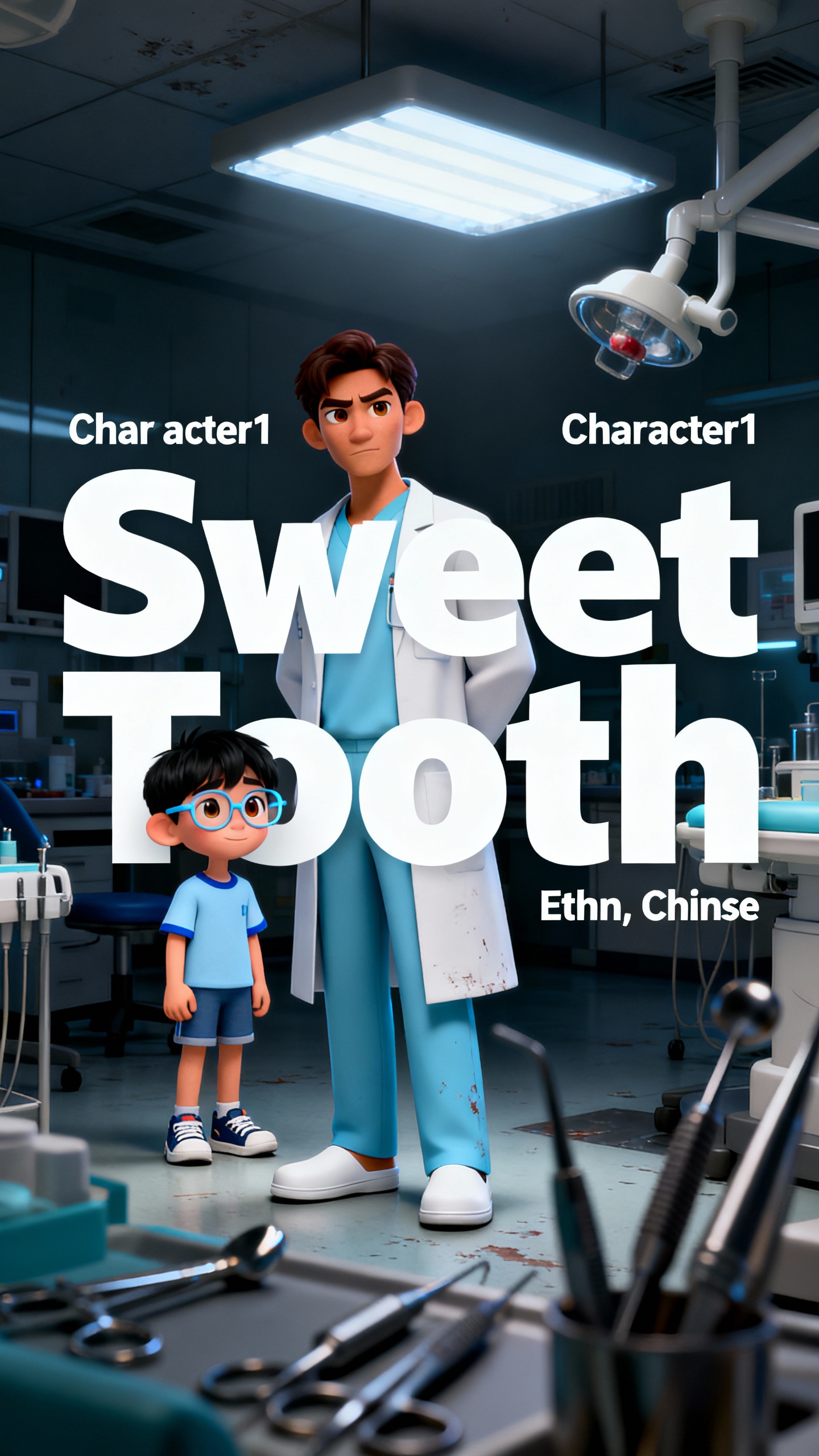
Magiclight AI's TikTok video generator fits your rhythm. It keeps scenes, timing, and exports in one place, so nothing breaks your flow.

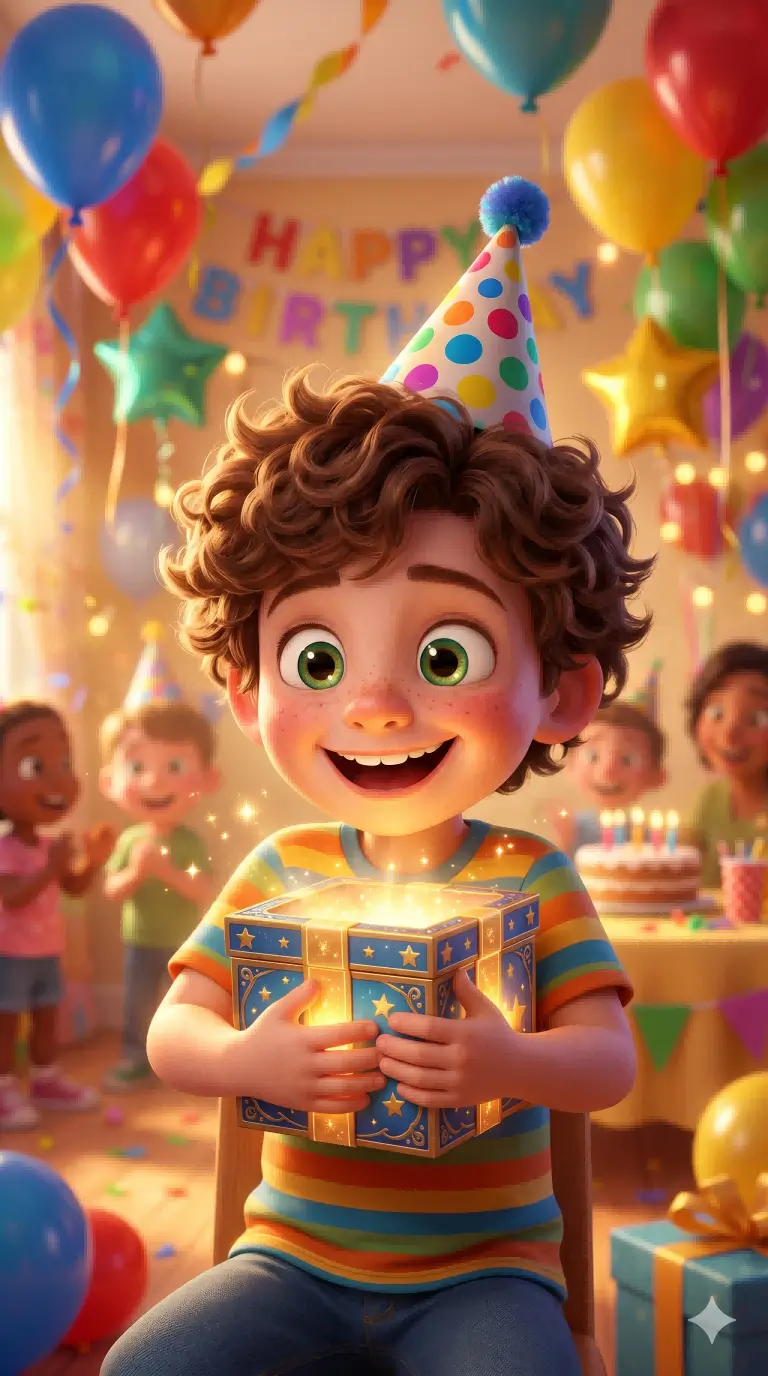
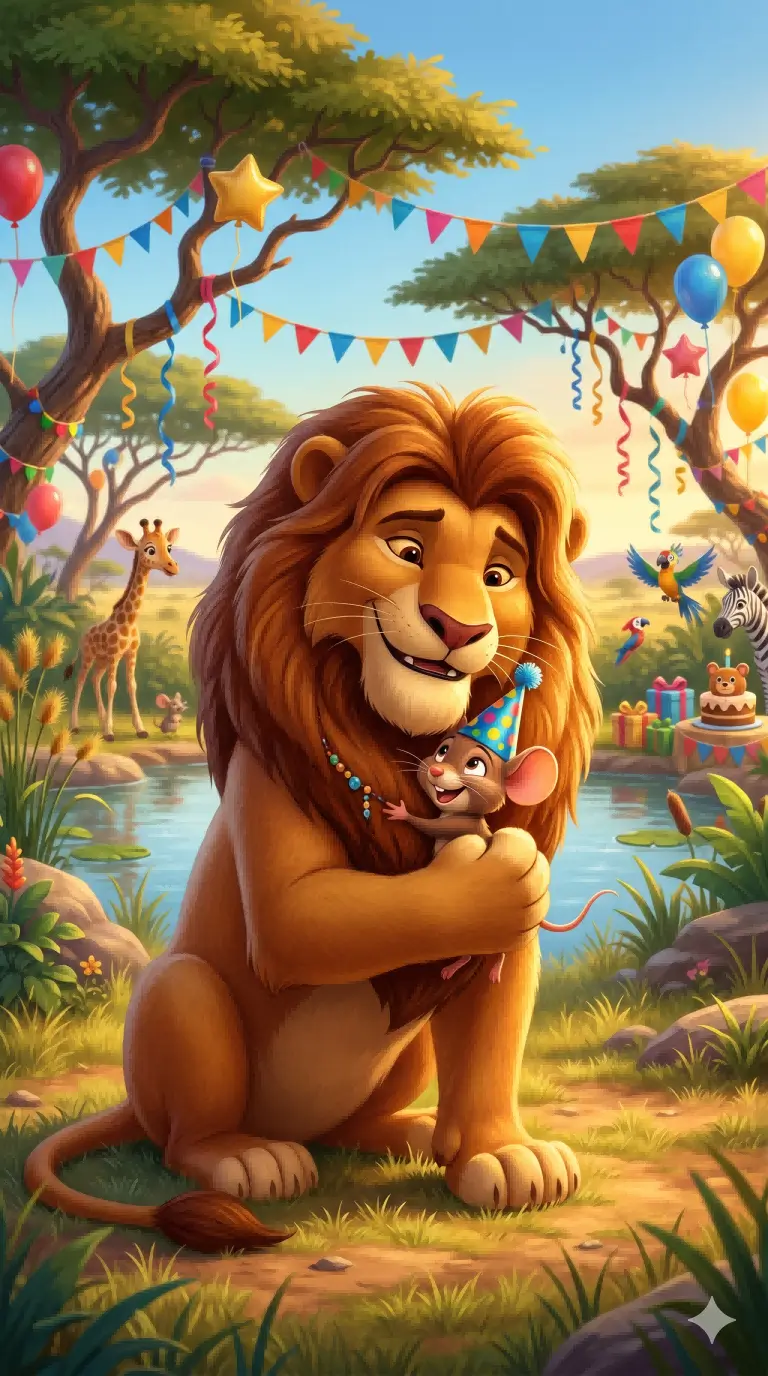
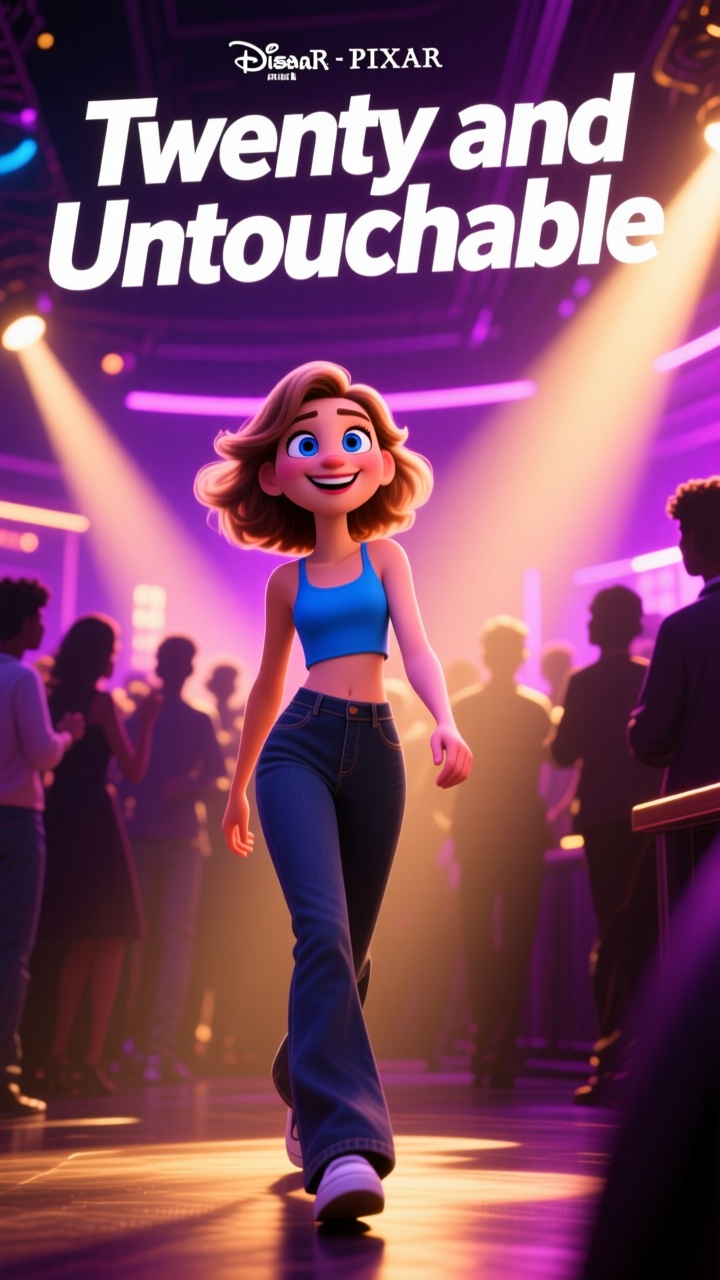
Pick from 10 video styles to match each idea's mood. Magiclight AI lets you switch looks to make every TikTok visually on-theme.
With Magiclight AI, start with simple templates instead of building scenes. It shapes pacing and structure, then tweaks details to your TikTok flow.
Keep the same character showing up in many TikTok clips. Magiclight AI helps faces and outfits stay the same to make ongoing stories feel connected.
Try 14 AI video models to see what fits your niche best. This range makes it easier to find a style that matches your audience.


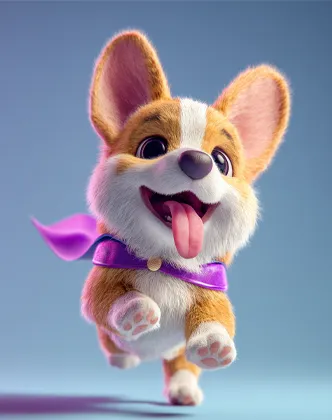
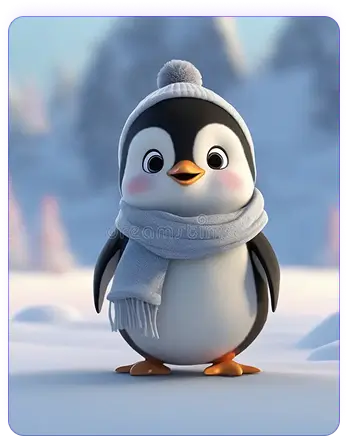
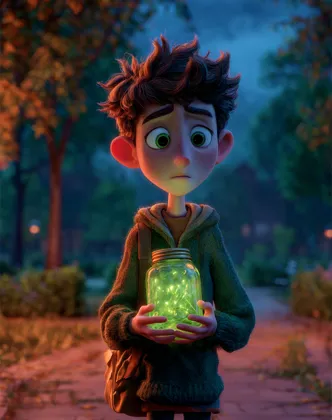
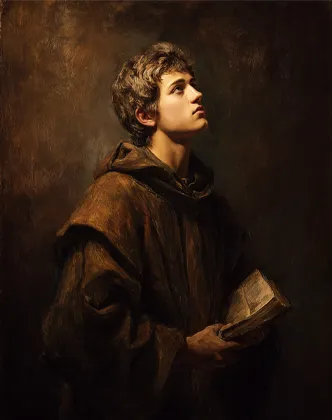
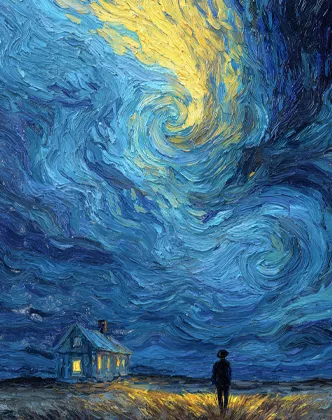
A clear process inside Magiclight AI makes AI-generated TikTok videos feel easier to finish. You always know what comes next, which keeps ideas moving smoothly into finished clips.
Write a clear description of your character and TikTok scenario or story idea. Include details like skin tone, clothing, and key props for clearer results.
Pick a visual style that fits TikTok, such as casual, cinematic, or animated. Choose built-in voice-overs or clone your own voice to boost engagement.
Adjust generated scenes until poses and expressions match your intended TikTok mood. Change outfits, framing, and small details so every shot feels ready for posting.
Preview the full video and confirm that pacing and visuals feel smooth from the start. Export the finished clip, then publish directly to TikTok or download for later sharing.
Magiclight AI helps you quickly build short vertical TikTok clips from simple inputs. This AI tiktok video generator focuses on scenes, pacing, and export in one place.
Yes. You can keep one main character appearing consistently throughout different stories. Magiclight AI tracks their look, letting the generator stay consistent.
Yes. You can paste scripts, captions, or ideas, then shape them into visual story beats. Magiclight AI then uses its tools to build full clips.
You can work through clear steps, even if editing tools usually feel confusing. With Magiclight AI, the AI video generator for TikTok handles complex production tasks.
Yes, it suits UGC editors, small brands, educators, and faceless theme pages. Each group leans on Magiclight AI to publish content more often.
You can preview the full flow, then tweak scenes until everything feels right. Magiclight AI lets the generator show timing and visuals clearly.



Turn your TikTok ideas into clean story clips with flexible timing control within Magiclight AI.