Explore Powerful Features of Magiclight AI Image Animator
With Magiclight AI, one can animate image ideas without the hassle of editing. Start with one picture, describe the motion, and turn it into a clean, shareable video scene fast.

Bring static portraits and AI characters into motion with less effort in Magiclight AI. Create smoother visual stories that look polished and ready to share with one click.
Animate Your Image Free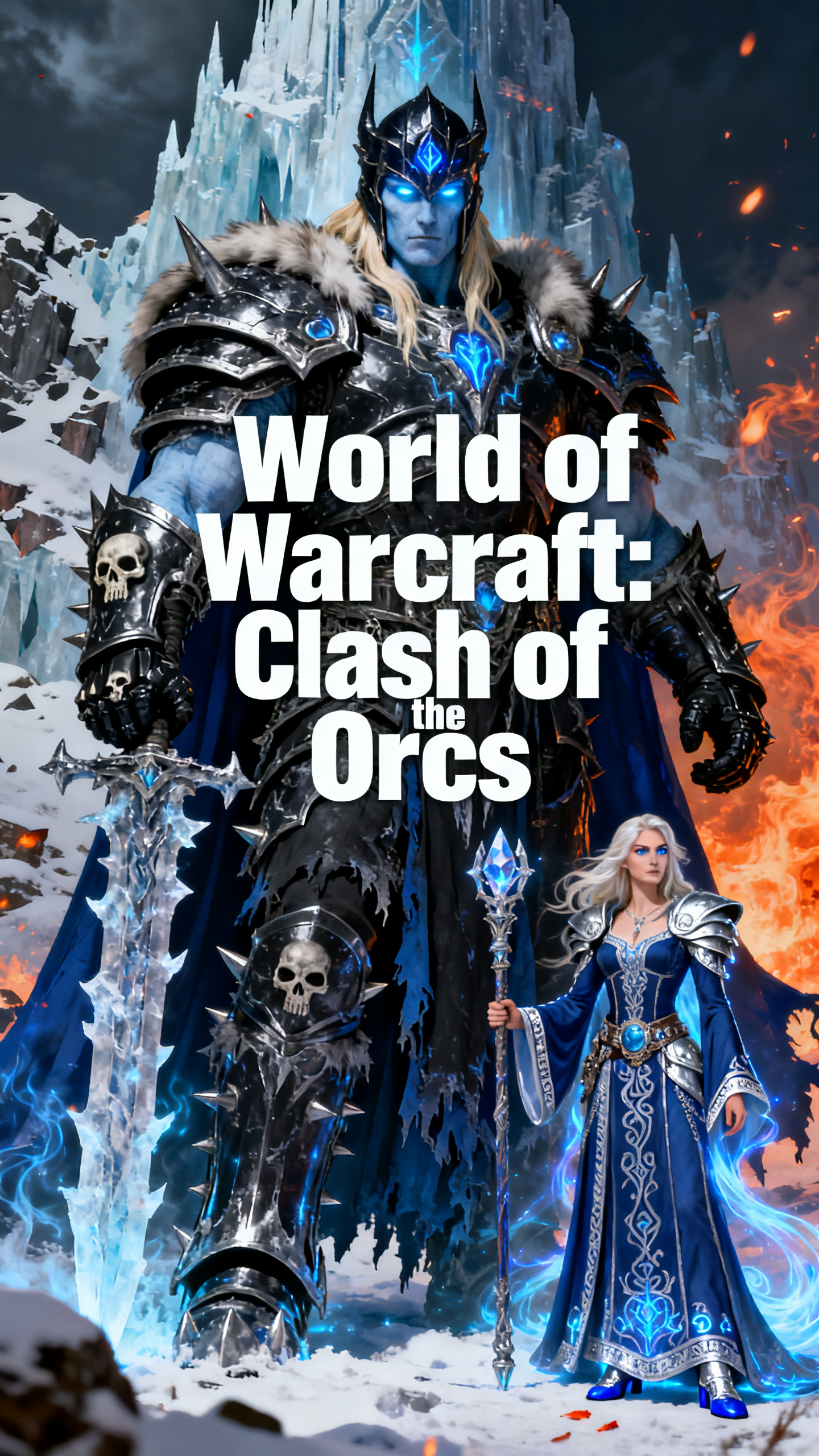
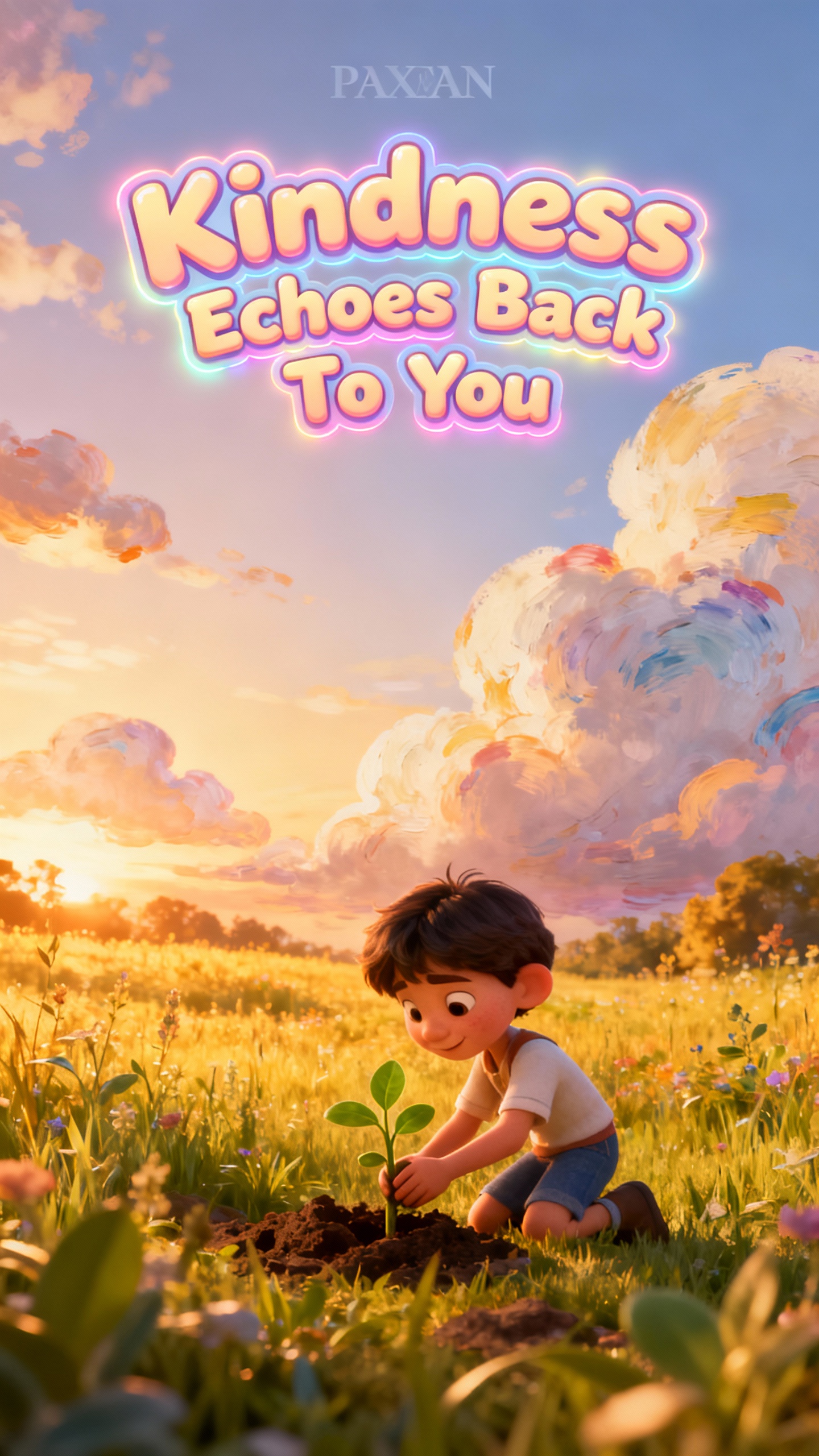
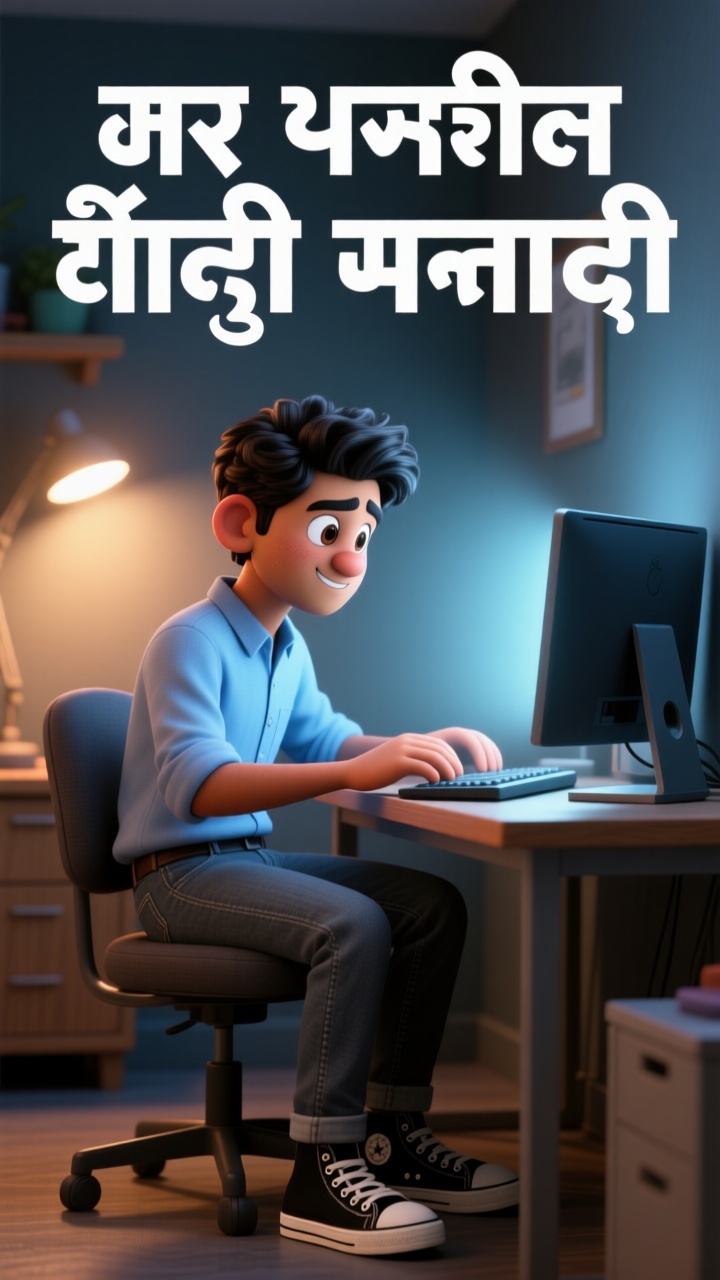
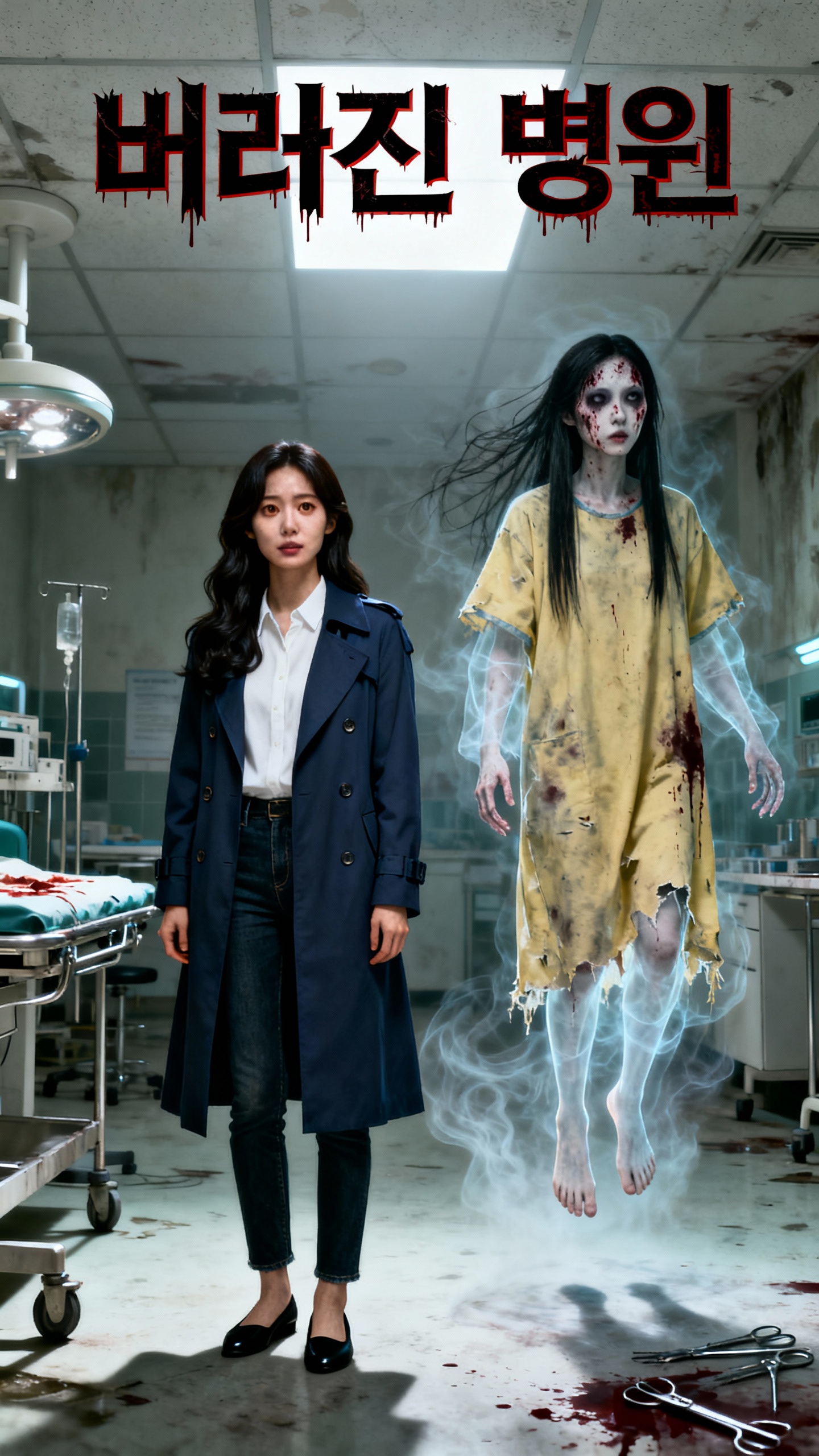
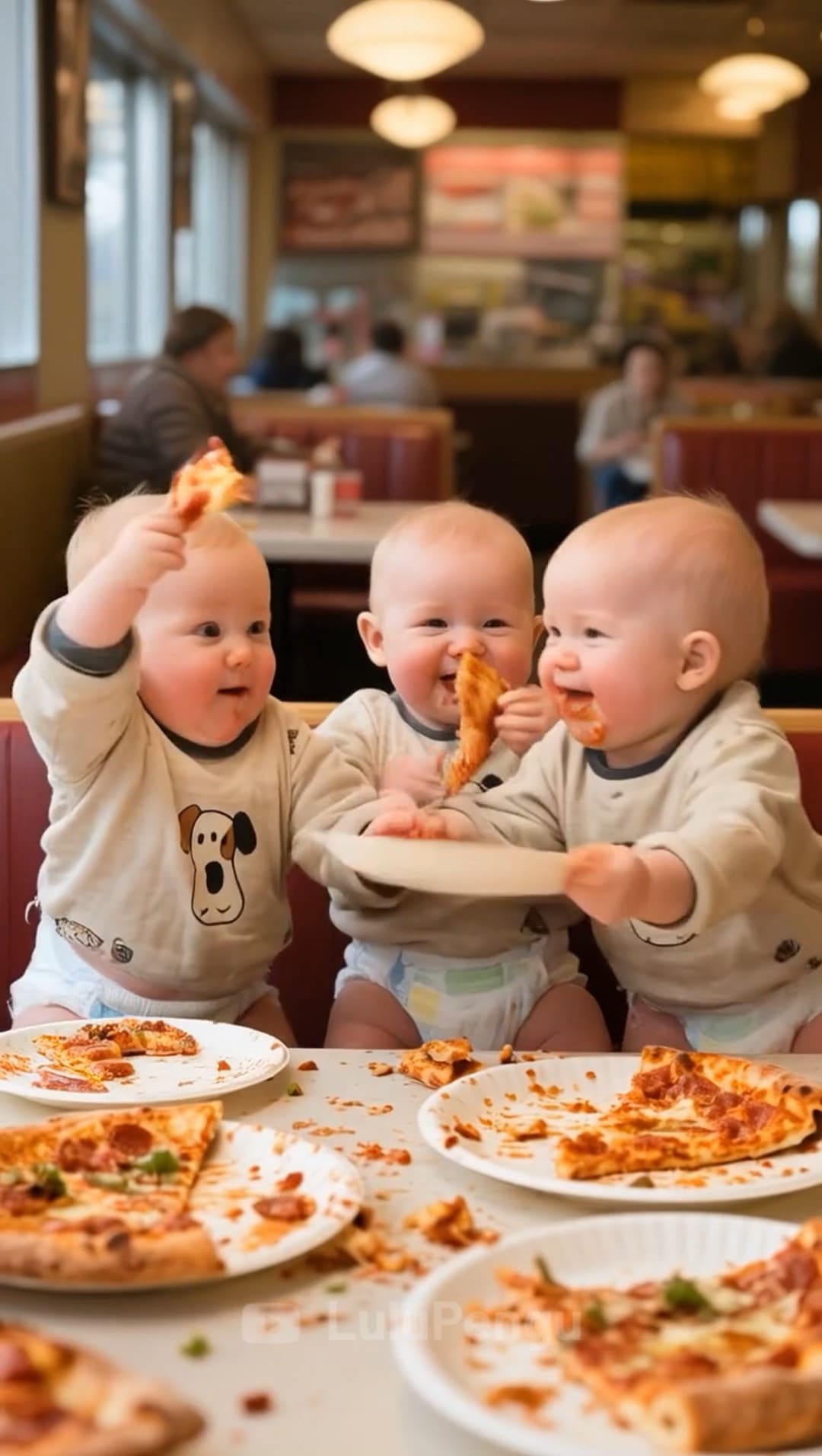
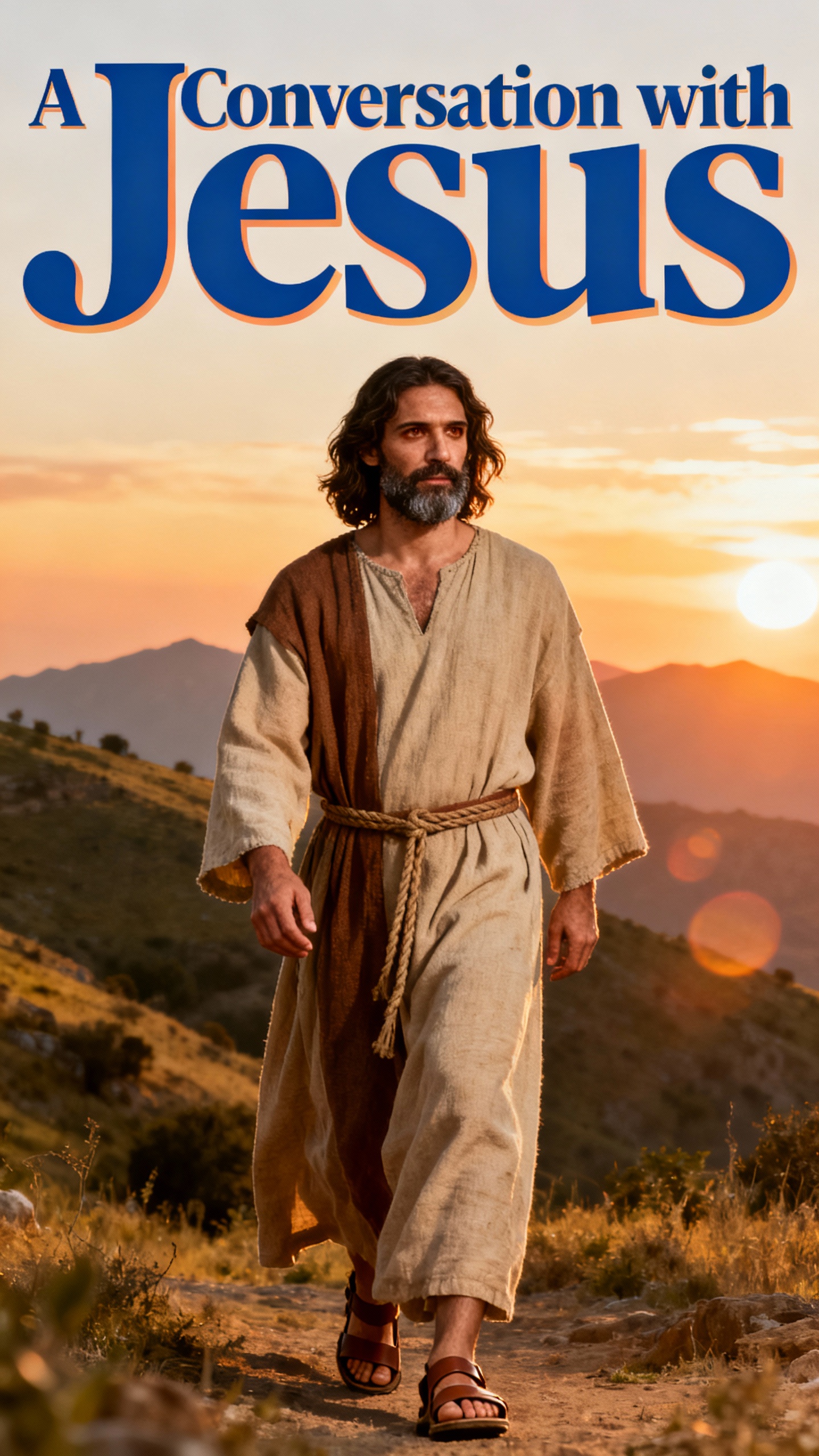
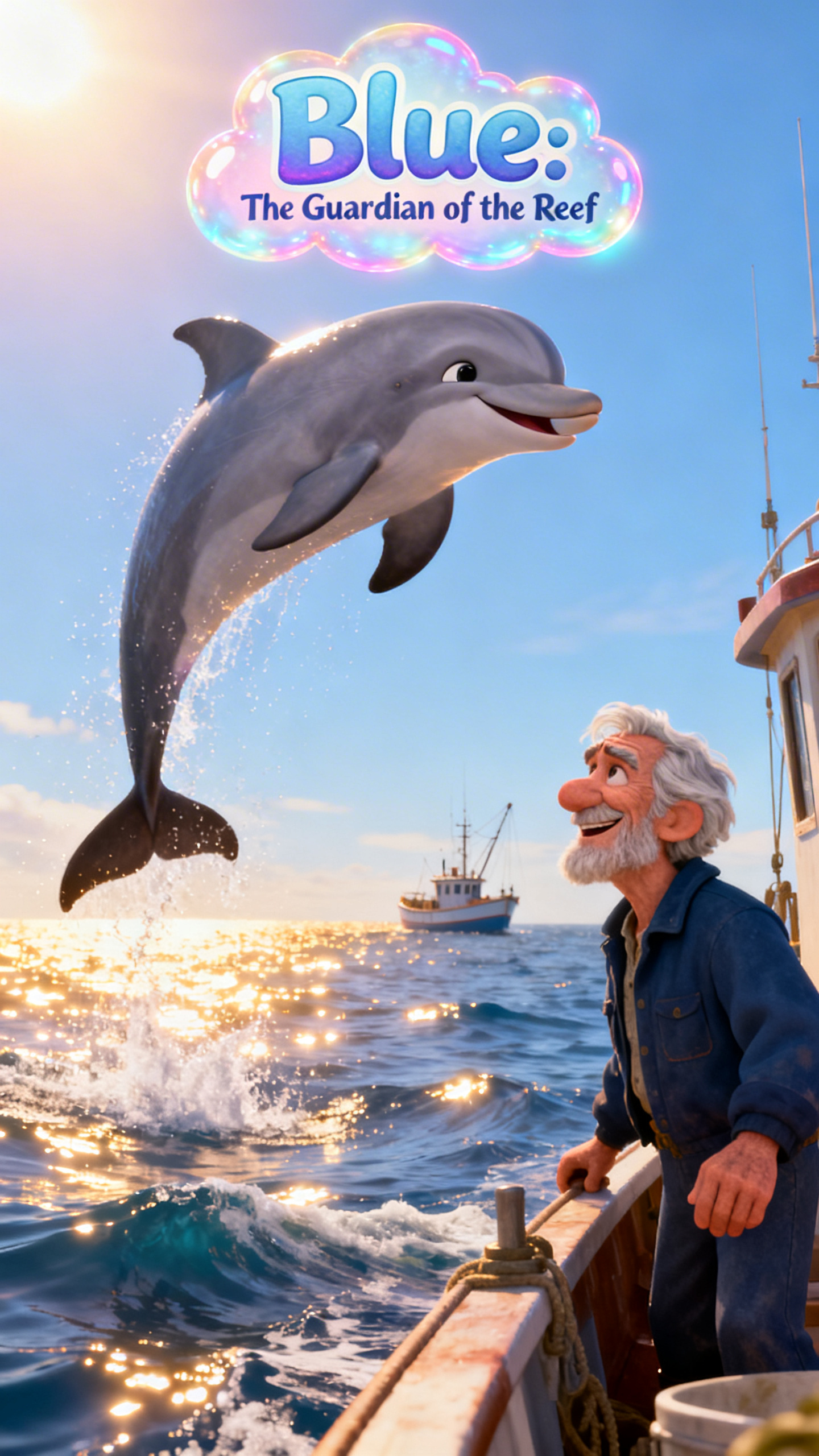
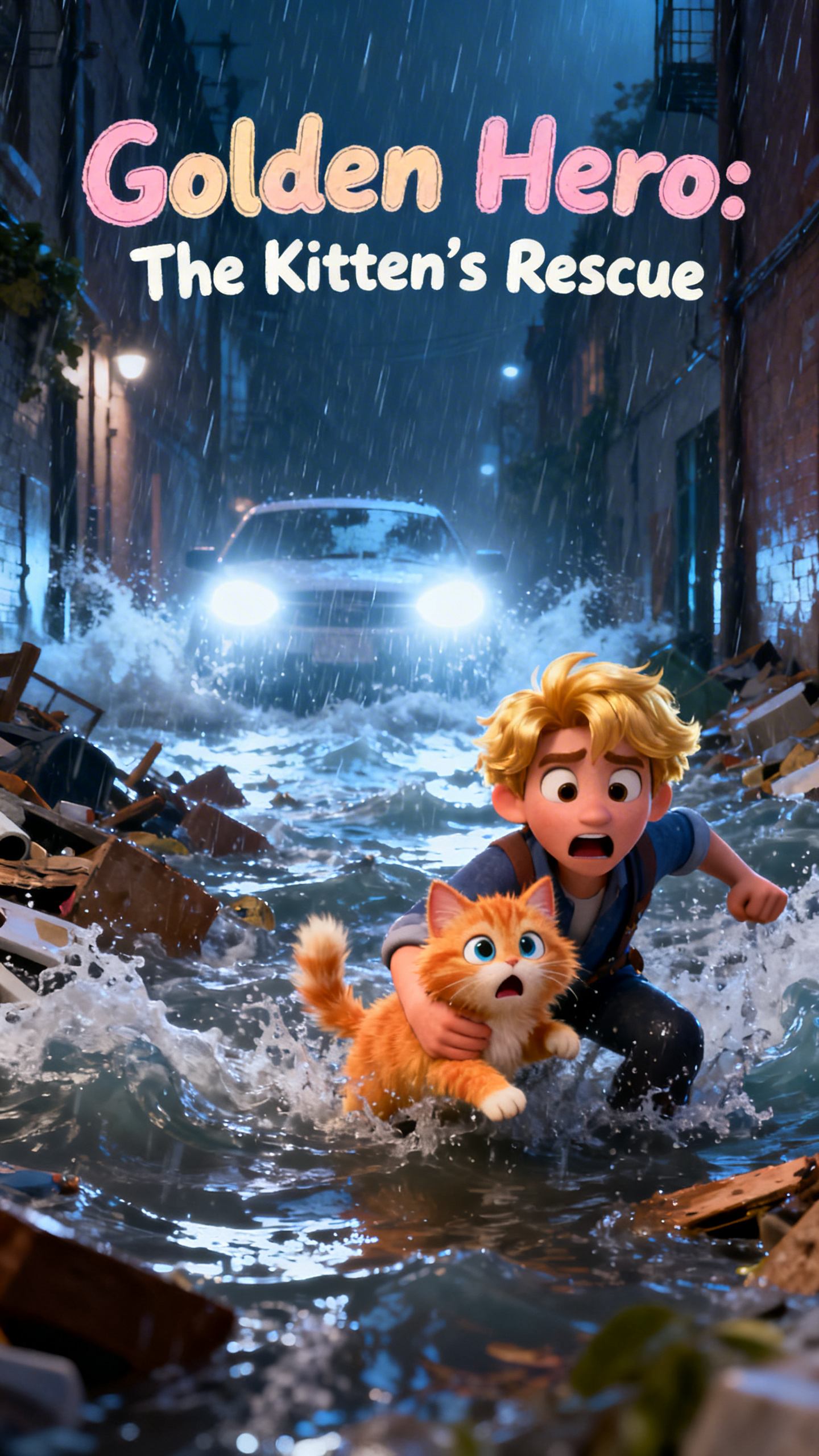
With Magiclight AI, one can animate image ideas without the hassle of editing. Start with one picture, describe the motion, and turn it into a clean, shareable video scene fast.

Write up to 1500 characters to guide movement, mood, and camera flow. Rich prompts keep the image motion smooth.
Turn OC art, mascots, and portraits into motion with subtle action. Blinks, turns, and small reactions make scenes feel more alive.
Switch between 19 video models for softer movement or sharper action. Better model choice more accurately supports animated photo AI ideas.
Re-edit during generation instead of starting over from zero each time. Quick changes help rescue weak AI picture animator results before you lock the final scene.


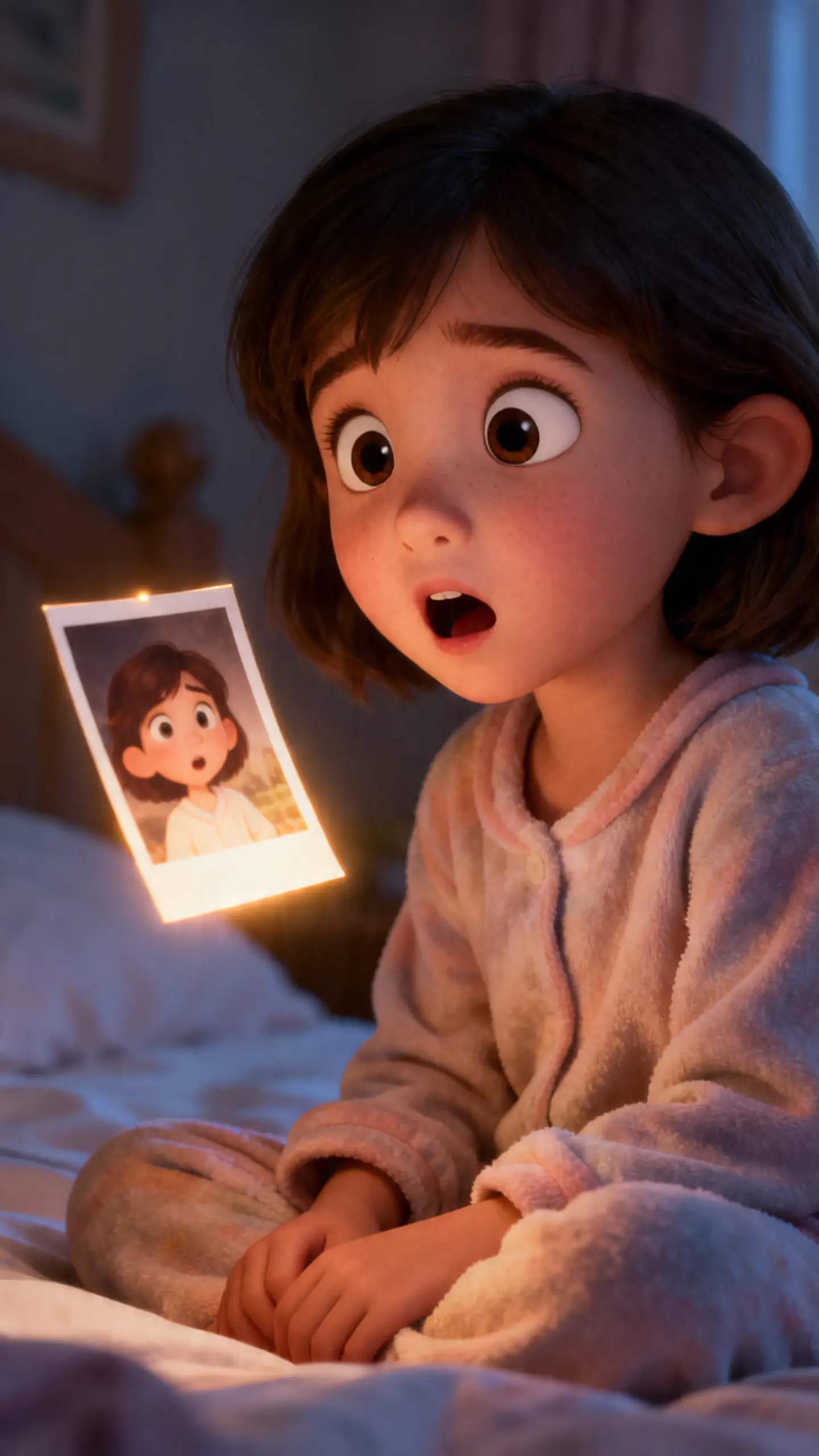
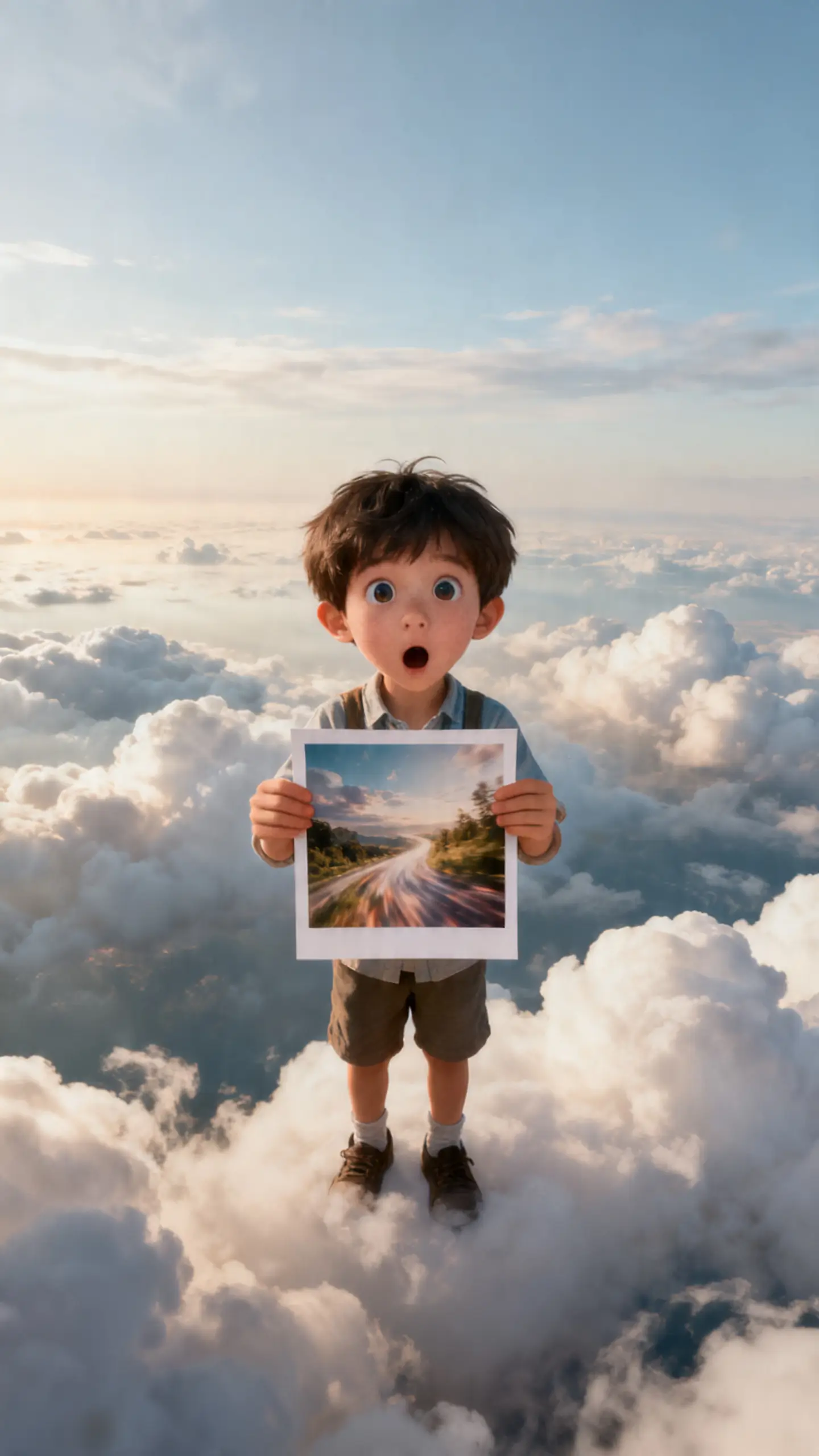
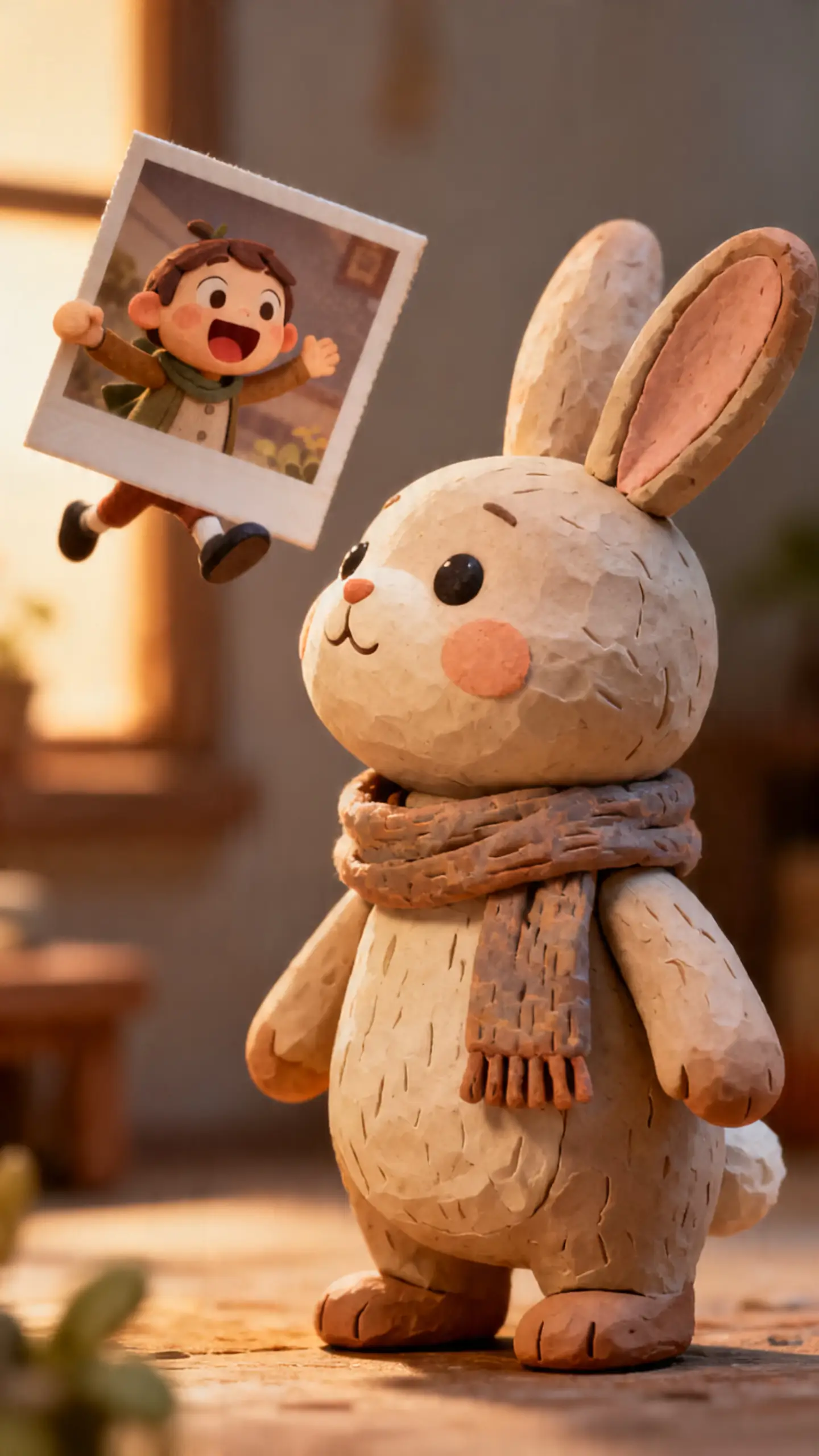
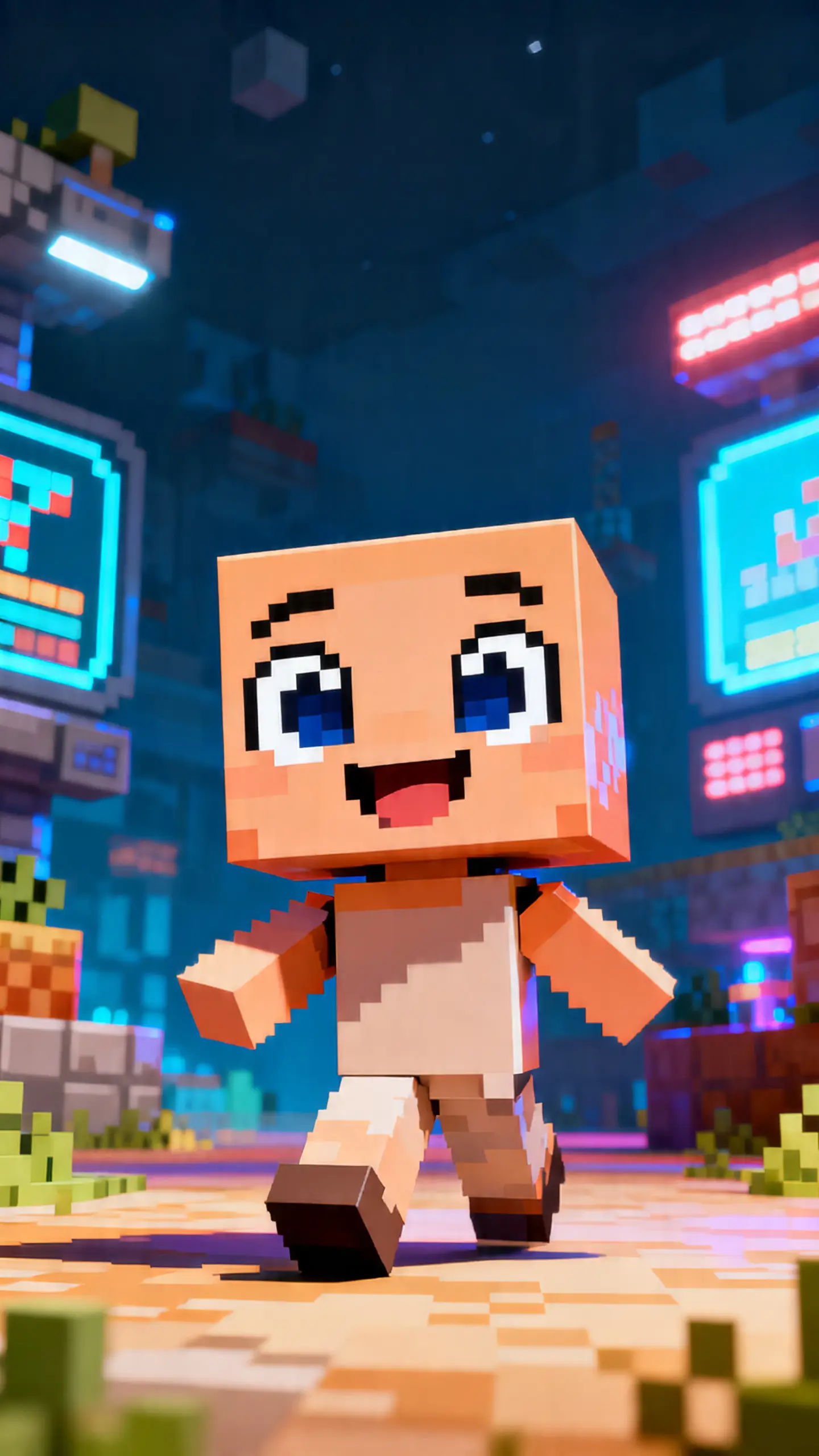
.webp)
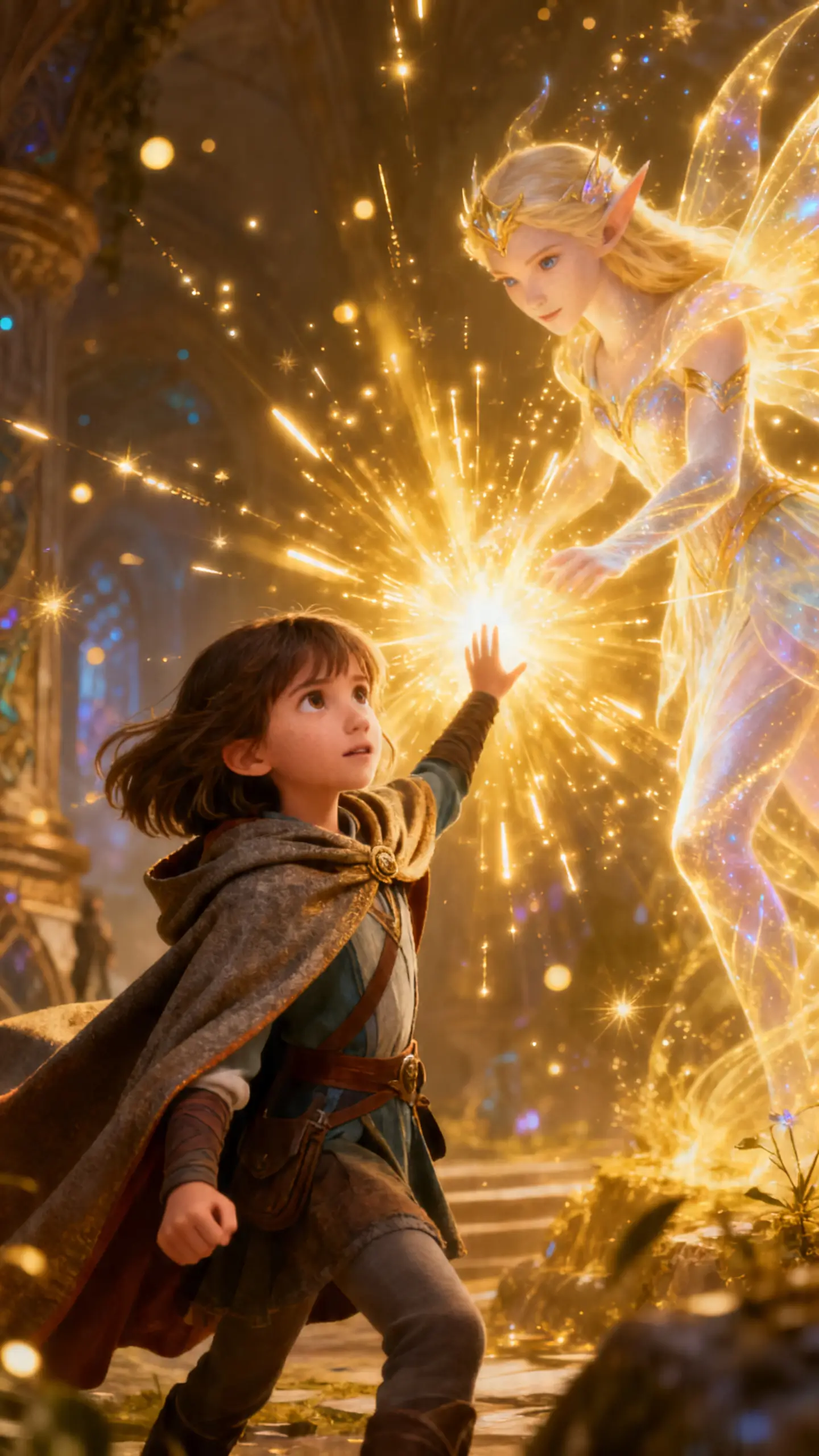
Make AI animate image content with Magiclight AI that should feel creative, not technical. Start with a prompt, shape the characters, refine the storyboard, then export a clip ready to post.
Type the action, mood, and scene you want to animate in the prompt box. Start with one photo, drawing, or AI character image and guide the clip smoothly.
Adjust the character's look before moving ahead with the scene. Refine style, work from saved characters, and shape voices or cloning choices more easily.
Review the generated storyboard and fix anything that feels off. Nano lets you adjust poses, expressions, clothing, body type, and scene timing clearly.
Preview the finished clip and make final changes if needed. Export, publish, or download the video once it feels ready for posts, promos, or sharing online.
An AI image animator turns one still image into a moving clip. With Magiclight AI, a photo, drawing, or character portrait can gain motion from a simple prompt.
Yes. Inside Magiclight, AI characters, mascots, and OC portraits can become short motion clips that feel more useful for intros, profile loops, and story posts.
It can. Old portraits, couple photos, and pet images can all become gentle motion clips when Magiclight AI handles the animation flow.
Yes, that is the goal. On the Magiclight AI workflow, motion is added without pushing the source image too far away from its original look and feel.
Not really. Even if you are new, Magiclight AI keeps the process simple: upload the image, describe the action, choose the model, and export the clip.
One moving image can do more than a flat post. After you create in Magiclight AI, the result can fit reels, profile loops, short promos, and story visuals more easily.



From selfies to AI characters, Magiclight AI photo-animation flow turns a single image into moving visuals worth watching.