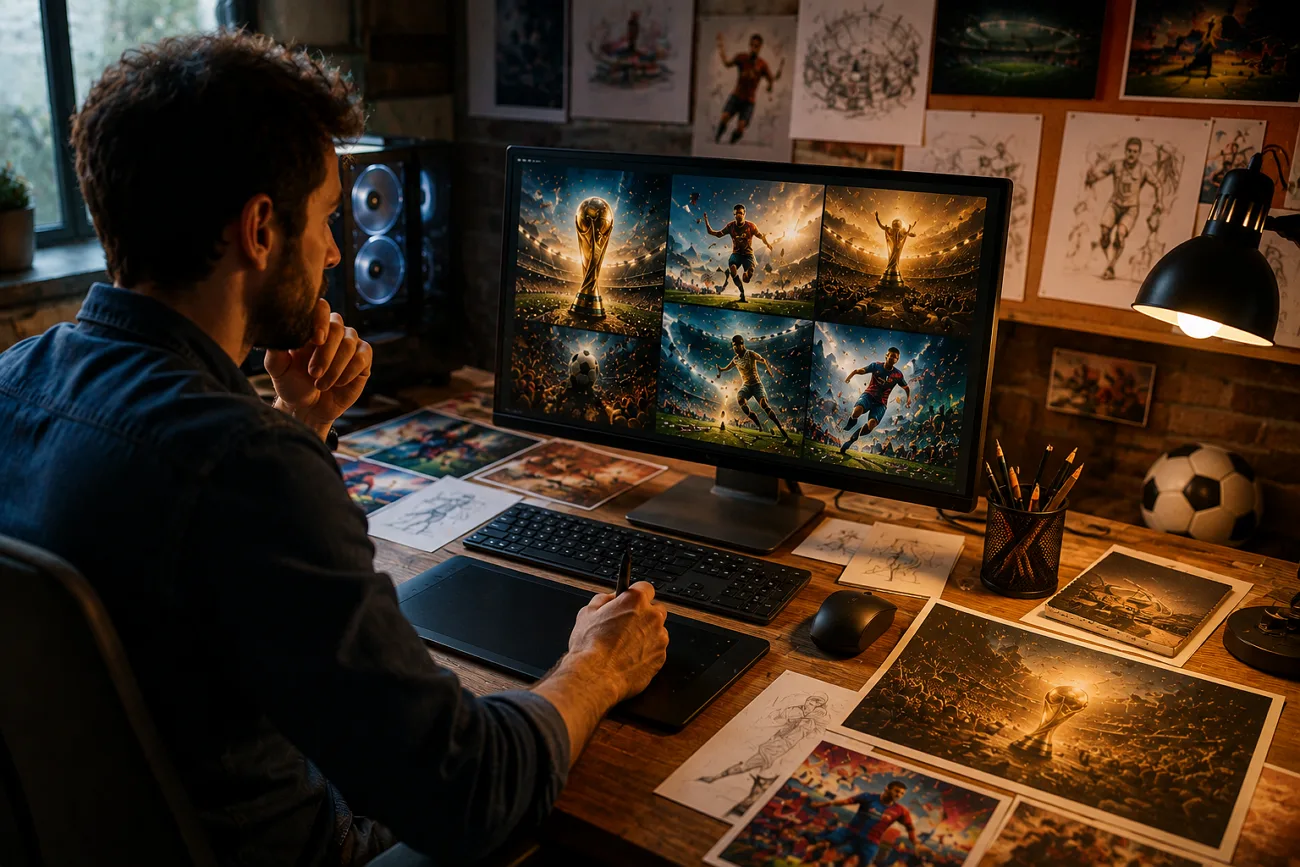
누구나 사람들이 즐기는 콘텐츠를 만들고 싶지만, 매일 새 아이디어를 내기란 쉽지 않아요. Claude 월드컵 프롬프트는 오래 고민하지 않고도 신선한 아이디어와 영상을 만드는 간단한 길이에요. 빈 화면 앞에서 막히지 말고, 프롬프트를 손에 쥐고 콘텐츠를 쌓아가세요.
새로운 각도와 독특한 콘텐츠로 인상을 남길 수 있어요. FIFA 팬이라면 영상 제작용으로 엄선한 월드컵 프롬프트를 아래에서 확인하세요.
1부. 모든 크리에이터를 위한 최고의 Claude FIFA 월드컵 프롬프트
FIFA 월드컵은 가장 큰 글로벌 이벤트예요. 아래에서 다루는 Claude 월드컵 프롬프트는 모두 시도할 가치가 있어요.
1. 경기 예측과 통계 분석
프롬프트 1: 아래 영어 프롬프트를 그대로 붙여넣으세요: “Display a stadium scene with a giant screen showing live match predictions, win probability bars, player performance stats, and AI analysis updating in real time, energetic crowd atmosphere.”
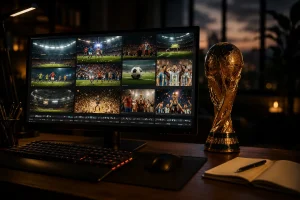
프롬프트 2: 아래 영어 프롬프트를 그대로 붙여넣으세요: “Visualize a large control room with analysts and AI systems monitoring multiple World Cup matches, real-time prediction updates, live stats, and interactive data walls.”
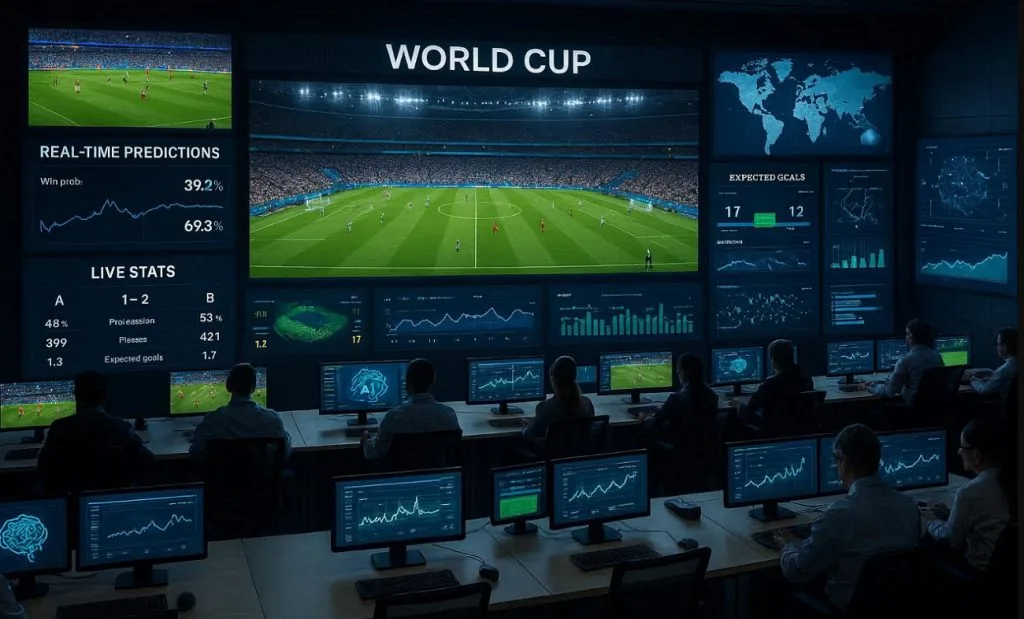
프롬프트 3: 아래 영어 프롬프트를 그대로 붙여넣으세요: “Sports data scientist using advanced analytics software to study FIFA World Cup player performances, interactive graphs, heat maps, and predictive models displayed across multiple screens.”
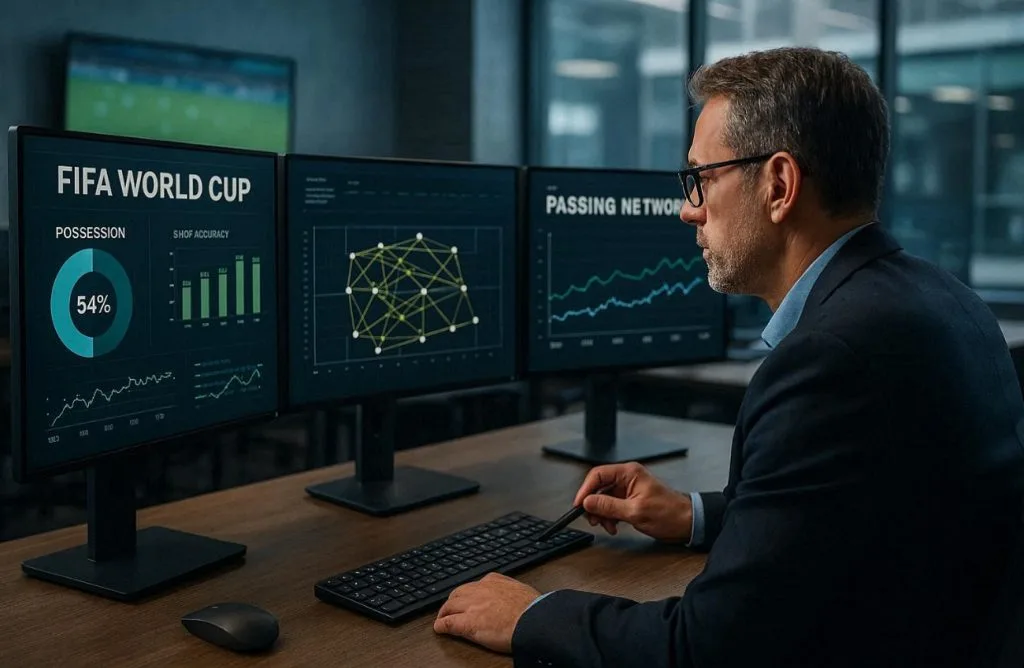
프롬프트 4: 아래 영어 프롬프트를 그대로 붙여넣으세요: “Professional football analyst reviewing FIFA World Cup statistics on multiple monitors, examining possession data, shot accuracy, passing networks, and historical match trends in a modern sports office.”
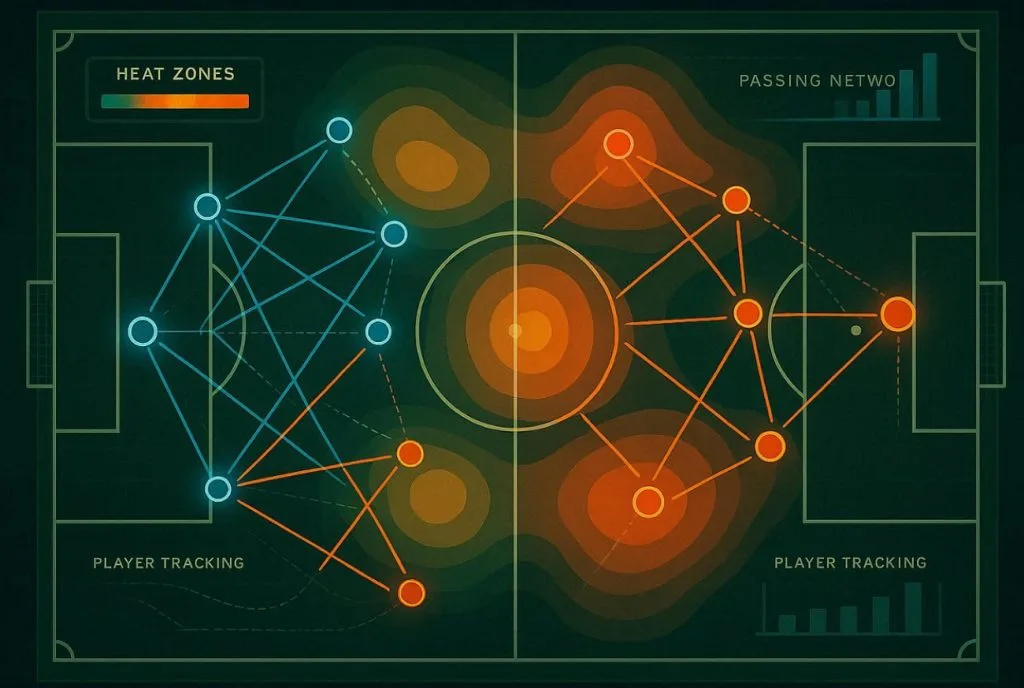
프롬프트 5: 아래 영어 프롬프트를 그대로 붙여넣으세요: “Demonstrate a top-down aerial view of a green football pitch rendered as a sleek analytics dashboard, showing two contrasting tactical formations in glowing blue and orange vectors, heat zones for pressing intensity, player tracking trails, passing networks- illustration style.”
2. 실시간 중계와 리포팅
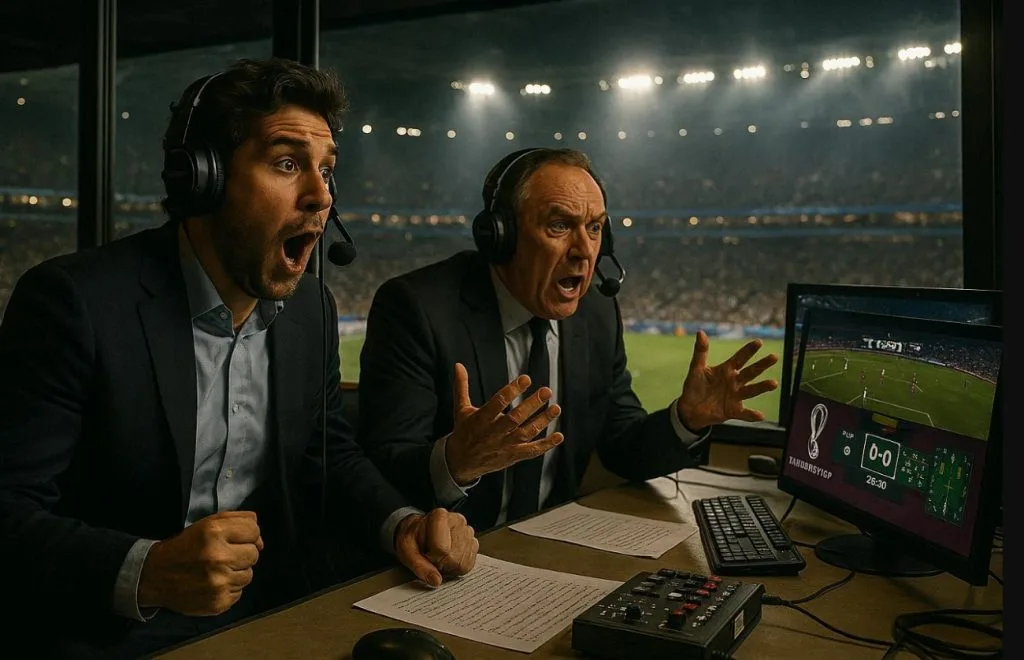
프롬프트 1: 아래 영어 프롬프트를 그대로 붙여넣으세요: “Cinematic interior of a FIFA World Cup broadcast commentary booth; two professional commentators’ mid-reaction, headsets on, stadium pitch visible through the panoramic glass window behind them, broadcast monitors showing live match graphics, dramatic stadium floodlight glow, photorealistic style.”
프롬프트 2: 아래 영어 프롬프트를 그대로 붙여넣으세요: “Generate a sports newsroom where real-time FIFA World Cup match reports, journalists analyzing live data feeds, score tickers, and instant highlights on giant digital screens.”
프롬프트 3: 아래 영어 프롬프트를 그대로 붙여넣으세요: “Close-up of commentators describing a thrilling World Cup moment, crowd roaring in the background, microphones, laptops, and live stats overlays showing possession and goal chances.”
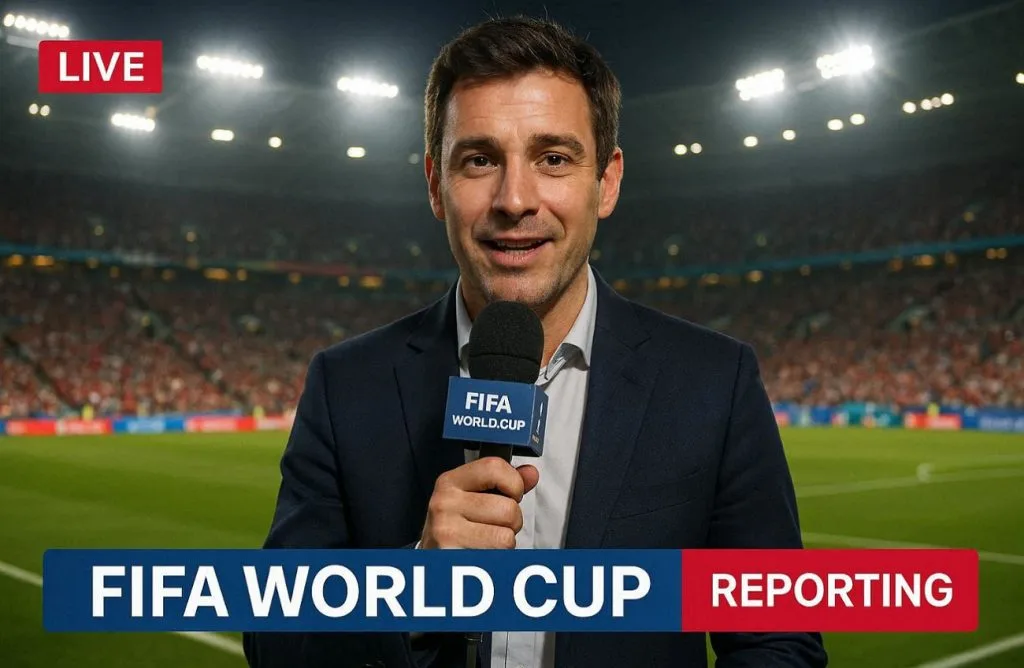
프롬프트 4: 아래 영어 프롬프트를 그대로 붙여넣으세요: “Show this sports journalist reporting live from the pitch-side during a FIFA World Cup match, holding a microphone, stadium floodlights glowing, fans cheering in the background, real-time graphics overlay.”
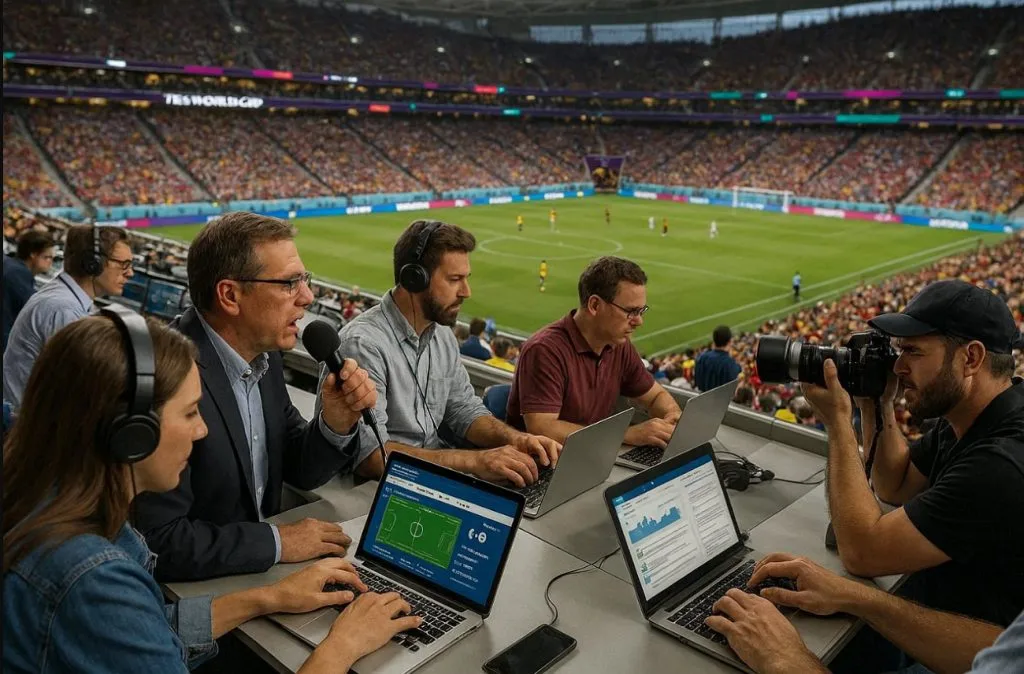
프롬프트 5: 아래 영어 프롬프트를 그대로 붙여넣으세요: “Sports reporters and photographers working from the press tribune of a packed FIFA World Cup stadium, capturing live updates, analyzing match events, and communicating breaking news to audiences worldwide.”
3. 전술 분해와 분석
프롬프트 1: 아래 영어 프롬프트를 그대로 붙여넣으세요: “Football coach studying a large touchscreen display with tactical formations, opponent analysis, and strategic adjustments during a FIFA World Cup match, realistic locker room setting.”
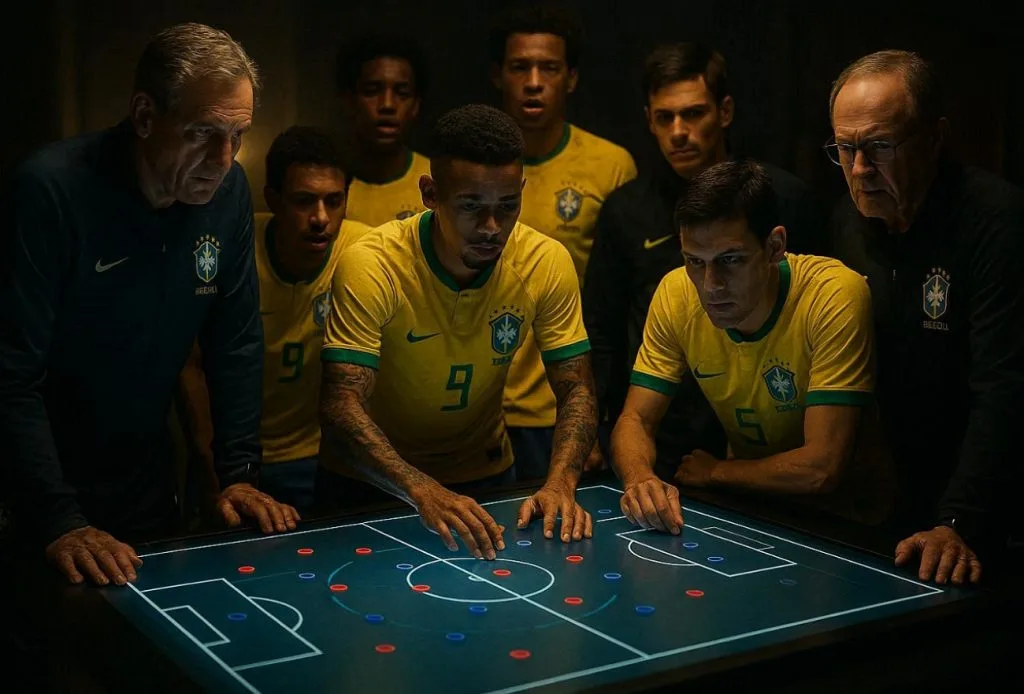
프롬프트 2: 아래 영어 프롬프트를 그대로 붙여넣으세요: “Football players and coaching staff gathered around a digital tactical table analyzing match strategy, opponent weaknesses, and game plan for a FIFA World Cup match, cinematic lighting.”
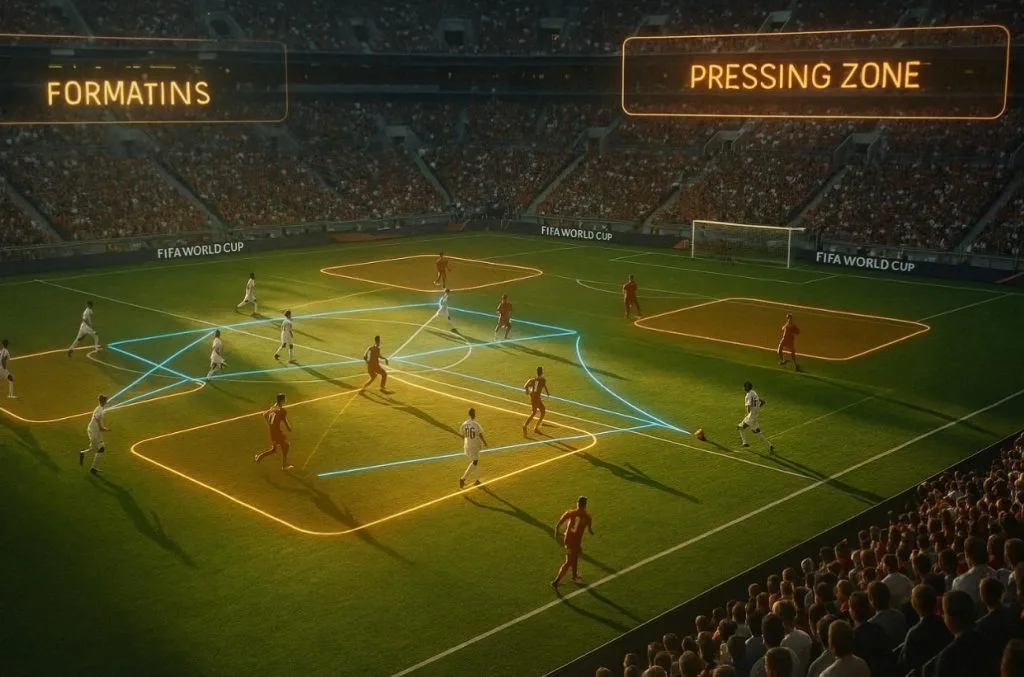
프롬프트 3: 아래 영어 프롬프트를 그대로 붙여넣으세요: “A FIFA World Cup match playing in a stadium while AI overlays highlight formations, pressing zones, and passing lanes dynamically shifting as the game progresses, cinematic slow-motion analysis style.”
프롬프트 4: 아래 영어 프롬프트를 그대로 붙여넣으세요: “An animated scene showing how teams transition from defense to attack in FIFA World Cup matches using arrows, zones, and real-time repositioning graphics.”
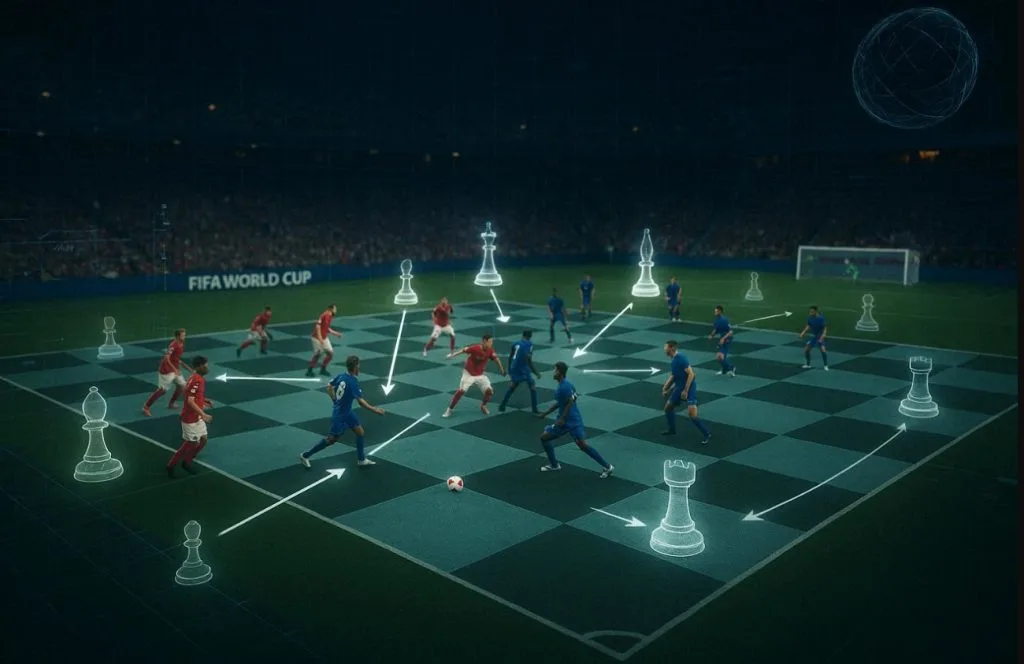
프롬프트 5: 아래 영어 프롬프트를 그대로 붙여넣으세요: “Cinematic scene where a FIFA World Cup match is shown as a chessboard, with AI analyzing every move, highlighting tactical decisions, formations shifting like chess pieces in real time.”
4. 소셜 미디어와 콘텐츠 전략
프롬프트 1: 아래 영어 프롬프트를 그대로 붙여넣으세요: “Content creator posting FIFA World Cup updates on multiple platforms, surrounded by floating icons of likes, shares, comments, and live match clips, vibrant and energetic studio setup.”
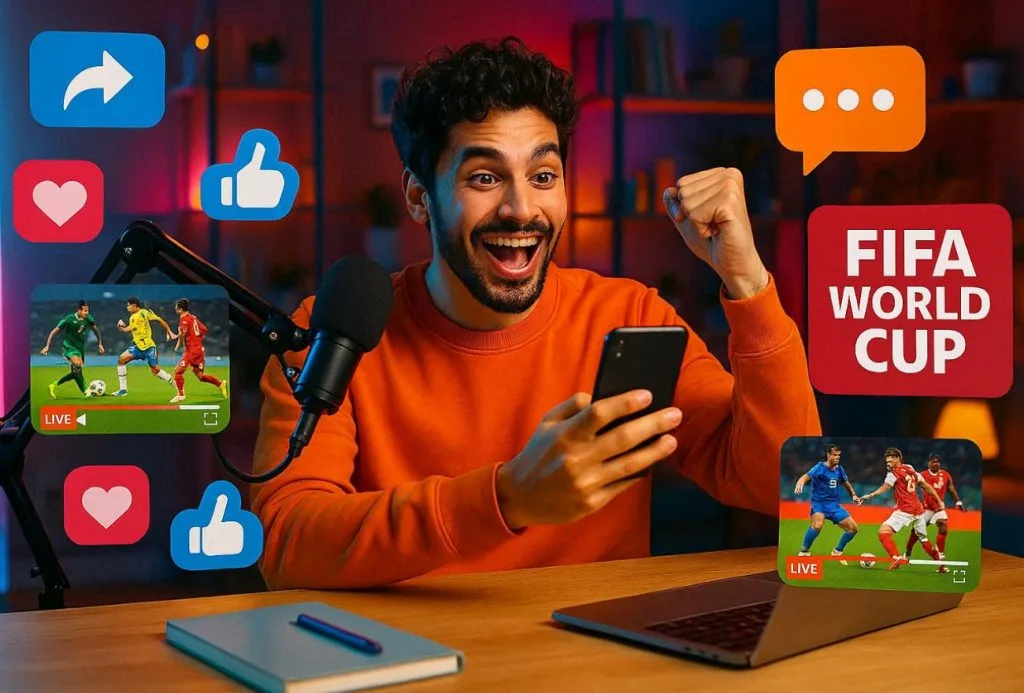
프롬프트 2: 아래 영어 프롬프트를 그대로 붙여넣으세요: “Show marketing team in a modern office planning FIFA World Cup content strategy, analyzing engagement charts, brainstorming viral posts, and scheduling match-related content.”
프롬프트 3: 아래 영어 프롬프트를 그대로 붙여넣으세요: “Sports influencer reacting live to a FIFA World Cup match while recording content for social media, with split screens showing reactions, match highlights, and audience engagement.”
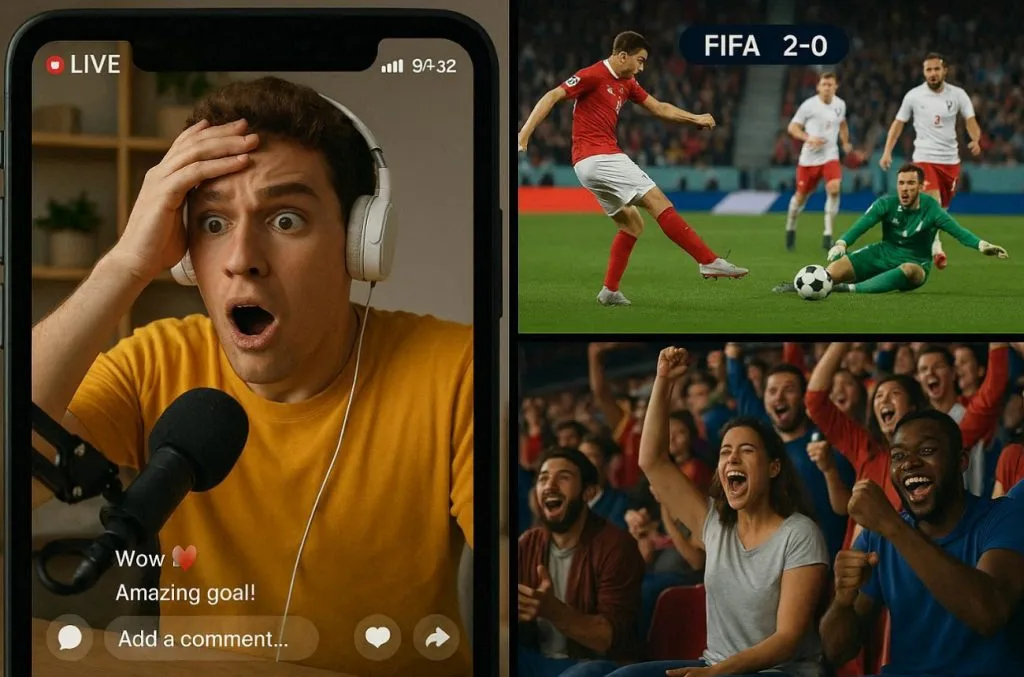
프롬프트 4: 아래 영어 프롬프트를 그대로 붙여넣으세요: “Generate a fast-paced digital scene showing a FIFA World Cup goal clip instantly going viral across social media platforms, with exploding likes, shares, and trending animations spreading globally.”
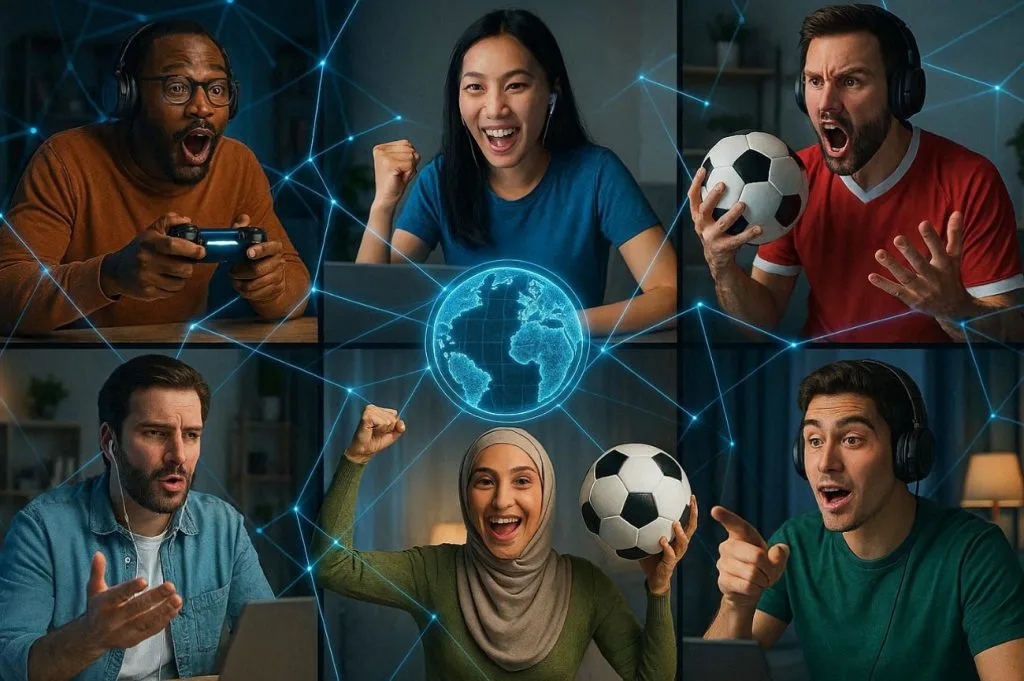
프롬프트 5: 아래 영어 프롬프트를 그대로 붙여넣으세요: “Make multiple influencers around the world streaming reactions, commentary, and doing analysis of World Cup matches, connected through glowing digital network lines.”
5. 판타지 축구 어드바이저
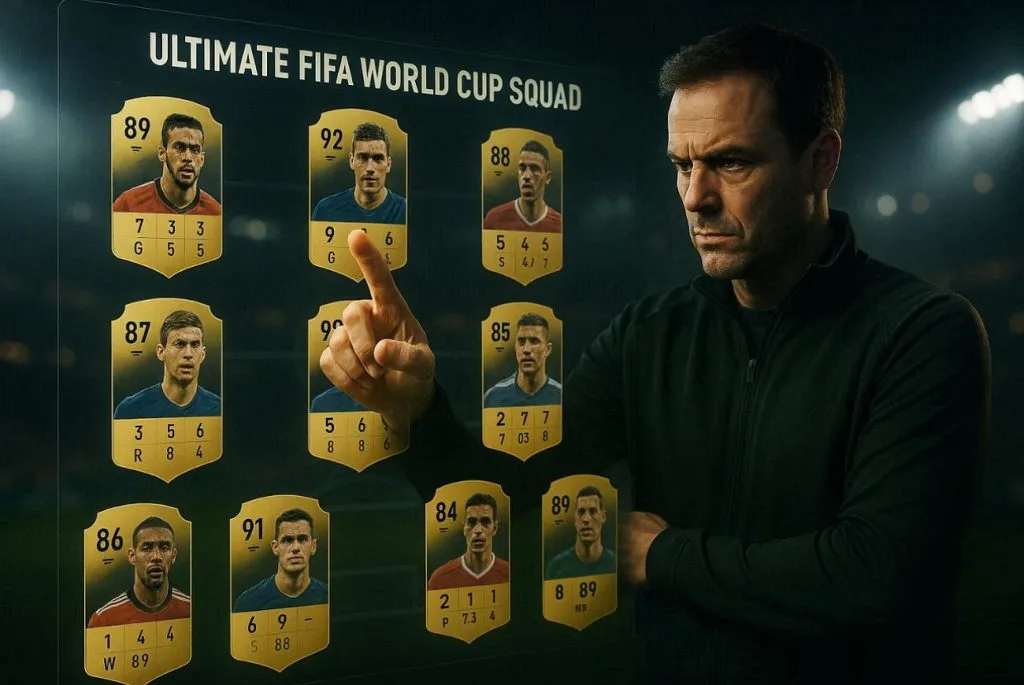
프롬프트 1: 아래 영어 프롬프트를 그대로 붙여넣으세요: “Show a fantasy football manager selecting the ultimate FIFA World Cup squad on a digital touchscreen, player cards floating in the air with ratings, goals, assists, and performance metrics, cinematic sports atmosphere.”
프롬프트 2: 아래 영어 프롬프트를 그대로 붙여넣으세요: “Make football advisors excitedly participating in a FIFA World Cup fantasy draft, selecting star players from different national teams, giant digital screens showing live picks, rankings, and team-building strategies.”
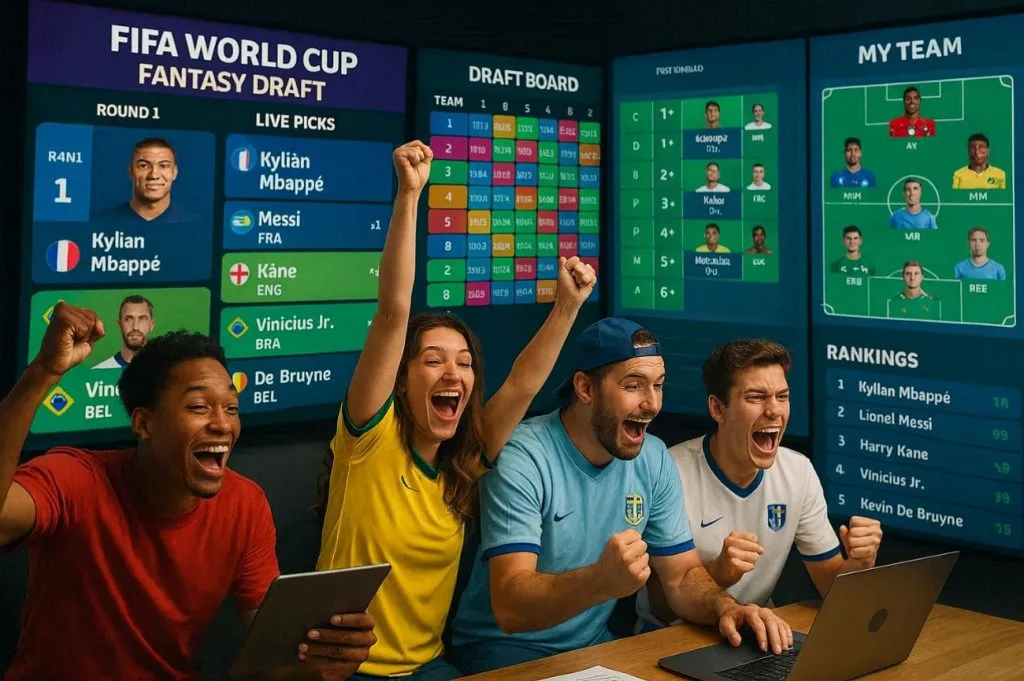
프롬프트 3: 아래 영어 프롬프트를 그대로 붙여넣으세요: “The fantasy football manager celebrating at the top of a FIFA World Cup fantasy league leaderboard, surrounded by floating player statistics, victory graphics, championship trophies, and glowing achievement badges, in an epic cinematic style.”

프롬프트 4: 아래 영어 프롬프트를 그대로 붙여넣으세요: “Smart football manager climbs from the bottom of the league to the top during the FIFA World Cup, using smart transfers, captain picks, and strategic decisions visualized through immersive graphics-show a fantasy journey.”
프롬프트 5: 아래 영어 프롬프트를 그대로 붙여넣으세요: “Create a football manager deciding in a fantasy way between multiple World Cup superstars for the captain armband, with projected points, goal probabilities, and performance charts floating around each player.”
2부. Claude FIFA 월드컵 프롬프트를 영상으로 만드는 가장 좋은 방법
Claude 월드컵 프롬프트를 영상으로 바꾸는 일은 생각보다 쉬워요. 필요한 건 MagicLight AI의 Image-to-Video 기능이에요. 텍스트 프롬프트는 약 1,500단어까지 넣을 수 있어요. 더 분명하게 만들고 싶다면 경기장이나 선수 이미지를 첫 프레임으로 올려도 돼요. 배경 영상 모델이 19가지라 모션과 비주얼 스타일을 고를 수 있어요.
이렇게 하면 영상 구조를 Claude 스크립트에 맞출 수 있어요. 실제 경기장 움직임이나 시네마틱한 세리머니처럼요. Image-to-Video 클립은 720p로 내보내져 YouTube Shorts에 충분해요. 첫 버전이 완벽하지 않으면 프롬프트나 설정을 다시 다듬으면 돼요.
주요 기능
- Short Clip Duration: 생성 클립은 약 10초 또는 15초예요.
- Preview with Direct Download: 영상이 만들어지면 바로 재생해 보고 바로 다운로드할 수 있어요.
- One-Click Workflow: 적합한 이미지와 Claude 프롬프트가 있으면 한 번에 영상이 생성돼요.
Claude 프롬프트로 영상을 만드는 방법
실제로 만들어 보려면 아래 가이드를 따라 보세요. MagicLight AI가 얼마나 단순한지 바로 느껴져요.
1단계. Image to Video 기능 열기
기기에서 MagicLight AI를 열고 Image to Video 기능으로 이동하세요.
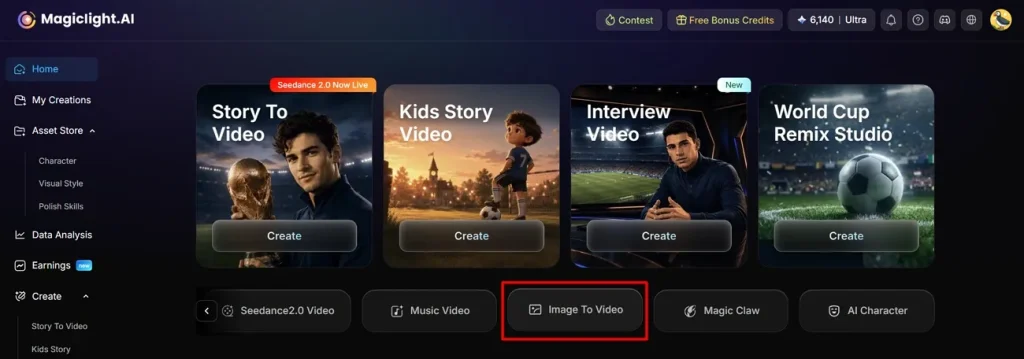
2단계. 이미지를 넣고 영상 만들기 시작
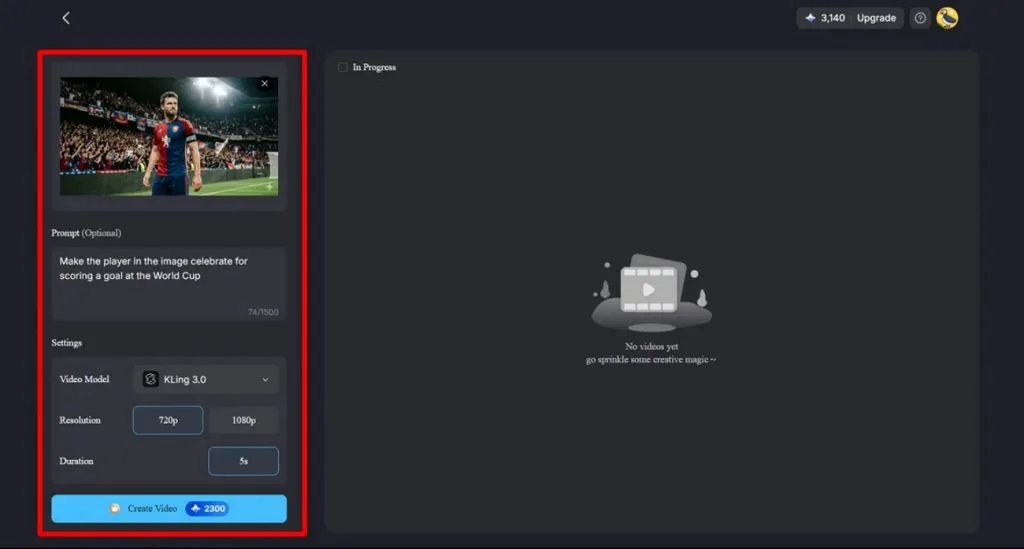
참고 이미지를 올리고, Claude에서 복사한 프롬프트를 Text Box에 붙여넣으세요. Settings에서 Video Model, Resolution, Duration을 지정한 뒤 Create Video를 눌러 생성을 시작하세요.
3단계. FIFA 월드컵 영상 확인하고 다운로드
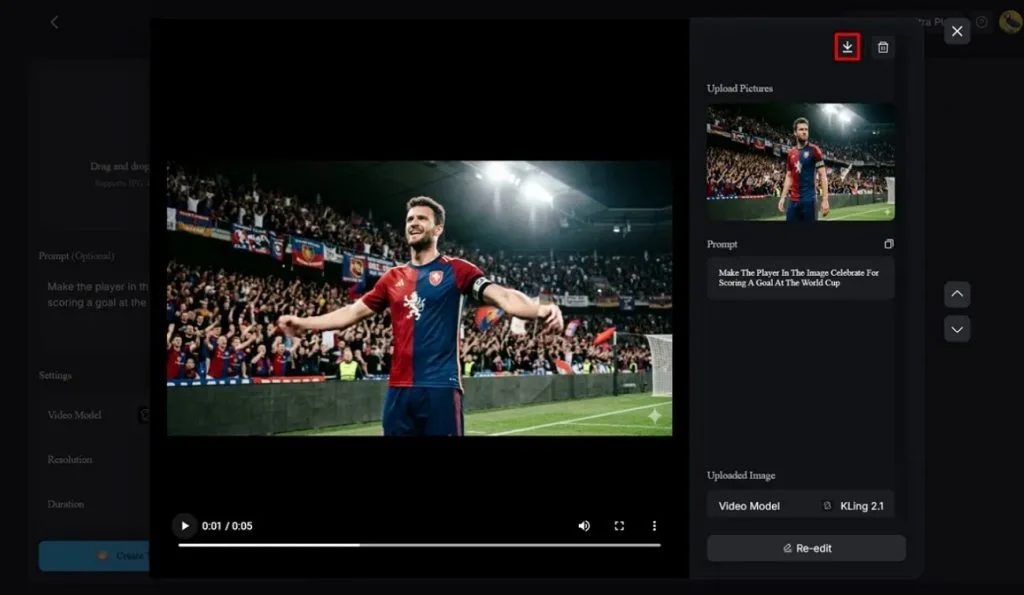
생성이 끝나면 영상을 재생해 장면이 구상과 맞는지 확인한 다음 Download 아이콘을 누르세요.
마무리
결국 Claude 월드컵 프롬프트는 생각에 시간을 낭비하지 않고 더 나은 콘텐츠를 원하는 사람에게 도움이 돼요. FIFA 월드컵처럼 최신 콘텐츠가 중요한 대형 이벤트에서 꾸준히 올리는 데 좋아요. 이 프롬프트를 MagicLight AI Image-to-Video와 함께 쓰면 큰 수고 없이 1080p 영상을 얻을 수 있어요.
Claude FIFA 월드컵 프롬프트 FAQ
1. Claude가 정확한 월드컵 경기 분석을 할 수 있나요?
네. 신뢰할 수 있는 출처의 최신 통계와 맥락을 주면 Claude는 꽤 정확한 월드컵 분석을 해요. 데이터가 탄탄하고 질문이 분명하면 예측과 전술 분해도 상당히 정확해요.
2. Claude용 월드컵 프롬프트를 더 잘 쓰려면?
팀, 대회(World Cup 2026), 경기 날짜를 넣은 간단한 프롬프트로 시작한 뒤 원하는 결과를 설명하세요. 이어서 Claude의 톤, 타깃 시청자, 스크립트 길이, 따라 쓸 예시 스크립트를 더하세요.
3. Claude가 축구 영상용 YouTube 스크립트를 만들 수 있나요?
물론이에요. Claude는 훅, 핵심, 콜투액션이 있는 완전한 축구 YouTube 스크립트를 만들 수 있어요. 끝나면 그 스크립트와 이미지 레퍼런스를 MagicLight AI에 붙여 영상을 만들면 돼요.
4. MagicLight AI는 어떤 월드컵 영상을 만들 수 있나요?
MagicLight AI는 프롬프트로 월드컵 숏츠, 하이라이트형 설명, 스토리 영상을 만들 수 있어요. 이미지를 넣으면 Image to Video에서 배경용 영상 모델 19가지를 고를 수 있어요.
5. 축구 콘텐츠에 Claude와 MagicLight AI를 같이 쓸 수 있나요?
네, 짝을 맞추면 더 쉬워요. Claude 월드컵 프롬프트와 사진 레퍼런스를 MagicLight AI에 넣으면 돼요. 아이디어에서 Claude 스크립트, 바로 올릴 MagicLight AI 영상까지 이어집니다.