Ogni creator vuole contenuti che la gente guardi, ma inventare idee ogni giorno non è facile. I prompt Claude per i Mondiali ti danno una via semplice per idee fresche e video, senza ore di brainstorm. Invece di fissare uno schermo vuoto, costruisci con il prompt in mano.
Offrono angoli nuovi e contenuti unici che restano. Per i tifosi FIFA, ecco prompt dei Mondiali scelti per la creazione video.
Parte 1. I migliori prompt Claude per i Mondiali FIFA, per ogni creator
I Mondiali FIFA sono l’evento globale più grande. Questi prompt Claude valgono la prova:
1. Pronostici e analisi statistica
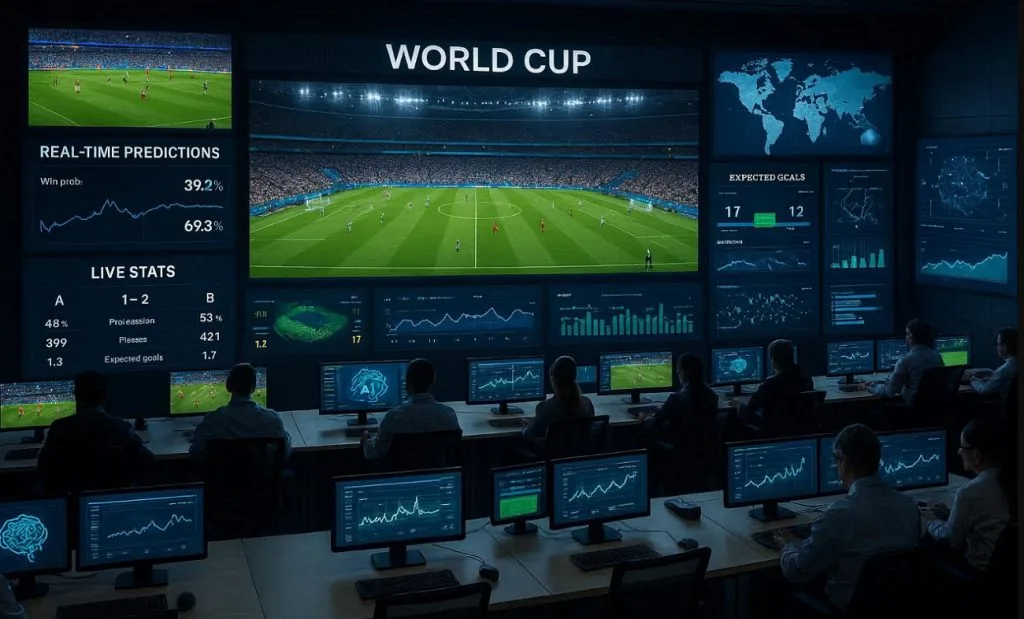
Prompt 1: Incolla questo prompt in inglese così com’è: “Display a stadium scene with a giant screen showing live match predictions, win probability bars, player performance stats, and AI analysis updating in real time, energetic crowd atmosphere.”
Prompt 2: Incolla questo prompt in inglese così com’è: “Visualize a large control room with analysts and AI systems monitoring multiple World Cup matches, real-time prediction updates, live stats, and interactive data walls.”
Prompt 3: Incolla questo prompt in inglese così com’è: “Sports data scientist using advanced analytics software to study FIFA World Cup player performances, interactive graphs, heat maps, and predictive models displayed across multiple screens.”
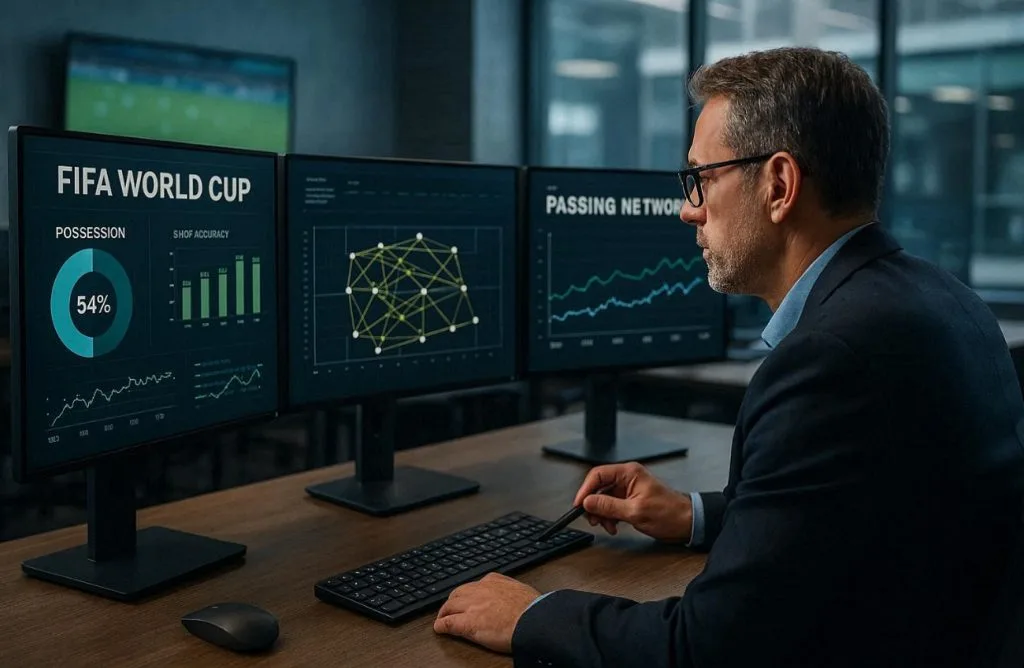
Prompt 4: Incolla questo prompt in inglese così com’è: “Professional football analyst reviewing FIFA World Cup statistics on multiple monitors, examining possession data, shot accuracy, passing networks, and historical match trends in a modern sports office.”
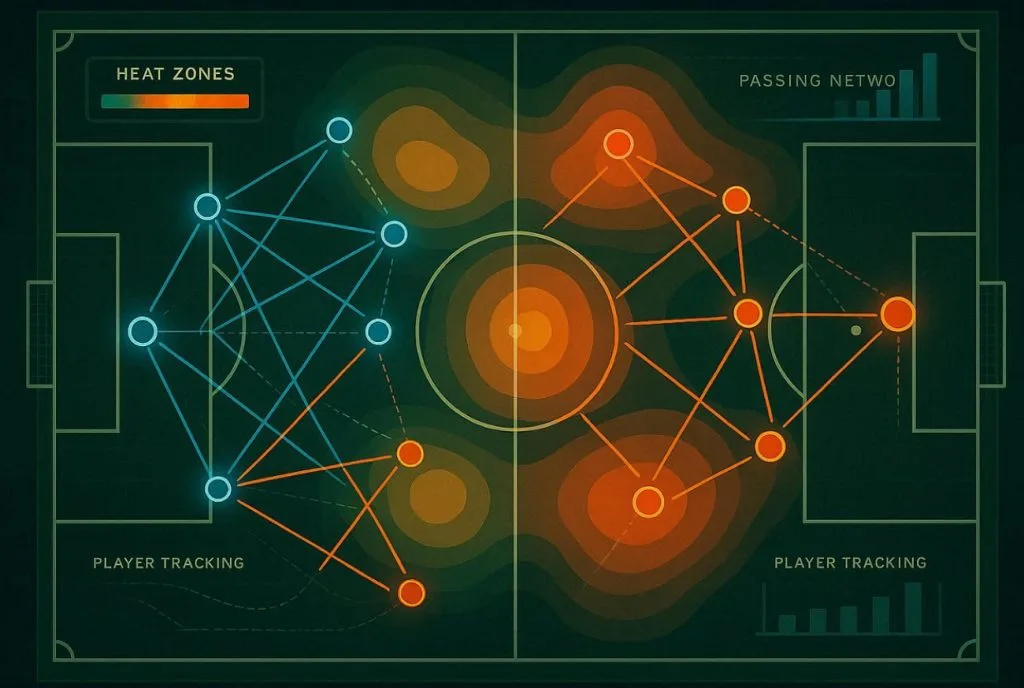
Prompt 5: Incolla questo prompt in inglese così com’è: “Demonstrate a top-down aerial view of a green football pitch rendered as a sleek analytics dashboard, showing two contrasting tactical formations in glowing blue and orange vectors, heat zones for pressing intensity, player tracking trails, passing networks- illustration style.”
2. Telecronaca e reportage live
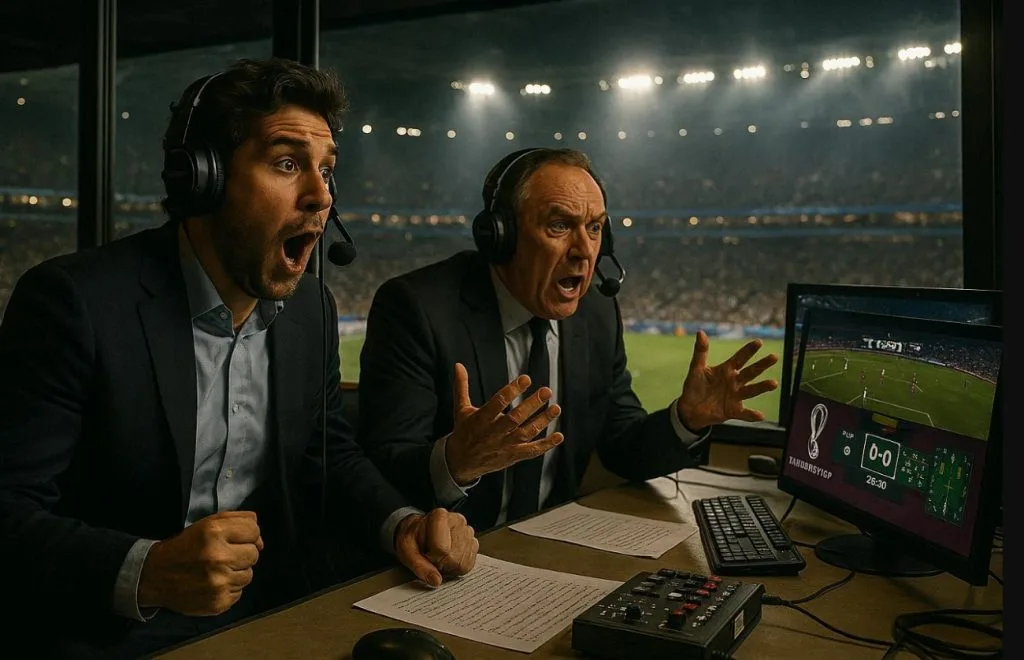
Prompt 1: Incolla questo prompt in inglese così com’è: “Cinematic interior of a FIFA World Cup broadcast commentary booth; two professional commentators’ mid-reaction, headsets on, stadium pitch visible through the panoramic glass window behind them, broadcast monitors showing live match graphics, dramatic stadium floodlight glow, photorealistic style.”
Prompt 2: Incolla questo prompt in inglese così com’è: “Generate a sports newsroom where real-time FIFA World Cup match reports, journalists analyzing live data feeds, score tickers, and instant highlights on giant digital screens.”
Prompt 3: Incolla questo prompt in inglese così com’è: “Close-up of commentators describing a thrilling World Cup moment, crowd roaring in the background, microphones, laptops, and live stats overlays showing possession and goal chances.”
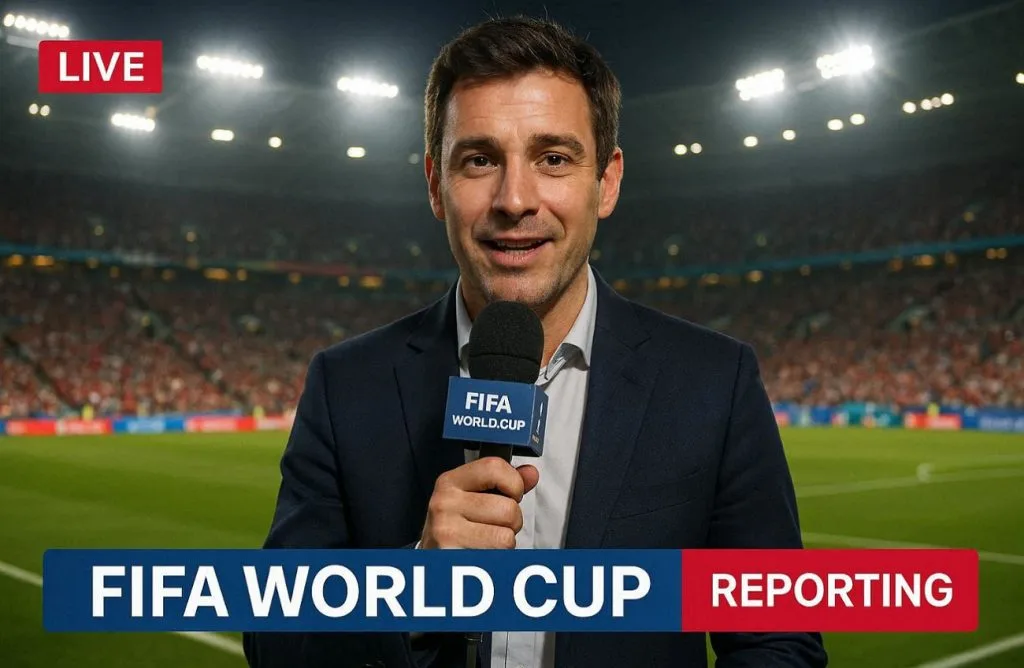
Prompt 4: Incolla questo prompt in inglese così com’è: “Show this sports journalist reporting live from the pitch-side during a FIFA World Cup match, holding a microphone, stadium floodlights glowing, fans cheering in the background, real-time graphics overlay.”
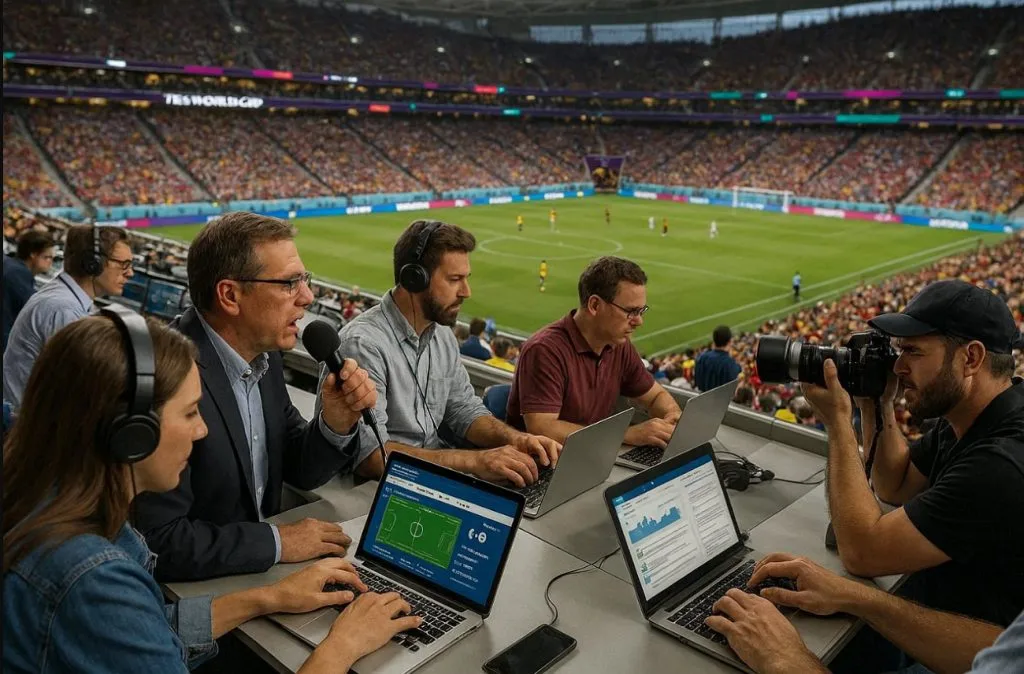
Prompt 5: Incolla questo prompt in inglese così com’è: “Sports reporters and photographers working from the press tribune of a packed FIFA World Cup stadium, capturing live updates, analyzing match events, and communicating breaking news to audiences worldwide.”
3. Breakdown tattico e analisi
Prompt 1: Incolla questo prompt in inglese così com’è: “Football coach studying a large touchscreen display with tactical formations, opponent analysis, and strategic adjustments during a FIFA World Cup match, realistic locker room setting.”
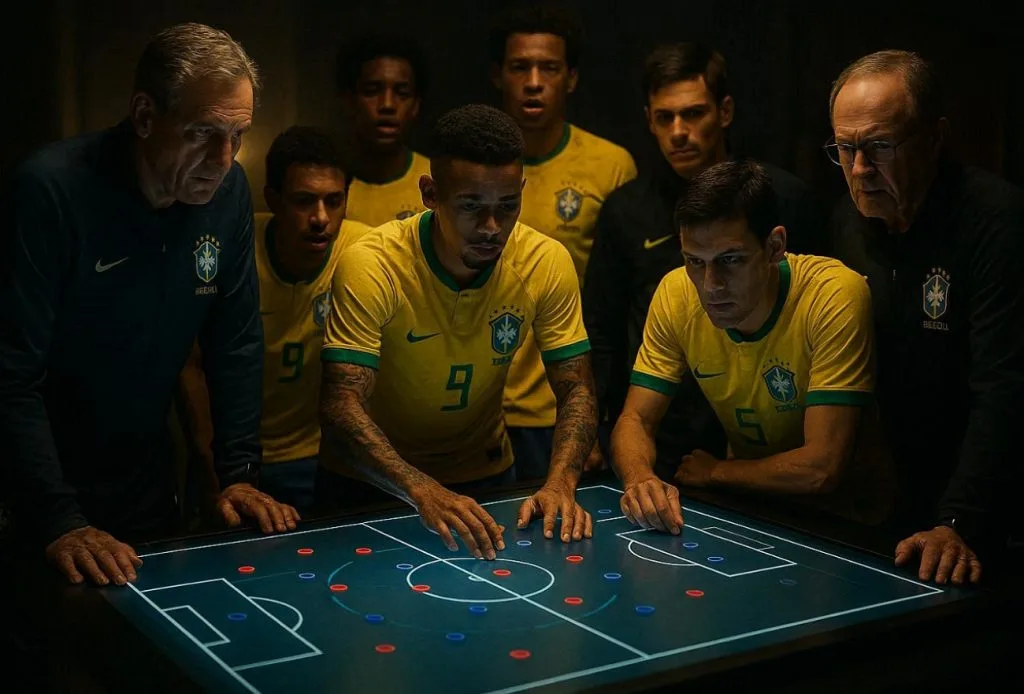
Prompt 2: Incolla questo prompt in inglese così com’è: “Football players and coaching staff gathered around a digital tactical table analyzing match strategy, opponent weaknesses, and game plan for a FIFA World Cup match, cinematic lighting.”
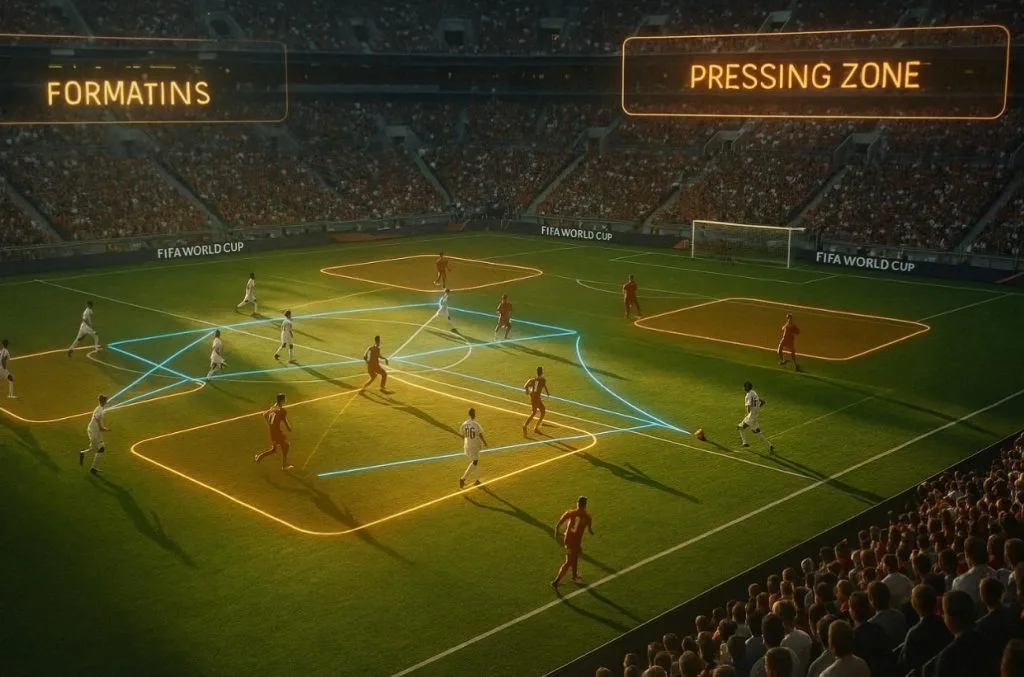
Prompt 3: Incolla questo prompt in inglese così com’è: “A FIFA World Cup match playing in a stadium while AI overlays highlight formations, pressing zones, and passing lanes dynamically shifting as the game progresses, cinematic slow-motion analysis style.”
Prompt 4: Incolla questo prompt in inglese così com’è: “An animated scene showing how teams transition from defense to attack in FIFA World Cup matches using arrows, zones, and real-time repositioning graphics.”
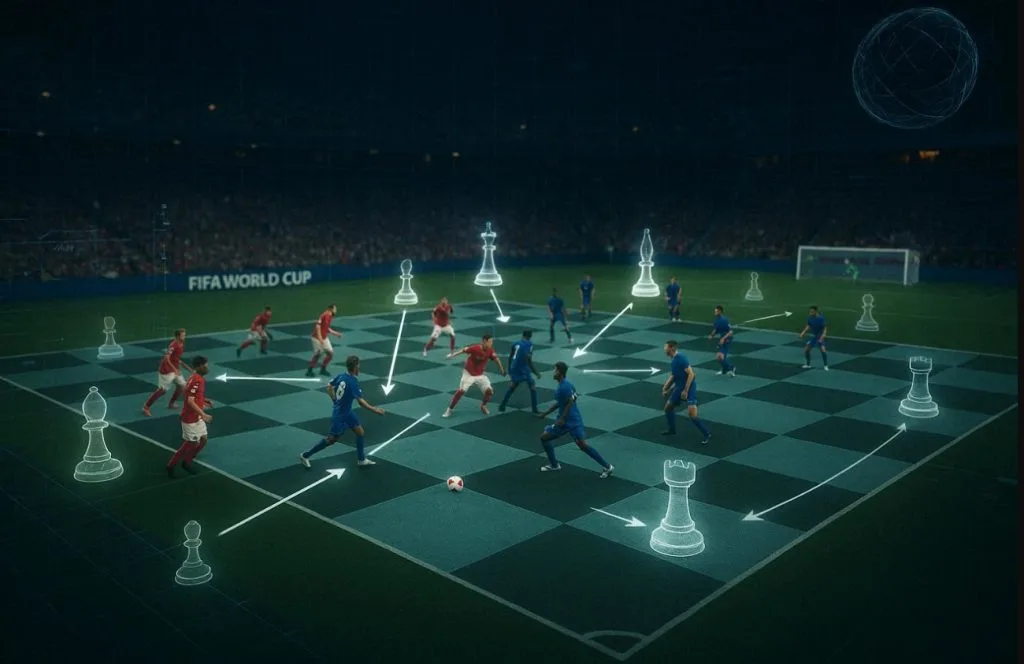
Prompt 5: Incolla questo prompt in inglese così com’è: “Cinematic scene where a FIFA World Cup match is shown as a chessboard, with AI analyzing every move, highlighting tactical decisions, formations shifting like chess pieces in real time.”
4. Social e strategia di contenuto
Prompt 1: Incolla questo prompt in inglese così com’è: “Content creator posting FIFA World Cup updates on multiple platforms, surrounded by floating icons of likes, shares, comments, and live match clips, vibrant and energetic studio setup.”
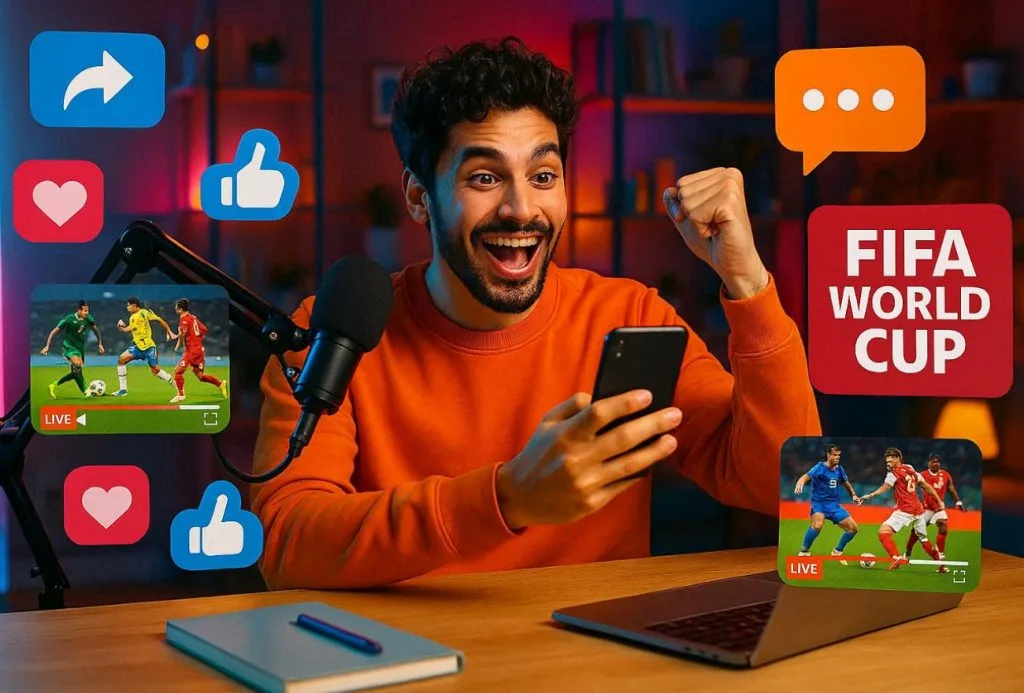
Prompt 2: Incolla questo prompt in inglese così com’è: “Show marketing team in a modern office planning FIFA World Cup content strategy, analyzing engagement charts, brainstorming viral posts, and scheduling match-related content.”
Prompt 3: Incolla questo prompt in inglese così com’è: “Sports influencer reacting live to a FIFA World Cup match while recording content for social media, with split screens showing reactions, match highlights, and audience engagement.”
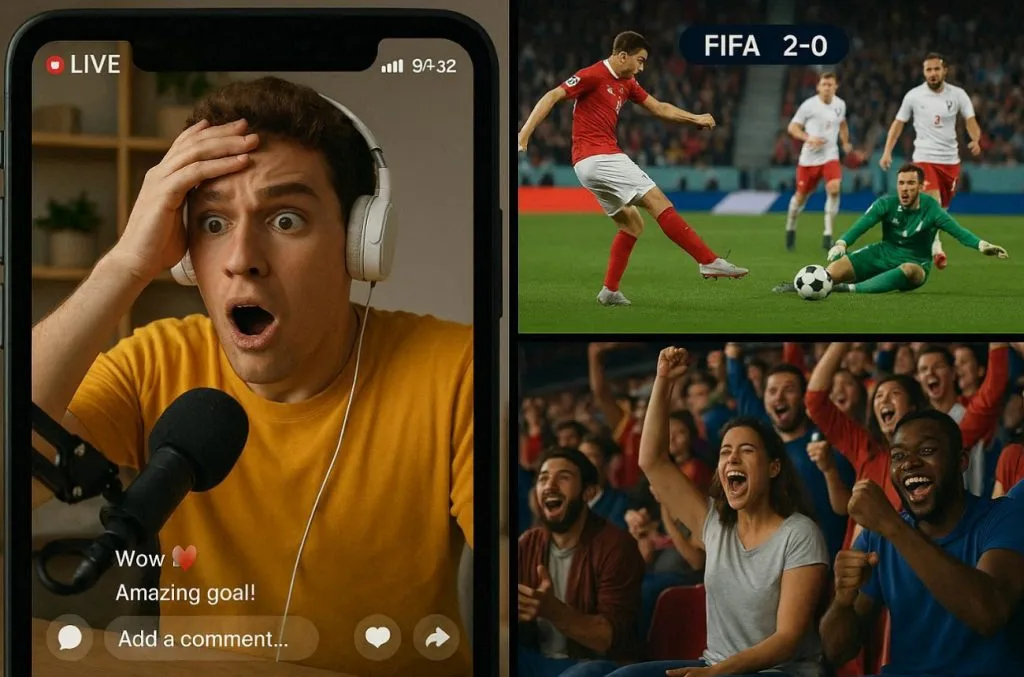
Prompt 4: Incolla questo prompt in inglese così com’è: “Generate a fast-paced digital scene showing a FIFA World Cup goal clip instantly going viral across social media platforms, with exploding likes, shares, and trending animations spreading globally.”
Prompt 5: Incolla questo prompt in inglese così com’è: “Make multiple influencers around the world streaming reactions, commentary, and doing analysis of World Cup matches, connected through glowing digital network lines.”

5. Consulente fantasy football
Prompt 1: Incolla questo prompt in inglese così com’è: “Show a fantasy football manager selecting the ultimate FIFA World Cup squad on a digital touchscreen, player cards floating in the air with ratings, goals, assists, and performance metrics, cinematic sports atmosphere.”
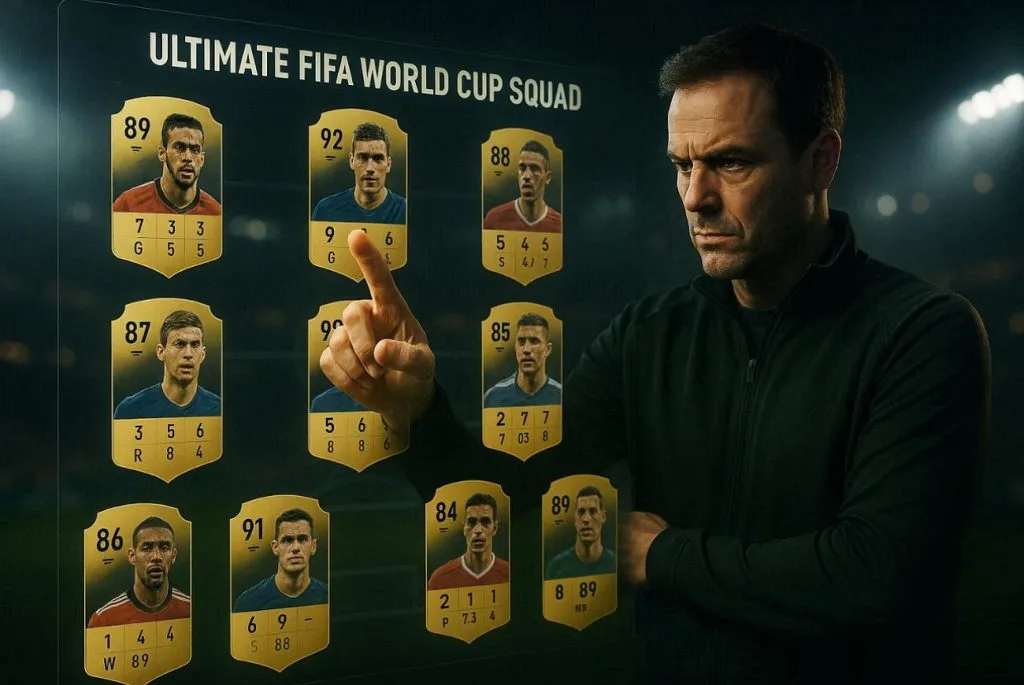
Prompt 2: Incolla questo prompt in inglese così com’è: “Make football advisors excitedly participating in a FIFA World Cup fantasy draft, selecting star players from different national teams, giant digital screens showing live picks, rankings, and team-building strategies.”
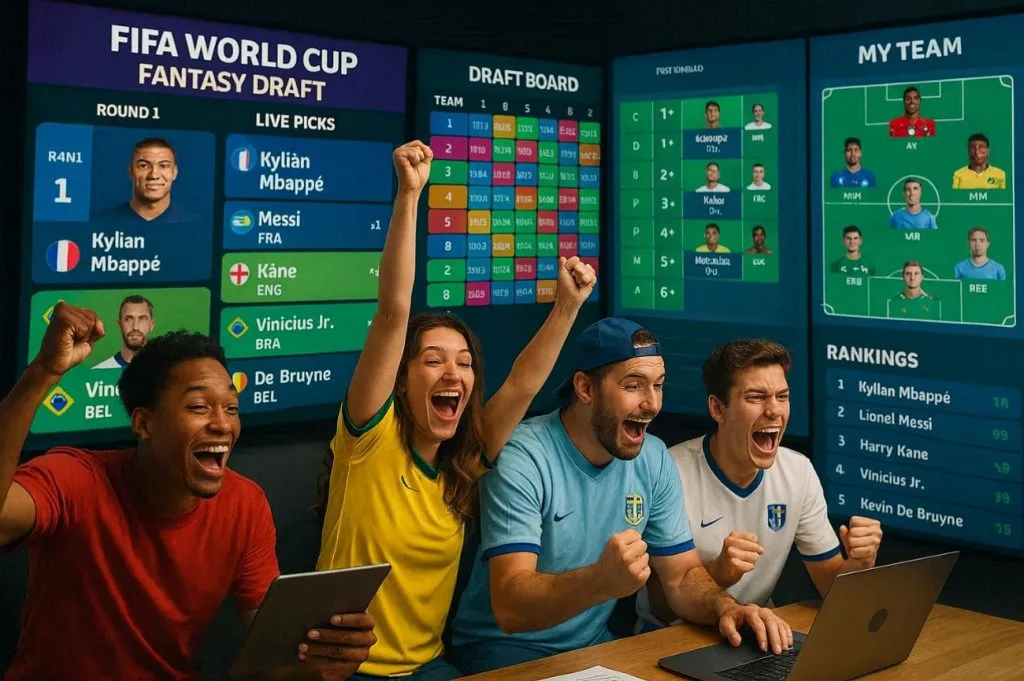
Prompt 3: Incolla questo prompt in inglese così com’è: “The fantasy football manager celebrating at the top of a FIFA World Cup fantasy league leaderboard, surrounded by floating player statistics, victory graphics, championship trophies, and glowing achievement badges, in an epic cinematic style.”

Prompt 4: Incolla questo prompt in inglese così com’è: “Smart football manager climbs from the bottom of the league to the top during the FIFA World Cup, using smart transfers, captain picks, and strategic decisions visualized through immersive graphics-show a fantasy journey.”
Prompt 5: Incolla questo prompt in inglese così com’è: “Create a football manager deciding in a fantasy way between multiple World Cup superstars for the captain armband, with projected points, goal probabilities, and performance charts floating around each player.”
Parte 2. Il modo migliore per trasformare i prompt Claude dei Mondiali in video
Trasformare un prompt Claude dei Mondiali in video è più facile di quanto pensi. Ti serve Image-to-Video di MagicLight AI, fino a circa 1.500 parole. Per più chiarezza, carica una foto di stadio o giocatore come primo fotogramma. Con 19 modelli di video di sfondo scegli movimento e stile.
Così allinei la struttura del video allo script Claude: movimento reale di stadio o celebrazioni da cinema. Ogni clip Image-to-Video esce in 720p, sufficiente per YouTube Shorts. Se la prima versione non è perfetta, ritocchi prompt o impostazioni.
Funzioni chiave
- Short Clip Duration: ogni clip generato dura circa 10 o 15 secondi.
- Preview with Direct Download: quando il video è pronto, lo riproduci e lo scarichi subito.
- One-Click Workflow: con un’immagine adatta e un prompt Claude, il video si genera in un clic.
Passi per generare un video dai prompt Claude
Per vederlo in pratica, segui questi passi e scopri quanto MagicLight AI semplifica il flusso:
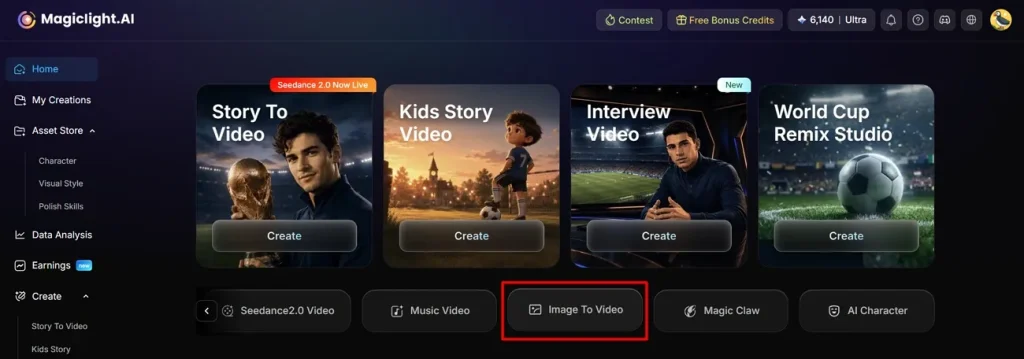
Passo 1. Apri Image to Video
Apri MagicLight AI sul dispositivo e vai su Image to Video.
Passo 2. Inserisci un’immagine e avvia il video
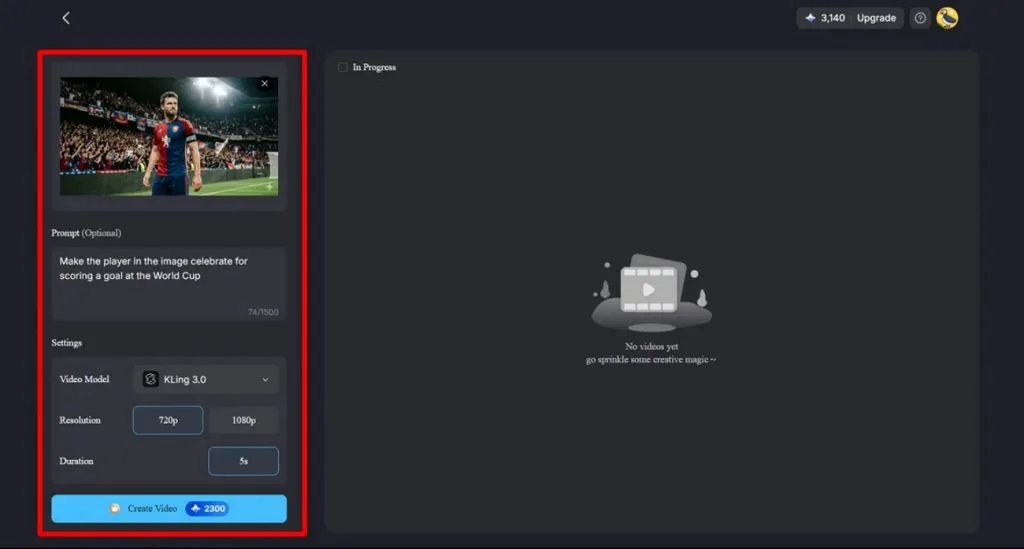
Carica l’immagine di riferimento e incolla il prompt copiato da Claude nella Text Box. In Settings scegli Video Model, Resolution e Duration. Premi Create Video.
Passo 3. Controlla e scarica il video dei Mondiali FIFA
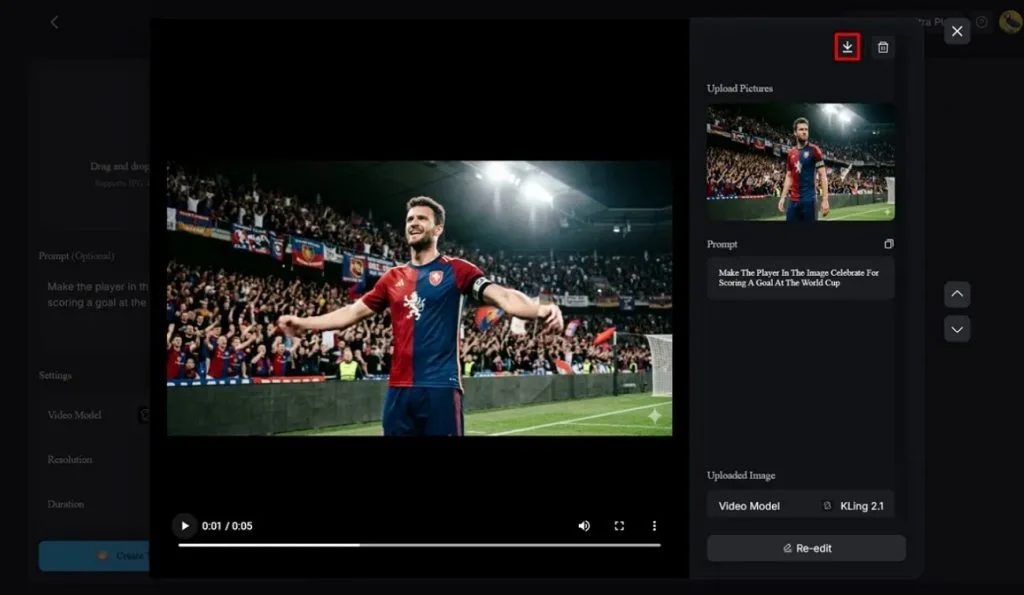
A generazione finita, riproduci il video, verifica che le scene coincidano e clicca l’icona Download.
Conclusione
Alla fine, i prompt Claude per i Mondiali aiutano chi vuole contenuti migliori senza perdere tempo a pensare. Ti tengono costante durante eventi grandi come i Mondiali FIFA, quando serve contenuto aggiornato. Insieme a Image-to-Video di MagicLight AI ottieni un video 1080p con poco sforzo.
FAQ sui prompt Claude per i Mondiali FIFA
1. Claude può analizzare con precisione le partite dei Mondiali?
Sì, se gli dai statistiche recenti e contesto da fonti affidabili. Con dati solidi e domande chiare, pronostici e breakdown tattici sono piuttosto precisi.
2. Come scrivo prompt migliori dei Mondiali per Claude?
Parti semplice: squadre, torneo (World Cup 2026) e data, poi spiega cosa vuoi. Aggiungi tono di Claude, audience, lunghezza dello script e un esempio da copiare.
3. Claude può scrivere script YouTube per video di calcio?
Sì. Claude può generare uno script YouTube completo di calcio, con hook, punti e call to action. Poi lo incolli in MagicLight AI con un’immagine di riferimento per creare il video.
4. Che video dei Mondiali può creare MagicLight AI?
MagicLight AI può creare short dei Mondiali, explainer di highlights e video story dai tuoi prompt. Con un’immagine, Image to Video offre 19 modelli di video di sfondo.
5. Posso unire Claude e MagicLight AI per i contenuti di calcio?
Sì, insieme è più facile: prompt Claude dei Mondiali più foto di riferimento in MagicLight AI. Passi dall’idea allo script Claude e al video MagicLight AI pronto da pubblicare.