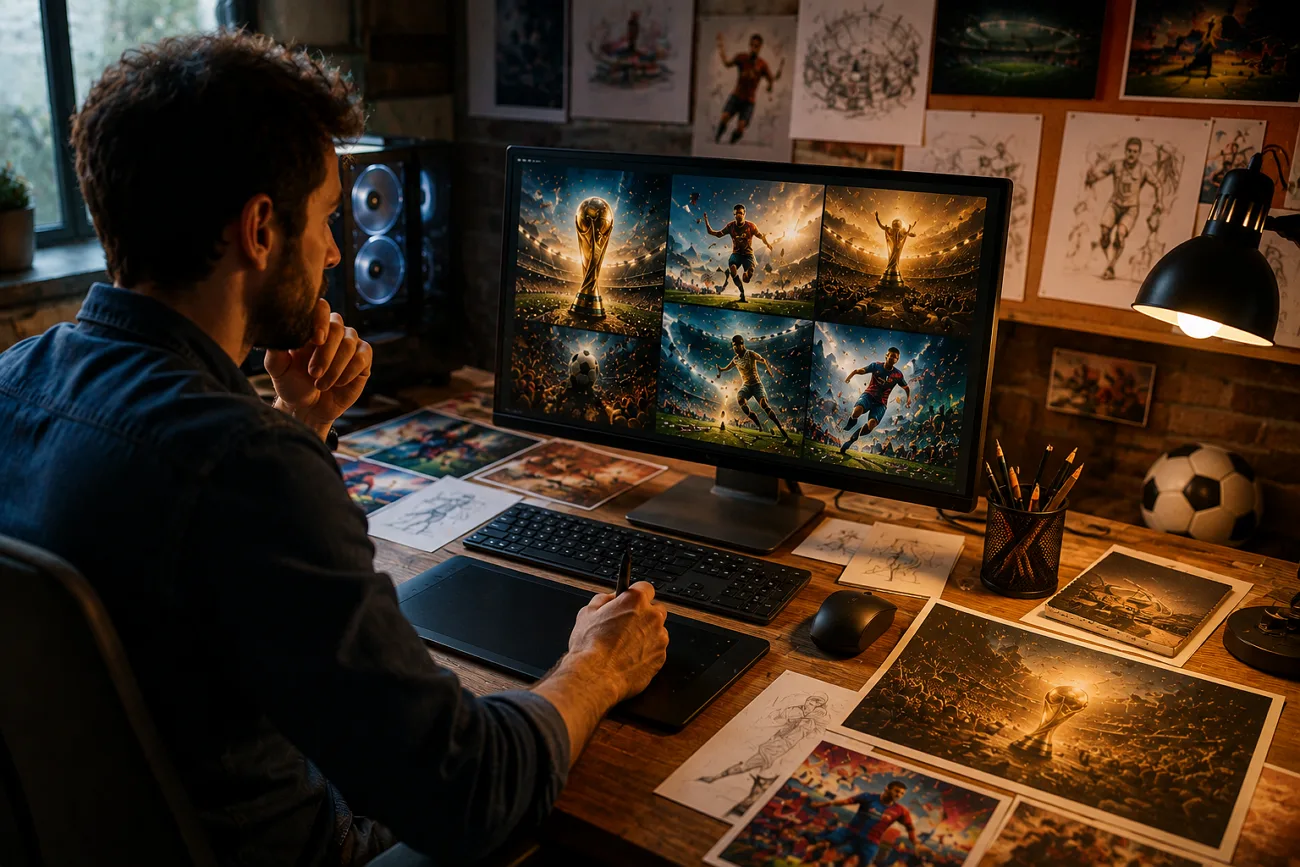
Every creator wants to create content that people enjoy, but coming up with new ideas every day is not easy. Claude World Cup prompts give them a simple way to generate fresh ideas and create videos without spending hours brainstorming. Instead of starting at a blank screen, you get to focus on building content with prompts in hand.
They serve as a valuable source, offering new angles and unique content that make an impression. For all FIFA fans, the article features handpicked World Cup prompts for video creation.
Part 1. Best Claude FIFA World Cup Prompts for Every Creator
With the FIFA World Cup being the biggest global event, all the Claude World Cup prompts discussed are worth exploring:
1. Match Prediction and Statistical Analysis
Prompt 1: “Display a stadium scene with a giant screen showing live match predictions, win probability bars, player performance stats, and AI analysis updating in real time, energetic crowd atmosphere.”
Prompt 2: “Visualize a large control room with analysts and AI systems monitoring multiple World Cup matches, real-time prediction updates, live stats, and interactive data walls.”
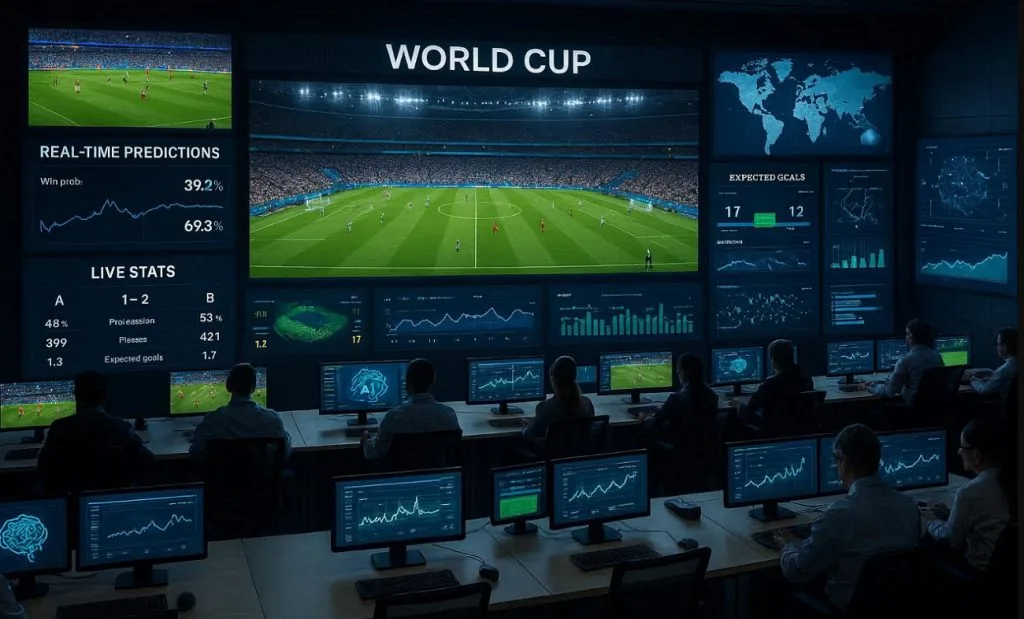
Prompt 3: “Sports data scientist using advanced analytics software to study FIFA World Cup player performances, interactive graphs, heat maps, and predictive models displayed across multiple screens.”
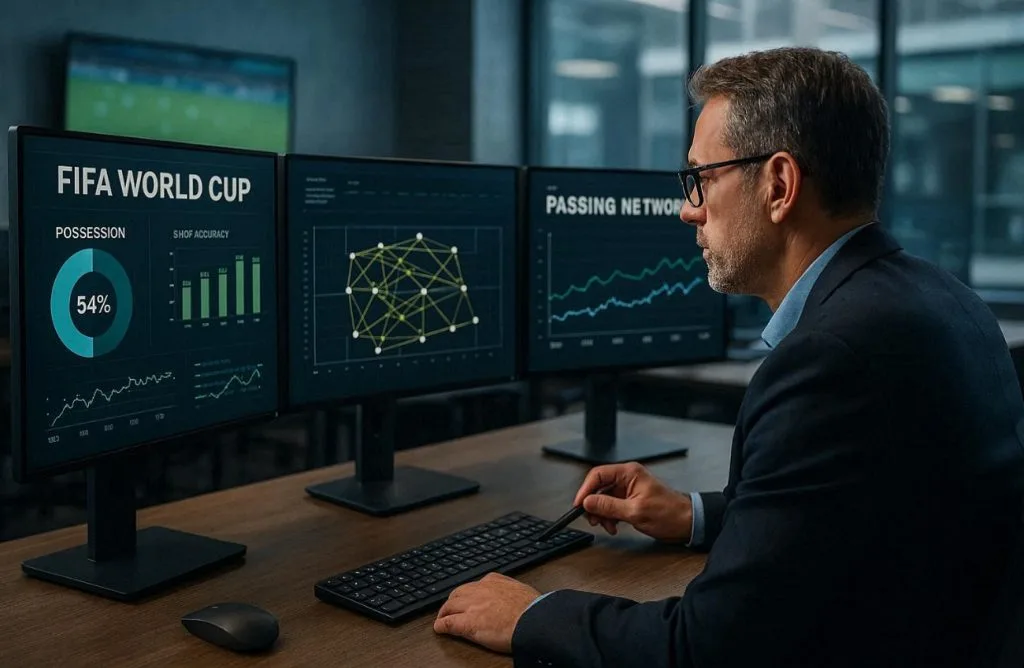
Prompt 4: “Professional football analyst reviewing FIFA World Cup statistics on multiple monitors, examining possession data, shot accuracy, passing networks, and historical match trends in a modern sports office.”
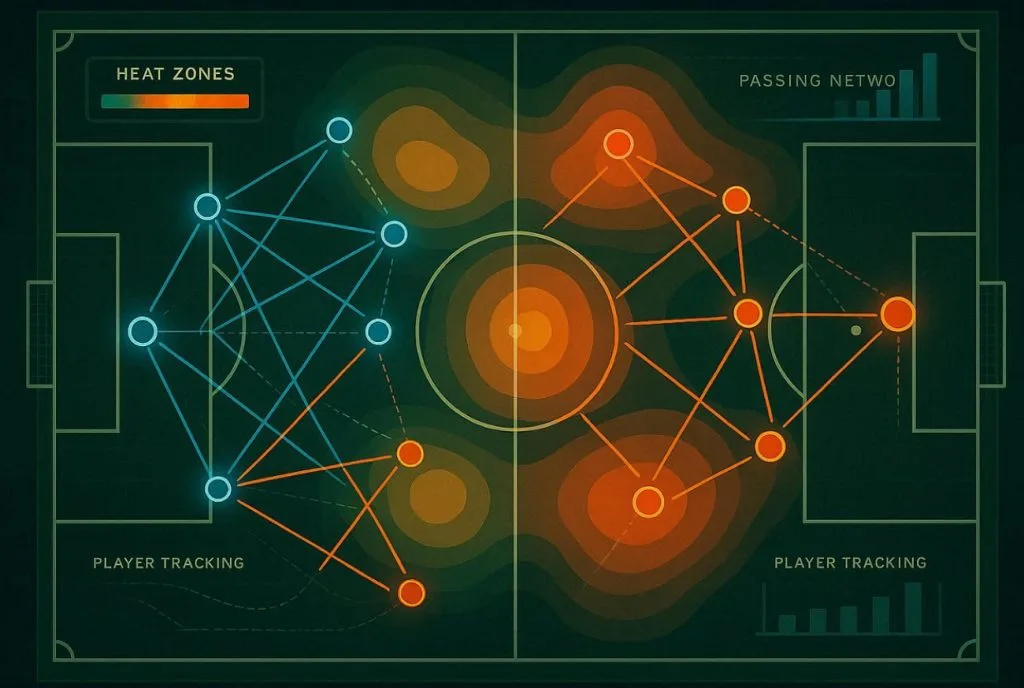
Prompt 5: “Demonstrate a top-down aerial view of a green football pitch rendered as a sleek analytics dashboard, showing two contrasting tactical formations in glowing blue and orange vectors, heat zones for pressing intensity, player tracking trails, passing networks- illustration style.”
2. Live Match Commentary & Reporting
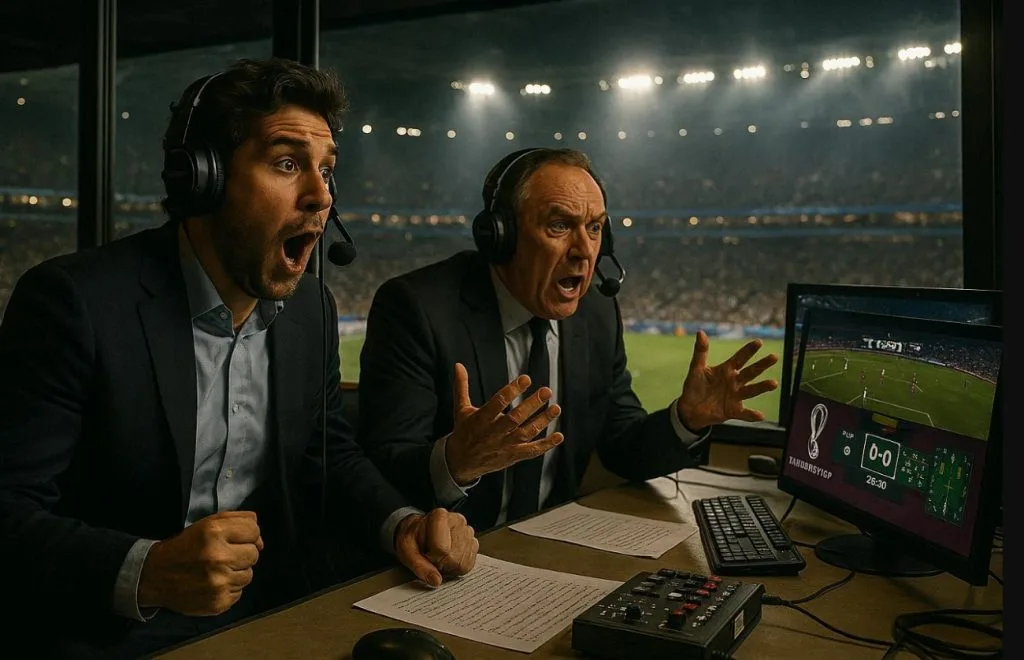
Prompt 1: “Cinematic interior of a FIFA World Cup broadcast commentary booth; two professional commentators’ mid-reaction, headsets on, stadium pitch visible through the panoramic glass window behind them, broadcast monitors showing live match graphics, dramatic stadium floodlight glow, photorealistic style.”
Prompt 2: “Generate a sports newsroom where real-time FIFA World Cup match reports, journalists analyzing live data feeds, score tickers, and instant highlights on giant digital screens.”
Prompt 3: “Close-up of commentators describing a thrilling World Cup moment, crowd roaring in the background, microphones, laptops, and live stats overlays showing possession and goal chances.”
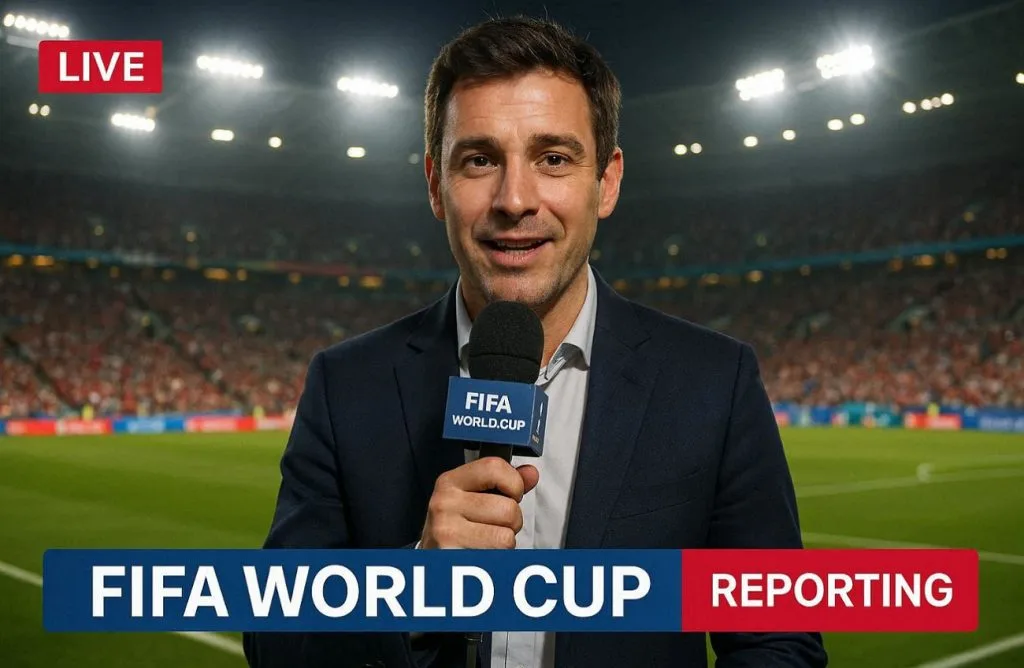
Prompt 4: “Show this sports journalist reporting live from the pitch-side during a FIFA World Cup match, holding a microphone, stadium floodlights glowing, fans cheering in the background, real-time graphics overlay.”
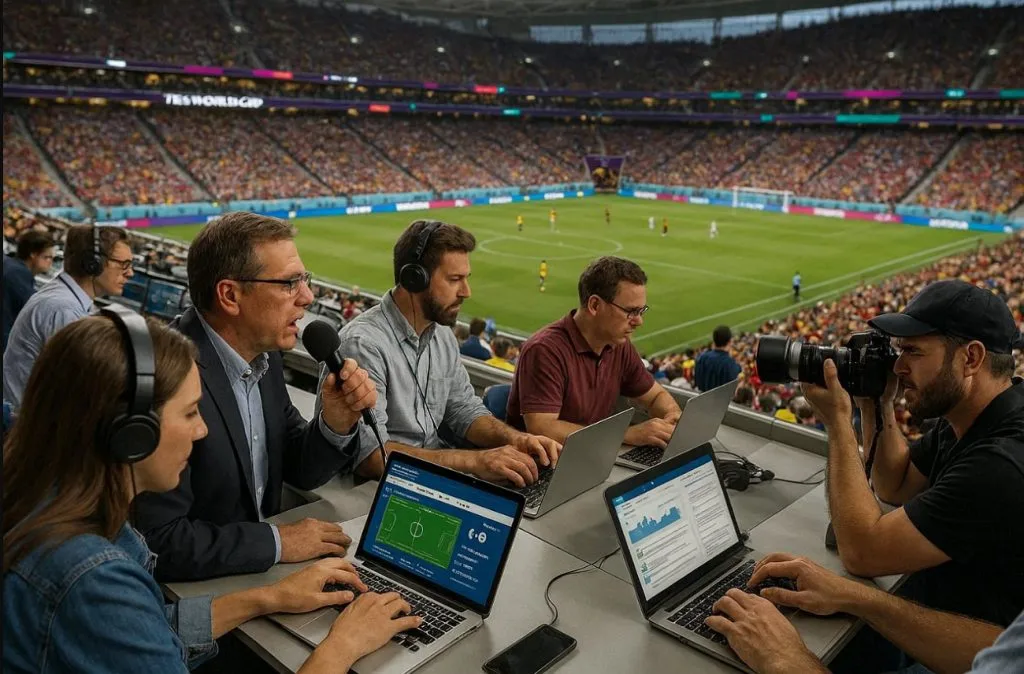
Prompt 5: “Sports reporters and photographers working from the press tribune of a packed FIFA World Cup stadium, capturing live updates, analyzing match events, and communicating breaking news to audiences worldwide.”
3. Tactical Breakdown & Analysis
Prompt 1: “Football coach studying a large touchscreen display with tactical formations, opponent analysis, and strategic adjustments during a FIFA World Cup match, realistic locker room setting.”
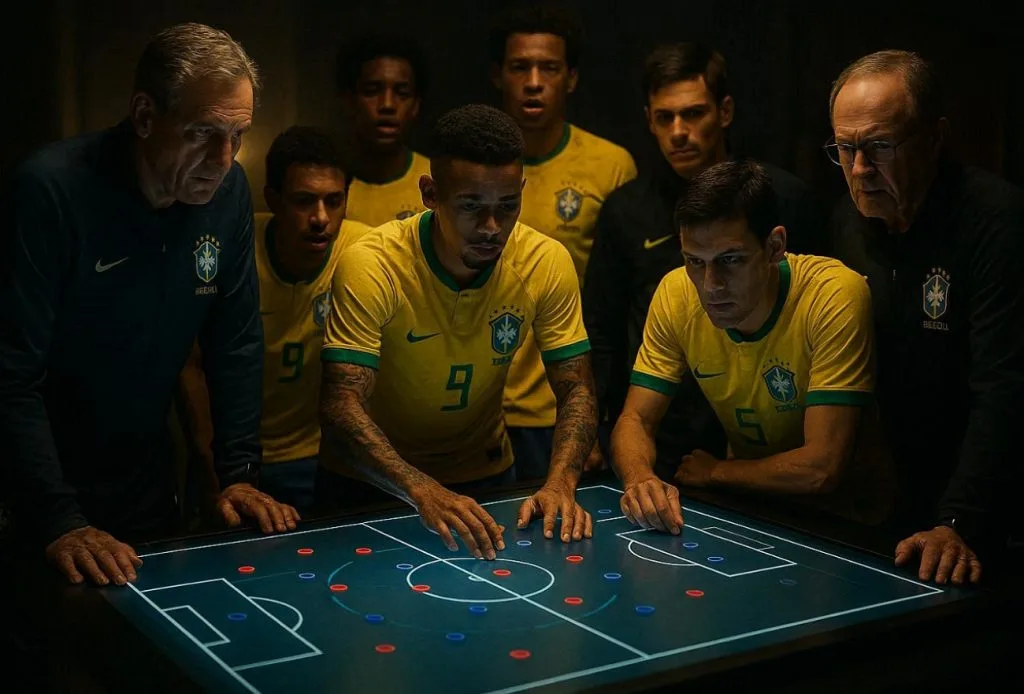
Prompt 2: “Football players and coaching staff gathered around a digital tactical table analyzing match strategy, opponent weaknesses, and game plan for a FIFA World Cup match, cinematic lighting.”
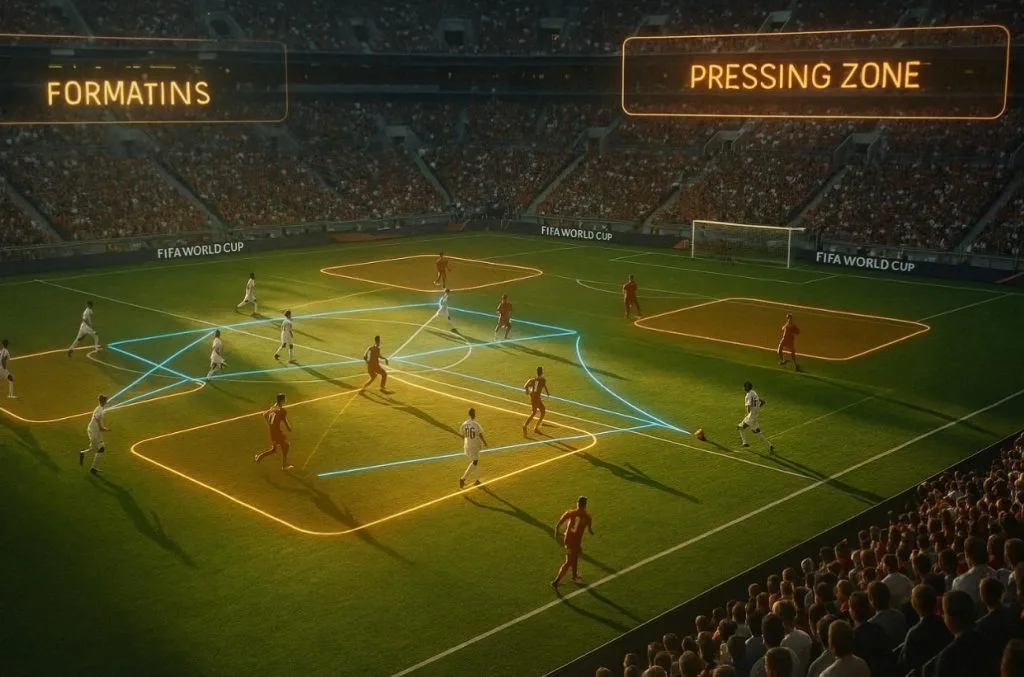
Prompt 3: “A FIFA World Cup match playing in a stadium while AI overlays highlight formations, pressing zones, and passing lanes dynamically shifting as the game progresses, cinematic slow-motion analysis style.”
Prompt 4: “An animated scene showing how teams transition from defense to attack in FIFA World Cup matches using arrows, zones, and real-time repositioning graphics.”
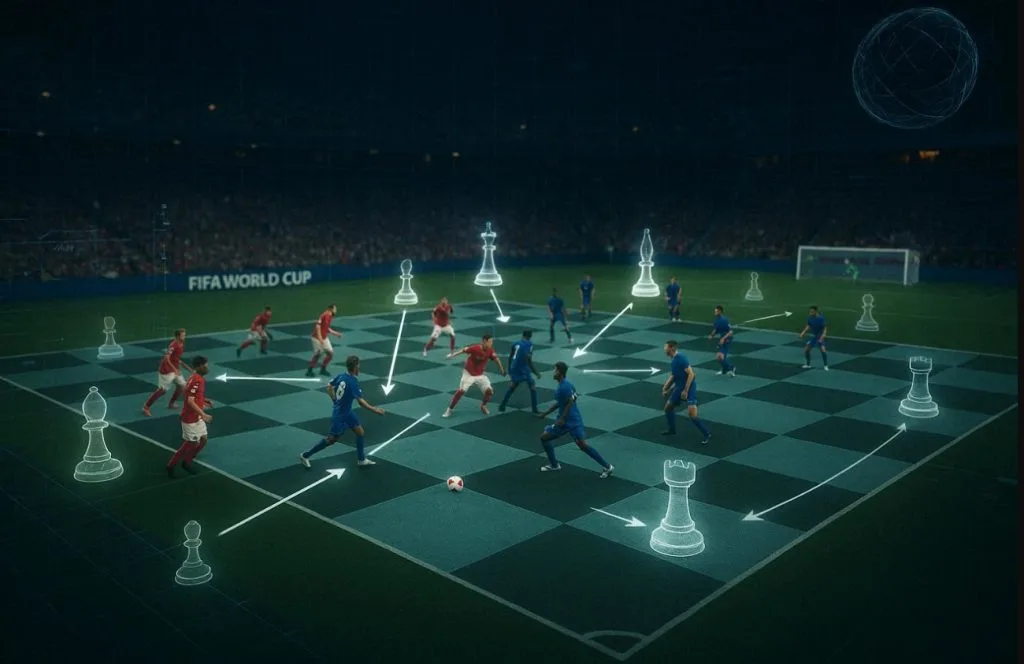
Prompt 5: “Cinematic scene where a FIFA World Cup match is shown as a chessboard, with AI analyzing every move, highlighting tactical decisions, formations shifting like chess pieces in real time.”
4. Social Media & Content Strategy
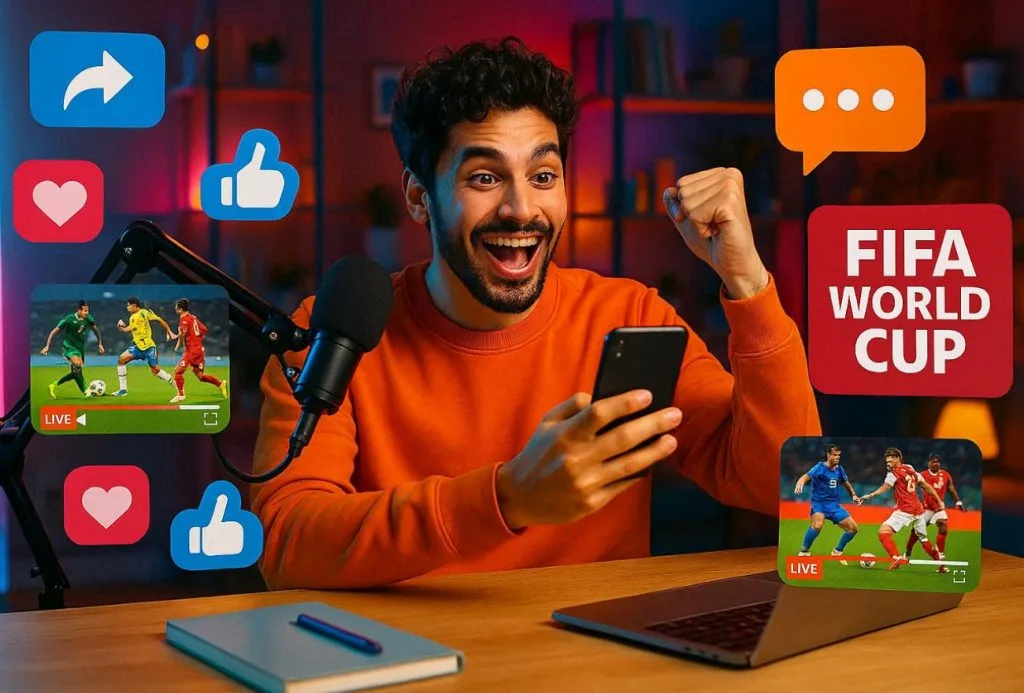
Prompt 1: “Content creator posting FIFA World Cup updates on multiple platforms, surrounded by floating icons of likes, shares, comments, and live match clips, vibrant and energetic studio setup.”
Prompt 2: “Show marketing team in a modern office planning FIFA World Cup content strategy, analyzing engagement charts, brainstorming viral posts, and scheduling match-related content.”
Prompt 3: “Sports influencer reacting live to a FIFA World Cup match while recording content for social media, with split screens showing reactions, match highlights, and audience engagement.”
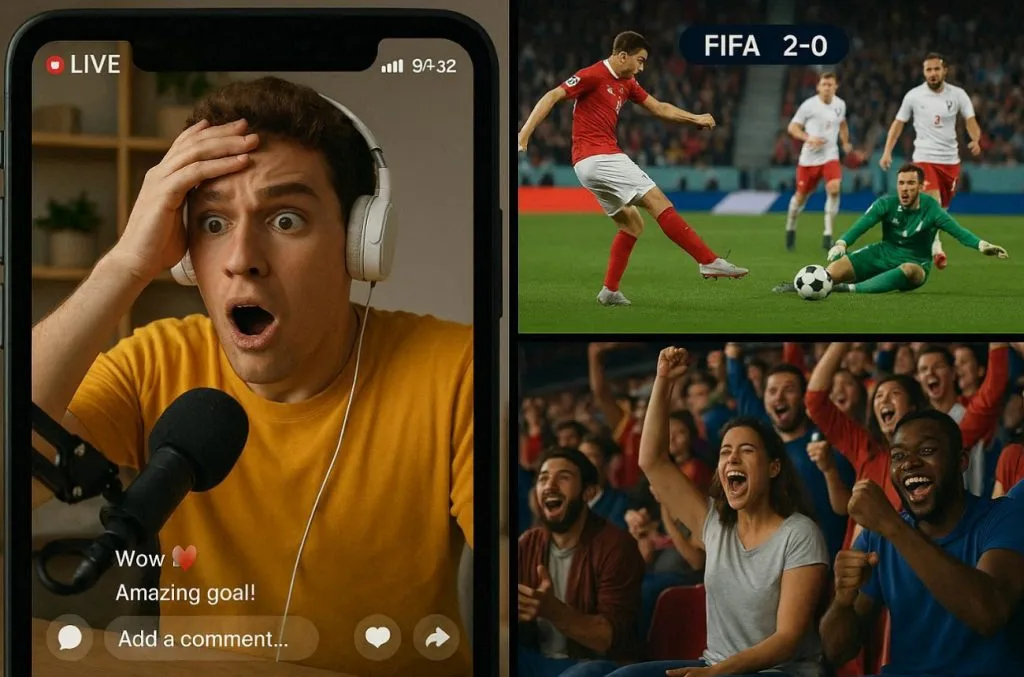
Prompt 4: “Generate a fast-paced digital scene showing a FIFA World Cup goal clip instantly going viral across social media platforms, with exploding likes, shares, and trending animations spreading globally.”
Prompt 5: “Make multiple influencers around the world streaming reactions, commentary, and doing analysis of World Cup matches, connected through glowing digital network lines.”

5. Fantasy Football Advisor
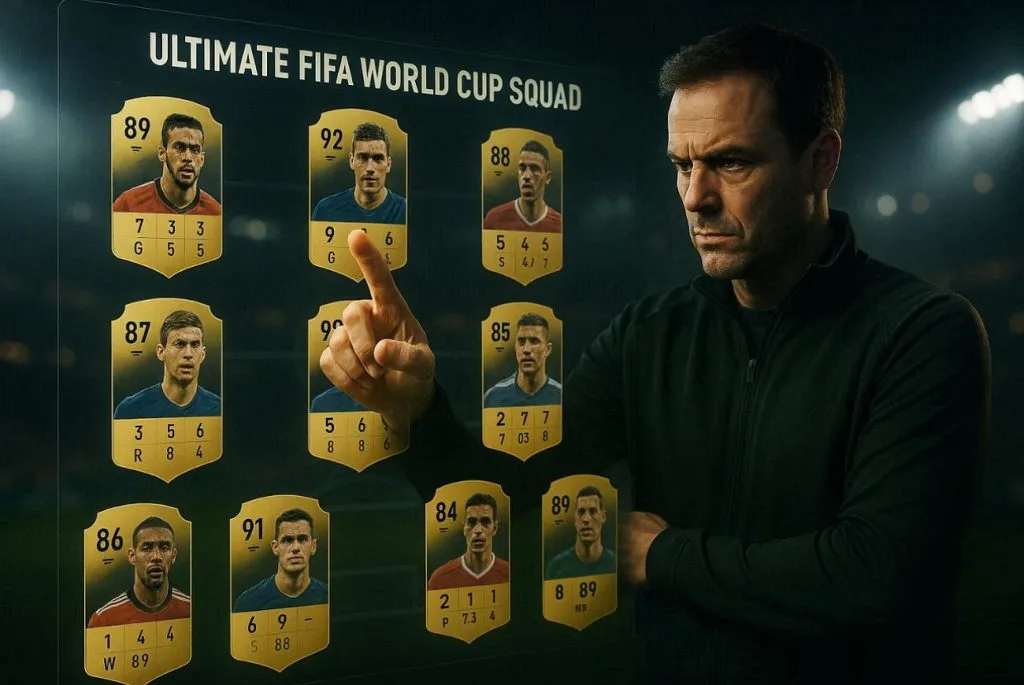
Prompt 1: “Show a fantasy football manager selecting the ultimate FIFA World Cup squad on a digital touchscreen, player cards floating in the air with ratings, goals, assists, and performance metrics, cinematic sports atmosphere.”
Prompt 2: “Make football advisors excitedly participating in a FIFA World Cup fantasy draft, selecting star players from different national teams, giant digital screens showing live picks, rankings, and team-building strategies.”
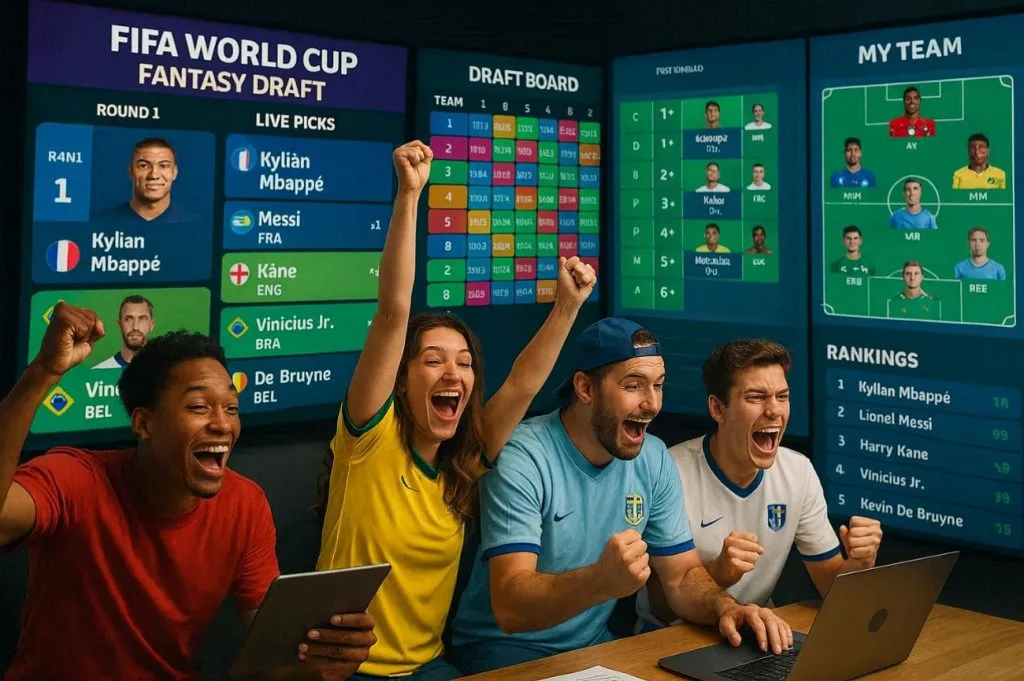
Prompt 3: “The fantasy football manager celebrating at the top of a FIFA World Cup fantasy league leaderboard, surrounded by floating player statistics, victory graphics, championship trophies, and glowing achievement badges, in an epic cinematic style.”

Prompt 4: “Smart football manager climbs from the bottom of the league to the top during the FIFA World Cup, using smart transfers, captain picks, and strategic decisions visualized through immersive graphics-show a fantasy journey.”
Prompt 5: “Create a football manager deciding in a fantasy way between multiple World Cup superstars for the captain armband, with projected points, goal probabilities, and performance charts floating around each player.”
Part 2. Best Way to Turn Claude FIFA World Cup Prompts into Videos
A Claude World Cup prompt can be turned into a video in an easier way than you think. All you need is MagicLight AI for its Image-to-Video feature, which supports up to 1,500-word text prompts. For more clarity, you can upload any stadium or player image as the starting frame of your video. With 19 different background video models, creators can choose from motion options along with visual styles.
This lets you align the video structure to your Claude script, for example, real stadium motion or cinematic celebrations. Every Image-to-Video clip is exported at 720p resolution, which is sufficient for YouTube Shorts. Notably, you can re-edit the prompt or settings if the first version of the video is not perfect.
Key Features
- Short Clip Duration: The feature offers a short video duration of about 10 or 15 seconds per generated clip.
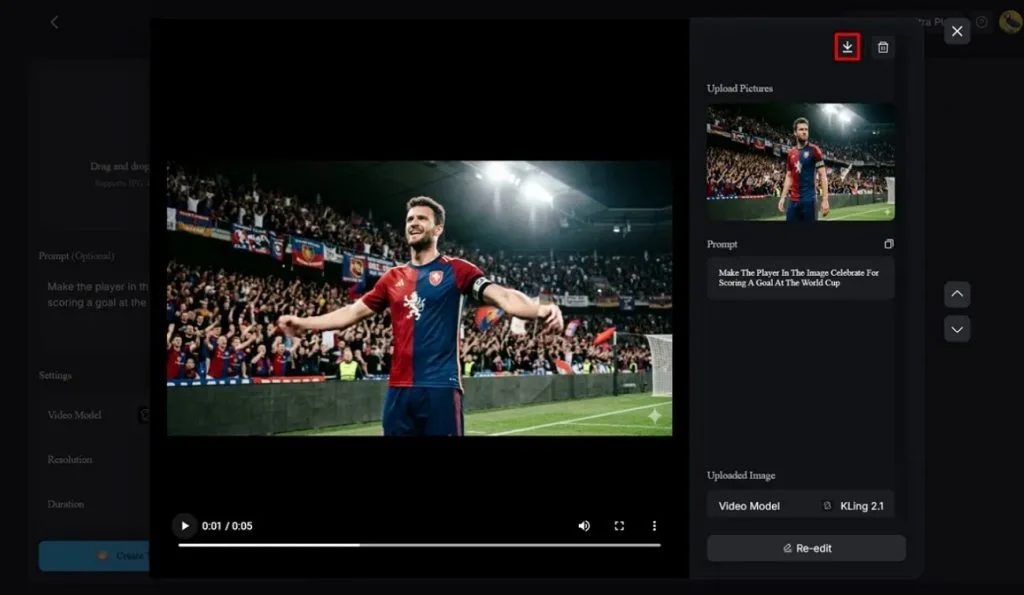
- Preview with Direct Download: Once the video is generated, you can play it for quick view, then download it directly.
- One-Click Workflow: With a relevant image and a Claude prompt, videos are generated in one click.
Guidelines to Generate a Video from Claude Prompts
To practically examine video creation, follow the guidelines below and see how easy MagicLight AI makes the process:
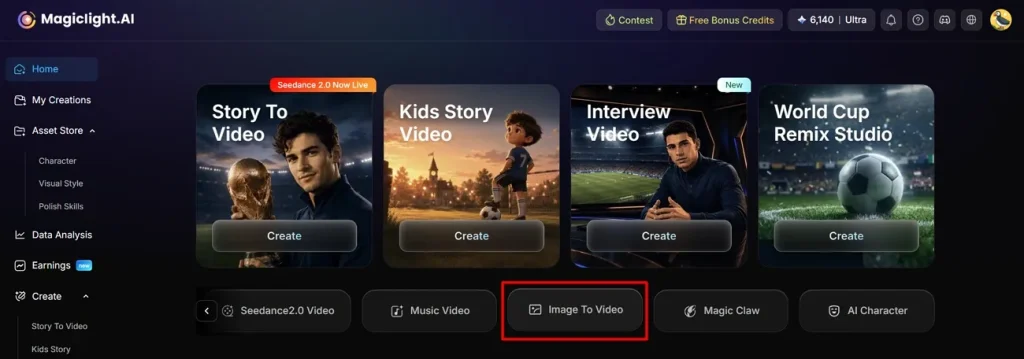
Step 1. Access the Image to Video Feature
Visit the MagicLight AI on your device and navigate to the Image to Video feature.
Step 2. Insert an Image and Start Video Creation
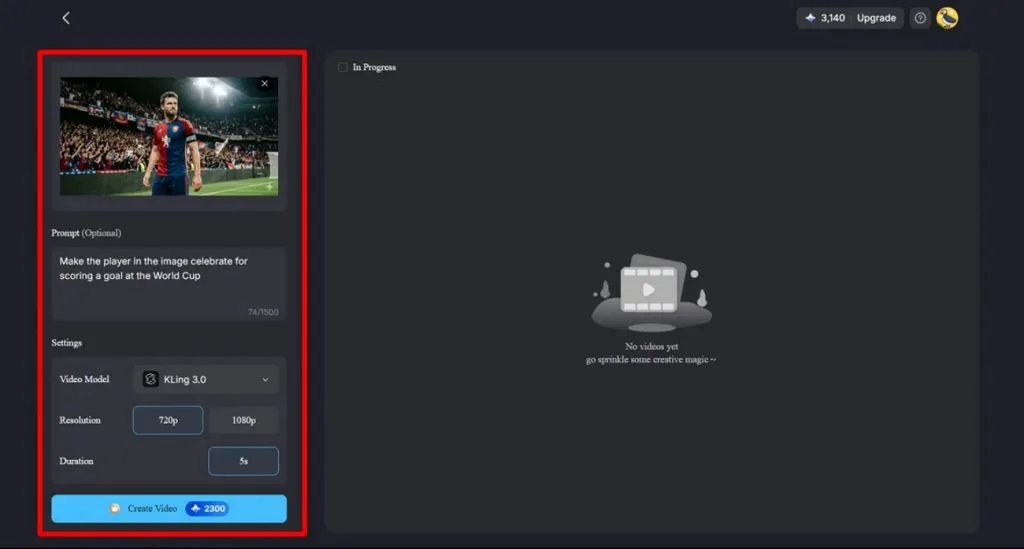
After this, upload your reference image and enter the copied prompt from Claude in the provided Text Box. From the Settings section, specify the Video Model, Resolution, and Duration as required. Finally, press the Create Video button to begin the process of video creation.
Step 3. Examine and Download FIFA World Cup Video
Soon, after creation, play the video and ensure the scenes match your concept, then click the Download icon.
Conclusion
In the end, the Claude World Cup prompts are very helpful for those who prefer better content without wasting time thinking. This service helps you stay consistent and active during major events like the FIFA World Cup, when up-to-date content is essential. When these prompts are combined with MagicLight AI's Image-to-Video feature, you get a 1080p video with minimal effort.
FAQs on Claude FIFA World Cup Prompts
1. Can Claude generate accurate World Cup match analysis?
Indeed, Claude can give precise World Cup match analysis when it's fed with recent stats and context from trusted sources. With solid data and clear questions, its predictions and tactical breakdowns are quite accurate.
2. How do I write better World Cup prompts for Claude?
Start with simple prompts that include teams, a tournament (World Cup 2026), and match date, then explain what you want. Further elaborate on the Claude tone, target audience, script length, and an example script to copy.
3. Can Claude generate YouTube scripts for football videos?
Absolutely, Claude can generate a complete YouTube script for Football videos, including hook, main points, and call-to-action. Once done, you can paste that script into MagicLight AI along with an image reference to create a video.
4. What types of World Cup videos can MagicLight AI create?
MagicLight AI can create World Cup shorts, highlights-style explainers, and story videos from your prompts. When supported with an image, its Image to Video feature offers 19 video models for background settings.
5. Can I combine Claude and MagicLight AI for football content creation?
Yes, it's easier to pair them, as you can use the Claude World Cup prompt with a picture reference on MagicLight AI. This combination lets you go from idea to Claude script and MagicLight AI video that’s ready to publish.