About the Aesop Fable: Golden Acorn Adventure
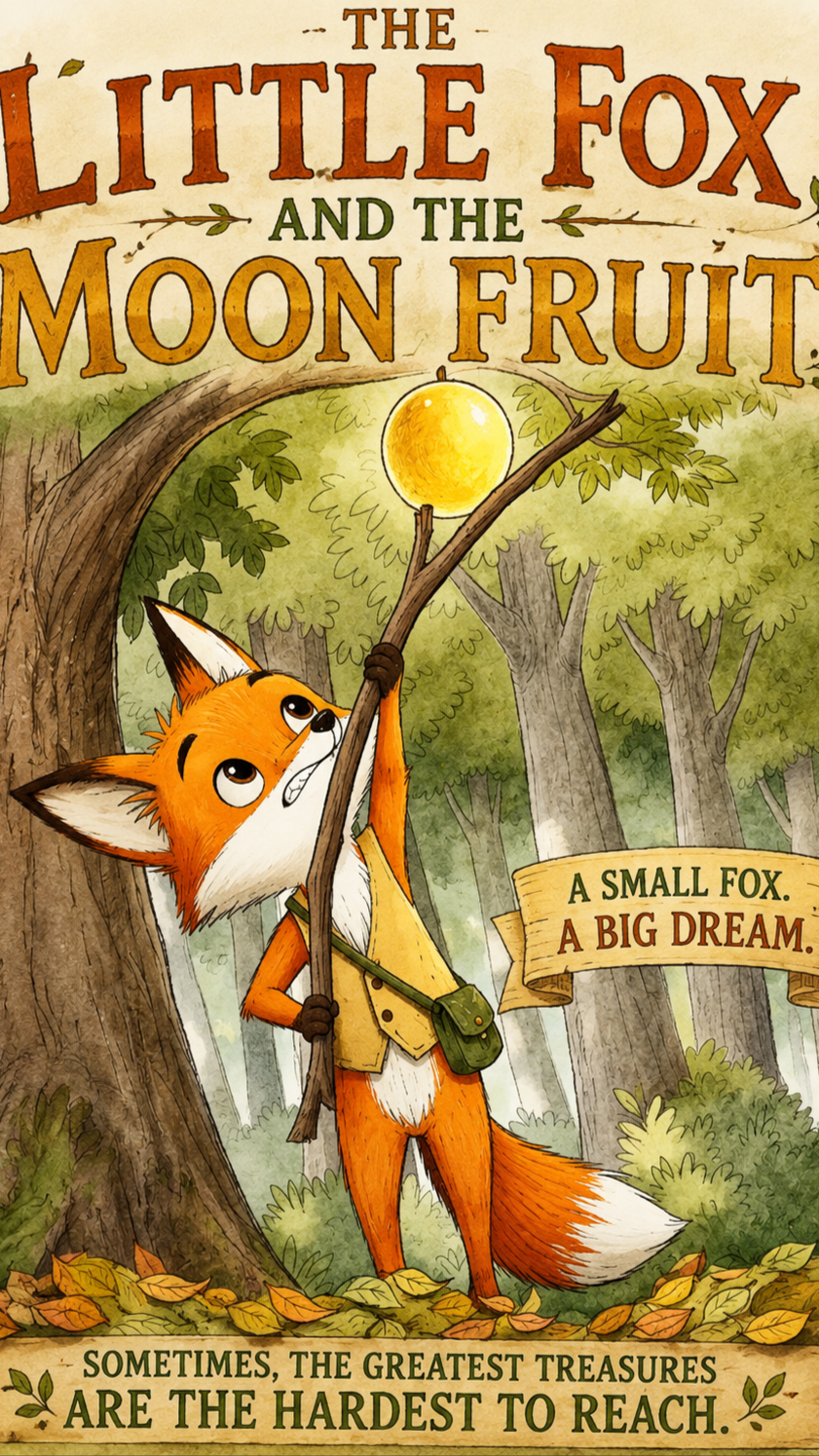
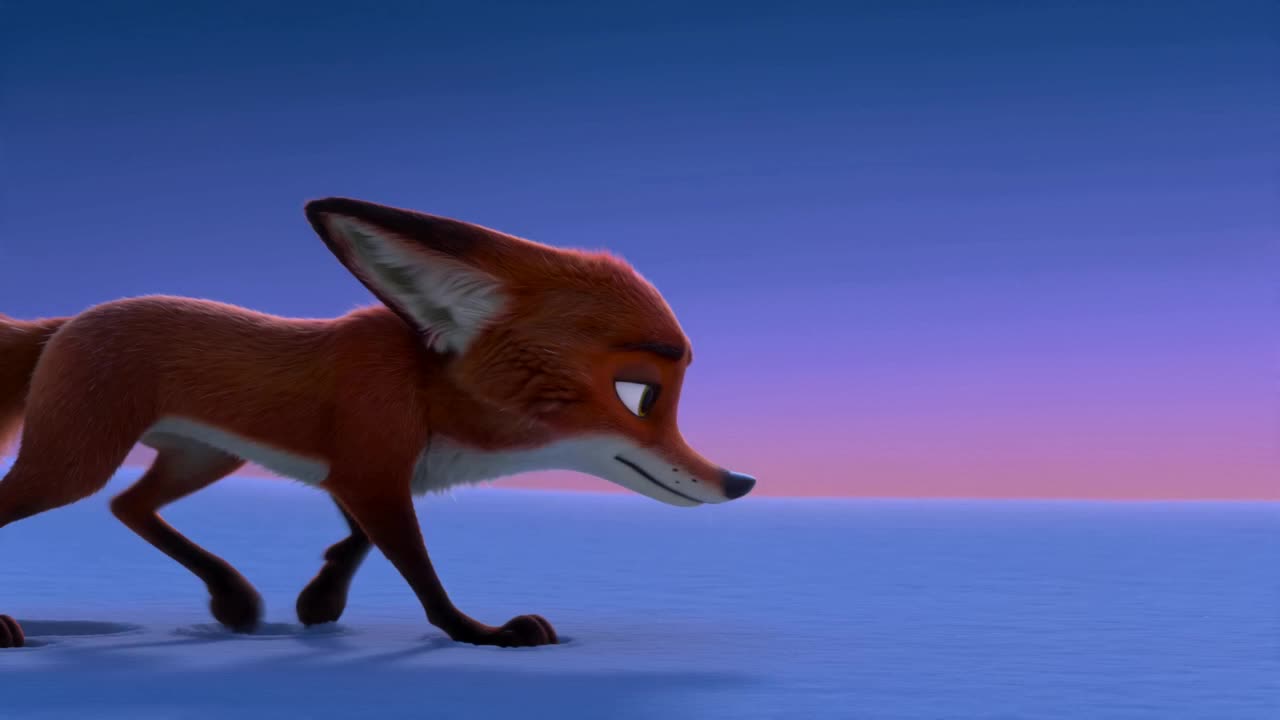
Join Foxy, a playful little fox, and his best friend Squeaky, a clever squirrel, on a charming adventure! Foxy wants to reach the juiciest berries, but they're just out of paw's reach. Can Squeaky's quick thinking help them overcome this berry big challenge? Discover a heartwarming tale of friendship and problem-solving in this magical forest. What's the best way to help a friend in need?
Video script prompt
Create a 60-second children’s fable animation, divided into four continuous 15-second scenes. The story features @Fox as the little fox protagonist and @Squirrel as the little squirrel supporting character. Keep both characters visually consistent throughout the entire video. The visual style must match a classic hand-drawn children’s storybook illustration, with bold, slightly imperfect black outlines, textured pencil and crayon strokes, visible paper grain, simplified shapes, expressive animal characters, vibrant but warm colors, flat illustrated color blocks, subtle soft shadows, and a charming vintage Aesop’s fable picture-book feeling. Avoid realistic 3D rendering, plastic textures, photorealistic fur, dark horror lighting, or overly cinematic realism. Lighting should support the story’s emotional progression: bright warm morning sunlight at the beginning, golden afternoon light during the fox’s struggles, warm orange sunset as the problem grows, and soft blue-purple evening light with gentle moonlight and glowing fireflies at the ending. The forest should feel colorful, safe, magical, playful, and suitable for young children.
How to use this Cartoon video template
Template Name: Aesop Fable: Golden Acorn Adventure
Step 1
Click the "Use Template" button to load the "Aesop Fable: Golden Acorn Adventure" preset.
Step 2
Review the default settings. This template is pre-configured with the seedance2_0fast model and illustration style. Click "Run Script" to generate your initial draft.
Step 3
Enter your scene description in the text box. The One-Click engine is powered by seedance2_0fast to interpret complex prompts instantly. Toggle the Directing Modes if you need specific camera movements.
Step 4
Browse the Video Style carousel to pick a look. Ensure your Aspect Ratio is set correctly (9:16) for your target platform.
Step 5
Hit the "Create Video" button. The AI will process your script and style simultaneously to deliver a finished video.
Aesop Fable: Golden Acorn Adventure Video Template
Start to use this template
Template Specifications
Frequently Asked Questions
What kind of cartoons can I create with Magiclight?
You can create short animated stories, funny clips, and character-driven scenes using Magiclight's cartoon templates. Styles range from classic 2D animation to stylized digital cartoons.
Do I need animation experience to use these templates?
No experience is needed. Magiclight's cartoon templates are pre-built with animations, characters, and backgrounds, so you can create videos in minutes.
Can I customize characters and scenes in cartoon templates?
Yes! You can edit characters, change colors, add props, and adjust backgrounds to fit your story.
Are cartoon templates suitable for social media posts?
Absolutely. They are optimized for TikTok, Instagram Reels, YouTube Shorts, and more.
Can I add my own voiceovers to cartoon videos?
Yes. Magiclight allows you to add voiceovers, music, or sound effects to bring your cartoon to life.
You might also like
these trending designs