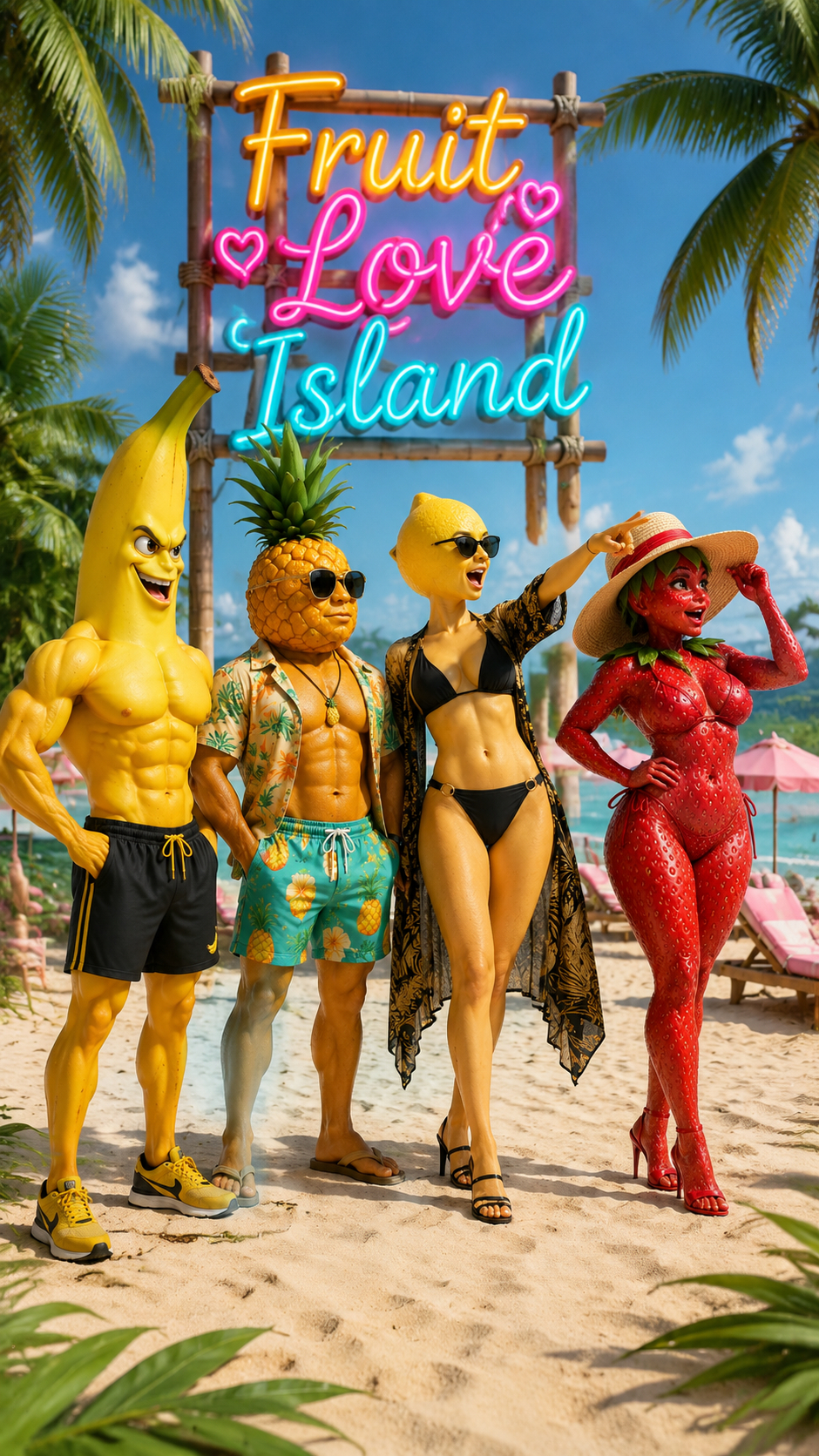
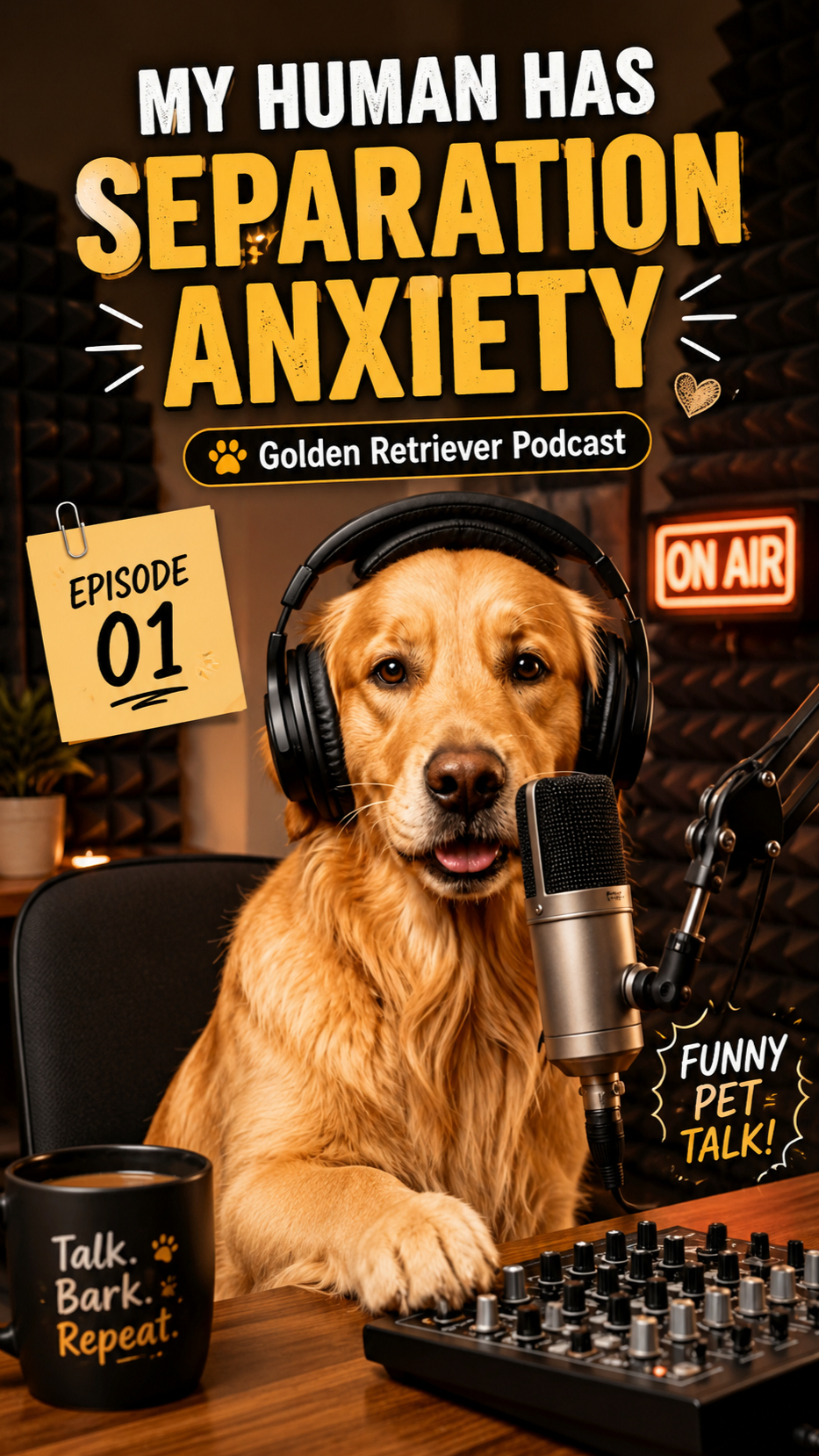
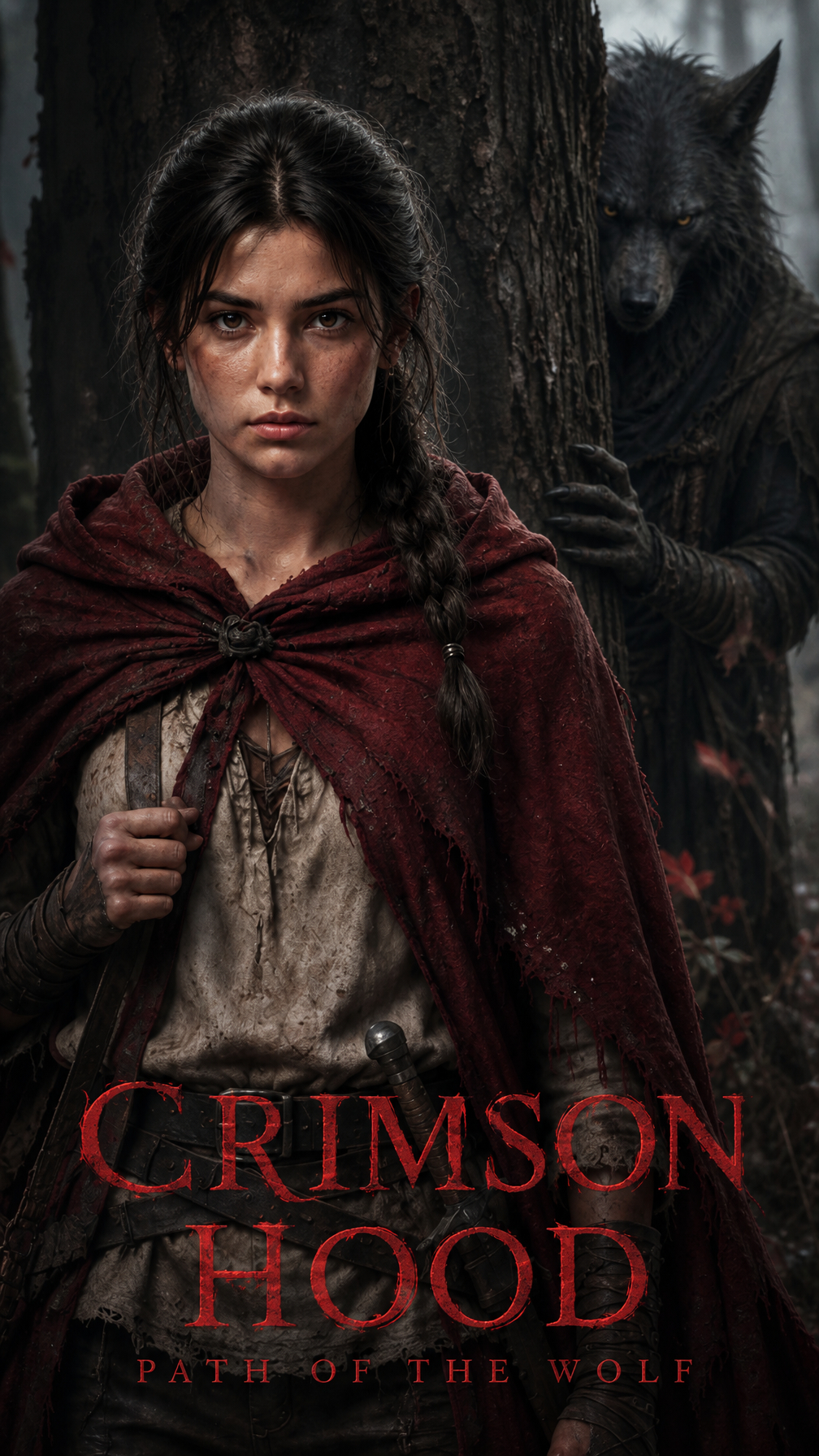
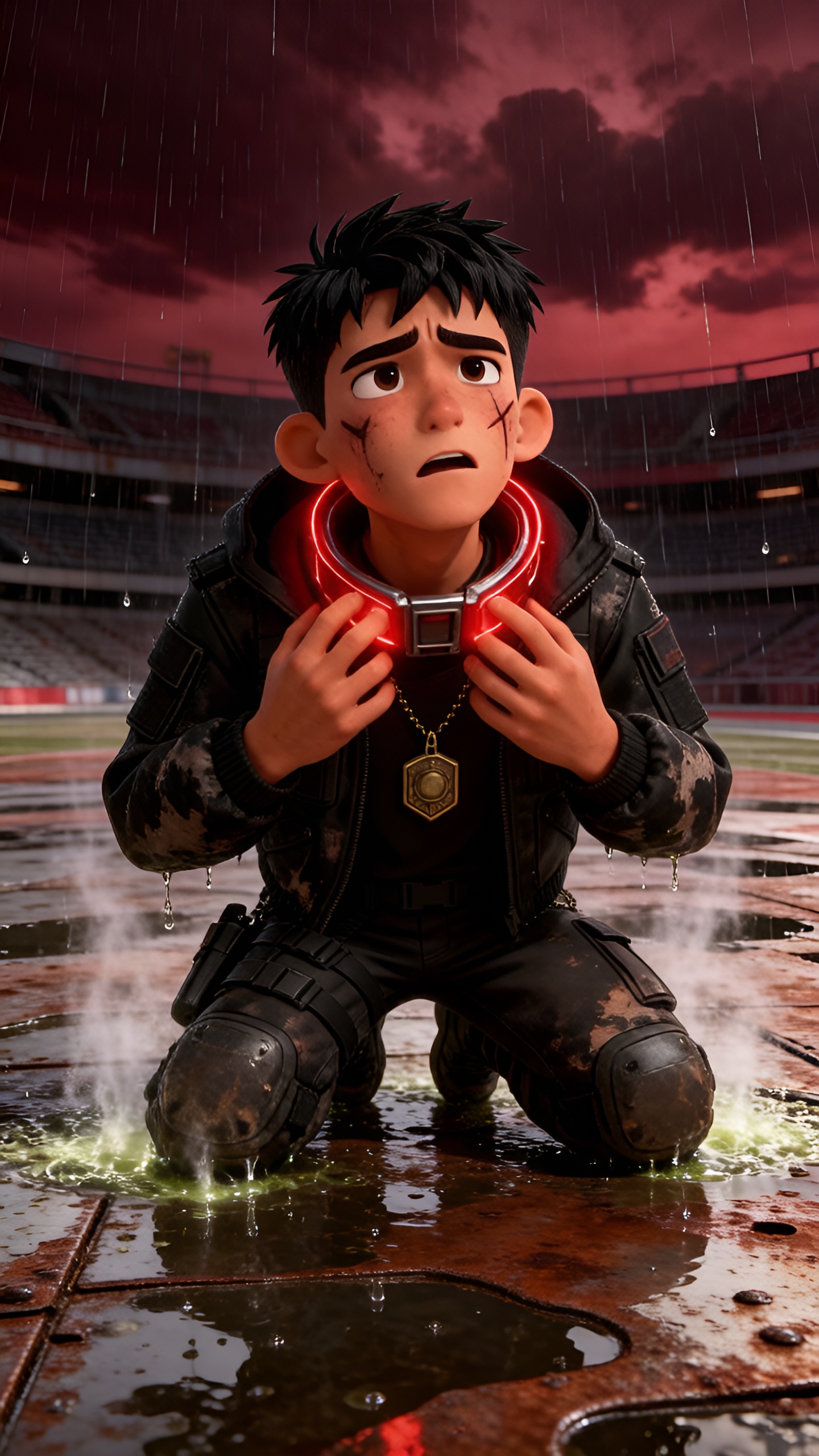
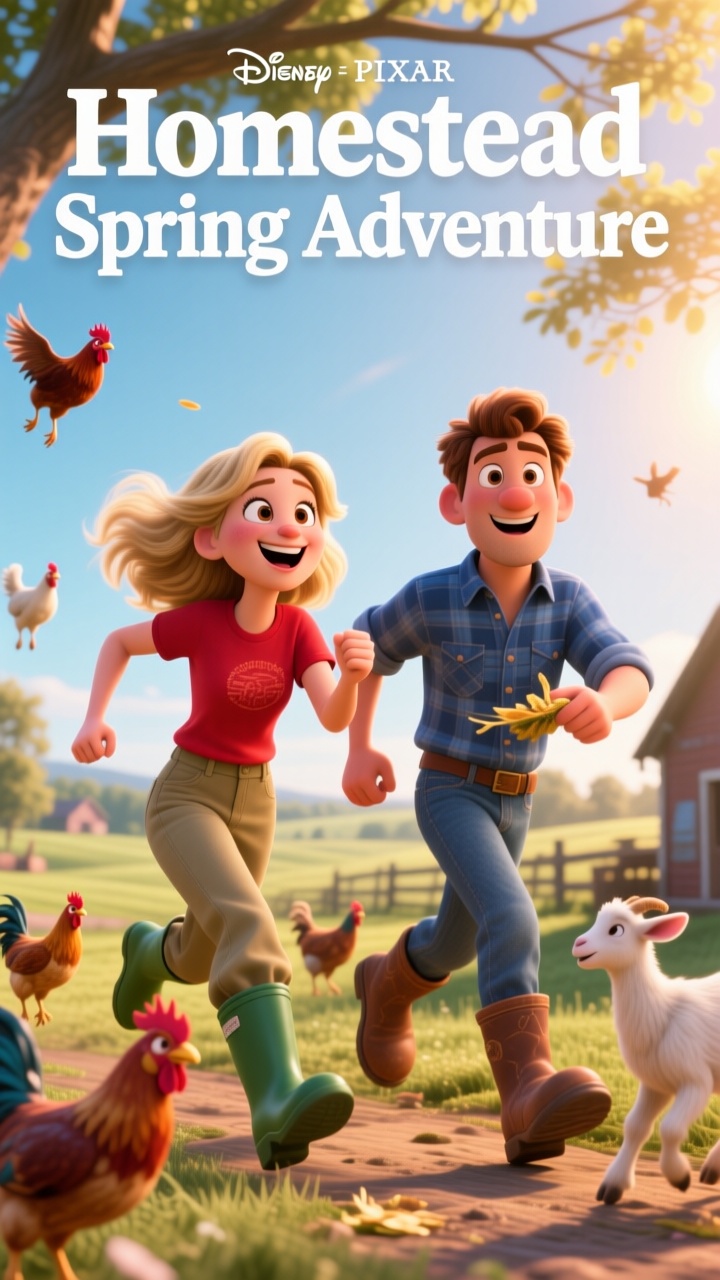
Seedance 2.5 helps Magiclight creators generate video scenes from prompts, images, characters, and references. It is built for workflows that need more stable motion, richer visual detail, stronger prompt following, and better continuity across a scene.
Use Seedance 2.5 to turn Magiclight storyboards, prompts, and scene descriptions into polished video clips with camera movement and visual rhythm.
Animate Images into Video
Start from a character image, product shot, or scene frame in Magiclight, then select Seedance 2.5 to create image-to-video motion.
Guide Output with References
Use reference images and creative direction to help preserve character appearance, visual style, scene mood, and production intent.
Build Stronger Scene Flow
Create video scenes with more room for setup, action, and visual development, making Seedance 2.5 useful for stories, ads, explainers, and short drama scenes.
Who Should Use Seedance 2.5 Video Generator
Seedance 2.5 fits Magiclight creators who want more cinematic video generation inside a complete production workflow.
It is especially useful when your video needs stronger scene continuity, smoother motion, more reference control, and better visual consistency from storyboard to final output.
For Story Creators
Turn scripts and storyboards into animated video scenes.
Keep characters, settings, and visual tone more consistent.
Create story moments with clearer scene progression.
For Image-to-Video Projects
Animate still images directly inside Magiclight workflows.
Use source images as references for characters or products.
Add motion, camera direction, pacing, and scene atmosphere.
For Short Drama Teams
Create expressive character scenes and dramatic camera movement.
Generate stronger visual continuity across episode moments.
Build repeatable drama content without manual filming.
For Marketing Videos
Generate product shots, promo scenes, and social video clips.
Use references to guide brand style and visual consistency.
Create polished ads and explainers from Magiclight project assets.
Why Seedance 2.5
Works Well in Magiclight Video Workflows
Seedance 2.5 is built for richer AI video generation. In Magiclight AI, it becomes part of a larger production pipeline that includes scripts, characters, storyboards, image assets, voiceover, music, subtitles, editing, export, and publishing.
Stronger Scene Generation
Create video scenes with space for setup, camera movement, subject action, and visual development inside a Magiclight project.
Better Scene Continuity
Help characters, settings, and motion stay more coherent across a generated scene, reducing the need to rebuild separate clips.
Reference-Guided Control
Use reference assets to guide characters, style, product appearance, lighting, mood, and scene direction during video generation.
Fits Nano Storyboard Control
Plan actions, timing, camera movement, expressions, and visual details in Magiclight before generating the final video scene.
Cinematic Motion Quality
Generate smoother movement, more natural pacing, and stronger camera direction for story videos, ads, and visual content.
Connected to Final Output
Continue from model generation into Magiclight voiceover, music, subtitles, covers, editing, download, publishing, and performance tracking.
Use Seedance 2.5 Inside Your Magiclight Workflow
Start from a Magiclight creation feature, prepare your script, images, references, or storyboard, then select Seedance 2.5 when the project needs cinematic video generation.
1.
Choose a Magiclight Video Workflow
Start with Story to Video, Image to Video, Short Drama, Explainer Video, Music Video, Interview Video, or another Magiclight creation workflow.
2.
Prepare Prompts, Images, or References
Use Magiclight to set up the script, character, visual style, source image, storyboard frame, or reference direction before video generation.
3.
Select Seedance 2.5 as the Video Model
When the workflow reaches video generation, choose Seedance 2.5 to create scenes with stronger motion, continuity, prompt following, and cinematic detail.
4.
Finish the Video in Magiclight
Continue with Nano Storyboard refinements, voiceover, background music, subtitles, cover generation, editing, export, publishing, and performance tracking.
Seedance 2.5 is a video generation model option inside Magiclight AI. Creators can select it when a workflow needs cinematic video output from text prompts, images, references, characters, or storyboards.
Does Magiclight AI support 4K export with Seedance 2.5?
No. Seedance 2.5 in MagicLight AI does not currently support 4K export. It focuses on creating high-quality cinematic videos with smooth motion, strong visual consistency, and flexible storytelling workflows.
Is Seedance 2.5 used outside the Magiclight workflow?
No. On this Magiclight model page, Seedance 2.5 is positioned as a video model used inside Magiclight creation workflows. Users create the project in Magiclight, then choose Seedance 2.5 at the video generation step.
What makes Seedance 2.5 different?
Seedance 2.5 is useful for cinematic video generation, reference-guided creation, smoother motion, stronger prompt following, and improved scene continuity compared with simpler short-clip generation workflows.
Which Magiclight workflows can use Seedance 2.5?
Seedance 2.5 can support Magiclight workflows that need video generation, including Story to Video, Image to Video, Short Drama, Explainer Video, Music Video, Interview Video, social clips, product videos, and campaign content.
Can Seedance 2.5 turn images into videos?
Yes. Inside Magiclight AI, Seedance 2.5 can be used for image-to-video workflows where a character image, product image, scene frame, or reference visual becomes an animated video scene.
Create Cinematic Video with Seedance 2.5
Turn your ideas into cinematic videos with Seedance 2.5, from visuals and voiceovers to subtitles and final edits.