Bring Every Scene to Life With MiniMax H3
Create, reference, and refine videos in one AI model. Explore the features that make MiniMax H3 faster, simpler, and ideal for cinematic storytelling.

MiniMax H3 reads text, images, video, and audio as one brief. Magiclight AI turns the generated clips into a cinematic story, no editing skills required.
Try MiniMax H3 for Free

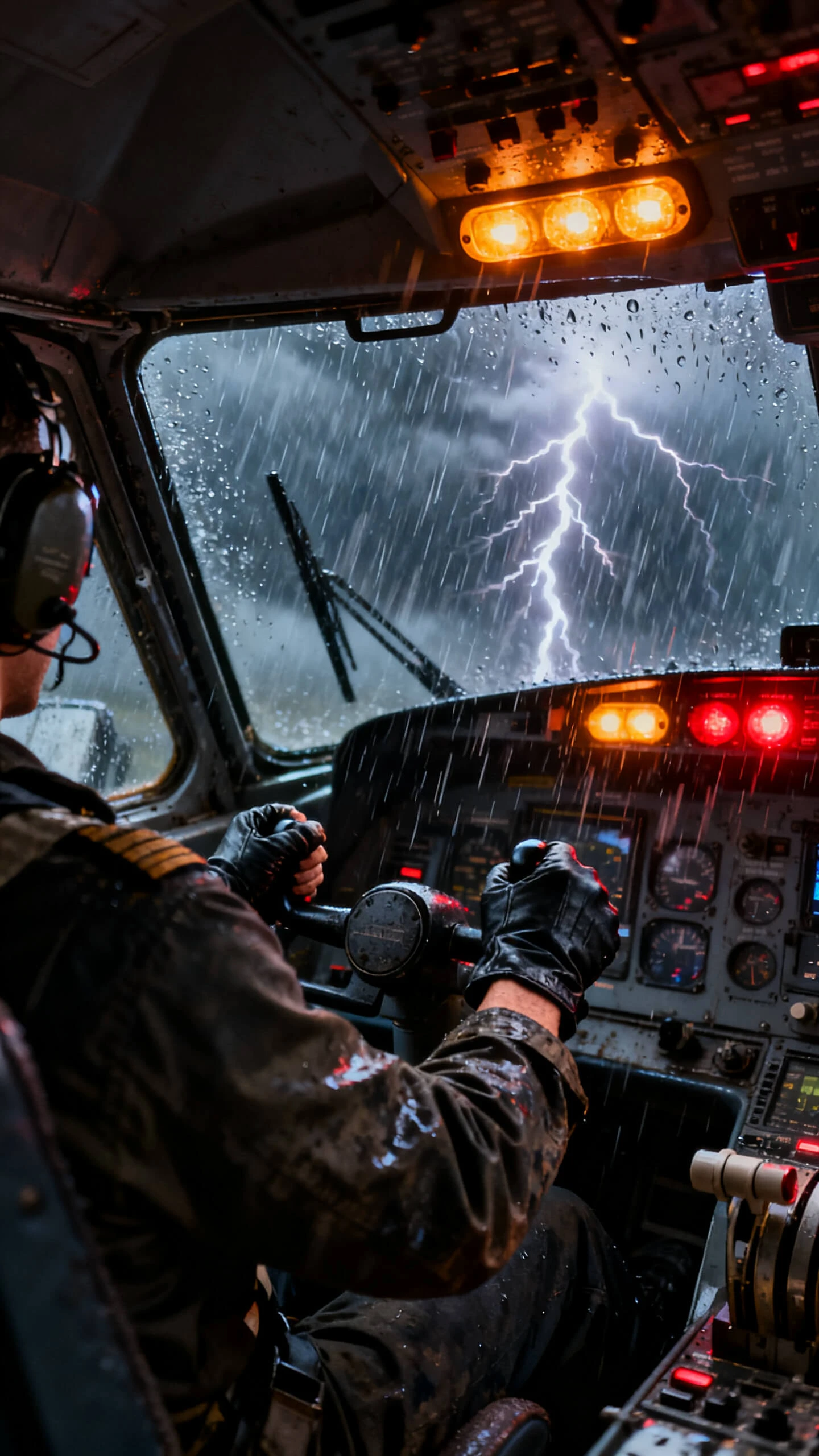
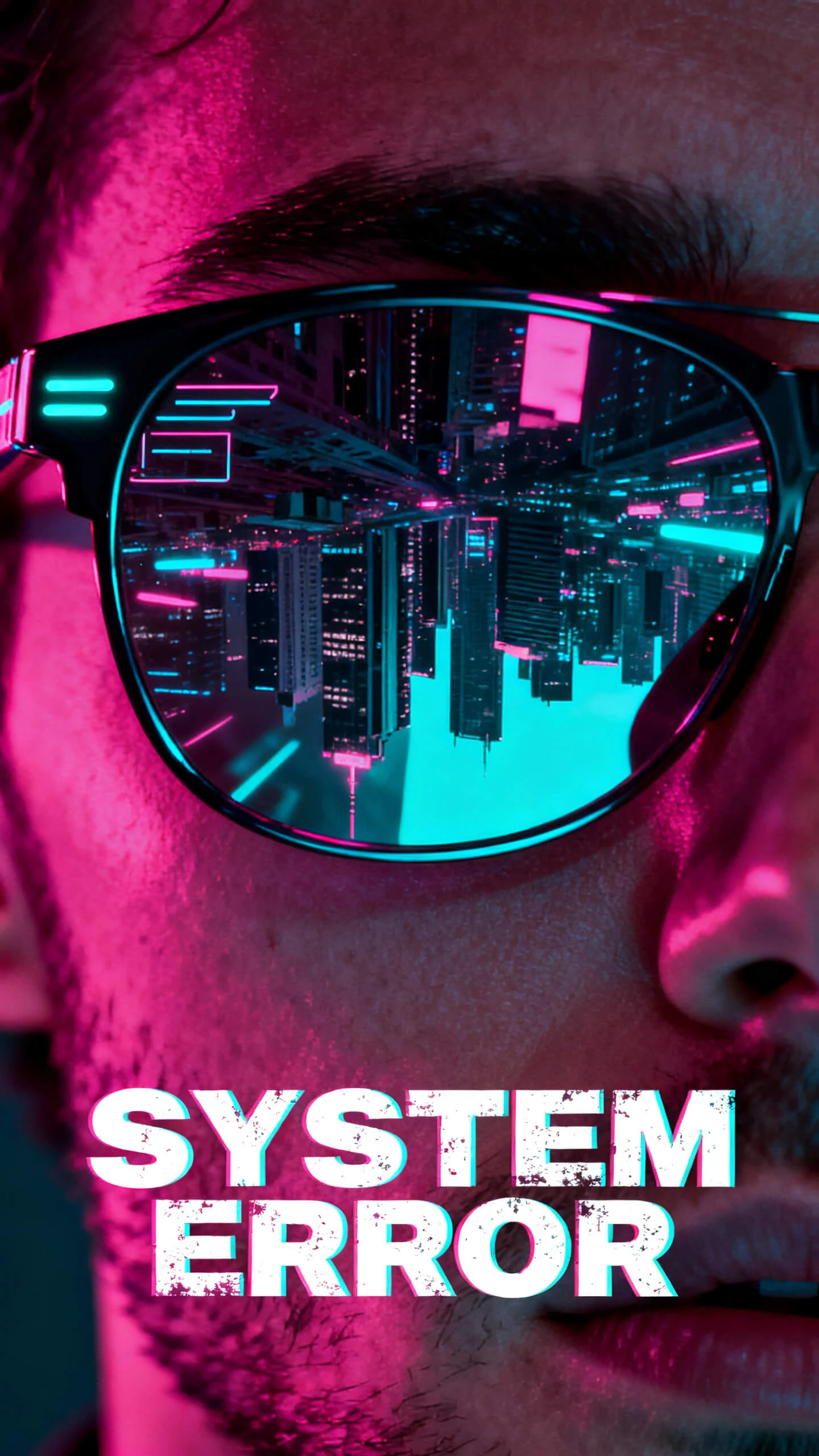
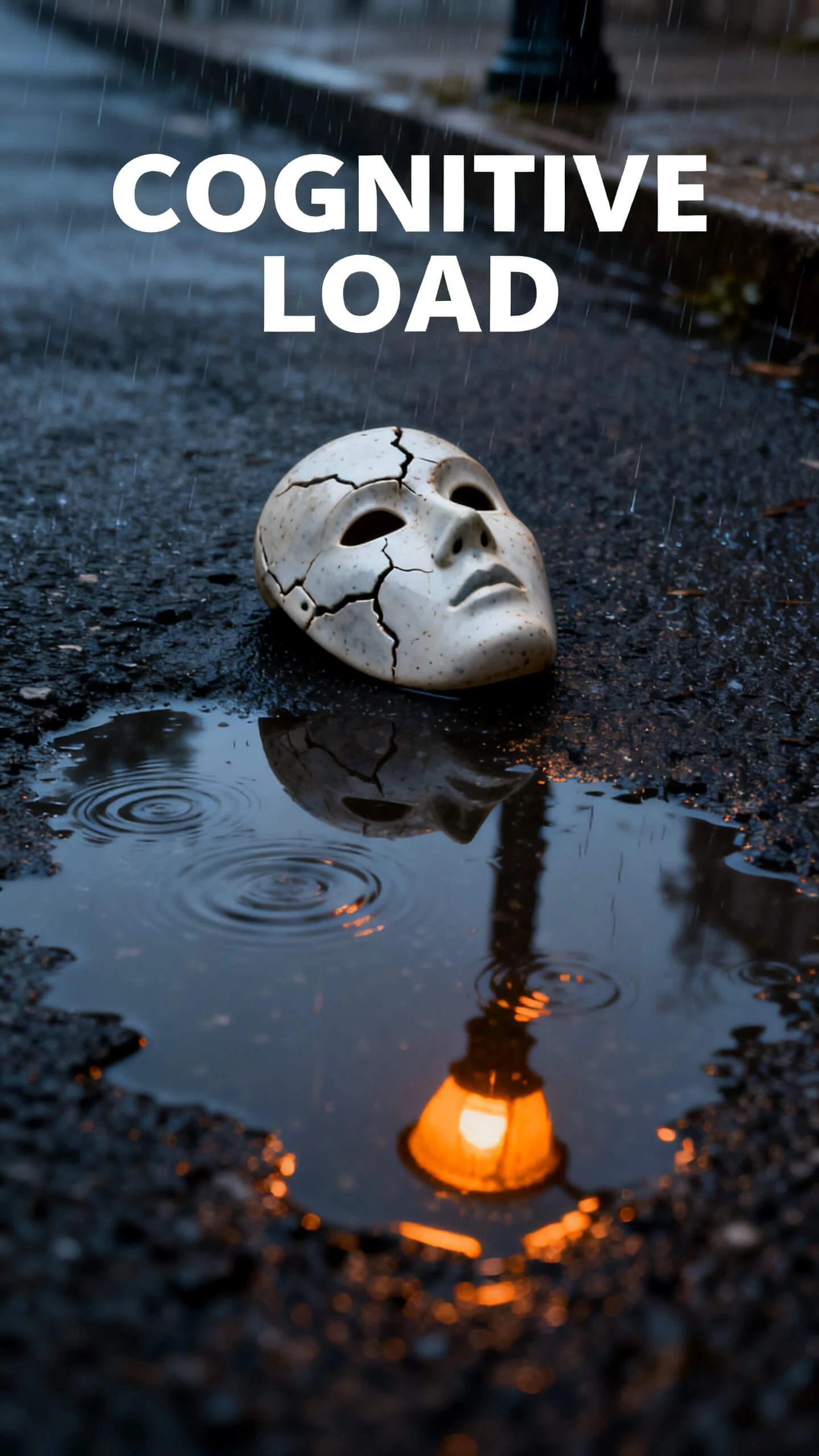
Create, reference, and refine videos in one AI model. Explore the features that make MiniMax H3 faster, simpler, and ideal for cinematic storytelling.

MiniMax H3 produces dialogue, sound effects, and ambience alongside the picture rather than in a separate stage afterward. Since both come out of one model, a spoken line lands with the mouth that speaks it and a footstep land with the foot, so there is no dub pass to sync later.
A single prompt takes up to 9 reference images, 3 video clips, and three audio clips, 12 files in total. You can fix a face, a camera move, a color palette, and a speaking voice at once, then H3 carries all four into a scene it has never generated before.
Changing one detail no longer means regenerating the whole take. Ask H3 to swap a person or object, change the background, adjust the lighting, or replace a line of dialogue, and the parts of the shot you did not mention hold their position.
Clips run from 5 to 15 seconds at 24 frames per second and export from Magiclight AI at up to 1080p. 6 aspect ratios between 21:9 and 9:16 mean one brief can be cut wide for a hero placement or vertical for a feed without generating the whole thing twice.
MiniMax H3 creates stunning clips. Magiclight AI transforms them into complete videos with scene sequencing, narration, and easy take comparison.
Turn 15-second MiniMax H3 clips into story-driven videos up to 50 minutes long with AI storyboards that keep scenes and characters consistent.
Start Creating Free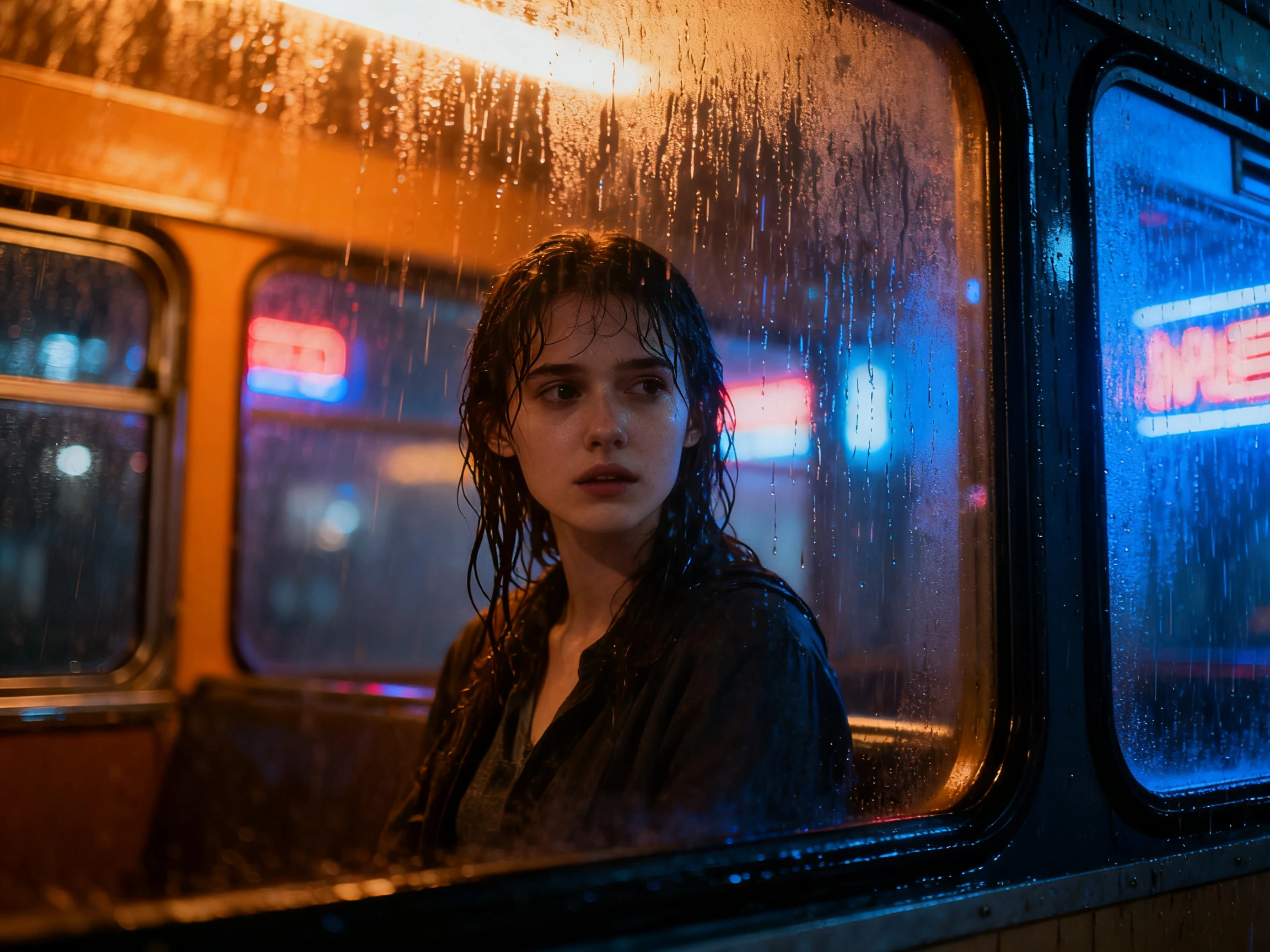
Compare MiniMax H3 with Veo 3.1 or Kling 3.0 in one workspace to choose the best AI model for every scene before rendering.
Start Creating Free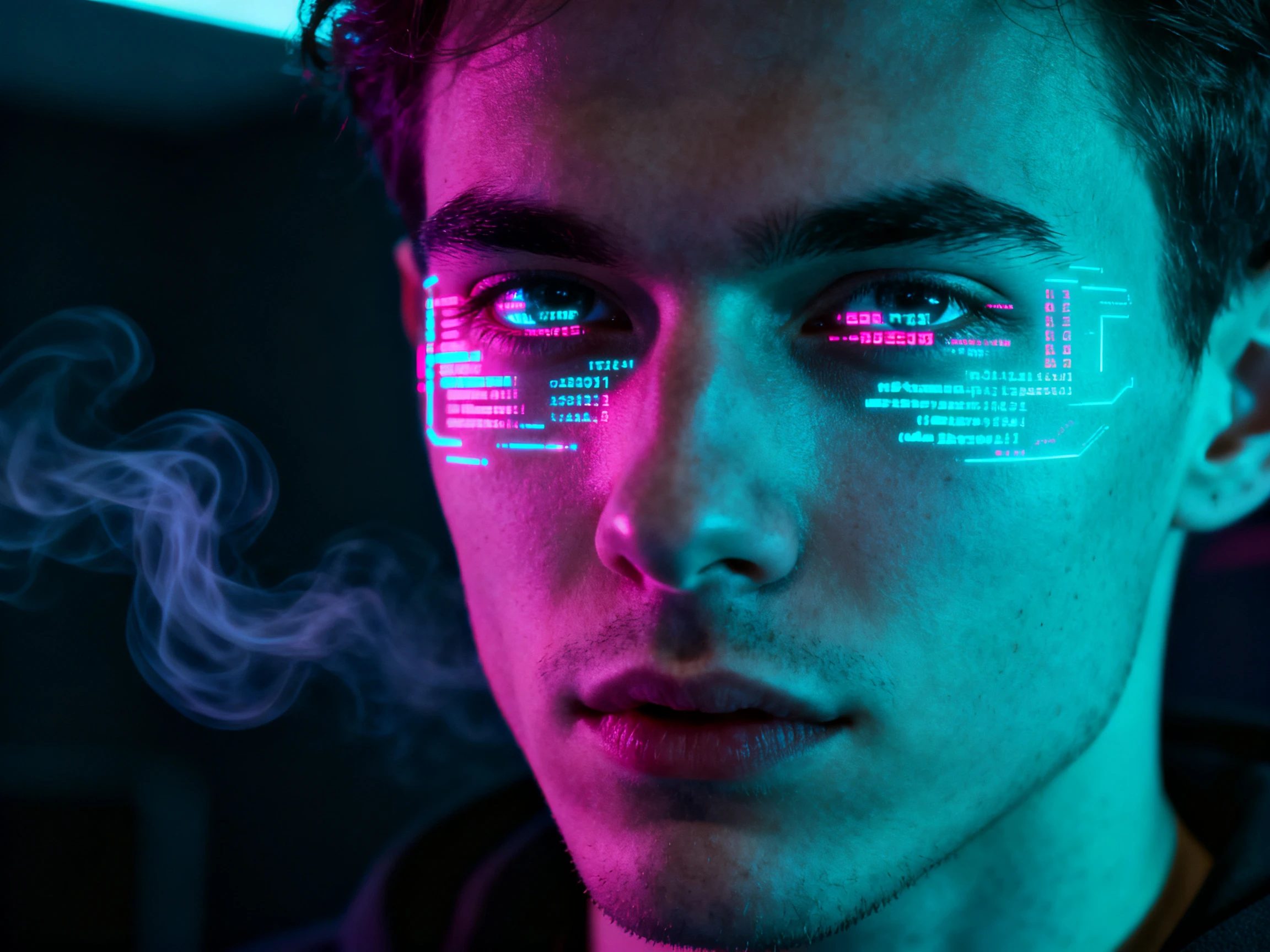
Add lifelike narration with 37 AI voices and voice cloning, keeping every scene clear, natural, and consistent from start to finish.
Start Creating Free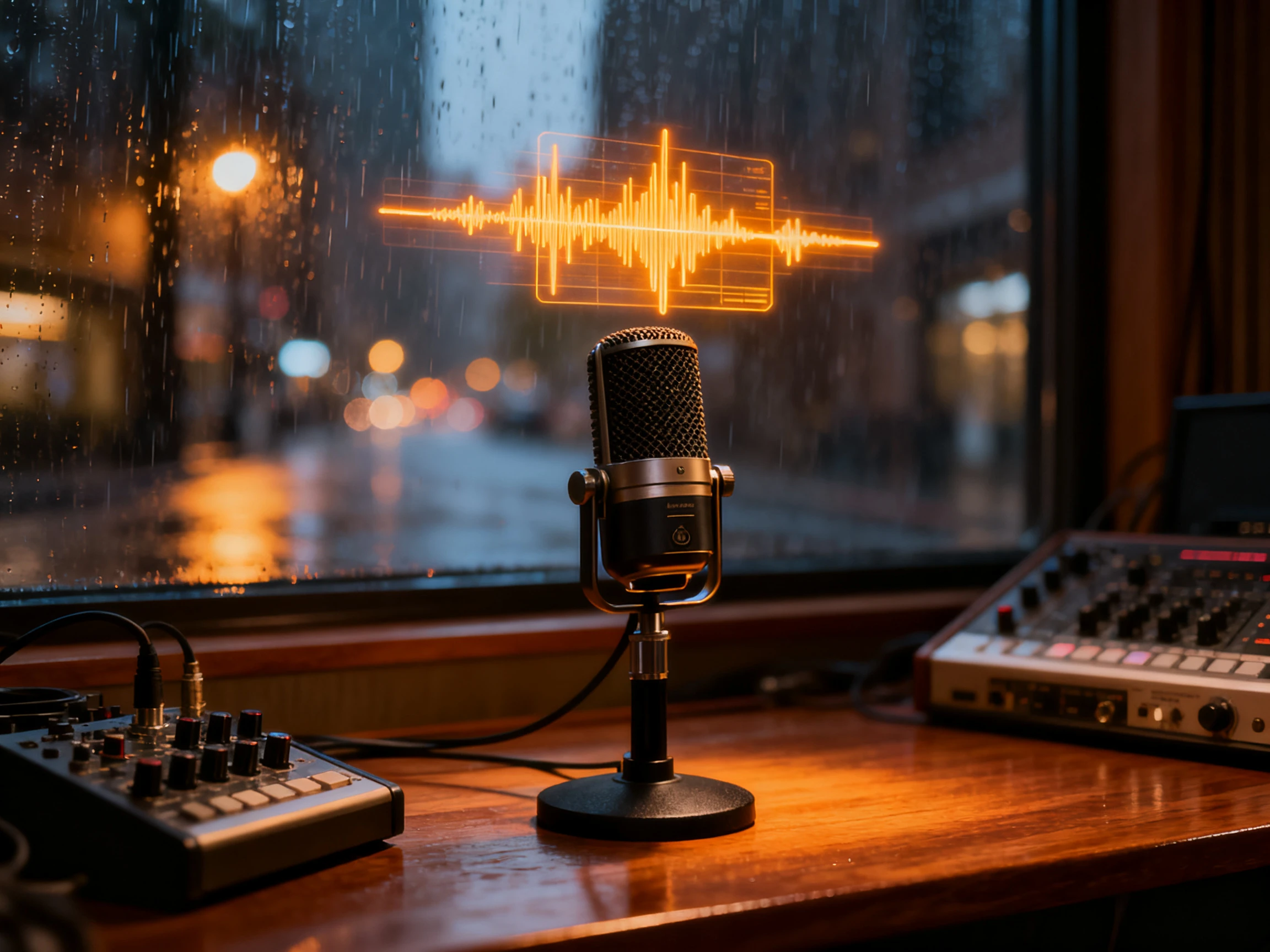
Compare MiniMax H3 on Magiclight AI with other AI video models to find the best option for your project, style, and creative workflow.
| Model | Strength | Visual Style | Best For | Creators |
|---|---|---|---|---|
| MiniMax H3 | Mixed references and editing | Cinematic with native sound | Reference-driven scenes | Directors and ad teams |
| Seedance 2.5 | Long multi-shot storytelling | Consistent characters across scenes | Episodic content | Series creators |
| Kling 3.0 | Character consistency and cinematic motion | Film-style visuals | Story scenes | Filmmakers |
| Google Veo | Photorealism with native audio | Natural lighting and motion | Product videos and commercials | Marketers |
| Google Omni | Multi-modal video generation and editing | Expressive, context-aware visuals | Video editing and mixed-media creation | Creative teams |
See how MiniMax H3 on Magiclight AI turns your ideas into cinematic videos with a simple, end-to-end AI video creation workflow.
Choose MiniMax H3 from the AI Video Models in Magiclight AI before writing your prompt to generate cinematic clips with the model best suited for your project.
Write a prompt describing the subject, action, camera movement, lighting, and sound so MiniMax H3 can generate a detailed, cinematic scene.
Upload images, videos, or audio to keep characters, locations, visual style, and voices consistent across every scene in your storyboard.
Arrange generated clips in the storyboard, refine scenes with text prompts, add AI narration, and export a polished video ready to share.

Ad Creative Director
Having the sound arrive with the picture saved us hours. We stopped scheduling separate audio sessions because MiniMax H3 handled dialogue and ambiance in the same pass, and Magiclight made it easy to turn those clips into a finished story.

Animation Studio Lead
I gave MiniMax H3 9 reference images of our lead, and she stayed consistent across six shots. Putting those clips together in Magiclight made the workflow feel complete.

YouTube Channel Owner
Asking MiniMax H3 for a background change in simple language beats regenerating an entire take. Moving those updated clips into Magiclight's storyboard made revisions quick enough for me.

Freelance Video Editor
I thought MiniMax H3's 15-second limit would slow us down. Creating those clips into a longer sequence with Magiclight's storyboard turned out to be much faster than I expected.
Yes. MiniMax H3 is the official model name, while Hailuo 3.0 (or Hailuo 03) is the name many creators use. On Magiclight AI, you'll find the model listed as MiniMax H3. It is not related to Kling O3, which is a different AI video model.
MiniMax H3 generates clips from 5 to 15 seconds at 24fps. Magiclight AI lets you combine multiple clips into story-driven videos up to 50 minutes long and export them in up to 1080p.
With MiniMax H3 on Magiclight AI, you can upload up to 9 images, 3 video clips, and 3 audio clips to keep characters, locations, motion, and voices consistent across scenes.
No. MiniMax H3 generates dialogue, sound effects, and ambient audio with each clip. In Magiclight AI, you can also add AI narration or voice cloning for your complete video.
MiniMax H3 supports text, images, video, and audio as one prompt and creates clips up to 15 seconds. Magiclight AI helps extend those clips into longer, story-driven videos with storyboard editing.
Yes. Paid Magiclight AI plans include commercial usage, while MiniMax controls model availability and regional access. Check both before delivering client projects.



Bring a prompt, a few reference images, and a voice clip. Magiclight AI handles the sequence, the narration, and the export.