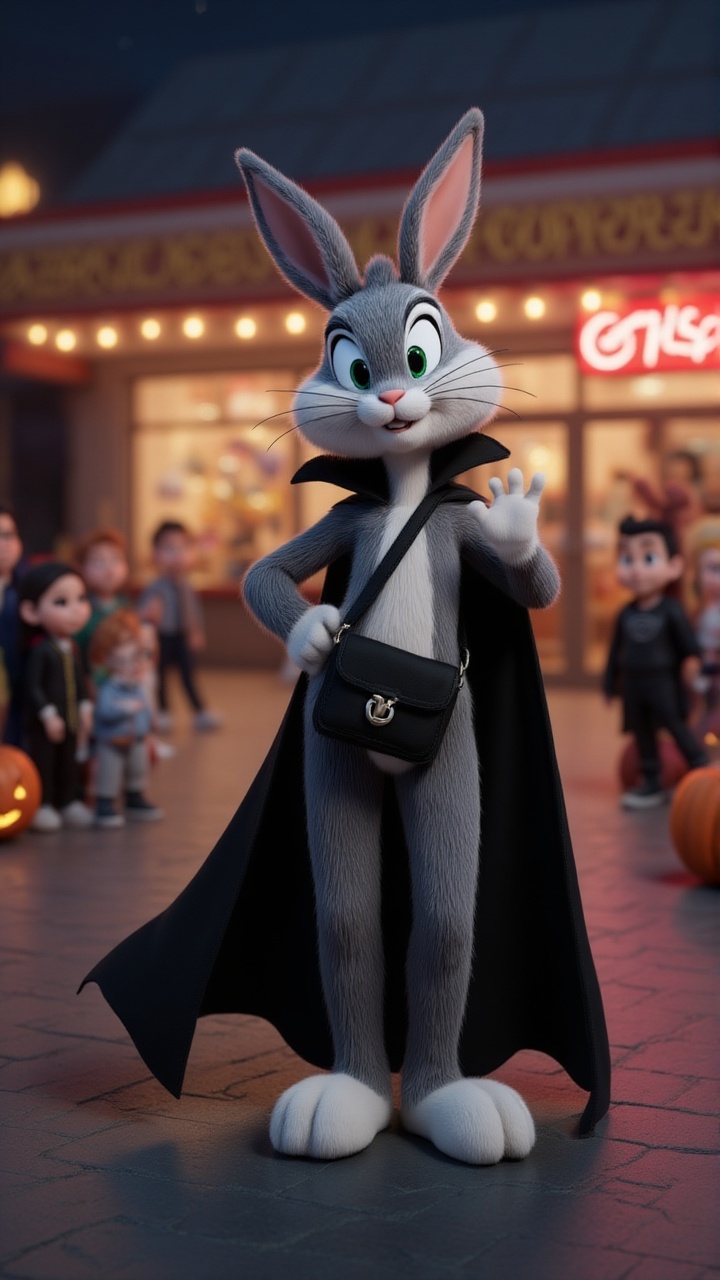
About the Bella vlog
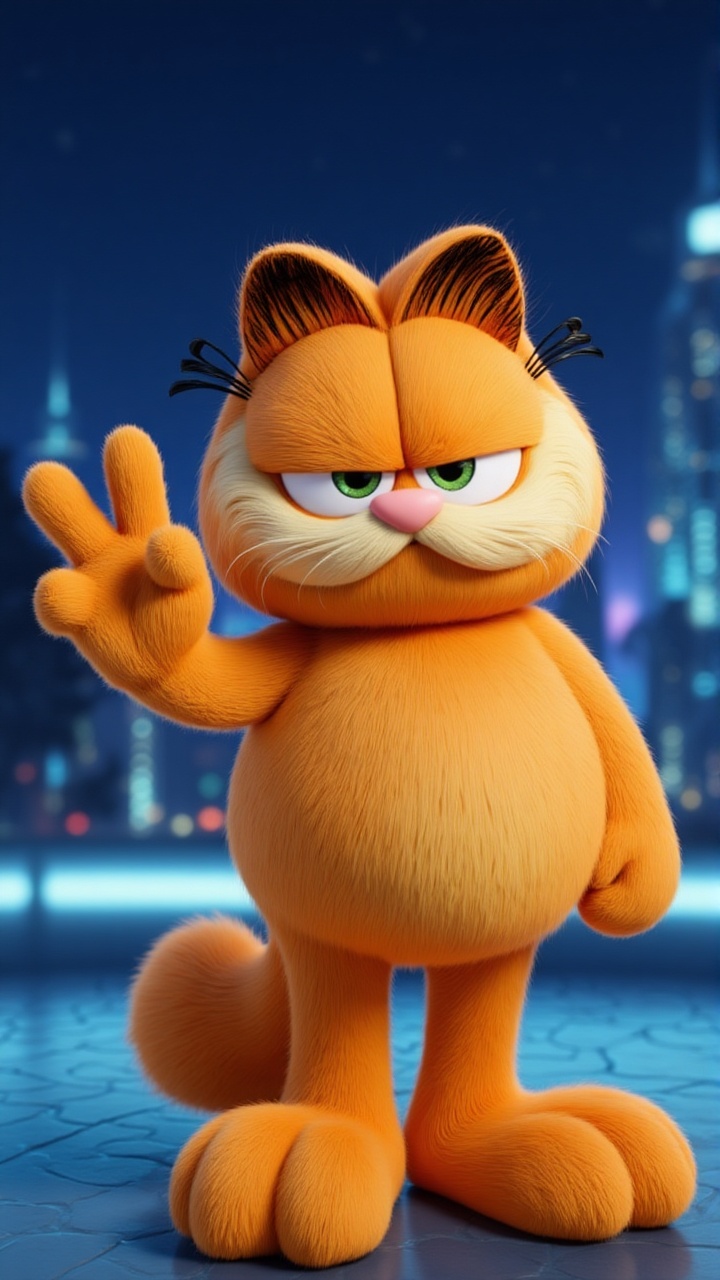
Neon lights paint the city as Bella strolls down the street. What secrets does the night hold for her? Who will she meet amidst the urban glow? What choices will she make as the city pulses around her? What mysteries await around the next corner?
Video script prompt
@Bella walks down a lively city street at night, neon lights glowing in the background.
How to use this Vlog video template
Template Name: Bella vlog
Step 1
Click the "Use Template" button to load the "Bella vlog" preset.
Step 2
Review the default settings. This template is pre-configured with the magiclight 2.0 model and Disney 2.0 style. Click "Run Script" to generate your initial draft.
Step 3
Enter your scene description in the text box. The One-Click engine is powered by magiclight 2.0 to interpret complex prompts instantly. Toggle the Directing Modes if you need specific camera movements.
Step 4
Browse the Video Style carousel to pick a look. Ensure your Aspect Ratio is set correctly (9:16) for your target platform.
Step 5
Hit the "Create Video" button. The AI will process your script and style simultaneously to deliver a finished video.
Bella vlog Video Template
Start to use this template
Template Specifications
You might also like
these trending designs