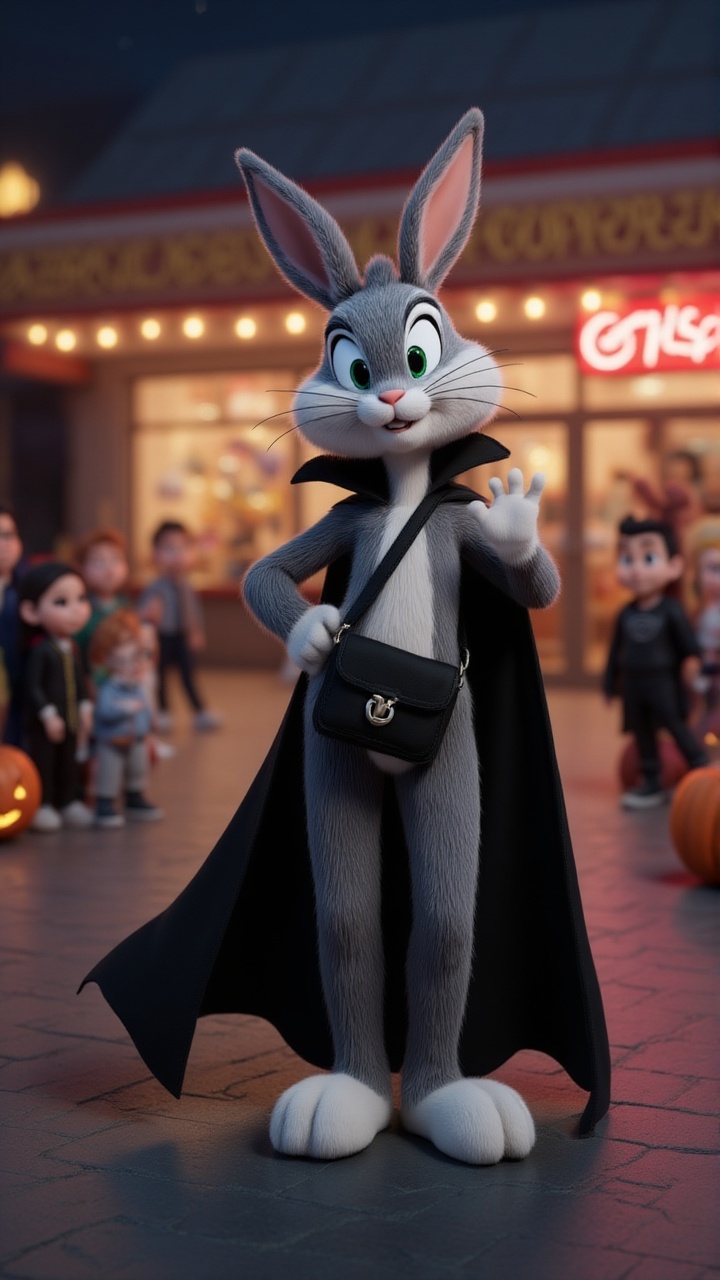
About the Bella vlog
Ever wondered what the world looks like through the eyes of an otter with a camera? Join our curious otter as she broadcasts live from the wildest corners of the planet! From hidden waterfalls to secret underwater cities, she's on a mission to uncover the earth's best-kept secrets. But what happens when her adventures lead her into uncharted territory? Will she discover more than she bargained for, or will the secrets remain hidden?
Video script prompt
Imagine a curious otter, camera in paw, broadcasting live from the most unexpected corners of the world! What secret adventures does she stumble upon? What hidden wonders will she reveal? Get ready to dive into her wild journey—but will she uncover more than she bargained for?
How to use this Vlog video template
Template Name: Bella vlog
Step 1
Click the "Use Template" button to load the "Bella vlog" preset.
Step 2
Review the default settings. This template is pre-configured with the magiclight 2.0 model and Disney 2.0 style. Click "Run Script" to generate your initial draft.
Step 3
Enter your scene description in the text box. The One-Click engine is powered by magiclight 2.0 to interpret complex prompts instantly. Toggle the Directing Modes if you need specific camera movements.
Step 4
Browse the Video Style carousel to pick a look. Ensure your Aspect Ratio is set correctly (9:16) for your target platform.
Step 5
Hit the "Create Video" button. The AI will process your script and style simultaneously to deliver a finished video.
Bella vlog Video Template
Start to use this template
Template Specifications
You might also like
these trending designs