About the Blood House
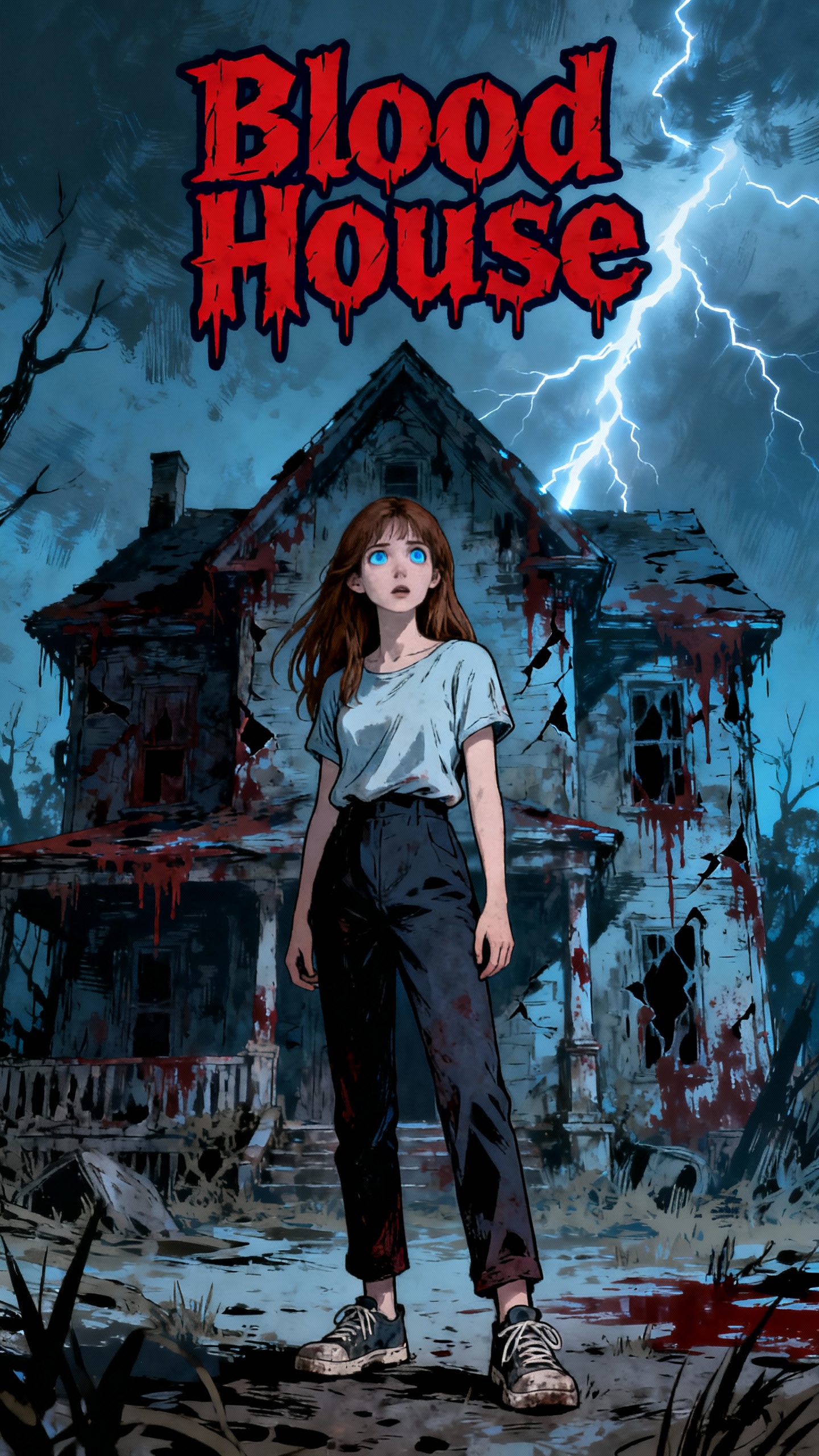
What happens when you move into a house with a dark past? Chloe ignores the rumors and signs the lease, but soon discovers the horror is real. Blood stains, eerie whispers, and a diary that seems alive. Can she escape the house's bloody curse, or will she become its next victim? What if the only way out is to confront the evil within?
Video script prompt
The house had a dark history. A woman was murdered upstairs. Her blood still stained the walls. Chloe moved in anyway. Cheap rent. Damp floors. Old wood. Blood dripped from the ceiling. Red puddles spread across the floor. The air smelled of iron and rot. Chloe screamed. The diary lay on the shelf. She kicked it. Pages twisted violently. Letters squirmed like worms. Hollow-eyed faces appeared. Blood streamed from their mouths. Silent screams filled the room. The walls bled. The floor pulsed. Cracks oozed fresh blood. Ceiling beams dripped red like rain. The grotesque blood face hissed: “You… disturbed me.” The diary pages stretched like claws. They slashed at her wrists. Blood sprayed across her face. Her hair stuck to wet, torn clothes. She ran. The door was locked. Windows rattled violently. Blood shot from cracks like geysers. Every step left bloody footprints. She grabbed a chair. Smashed a window. Glass cut her arms. Rain mixed with blood. Her clothes were soaked. Torn. Muddy. The wind howled. Shadows twisted. Lightning flashed. The house pulsed behind her. The diary lay open. A new name appeared: Chloe. Letters bled and twisted. Whispering: “Next… it’s you.” She escaped into the storm. But the nightmare had only begun. Every shadow whispered her name. Every heartbeat was the ghost’s. Every drop of rain sounded like footsteps… behind her.
How to use this Cartoon video template
Template Name: Blood House
Step 1
Click the "Use Template" button to load the "Blood House" preset.
Step 2
Review the default settings. This template is pre-configured with the magiclight 2.0 model and Folktale 2.0 style. Click "Run Script" to generate your initial draft.
Step 3
Enter your scene description in the text box. The One-Click engine is powered by magiclight 2.0 to interpret complex prompts instantly. Toggle the Directing Modes if you need specific camera movements.
Step 4
Browse the Video Style carousel to pick a look. Ensure your Aspect Ratio is set correctly (9:16) for your target platform.
Step 5
Hit the "Create Video" button. The AI will process your script and style simultaneously to deliver a finished video.
Blood House Video Template
Start to use this template
Template Specifications
You might also like
these trending designs