About the Candy Time
Tim loves candy, but Mom says too much can hurt his teeth! When she finds him with a handful of sweets, she makes a deal: one candy now, and the rest for later. Tim faces a tough choice. Will he listen to his mom and make a smart decision? Or will his sweet tooth get the best of him? What would you do?
Video script prompt
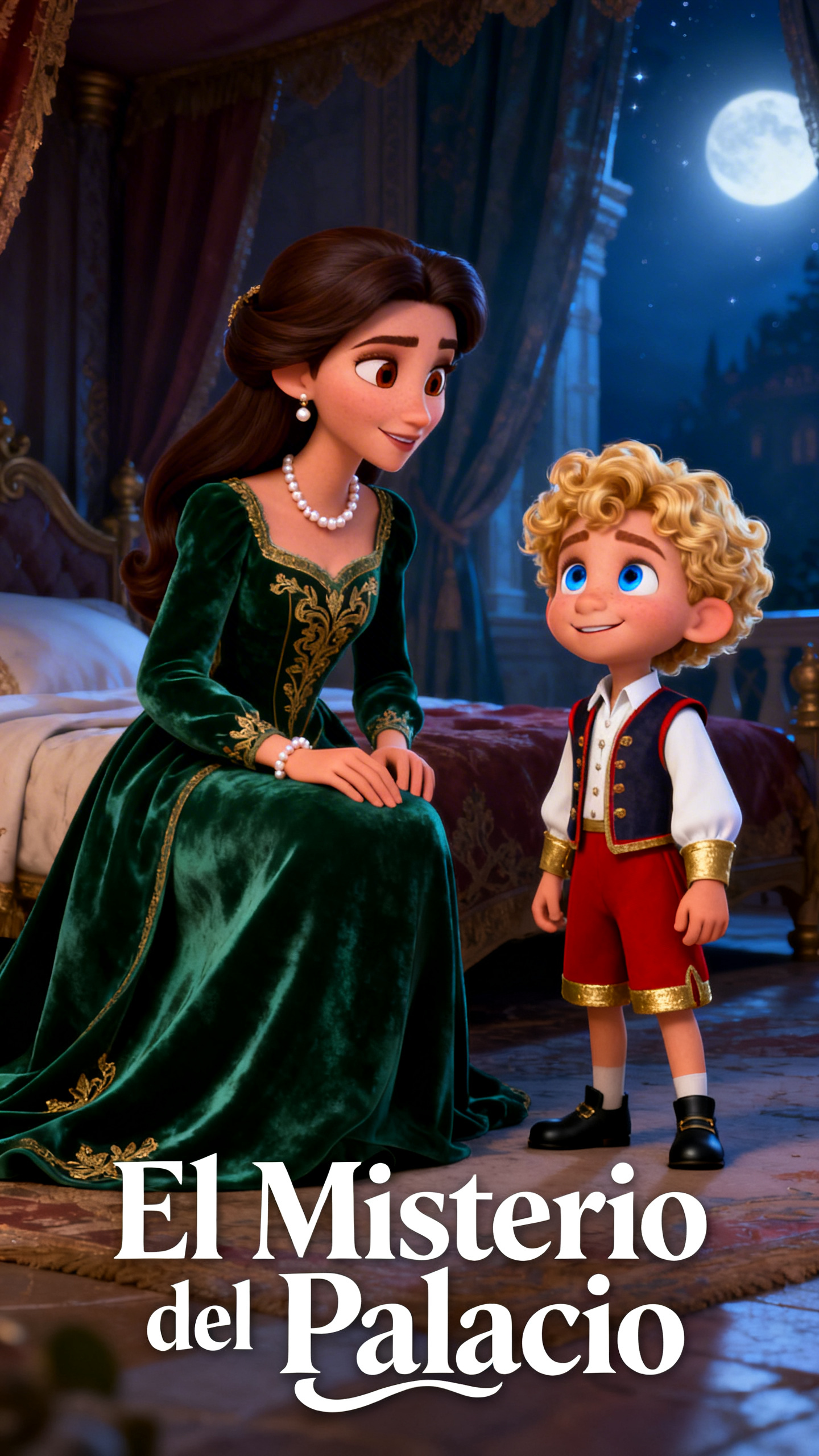
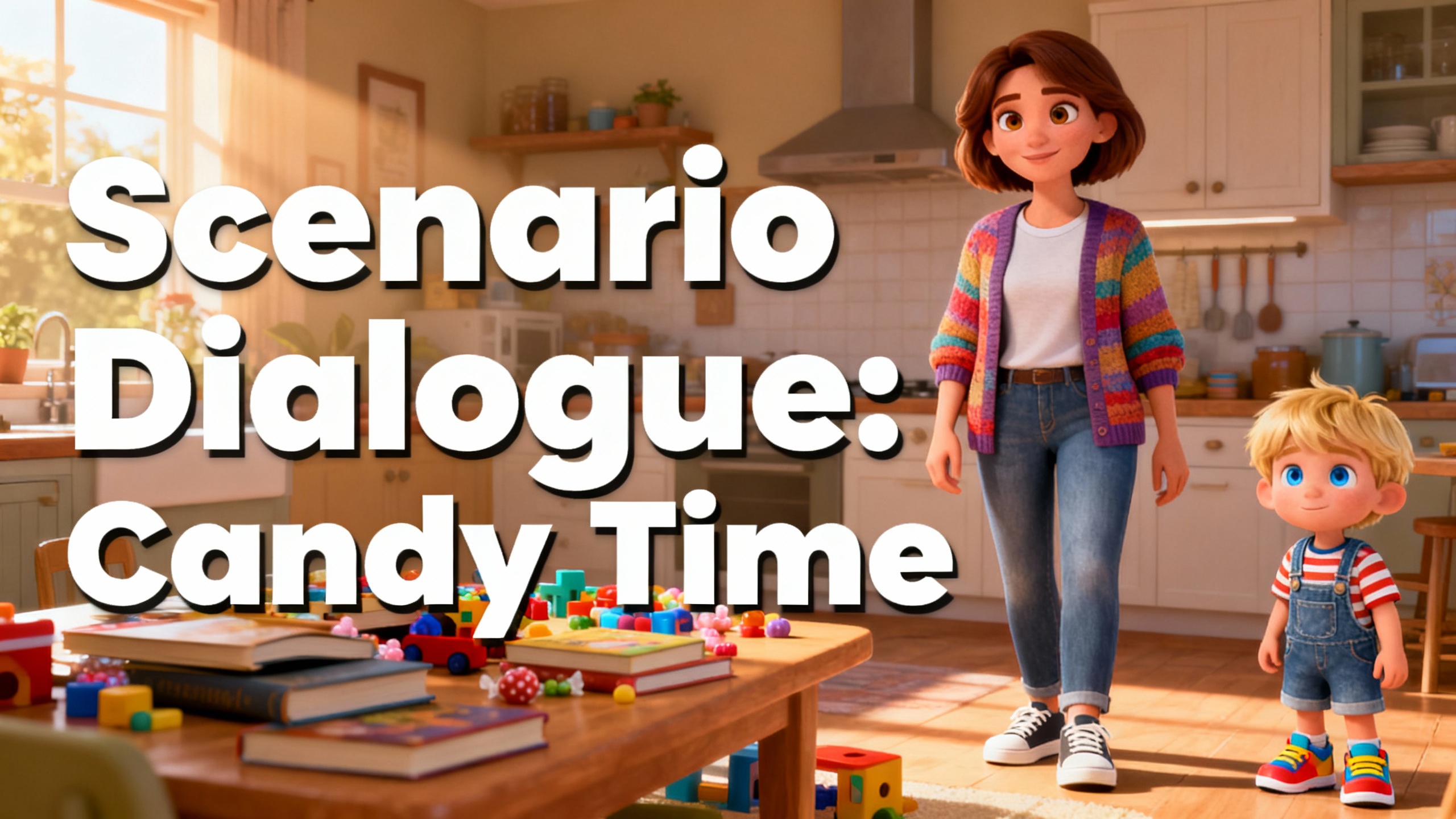
Mom: Tim, don’t eat too much candy! Tim froze for a moment, holding a bright red candy in his hand. He looked up at his mom with wide eyes. The afternoon sun streamed through the kitchen window, casting warm light on the table filled with books and toys. Tim: But Mom, it’s just one candy… His mother walked over and gently sat beside him. She noticed the wrapper crumpled in his small hands and the slight shine of sugar on his lips. Mom: I know it’s tempting. Candy is sweet, but too much can hurt your teeth and make you feel sick. Tim sighed and looked down at the candy. He remembered last week when he had eaten too many sweets and his teeth had hurt. Mom: How about this? You can have one candy now, and we’ll save the rest for tomorrow. That way, your teeth stay healthy and you still enjoy your treat. Tim nodded slowly, feeling a little proud. He unwrapped only one candy and carefully placed the rest back in the jar. His mom smiled and ruffled his hair. Mom: Don’t forget to brush your teeth after eating. Tim ran to the bathroom with the candy in hand, thinking about how good it felt to listen and make a smart choice.
How to use this Cartoon video template
Template Name: Candy Time
Step 1
Click the "Use Template" button to load the "Candy Time" preset.
Step 2
Review the default settings. This template is pre-configured with the magiclight 3.0 model and 3D Cartoon 3.0 style. Click "Run Script" to generate your initial draft.
Step 3
Enter your scene description in the text box. The One-Click engine is powered by magiclight 3.0 to interpret complex prompts instantly. Toggle the Directing Modes if you need specific camera movements.
Step 4
Browse the Video Style carousel to pick a look. Ensure your Aspect Ratio is set correctly (16:9) for your target platform.
Step 5
Hit the "Create Video" button. The AI will process your script and style simultaneously to deliver a finished video.
Candy Time Video Template
Start to use this template
Template Specifications
You might also like
these trending designs