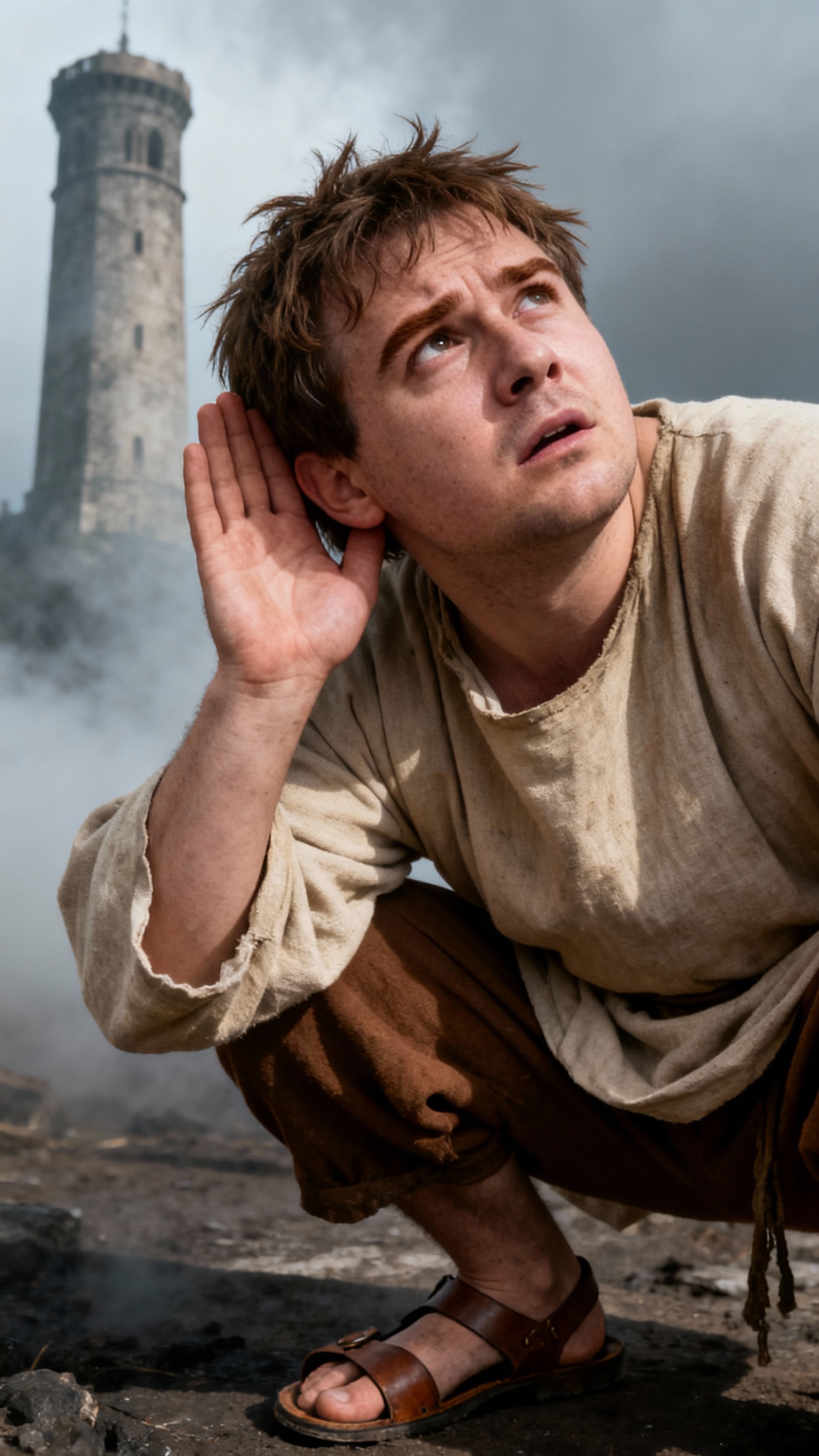
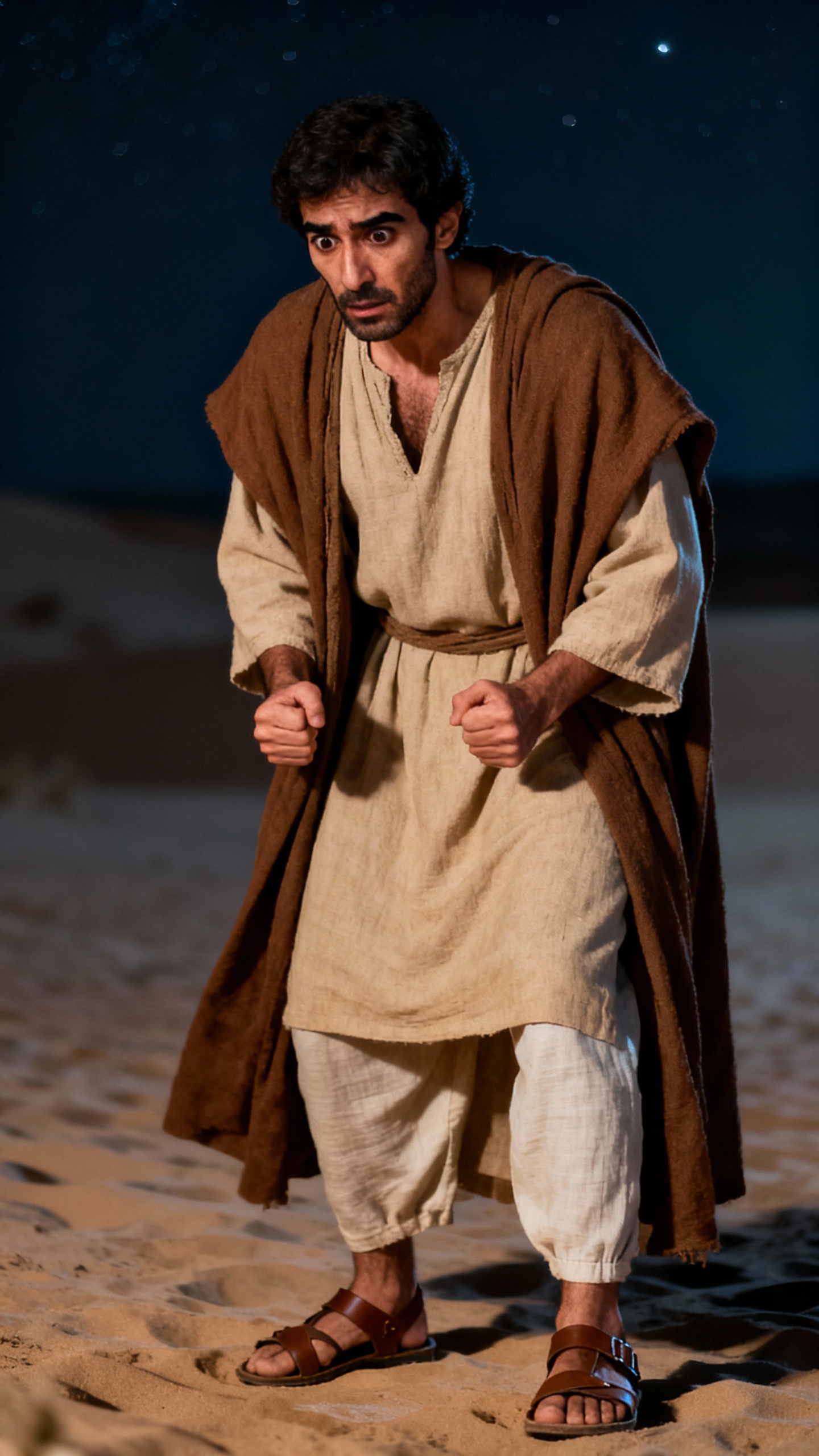
About the David and Goliath: A Shepherd's Courage
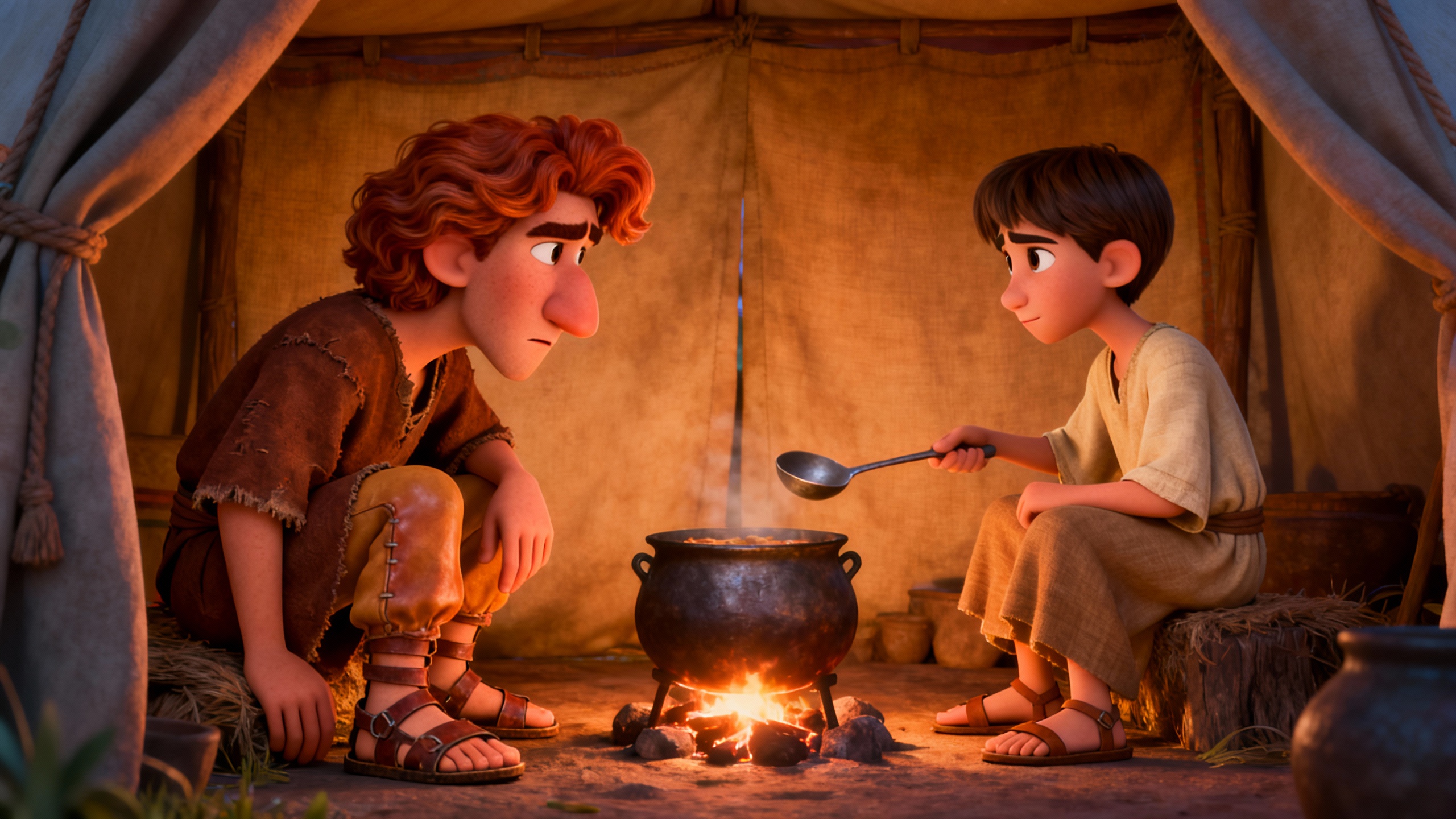
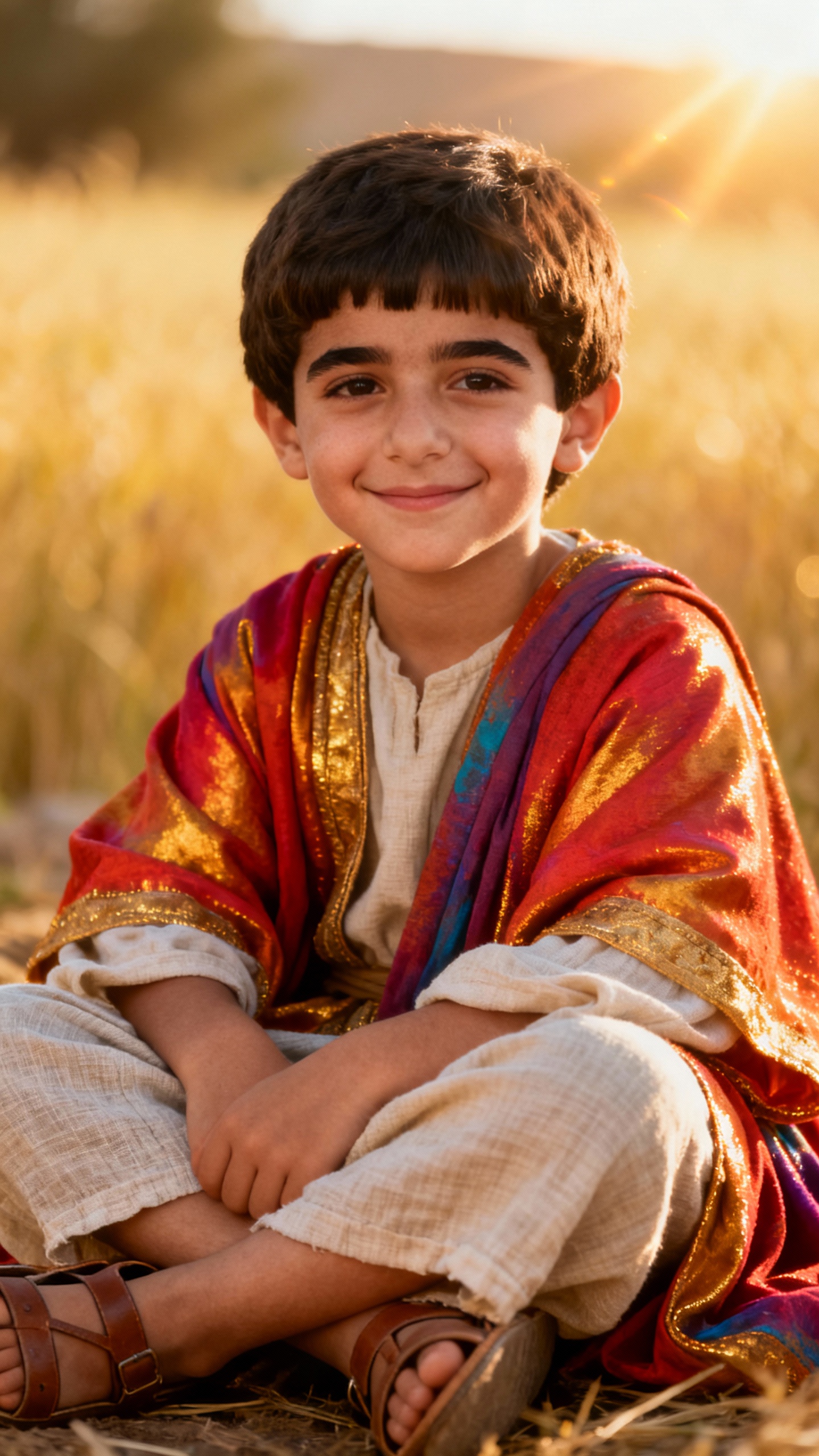
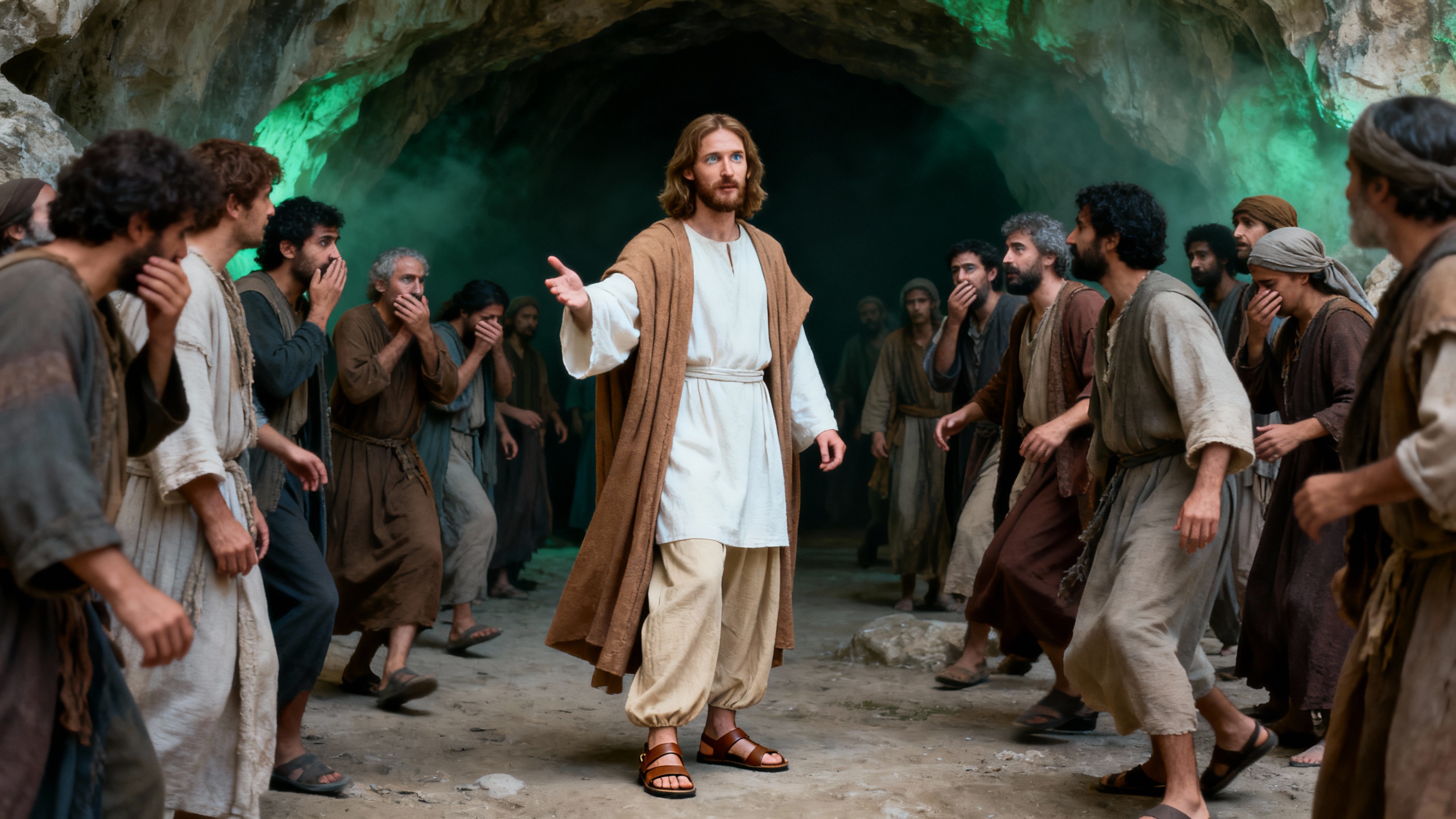
A battle for the ages! In a land gripped by fear, one giant holds an army hostage. But when a humble shepherd steps onto the battlefield, everything changes. Armed with only a sling, David challenges Goliath, defying the odds. What happens when courage meets brute force? See the impossible unfold!
Video script prompt
The Shepherd and the Giant — The Courage of David In a valley filled with fear, a giant warrior challenges an entire army. A young shepherd, carrying nothing but a sling and quiet confidence, steps forward. His courage shocks everyone—as David confronts Goliath, he proves that true strength is not measured by size, but by the heart that refuses to retreat.
How to use this Religion video template
Template Name: David and Goliath: A Shepherd's Courage
Step 1
Click the "Use Template" button to load the "David and Goliath: A Shepherd's Courage" preset.
Step 2
Review the default settings. This template is pre-configured with the doubao model and Bible art style. Click "Run Script" to generate your initial draft.
Step 3
Enter your scene description in the text box. The One-Click engine is powered by doubao to interpret complex prompts instantly. Toggle the Directing Modes if you need specific camera movements.
Step 4
Browse the Video Style carousel to pick a look. Ensure your Aspect Ratio is set correctly (16:9) for your target platform.
Step 5
Hit the "Create Video" button. The AI will process your script and style simultaneously to deliver a finished video.
David and Goliath: A Shepherd's Courage Video Template
Start to use this template
Template Specifications
You might also like
these trending designs