About the Final Match: No Escape
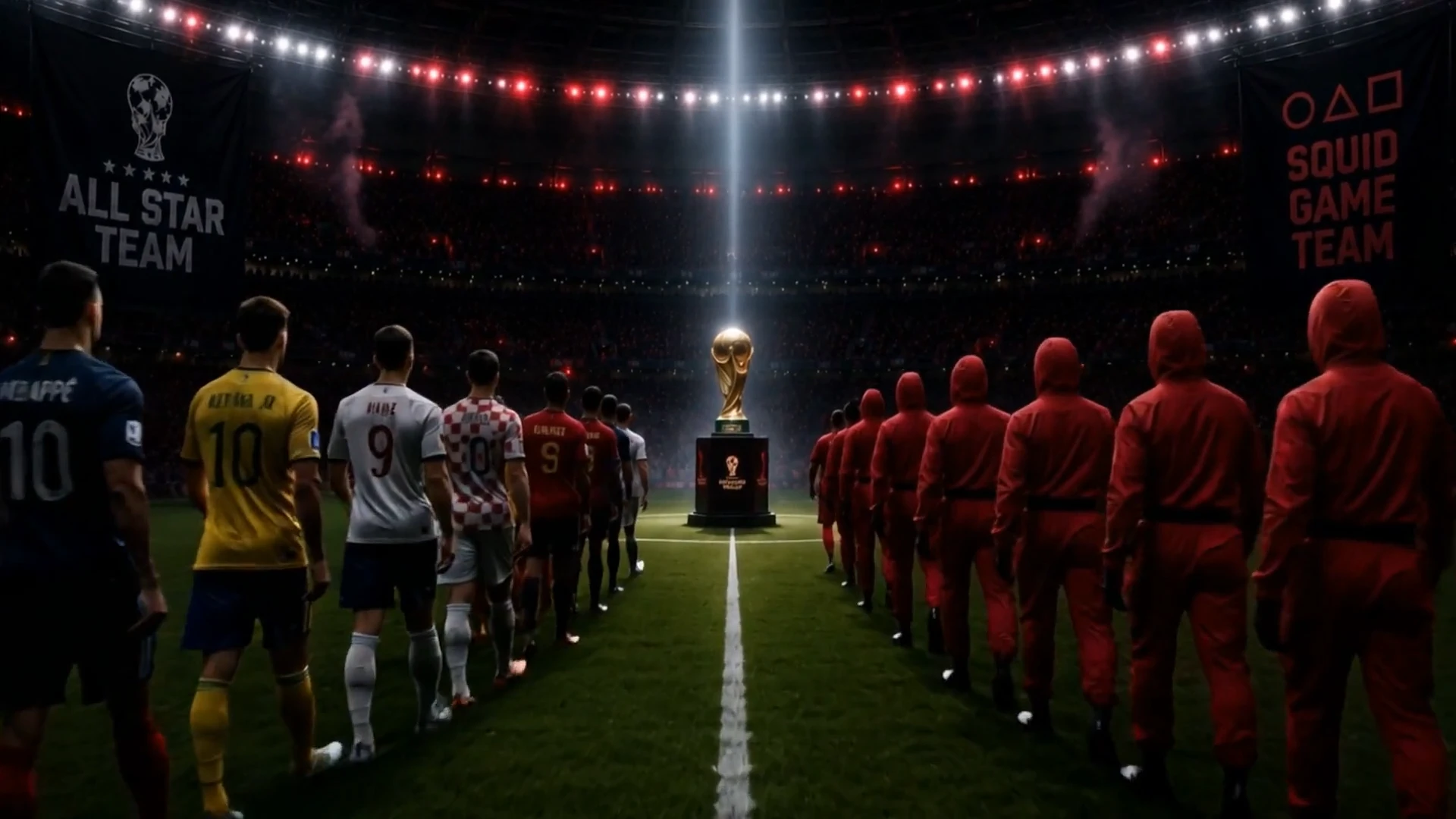
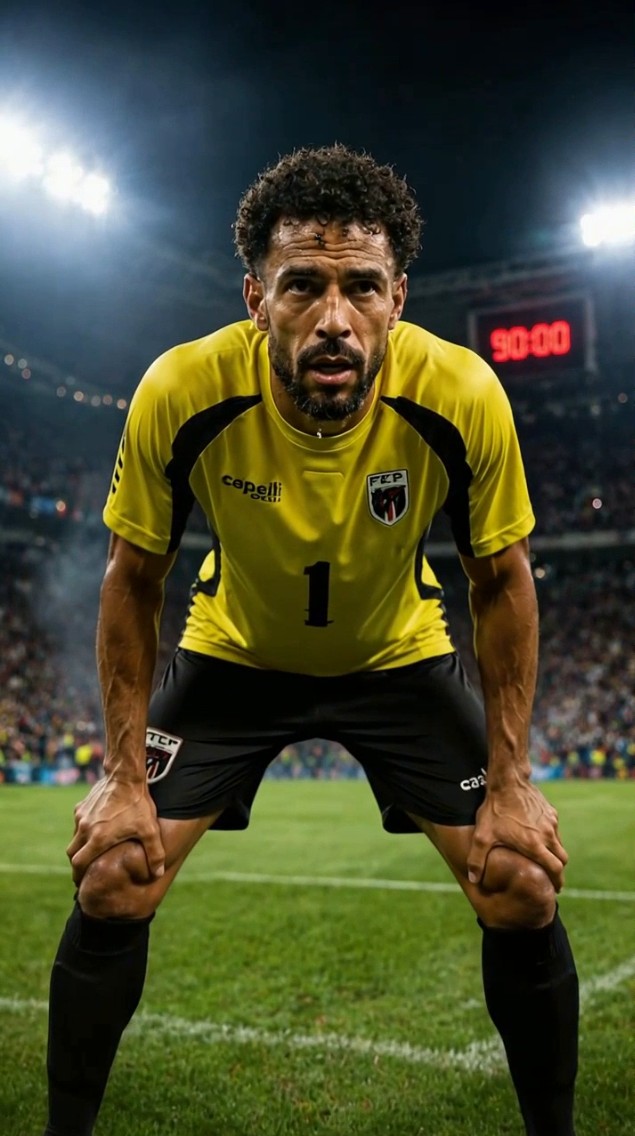
Imagine the world's top football stars, not on a pitch, but in a neon-lit arena, facing off against the mysterious Squid Game team. This isn't just a game; it's a high-stakes survival challenge where every kick could be their last. Will their legendary skills be enough to outwit the unknown, or will the Squid Game's brutal tactics prove too much for even the best? Who will emerge victorious in this ultimate showdown?
Video script prompt
Create a cinematic trailer-style video titled “Final Match: All Star vs Squid Game.” The video begins in a dark World Cup-style stadium with faint red warning lights, smoke, wet reflections, and a golden trophy waiting at the center of the grass pitch. Use a black and deep red color palette with cold white spotlights and a tense final-match atmosphere.Show the trophy in darkness, then reveal it with dramatic lighting. Cut to a dark industrial stadium tunnel where the red-uniform team stands in a single line, then after a sudden blackout, they begin walking forward. Cut to another tunnel where the All Star Team stands in national football kits facing a closed metal gate, then the gate opens halfway and the players slowly walk toward the stadium light. Use black screen transitions with short title cards: ONE TROPHY TWO SIDES ONE GATE THE FINAL GAME In the final sequence, both teams enter the grass stadium from opposite sides and walk slowly toward the golden trophy. The camera quickly pushes forward between the two teams along the center line, rushing toward the trophy under a cold white spotlight. Red smoke drifts across the pitch, the stadium lights pulse, and the atmosphere feels tense, epic, and ceremonial. Style: cinematic trailer, photorealistic, high contrast, dark industrial stadium, smoky atmosphere, wet reflective floors, red warning lights, cold white spotlight, final showdown mood. No dialogue, no voiceover, no football gameplay, no ball, no running, no fighting, no celebration, no gore.
How to use this Cartoon video template
Template Name: Final Match: No Escape
Step 1
Click the "Use Template" button to load the "Final Match: No Escape" preset.
Step 2
Review the default settings. This template is pre-configured with the seedance1_5pro model and Realistic Cinema style. Click "Run Script" to generate your initial draft.
Step 3
Enter your scene description in the text box. The One-Click engine is powered by seedance1_5pro to interpret complex prompts instantly. Toggle the Directing Modes if you need specific camera movements.
Step 4
Browse the Video Style carousel to pick a look. Ensure your Aspect Ratio is set correctly (16:9) for your target platform.
Step 5
Hit the "Create Video" button. The AI will process your script and style simultaneously to deliver a finished video.
Final Match: No Escape Video Template
Start to use this template
Template Specifications
Frequently Asked Questions
What kind of cartoons can I create with Magiclight?
You can create short animated stories, funny clips, and character-driven scenes using Magiclight's cartoon templates. Styles range from classic 2D animation to stylized digital cartoons.
Do I need animation experience to use these templates?
No experience is needed. Magiclight's cartoon templates are pre-built with animations, characters, and backgrounds, so you can create videos in minutes.
Can I customize characters and scenes in cartoon templates?
Yes! You can edit characters, change colors, add props, and adjust backgrounds to fit your story.
Are cartoon templates suitable for social media posts?
Absolutely. They are optimized for TikTok, Instagram Reels, YouTube Shorts, and more.
Can I add my own voiceovers to cartoon videos?
Yes. Magiclight allows you to add voiceovers, music, or sound effects to bring your cartoon to life.
You might also like
these trending designs