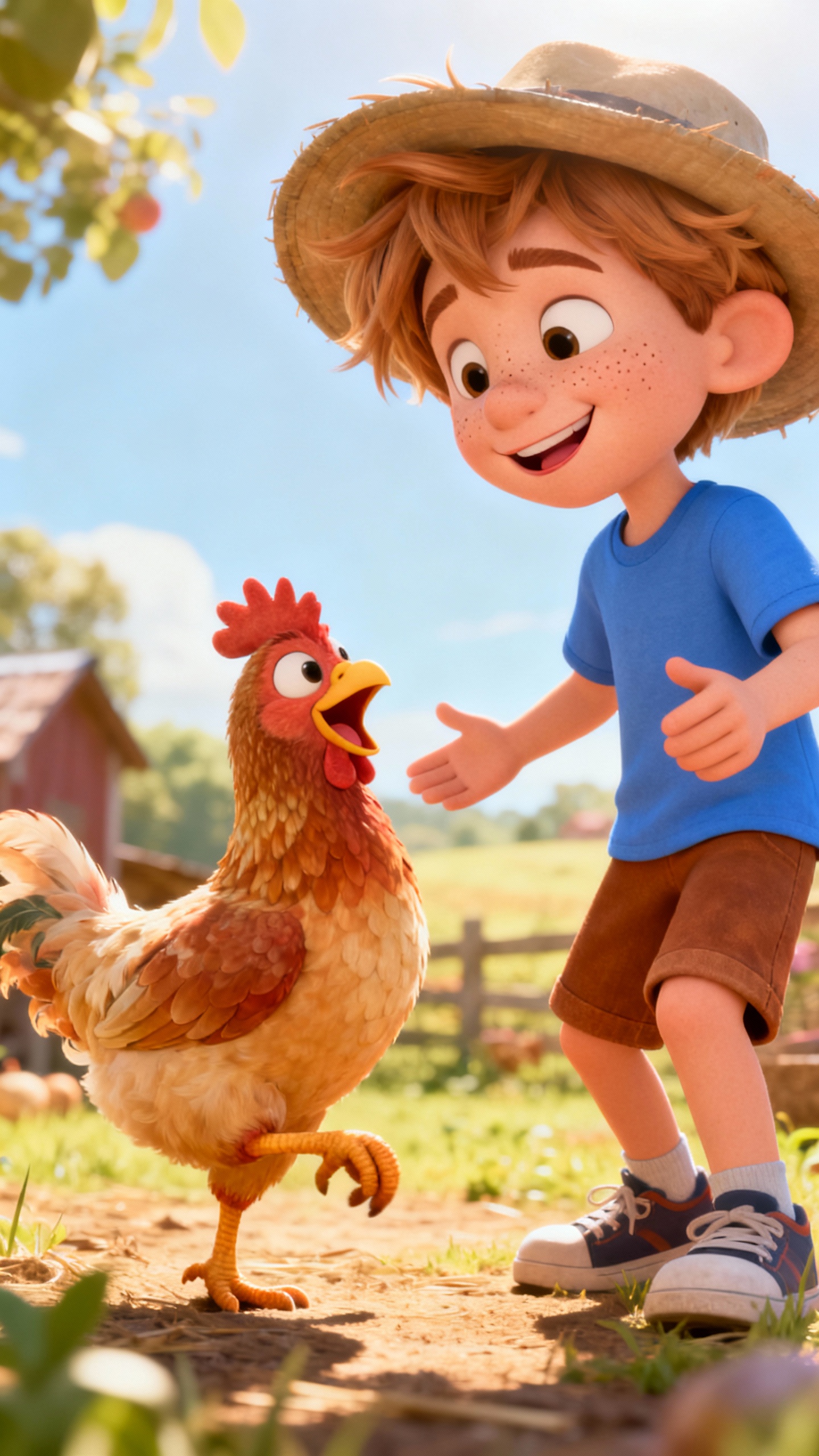
About the Grape Pop Fun
Pop, pop, hooray! Join the grape-popping party! Tiny grapes make the happiest sounds as they jump and play. But what happens when the grapes start to roll? Get ready to clap, cheer, and giggle with purple and green surprises. Can you resist the grape pop fun?
Video script prompt
[ { "text": "Pop pop pop the grapes go round", "start_s": 6.38298, "end_s": 9.33511 }, { "text": "Tiny pops make happy sound", "start_s": 9.33511, "end_s": 12.28723 }, { "text": "Purple green", "start_s": 12.28723, "end_s": 13.64362 }, { "text": "Jump and play", "start_s": 13.64362, "end_s": 15.15957 }, { "text": "Pop pop grapes all the way", "start_s": 15.15957, "end_s": 17.95213 }, { "text": "Pop again", "start_s": 17.95213, "end_s": 18.82979 }, { "text": "Hear them cheer", "start_s": 18.82979, "end_s": 20.90426 }, { "text": "Grape pop fun is here", "start_s": 20.90426, "end_s": 23.7766 }, { "text": "Little pops", "start_s": 23.7766, "end_s": 24.65426 }, { "text": "Big hooray", "start_s": 24.65426, "end_s": 26.72872 }, { "text": "Grape pop fun all day", "start_s": 26.72872, "end_s": 29.60106 }, { "text": "Pop again", "start_s": 29.60106, "end_s": 30.47872 }, { "text": "Clap and cheer (hey!)", "start_s": 30.47872, "end_s": 32.71277 }, { "text": "Grape pop fun is here", "start_s": 32.71277, "end_s": 38.53723 }, { "text": "Roll them down the little plate", "start_s": 38.53723, "end_s": 42.04787 }, { "text": "3", "start_s": 42.04787, "end_s": 42.68617 }, { "text": "We just can’t wait", "start_s": 42.68617, "end_s": 44.28191 }, { "text": "Tiny feet go tap", "start_s": 44.28191, "end_s": 46.19681 }, { "text": "Tap", "start_s": 46.19681, "end_s": 46.59574 }, { "text": "Tap", "start_s": 46.59574, "end_s": 47.31383 }, { "text": "Pop a grape", "start_s": 47.31383, "end_s": 48.43085 }, { "text": "Then gentle clap", "start_s": 48.43085, "end_s": 50.18617 }, { "text": "Pop again", "start_s": 50.18617, "end_s": 50.98404 }, { "text": "Hear them cheer", "start_s": 50.98404, "end_s": 53.05851 }, { "text": "Grape pop fun is here", "start_s": 53.05851, "end_s": 55.93085 }, { "text": "Little pops", "start_s": 55.93085, "end_s": 56.80851 }, { "text": "Big hooray", "start_s": 56.80851, "end_s": 58.88298 }, { "text": "Grape pop fun all day", "start_s": 58.88298, "end_s": 61.83511 }, { "text": "Pop again", "start_s": 61.83511, "end_s": 62.63298 }, { "text": "Clap and cheer (oh yeah!)", "start_s": 62.63298, "end_s": 64.94681 }, { "text": "Grape pop fun is here", "start_s": 64.94681, "end_s": 70.85106 }, { "text": "Purple giggles", "start_s": 70.85106, "end_s": 72.12766 }, { "text": "Green surprise", "start_s": 72.12766, "end_s": 72.92553 }, { "text": "Happy bubbles in our eyes", "start_s": 72.92553, "end_s": 76.59574 }, { "text": "Round and bouncy", "start_s": 76.59574, "end_s": 78.1117 }, { "text": "Soft and sweet", "start_s": 78.1117, "end_s": 79.54787 }, { "text": "Popping grapes is such a treat (yum yum!)", "start_s": 79.54787, "end_s": 83.7766 }, { "text": "Pop again", "start_s": 83.7766, "end_s": 84.65426 }, { "text": "Hear them cheer", "start_s": 84.65426, "end_s": 86.72872 }, { "text": "Grape pop fun is here", "start_s": 86.72872, "end_s": 89.60106 }, { "text": "Little pops", "start_s": 89.60106, "end_s": 90.47872 }, { "text": "Big hooray", "start_s": 90.47872, "end_s": 92.55319 }, { "text": "Grape pop fun all day", "start_s": 92.55319, "end_s": 95.42553 }, { "text": "Pop again", "start_s": 95.42553, "end_s": 96.30319 }, { "text": "Clap and cheer (pop pop!)", "start_s": 96.30319, "end_s": 98.53723 }, { "text": "Grape pop fun is here", "start_s": 98.53723, "end_s": 101.40957 } ]
How to use this Music video template
Template Name: Grape Pop Fun
Step 1
Click the "Use Template" button to load the "Grape Pop Fun" preset.
Step 2
Review the default settings. This template is pre-configured with the doubao model and Pixar style. Click "Run Script" to generate your initial draft.
Step 3
Enter your scene description in the text box. The One-Click engine is powered by doubao to interpret complex prompts instantly. Toggle the Directing Modes if you need specific camera movements.
Step 4
Select a Music Genre from the visual icons. Current genre: default genre. This determines the beat and instrumentation of your track.
Grape Pop Fun Video Template
Start to use this template
Template Specifications
You might also like
these trending designs