About the Jesus Walks on Water
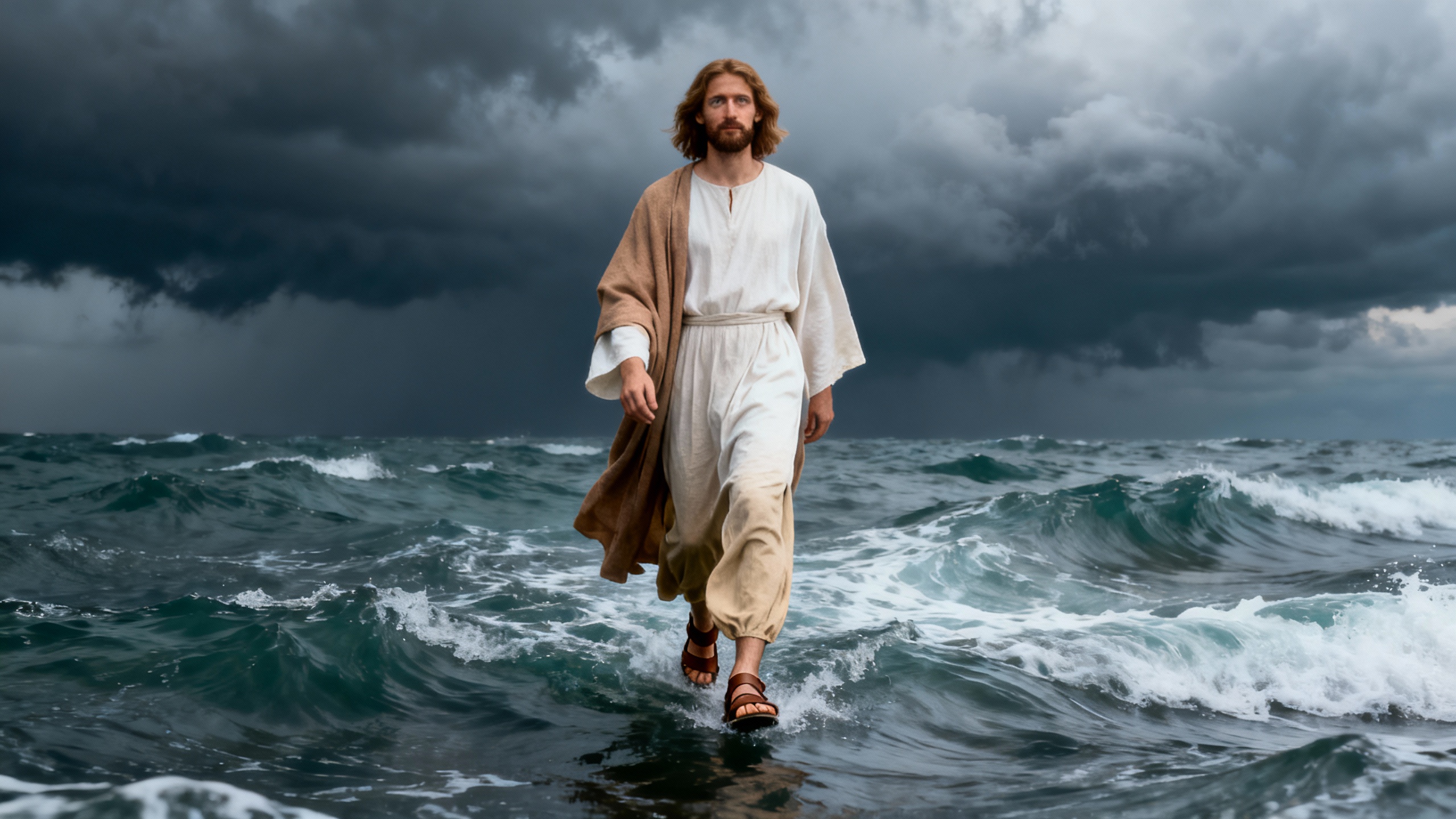
Imagine a storm so fierce, it turns the Sea of Galilee into a raging beast. Amidst the chaos, the disciples spot a figure walking on water! Is it a mirage, or something more? As Jesus approaches, Peter's faith is tested when he steps out of the boat. But doubt creeps in, and he begins to sink. Will Jesus save him before the storm consumes them all? What would you do?
Video script prompt
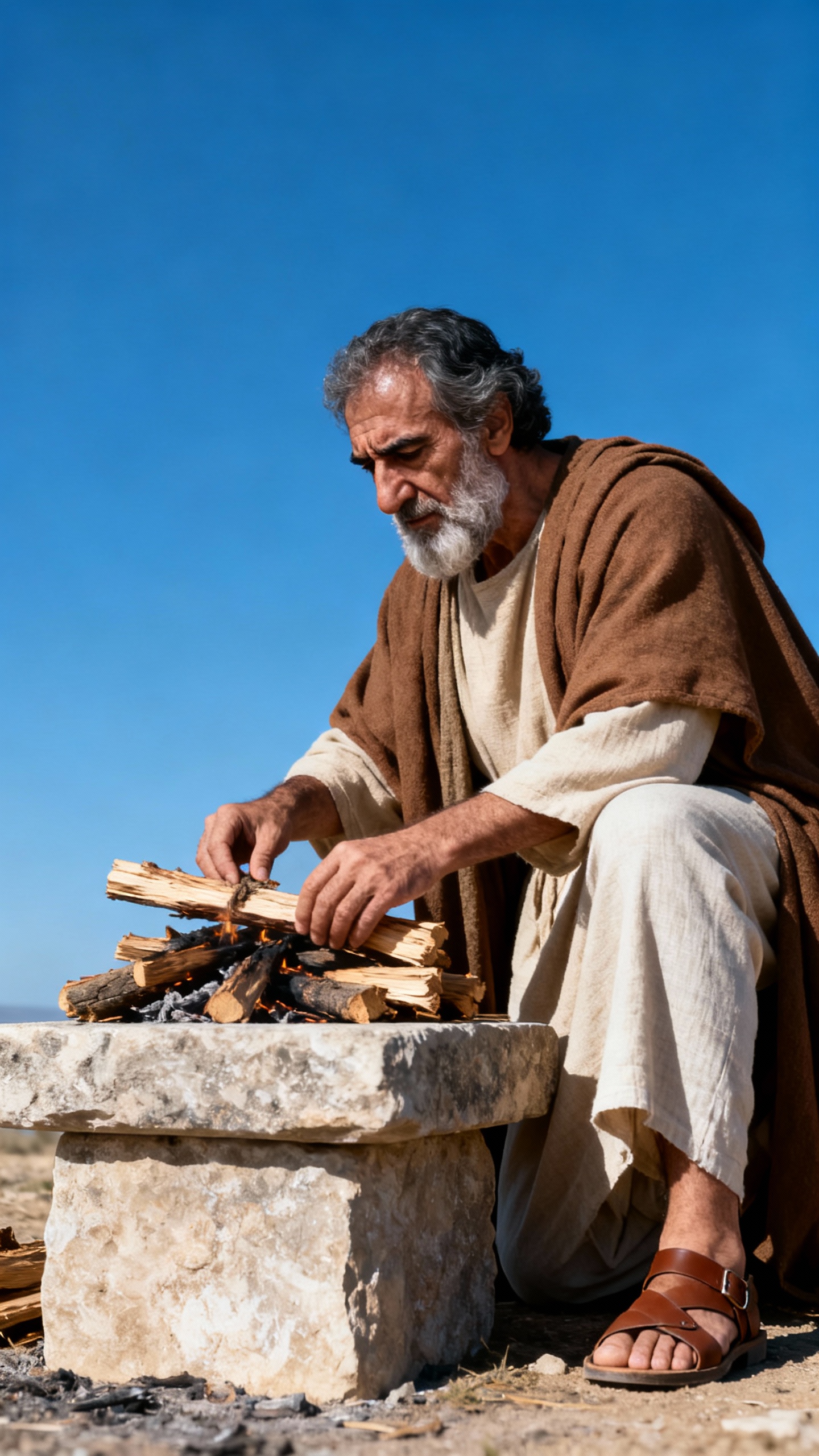
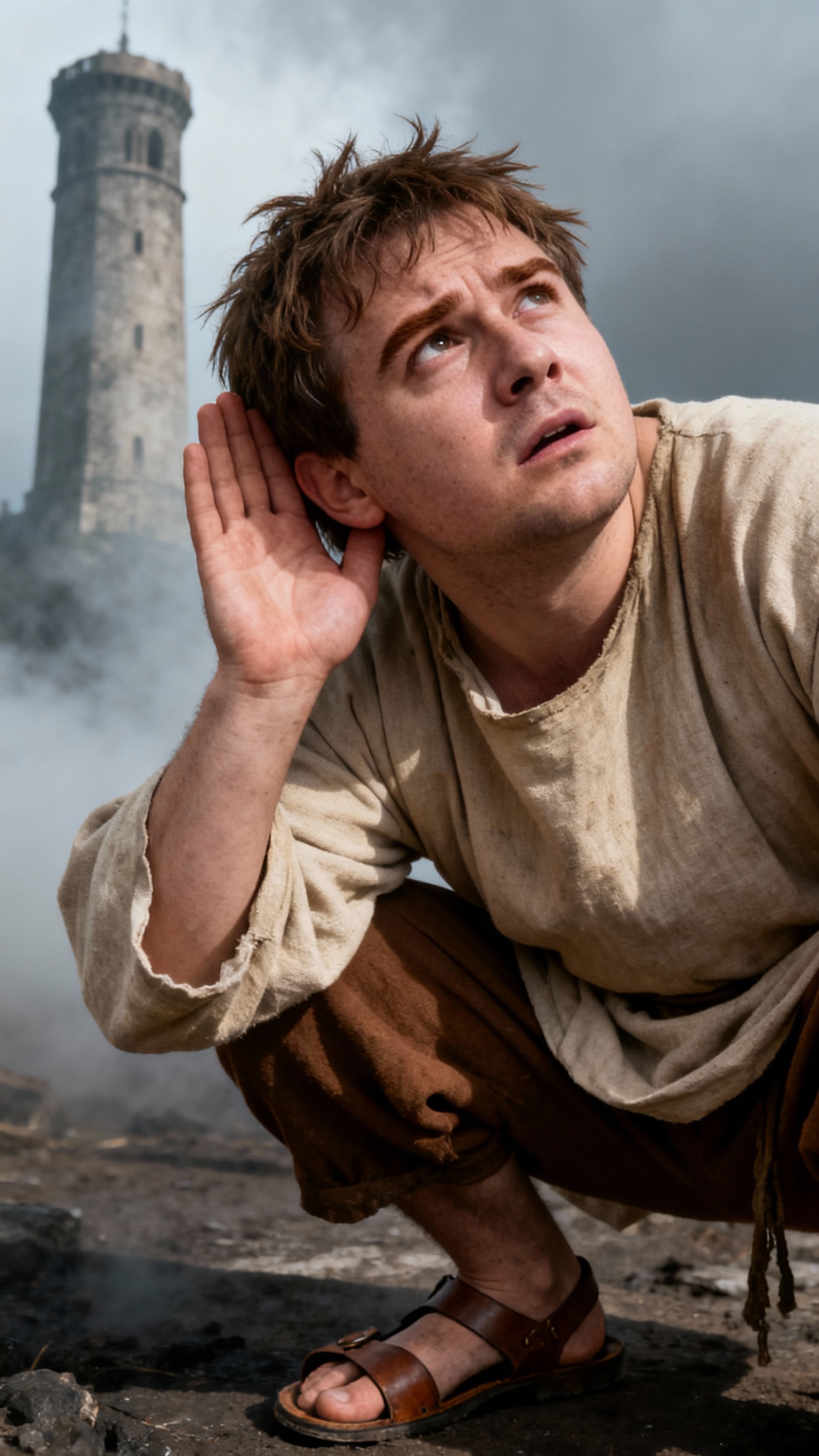
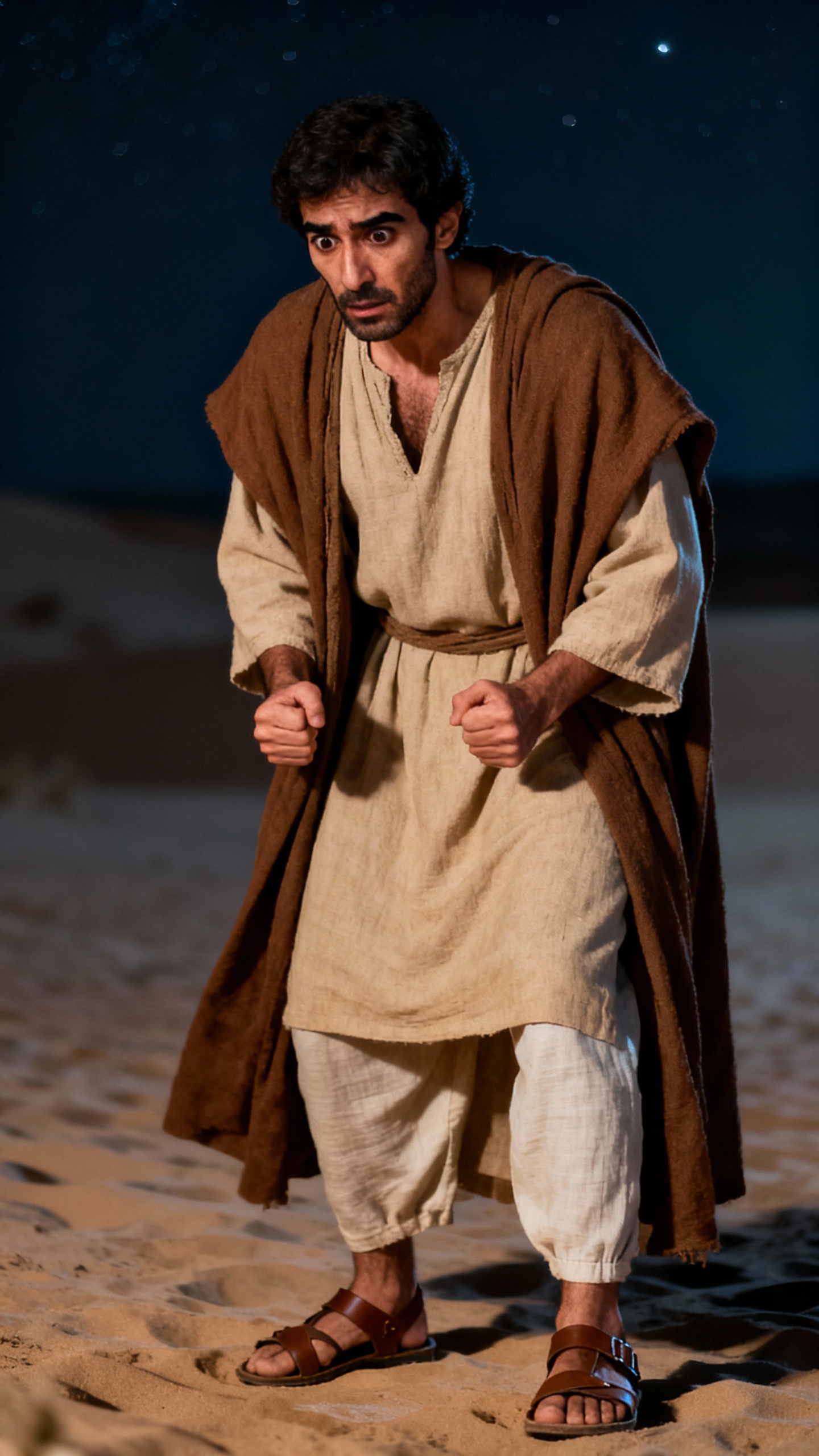
The night covered the Sea of Galilee, and the storm stirred the waves like black mountains. The disciples pulled the OARS with all their might, and their cries were torn apart in the wind. In the distance, a figure slowly approached on the water surface. The waves crashed at his feet but couldn't swallow up his steps. The disciples widened their eyes, thinking they had seen a mirage. Jesus remained calm in the storm, with the corner of his robe being pulled by the fierce wind. "It's me. Don't be afraid." " His voice pierced through the wind. Peter stood up trembling and looked at the water surface. He took the first step, and the soles of his feet touched the impossible firmness. The wind strengthened again, and fear tore his attention apart. Peter sank and the sea swallowed his chest. Jesus reached out his hand and pulled him up from the waves. When they stepped back onto the boat together, the storm suddenly subsided and the sea surface became as calm as a mirror.
How to use this Religion video template
Template Name: Jesus Walks on Water
Step 1
Click the "Use Template" button to load the "Jesus Walks on Water" preset.
Step 2
Review the default settings. This template is pre-configured with the doubao model and Bible art style. Click "Run Script" to generate your initial draft.
Step 3
Enter your scene description in the text box. The One-Click engine is powered by doubao to interpret complex prompts instantly. Toggle the Directing Modes if you need specific camera movements.
Step 4
Browse the Video Style carousel to pick a look. Ensure your Aspect Ratio is set correctly (16:9) for your target platform.
Step 5
Hit the "Create Video" button. The AI will process your script and style simultaneously to deliver a finished video.
Jesus Walks on Water Video Template
Start to use this template
Template Specifications
You might also like
these trending designs