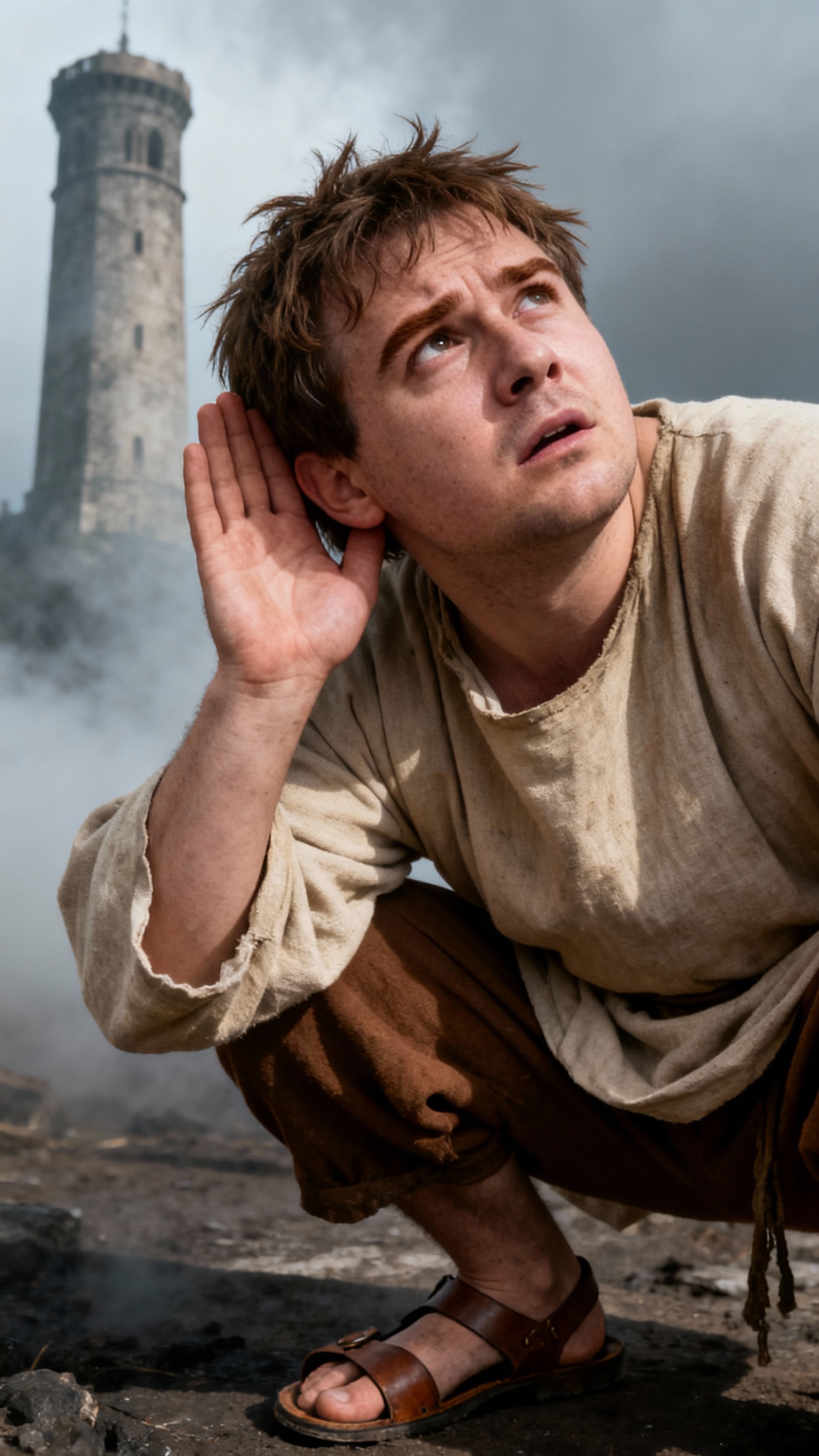
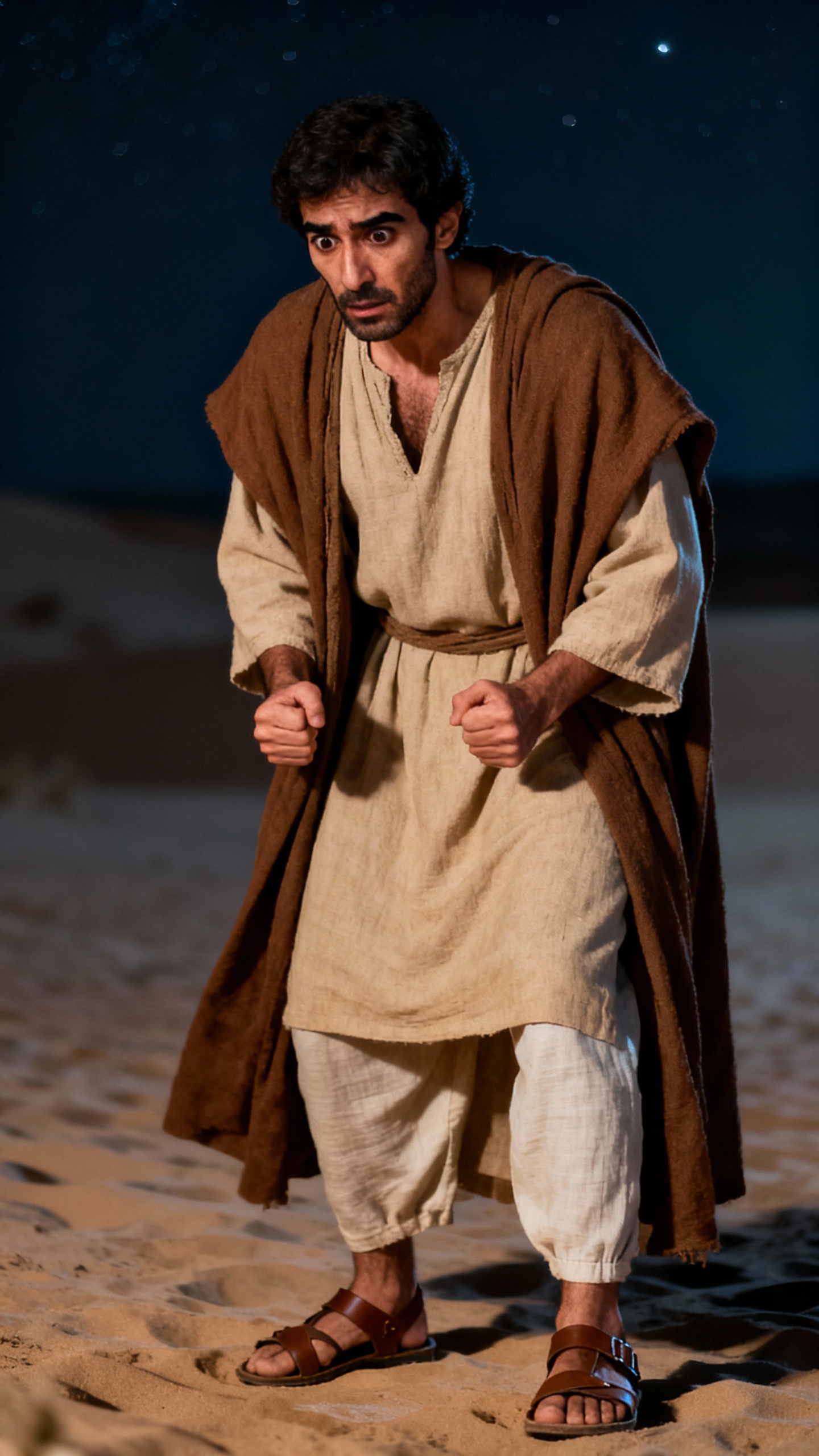
About the Noah's Ark: Hope Floats
Imagine a world consumed by rising waters. Noah, guided by faith, builds an ark to save his family and the animals. As the floodwaters rise, their ark becomes a beacon of hope. But when will the storm end? And what awaits them when the waters recede? Witness a timeless story of survival and renewal. What would you do to ensure the survival of those you love?
Video script prompt
The Night Voyage — Noah and the Rising Waters As dark clouds swallow the sky, Noah guides his family and animals onto a wooden ark built with steady hands and stubborn hope. When the world disappears beneath the rising flood, the ark becomes a drifting island of life. In the silence after the storm, a small dove carries a sign that even after destruction, renewal waits.
How to use this Religion video template
Template Name: Noah's Ark: Hope Floats
Step 1
Click the "Use Template" button to load the "Noah's Ark: Hope Floats" preset.
Step 2
Review the default settings. This template is pre-configured with the doubao model and Bible art style. Click "Run Script" to generate your initial draft.
Step 3
Enter your scene description in the text box. The One-Click engine is powered by doubao to interpret complex prompts instantly. Toggle the Directing Modes if you need specific camera movements.
Step 4
Browse the Video Style carousel to pick a look. Ensure your Aspect Ratio is set correctly (16:9) for your target platform.
Step 5
Hit the "Create Video" button. The AI will process your script and style simultaneously to deliver a finished video.
Noah's Ark: Hope Floats Video Template
Start to use this template
Template Specifications
You might also like
these trending designs