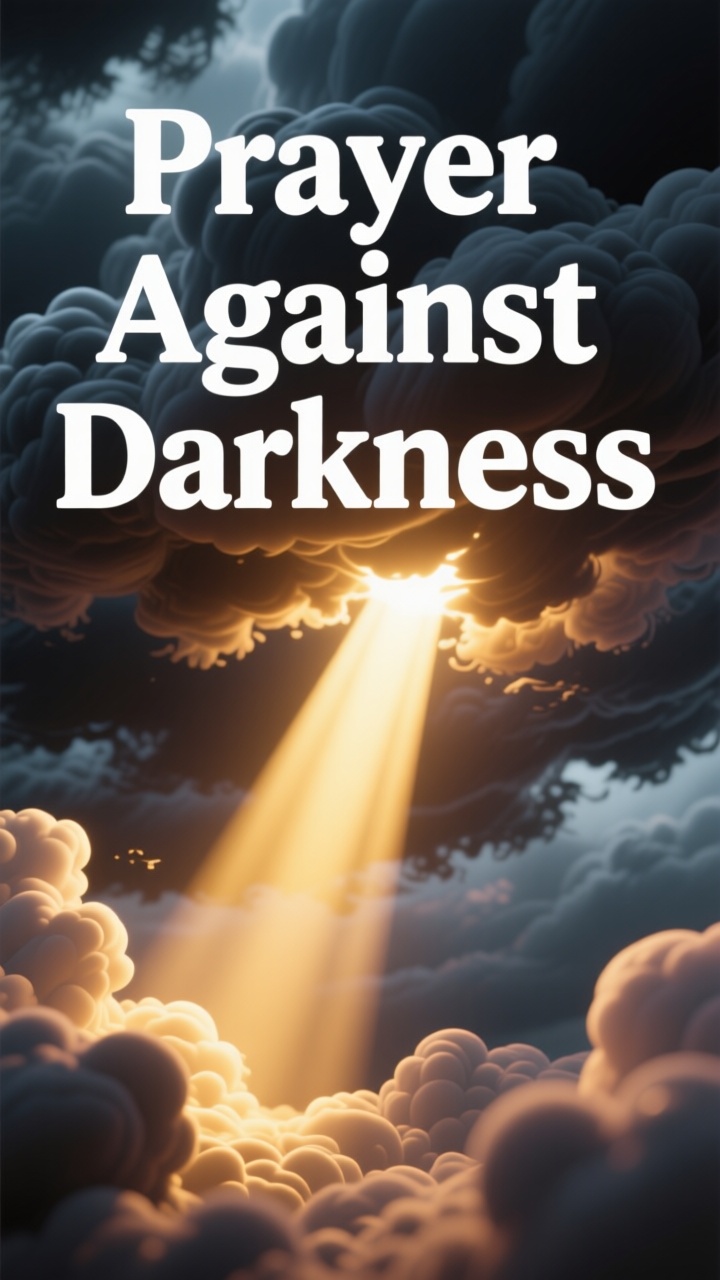
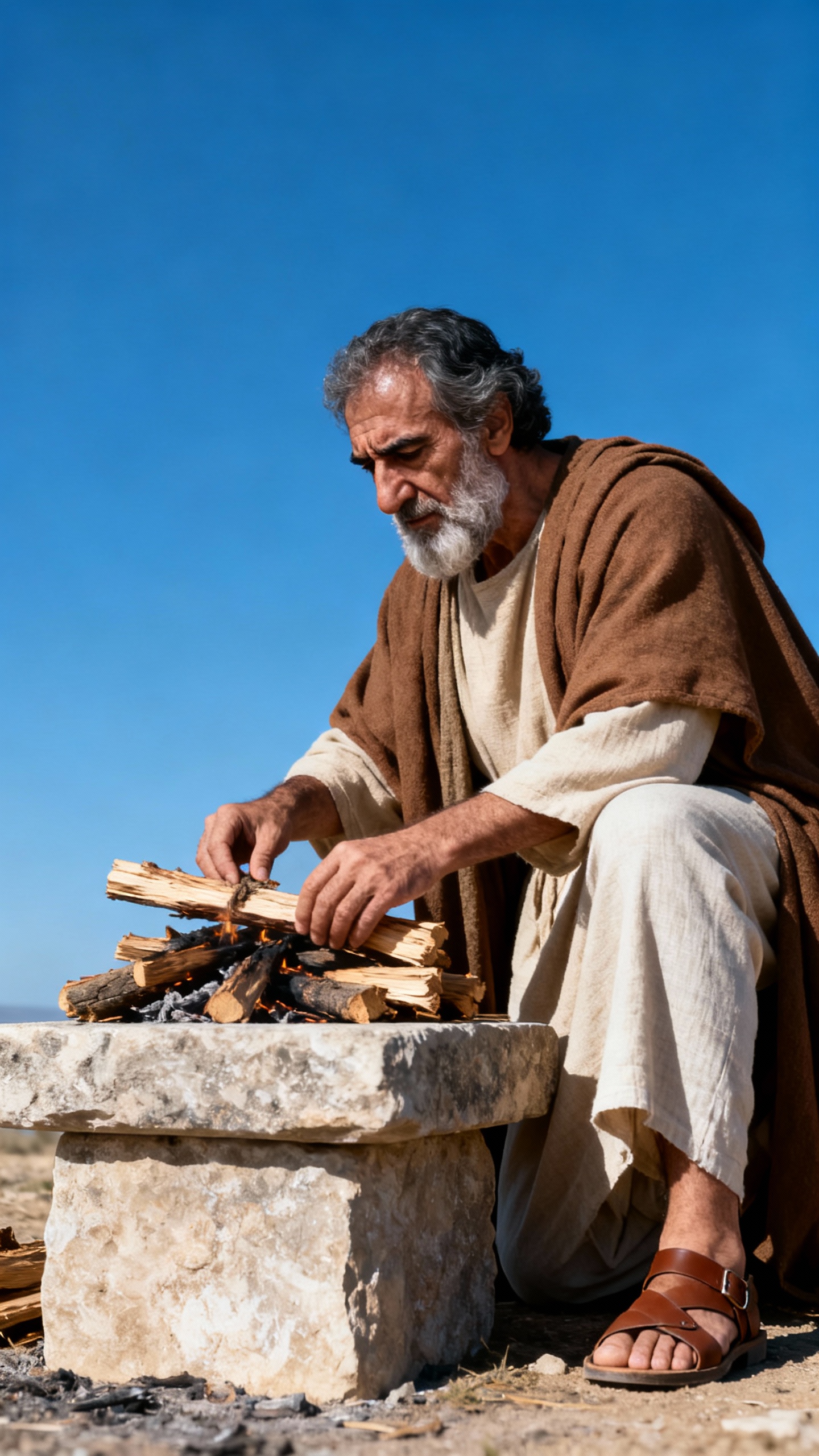
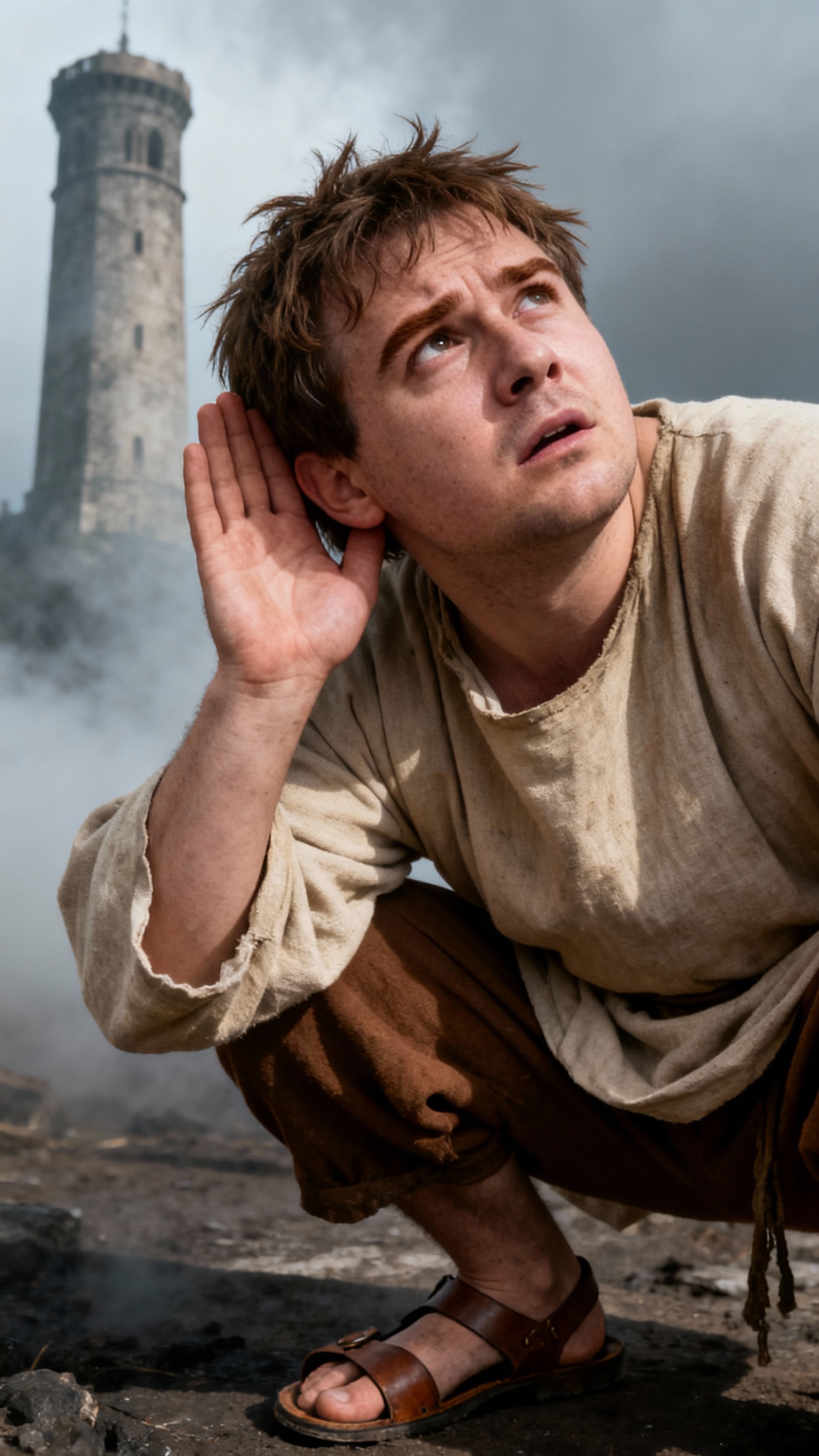
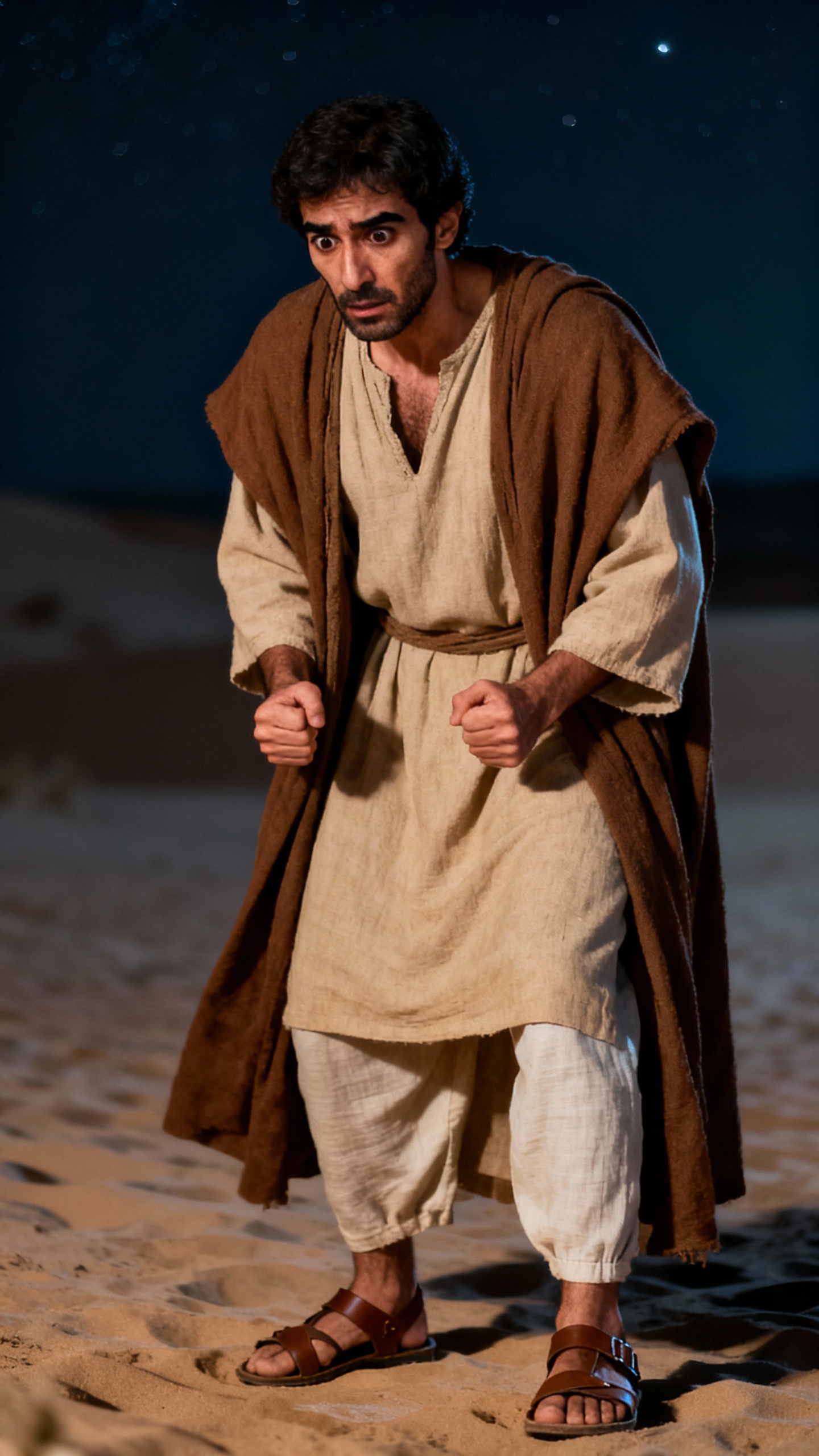
About the Prayer Against Darkness
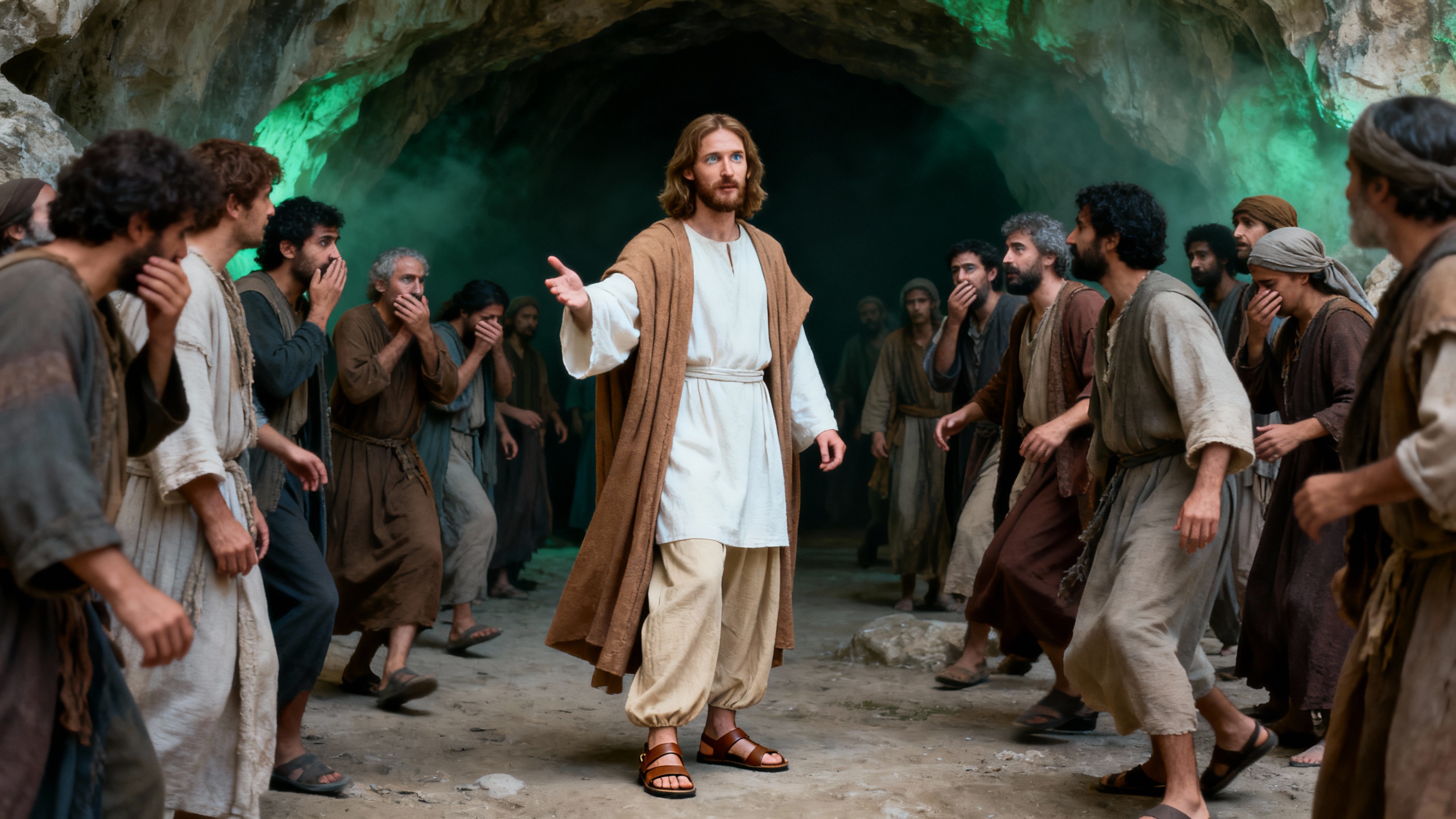
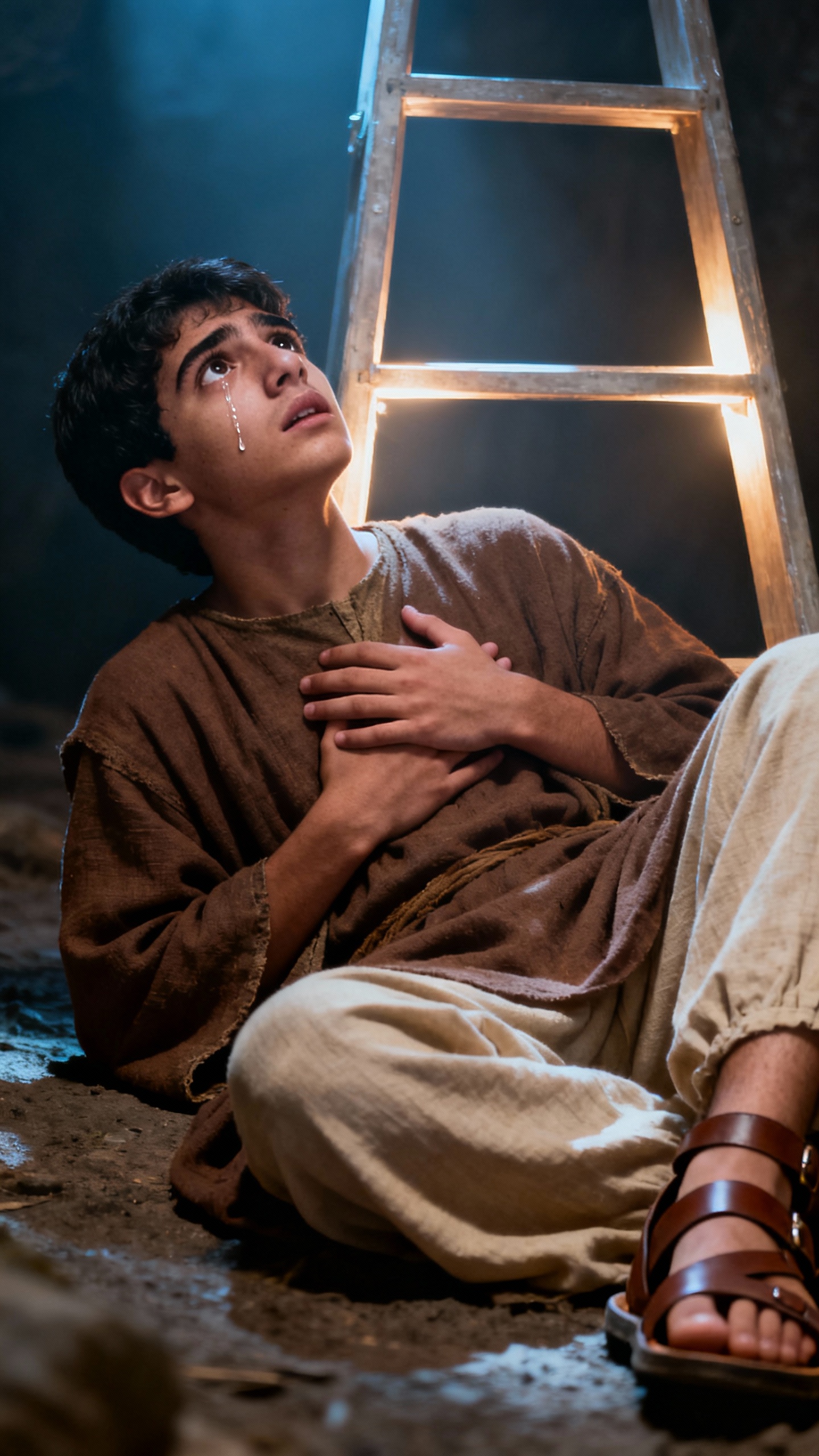
Are you under spiritual attack? Discover a powerful prayer to break free from witchcraft, curses, and demonic influences. Stand firm in faith as we nullify every evil plan against your life, family, and destiny through the authority of Jesus Christ. Claim your victory and divine protection now! What will you do with this newfound power?
Video script prompt
Powerful Prayer Against Witchcraft and Spiritual Attacks Heavenly Father, Almighty God, I come before You in the mighty name of Jesus Christ. You are my refuge, my fortress, and my deliverer. By the authority of Jesus, I stand against every form of witchcraft, sorcery, divination, manipulation, evil altar, and dark influence working against my life. I cancel and nullify every curse, spell, incantation, spoken word, or hidden attack sent against me, my family, my mind, my body, my finances, and my destiny. By the power of the blood of Jesus, I break every demonic assignment, covenant, and connection that is not of God. Lord, let Your fire destroy every work of darkness and expose every hidden plan of the enemy. Let confusion fall upon every evil agenda raised against me. I declare that no weapon formed against me shall prosper, and every tongue that rises against me in judgment is condemned. Father, surround me with Your angels. Cover me with Your divine protection, peace, and authority. I declare freedom, victory, restoration, and divine covering over my life. Darkness has no power over me, for I walk in the light of Christ. I proclaim that I belong to Jesus, and my life is sealed by His blood. In Jesus’ mighty name, Amen.
How to use this Religion video template
Template Name: Prayer Against Darkness
Step 1
Click the "Use Template" button to load the "Prayer Against Darkness" preset.
Step 2
Review the default settings. This template is pre-configured with the doubao model and Bible art style. Click "Run Script" to generate your initial draft.
Step 3
Enter your scene description in the text box. The One-Click engine is powered by doubao to interpret complex prompts instantly. Toggle the Directing Modes if you need specific camera movements.
Step 4
Browse the Video Style carousel to pick a look. Ensure your Aspect Ratio is set correctly (9:16) for your target platform.
Step 5
Hit the "Create Video" button. The AI will process your script and style simultaneously to deliver a finished video.
Prayer Against Darkness Video Template
Start to use this template
Template Specifications
You might also like
these trending designs