About the Price of Greed
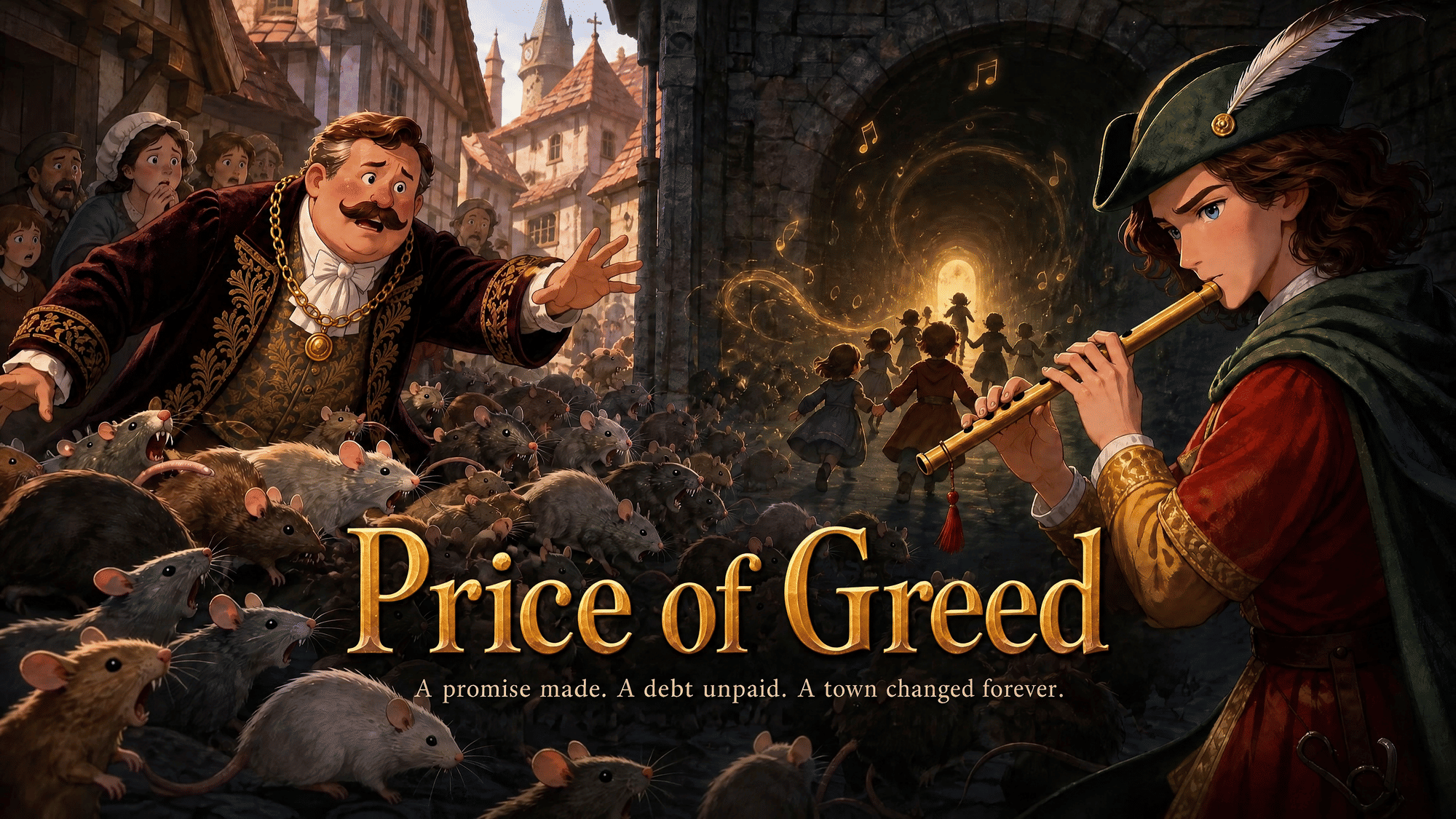
When thousands of rats overrun the quiet town of Hamelin, no one knows how to stop the chaos—until a mysterious stranger in colorful clothes arrives, holding a strange magical flute. He promises to lead every rat away with just a melody, in exchange for payment. It works, but when the town’s mayor breaks his promise to pay him, the Piper returns playing that same haunting tune. This time, the music draws something far more precious away: all the town’s children. What will the mayor sacrifice to get them back?
Video script prompt
Once upon a time, there was a little town called Hamelin. One day, thousands of rats invaded the town! They ate the food, chewed the furniture, and frightened everyone. The townspeople didn't know what to do. Suddenly, a mysterious man wearing colorful clothes arrived. He carried a magical flute. "I can get rid of all the rats," he told the mayor, "but you must pay me!" The mayor quickly agreed. The Piper began to play a beautiful melody. To everyone's surprise, all the rats came out of their hiding places and followed him out of town. The town was finally peaceful again! But the mayor refused to pay the Piper. Feeling angry and disappointed, the Piper left. The next day, he returned and played his magical flute once more. This time, all the children followed the music to a beautiful valley. The mayor realized his mistake and quickly apologized. He promised to keep his word and paid the Piper. Soon, the children safely returned home. From that day on, everyone learned an important lesson: Always keep your promises! The End.
How to use this Cartoon video template
Template Name: Price of Greed
Step 1
Click the "Use Template" button to load the "Price of Greed" preset.
Step 2
Review the default settings. This template is pre-configured with the magiclight_3_lite model and illustration style. Click "Run Script" to generate your initial draft.
Step 3
In the editor, locate the Story Topic box. You can rewrite it completely to tell your own story. You can also add specific tags like "#cartoon #kids #fairy-tale" to guide the AI.
Step 4
Choose your visual aesthetic from the Style carousel. Then, fine-tune your technical settings: Aspect Ratio (16:9) and Video Model (magiclight_3_lite).
Step 5
Give your characters a voice. Select a narrator (current default: Default Voice) and choose a Background Music track like "Panpsychic".
Price of Greed Video Template
Start to use this template
Template Specifications
Frequently Asked Questions
What kind of cartoons can I create with Magiclight?
You can create short animated stories, funny clips, and character-driven scenes using Magiclight's cartoon templates. Styles range from classic 2D animation to stylized digital cartoons.
Do I need animation experience to use these templates?
No experience is needed. Magiclight's cartoon templates are pre-built with animations, characters, and backgrounds, so you can create videos in minutes.
Can I customize characters and scenes in cartoon templates?
Yes! You can edit characters, change colors, add props, and adjust backgrounds to fit your story.
Are cartoon templates suitable for social media posts?
Absolutely. They are optimized for TikTok, Instagram Reels, YouTube Shorts, and more.
Can I add my own voiceovers to cartoon videos?
Yes. Magiclight allows you to add voiceovers, music, or sound effects to bring your cartoon to life.
You might also like
these trending designs