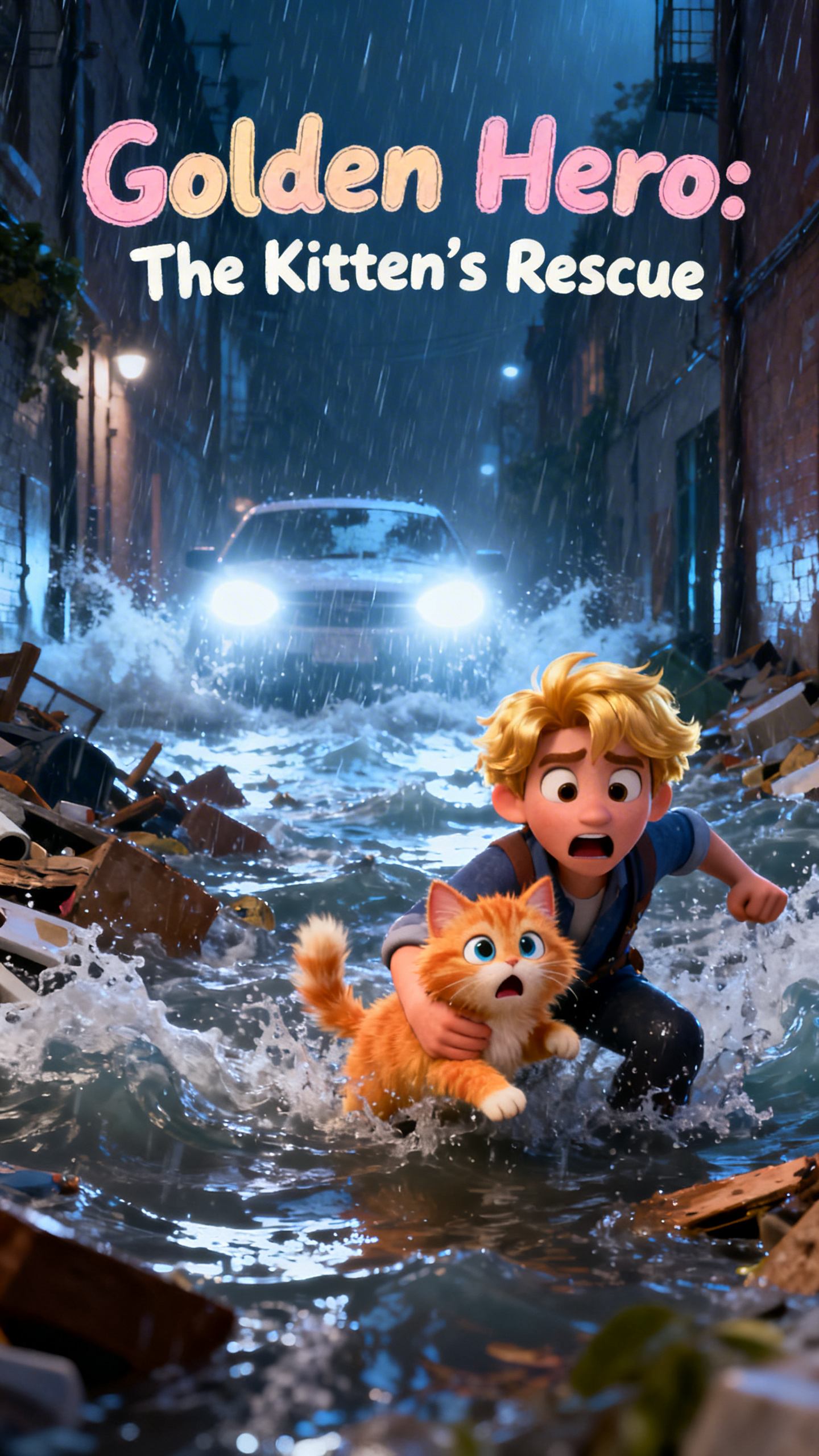
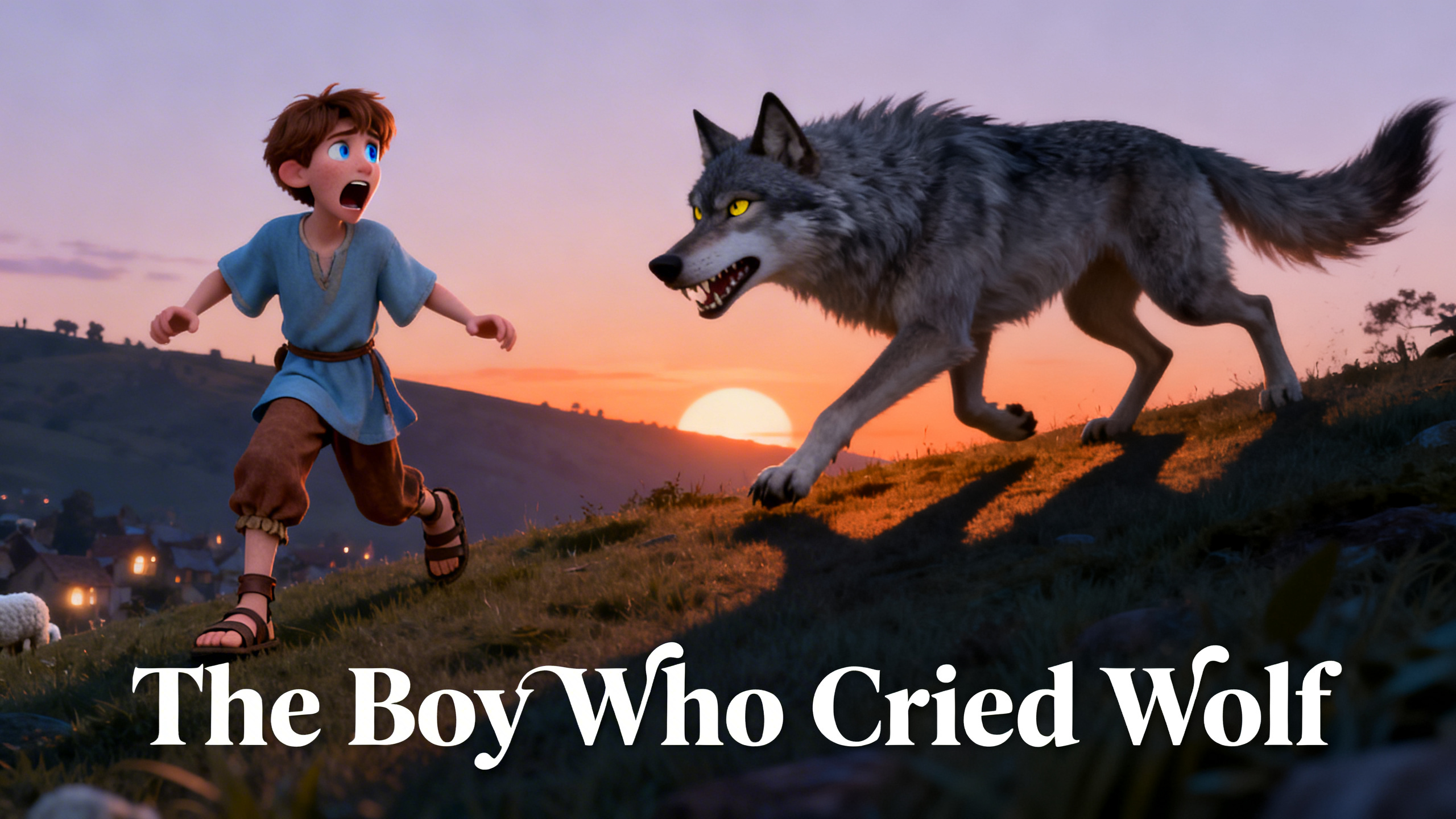
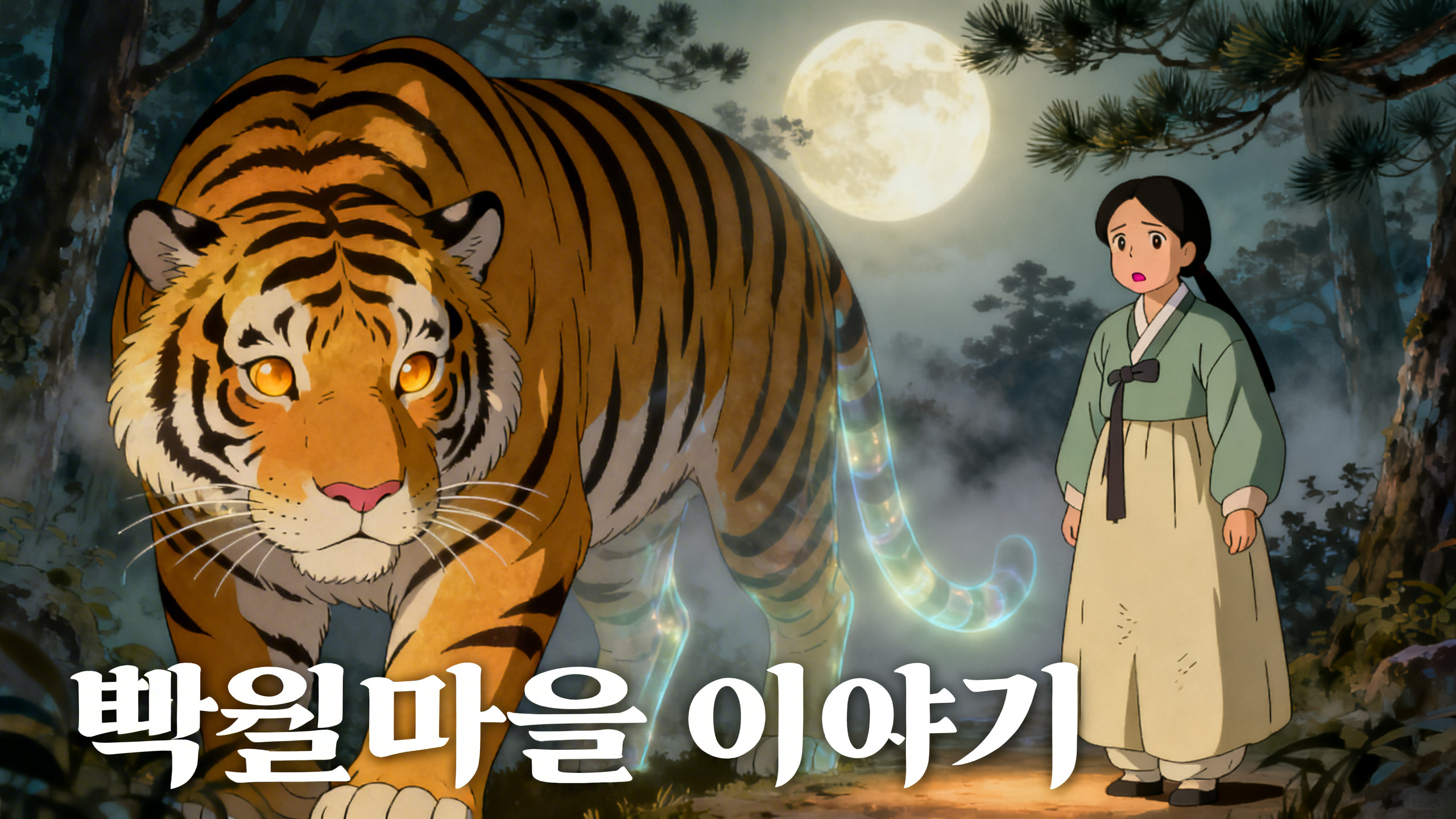
About the -
Generate a professional video instantly with the - template. This Cartoon design utilizes default to render high-quality custom animations. It is fully customizable in our One-Click Video editor, allowing you to adjust the duration and aspect ratio to fit your platform.
Video script prompt
Once upon a time, in the cheerful kingdom of Bloom Valley, there lived a kind and curious princess named Lila. Lila didn’t like fancy halls or glittering crowns. She loved being outdoors, laughing with her friends, and caring for her favorite place — the Rainbow Garden. 🌷🌻🌼 Every flower there glowed with color — pink tulips, blue daisies, golden roses — and the air was always filled with music and laughter. Helping her care for it were her best friends: 🐰 Benny the Bunny, strong and cheerful, 🦜 Pip the Parrot, funny and loud, and 🐭 Mimi the Mouse, tiny but brave. Each morning they watered the flowers, sang songs, and danced under the sunshine. 🌞 One morning, Lila gasped — the flowers had lost their colors! The Rainbow Stone, the heart of the garden, was fading fast. “Oh no!” she cried. “Without it, Bloom Valley will turn gray!” Benny said, “We have to fix it!” Pip chirped, “I’ve heard of a Sunbeam Crystal at the top of Glitter Hill! It might bring the colors back!” Mimi whispered, “But that hill is so tall…” Lila smiled and took her paw. “Don’t worry. If we all work together, we can do it!” 🌈 The friends set off at once. When they reached a bubbling river, Benny built a stone bridge. When strong winds blew, Pip spread his wings to protect them. When Lila slipped, Mimi grabbed her hand and pulled her up. Each time one friend struggled, another helped — and together, they kept going, laughing and cheering all the way. 💖 At last, they reached the glowing Sunbeam Crystal resting inside a golden flower. “It’s beautiful,” whispered Lila. Working as a team, they lifted the crystal — Benny pushed, Pip steadied it, Lila guided it, and Mimi balanced it carefully. They placed it beside the dull Rainbow Stone — and suddenly, whoooosh! 🌈✨ Colors burst into the sky — red, blue, gold, green — and the Rainbow Garden bloomed brighter than ever! Everyone in Bloom Valley cheered as the sunshine returned. 🎉 That evening, Princess Lila and her friends sat under the sparkling rainbow. “We did it,” said Lila, smiling. “Because we believed in each other.” Benny grinned. “And because we never gave up!” Pip laughed. “Teamwork makes everything shine brighter!” Mimi nodded. “Even tall hills aren’t scary when friends climb them together.” From that day on, the Rainbow Garden glowed with new magic — a reminder that kindness and teamwork make the world bloom. 🌸💖 Moral of the Story: When we help one another, share our strengths, and work as a team, we can bring back the colors to any cloudy day!
How to use this Cartoon video template
Template Name: -
Step 1
Click the "Use Template" button to load the "-" preset.
Step 2
Review the default settings. This template is pre-configured with the default model and default style. Click "Run Script" to generate your initial draft.
Step 3
Enter your scene description in the text box. The One-Click engine is powered by default to interpret complex prompts instantly. Toggle the Directing Modes if you need specific camera movements.
Step 4
Browse the Video Style carousel to pick a look. Ensure your Aspect Ratio is set correctly (9:16) for your target platform.
Step 5
Hit the "Create Video" button. The AI will process your script and style simultaneously to deliver a finished video.
- Video Template
Start to use this template
Template Specifications
You might also like
these trending designs