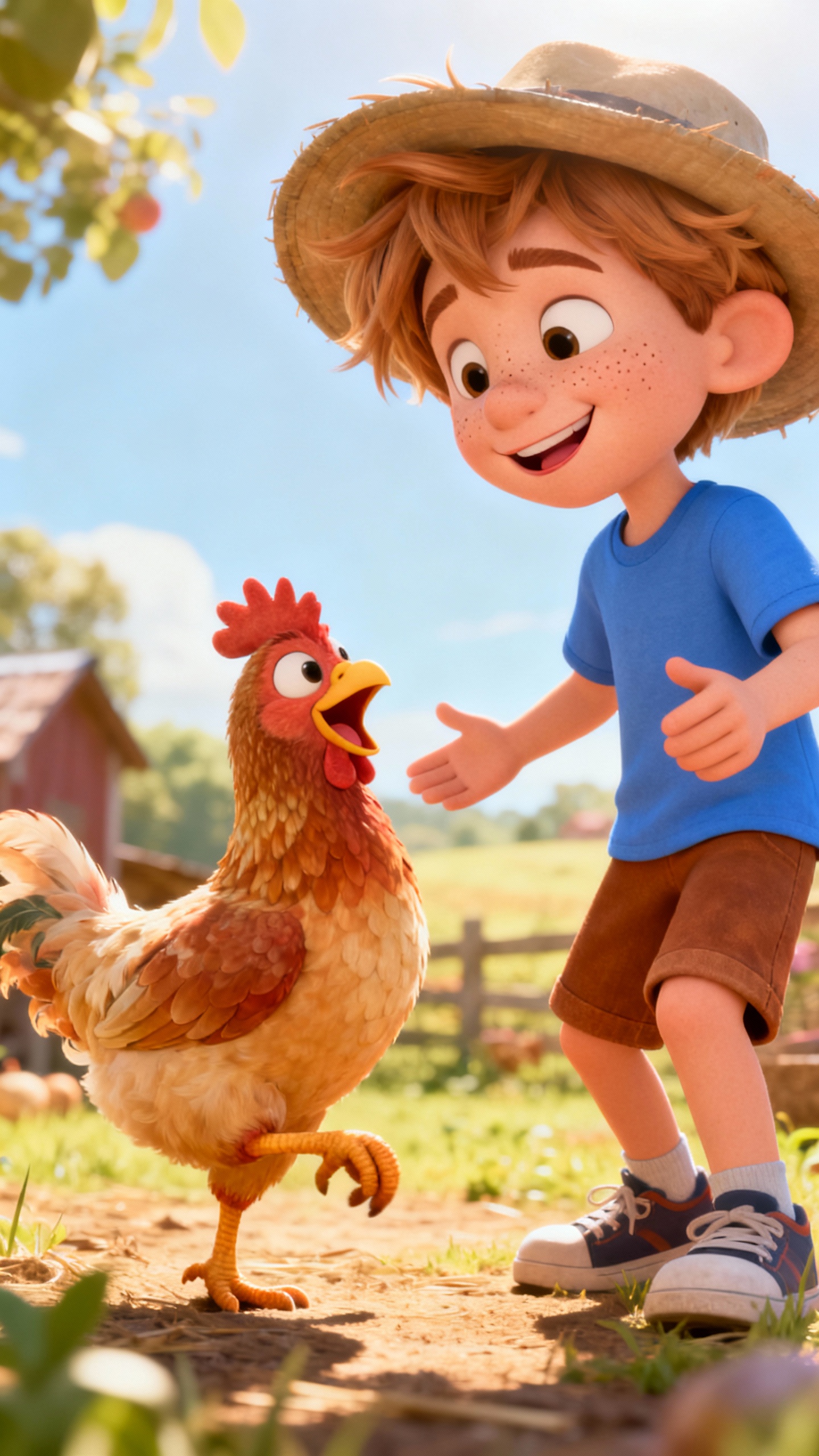
About the Alphabet Happy Song
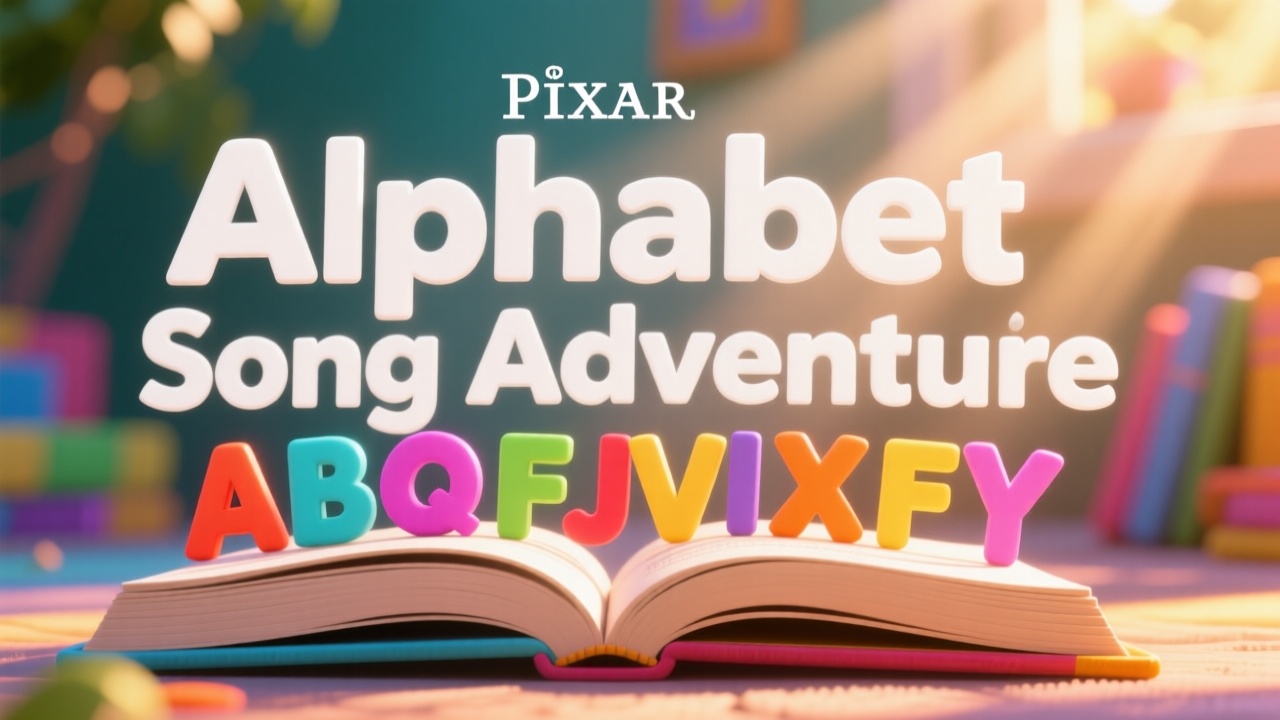
Learning the ABCs is as easy as singing a song! Join us as we go from A to Z with apples, bees, cats, and more! What's your favorite letter of the alphabet? Let's learn together!
Video script prompt
The Alphabet Song
How to use this Music video template
Template Name: Alphabet Happy Song
Step 1
Click the "Use Template" button to load the "Alphabet Happy Song" preset.
Step 2
Review the default settings. This template is pre-configured with the KLing 2.1 model and Pixar style. Click "Run Script" to generate your initial draft.
Step 3
Enter your scene description in the text box. The One-Click engine is powered by KLing 2.1 to interpret complex prompts instantly. Toggle the Directing Modes if you need specific camera movements.
Step 4
Select a Music Genre from the visual icons. Current genre: default genre. This determines the beat and instrumentation of your track.
Alphabet Happy Song Video Template
Start to use this template
Template Specifications
Frequently Asked Questions
What types of music videos can I make?
Magiclight's music templates support lyric videos, animated music clips, dance videos, and promotional music content.
Can I sync animations to the beat of my music?
Yes. Magiclight automatically aligns visual effects and animations with your music for a professional result.
Are there templates for all music genres?
Magiclight offers templates for Pop, Rock, Blues, and more, giving you diverse visual styles.
Can I edit the text or captions in a music template?
Yes. You can customize any on-screen text, captions, or lyrics provided in the template to fit your video's message.
Can music templates be used for social media promotion?
Definitely. They're perfect for sharing on Instagram, TikTok, YouTube, or any online platform.
You might also like
these trending designs