About the बंदर और मगरमच्छ
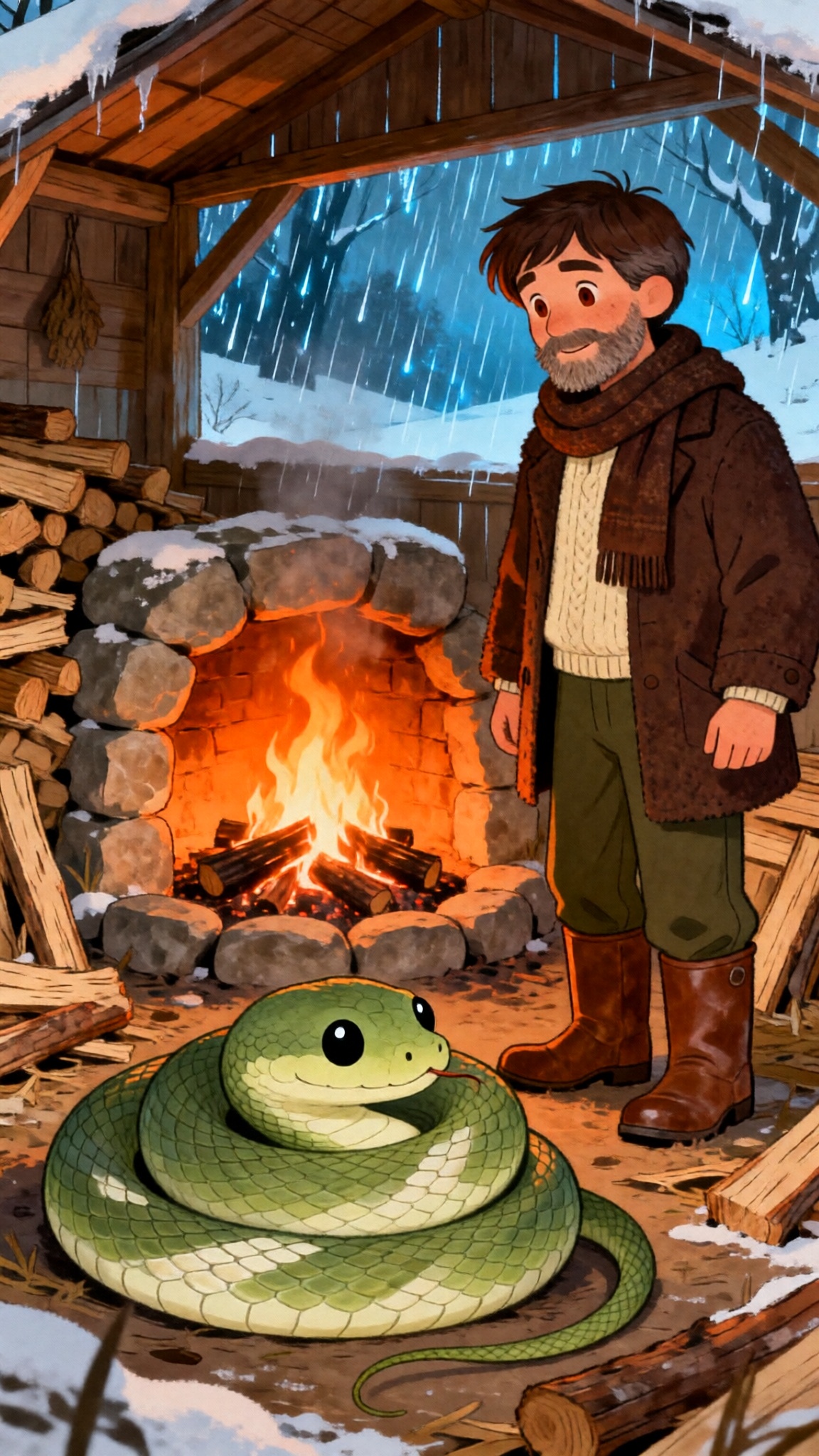
एक नदी के किनारे एक अंजीर के पेड़ पर एक बंदर खुशी से रहता था। हर दिन, वह मीठे फल खाता और पानी को बहते हुए देखता था। एक दिन, एक मगरमच्छ प्रकट हुआ और धीरे से बोला, “तुम्हारे अंजीर सबसे मीठे हैं जो मैंने कभी चखे हैं।” बंदर ने दिन-ब-दिन अपने फल साझा किए। जल्द ही, वे दोस्त बन गए। लेकिन मगरमच्छ की पत्नी ने कहा, “अगर फल इतना मीठा है, तो बंदर का दिल और भी मीठा होना चाहिए। इसे मेरे लिए लाओ।” मगरमच्छ नदी के किनारे लौट आया और शांति से कहा, “दोस्त, मेरी पीठ पर सवारी करो। मैं तुम्हें चौड़ी नदी दिखाऊंगा।” आधे रास्ते में, मगरमच्छ धीमा हो गया। “मुझे तुम्हें सच बताना होगा,” उसने कहा। “मेरी पत्नी को तुम्हारा दिल चाहिए।” बंदर एक पल के लिए रुका - केवल एक पल के लिए। फिर वह हँसा। “मैं कितना मूर्ख था,” उसने कहा। “मैंने अपना दिल पेड़ पर छोड़ दिया। मुझे वापस ले चलो, और मैं इसे तुम्हारे लिए ले आऊंगा।” मगरमच्छ वापस मुड़ गया। जैसे ही बंदर पेड़ पर पहुँचा, वह ऊँचा चढ़ गया और नीचे पुकारा: “एक दोस्त जो तुम्हारी मौत की योजना बनाता है, वह बिल्कुल भी दोस्त नहीं है।” मगरमच्छ अकेला तैर गया। क्या बंदर मगरमच्छ से बच पाएगा? जानने के लिए वीडियो देखें!
Video script prompt
A monkey lived happily in a fig tree by the river. Every day, he ate sweet fruit and watched the water flow. One day, a crocodile appeared and spoke gently, “Your figs are the sweetest I’ve ever tasted.” The monkey shared his fruit, day after day. Soon, they became friends. But the crocodile’s wife said, “If the fruit is so sweet, the monkey’s heart must be sweeter. Bring it to me.” The crocodile returned to the riverbank and said calmly, “Friend, come ride on my back. I’ll show you the wide river.” Halfway across, the crocodile slowed down. “I must tell you the truth,” he said. “My wife wants your heart.” The monkey paused — only for a moment. Then he laughed. “How foolish of me,” he said. “I left my heart on the tree. Take me back, and I’ll get it for you.” The crocodile turned back. As soon as the monkey reached the tree, he climbed high and called down: “A friend who plans your death is not a friend at all.” The crocodile swam away alone.
How to use this Cartoon video template
Template Name: बंदर और मगरमच्छ
Step 1
Click the "Use Template" button to load the "बंदर और मगरमच्छ" preset.
Step 2
Review the default settings. This template is pre-configured with the Hailuo 02 model and Disney style. Click "Run Script" to generate your initial draft.
Step 3
In the editor, locate the Story Topic box. You can rewrite it completely to tell your own story. You can also add specific tags like "#cartoon #kids #fairy-tale" to guide the AI.
Step 4
Choose your visual aesthetic from the Style carousel. Then, fine-tune your technical settings: Aspect Ratio (9:16) and Video Model (Hailuo 02).
Step 5
Give your characters a voice. Select a narrator (current default: Default Voice) and choose a Background Music track like "Default BGM".
बंदर और मगरमच्छ Video Template
Start to use this template
Template Specifications
Frequently Asked Questions
What kind of cartoons can I create with Magiclight?
You can create short animated stories, funny clips, and character-driven scenes using Magiclight's cartoon templates. Styles range from classic 2D animation to stylized digital cartoons.
Do I need animation experience to use these templates?
No experience is needed. Magiclight's cartoon templates are pre-built with animations, characters, and backgrounds, so you can create videos in minutes.
Can I customize characters and scenes in cartoon templates?
Yes! You can edit characters, change colors, add props, and adjust backgrounds to fit your story.
Are cartoon templates suitable for social media posts?
Absolutely. They are optimized for TikTok, Instagram Reels, YouTube Shorts, and more.
Can I add my own voiceovers to cartoon videos?
Yes. Magiclight allows you to add voiceovers, music, or sound effects to bring your cartoon to life.
You might also like
these trending designs