About the The Cowboy and the Stars
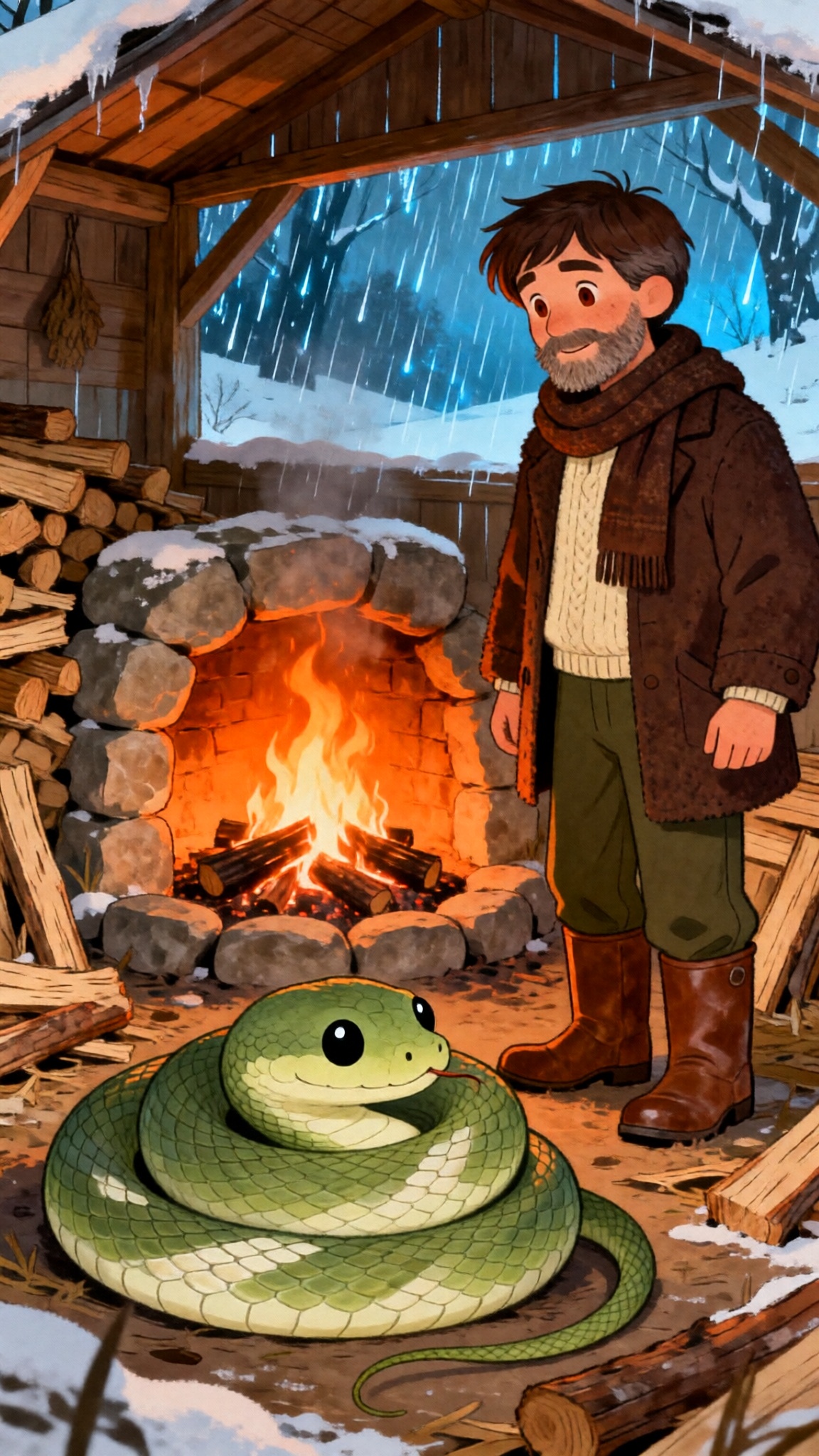
Why do the toughest cowboys die thirsty? Meet Silas, a legend for his grit. He rode harder than anyone, chasing gold across the desert. But Silas never looked up. He never checked his direction. He just rode in circles until he collapsed. Hustle without direction is self-destruction. Are you riding blind?
Video script prompt
Why is the roughest cowboy in the desert always the one who dies thirsty? He’s got the grit. He’s got the toughest horse and the strongest back. But he’s riding in circles. Think about a man named Silas. Silas was a legend for his work ethic. He’d spend twenty hours in the saddle, pushing through sandstorms, spurs drawing blood, head down against the wind. He thought the harder he rode, the closer he’d get to the gold. But Silas never looked up. He never pulled his reins to check the horizon or read the stars. He just rode. Eventually, he collapsed in the dunes—exhausted, broken, and exactly five miles from where he started. He had all the "hustle," but he was riding blind. The world wants to tell you that sweat is the same thing as success. It wants you to believe that if you aren't exhausted, you aren't trying. But a hard ride without a map is just a fast way to get lost. Grit without a compass is just self-destruction. If you’ve been pushing yourself to the brink but your life hasn't changed, pull up on the reins. The problem isn't your speed. The problem is your direction. Stop whipping the horse. Start reading the stars.
How to use this Cartoon video template
Template Name: The Cowboy and the Stars
Step 1
Click the "Use Template" button to load the "The Cowboy and the Stars" preset.
Step 2
Review the default settings. This template is pre-configured with the Hailuo 02 model and Pixar style. Click "Run Script" to generate your initial draft.
Step 3
In the editor, locate the Story Topic box. You can rewrite it completely to tell your own story. You can also add specific tags like "#cartoon #kids #fairy-tale" to guide the AI.
Step 4
Choose your visual aesthetic from the Style carousel. Then, fine-tune your technical settings: Aspect Ratio (9:16) and Video Model (Hailuo 02).
Step 5
Give your characters a voice. Select a narrator (current default: Default Voice) and choose a Background Music track like "Default BGM".
The Cowboy and the Stars Video Template
Start to use this template
Template Specifications
Frequently Asked Questions
What kind of cartoons can I create with Magiclight?
You can create short animated stories, funny clips, and character-driven scenes using Magiclight's cartoon templates. Styles range from classic 2D animation to stylized digital cartoons.
Do I need animation experience to use these templates?
No experience is needed. Magiclight's cartoon templates are pre-built with animations, characters, and backgrounds, so you can create videos in minutes.
Can I customize characters and scenes in cartoon templates?
Yes! You can edit characters, change colors, add props, and adjust backgrounds to fit your story.
Are cartoon templates suitable for social media posts?
Absolutely. They are optimized for TikTok, Instagram Reels, YouTube Shorts, and more.
Can I add my own voiceovers to cartoon videos?
Yes. Magiclight allows you to add voiceovers, music, or sound effects to bring your cartoon to life.
You might also like
these trending designs