About the The Lion and the Mouse
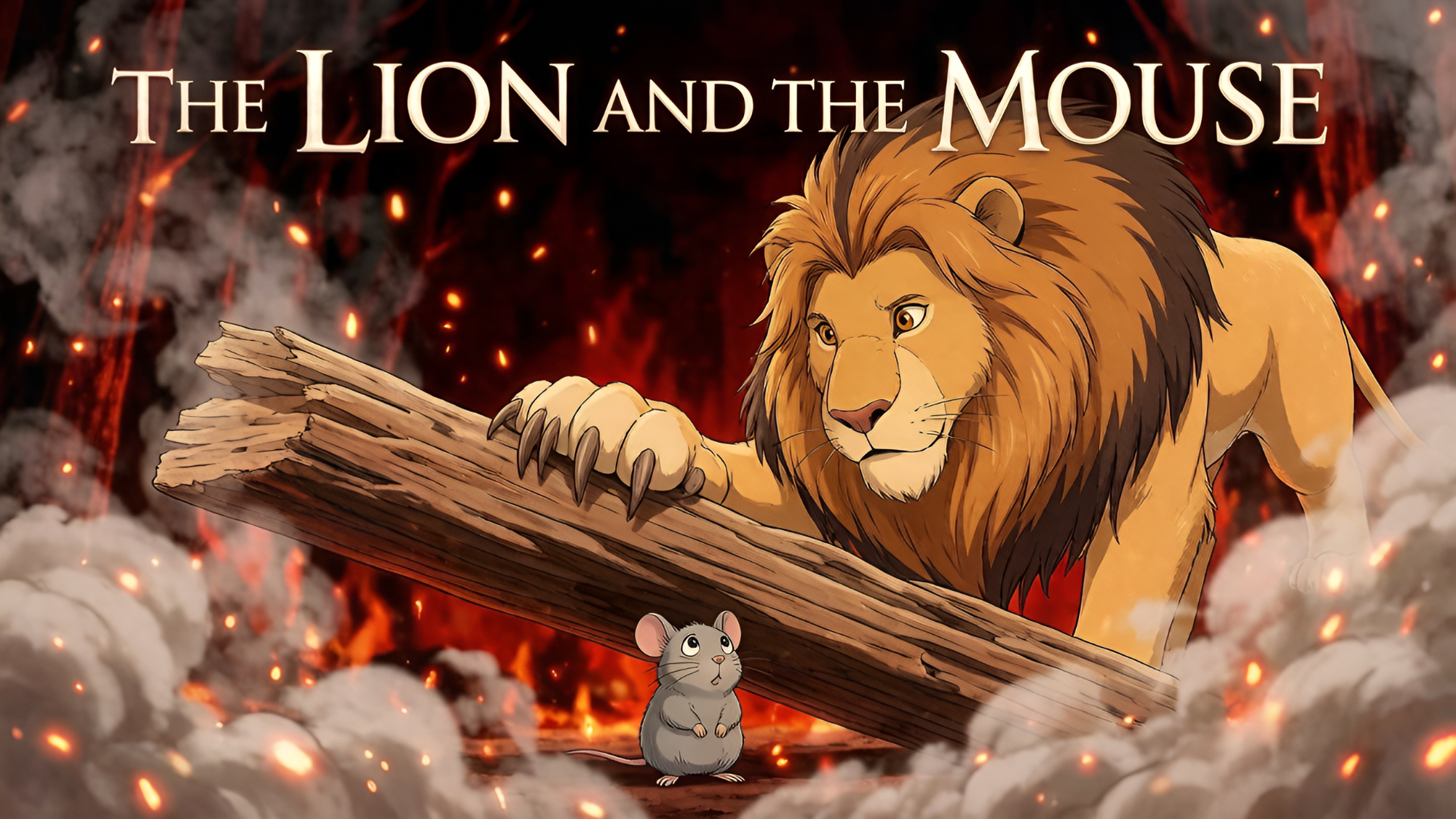
Can a tiny mouse ever repay a mighty lion? When a little mouse accidentally runs across a sleeping lion's nose, she begs for forgiveness. Amused, the lion lets her go, never imagining she could return the favor. But when the lion gets trapped, the mouse gets a chance to prove that even the smallest creature can make a big difference. Will she succeed in freeing the king of the jungle?
Video script prompt
A great Lion was sleeping in the forest. A tiny Mouse, not seeing where she was going, ran across the Lion's nose. The Lion woke up with a loud roar and placed his huge paw over the Mouse. "Forgive me!" cried the Mouse. "If you let me go, I will repay you one day." The Lion laughed at the thought that a tiny mouse could ever help him, but he was amused and let her go. A few days later, the Lion was caught in a hunter's net. He roared in anger, but he couldn't get free. The little Mouse heard him, ran to the spot, and began to chew through the ropes. Soon, the Lion was free.
How to use this Cartoon video template
Template Name: The Lion and the Mouse
Step 1
Click the "Use Template" button to load the "The Lion and the Mouse" preset.
Step 2
Review the default settings. This template is pre-configured with the Hailuo 02 model and Pixar style. Click "Run Script" to generate your initial draft.
Step 3
In the editor, locate the Story Topic box. You can rewrite it completely to tell your own story. You can also add specific tags like "#cartoon #kids #fairy-tale" to guide the AI.
Step 4
Choose your visual aesthetic from the Style carousel. Then, fine-tune your technical settings: Aspect Ratio (16:9) and Video Model (Hailuo 02).
Step 5
Give your characters a voice. Select a narrator (current default: Default Voice) and choose a Background Music track like "Rosita".
The Lion and the Mouse Video Template
Start to use this template
Template Specifications
Frequently Asked Questions
What kind of cartoons can I create with Magiclight?
You can create short animated stories, funny clips, and character-driven scenes using Magiclight's cartoon templates. Styles range from classic 2D animation to stylized digital cartoons.
Do I need animation experience to use these templates?
No experience is needed. Magiclight's cartoon templates are pre-built with animations, characters, and backgrounds, so you can create videos in minutes.
Can I customize characters and scenes in cartoon templates?
Yes! You can edit characters, change colors, add props, and adjust backgrounds to fit your story.
Are cartoon templates suitable for social media posts?
Absolutely. They are optimized for TikTok, Instagram Reels, YouTube Shorts, and more.
Can I add my own voiceovers to cartoon videos?
Yes. Magiclight allows you to add voiceovers, music, or sound effects to bring your cartoon to life.
You might also like
these trending designs