About the The Battery of Life
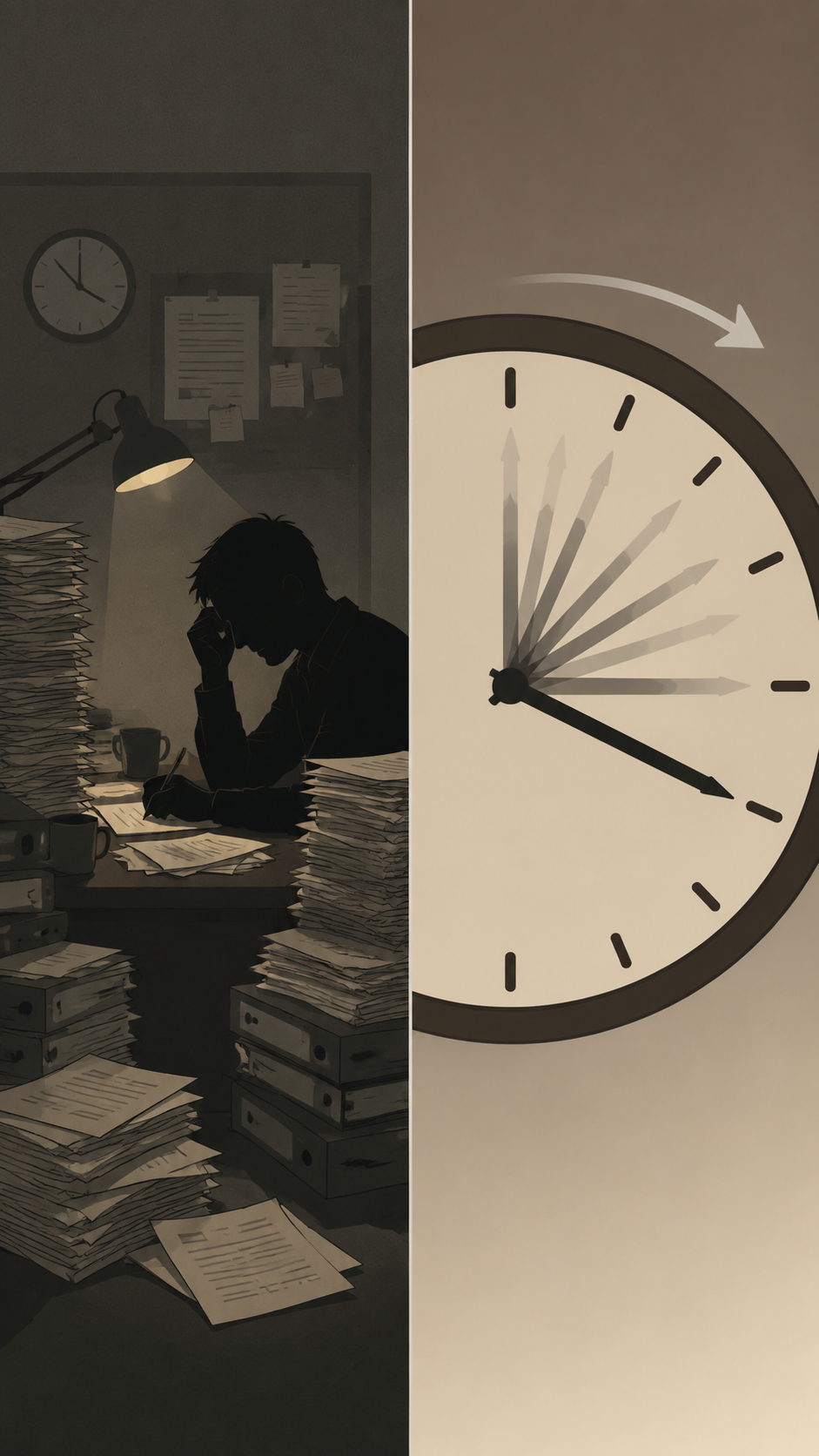
Imagine waking up with a battery icon over your head, showing 100%. Confused, a man discovers stress drains his energy fast, while joy charges it slowly. But love? Love charges the most. As his battery drops throughout a hectic day, he realizes he must protect his energy. Can he learn to recharge before it's too late? What charges your battery?
Video script prompt
One morning, a man wakes up and notices something strange. Above his head, a battery icon appears — just like a phone battery. It shows 100%. Confused but curious, he goes on with his day. At work, his boss complains nonstop. The battery drops to 80%. Traffic is loud. Someone honks for no reason. 65%. A stranger cuts in line and argues. 50%. By afternoon, the battery turns yellow. He feels tired, even though the day isn’t over. Later, he meets his friends. They joke, laugh, and tease each other about nothing important. For the first time all day, he forgets stress. The battery rises to 50% again. That evening, he returns home. He sits with his family, eating together, watching TV, laughing as the kids play and talk over each other. The room is warm, noisy, and full of life. No rush. No pressure. The battery climbs slowly… 60% 70% 80%. Before going to bed, he looks up at the battery and finally understands: Stress drains fast. Joy charges slowly. And love charges the most. Just like a phone, if you don’t protect your energy, life will power you down. Protect your energy.
How to use this Explainer video template
Template Name: The Battery of Life
Step 1
Click the "Use Template" button to load the "The Battery of Life" preset.
Step 2
Review the default settings. This template is pre-configured with the KLing 2.1 model and Comic 2.0 style. Click "Run Script" to generate your initial draft.
Step 3
Enter your scene description in the text box. The One-Click engine is powered by KLing 2.1 to interpret complex prompts instantly. Toggle the Directing Modes if you need specific camera movements.
Step 4
Browse the Video Style carousel to pick a look. Ensure your Aspect Ratio is set correctly (9:16) for your target platform.
Step 5
Hit the "Create Video" button. The AI will process your script and style simultaneously to deliver a finished video.
The Battery of Life Video Template
Start to use this template
Template Specifications
Frequently Asked Questions
What is an explainer video template?
Explainer templates are pre-designed videos that help you explain ideas, products, or services clearly and visually.
Do I need design skills to use these templates?
No. Magiclight templates come ready-to-use; you only need to add your text, images, or voiceovers.
Can I customize the text and visuals in explainer videos?
Yes. Magiclight lets you edit text, replace images, and adjust visual elements to clearly present your ideas or products.
Are explainer templates suitable for business presentations?
Absolutely. They are perfect for marketing, training, product demos, or investor pitches.
What can I use explainer templates for?
Magiclight's explainer templates are perfect for product demos, service introductions, training videos, or sharing ideas in a clear and engaging way.
You might also like
these trending designs