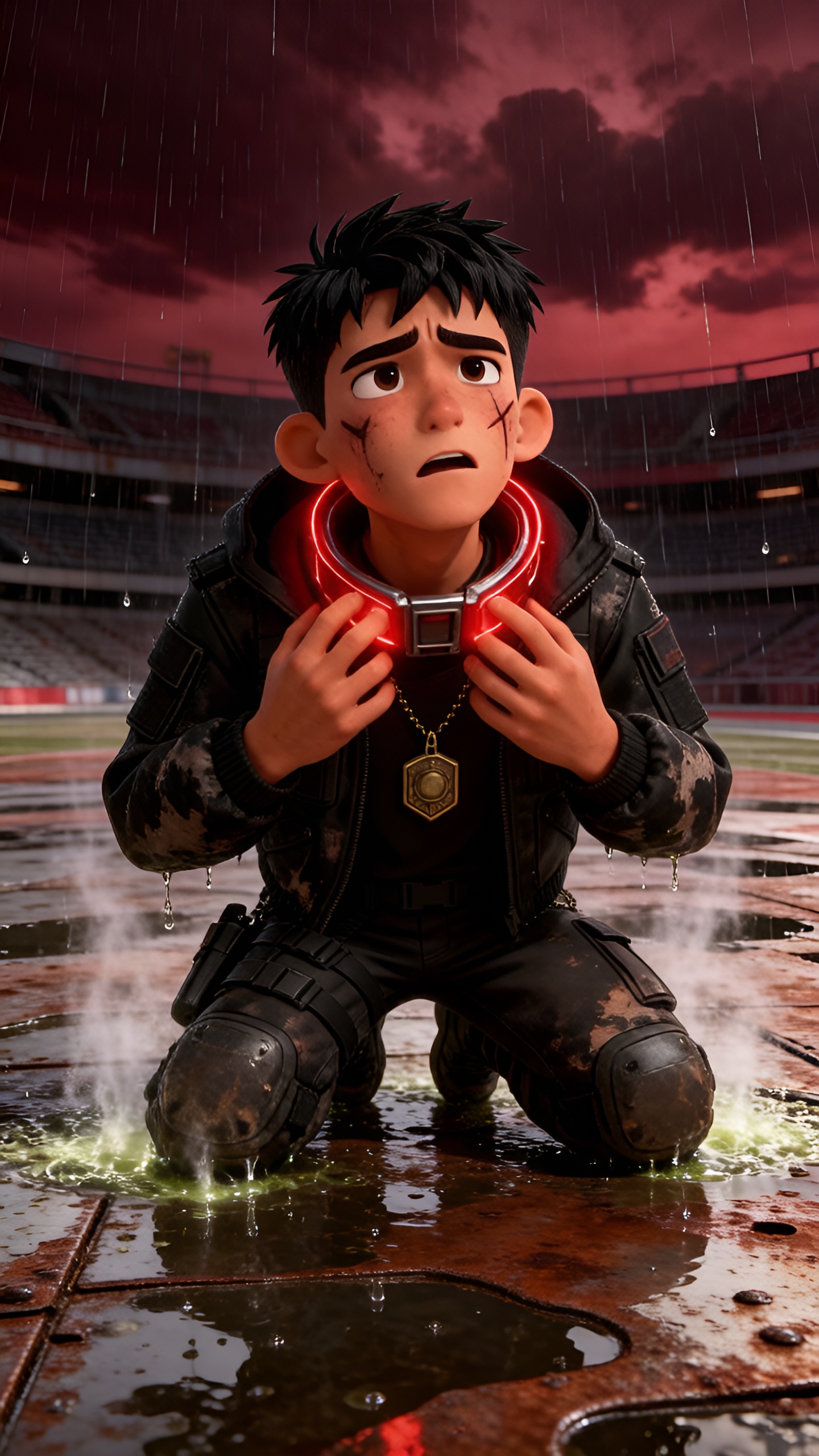
About the The Fall of Troy
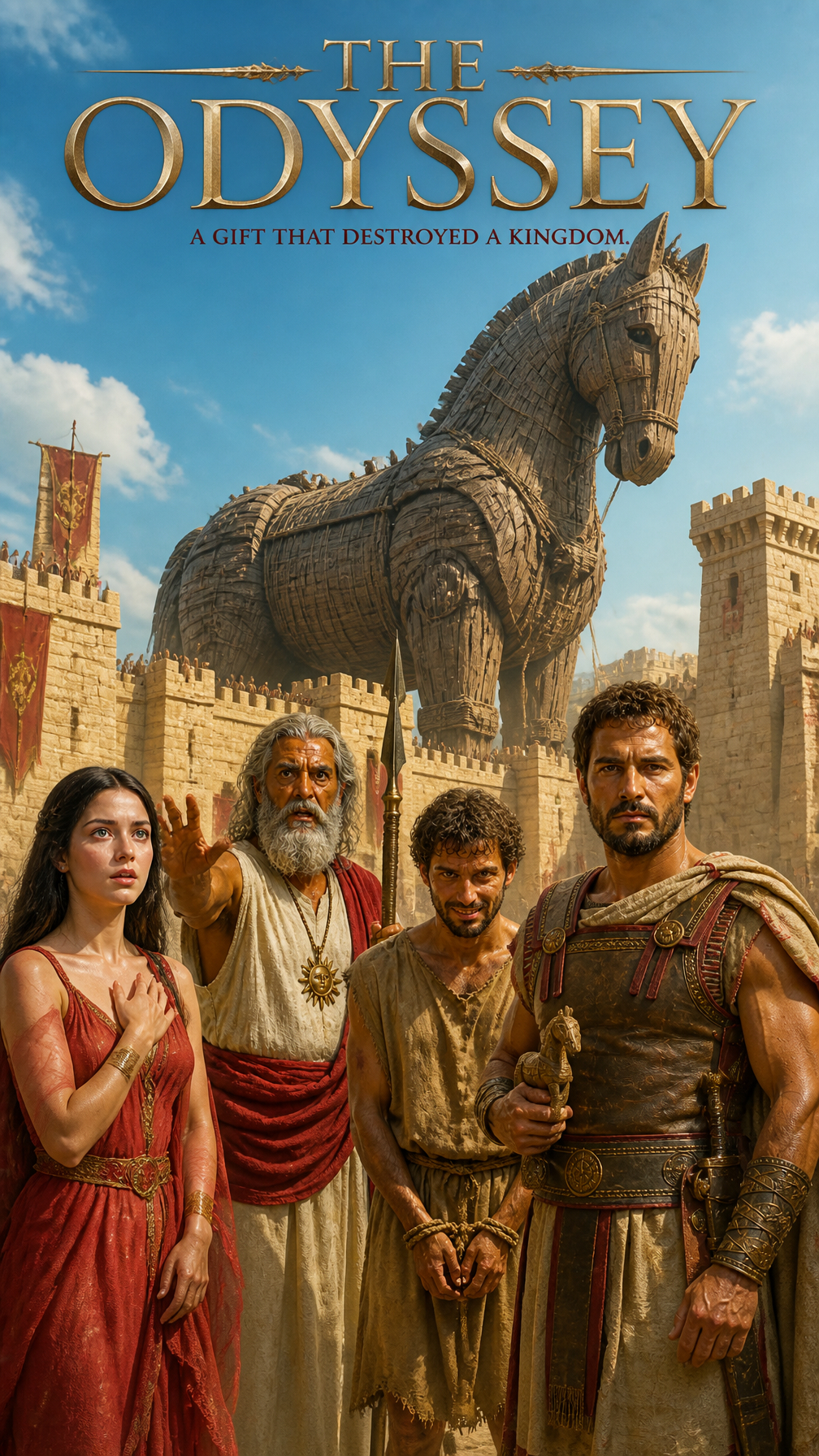
The Trojan War: a tale of gods, heroes, and a city destined for ruin. For ten long years, Troy withstood every assault, its walls unbreachable. But what if the greatest threat came not from a warrior's sword, but from a gift? Discover the cunning deception that led to the city's downfall. Was Troy's fate sealed by pride, or by the gods themselves?
Video script prompt
The Trojan War had raged for ten years, yet the Greek army remained unable to breach the mighty walls of Troy. The cunning Odysseus therefore devised a plan: the Greeks built a huge wooden horse and concealed their finest soldiers inside it, while the rest of the army pretended to retreat and hid their ships beyond the coast. Believing the war was over, the Trojans were deceived by the Greek soldier Sinon into thinking that the horse was a sacred offering to the goddess Athena. Although the priest Laocoön and the prophetic princess Cassandra desperately warned them, the Trojans still brought the horse inside the city and celebrated their apparent victory late into the night. After everyone had fallen asleep, the Greek soldiers emerged from the horse, killed the guards, opened the city gates, and signaled the returning army. The Greeks then stormed the defenseless city and burned Troy to the ground—a city that had resisted swords and armies for ten years, only to be destroyed by a lie disguised as a gift.
How to use this Cartoon video template
Template Name: The Fall of Troy
Step 1
Click the "Use Template" button to load the "The Fall of Troy" preset.
Step 2
Review the default settings. This template is pre-configured with the seedance1_5pro_silent model and Realistic Cinema style. Click "Run Script" to generate your initial draft.
Step 3
Enter your scene description in the text box. The One-Click engine is powered by seedance1_5pro_silent to interpret complex prompts instantly. Toggle the Directing Modes if you need specific camera movements.
Step 4
Browse the Video Style carousel to pick a look. Ensure your Aspect Ratio is set correctly (9:16) for your target platform.
Step 5
Hit the "Create Video" button. The AI will process your script and style simultaneously to deliver a finished video.
The Fall of Troy Video Template
Start to use this template
Template Specifications
Frequently Asked Questions
What kind of cartoons can I create with Magiclight?
You can create short animated stories, funny clips, and character-driven scenes using Magiclight's cartoon templates. Styles range from classic 2D animation to stylized digital cartoons.
Do I need animation experience to use these templates?
No experience is needed. Magiclight's cartoon templates are pre-built with animations, characters, and backgrounds, so you can create videos in minutes.
Can I customize characters and scenes in cartoon templates?
Yes! You can edit characters, change colors, add props, and adjust backgrounds to fit your story.
Are cartoon templates suitable for social media posts?
Absolutely. They are optimized for TikTok, Instagram Reels, YouTube Shorts, and more.
Can I add my own voiceovers to cartoon videos?
Yes. Magiclight allows you to add voiceovers, music, or sound effects to bring your cartoon to life.
You might also like
these trending designs