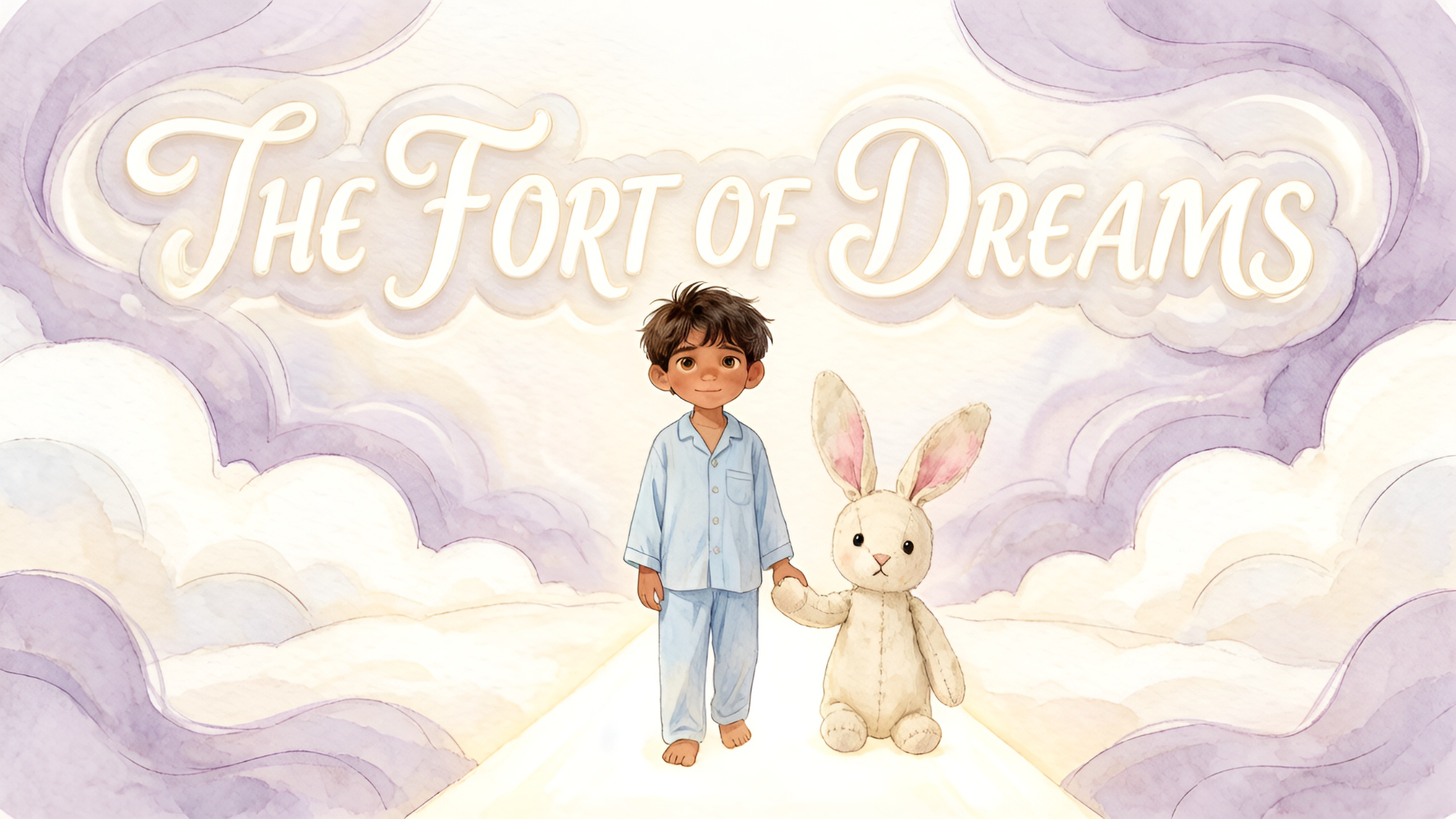
About the The Fort of Dreams
What if the blanket fort you built as a child was actually a portal to another world? When Toma settles into his living room fortress, he expects a quiet night, but his toy rabbit has other plans. As the walls dissolve into a shimmering cloud meadow, he is whisked away on a dreamlike journey through the sky. But as the dream begins to shift, he realizes he might not be alone in this magical realm. Would you dare to follow a rabbit into the unknown?
Video script prompt
After dinner, Toma built a fort in the corner of the living room. Two chairs held up a blue blanket, and inside he placed three pillows, a toy rabbit, and a small lamp. "This is the Fort of Dreams," he announced. He crawled inside, and the busy world became quiet behind the blanket. The clock became a sleepy drum. The refrigerator became a distant boat. The wind at the window became a soft lullaby. Toma hugged the rabbit close. "Where shall we go tonight?" he asked. The rabbit pointed through a little opening in the blanket. Beyond it lay a meadow made of clouds. Silver butterflies rested on flowers. A blue pond reflected the stars. A path of moonlight stretched ahead, and nothing in the meadow needed to be hurried. Toma and the rabbit followed the path. Their steps were quiet. The clouds beneath their feet were soft, and the air smelled like warm milk and clean blankets. Soon, Toma felt sleepy. He lay down on the pillows, and the blue blanket became a warm roof above him. The little lamp glowed like a friendly star. His mother came to say goodnight. Toma closed his eyes, and the Fort of Dreams carried him gently into the cloud meadow until morning. The rabbit found a cloud shaped like a wide sofa. Toma sat down, and the cloud gently lifted his feet. They watched tiny dream-birds glide through the purple sky without making a sound. When Toma returned to the fort, the living room was still there, but it felt softer than before. He knew the fort would remember the meadow, even after he woke.
How to use this Cartoon video template
Template Name: The Fort of Dreams
Step 1
Click the "Use Template" button to load the "The Fort of Dreams" preset.
Step 2
Review the default settings. This template is pre-configured with the magiclight_3_lite model and Picture book style. Click "Run Script" to generate your initial draft.
Step 3
Enter your scene description in the text box. The One-Click engine is powered by magiclight_3_lite to interpret complex prompts instantly. Toggle the Directing Modes if you need specific camera movements.
Step 4
Browse the Video Style carousel to pick a look. Ensure your Aspect Ratio is set correctly (16:9) for your target platform.
Step 5
Hit the "Create Video" button. The AI will process your script and style simultaneously to deliver a finished video.
The Fort of Dreams Video Template
Start to use this template
Template Specifications
Frequently Asked Questions
What kind of cartoons can I create with Magiclight?
You can create short animated stories, funny clips, and character-driven scenes using Magiclight's cartoon templates. Styles range from classic 2D animation to stylized digital cartoons.
Do I need animation experience to use these templates?
No experience is needed. Magiclight's cartoon templates are pre-built with animations, characters, and backgrounds, so you can create videos in minutes.
Can I customize characters and scenes in cartoon templates?
Yes! You can edit characters, change colors, add props, and adjust backgrounds to fit your story.
Are cartoon templates suitable for social media posts?
Absolutely. They are optimized for TikTok, Instagram Reels, YouTube Shorts, and more.
Can I add my own voiceovers to cartoon videos?
Yes. Magiclight allows you to add voiceovers, music, or sound effects to bring your cartoon to life.
You might also like
these trending designs