About the The Kitten's Golden Shift
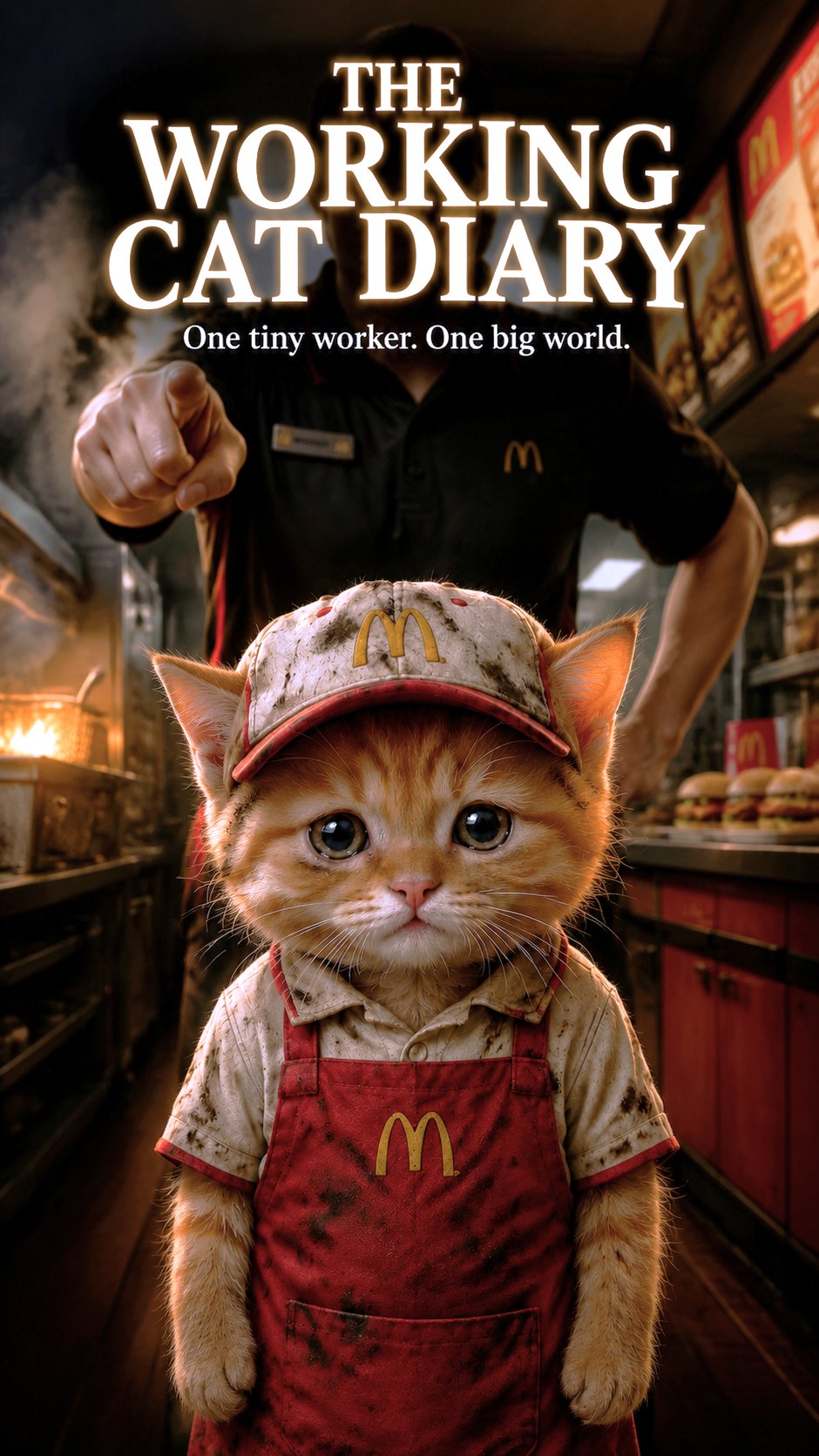
Meet Whiskers, a diligent kitten juggling the demands of his fast-food job. Every day is a whirlwind of orders and responsibilities, but there's one thing that keeps him going: the promise of a quiet moment with his girlfriend. Can he balance the grind with his heart's desire, and find joy in the little things?
Video script prompt
A hardworking little kitten works a part‑time job at a fast‑food restaurant. He sleeps in a shabby construction site, curled up on an old blanket, and wakes up early every morning—right next to him, his girlfriend is still dozing peacefully. He arrives at the kitchen of the fast‑food restaurant, puts on his uniform, and ties his tiny apron with determination. He drops baskets of frozen fries into sizzling oil, shakes them golden, and salts them carefully. His boss, a grumpy old bulldog, barks at him for dropping a few fries on the floor—the kitten just lowers his ears and whispers “Meow…” He switches to the grill, stacks patties, cheese, lettuce, and sauce between buns, making each burger with care. A young customer gives him a thumbs‑up and says, “Best burger I’ve had!”—the kitten blushes and answers with a cheerful “Meow!” After his shift, he counts his small wage, buys two creamy ice‑cream cones, and hurries back to his girlfriend. Finally, the two of them sit side by side on a pile of bricks, licking their ice creams, watching the sunset paint the sky in gold and pink—and they purr together in happy silence. The kitten never speaks—whenever he needs to communicate, he just says “Meow.”
How to use this Cartoon video template
Template Name: The Kitten's Golden Shift
Step 1
Click the "Use Template" button to load the "The Kitten's Golden Shift" preset.
Step 2
Review the default settings. This template is pre-configured with the seedance1_5pro model and Realistic Cinema style. Click "Run Script" to generate your initial draft.
Step 3
Enter your scene description in the text box. The One-Click engine is powered by seedance1_5pro to interpret complex prompts instantly. Toggle the Directing Modes if you need specific camera movements.
Step 4
Browse the Video Style carousel to pick a look. Ensure your Aspect Ratio is set correctly (9:16) for your target platform.
Step 5
Hit the "Create Video" button. The AI will process your script and style simultaneously to deliver a finished video.
The Kitten's Golden Shift Video Template
Start to use this template
Template Specifications
Frequently Asked Questions
What kind of cartoons can I create with Magiclight?
You can create short animated stories, funny clips, and character-driven scenes using Magiclight's cartoon templates. Styles range from classic 2D animation to stylized digital cartoons.
Do I need animation experience to use these templates?
No experience is needed. Magiclight's cartoon templates are pre-built with animations, characters, and backgrounds, so you can create videos in minutes.
Can I customize characters and scenes in cartoon templates?
Yes! You can edit characters, change colors, add props, and adjust backgrounds to fit your story.
Are cartoon templates suitable for social media posts?
Absolutely. They are optimized for TikTok, Instagram Reels, YouTube Shorts, and more.
Can I add my own voiceovers to cartoon videos?
Yes. Magiclight allows you to add voiceovers, music, or sound effects to bring your cartoon to life.
You might also like
these trending designs