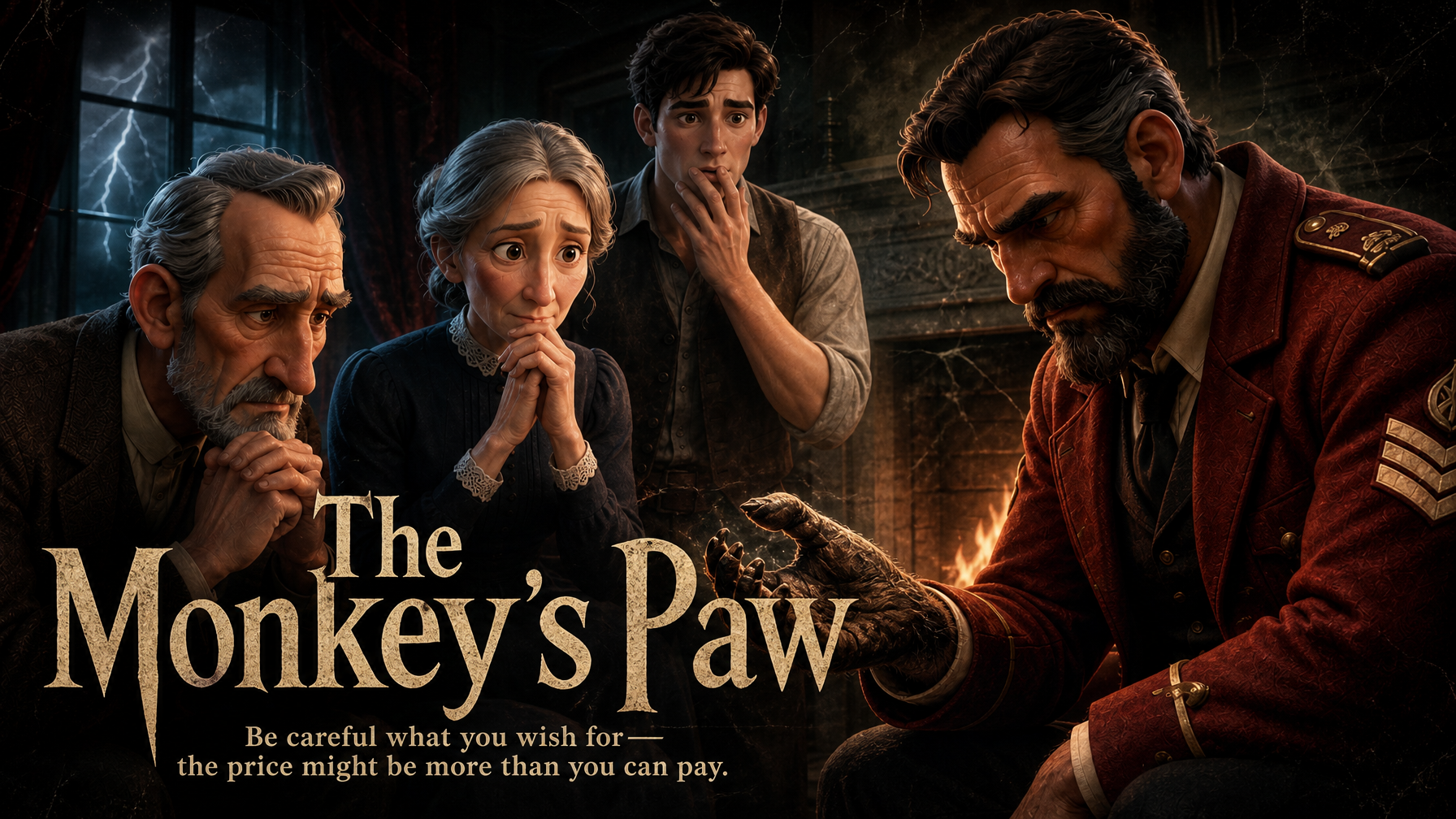
About the The Monkey's Paw
Be careful what you wish for—the price might be more than you can pay. When a grieving family comes into possession of a mysterious monkey's paw, they soon discover it has the power to grant any desire. But every miracle comes with a devastating cost. As the consequences spiral out of control, they face an impossible choice between their deepest longings and their survival. Is some magic simply too dangerous to touch?
Video script prompt
Sergeant-Major Morris brought the White family a dried monkey’s paw. He said it could grant three wishes, but every wish carried a terrible price. He begged them not to use it. After Morris left, Mr. White joked and wished for two hundred pounds. The next day, their son Herbert was caught in factory machinery and killed. The company paid the family exactly two hundred pounds. A week later, Mrs. White could no longer bear her grief. She grabbed the monkey’s paw and wished for Herbert to come back. Outside, three knocks struck the door. Then came the sound of something wet dragging across the porch. Mrs. White rushed toward the lock. Mr. White suddenly remembered the paw still held one final wish. He raised it and shouted: “I wish him back in his grave!” The knocking stopped instantly. When the door opened, there was only an empty street and cold wind. Mrs. White collapsed. As they turned to close the door, slow, wet footsteps sounded upstairs. Then, behind them, three knocks came from inside the house.
How to use this Cartoon video template
Template Name: The Monkey's Paw
Step 1
Click the "Use Template" button to load the "The Monkey's Paw" preset.
Step 2
Review the default settings. This template is pre-configured with the gpt-image-2 model and Cartoon Story style. Click "Run Script" to generate your initial draft.
Step 3
Enter your scene description in the text box. The One-Click engine is powered by gpt-image-2 to interpret complex prompts instantly. Toggle the Directing Modes if you need specific camera movements.
Step 4
Browse the Video Style carousel to pick a look. Ensure your Aspect Ratio is set correctly (16:9) for your target platform.
Step 5
Hit the "Create Video" button. The AI will process your script and style simultaneously to deliver a finished video.
The Monkey's Paw Video Template
Start to use this template
Template Specifications
Frequently Asked Questions
What kind of cartoons can I create with Magiclight?
You can create short animated stories, funny clips, and character-driven scenes using Magiclight's cartoon templates. Styles range from classic 2D animation to stylized digital cartoons.
Do I need animation experience to use these templates?
No experience is needed. Magiclight's cartoon templates are pre-built with animations, characters, and backgrounds, so you can create videos in minutes.
Can I customize characters and scenes in cartoon templates?
Yes! You can edit characters, change colors, add props, and adjust backgrounds to fit your story.
Are cartoon templates suitable for social media posts?
Absolutely. They are optimized for TikTok, Instagram Reels, YouTube Shorts, and more.
Can I add my own voiceovers to cartoon videos?
Yes. Magiclight allows you to add voiceovers, music, or sound effects to bring your cartoon to life.
You might also like
these trending designs