About the The Wall of Cape Verde
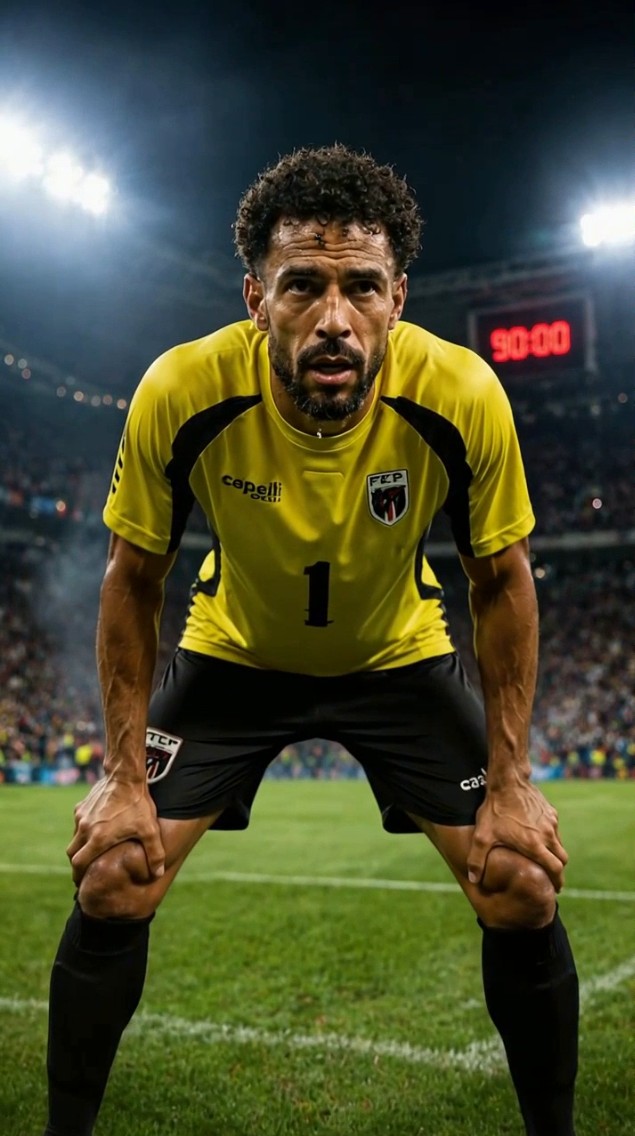
Vozinha's legendary performance against Spain wasn't just luck. It was the culmination of years of relentless training on dusty pitches and overlooked clubs, a testament to his unwavering persistence. What truly fuels a legend?
Video script prompt
Create a video introducing Cape Verde goalkeeper Vozinha, who has just made seven saves at the World Cup and kept a clean sheet against Spain. Tell the story of his inspiring career.
How to use this Cartoon video template
Template Name: The Wall of Cape Verde
Step 1
Click the "Use Template" button to load the "The Wall of Cape Verde" preset.
Step 2
Review the default settings. This template is pre-configured with the seedance1_5pro model and Realistic Cinema style. Click "Run Script" to generate your initial draft.
Step 3
Enter your scene description in the text box. The One-Click engine is powered by seedance1_5pro to interpret complex prompts instantly. Toggle the Directing Modes if you need specific camera movements.
Step 4
Browse the Video Style carousel to pick a look. Ensure your Aspect Ratio is set correctly (9:16) for your target platform.
Step 5
Hit the "Create Video" button. The AI will process your script and style simultaneously to deliver a finished video.
The Wall of Cape Verde Video Template
Start to use this template
Template Specifications
Frequently Asked Questions
What kind of cartoons can I create with Magiclight?
You can create short animated stories, funny clips, and character-driven scenes using Magiclight's cartoon templates. Styles range from classic 2D animation to stylized digital cartoons.
Do I need animation experience to use these templates?
No experience is needed. Magiclight's cartoon templates are pre-built with animations, characters, and backgrounds, so you can create videos in minutes.
Can I customize characters and scenes in cartoon templates?
Yes! You can edit characters, change colors, add props, and adjust backgrounds to fit your story.
Are cartoon templates suitable for social media posts?
Absolutely. They are optimized for TikTok, Instagram Reels, YouTube Shorts, and more.
Can I add my own voiceovers to cartoon videos?
Yes. Magiclight allows you to add voiceovers, music, or sound effects to bring your cartoon to life.
You might also like
these trending designs