Everything you need to know about AI video editor
Auto-split text, refine visuals, and tune scripts—control every frame before you render.
Instantly convert scattered recordings into polished stories using our specialized smart-cut engine. From trimming to beat syncing, our tool organizes your media into a cohesive visual flow without complex setups.
Convert story into videos
Powered by our dedicated automated editing architecture, refine unpolished clips into seamless sequences. It's a breakthrough for content creators. Captivate audiences with professional pacing and accelerate your post-production timeline.

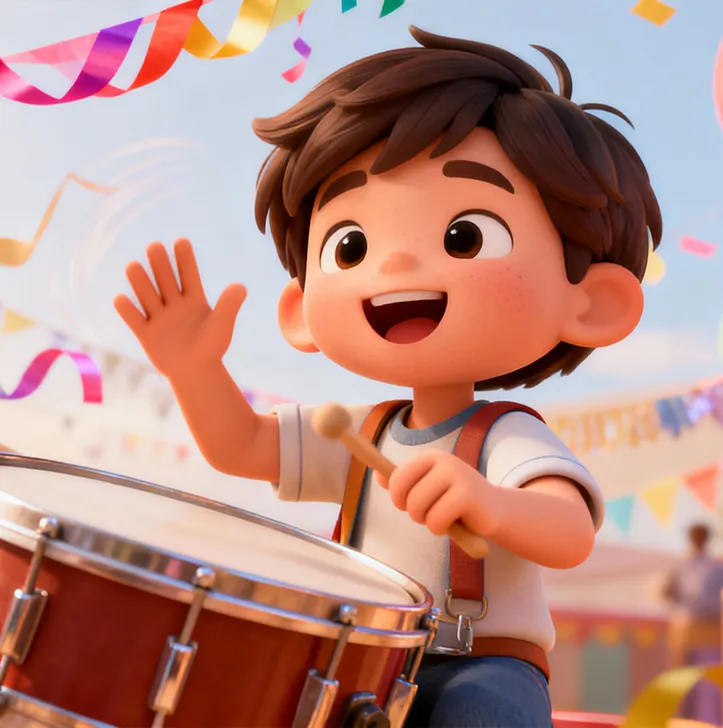
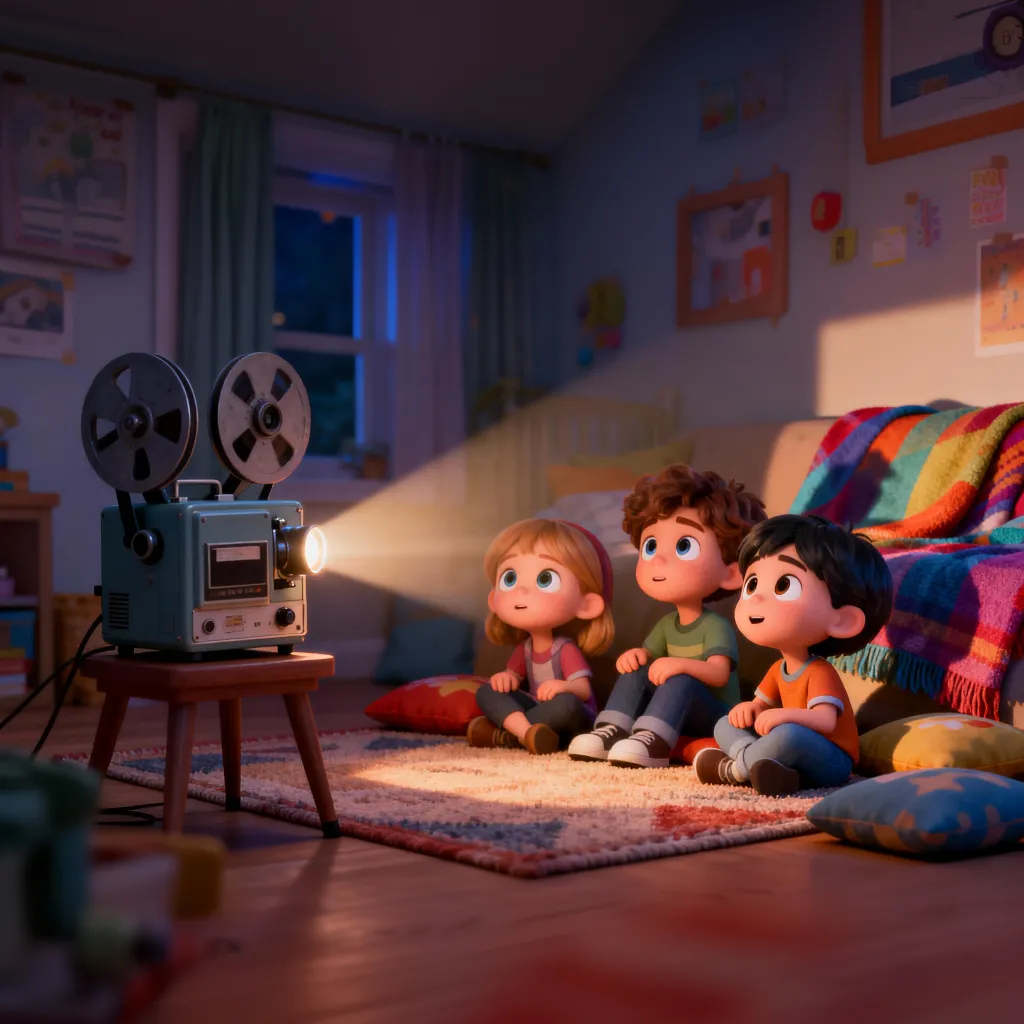

Auto-split text, refine visuals, and tune scripts—control every frame before you render.

Break generic paragraphs into distinct visual beats. The AI automatically parses your input text and splits it into logical storyboard frames. This converts a wall of text into a structured sequence, ensuring every sentence gets its own dedicated visual representation.
Update visuals for a single scene without affecting the rest. If a generated image doesn't match your vision, you can regenerate that specific frame or modify its description. This allows for precise art direction on a shot-by-shot basis, ensuring consistency across the board.
Tweak the narrative flow instantly. You can rewrite the text for any individual storyboard card directly in the editor. As you modify the dialogue or narration for a specific scene, the AI prepares to adapt the voiceover and timing for that segment seamlessly.
Review your entire video structure at a glance. The grid view displays all your scenes side-by-side, allowing you to check the visual logic and color flow before generating the final video. It’s easier to spot narrative gaps here than on a traditional timeline.
Fix small details without re-rendering the whole project. If one scene looks off, you can trigger a re-roll for that specific slot. This saves massive amounts of time, as you only spend credits and processing power on the parts that actually need improvement.
Take full control of your narrative. Optimize, tweak, and perfect every detail using our advanced editing suite.
Load your raw story text into the editor to initialize the project timeline and establish the editing foundation.
The AI automatically dissects your text into editable storyboard segments, organizing the creative flow for you.
Use our precision tools to fine-tune specific scripts and visuals frame-by-frame, ensuring every detail matches your intent.
Synthesize your polished adjustments into a flawless, exquisite video ready for the spotlight.
Stories made with MagicLight reach millions of views every week across the internet






Magiclight.ai is an advanced Al-powered platform that transforms your stories into stunning animated videos,. Simply input your script or story concept, andour Al generates professional-quality storyboards, character animations, and complete video sequences with consistent visual style.
From quick social clips to full 50-minute episodes. MagicLight is optimized for long-form storytelling, maintaining character consistency across scenesso you can produce complete narratives without technical limits.
Yes! You own 100% of the content you create. Whether you are monetizing a YouTube channel, running ads, or selling courses, you have full commercial rights to every video generated with our paid plans.
Absolutely. We believe in creative freedom, not binding contracts. You can manage your subscription directly from your dashboard and cancel whenever you like — no hidden fees, no hard feelings.
Minutes, not months. While traditional animation takes weeks, MagicLight generates a high-quality 5-minute story in about the time it takes to grab a coffee. Our AI works fast so you can publish more often.
Yes, start creating immediately. We offer free credits so you can test our AI models, generate your first few scenes, and experience the quality of MagicLight before committing to a subscription.



Try MagicLight’s story to video AI for free. No credit card needed, just your imagination.