Revitalize your footage with AI clarity
Upscale resolution, remove noise, and sharpen details—give your videos a professional polish.
Instantly convert blurry footage into crisp motion videos using our specialized clarity preset. From soft focus to visual noise, our tool refines your content into a sharp visual experience without digital artifacts. Start enhancing for free.
Convert story into videos

Defined by intelligent edge detection and texture refinement, translate grainy inputs into clean shots. It’s a breakthrough for visual fidelity. Captivate audiences with restored details and improve your viewing standard instantly.
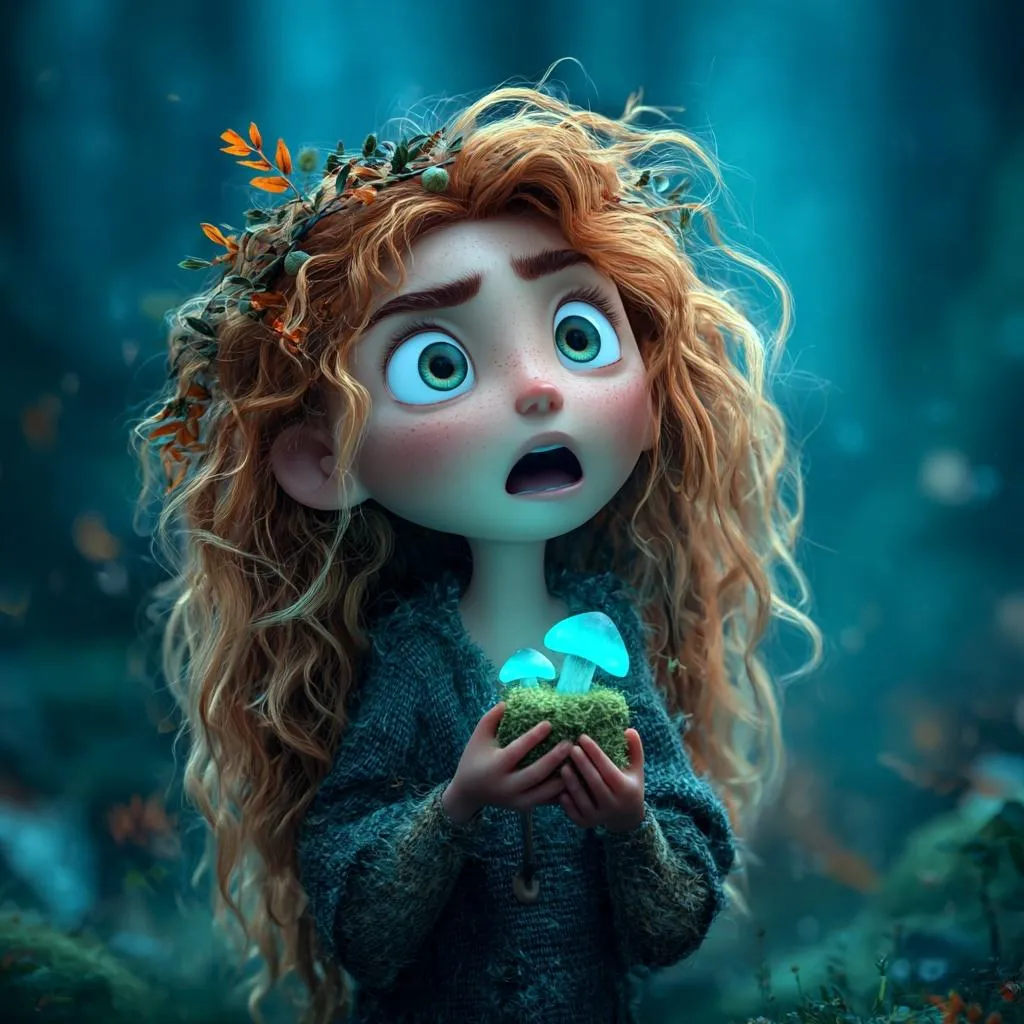

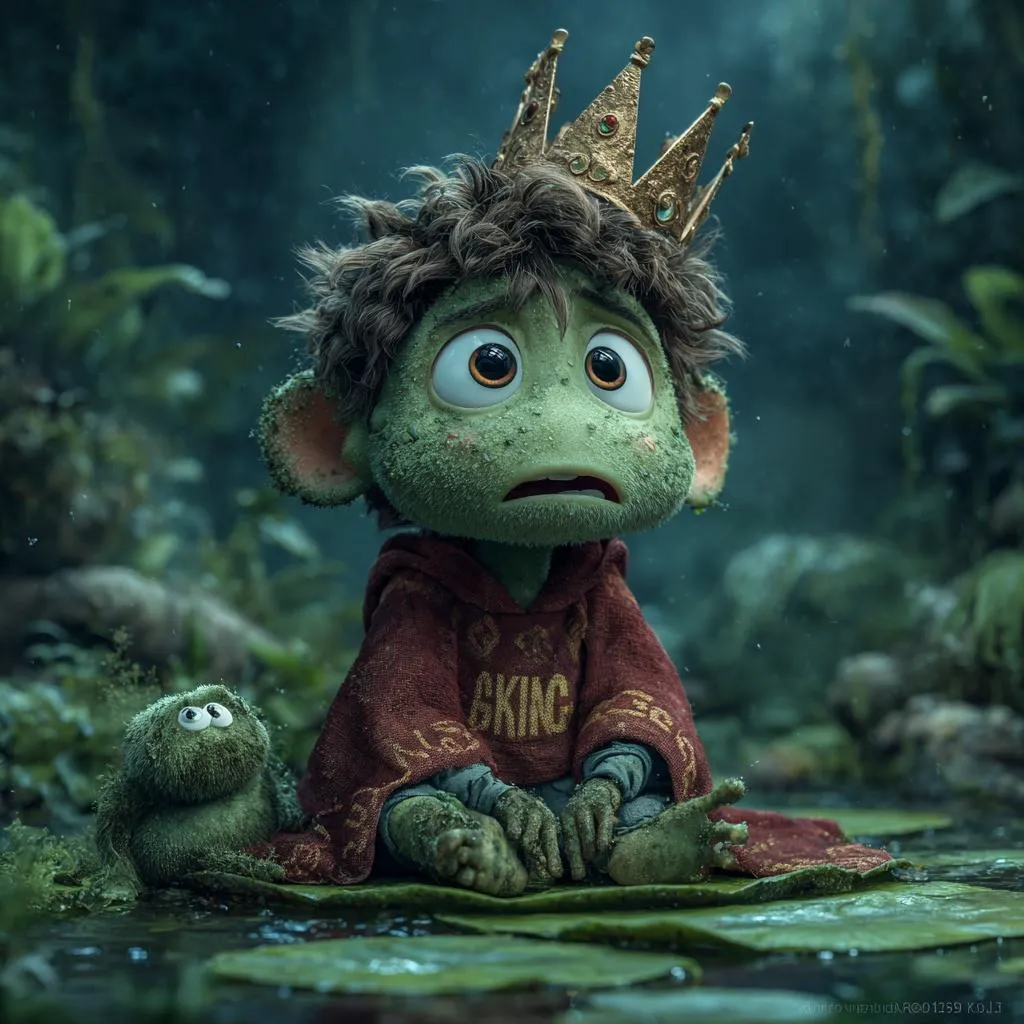
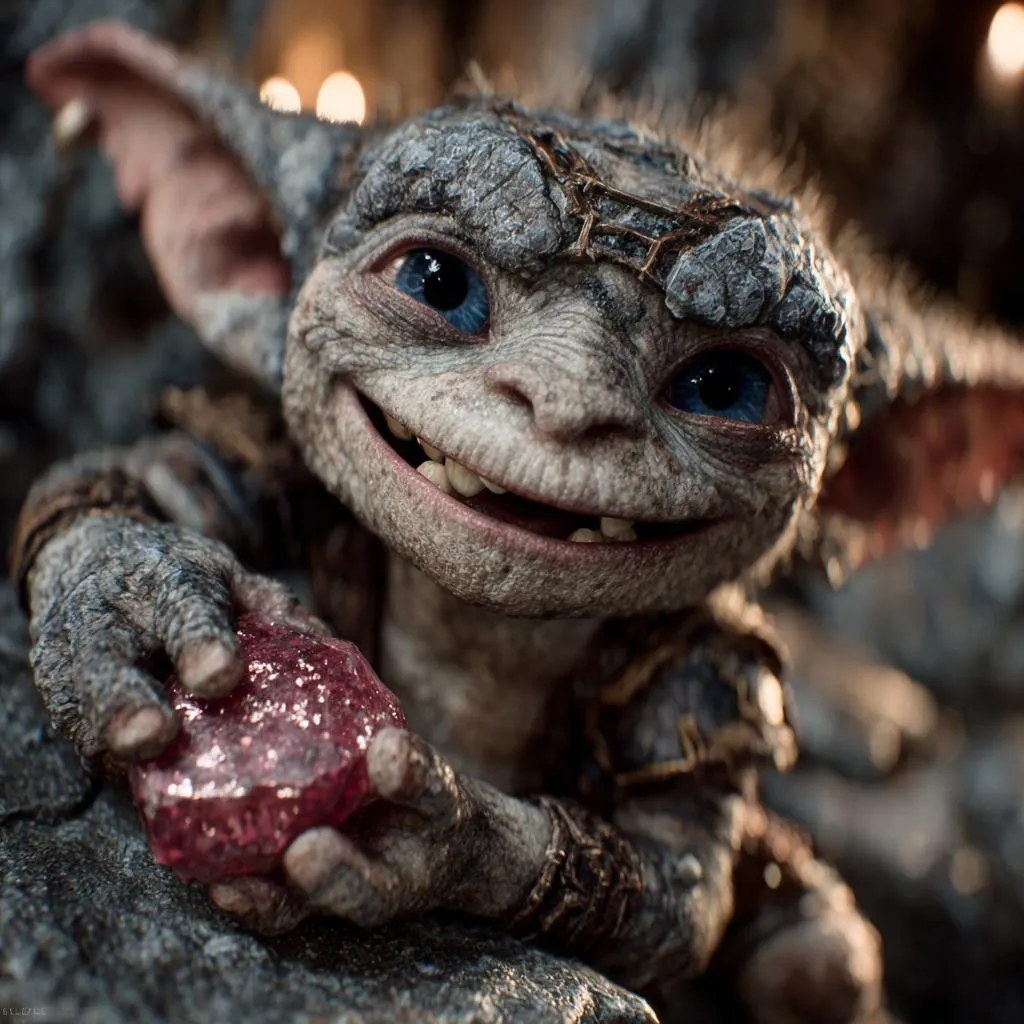
Upscale resolution, remove noise, and sharpen details—give your videos a professional polish.

Clean up grainy footage instantly. This feature identifies and removes visual noise caused by poor lighting or high ISO settings. It smooths out the image while preserving essential textures, making dark scenes look clearer and cleaner.
Bring focus back to your subjects. The enhancer detects faces in the video and reconstructs blurry or pixelated features like eyes and skin texture. It’s ideal for saving out-of-focus shots or improving old home videos.
Fix the flaws of digital compression. Remove the blocky artifacts and "mosquito noise" often seen in web-downloaded or highly compressed clips. The AI smooths these distortions, restoring the integrity of the original image.
Balance lighting and color automatically. The tool adjusts brightness, contrast, and saturation to correct washed-out or dull footage. It brings natural vibrancy back to the video without creating an oversaturated, artificial look.
Sharpen fast-moving objects. The engine reduces motion blur caused by shaky cameras or rapid movement. It helps define the edges of moving subjects, making action sequences or handheld shots easier to watch.
Turn blurry, low-res clips into crisp, high-definition masterpieces using our intelligent restoration engine.
Upload your grainy, vintage, or low-quality video files directly into the enhancer interface to begin the restoration process.
Choose your enhancement goals: upscale resolution to 4K, boost frame rates for smoother motion, or apply intelligent denoising.
The AI analyzes the video frame-by-frame, filling in missing details and removing compression artifacts to reconstruct the image quality.
Process and download your enhanced video, now transformed with stunning clarity and fluidity, ready for big-screen playback.
Stories made with MagicLight reach millions of views every week across the internet

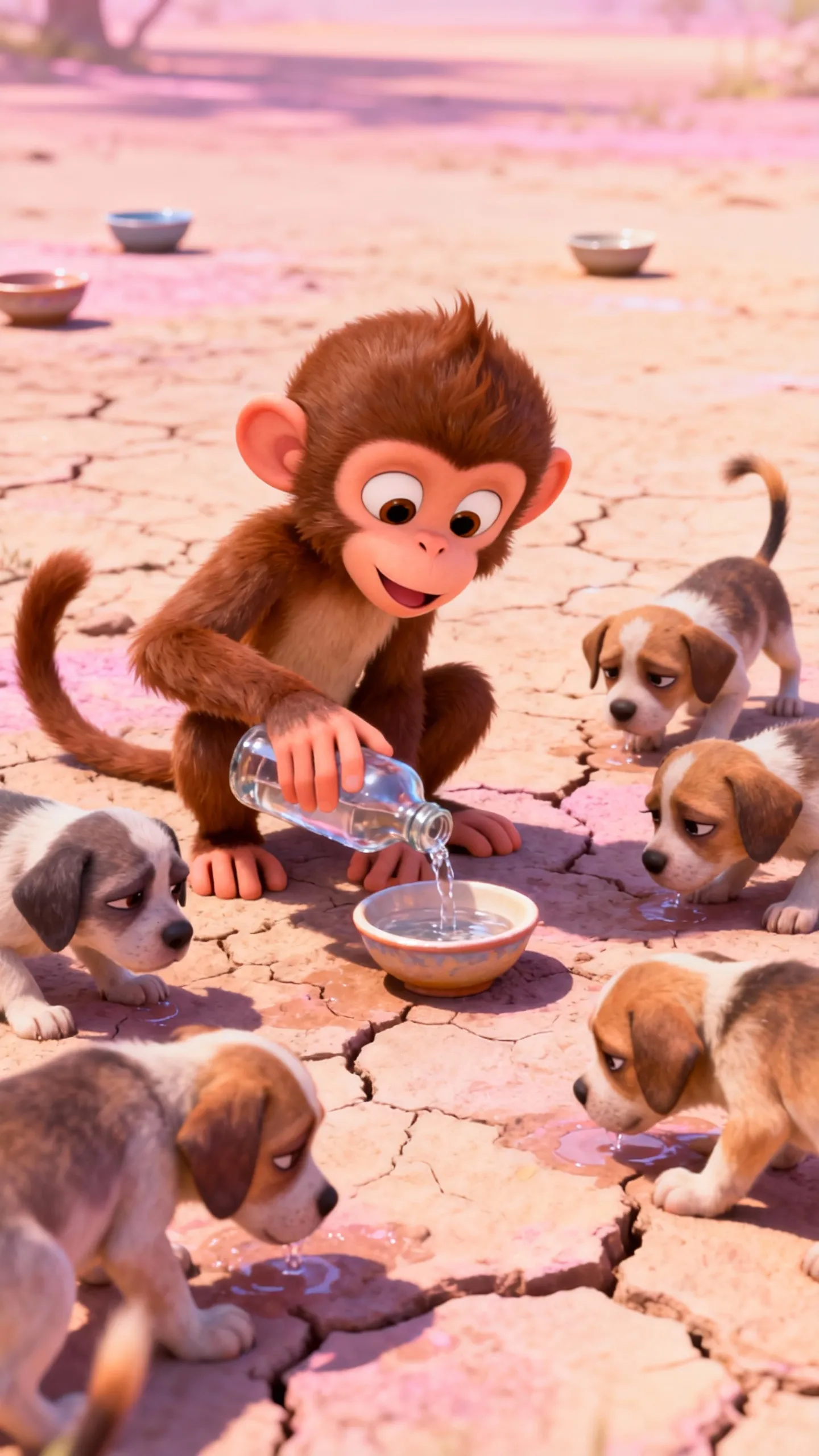

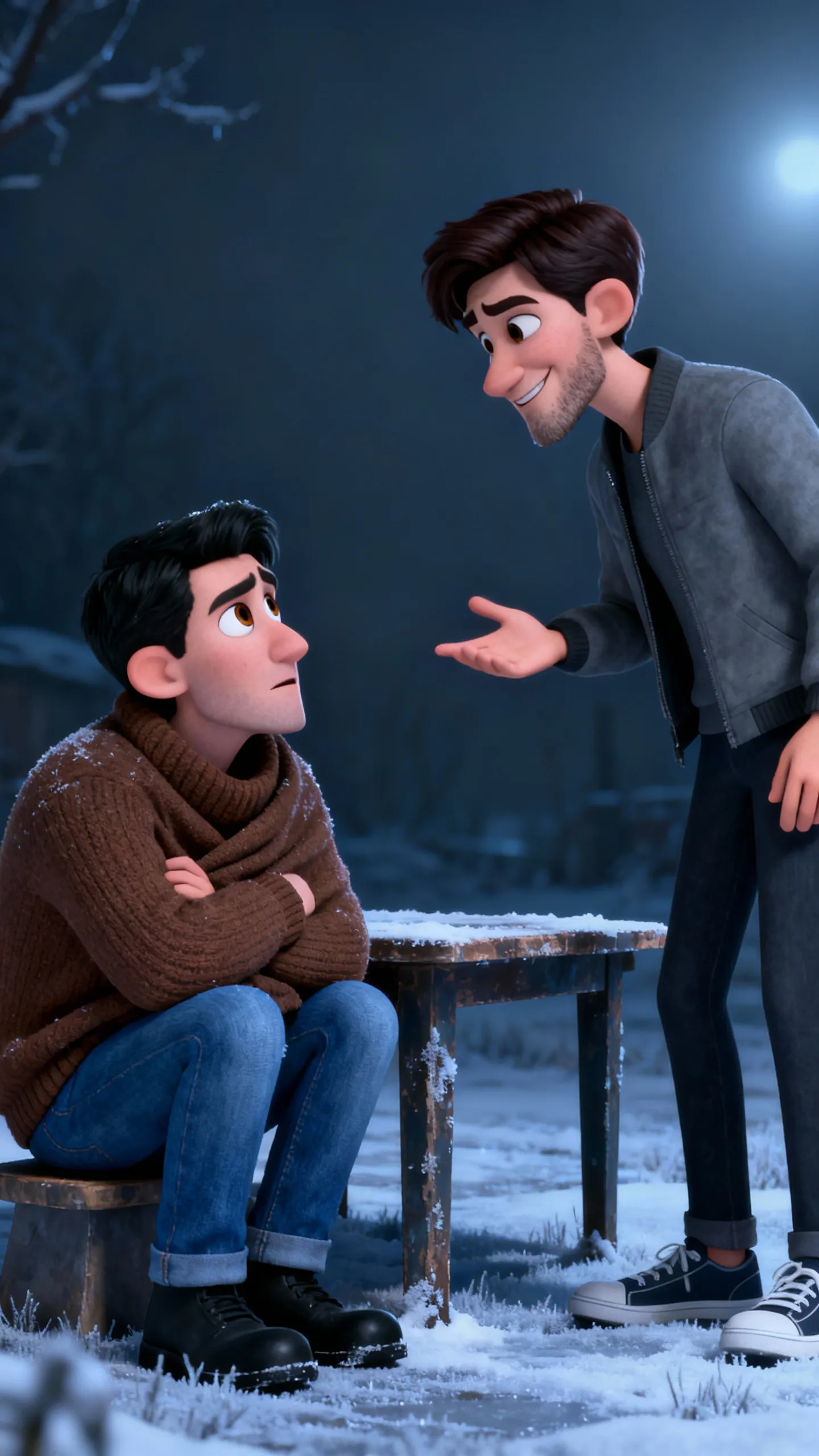


Magiclight.ai is an advanced Al-powered platform that transforms your stories into stunning animated videos,. Simply input your script or story concept, andour Al generates professional-quality storyboards, character animations, and complete video sequences with consistent visual style.
From quick social clips to full 50-minute episodes. MagicLight is optimized for long-form storytelling, maintaining character consistency across scenesso you can produce complete narratives without technical limits.
Yes! You own 100% of the content you create. Whether you are monetizing a YouTube channel, running ads, or selling courses, you have full commercial rights to every video generated with our paid plans.
Absolutely. We believe in creative freedom, not binding contracts. You can manage your subscription directly from your dashboard and cancel whenever you like — no hidden fees, no hard feelings.
Minutes, not months. While traditional animation takes weeks, MagicLight generates a high-quality 5-minute story in about the time it takes to grab a coffee. Our AI works fast so you can publish more often.
Yes, start creating immediately. We offer free credits so you can test our AI models, generate your first few scenes, and experience the quality of MagicLight before committing to a subscription.



Try MagicLight’s story to video AI for free. No credit card needed, just your imagination.