Turn still images into video in seconds all in one place
Start with an image and a prompt. MagicLight.ai gives you motion and a matching story background, then lets you finish the video with voice, captions, and export in one workflow.
Turn any image into a high-quality, story-ready video clip. Upload a photo or character design and generate believable motion with natural face movement and clean transitions.
Convert your image into videos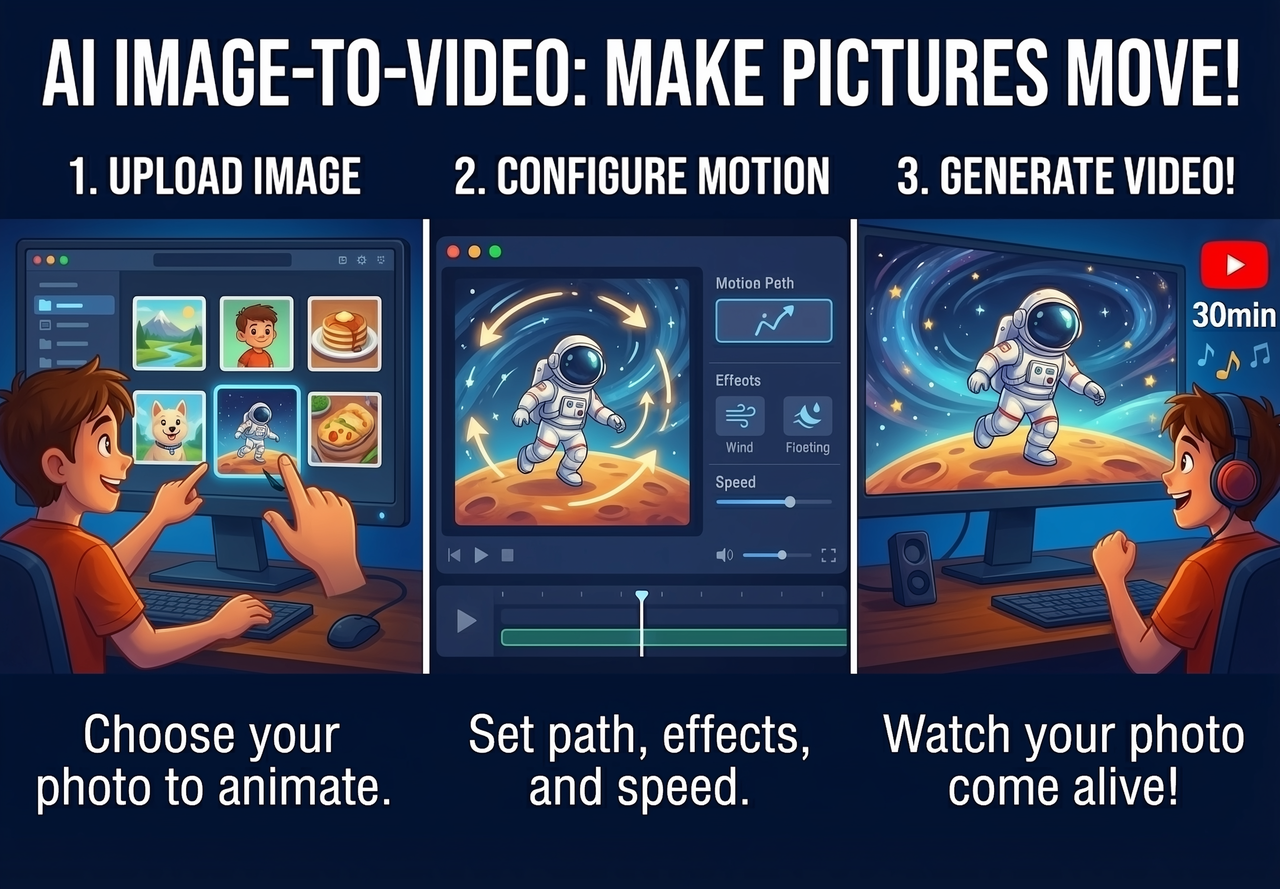
Magiclight.AI can turn any image into a short story scene. Use a simple prompt to describe the movement you want, and watch your image come to life exactly as you imagined.

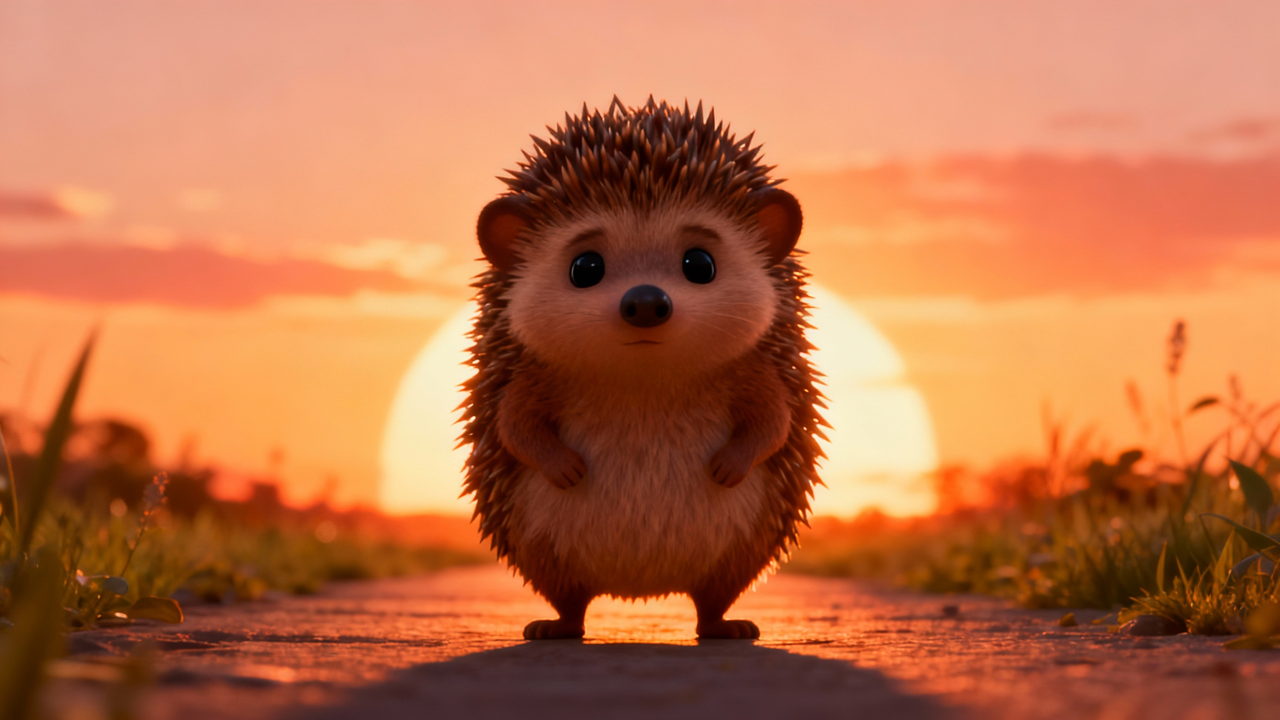
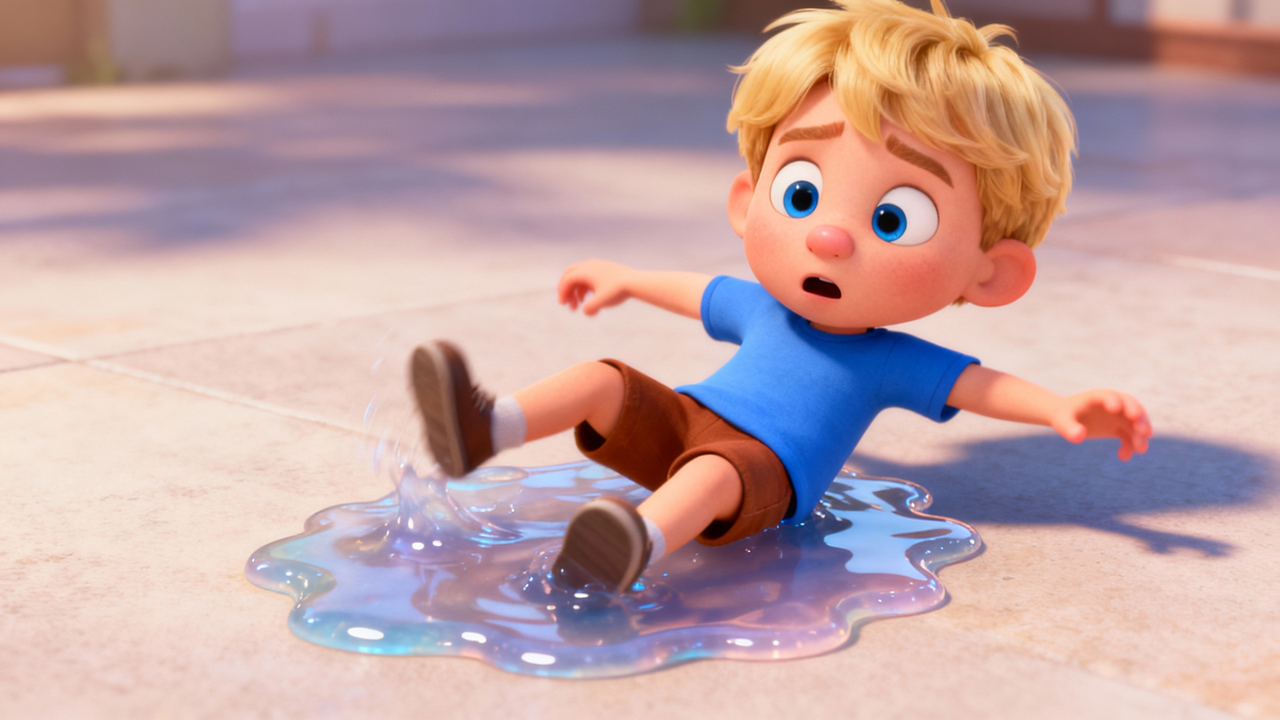

Start with an image and a prompt. MagicLight.ai gives you motion and a matching story background, then lets you finish the video with voice, captions, and export in one workflow.

The system predicts natural movement trajectories based on image content, ensuring elements like flowing hair or water move realistically according to physical laws rather than random distortion.
Magiclight locks facial features and key object details across the timeline, preventing flickering or structural morphing to maintain visual consistency throughout the entire video duration.
Users can direct specific movements or camera angles using text descriptions, allowing static scenes to evolve into dynamic narratives without requiring manual keyframe animation or editing skills.
The engine expands visual information while retaining the original resolution and texture quality, ensuring the generated video matches the sharpness and lighting of the source image perfectly.
Creating videos from your images has never been this easy.
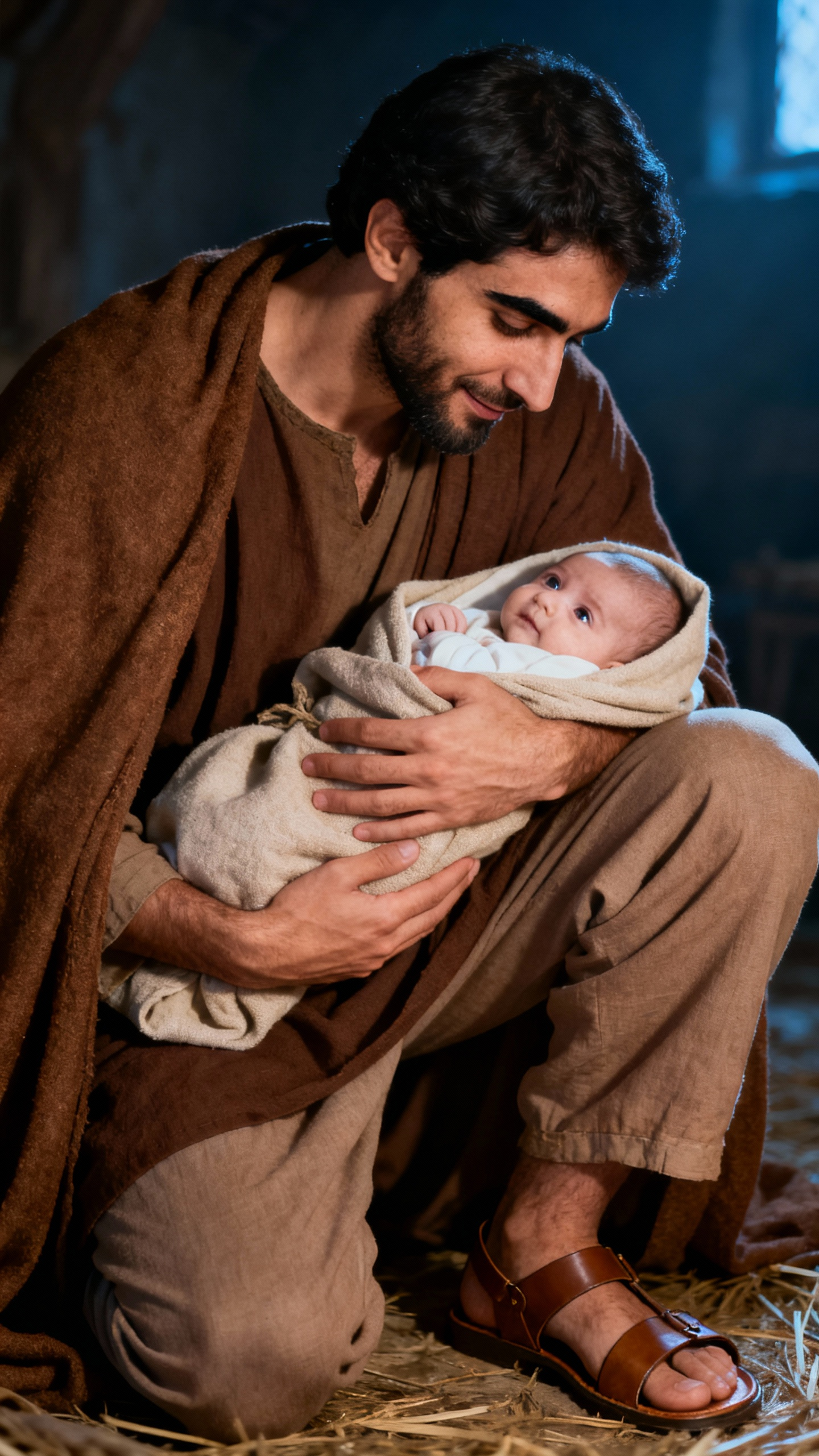
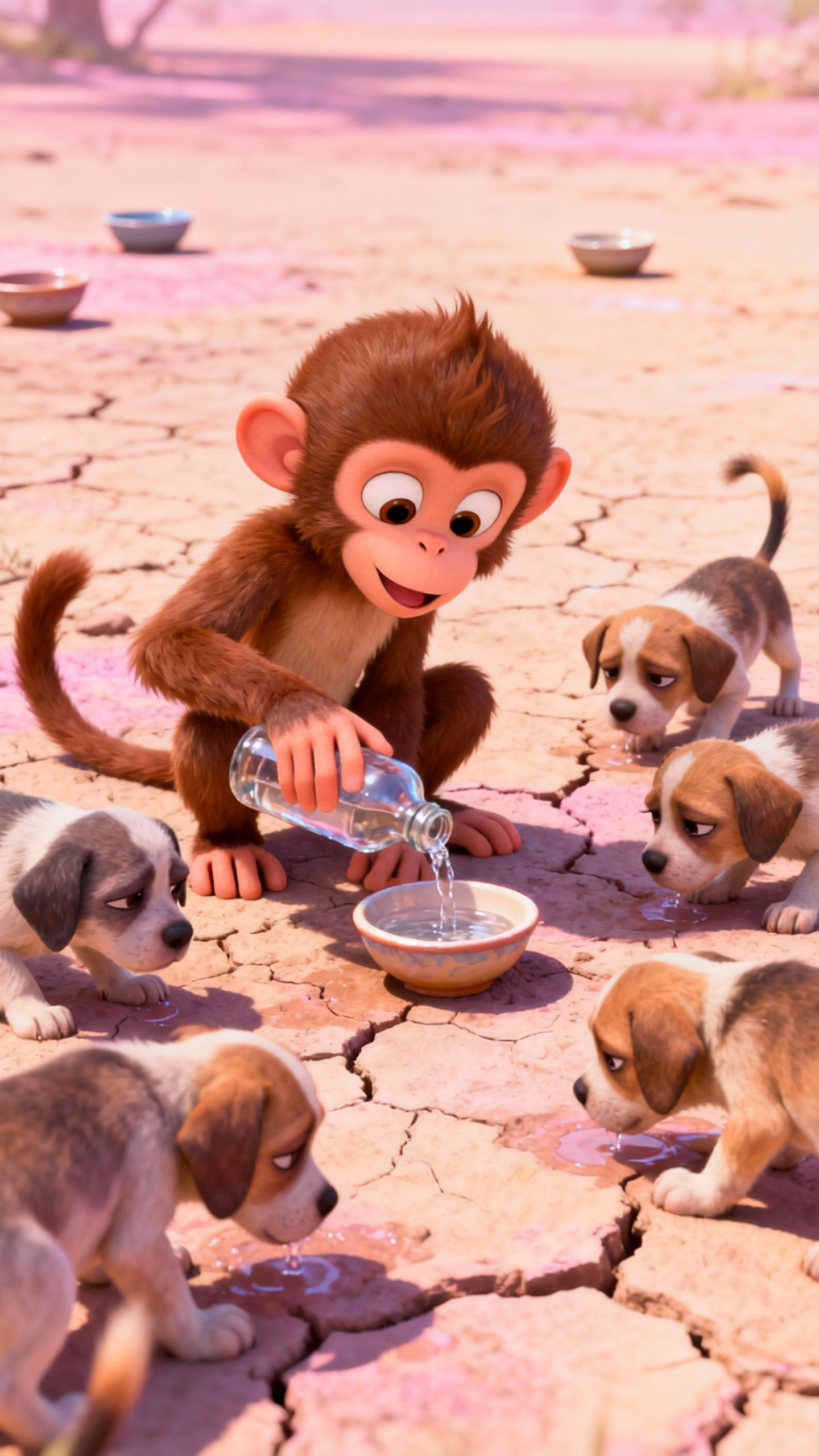
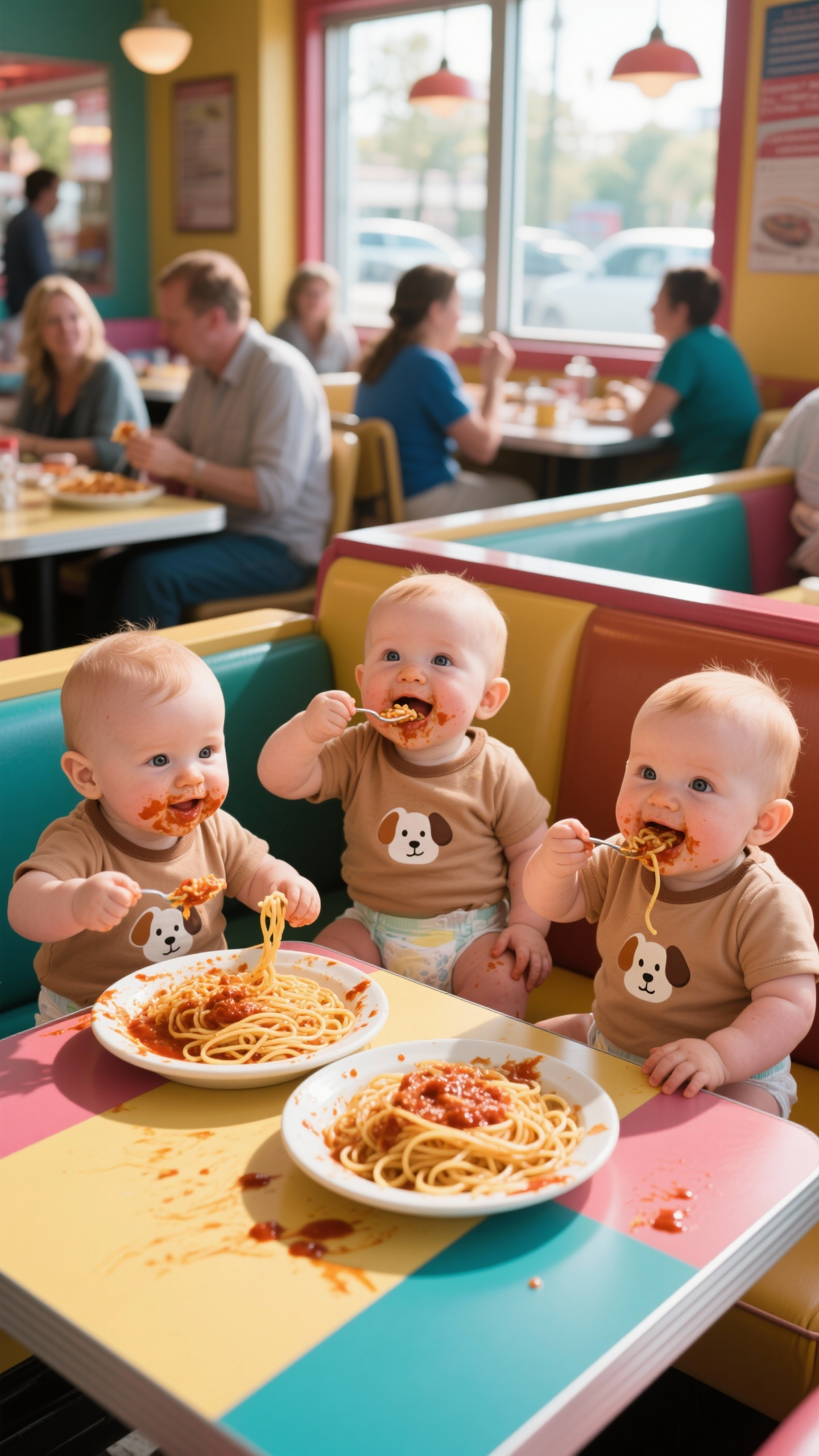
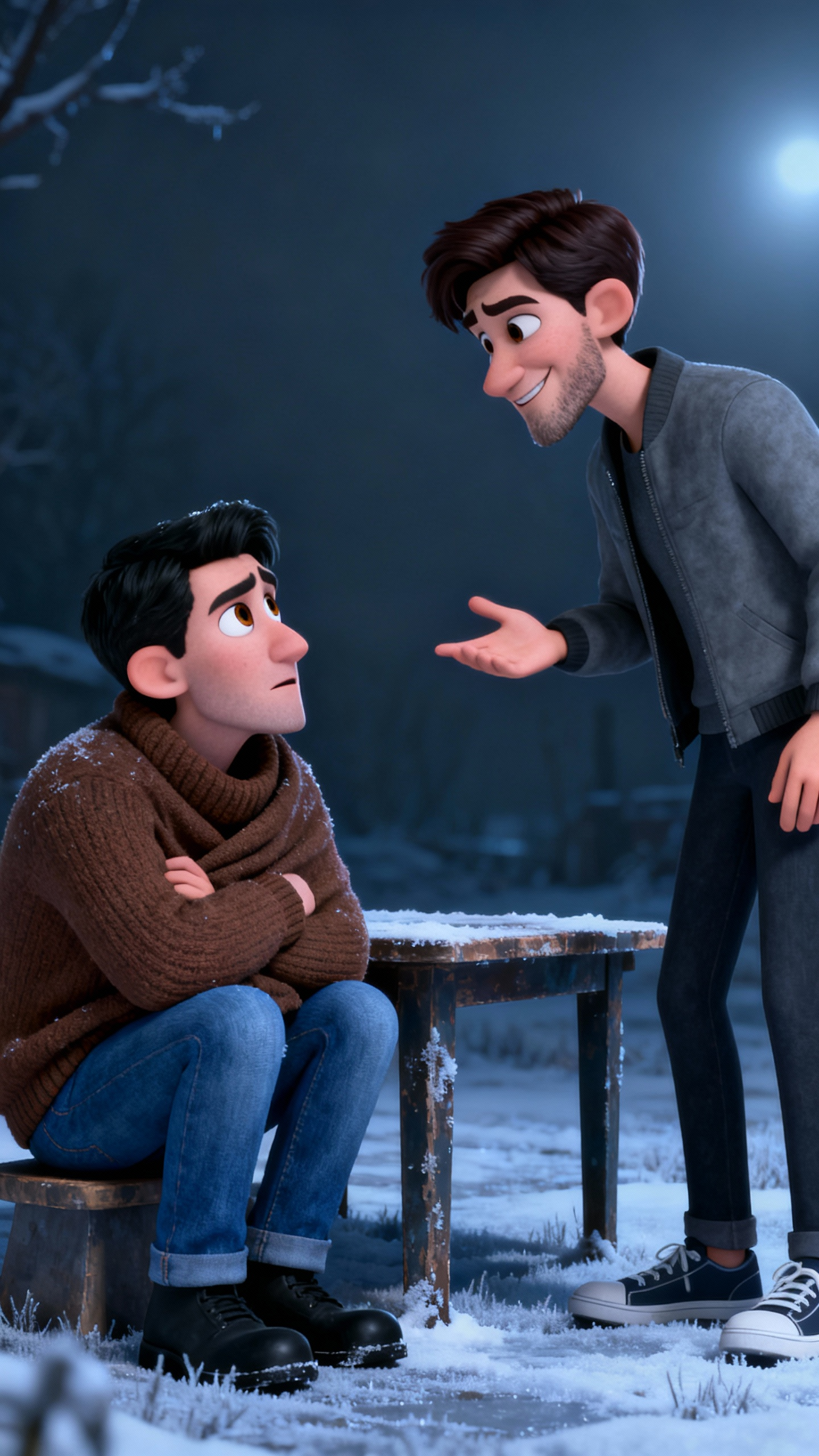
Creators use MagicLight to animate photos, characters, illustrations, concept art, and product images for YouTube, TikTok, education, storytelling, and promotional content.

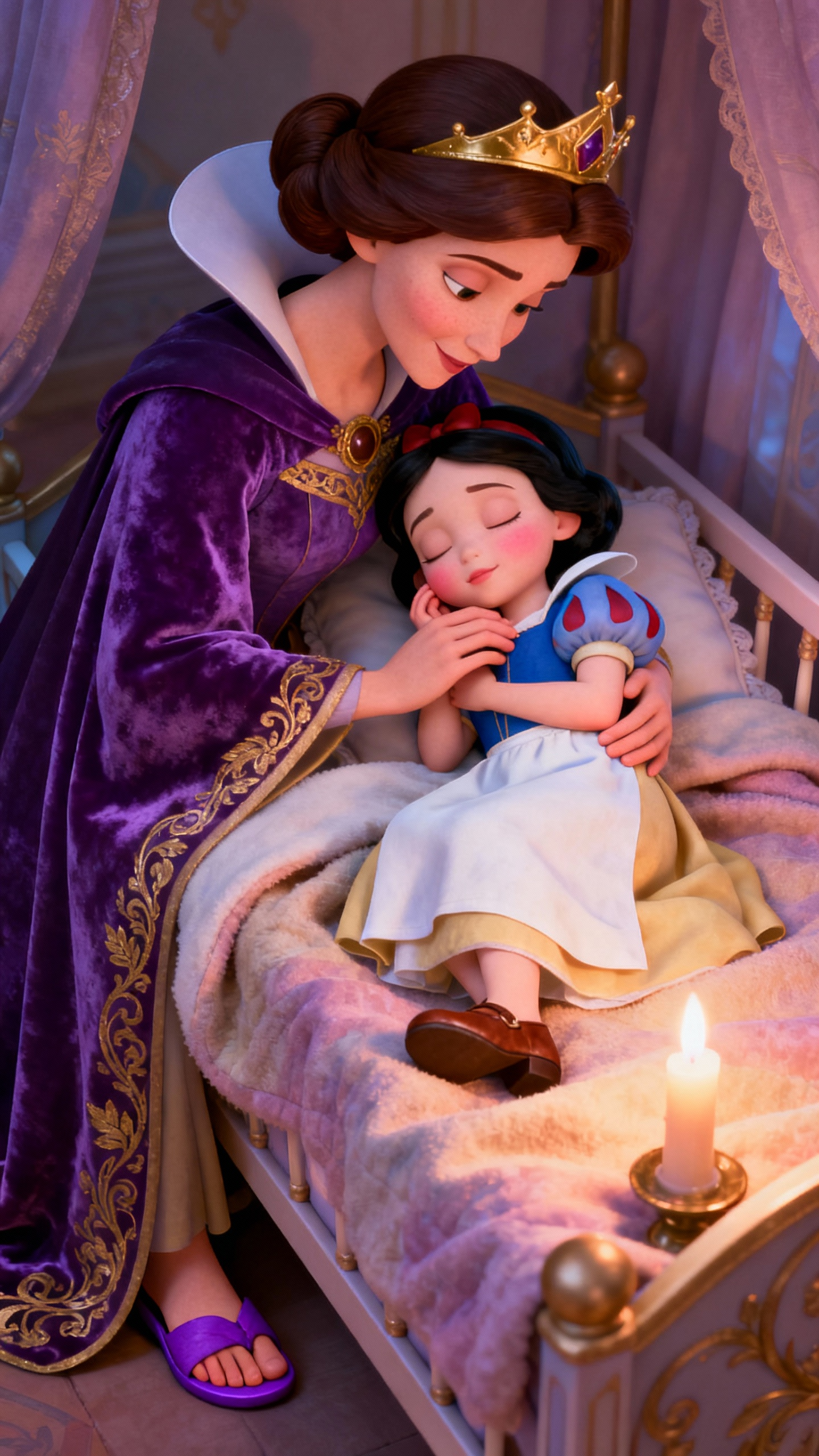
Yes. MagicLight keeps your image clear and true to its original style while adding motion.
Yes. You can upload several images and turn them into one flowing video sequence.
Magiclight.ai supports JPG, PNG, and JPEG files up to 10MB.
Yes. MagicLight lets you add narration and captions in the same workflow.
Yes. Paid plans include full commercial usage rights for generated videos.
Yes. You can create sample image to video clips for free before upgrading.



Turn your photos, drawings, and artwork into dynamic videos with image to video ai generator. No credit card required.