Turn one idea into a professional video all in one place
Describe any scene, pick a style, generate a matching clip. MagicLight's text to video AI handles the rest.
Create video clips from any scene description with MagicLight's text to video AI. Describe what the scene should look like, pick a visual style, and generate matching footage in seconds.
Try text-to-video generator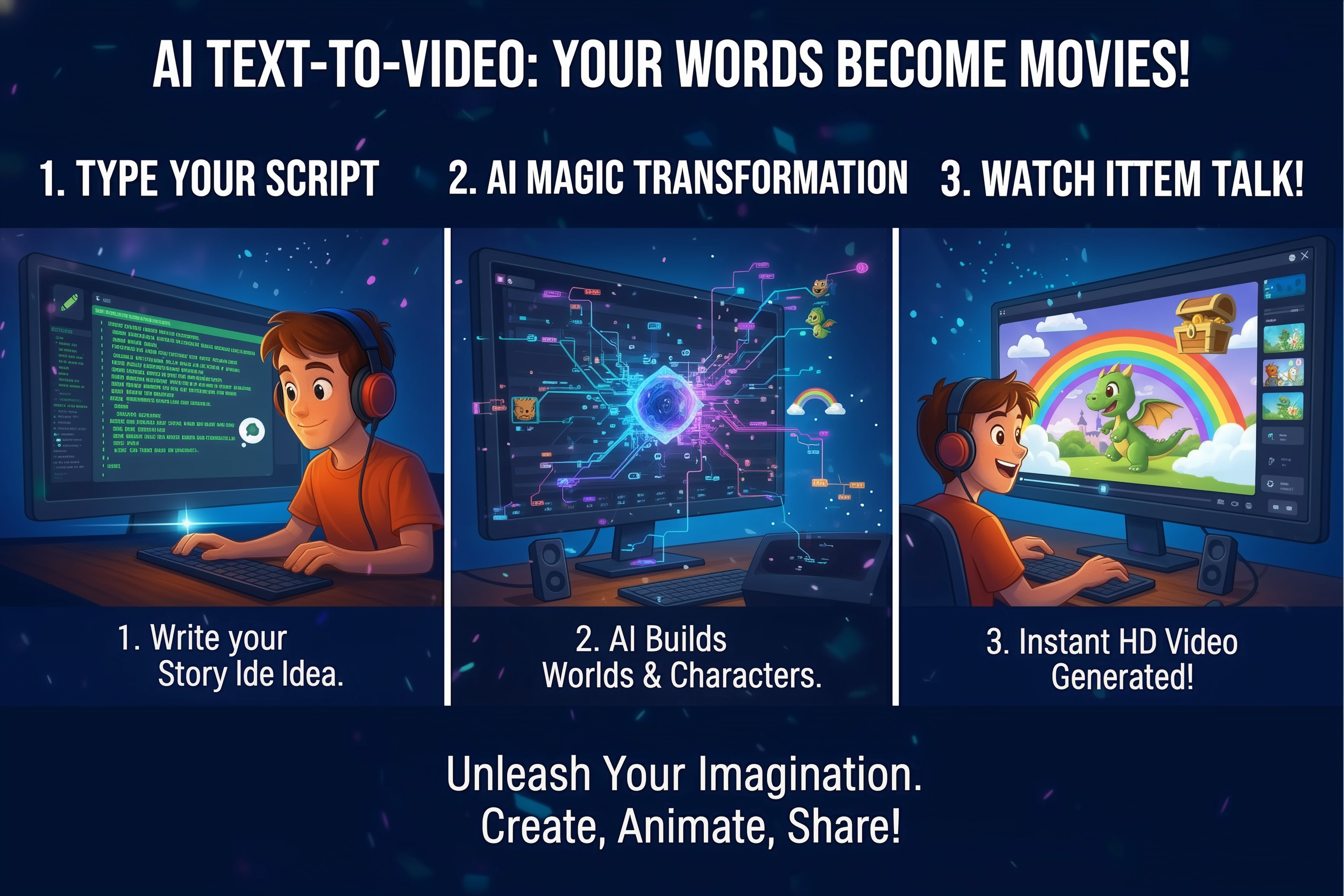
Most text to video tools pull random stock clips or generate generic AI visuals that don't match what was described. MagicLight's text to video AI reads the full scene description and generates visuals that actually fit: the subject, the action, the mood, the setting.




Describe any scene, pick a style, generate a matching clip. MagicLight's text to video AI handles the rest.

Instantly turn text into high-quality video. MagicLight analyzes your intent to create accurate, physics-based visuals directly from simple prompts.
Edit videos by tweaking text. Refine specific elements instantly without regenerating the whole scene from scratch.
Chain prompts for fluid storytelling. The AI ensures logical transitions and smooth context between different text lines.
Maintain style unity. The AI works to keep key visual elements and aesthetics cohesive across generated sequences.
Describe desired actions with words. Use prompts to suggest camera movements or character gestures for dynamic scenes.
Go from words to ready-to-use video clip in seconds. MagicLight's AI handles the visuals for you
Creators use MagicLight's text to video generator to produce B-roll, intros, scene inserts, visual concepts, and short-form clips, all from text descriptions. No filming, no stock footage, just describe and generate.
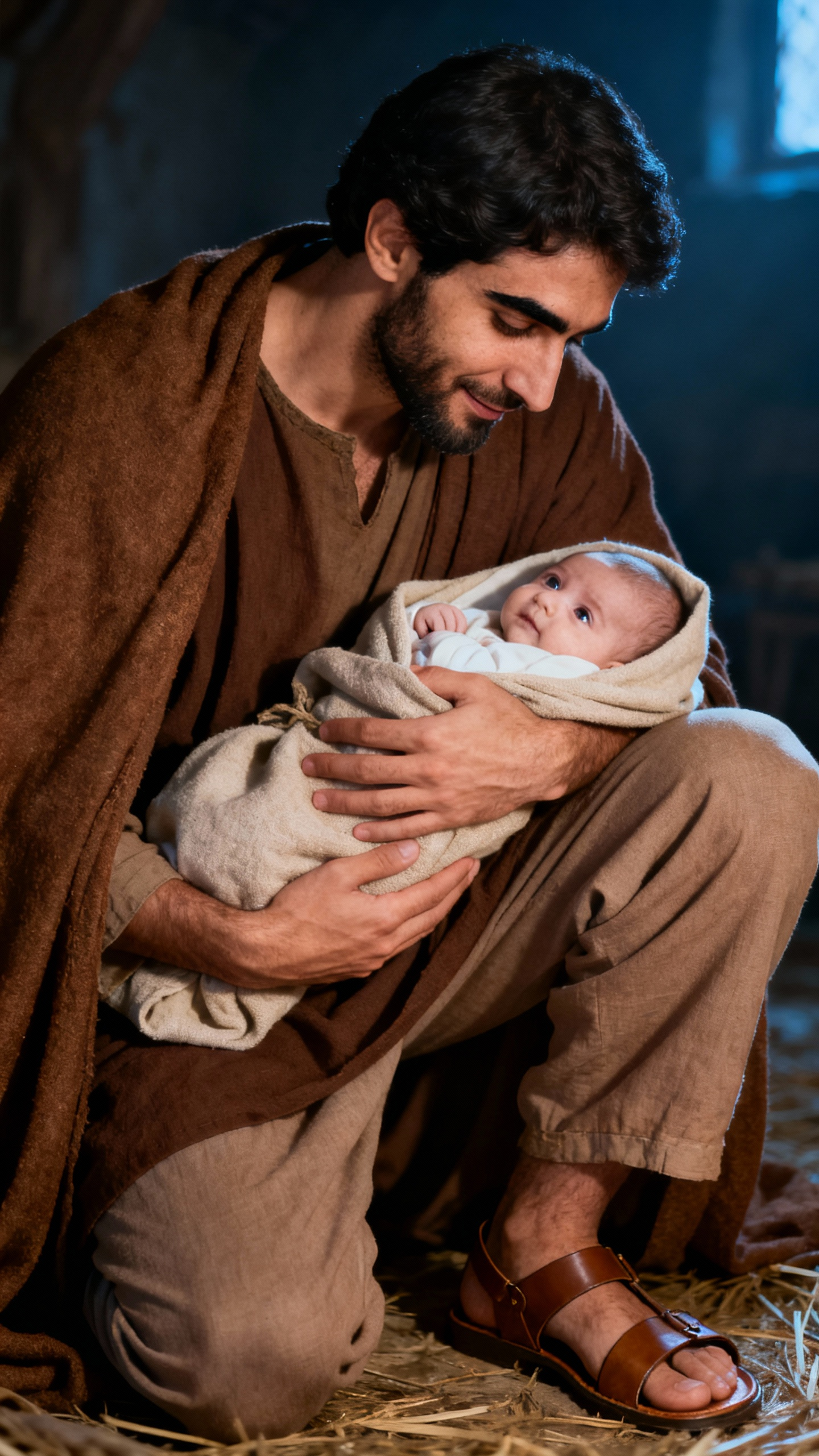


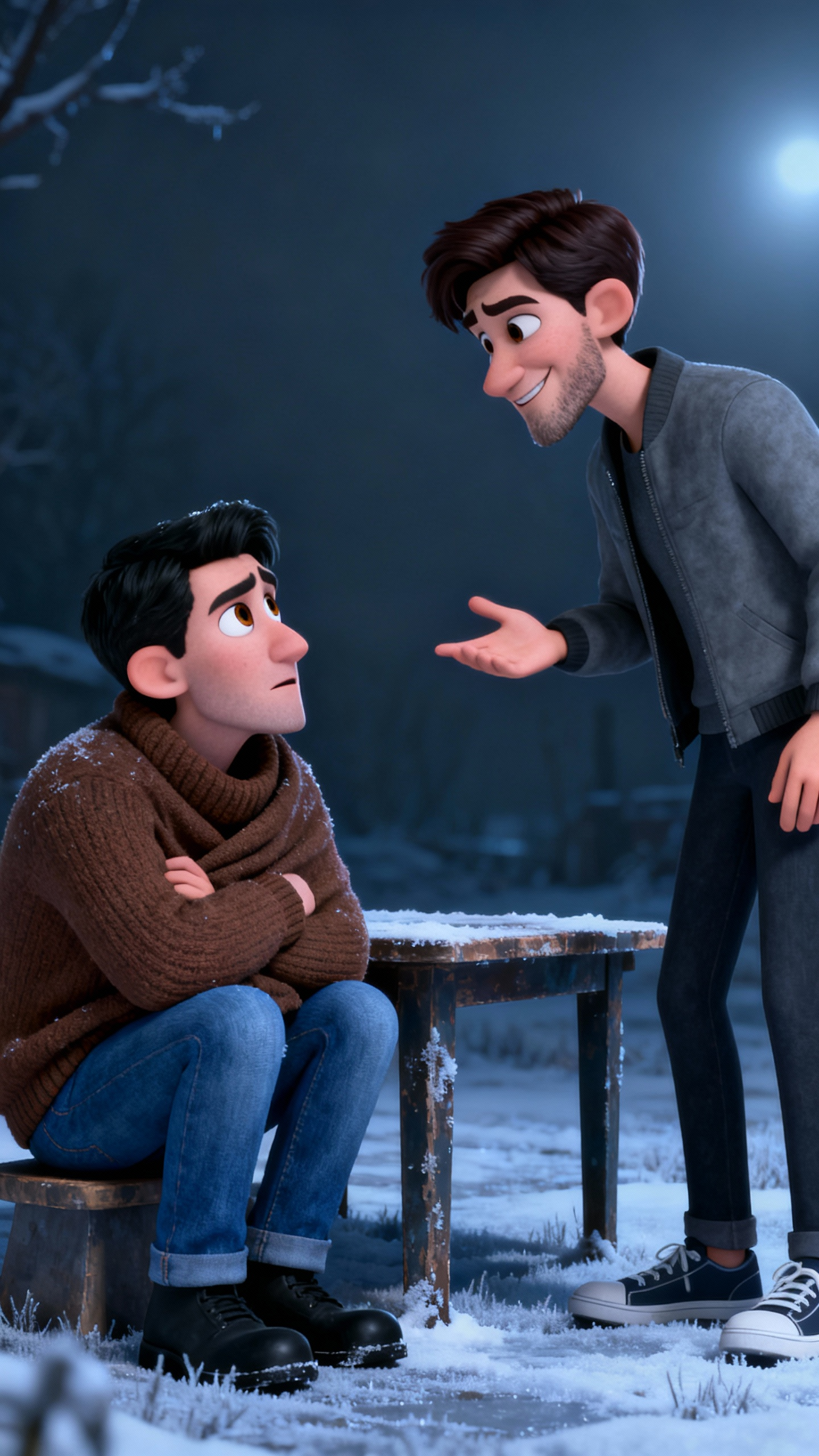

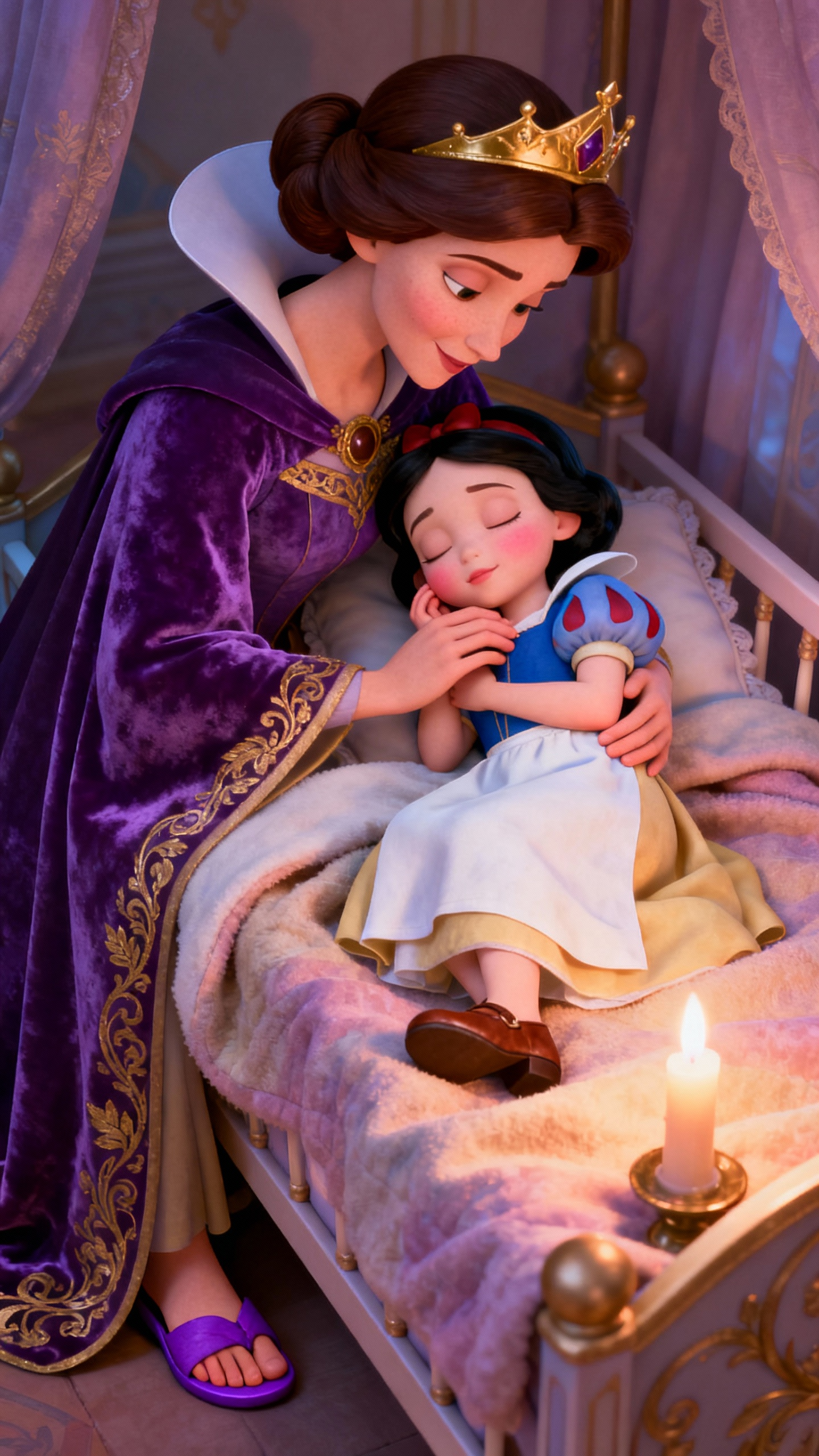
MagicLight aims to match the ideas in your description as closely as possible. It reads the subject, action, mood, and setting together to generate visuals that reflect the core intent of what you wrote.
Clips are generated in HD quality, ready to publish on YouTube, TikTok, or any platform.
Yes. You can generate as many clips as you need and combine them into longer videos.
Yes. Paid plans include commercial rights for client projects, ads, courses, or any other use.
Yes. MagicLight.ai provides free text to video generation with no credit card required.
Yes. You can directly select from over 30 ready-made style templates. Simply choose a preset to apply a specific aesthetic, such as 3D cartoon or Realistic, to your video.



text-to-video generator can do