Everything you need to know about video to video
Upload your footage, apply AI filters, and transform—change the aesthetic while keeping the motion intact.
Instantly overlay new visual aesthetics onto existing footage using our adaptive transfer filter. From line art to clay textures, our tool applies distinct looks to your clips without losing the original movement continuity. Start transforming for free.
Convert story into videos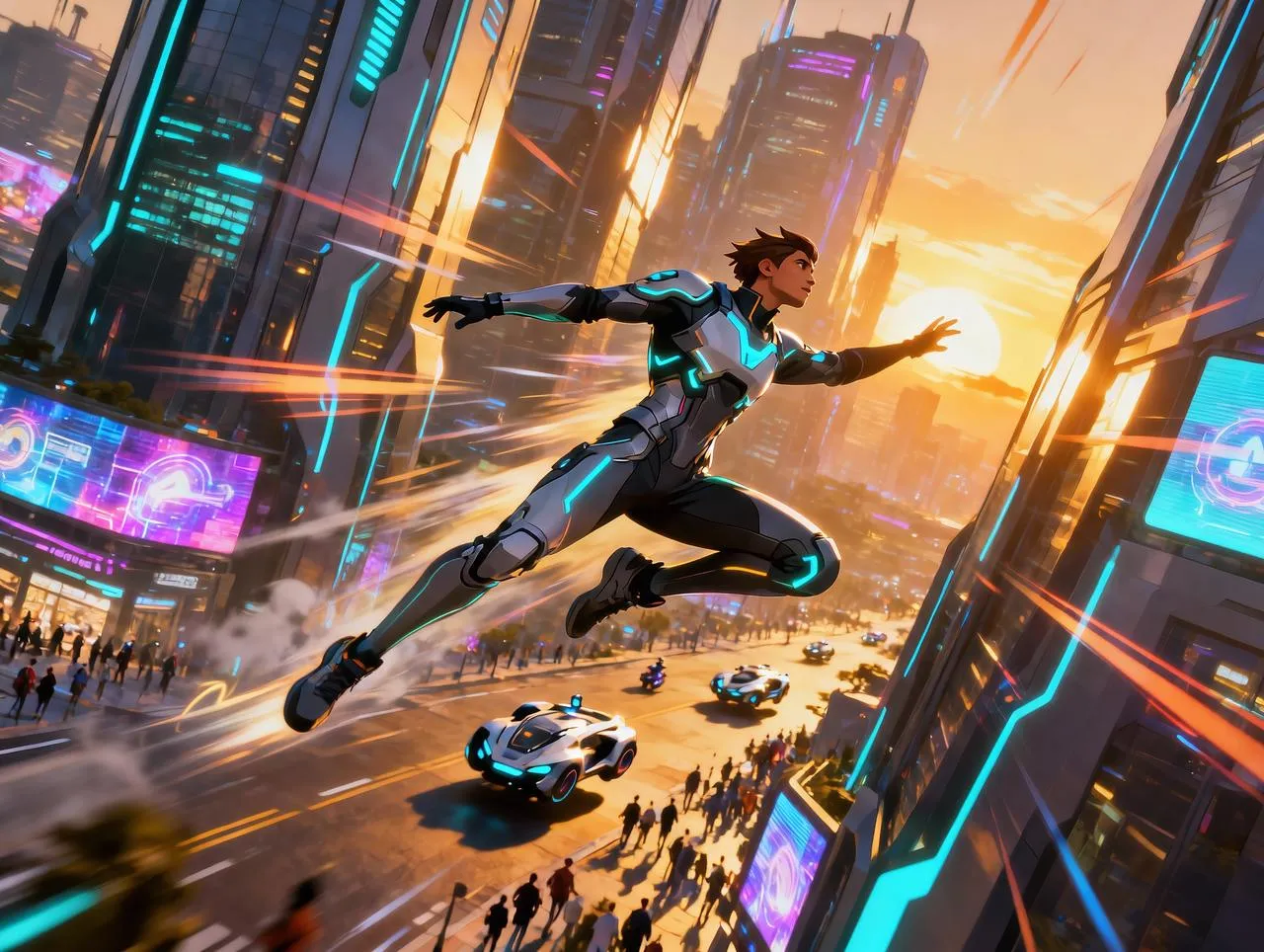
Enabled by advanced style propagation, transform raw clips into stylized animations or paintings. It’s essential for visual remixing. Engage viewers with fresh artistic textures while maintaining the precise motion and structure of your original recording.

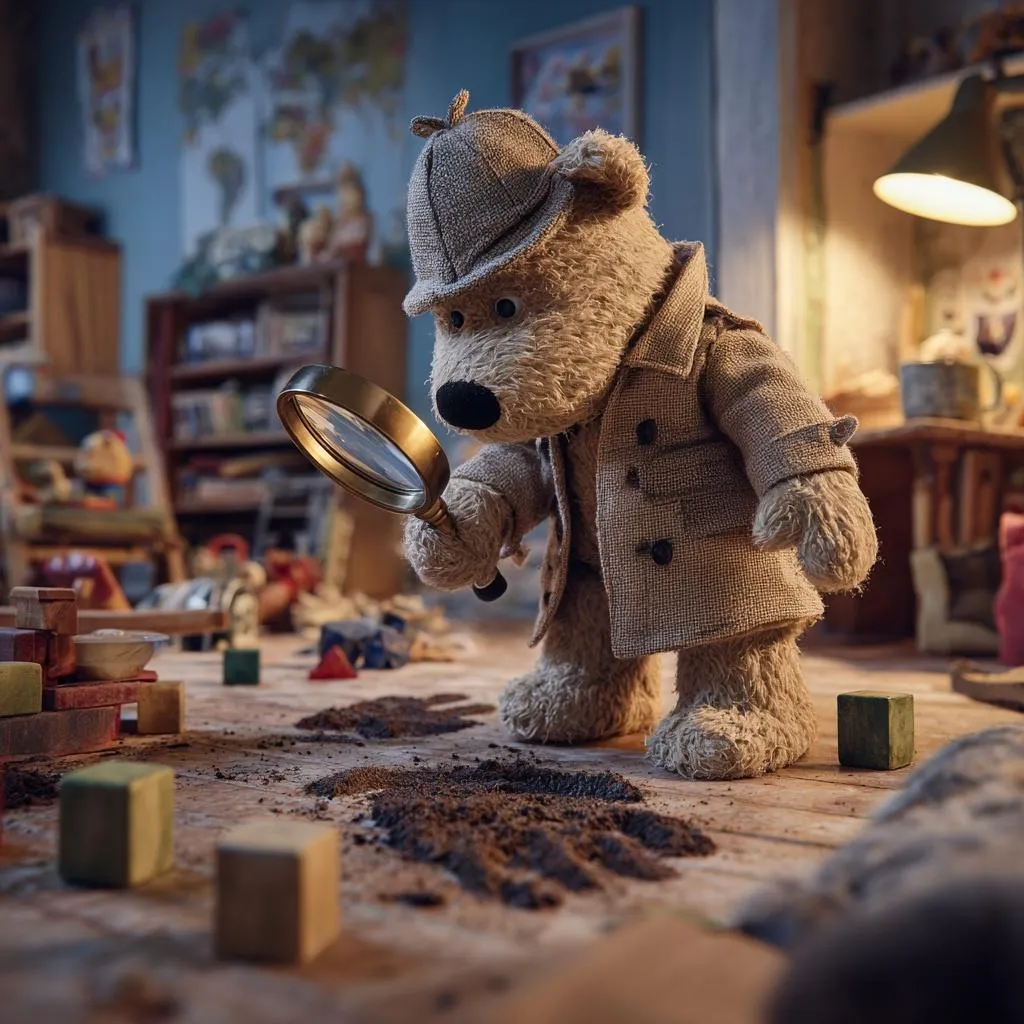
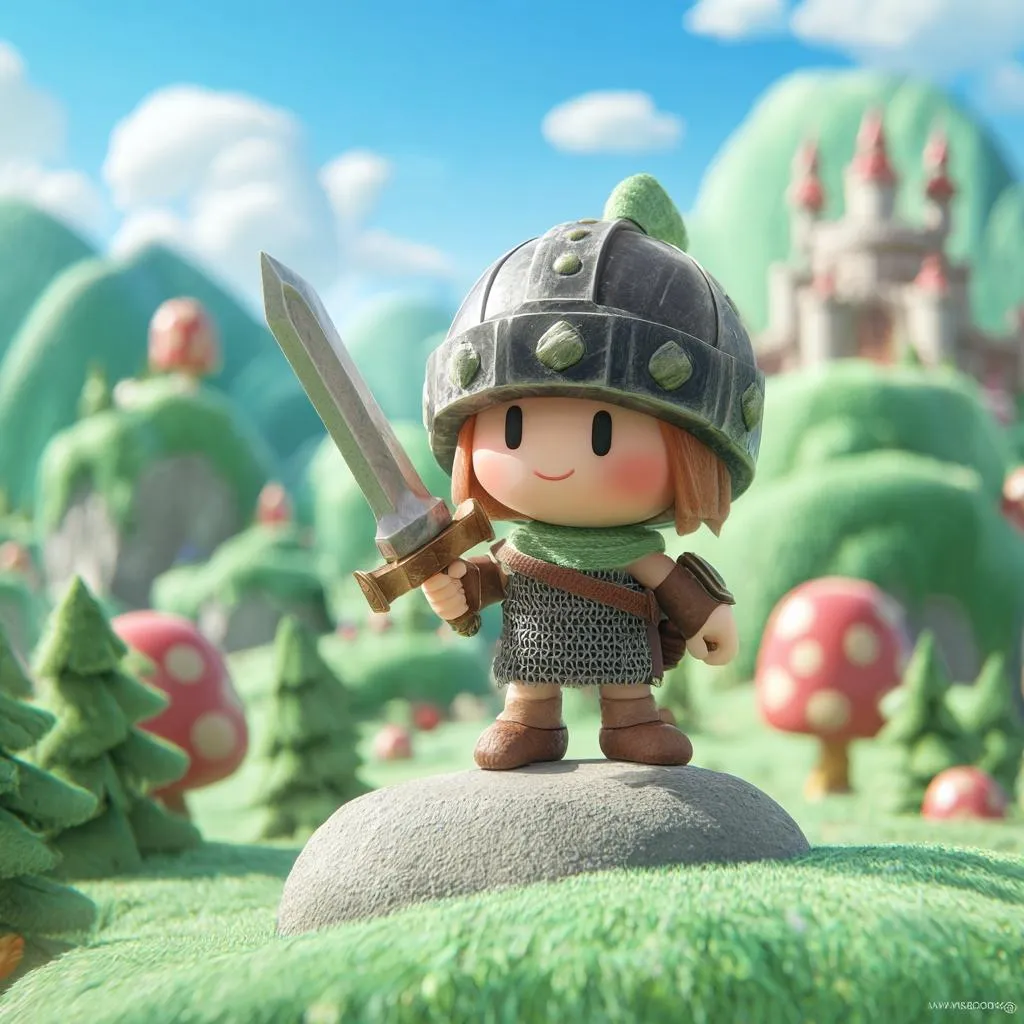
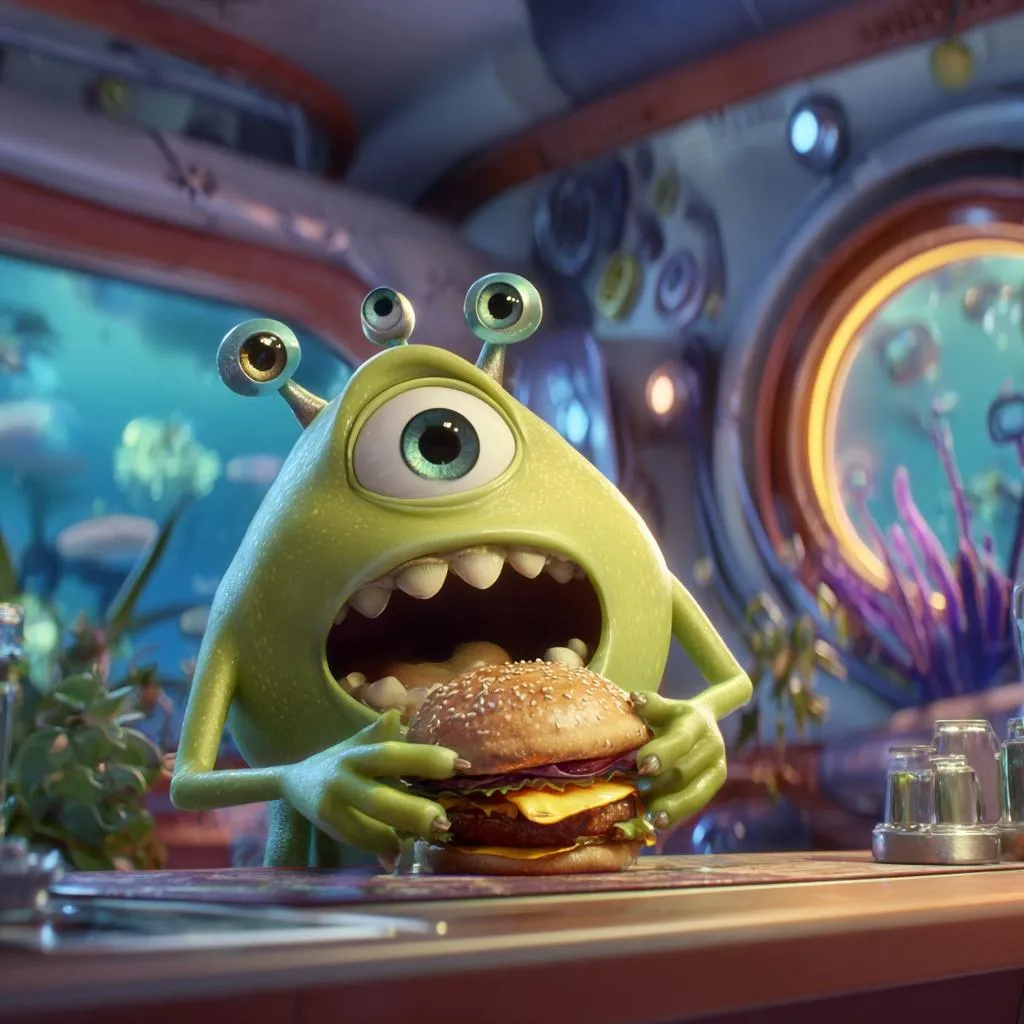
Upload your footage, apply AI filters, and transform—change the aesthetic while keeping the motion intact.

Keep the movement you captured. The AI analyzes the optical flow of your original video to ensure characters and objects move exactly as they did in the source footage. It changes the look, not the performance.
Turn live action into animation instantly. Convert real-world footage into 2D anime, 3D claymation, or oil paintings without complex rotoscoping. It bridges the gap between reality and artistic interpretation in seconds.
Control how much changes. Use the "Denoising Strength" slider to dictate the intensity of the effect—from a subtle texture overlay to a complete structural reimagining. You decide how recognizable the original video remains.
Eliminate visual flickering. The underlying model is optimized to maintain coherence between frames, reducing the jittery artifacts often seen in AI video generation. The result is a smooth, fluid video that looks professionally rendered.
Steer the style with text. Beyond just uploading a video, you can add a text prompt to specify details like "make him wear a spacesuit" or "cyberpunk background". This allows for specific creative edits within the transformation process.
Keep the motion, change the world. Transform your existing footage into stunning artistic masterpieces instantly.
Upload your original video clip. The AI uses this as a structural skeleton, ensuring the movement remains fluid and recognizable while changing the texture.
Enter a text prompt (e.g., "turn into anime") or select a style preset to dictate the new aesthetic direction for your footage.
Use the "Denoising Strength" slider to control the AI's creativity—low for subtle filters, high for a complete reality overhaul.
Generate the final cut. Watch as your mundane video morphs frame-by-frame into a completely new stylistic expression.
Stories made with MagicLight reach millions of views every week across the internet



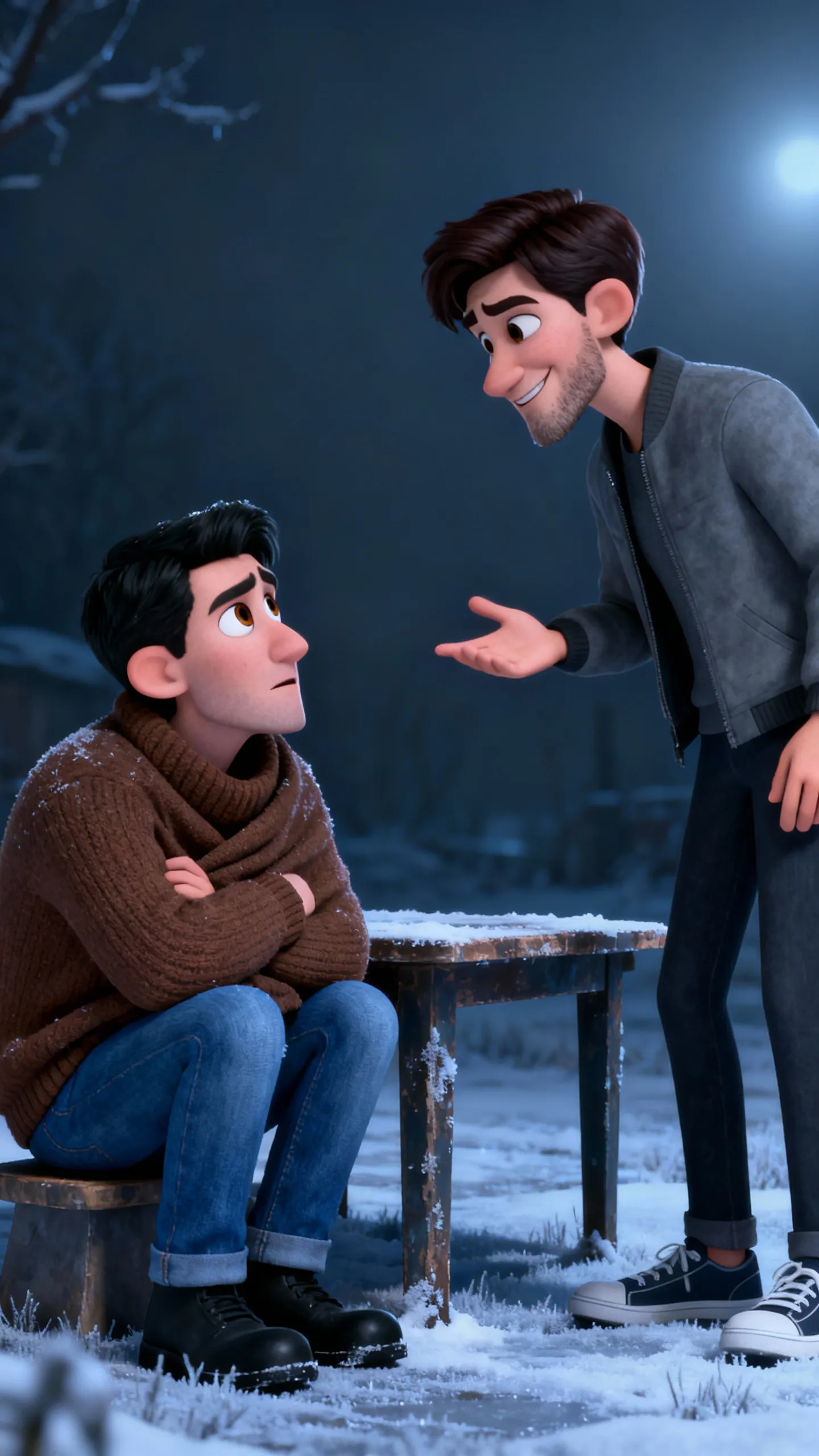
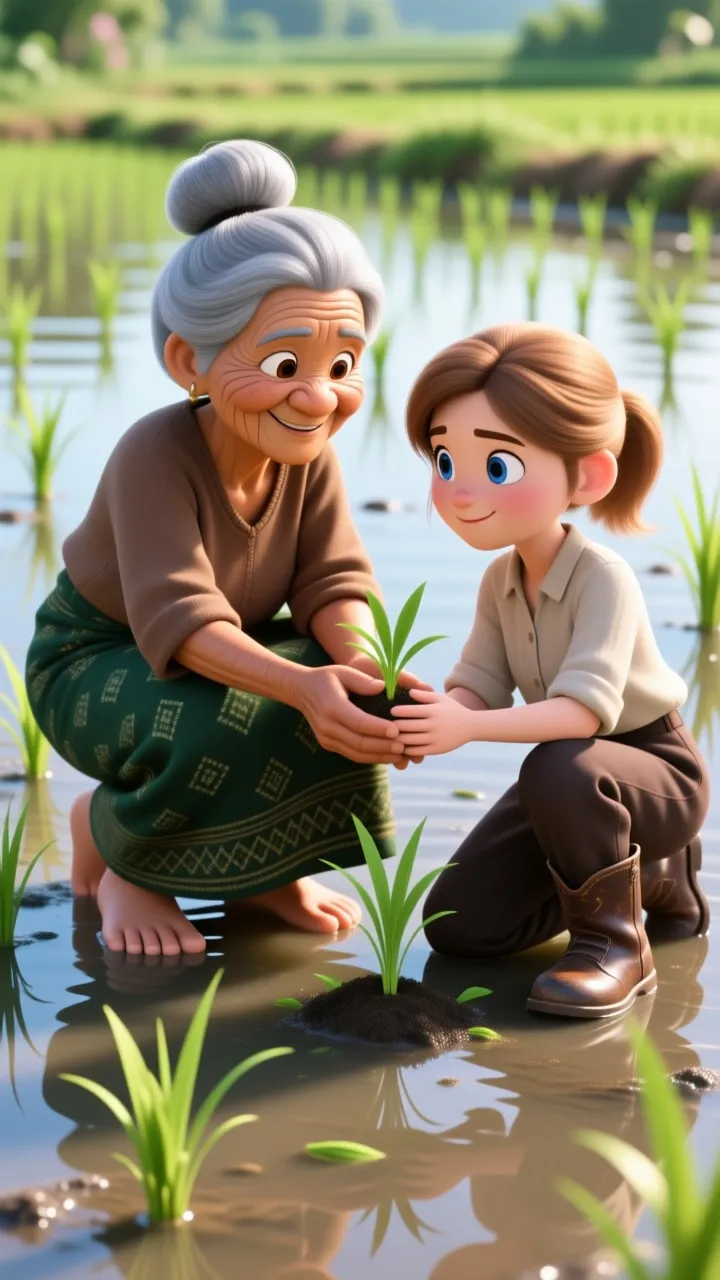
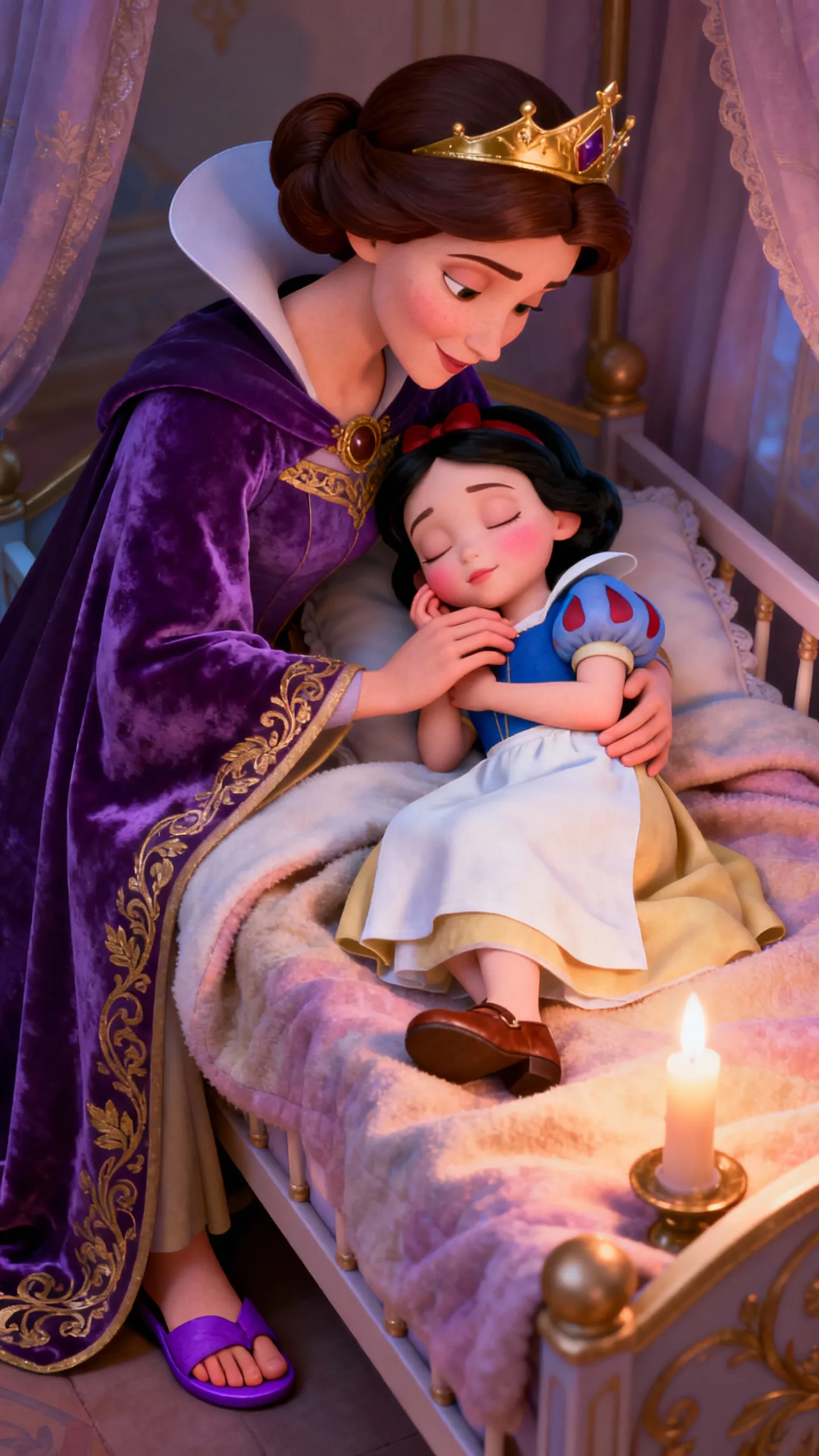
Magiclight.ai is an advanced Al-powered platform that transforms your stories into stunning animated videos,. Simply input your script or story concept, andour Al generates professional-quality storyboards, character animations, and complete video sequences with consistent visual style.
From quick social clips to full 50-minute episodes. MagicLight is optimized for long-form storytelling, maintaining character consistency across scenesso you can produce complete narratives without technical limits.
Yes! You own 100% of the content you create. Whether you are monetizing a YouTube channel, running ads, or selling courses, you have full commercial rights to every video generated with our paid plans.
Absolutely. We believe in creative freedom, not binding contracts. You can manage your subscription directly from your dashboard and cancel whenever you like — no hidden fees, no hard feelings.
Minutes, not months. While traditional animation takes weeks, MagicLight generates a high-quality 5-minute story in about the time it takes to grab a coffee. Our AI works fast so you can publish more often.
Yes, start creating immediately. We offer free credits so you can test our AI models, generate your first few scenes, and experience the quality of MagicLight before committing to a subscription.



Try MagicLight’s story to video AI for free. No credit card needed, just your imagination.