一群朋友决定在 10 月 31 日之前,把头像换成万圣节装扮照。每个人都选了不同的服装,再用 AI 把自拍变成万圣节照片。可第一批照片看起来有些奇怪:AI 在更换服装的同时,连他们的脸也改了。他们很快意识到,提示词里没有要求保留自己的真实五官。
合适的万圣节自拍 AI 提示词,能让他们尝试各种恐怖造型,同时保留原有五官,让人依然认得出本人。MagicLight AI 还支持上传多张参考自拍,帮助 AI 从不同角度识别他们的脸。
第一部分:20 个值得一试的万圣节自拍 AI 提示词
换上新装扮时,如果还能保留你原本的面容,万圣节自拍就会更出彩。这 20 个万圣节照片 AI 提示词,可以帮你探索不同的惊悚造型,同时引导 AI 保留你标志性的五官。你可以将自拍上传到 MagicLight AI ,再使用下面任意一个提示词,生成你的万圣节照片。
经典怪物自拍提示词
想拍一张恐怖自拍,经典的万圣节怪物造型总是很值得一试。你可以变成吸血鬼或木乃伊,同时保留自己的真实面容。下面这 4 个提示词,可以帮你用自己的照片尝试这些怪物造型。
- 火把光下的木乃伊: Wrap me as an ancient mummy in yellowed linen, leaving my eyes and the center of my face uncovered and unchanged. Torchlight from the left, dusty tomb wall, 4:3.
- 变身途中的狼人: Show me halfway into a werewolf transformation, coarse fur creeping up my neck and pointed ears rising. Face shape and eye color unchanged. Full moon over pines, 9:16.
- 烛光宴席上的吸血鬼主人: Turn me into a vampire host at a long candlelit banquet table, velvet coat, faint fangs, pale powder. Nose, eyes, and smile identical to the photo, 16:9.
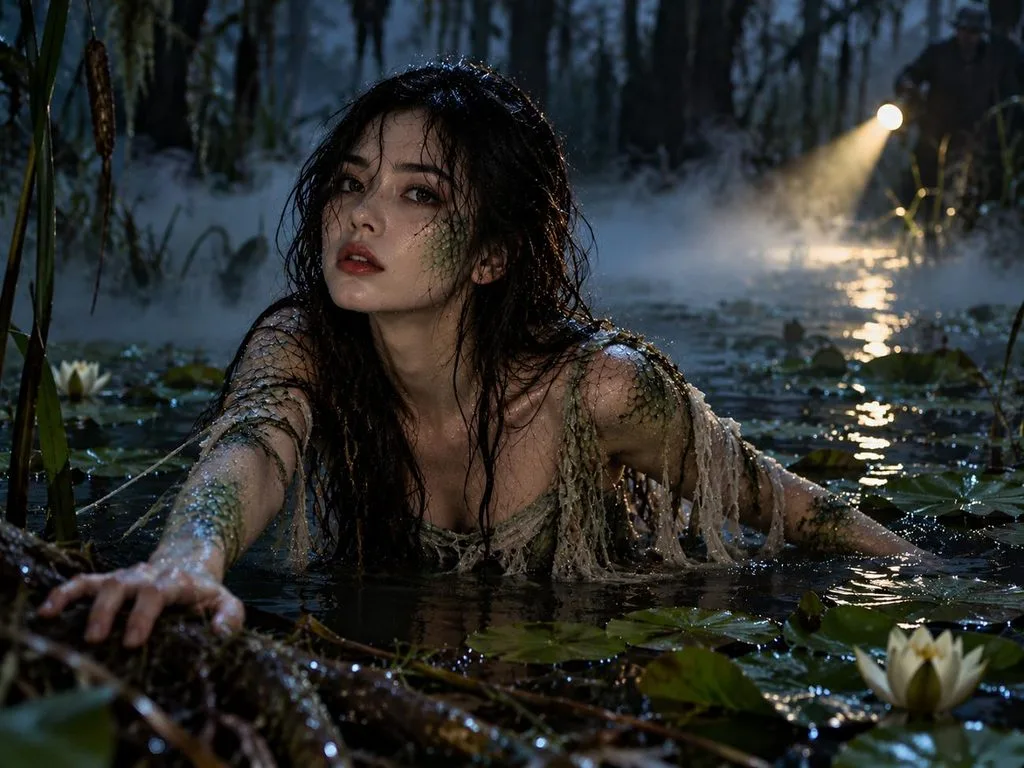
- 浮出水面的沼泽怪物: Show me rising from dark swamp water with green scales along my cheekbones and arms, eyes and mouth untouched. Lily pads, drifting fog, a flashlight beam, 4:3.
妆容与面部彩绘自拍提示词
想让自拍有万圣节的感觉,不一定要全套变装。稍加面部彩绘或暗黑妆容,就能改变照片的氛围,又不会遮住你的脸。试试这些万圣节照片 AI 提示词,看看不同妆容在你脸上的效果。
- 溺亡的海妖: Turn me into a drowned sea siren with blue-gray skin, pearls in damp hair, and tiny scales on my collarbones. My features match the photo exactly, 4:3.
- 开裂的瓷娃娃: Give my selfie a cracked porcelain doll finish, with hairline cracks on the cheeks and painted rosy circles. Eye shape and lips stay as they are. Lace collar, window light, 4:3.
- 闪耀女巫妆: Add witch glam makeup, deep plum lips, black winged liner, and silver glitter at the temples, keeping my natural face shape. Pointed velvet hat, purple rim light, 9:16.
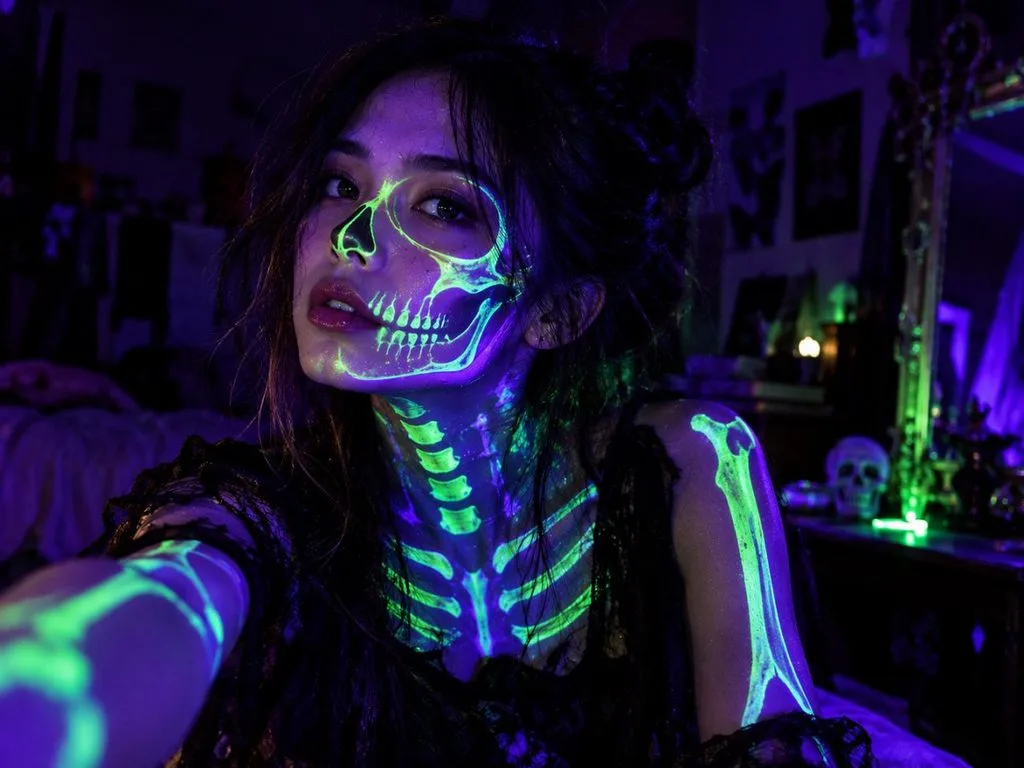
- 紫外光下的荧光骷髅: Paint glowing skeleton lines on my face and neck as if lit by a blacklight, without altering my features. Dark room, neon green and violet glow, 4:3.
恐怖电影风自拍提示词
把熟悉的面孔放进阴暗的电影场景,普通自拍也能变得令人毛骨悚然。借助万圣节照片 AI 提示词,你可以让自拍呈现经典恐怖片的质感。下面这些提示词,能让你用自己的照片尝试不同的恐怖电影场景。
- 夜视伪纪录片画面: Frame me in a grainy night-vision camcorder still at the end of a dark hallway, eyes catching the green glow. Face recognizable through the grain, timestamp 10:31 PM, 16:9.
- 20 世纪 60 年代汽车影院海报: Paint a 1960s drive-in movie poster starring me, screaming at a giant spider, my likeness exact. Title “Attack of the Attic” in bold yellow letters, 9:16.
- 20 世纪 40 年代庄园电影剧照: Place me in a 1940s black-and-white film still, holding a candelabra on the landing of a creaky manor, face sharp and unchanged. Faint film scratches, 4:3.
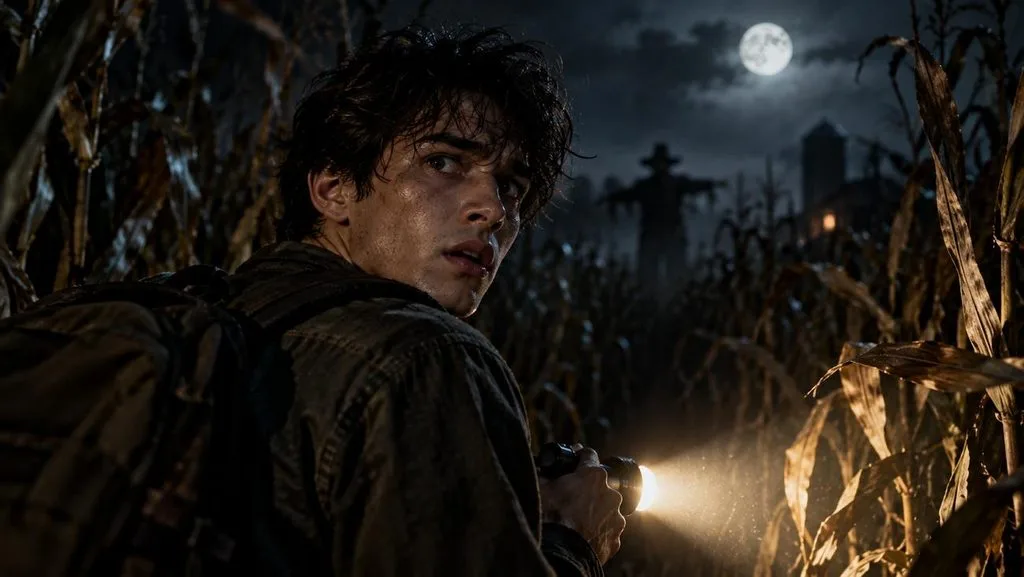
- 恐怖预告片的最后一帧: Turn my selfie into the final frame of a horror trailer, me glancing back in a cornfield at night, flashlight in hand. Features true to the photo, 16:9.
情侣、朋友与宠物自拍提示词
让伴侣或朋友一起入镜,万圣节照片会更有趣。你也可以带上宠物,一起尝试有趣的万圣节造型。试试这些万圣节自拍 AI 提示词,把大家都放进同一张照片里。
- 女巫三人组: Use the three uploaded selfies for a coven of witches stirring a bubbling cauldron, each face unchanged. Mismatched hats, green steam lighting the faces, forest clearing at night, 16:9.
- 骷髅华尔兹双人舞: Dress the two of us as skeleton dancers mid-waltz in a candlelit ballroom, bone patterns on black suits, both faces left natural. Golden light, 4:3.
- 穿南瓜装的猫咪: Put my cat from the uploaded photo in a tiny pumpkin costume on a porch step, fur color and markings exactly the same. Warm porch light, maple leaves, 1:1.
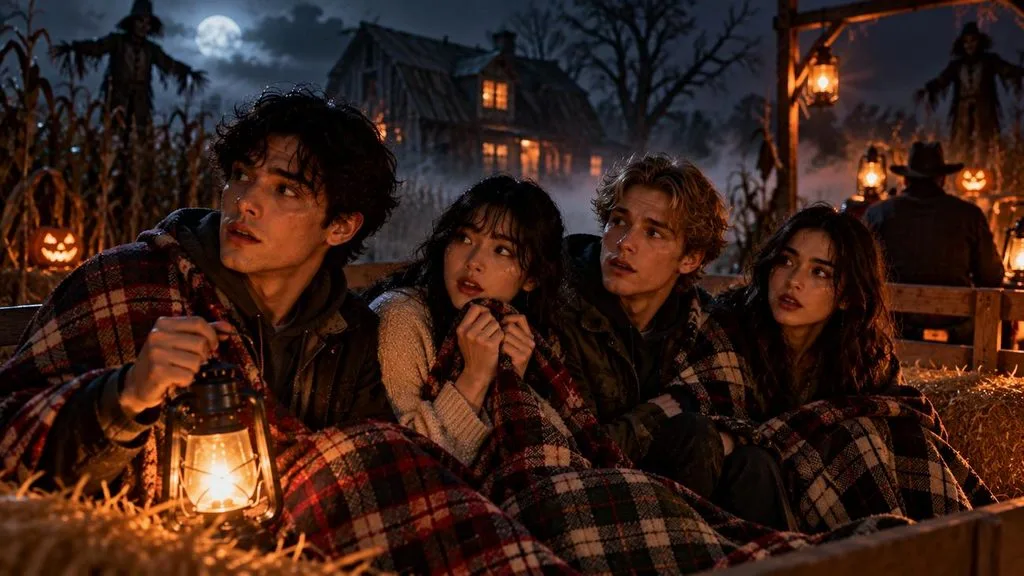
- 闹鬼干草车上的伙伴们: Seat my three friends and me, from the uploaded photos, on a haunted hayride under plaid blankets, every face recognizable. Fog-covered barn behind the wagon, lantern glow, 16:9.
头像与限时动态自拍提示词
换上万圣节装扮,能让你的社交媒体头像焕然一新。闹鬼场景还能为照片增添恐怖的万圣节氛围。这些万圣节照片 AI 提示词,为头像和限时动态提供了有趣的创意。
- 月光下的兜帽头像: Make a 1:1 profile picture of me in a dark velvet hood, a crescent moon behind my head, face exactly as photographed. Deep blue background, soft rim light.
- 玉米糖配色毛衣: Put me in a chunky candy-corn striped sweater, smiling over a mug of cider, facial features unchanged. Cozy autumn kitchen, blurred string lights, 1:1.
- 吱呀作响的门后: Create a 9:16 Story image of me peeking around a creaky wooden door, one eye and half my face visible but unaltered. Dark empty space above for a countdown sticker.
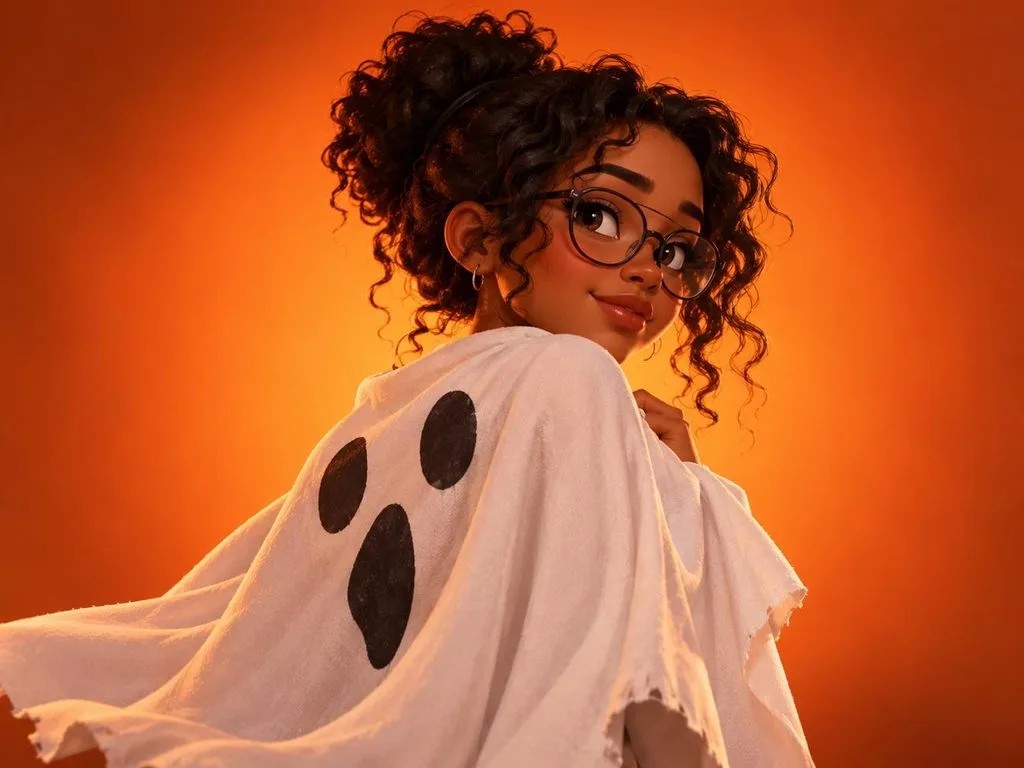
- 3D 卡通幽灵披风: Redraw my selfie as a stylized 3D cartoon character wearing a homemade ghost sheet as a cape, hairstyle and glasses kept. Orange gradient background, 4:3.
第二部分:如何用万圣节自拍 AI 提示词生成图片
选好喜欢的万圣节照片 AI 提示词,就能让日常自拍换个模样。MagicLight AI 可以用你自己的自拍,将这些万圣节创意变成图片。
用 MagicLight AI 制作万圣节自拍图片
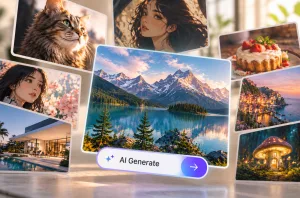
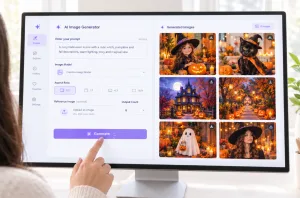
借助 MagicLight AI 中的 AI Image Generator ,你可以轻松将自拍变成万圣节照片。在 Toolbox 中找到这项功能,输入你喜欢的万圣节提示词即可。这个工具还支持上传最多 10 张参考图片,帮助保留你的面部特征,让人认得出你。
你可以选择喜欢的图片尺寸,以及要生成的照片数量。此外,MagicLight AI 还提供 Image to Video 功能,将你的万圣节自拍变成短视频。
主要功能
- 上传参考图片: 最多可上传 10 张参考照片,从不同角度展示你的面容。支持 JPG、WEBP 等格式,每张照片的大小上限为 20MB。
- AI 模型: 不同的 AI 模型能为你的万圣节自拍带来不同的视觉效果。图片生成模型包括 Nano Banana 2、3 个版本的 GPT Image,以及 Seedream 5.0 Pro 。
- 画面比例: Image Generator 为万圣节自拍提供多种宽高比。你可以选择方形画面用作头像,也可以选择竖版画面用于限时动态。
- 提示词长度: 用于生成万圣节照片的每条提示词最多可包含 500 个字符。你可以在提示词中描述服装,并要求保持面容不变。
- Story to Video: 较长的万圣节故事可以通过 Story to Video 功能制作成视频。付费套餐支持生成最长 50 分钟的视频,用来讲述你的万圣节故事。
如何用 MagicLight AI 制作万圣节自拍图片
用上你喜欢的万圣节照片 AI 提示词,普通自拍也能换上惊悚新造型。按照以下步骤,用 MagicLight AI 制作你的万圣节自拍:
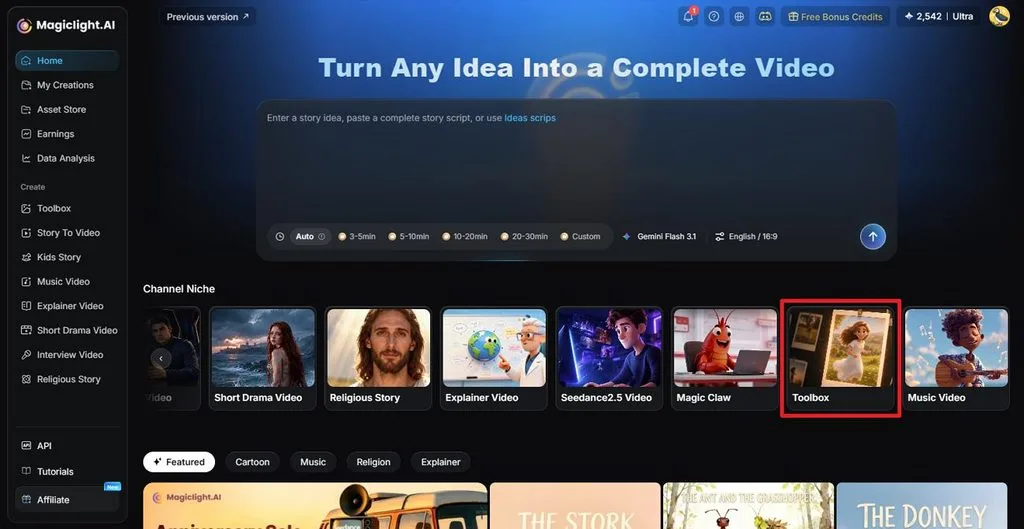
第 1 步:打开 Image Generator
登录 MagicLight AI,在左侧菜单中选择 Toolbox 。
第 2 步:添加自拍和提示词
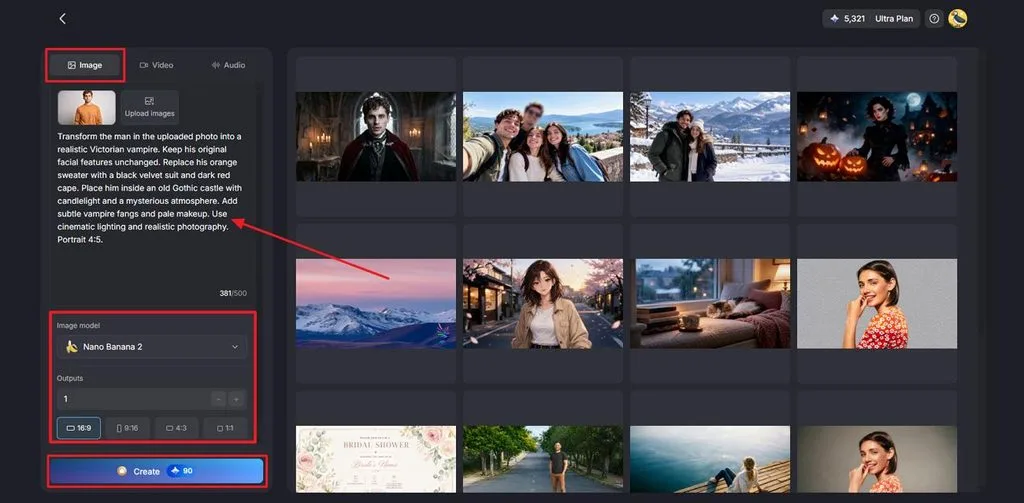
打开 Image 选项卡,开始制作万圣节自拍。点击 Upload images ,从设备中添加一张清晰的自拍。将你喜欢的万圣节提示词粘贴到文本框中。选择 Image Model ,再根据喜好设置 Aspect Ratios。接着设置 Outputs 的数量,然后点击 Create。
第 3 步:保存万圣节照片
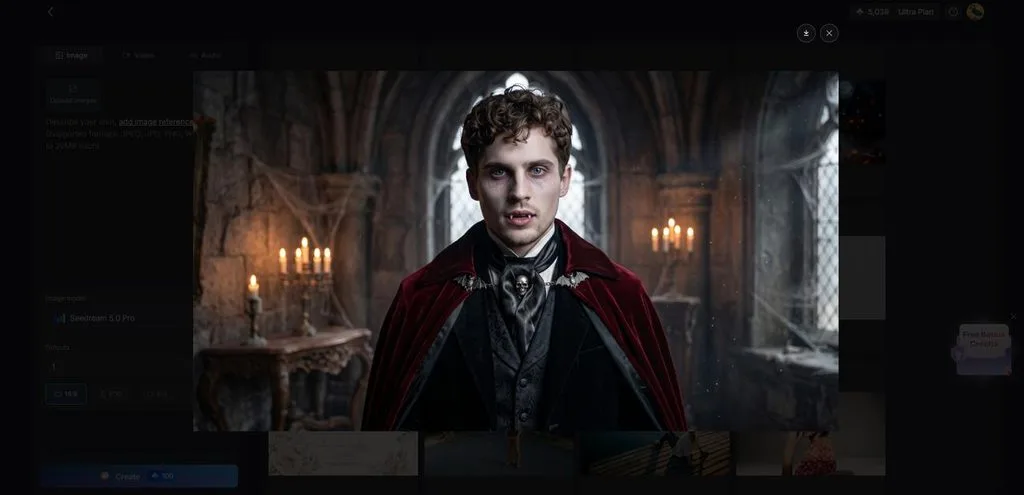
万圣节图片生成后,先查看效果。如果想换个造型,可以再生成一个版本。点击 Download 图标,保存你最喜欢的结果。
结语
借助万圣节自拍 AI 提示词,你不用真正换装,也能尝试各种新造型。合适的 万圣节图片提示词 可以改变你的整体造型,同时保留熟悉的面容。你可以选择恐怖的吸血鬼自拍,也可以为头像尝试有趣的风格。想制作万圣节图片和视频,MagicLight AI 值得一试。
常见问题
- 怎样写出好用的万圣节自拍 AI 提示词?
首先,清楚描述你希望在照片中呈现的万圣节造型。好用的万圣节照片 AI 提示词,还应要求保留原有五官。再补充服装和背景细节,让生成效果更自然。
- 什么 AI 工具能把万圣节自拍变成视频?
MagicLight AI 提供 Image to Video 功能,可以将万圣节自拍变成短视频。该工具支持生成最长 30 秒的视频,并提供 20 种视频模型。你还可以使用 Lip Sync ,让你的万圣节角色开口说话。
- 可以免费用 AI 制作万圣节自拍吗?
有多款 AI 工具提供免费选项,让你用自己的照片制作万圣节自拍。Gemini 和 ChatGPT 都向免费用户提供图片生成功能,但有一定限制。MagicLight AI 也为新用户提供有限的免费积分,无需填写支付信息。