
Hero background

Seedream 5.0 Pro AI Image Generator

Create and edit high-quality images with Seedream 5.0 Pro in Magiclight AI. Turn prompts and visual references into characters, scenes, products, posters, and more.

Try Seedream 5.0 Pro for Free
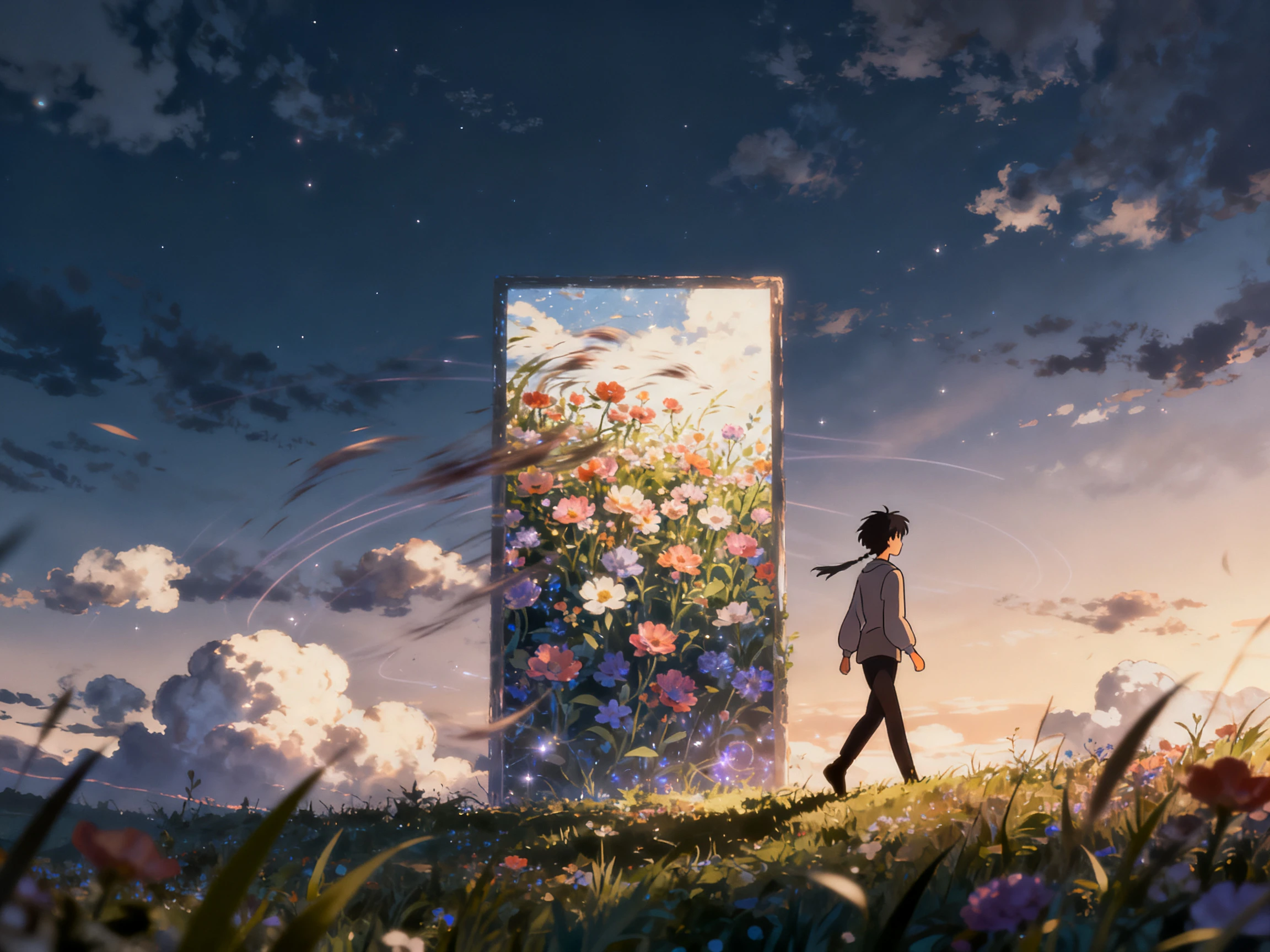
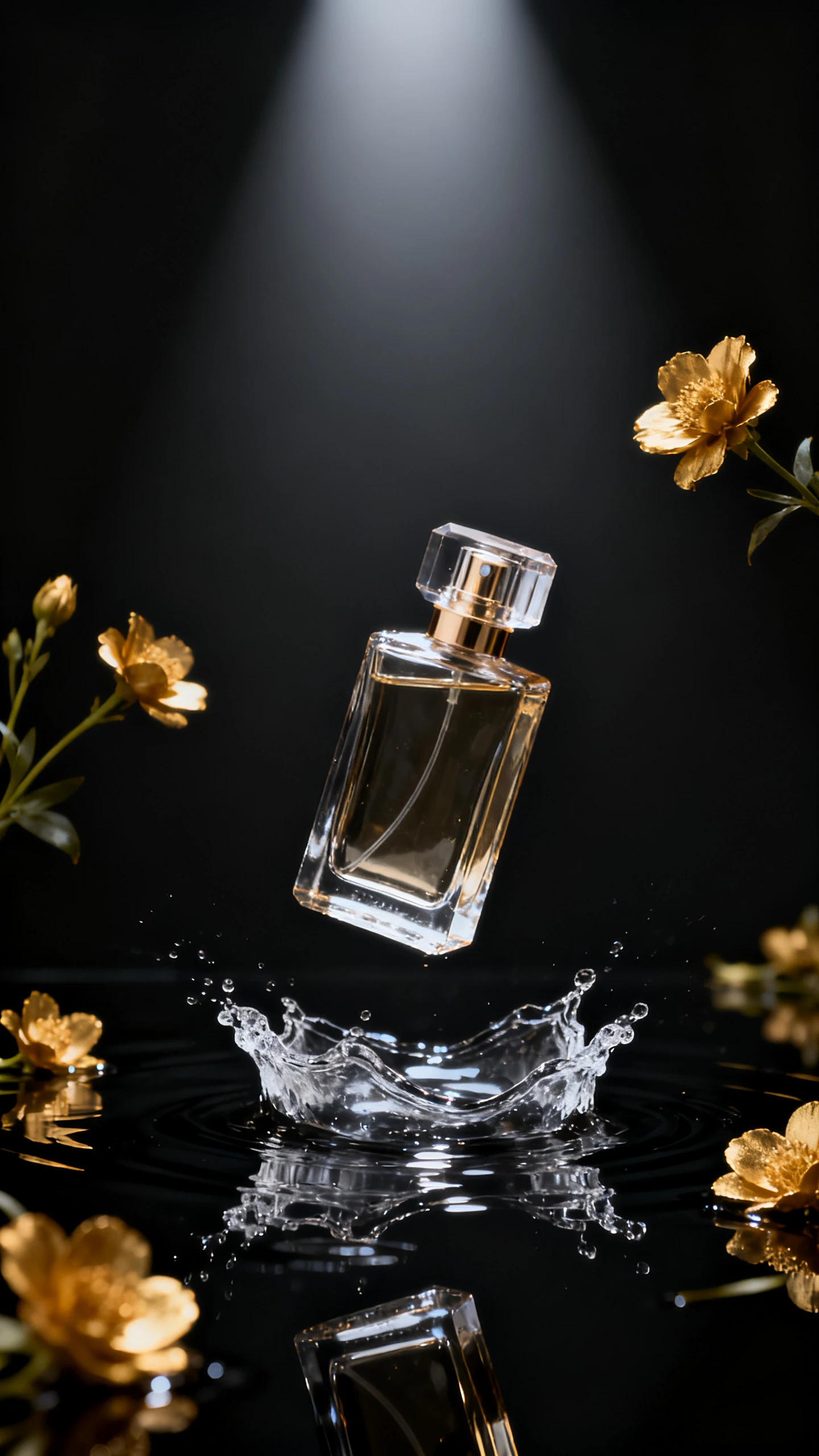
Seedream 5.0 Pro AI image example 1
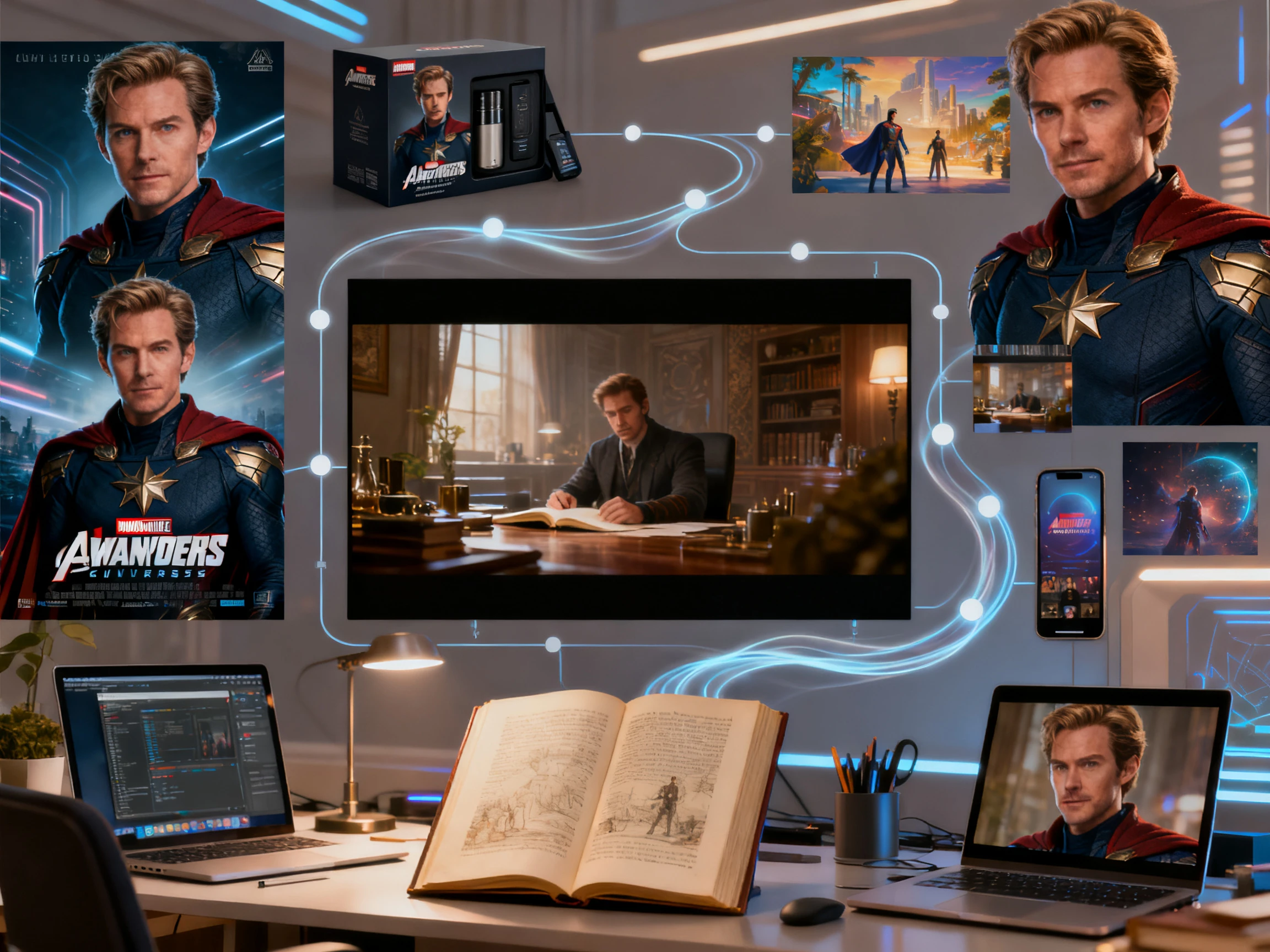
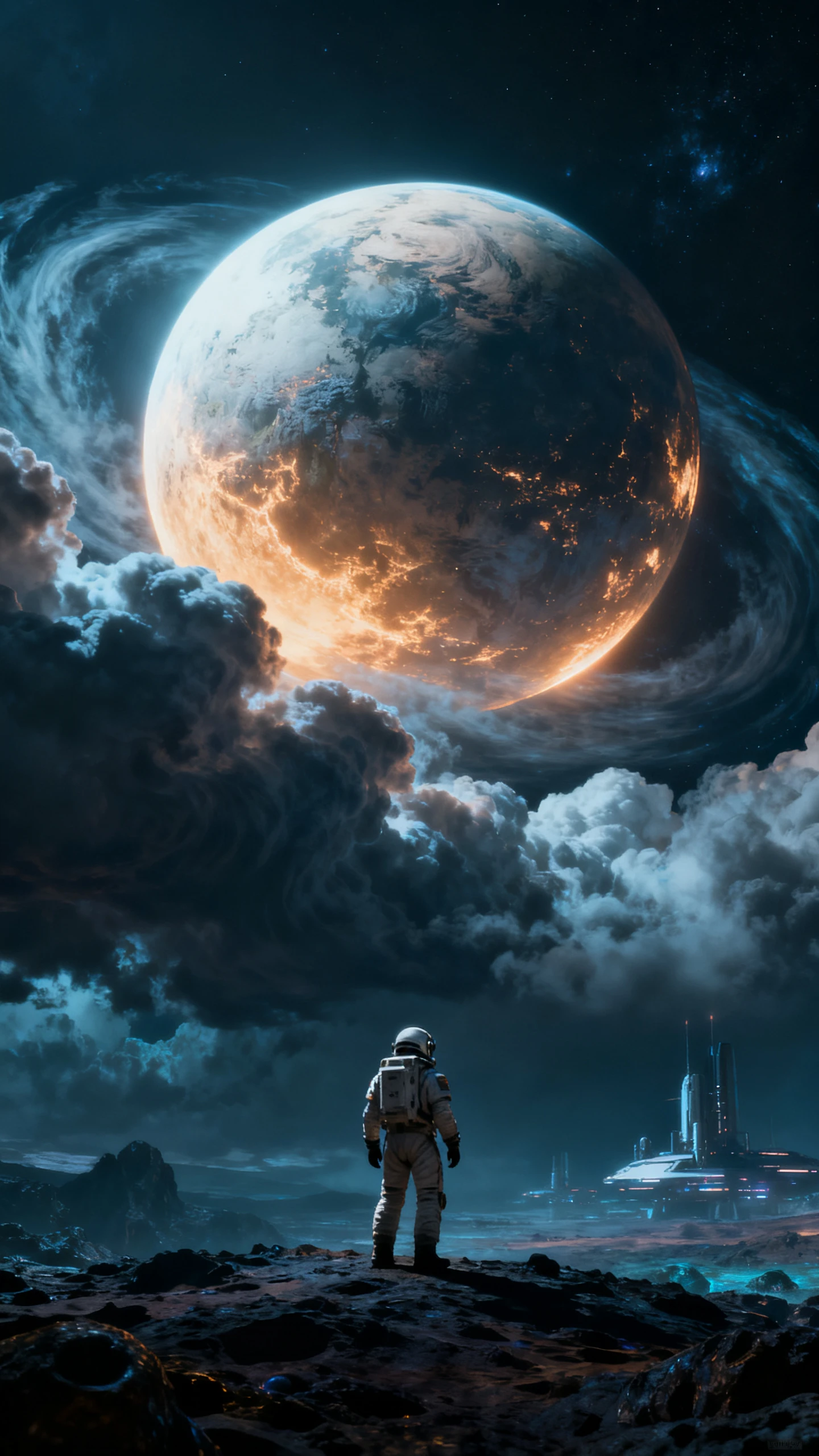
Seedream 5.0 Pro AI image example 2
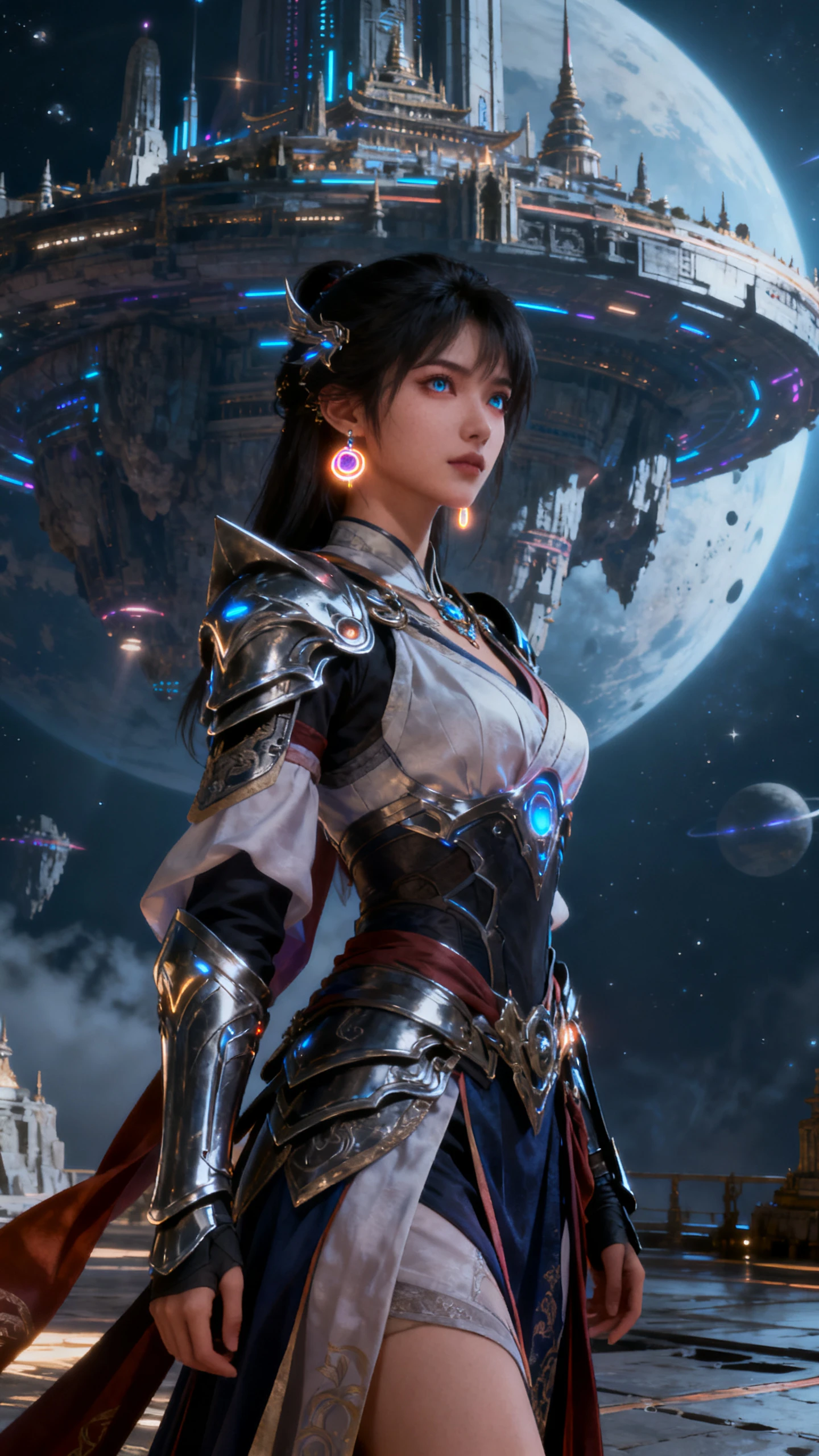
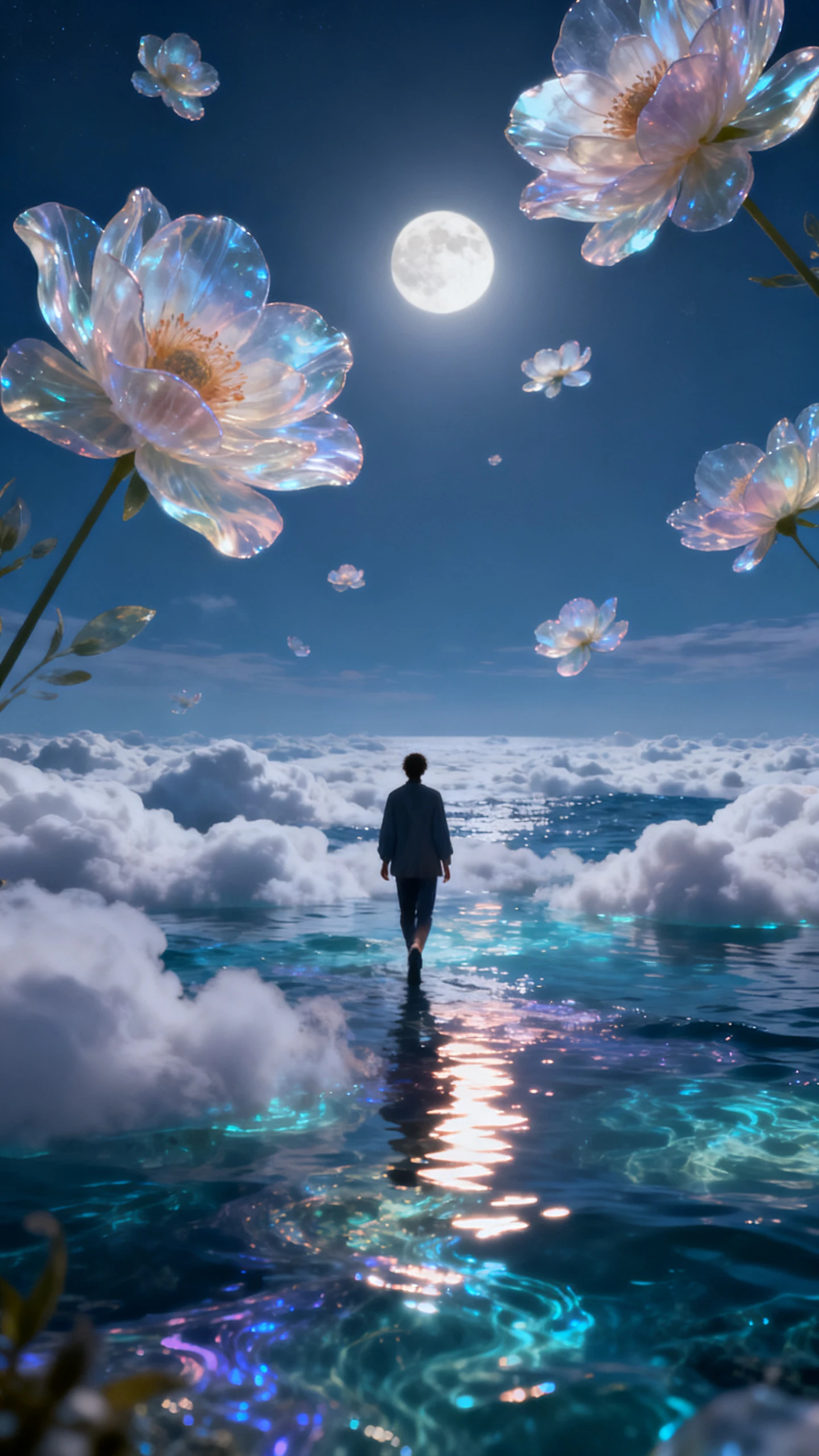
Seedream 5.0 Pro AI image example 3
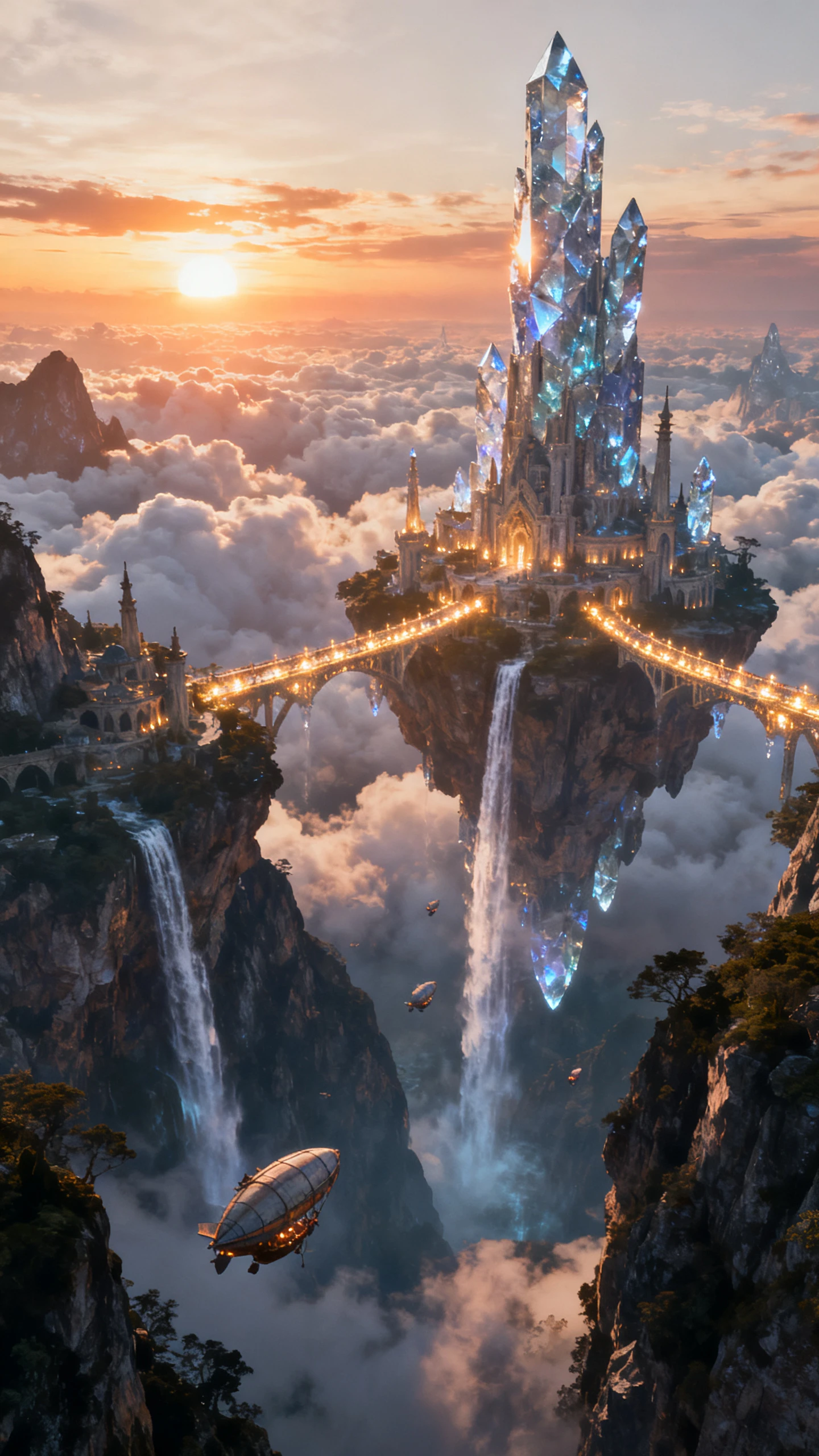
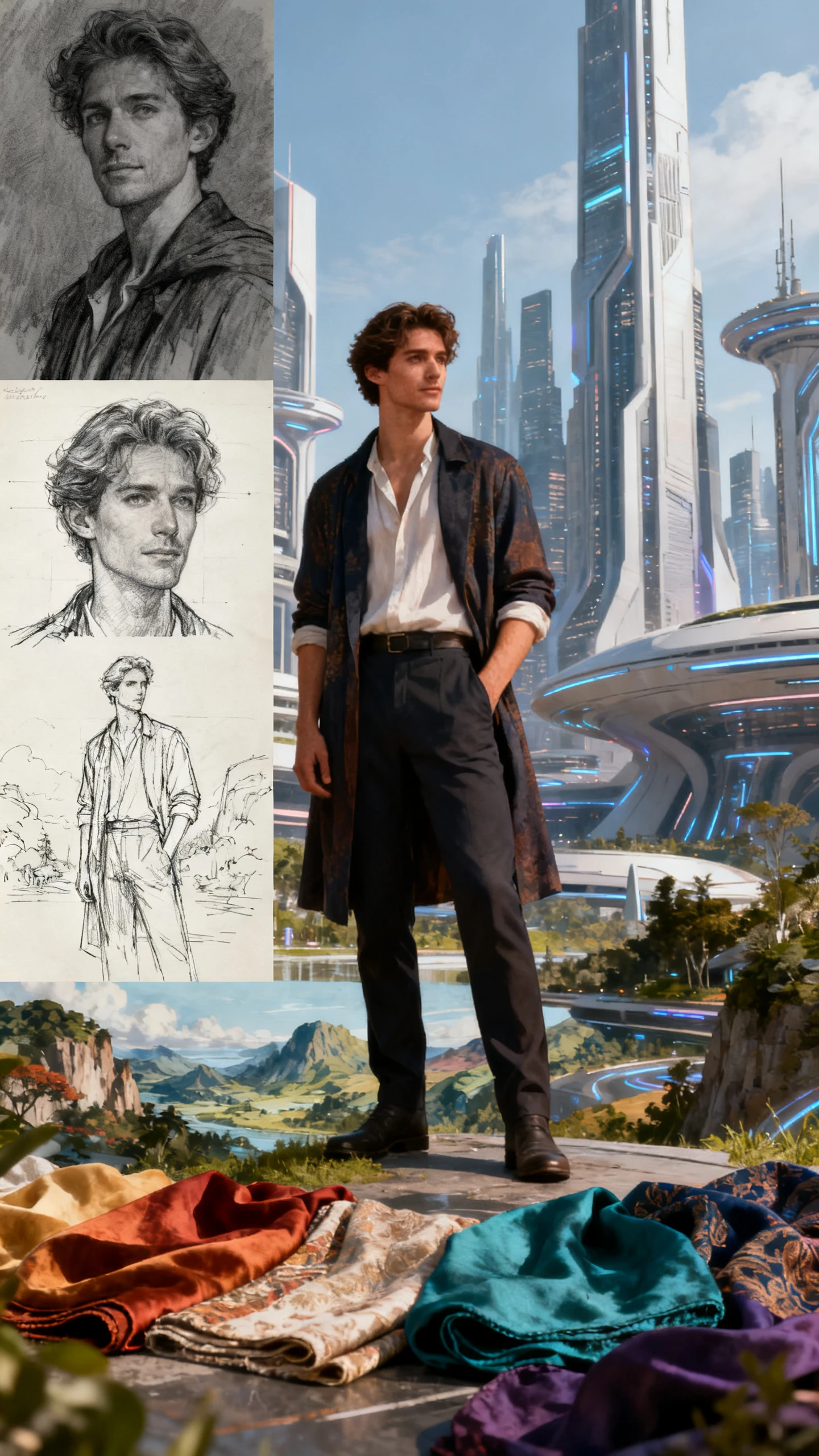
Seedream 5.0 Pro AI image example 4
Seedream 5.0 Pro AI image example 5
Seedream 5.0 Pro AI image example 6
Seedream 5.0 Pro AI image example 7
Seedream 5.0 Pro AI image example 8
Seedream 5.0 Pro AI image example 1
Seedream 5.0 Pro AI image example 2
Seedream 5.0 Pro AI image example 3
Seedream 5.0 Pro AI image example 4
Seedream 5.0 Pro AI image example 5
Seedream 5.0 Pro AI image example 6
Seedream 5.0 Pro AI image example 7
Seedream 5.0 Pro AI image example 8
Seedream 5.0 Pro AI image example 1
Seedream 5.0 Pro AI image example 2
Seedream 5.0 Pro AI image example 3
Seedream 5.0 Pro AI image example 4
Seedream 5.0 Pro AI image example 5
Seedream 5.0 Pro AI image example 6
Seedream 5.0 Pro AI image example 7
Seedream 5.0 Pro AI image example 8

Design High-Quality Images With Seedream 5.0 Pro

Seedream 5.0 Pro is suited for creators who need more than a quick draft. Use it when the image has to follow a clear brief, carry visual structure, and work across real content formats such as posters, covers, product visuals, and story assets.

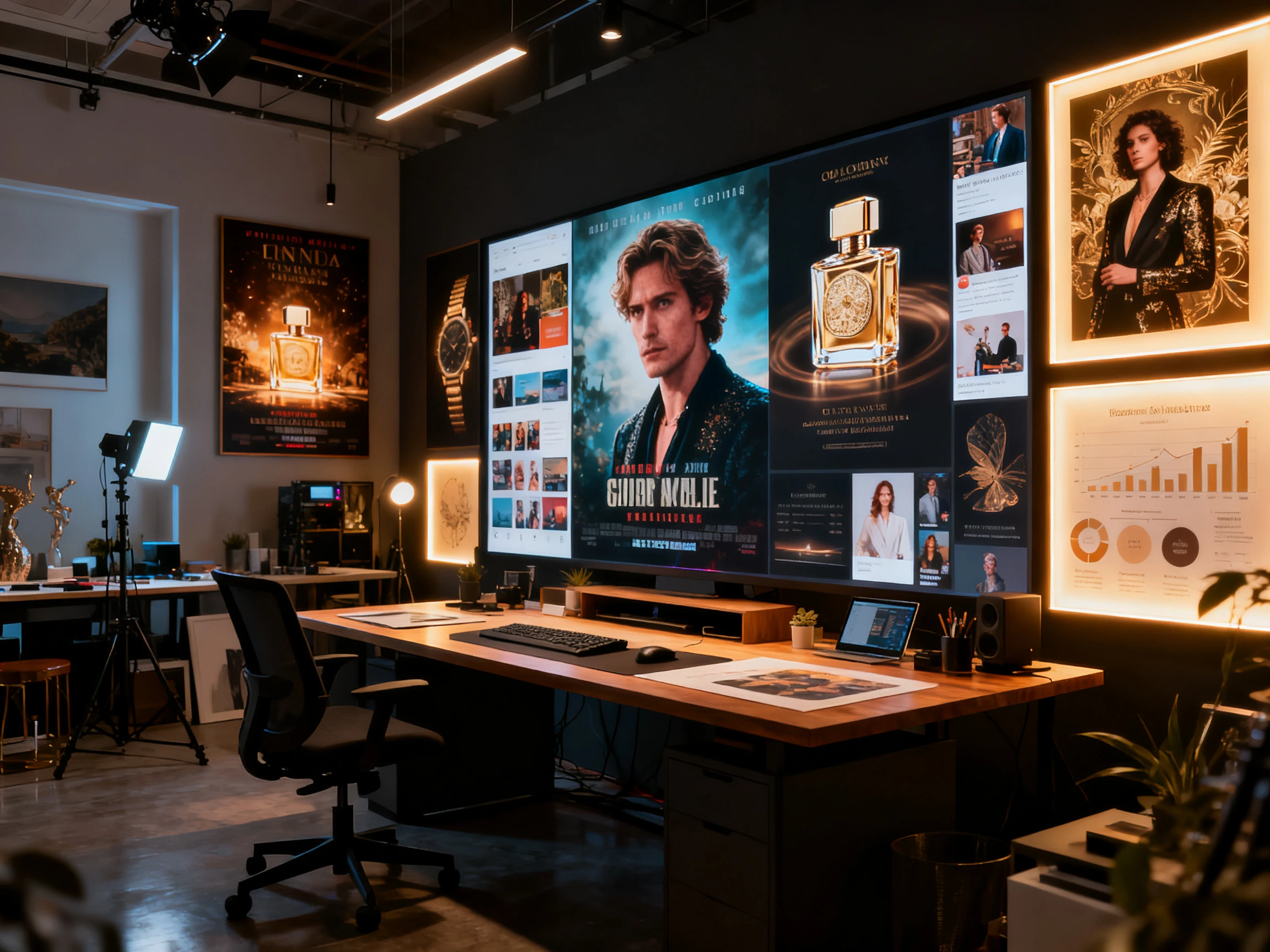
Explore the Image Generator
Seedream 5.0 Pro professional image generation

Prompt-to-Image Creation

Turn written ideas into finished visuals for characters, environments, campaign concepts, social posts, product displays, thumbnails, and poster-style images.

Add Image References

Use image references to guide the look, style, and details of your generated image. Supports JPEG, JPG, PNG, and WEBP files up to 20MB each.

Structured Creative Briefs

Give the model detailed direction for layout, materials, visual hierarchy, atmosphere, character traits, product context, or brand tone.

Multi-Format Visual Output

Create images that can stand alone as final assets or support larger Magiclight projects as covers, storyboards, character references, and Image to Video inputs.

Why UseSeedream 5.0 Pro on Magiclight AI?

Magiclight AI gives Seedream 5.0 Pro a practical creative workspace. You can generate an image, revise it, keep it as a final design, or move it into a video project without rebuilding your assets elsewhere.

Finish Standalone Visuals Faster

Create polished posters, covers, thumbnails, product visuals, character images, infographics, and social creatives directly in Magiclight, even when no video project is planned.

Start Creating Free
Standalone image generation with Seedream 5.0 Pro

Keep Creative Assets Reusable

A character portrait, product concept, campaign key visual, or scene background can become more than one output. Reuse the same image direction across images, storyboards, covers, and future videos.

Start Creating Free
Reusable creative assets generated with Seedream 5.0 Pro

Move into Motion Only When It Helps

Not every image needs to become a video. But when a visual should move, Magiclight lets you continue into Image to Video, storyboards, motion prompts, voiceover, music, subtitles, and export.

Start Creating Free
Magiclight image to video workflow with Seedream 5.0 Pro

Compare Seedream 5.0 Pro with Other Popular AI Models

Use Seedream 5.0 Pro when image quality, layout control, and production-ready visuals matter. Use other models when your priority is speed, video motion, or audio-video generation.

ModelStrengthVisual StyleBest ForCreators
Seedream 5.0 ProProfessional image generation and editingStructured, polished, production-ready visualsStandalone and production imagesDesigners, marketers, and creators
Nano Banana 2 LiteLow-latency image generationQuick visual concepts and variationsFast image draftsSocial creators and marketers
Seedance 2.5 ProReference-aligned video generationPlanned motion and cinematic scene outputControlled video scenesStoryboard-heavy creators
Wan 3.0Longer takes and reference-guided videoCinematic scenes with coherent motionLonger video scenesStory creators and video teams
MiniMax H3Mixed references and native audioCinematic clips with synchronized soundReference-driven clipsDirectors and ad teams
Google VeoPhotorealism and natural motionClean, realistic, production-friendlyCommercial video generationMarketers and creative teams

How to Use Seedream 5.0 Pro on Magiclight AI

Create a fresh image, edit an existing one, or prepare a visual asset for a larger project. Seedream 5.0 Pro fits both standalone image work and Magiclight's video creation flow.

1.

Choose an Image Task

Start with a poster, product image, character concept, social creative, cover, infographic, uploaded image edit, or a visual asset for a video project.

2.

Select Seedream 5.0 Pro

Use Seedream 5.0 Pro when you want stronger visual planning, more refined composition, or output that feels closer to a finished creative brief.

3.

Generate and Refine

Write the prompt, add references where supported, adjust details, revise the style, or edit the image until it fits the intended use.

4.

Save, Reuse, or Animate

Keep the result as a final image, reuse it as a creative asset, or continue into Magiclight workflows such as AI Character, Storyboard, and Image to Video.

What Users SayAbout Seedream 5.0 Pro

Rafael Ibarra

Ad Creative Director

We use Seedream 5.0 Pro for campaign visuals before deciding what needs motion. It helps us test product looks, poster directions, and launch concepts quickly inside Magiclight.

Hannah Osei

Animation Studio Lead

For character work, it gives us stronger starting images. We can build the look, refine the environment, and then choose whether the asset should stay still or move into a video scene.

Devin Locke

YouTube Channel Owner

I use it for thumbnails and covers as much as for video assets. The image output feels deliberate, which matters when the first frame has to win the click.

Sofia Marchetti

Freelance Visual Editor

Seedream 5.0 Pro is helpful when clients send a messy brief. I can turn the direction into a cleaner visual, revise it in plain language, and deliver an asset that feels usable.

FAQs on Seedream 5.0 Pro

What is Seedream 5.0 Pro in Magiclight AI?

Seedream 5.0 Pro is an AI image generation and editing model option inside Magiclight AI. It can be used for standalone image creation, image editing, and visual assets that support video workflows.

Can I use Seedream 5.0 Pro without creating a video?

Yes. You can use it to create images on their own, including posters, covers, thumbnails, product visuals, social media graphics, character concepts, infographics, and campaign assets.

When is Seedream 5.0 Pro a better choice than a fast draft model?

Choose Seedream 5.0 Pro when the image needs stronger composition, clearer visual hierarchy, closer brief alignment, or a more finished look. For quick idea testing, a lighter model may be enough.

Can Seedream 5.0 Pro edit uploaded images?

Yes. You can refine an uploaded or generated image with natural-language instructions, such as changing the style, background, lighting, subject details, layout, or mood.

What image types work well with Seedream 5.0 Pro?

It works well for character images, scene concepts, commercial visuals, posters, thumbnails, product shots, infographic-style visuals, storyboard frames, explainer images, and brand campaign assets.

How does Seedream 5.0 Pro connect with Magiclight video workflows?

After generating an image, you can keep it as a final visual or use it in Magiclight workflows such as AI Character, Story to Video, cover generation, storyboard planning, or Image to Video.

Does Seedream 5.0 Pro guarantee perfect text in images?

No AI image model should be described as guaranteeing perfect text in every image. Seedream 5.0 Pro is designed for stronger visual creation and prompt understanding, but text-heavy layouts may still need review and refinement.

Start Creating Images With Seedream 5.0 Pro

Create and edit visuals with Seedream 5.0 Pro for campaigns, content, and video in Magiclight AI.