From Visual Experiments to Finished Narratives
Turning generated shots into a meaningful video takes more than visuals. Creators also need story structure, scene order, and a clear narrative direction.
FLUX supports AI video generation from text, images, and existing clips. MagicLight focuses on turning written ideas into complete stories with connected scenes and narration.

FLUX supports several video generation methods, but creating individual clips is only one part of production. Some creators need more help developing stories and organizing complete video projects.
Turning generated shots into a meaningful video takes more than visuals. Creators also need story structure, scene order, and a clear narrative direction.
Recreating the same character for every project can be time-consuming. Saved character designs make it easier to maintain familiar appearances across videos.
Short clips suit quick visual experiments, while lessons and narrated stories often need more time. Longer formats give detailed topics room to develop.
Video production may involve scripts, scene planning, voiceovers, and subtitles. A connected workflow helps creators manage these stages in one place.
Both platforms generate AI videos, but FLUX focuses on video and audio generation, while MagicLight specializes in complete story-driven productions.
Feature | MagiclightTry for free | FLUX |
|---|---|---|
| Core Purpose | Complete story-based video production | Multimodal video and audio generation |
| Maximum Video Length | Up to 50 minutes on supported plans and workflows | Up to 20 seconds per generation |
| Text-to-Video | ||
| Image-to-Video | ||
| Video Reference Generation | Video Clone workflow | Video continuation from an existing clip |
| Story Writing and Development | MagicLight Agent | × |
| Persistent Character Library | Save and reuse character designs | × |
| Character Pose and Outfit Planning | Nano Storyboard | × |
| Multi-Scene Generation | Planned scenes in a video project | Multiple scenes and camera angles in a generation |
| Generated Audio | AI voices and narration | Native synchronized audio |
| Dedicated AI Song Creation | Suno-powered music generation | × |
| Subtitle Editing | × |
For creators whose projects begin with a narrative rather than a single visual prompt, MagicLight offers a more organized route from the initial concept to the finished video.
Start Creating Free
MagicLight Agent helps shape an initial concept or written script into a video plan. Creators can work through the story and its scene breakdown before moving into visual production.
The character library makes saved designs available for later projects. This is particularly useful when developing recurring characters for a series, where visual familiarity matters from one episode to another.
Nano Storyboard offers controls for character poses, facial expressions, clothing, and camera perspectives. These options help creators make specific visual decisions instead of relying entirely on an initial generation prompt.
MagicLight supports projects of up to 50 minutes on eligible plans and workflows. That gives creators more scope to develop an entire lesson, narrated story, or longer YouTube production in one project.
MagicLight brings several production stages into one environment. These capabilities are particularly relevant when a creator needs to develop a narrative, establish its visual identity, and prepare a finished video.
MagicLight Agent helps turn a topic, prompt, or existing script into a more developed narrative. It can organize the content into scenes, giving creators a practical starting point for the next production steps.
Start Creating Free
Written material can become a video with generated scenes, characters, and narration. Creators can examine the scene breakdown and make visual adjustments with Nano Storyboard before proceeding with generation.
Start Creating Free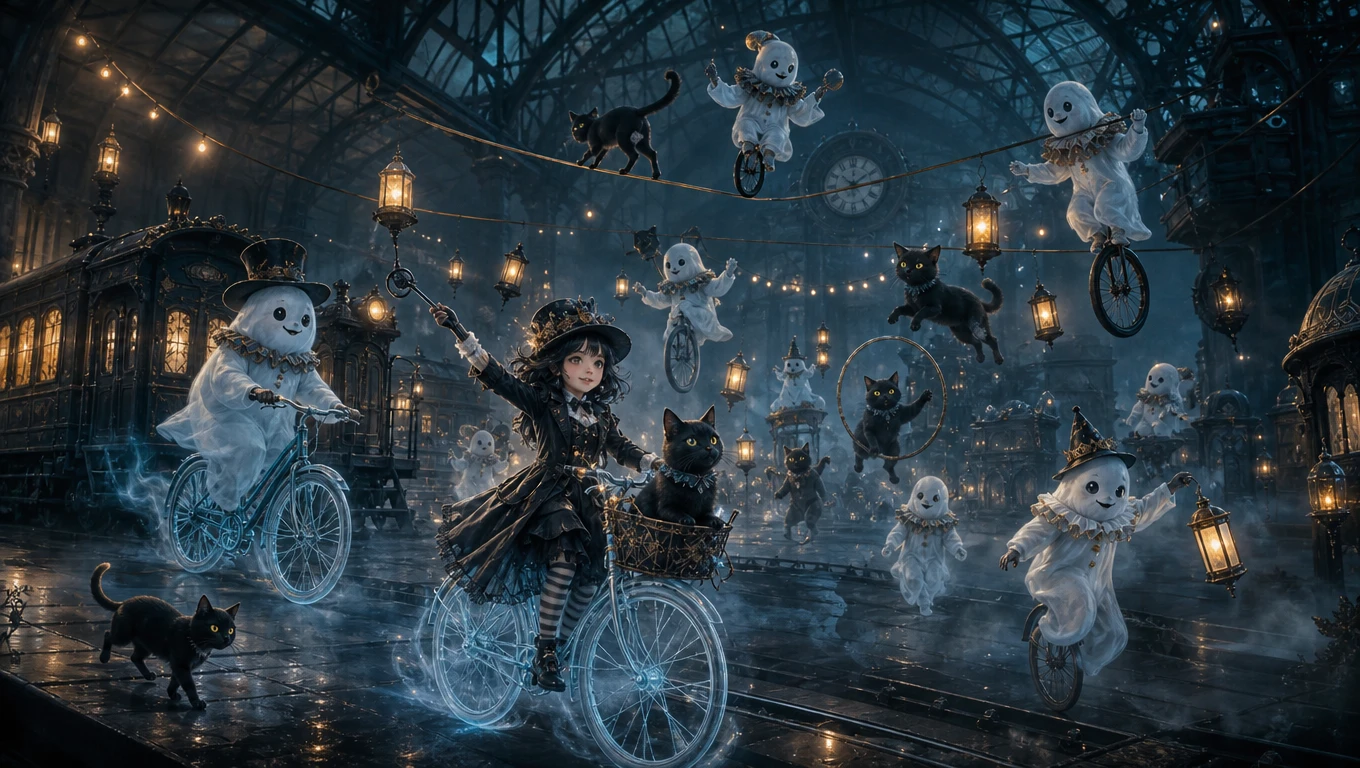
The AI Series Generator supports projects built around recurring characters and connected episodes. Combined with saved character designs, it gives creators a way to develop a continuing story rather than isolated videos.
Start Creating Free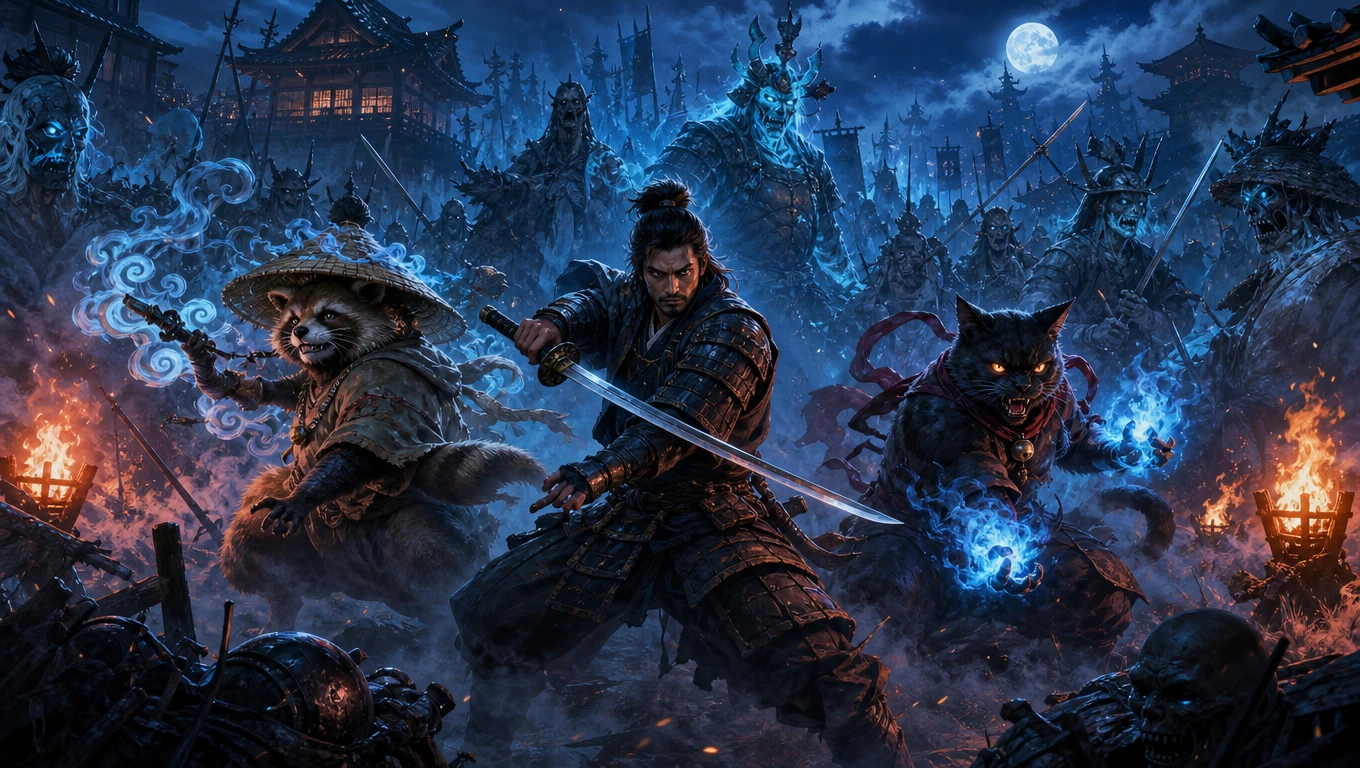
Video Clone uses a reference video to guide a new creation. Creators can provide product images, key selling points, and their own instructions to adapt the reference structure for a different project.
Start Creating Free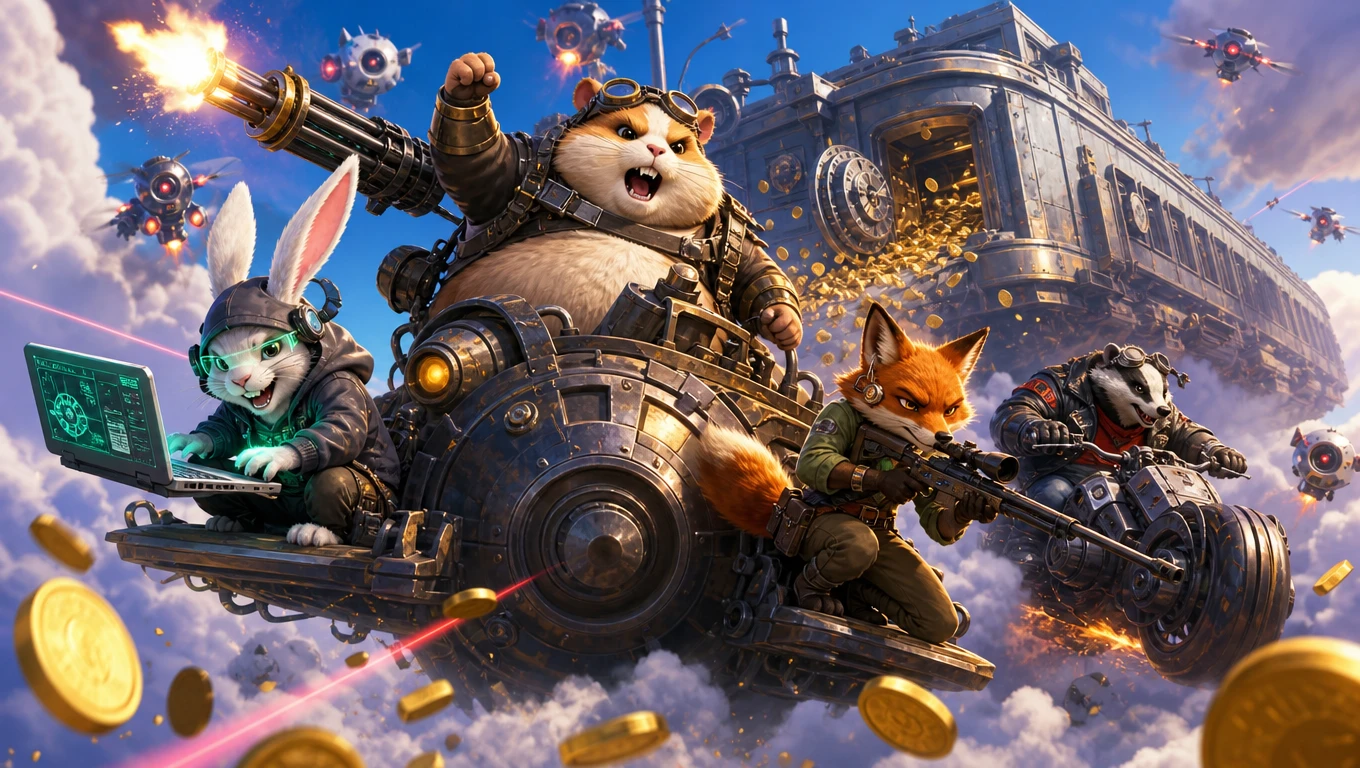
Aiden Brooks
Independent Video Creator
“I used to approach every scene as a separate task. Having story planning and character tools together makes larger projects easier to organize.”
★★★★★
Sophie Turner
Educational Content Producer
“I can start with a lesson script and work toward a complete narrated video. The scene breakdown gives me a clearer production plan.”
★★★★★
Caleb Foster
Animation Enthusiast
“The character controls give me more ways to refine the appearance of a scene. I also like keeping designs for projects I revisit.”
★★★★★
Emma Richardson
YouTube Storyteller
“Longer video projects are important for the stories I make. I appreciate having room to develop the narrative instead of focusing only on short clips.”
★★★★★



A visual generation is often just the beginning of a larger project. Use MagicLight to develop the narrative, establish recurring characters, and turn your ideas into complete videos.