
Different Models Support Different Features
Google Flow supports multiple models, but their features are not interchangeable. Creators must carefully select a compatible model for each specific task and video duration limit.

MagicLight is a Google Flow alternative designed for creators who want to turn ideas and scripts into complete video projects. While Google Flow focuses on AI filmmaking and visual creation, MagicLight brings story development, scene planning, character creation, animation, and voice generation together in a structured video production workflow.


Google Flow offers powerful tools for AI filmmaking, including video generation, reference based creation, scene editing, and video extension. However, creators working on regular content production may prefer a platform with more structured workflows for developing stories, organizing scenes, and producing different types of videos.
Google Flow supports multiple models, but their features are not interchangeable. Creators must carefully select a compatible model for each specific task and video duration limit.
Google Flow provides a flexible general environment. However, creators producing specific formats like educational stories or kids content may prefer structured, preset workflows.
Google Flow supports video extension, but extended clips come with specific limitations. For example, scenes extended with Omni Flash 1.2 cannot be further edited using insert, remove, or camera modes.
The platform uses a variable credit system for video generation. Creators who frequently test prompts or revise scenes must carefully consider how credit usage affects their budget.
Both platforms support AI powered video creation, but they approach the process differently. Compare their main capabilities to see which platform better suits your creative workflow.
Feature | MagicLightTry for free | Google Flow |
|---|---|---|
| Core Features | Complete AI video production | AI filmmaking |
| Maximum Video Length | Up to 50 minutes | Varies by model |
| Video Workflow | Dedicated workflows for scripts, stories, explainers, music videos, and other content formats | Flexible project based workflow for generating, editing, and arranging visual assets and clips |
| Character Consistency | Character creation and consistency across multiple scenes | Character references and ingredients can guide appearance across generated clips |
| AI Models | Multiple integrated models | Veo, Gemini |
| Supported Languages | 11 languages | Model dependent |
| Voice Generation | 37 voices, voice cloning | Built in audio generation |
| Pricing and Plans | Subscription and credits | Free credits, subscriptions |
| Export Quality | 720p / 1080p | Model dependent |
Google Flow gives creators a flexible environment for AI filmmaking and visual experimentation. MagicLight offers another approach by organizing video production around the content itself. Instead of focusing primarily on individual visual generations, creators can develop stories, choose production formats, and manage multiple stages of video creation in one place.
Start Creating Free
A video project often begins with an idea, a script, or an existing story. MagicLight lets creators use these as the starting point for video production. Its Story to Video workflow helps transform written content into scenes, characters, narration, and animated sequences, making it useful for creators who have a story to tell but do not want to build every shot from scratch.
Different types of content require different production approaches. MagicLight offers dedicated workflows for Kids Stories, Music Videos, Explainer Videos, Character Vlogs, Religious Stories, and Short Dramas. This gives creators a more focused way to begin each project instead of adapting one general workflow to every content format.
Planning a video before animation can make the production process easier to manage. MagicLight Agent helps turn an initial idea into a more structured project through brainstorming, script development, storyboard planning, character setup, and visual direction. Creators can review and refine the creative plan before moving further into production.
A video is made up of individual shots, and small visual details can affect how a scene feels. MagicLight's Nano Storyboard allows creators to adjust camera movements, character expressions, actions, and clothing before animation. This provides a dedicated stage for reviewing and refining scenes within the video creation workflow.
Creating content regularly becomes easier when useful creative resources can be reused. MagicLight's Asset Store includes characters, visual styles, voice emotions, and polish skills. Creators can explore these resources for future projects and participate in the platform's creator ecosystem, including eligible asset earning opportunities.
MagicLight combines different creation tools to support the full video production process. Explore how each feature helps you move from an initial idea to a finished video.
Not every generated image will match your expectations on the first try. MagicLight allows you to regenerate images and explore alternative visual results when a scene needs improvement. You can experiment with different outputs to find visuals that better match your creative direction, helping you improve the overall appearance of your video.
Start Creating Now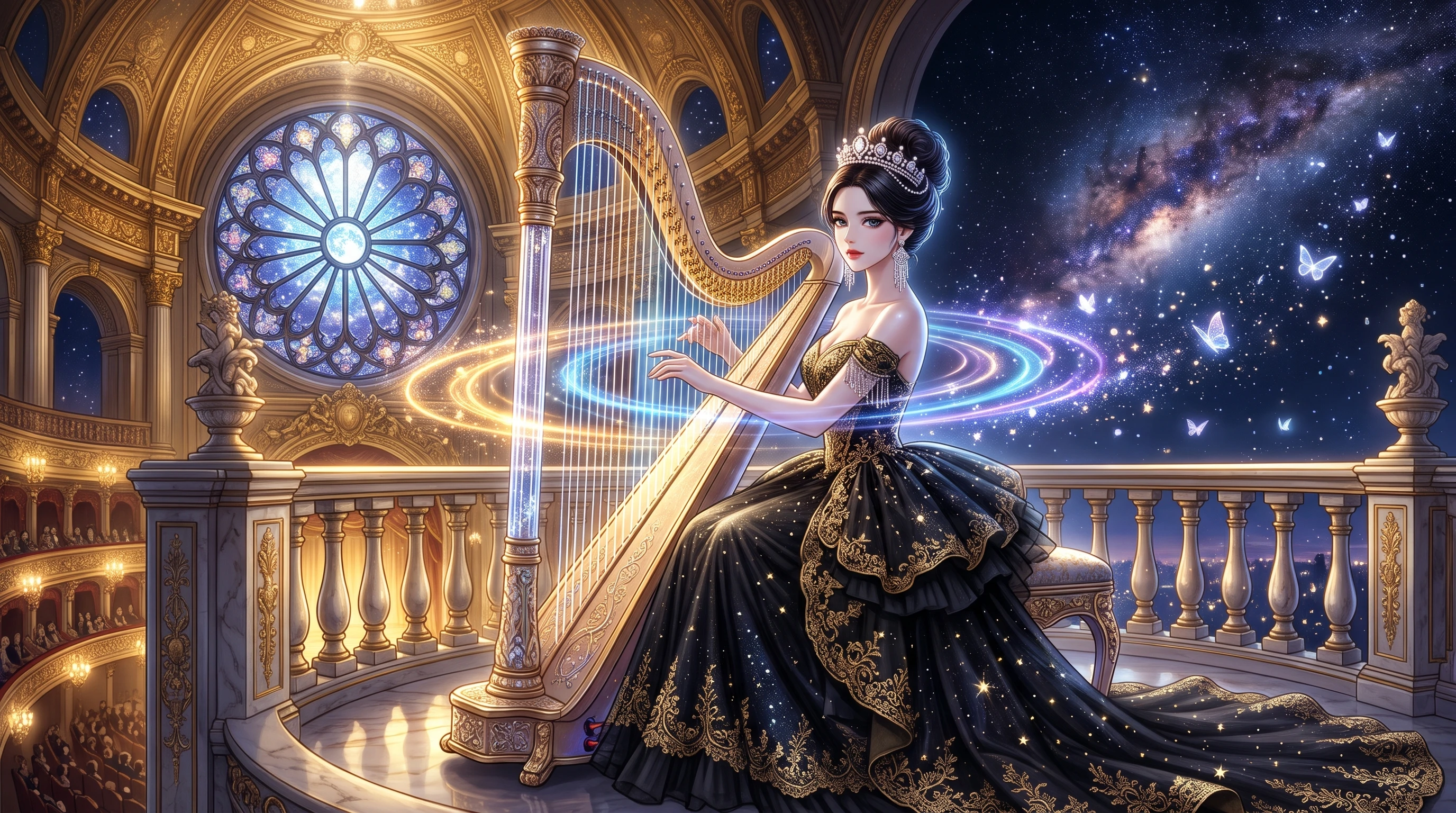
Bring character performances closer to life with lip sync capabilities. By matching mouth movements with spoken audio, MagicLight helps create more natural looking dialogue scenes. This is especially useful for animated stories, character focused videos, and scenes where conversations play an important role in the viewing experience.
Start Creating Now
A good voiceover needs more than clear pronunciation. MagicLight provides a selection of AI voices and voice cloning options, while its Asset Store also includes voice emotions that can help shape the delivery of a scene. You can choose a suitable vocal style and make narration feel more expressive for different types of content.
Start Creating Now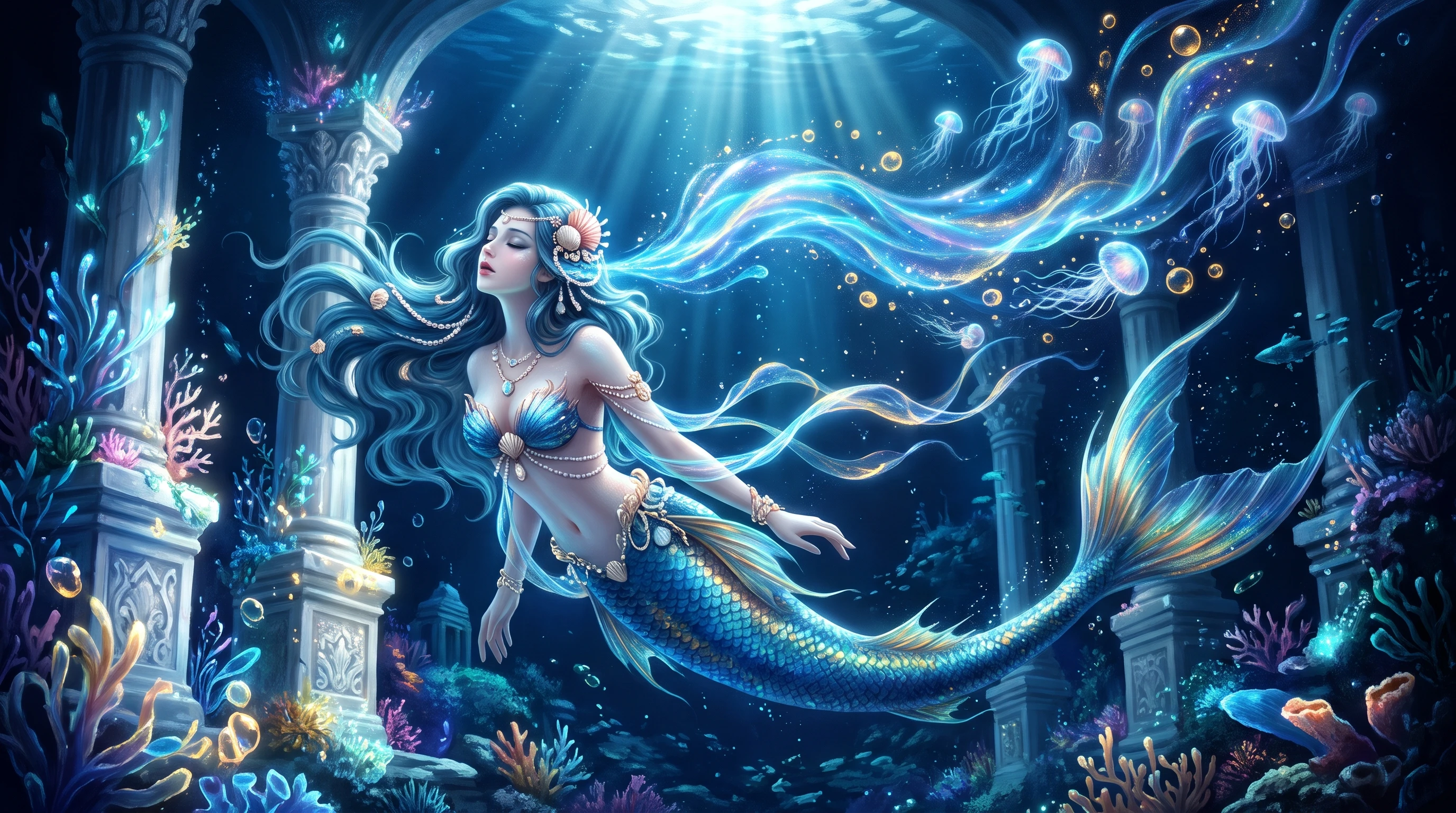
Make spoken content easier to follow with customizable subtitle settings. MagicLight supports multiple subtitle styles, allowing you to adjust the visual presentation of captions to better suit your video's design. Well presented subtitles can also help viewers follow dialogue and narration when watching without sound.
Start Creating Now
Complete the presentation of your video with additional production options. Supported workflows include background music, cover customization, and export settings, helping you prepare content for publishing. You can choose suitable finishing elements for your project instead of treating video generation as the final step.
Start Creating Now
Emily Carter
Independent Filmmaker
“Honestly, planning shots and stitching scenes together used to eat up so much of my time. MagicLight actually made it way easier to turn a rough written idea into a full visual story. What I really love is being able to tweak individual scenes on the fly instead of having to redo the entire project when something looks off.”
★★★★★
Daniel Brooks
YouTube Content Creator
“Staying consistent with video uploads was honestly my biggest struggle. With MagicLight, I can just write the script, generate the scenes, and drop in narration all in one place. It genuinely saves me a ton of time. Now I can actually focus on telling a good story instead of stressing over every tiny production detail.”
★★★★★
Sophia Martinez
Digital Marketing Specialist
“What I appreciate most is definitely the flexibility. I can easily mess around with different visual styles and voice options depending on who I'm targeting. It's honestly been a lifesaver when I need to churn out engaging videos for completely different audiences without switching tools.”
★★★★★
Alex Morgan
Animation Designer
“I really enjoy having so much control over how my characters and scenes turn out. Being able to adjust the storyboards and test out different visual results makes the whole process feel way less rigid. It's just a really practical tool to have in my workflow. I've definitely added it to my regular toolkit.”
★★★★★


Go beyond individual AI clips. MagicLight helps you build complete video projects from your scripts with structured storytelling, storyboard editing, and AI assistance. Produce your next video faster and easier.