
More Options for Long-Form Video Creation
OpenArt supports several video formats, but creators developing extended lessons, stories, or YouTube content may want a workflow designed for longer projects.
MagicLight is an OpenArt alternative for creators who want to turn ideas, scripts, and stories into complete AI videos. Create long-form content with animated scenes, recurring characters, and AI-generated voices in one streamlined workflow.

OpenArt offers AI image generation, video creation, character tools, and visual editing. However, creators focused on complete, long-form video projects may prefer a platform with more specialized storytelling and production workflows.
OpenArt supports several video formats, but creators developing extended lessons, stories, or YouTube content may want a workflow designed for longer projects.
Generating individual images and clips is different from producing a complete narrative. Creators may need tools that connect scripts, storyboards, scenes, and narration.
Recurring characters help audiences follow animated stories and series. A video-focused workflow can make it easier to maintain recognizable characters throughout a project.
Long-form video creation involves more than generating visuals. Creators may also need narration, subtitles, scene planning, and editing tools in one production workflow.
MagicLight and OpenArt both support AI-powered image and video creation, but they serve different creative priorities. OpenArt provides a broad collection of visual generation and editing tools, while MagicLight focuses on complete video production and long-form storytelling.
Feature | MagicLightStart Creating Free | OpenArt |
|---|---|---|
| Core Features | AI video creation, storytelling, animation | AI image generation, video creation, visual editing |
| AI Video Generation | Create AI videos from ideas and scripts | Generate videos from text and images |
| AI Animation | Generate animated scenes and story sequences | Create animated videos in different visual styles |
| Character Creation | Create characters for video storytelling | Create and customize AI characters |
| AI Voice Generation | Add AI narration and character voices | Generate voiceovers and audio content |
| Long-Form Video Generation | Generate videos up to 50 minutes | ✕ |
| Complete Story-to-Video Workflow<br><br> | Transform written stories into structured video projects | ✕ |
| Integrated Video Storyboarding | Organize stories into connected scenes for video production | ✕ |
MagicLight is designed for creators who want to develop complete videos rather than focus primarily on individual visual assets or short clips. Its video-focused workflow connects storytelling, character creation, scene generation, and narration to support longer creative projects.
Start Creating Free
MagicLight supports AI video generation of up to 50 minutes. This makes it suitable for YouTube storytelling, educational lessons, narrated presentations, and animated content that requires extended video formats.
Recurring characters help audiences recognize and follow a story. MagicLight's character tools help maintain recognizable appearances throughout multiple scenes, supporting children's animations, episodic storytelling, and recurring video formats.
Start with an idea or written script and develop it into a structured video. MagicLight helps connect narrative development, storyboard creation, and scene generation, making it easier to build a complete visual story.
A finished video needs more than visuals. MagicLight brings together AI narration, voice cloning, subtitles, and other production tools to help creators develop videos with dialogue, storytelling, and audio elements.
From long-form storytelling to animated scenes and AI-generated narration, MagicLight brings essential video production tools together to help creators turn written ideas into complete visual experiences.
Create extended video projects with MagicLight's long-form AI video generator. Supporting videos of up to 50 minutes, it is suitable for YouTube storytelling, educational lessons, documentaries, and narrated presentations that require connected scenes.
Start Creating Free
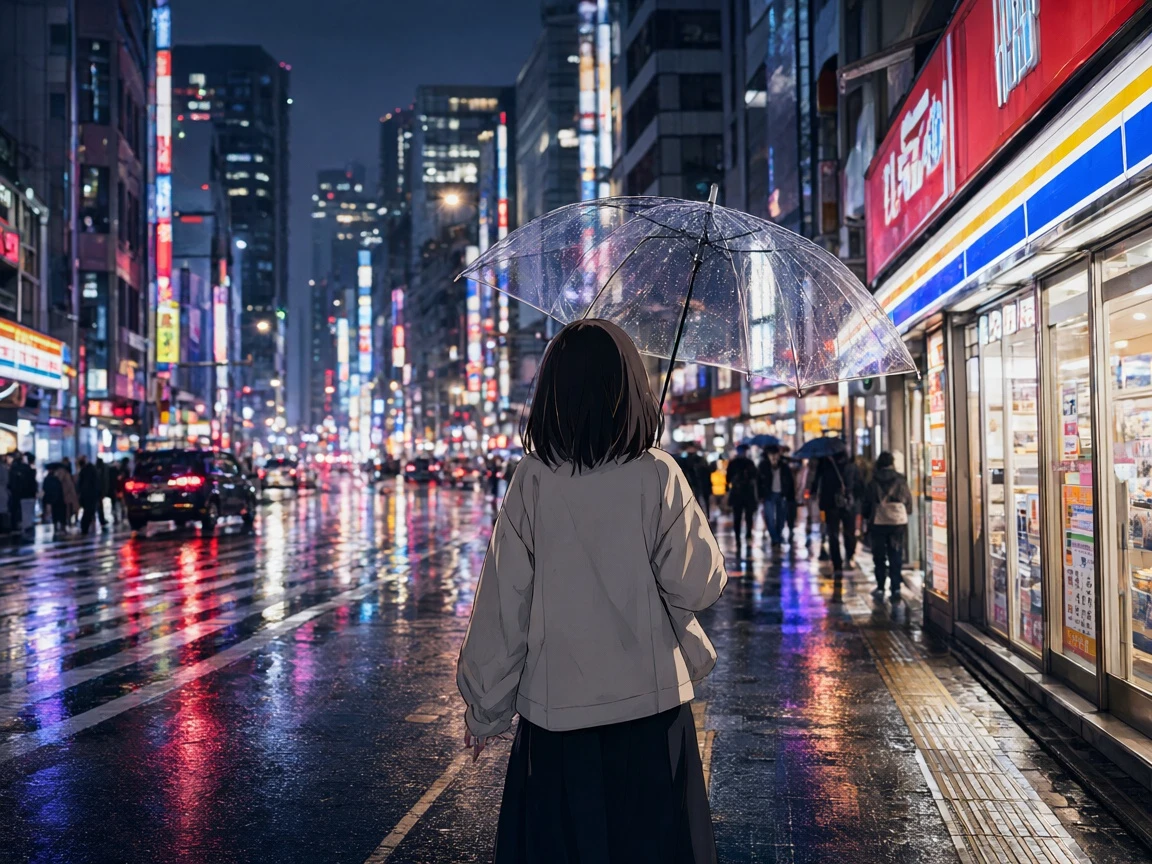
Transform written stories and scripts into structured video projects. MagicLight helps develop narratives into visual sequences with generated characters and scenes, making it useful for children's stories, fictional narratives.
Start Creating Free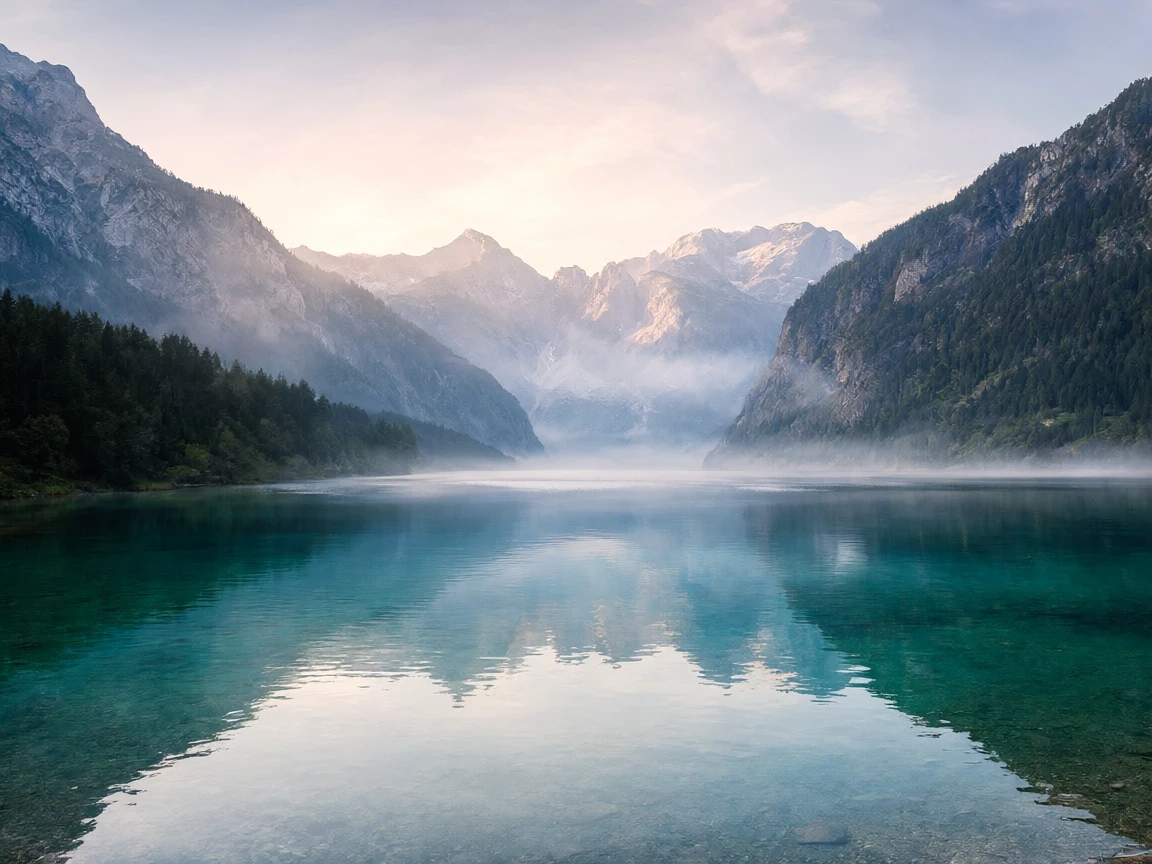
Bring creative concepts to life with AI-generated animated scenes. Create dynamic visual sequences for animated stories, social media videos, and other projects without traditional frame-by-frame animation.
Start Creating Free
Build recognizable characters and reuse them throughout your video projects. MagicLight's character tools help maintain visual continuity across different scenes, supporting recurring characters in animated series and multi-scene storytelling.
Start Creating Free
Add narration and character dialogue with AI voice generation and voice cloning. Create voiceovers for stories, tutorials, lessons, and presentations, with options to personalize the sound of your video content.
Start Creating Free
Explore different ways to create and refine videos with tools such as text-to-video, image-to-video, AI avatars, lip-sync, subtitles, and video editing. Combine these capabilities to develop content for different audiences and platforms.
Start Creating Free
Rosana
Long-Form Video Creator
“Rosana shared a positive experience creating videos around 16 to 18 minutes long. She appreciated the visual results, ease of use, and variety of available video styles.”
★★★★★
Michal
Children's Animation Creator
“Michal described difficulties maintaining consistent character voices, narration, and scene continuity while creating children's animations.”
★★★★★
Ana
Digital Content Creator
“Abdulaziz raised concerns about an unexpected change to an annual subscription and difficulties getting a response from customer support.”
★★★★★
Nick
Children's Content Creator
“The reviewer expressed dissatisfaction with subscription and credit requirements, including being asked to make an additional payment before proceeding with video generation.”
★★★★★



Looking for more than individual AI-generated images and short clips? MagicLight helps you transform scripts, stories, and creative ideas into complete videos with animated scenes, consistent characters, and AI-generated voices.