
A Creative Direction Beyond E-Commerce
Product photography is central to many Photoroom workflows. Fictional stories, animated explainers, and character-led videos call for a different creative approach.

Photoroom is known for product photography and commercial visuals. MagicLight focuses on creating animated stories from scripts, with characters, connected scenes, and narration.
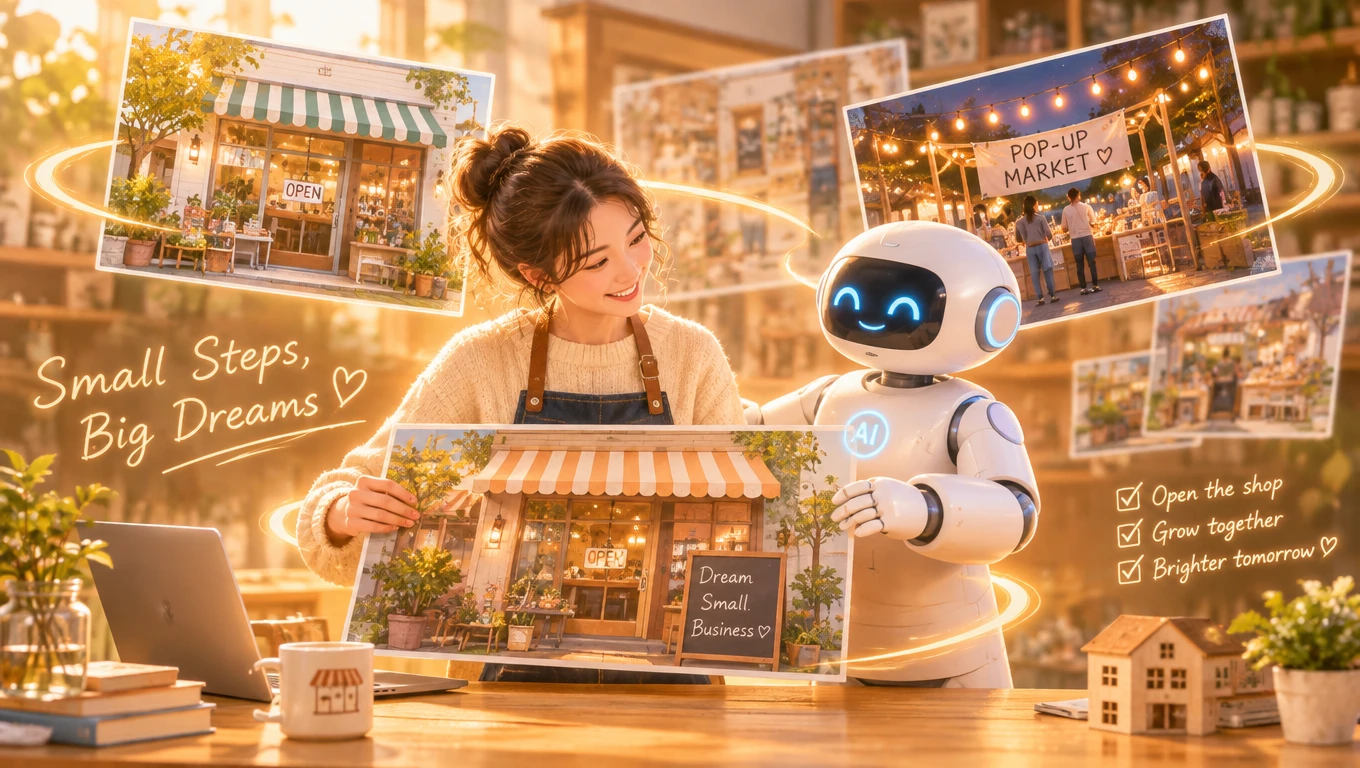

Photoroom focuses on product imagery, image editing, and promotional videos. Creators producing animated stories or educational content may need a workflow built around different creative goals.
Product photography is central to many Photoroom workflows. Fictional stories, animated explainers, and character-led videos call for a different creative approach.
Short promotional videos serve specific marketing needs. Tutorials, narrated stories, and lessons often benefit from longer formats and connected scenes.
Story-driven videos often feature recurring characters. Reusable character designs help keep their appearances recognizable across scenes and separate episodes.
Creators starting with a script need a practical way to develop visual scenes. A story-to-video workflow connects writing and animation more directly.
Photoroom specializes in product visuals and promotional assets, while MagicLight is intended for creators developing original video narratives and animated content.
Feature | MagiclightTry for free | Photoroom |
|---|---|---|
| Primary Use | AI storytelling and complete video creation | Product imagery, editing, and commercial visuals |
| Long-Form Video Projects | Up to 50 minutes on supported plans and workflows | × |
| Product Image Editing | Use supplied assets in video projects | Dedicated editing tools |
| Background Removal | ||
| Product Video Generation | ||
| Promotional Video Ads | Can develop marketing video content | Video Ad Maker |
| AI Story Development | MagicLight Agent | AI Director for ad planning |
| Reusable Story Characters | × | |
| Character Pose and Outfit Planning | Nano Storyboard | × |
| AI Voiceover | Narration options | Video Ad Maker voiceover |
| Music for Video | Suno-powered music generation | Music options for Video Ad Maker |
| Script-to-Story Video Workflow | × |
MagicLight shifts the focus from product showcases to storytelling, with tools for narrative planning and animated scenes.
Start Creating Free
Develop fictional narratives, educational explainers, and character-based videos with generated visuals. Instead of beginning with a product photo, creators can start with a subject, a written idea, or a complete script.
MagicLight Agent helps organize scripts and story ideas into a video plan. Its scene breakdown gives creators a way to review how the content can be presented visually before generation.
Character designs can be saved for reuse in other projects. This is useful for creators who publish recurring stories, maintain a recognizable channel identity, or produce a collection of related videos.
Some ideas need more than a short advertisement. MagicLight supports projects of up to 50 minutes on eligible plans and workflows, making it suitable for longer lessons, narratives, and presentations.
Instead of concentrating on product image editing, MagicLight brings together tools for developing a story, designing its characters, arranging scenes, and producing the finished video.
MagicLight Agent helps creators develop written material into a structured video concept. It can organize the narrative and prepare scene breakdowns, so the production has a direction before visual generation.
Start Creating Free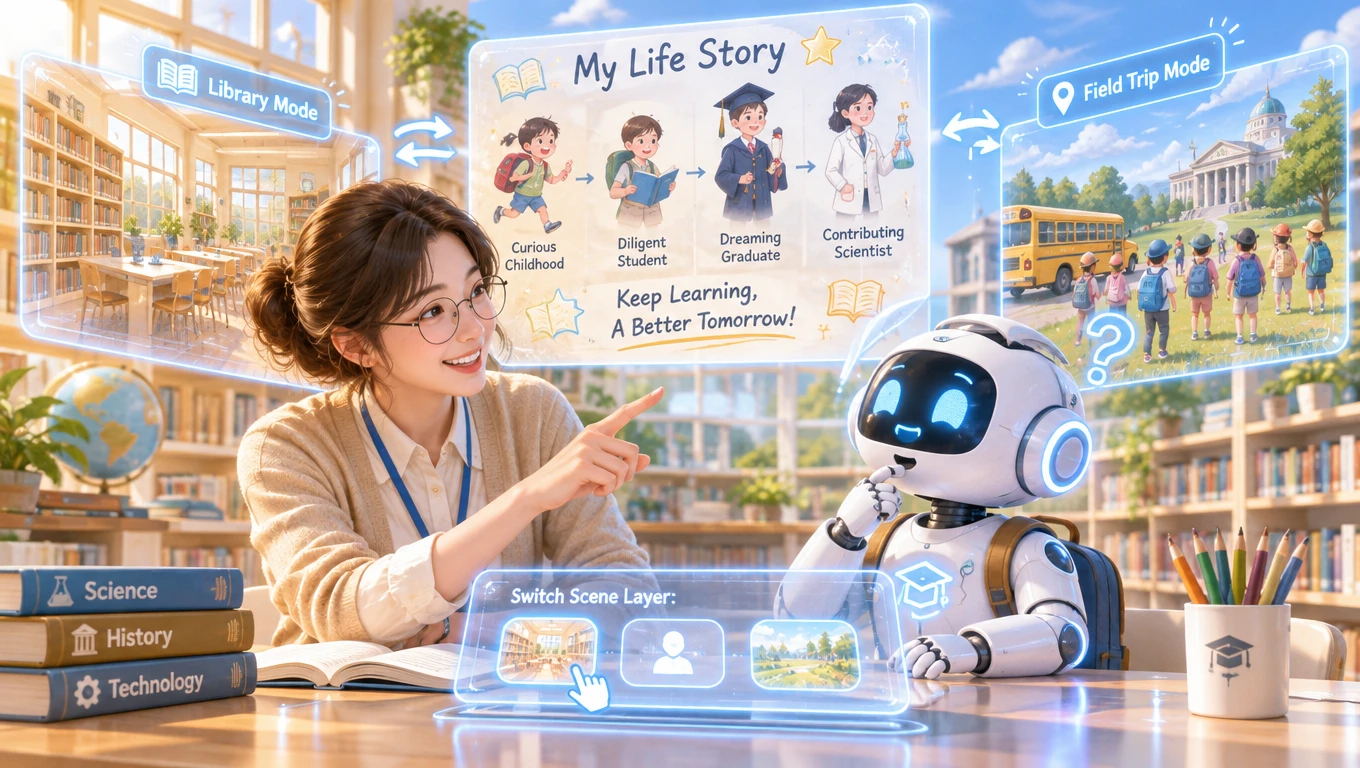
Scripts and stories can be developed into video projects with generated characters, visuals, and narration. Nano Storyboard provides another opportunity to review scene composition and character details before generation.
Start Creating Free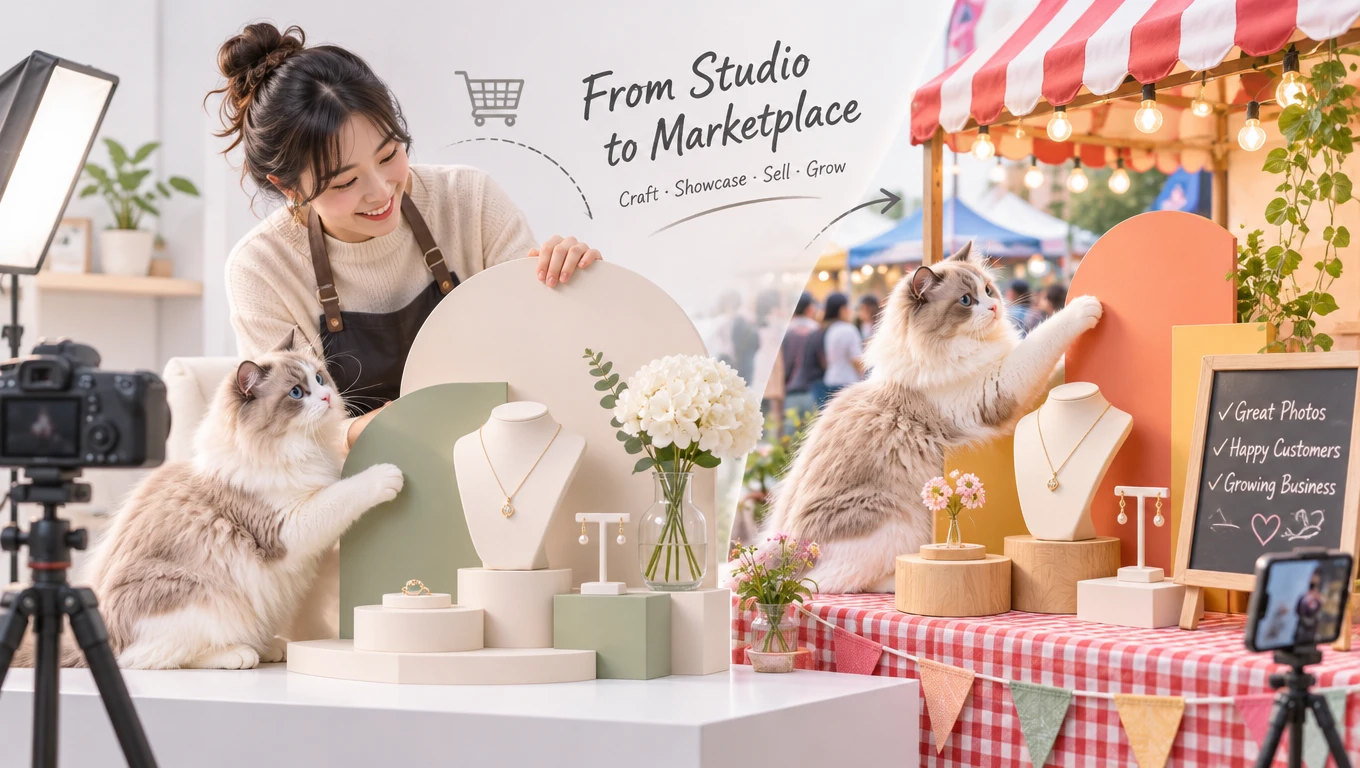
For creators who publish stories in episodes, the AI Series Generator provides a way to develop related video content. Saved character designs help maintain familiar appearances as the storyline progresses.
Start Creating Free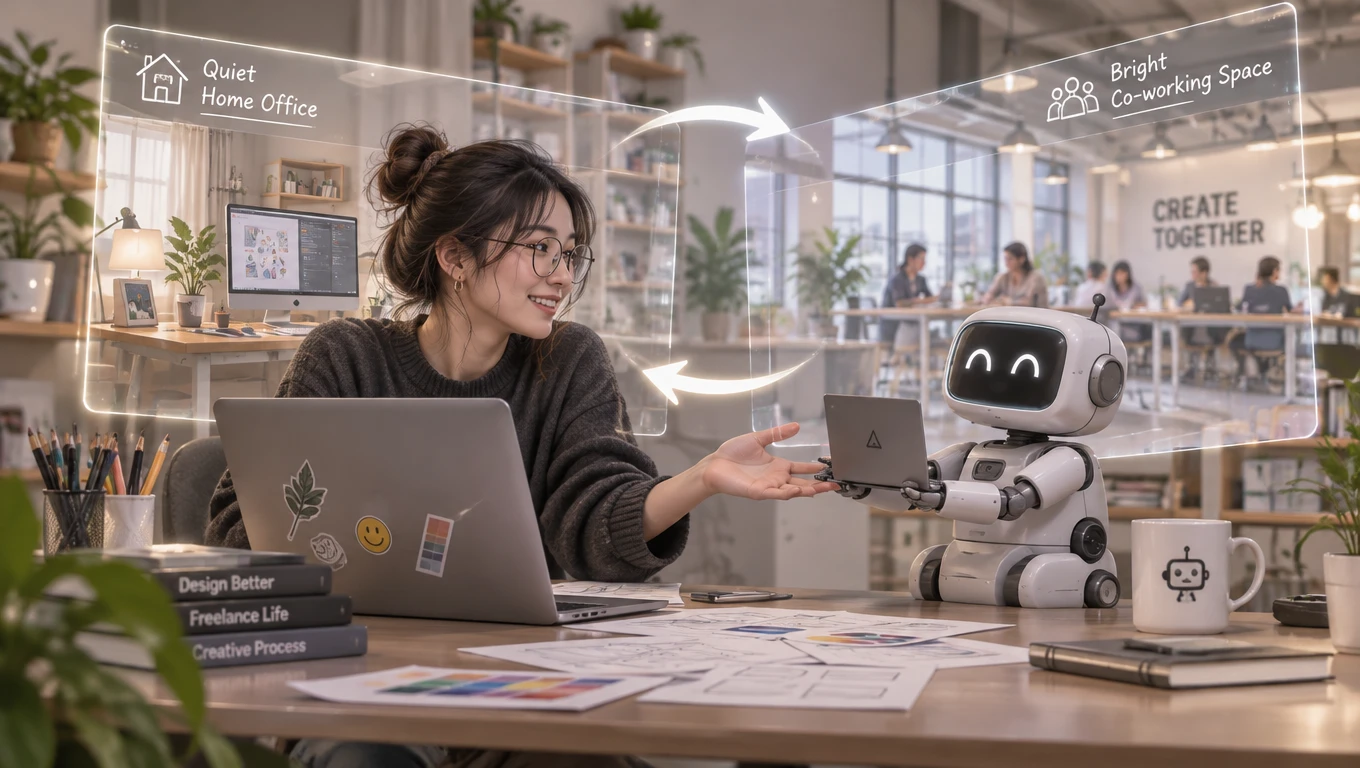
Video Clone can analyze the structure of an existing video and use it as a guide for a new project. Add product pictures, important selling points, and instructions to shape the result.
Start Creating Free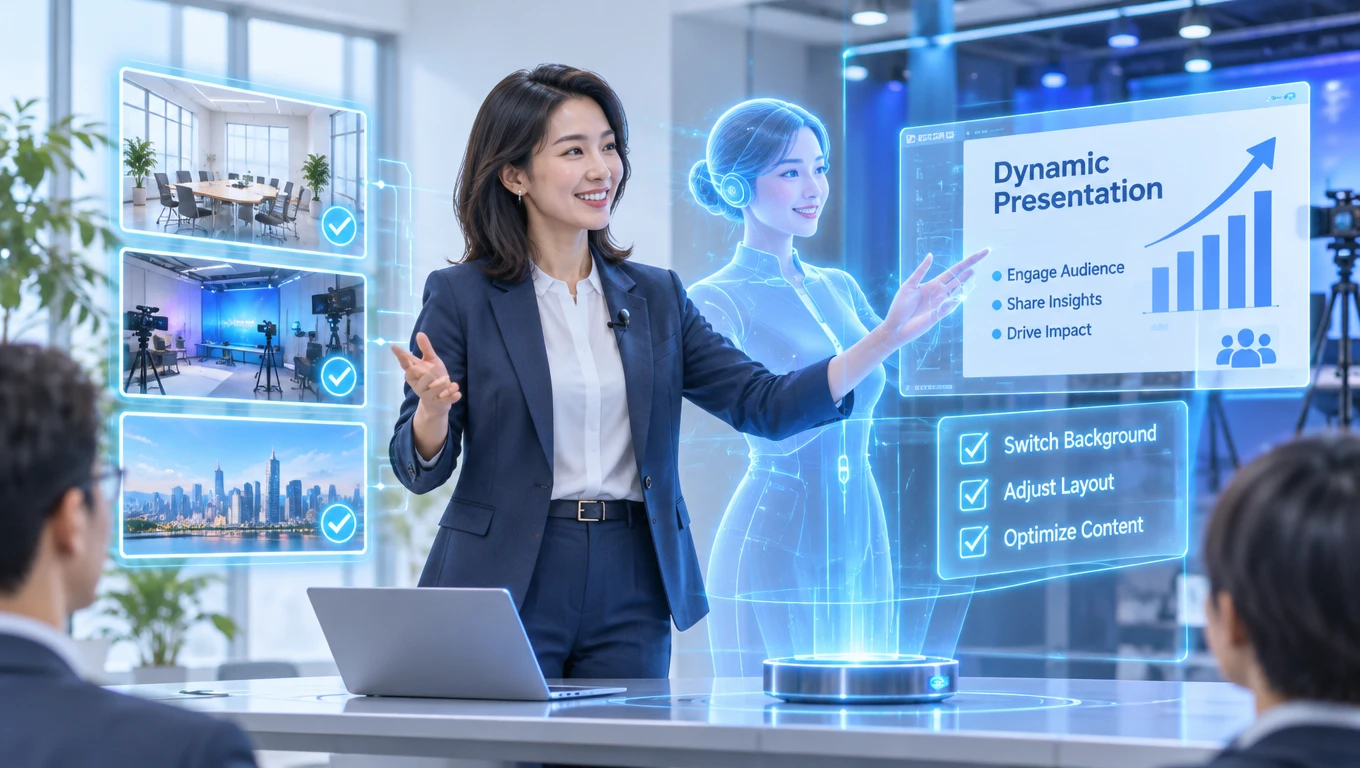
Mia Bennett
Children's Content Creator
“I wanted to make animated stories rather than another product slideshow. Starting with a written idea makes the creative process feel more natural.”
★★★★★
James Parker
Online Course Producer
“I often have lesson scripts ready before I start producing videos. MagicLight gives me a way to turn that material into visual content.”
★★★★★
Lily Adams
Social Video Creator
“The ability to save characters is useful when I create related videos. It helps my content feel connected instead of completely different every time.”
★★★★★
Ryan Ellis
Small Business Marketer
“I can explore storytelling formats for campaigns and use product references when needed. It gives me another direction for presenting an idea.”
★★★★★



Product images and promotional clips are only one direction for video content. Explore animated narratives, original characters, and longer productions with MagicLight.