Features of Magiclight AI's Animal Dance Generator
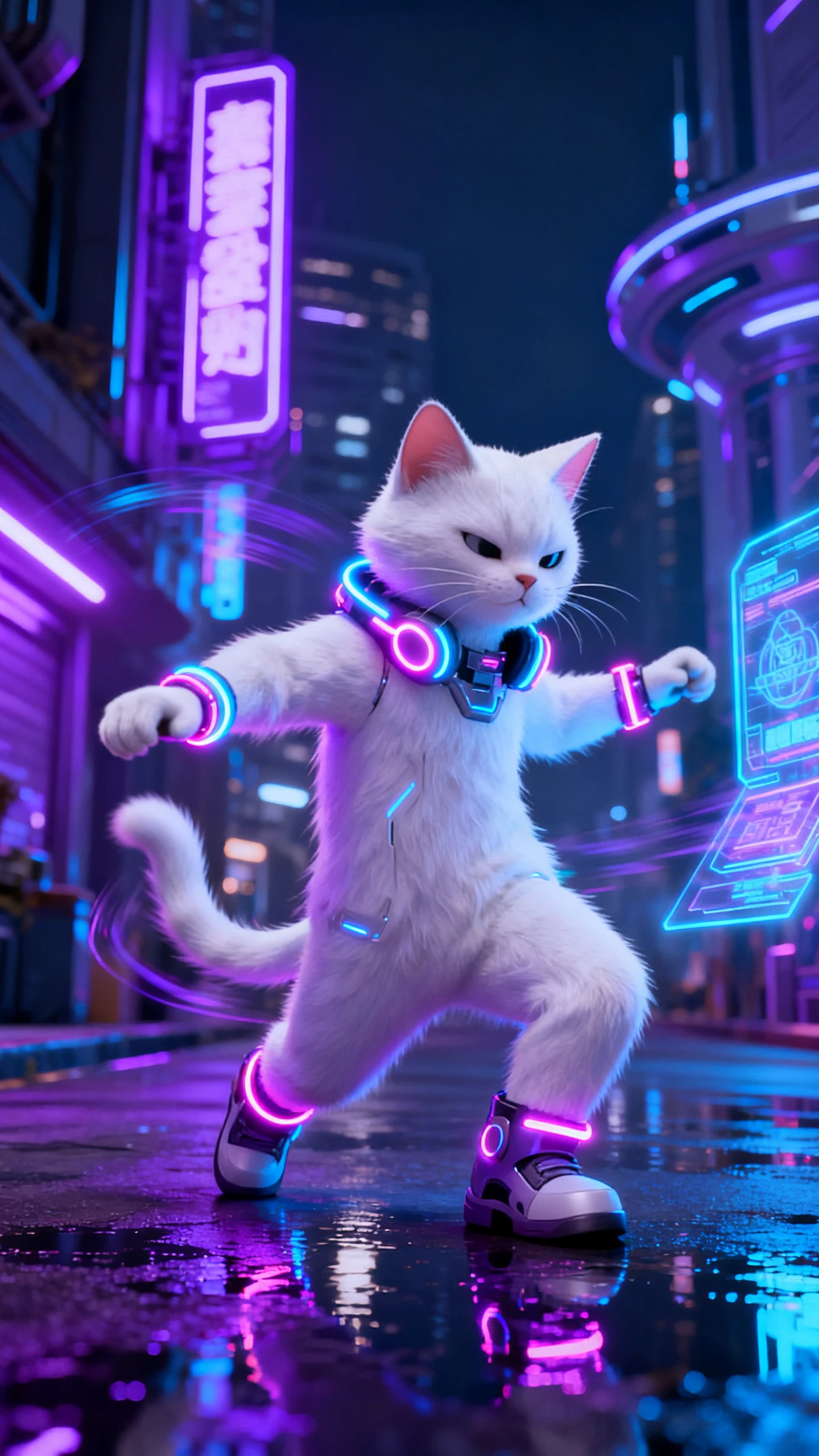
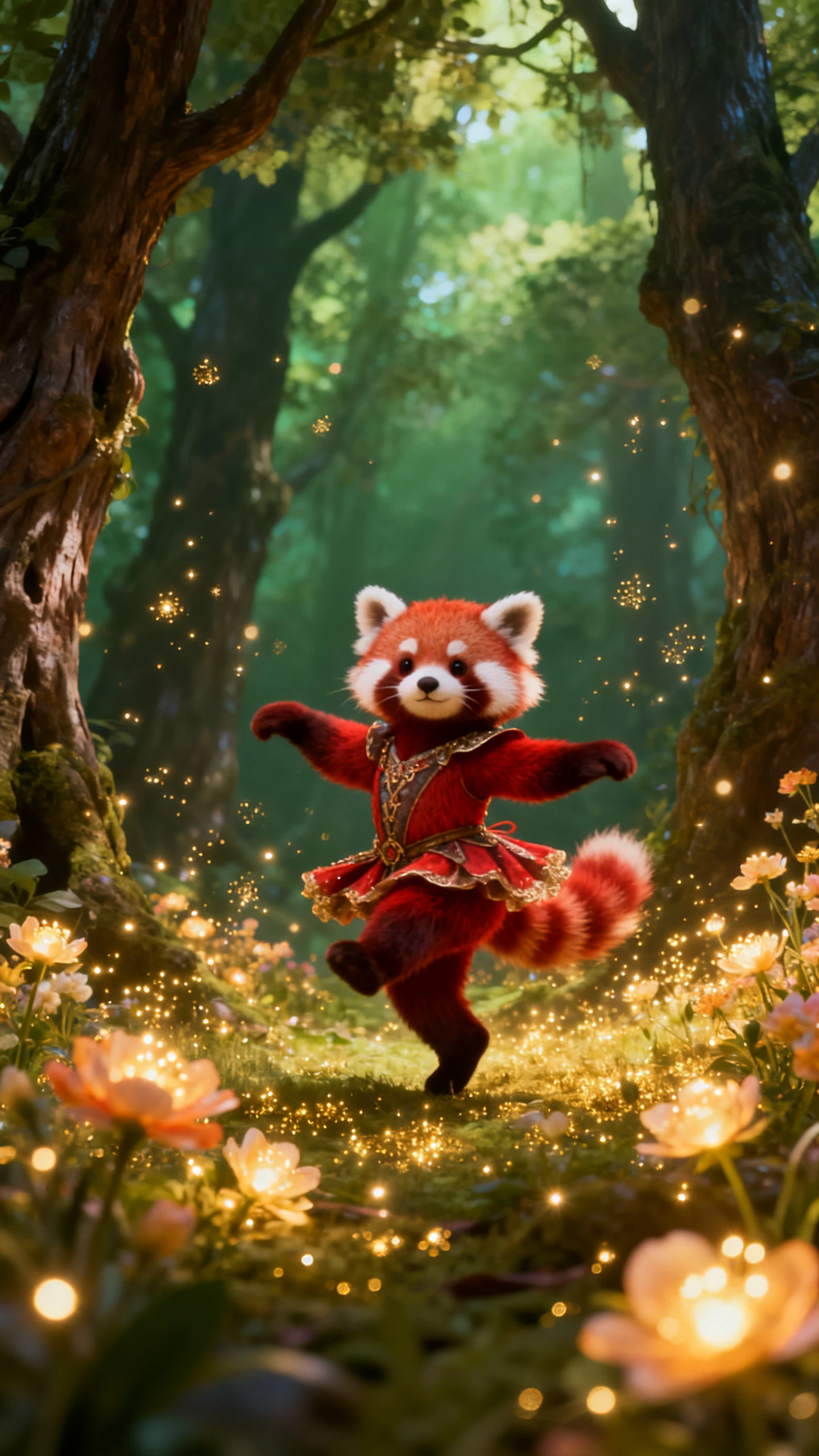
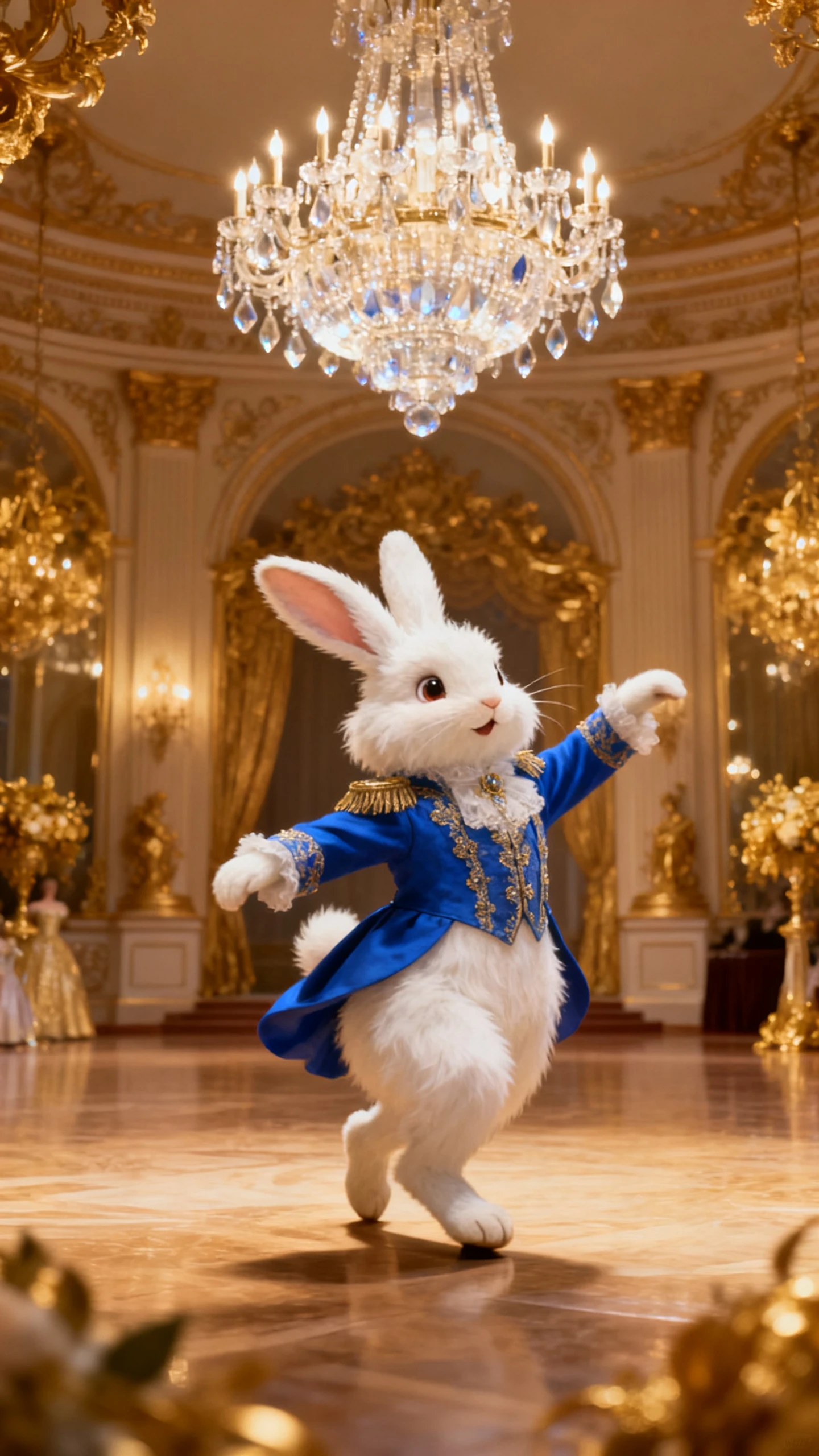
Magiclight AI’s animal dance generator free workflow combines motion, music, visual style, and scene control to turn one animal photo into an engaging dance clip.

Turn an animal photo into a lively dance video by describing the performance. Magiclight AI handles the animation, so no editing skills are needed.
Create Animal Dance Video Now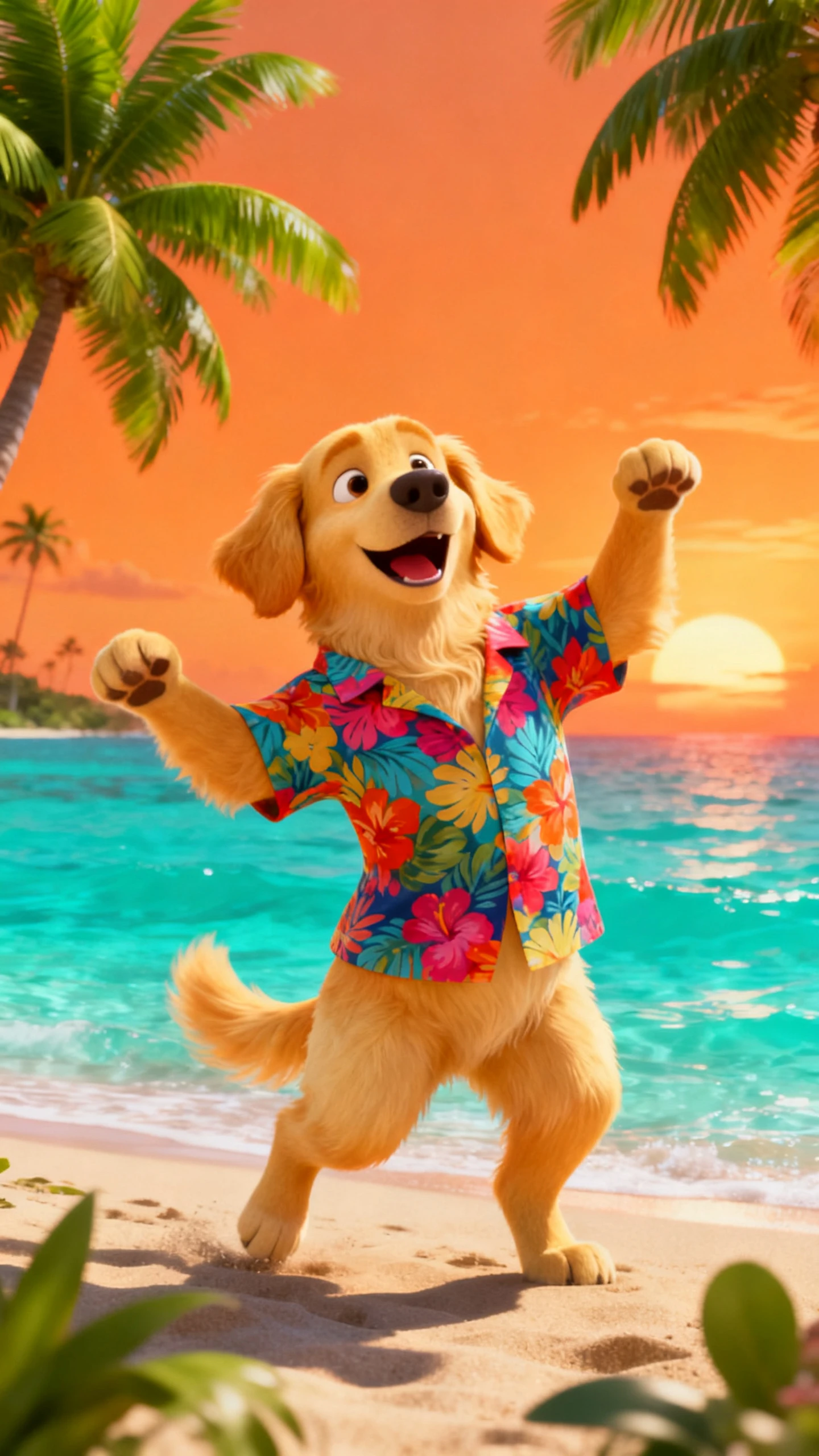
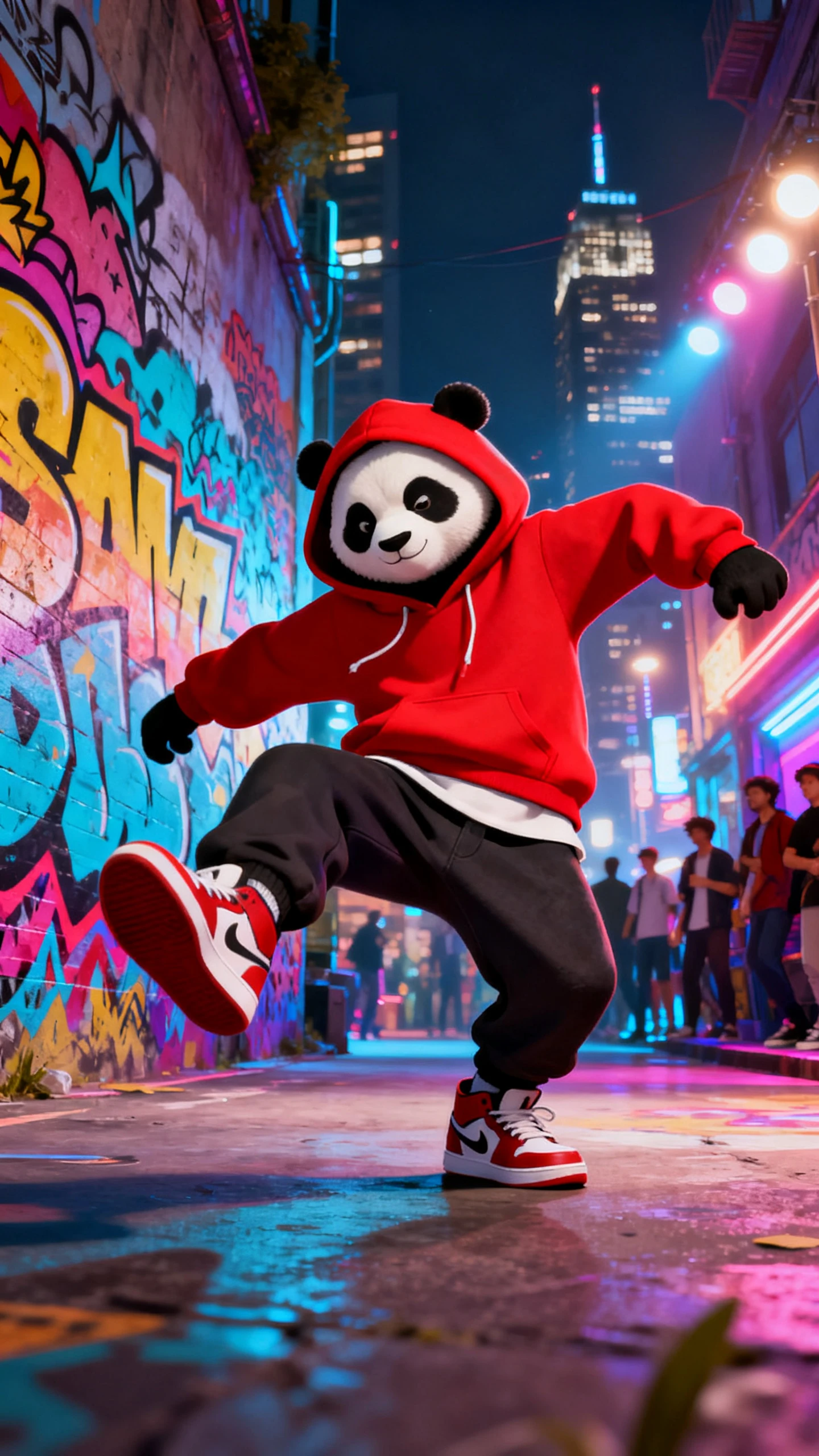
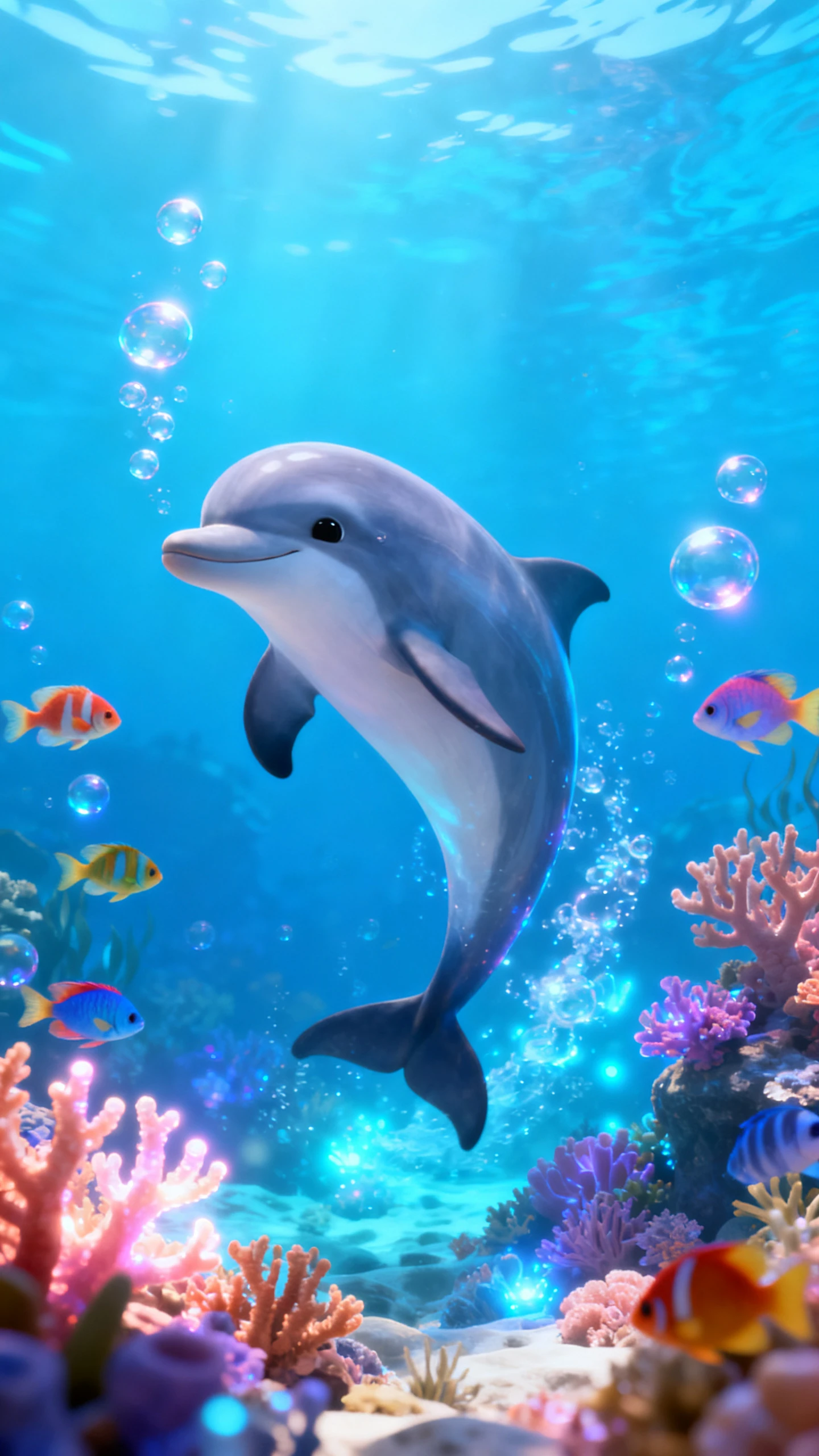
Magiclight AI’s animal dance generator free workflow combines motion, music, visual style, and scene control to turn one animal photo into an engaging dance clip.

Provide a basic animal image and create a short 5-15 second dancing video with a 1500-character prompt.
Switch between AI video models like Kling 2.1, Veo 3.1, Seedance 2.0, and Hailuo 2.3 to see which creates the most natural animal dance.
Easily make your dancing animal character in 1000-character prompts and use them in your dancing videos.
Auto-generated storyboards simplify the first draft, while Nano Storyboard lets you adjust poses, clothing, expressions, and small scene details before export.


Every setting influences the final result. These 4 steps show how the Magiclight animal AI dance generator turns a simple idea into a shareable dance video.
Upload a clear, front-facing animal photo with the full body visible. Magiclight AI uses it as the visual reference to keep the animal’s appearance consistent in every frame.
Describe the dance style, pace, camera angle, background, and mood. Clear prompt details help Magiclight AI produce movement that closely matches your original creative idea.
Choose a visual style and background that suit the dance concept. These settings shape the mood, scene, and overall look before Magiclight AI generates the final dance video.
Preview the final dance, confirm the motion and scene, then export the completed video in 720p resolution for clear playback and easy sharing across social platforms.
Yes. The AI animal dance generator free plan lets you try the workflow with available credits before deciding whether to upgrade for additional generation capacity.
A clear, front-facing photo with the full animal visible delivers the best results. Magiclight AI uses that reference to preserve appearance more consistently throughout the video.
Magiclight AI focuses on generating the dance animation. You can add your preferred soundtrack later with editing tools or directly inside social media apps after export.
Yes. Dogs, cats, birds, horses, and many other animals work well with Magiclight AI, provided the reference photo is clear and shows the subject without major obstructions.
From hip-hop and ballet to salsa, breakdancing, or viral trends, describe the moves you want and Magiclight AI follows your prompt to generate the dance sequence.
An AI animal dance generator transforms a still animal photo into an animated dance video from a text prompt. With Magiclight AI, you can also customize style and backgrounds.



Upload a photo and describe the moves, and let Magiclight AI handle the rest.